Vuoi che le persone trovino il tuo profilo Twitter/X senza digitare un singolo carattere? La ricerca manuale di account crea attrito che ti costa follower. Questa pagina ti mostra esattamente come creare un codice QR per il tuo profilo Twitter/X, tweet o account e usarlo efficacemente su punti di contatto stampati e digitali.
Cosa fa realmente un codice QR di Twitter/X
Un codice QR di Twitter/X è un'immagine scansionabile che codifica un URL pubblico `x.com` o `twitter.com`. Quando qualcuno lo scansiona con la fotocamera del proprio telefono, apre direttamente la risorsa X collegata – un profilo, un post, un thread, un risultato di ricerca o anche una pagina hashtag specifica – nell'app X o in un browser mobile. Il reindirizzamento funziona automaticamente tra i domini `twitter.com` e `x.com`, quindi non devi preoccuparti di quale versione dell'URL usi. Ciò che conta è che l'URL sia pubblico e corretto prima di codificarlo.
Puoi creare un codice QR per una qualsiasi delle seguenti destinazioni X:
- Il tuo profilo X (es. `x.com/yourusername`)
- Un post o tweet specifico
- Una query di ricerca o una pagina hashtag
- Un elenco o una community
- Uno Space o un thread
Come ottenere l'URL X corretto
Prima di generare il tuo codice QR, hai bisogno dell'URL corretto per qualsiasi destinazione X a cui vuoi collegarti.
Per il tuo profilo: Vai alla pagina del tuo profilo X in un browser e copia l'URL direttamente dalla barra degli indirizzi. Seguirà il formato `x.com/yourusername`.
Per un post specifico: Apri il post su X, quindi tocca o clicca sull'icona Condividi (l'icona a forma di freccia sotto il post) e seleziona Copia link. Questo copia l'URL diretto del post – non il testo del post – negli appunti. L'URL sarà simile a `x.com/yourusername/status/1234567890`.
Per un hashtag o una ricerca: Esegui la ricerca o tocca l'hashtag in X, quindi copia l'URL risultante dalla barra degli indirizzi del tuo browser.
Una volta che hai l'URL corretto, sei pronto a generare il codice QR.
Come creare un codice QR per Twitter/X
Opzione 1: Codice QR di collegamento per un singolo profilo o post
Il metodo più veloce per collegarsi a una specifica destinazione X è usare un generatore di codici QR di link. Il processo è semplice:
- Copia l'URL del tuo profilo X o l'URL del post come descritto sopra
- Aprire il generatore di codici QR Pageloot e selezionare il Link oppure URL genere
- Incolla il tuo URL X nel campo URL
- Personalizza il design – aggiungi il tuo logo, regola i colori e scegli uno stile di cornice
- Testa il codice scansionandolo prima di scaricarlo
- Scarica il file in un formato pronto per la stampa (SVG, PDF o EPS) e distribuiscilo
Crea ora il tuo codice QR di Twitter/X Genera un codice QR personalizzabile collegato al tuo profilo X in pochi secondi con il Generatore di codici QR di Pageloot. Prova gratuita di 14 giorni. Nessuna carta di credito richiesta.
Opzione 2: Codice QR per social media per più piattaforme
Se vuoi collegarti a X insieme ad altre piattaforme social – Instagram, Facebook, LinkedIn e altre – lo strumento di Pageloot per codici QR per social media ti permette di consolidare tutti i tuoi profili in un unico codice scansionabile che apre una landing page personalizzata. La configurazione funziona così:
- Copia il link del profilo pubblico da ogni piattaforma social separatamente, incluso il tuo URL X
- Aggiungi ogni link al costruttore di landing page all'interno dello strumento di Pageloot
- Personalizza la landing page con un titolo, una descrizione, un colore di sfondo e stili di banner
- Progetta il codice QR stesso con i colori e il logo del tuo brand
- Salva, testa e scarica il codice
Puoi aggiungere tutti i profili social di cui hai bisogno, e la landing page si aggiorna dinamicamente senza ristampare il codice. Questo approccio funziona particolarmente bene per biglietti da visita, imballaggi di prodotti e materiali per eventi dove lo spazio è limitato ma vuoi offrire più opzioni di follow in una singola scansione.
Usa codici QR dinamici per campagne in corso
Se stai posizionando il tuo codice QR di Twitter/X su materiali stampati – poster, volantini, merchandising o imballaggi – i codici QR dinamici sono la scelta più intelligente rispetto a quelli statici.
Un codice QR dinamico memorizza un breve URL di reindirizzamento nel codice stesso. La destinazione effettiva (il tuo profilo X o l'URL del post) risiede sui server di Pageloot e può essere modificata in qualsiasi momento senza alterare il codice stampato. Ciò significa che puoi correggere un link X rotto o obsoleto dopo la stampa senza ristampare nulla, reindirizzare temporaneamente lo stesso codice a un tweet specifico durante una campagna e poi ripunta al tuo profilo in seguito, e accedere a analisi complete delle scansioni inclusi scansioni totali, scansioni uniche, timestamp, tipi di dispositivo, sistemi operativi e posizioni geografiche.

Per chiunque gestisca campagne social in corso, la capacità di aggiornare le destinazioni dei codici QR senza ristampare è un vantaggio pratico significativo. Proteggi il tuo investimento di stampa mantenendo il tuo pubblico indirizzato a contenuti attuali e pertinenti.
Traccia ogni scansione dalla tua campagna X Vedi esattamente quando e dove le persone stanno scansionando i tuoi codici QR di Twitter/X con la dashboard di analisi integrata di Pageloot. Usa il Generatore di codici QR per link per iniziare.
Linee guida per il design per una scansione affidabile
Un codice QR mal progettato non verrà scansionato, non importa quanto sia buono il tuo contenuto X. Segui queste linee guida per assicurarti che il tuo codice funzioni ogni volta.
Dimensione e distanza di scansione: Stampa il tuo codice QR con un minimo di 0,8 × 0,8 pollici (2 × 2 cm) per la scansione a distanza ravvicinata. Per materiali visualizzati da lontano – poster o segnaletica – usa il regola 10:1: il codice dovrebbe essere almeno un decimo della distanza di scansione prevista. Un codice destinato a essere scansionato da 10 piedi di distanza deve essere largo almeno 1 piede.
Zona di silenzio: Lascia un margine bianco chiaro di almeno 4 moduli di larghezza su tutti i lati del codice QR. Questo bordo vuoto è richiesto affinché gli scanner rilevino dove il codice inizia e finisce. Tagliare in questa zona causa errori di scansione.
Contrasto: Mantieni i moduli scuri su uno sfondo chiaro. Evita di invertire questo (chiaro su scuro) o di usare colori che riducono significativamente il contrasto. Un contrasto inferiore significa una scansione più lenta e meno affidabile.
Posizionamento del logo: Se aggiungi un logo, mantienilo centrato e limitalo a non più del 20–30% dell'area totale del codice QR. Non coprire mai i tre schemi di ricerca angolari (gli “occhi” quadrati) o le strisce di temporizzazione, poiché questi sono essenziali affinché lo scanner orienti correttamente il codice.
Correzione degli errori: I codici QR utilizzano la correzione degli errori Reed–Solomon, che aggiunge dati ridondanti in modo che un codice parzialmente oscurato possa ancora essere decodificato. Ci sono quattro livelli: L (recupera circa il 7% dei dati danneggiati), M (~15%), Q (~25%) e H (~30%). Se stai aggiungendo un logo o posizionando il codice su una superficie testurizzata, usa il livello Q o H per compensare l'area persa. Tieni presente che livelli più alti di correzione degli errori aumentano leggermente la densità visiva del codice, poiché più moduli sono dedicati alla ridondanza.
Dove usare il tuo codice QR di Twitter/X
I codici QR di Twitter/X funzionano ovunque il tuo pubblico incontri materiali fisici:
- Biglietti da visita – lascia che i nuovi contatti ti seguano istantaneamente piuttosto che cercare più tardi
- Segnaletica e badge per eventi – indirizza i partecipanti alla conferenza dal vivo alla tua copertura dei post in tempo reale
- Confezioni dei prodotti – collega a un post che annuncia il lancio di un prodotto o una promozione
- Pubblicità stampata – collega un annuncio di rivista o giornale a un tweet o a un hashtag di campagna
- Display in negozio – invita i clienti a seguire il tuo account o a visualizzare un post promozionale attuale
- Diapositive di presentazione – lascia che il pubblico scansioni per seguirti dopo un discorso
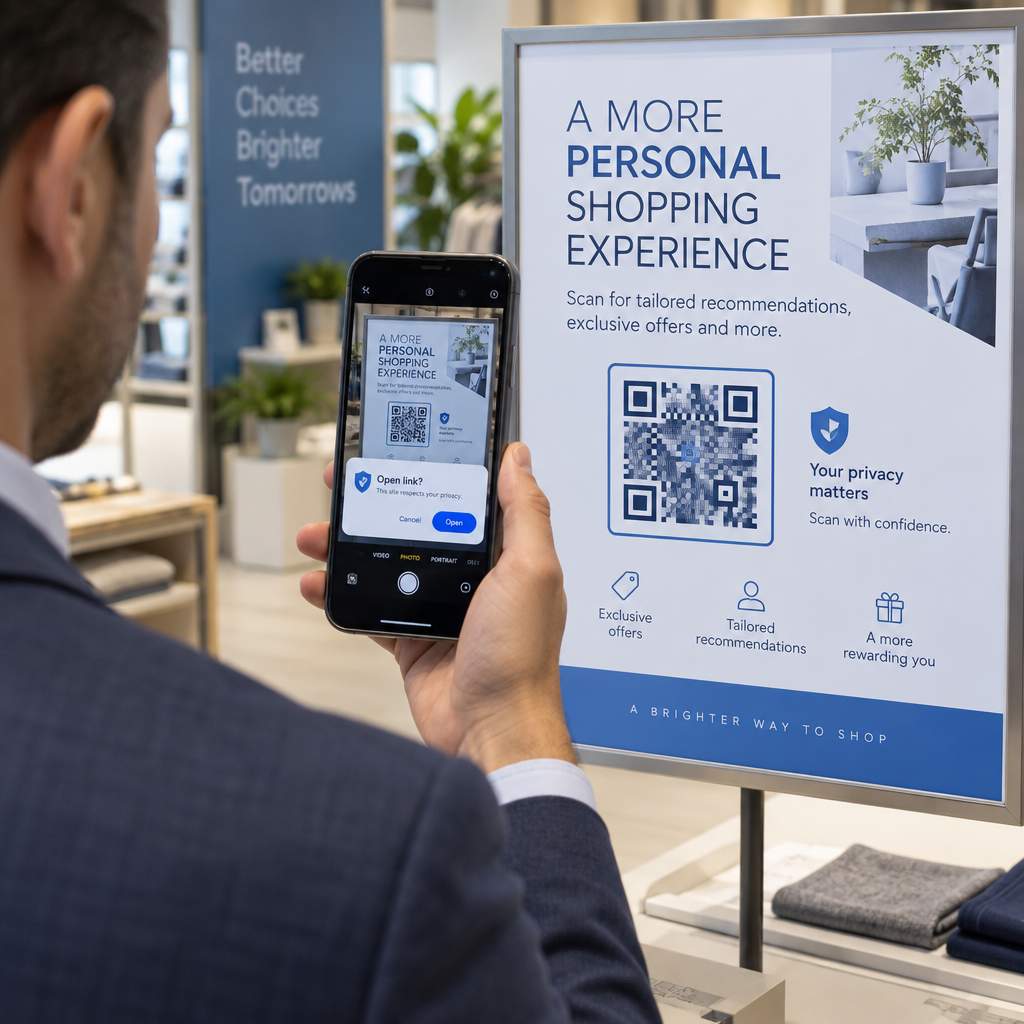
Per le piccole imprese che si affidano al traffico pedonale e ai materiali stampati, abbinare un codice QR a una chiara call-to-action rimuove ogni attrito dal processo di follow. Scopri di più su come le piccole imprese usano i codici QR per guidare l'engagement digitale da luoghi fisici.

Aggiungere una chiara Call-to-Action
Un codice QR senza contesto viene ignorato. Dì sempre alle persone cosa otterranno quando scansionano. Le istruzioni specifiche superano costantemente quelle vaghe. Ad esempio:
- “Scansiona per seguirci su X per aggiornamenti quotidiani”
- “Scansiona per vedere le offerte di questa settimana su X”
- “Scansiona per unirti alla conversazione – stiamo twittando l'evento in diretta”
Posiziona il testo delle istruzioni direttamente sopra o sotto il codice QR, con una dimensione del carattere sufficientemente grande da leggere a distanza di scansione. L'obiettivo è dare alle persone un motivo per agire prima ancora che alzino il telefono. Per uno sguardo più approfondito alla scrittura di istruzioni efficaci e alla strutturazione delle campagne, consulta la guida completa a le migliori pratiche per i codici QR nelle campagne sui social media.
Confronto tra codici QR statici e dinamici di Twitter/X
| FUNZIONE | Codice QR statico | Codice QR dinamico |
|---|---|---|
| Destinazione modificabile dopo la stampa | No | Sì |
| Analisi delle scansioni | No | Sì |
| Reindirizza tra URL X senza ristampare | No | Sì |
| Branding e personalizzazione | Limitato | Completo |
| Ideale per | Uso singolo, link semplici | Campagne, materiali in corso |
Per qualsiasi materiale stampato con una durata di vita superiore a una singola campagna, il dinamico è l'investimento migliore. Eviti i costi di ristampa quando il contenuto cambia e ottieni i dati di scansione necessari per valutare cosa sta effettivamente funzionando.
Collegare X ad altre piattaforme social
Se Twitter/X è una delle diverse piattaforme che stai promuovendo, non hai bisogno di un codice QR separato per ciascuna. Lo strumento per codici QR per social media di Pageloot crea un singolo codice che apre una landing page brandizzata con link a tutti i tuoi profili. Questo è particolarmente utile quando stai anche gestendo Codice QR di Instagram oppure Codice QR di Facebook campagne in parallelo – un codice può servire tutti e tre piuttosto che ingombrare i tuoi materiali con più codici. Per uno sguardo più ampio su come i codici QR funzionano su diverse piattaforme e casi d'uso, consulta la panoramica sui codici QR per i social media.
Portare le persone da un punto di contatto fisico al tuo profilo X è un'interazione di due secondi quando il tuo codice QR è configurato correttamente. Usa un codice dinamico in modo da poter aggiornare la destinazione senza ristampare, segui le linee guida di design in modo che scansioni in modo affidabile ogni volta, e abbinalo sempre a una chiara call-to-action in modo che le persone sappiano esattamente perché stanno scansionando.
Inizia con Pageloot Crea un codice QR brandizzato e tracciabile per il tuo profilo Twitter/X o qualsiasi link di social media. Usa il Generatore di codici QR di Pageloot – prova gratuita di 14 giorni, nessuna carta di credito richiesta.
Domande frequenti
Sì. Apri il post su X, tocca l'icona Condividi e seleziona “Copia link” per ottenere l'URL diretto del post. Incolla quell'URL nel generatore di codici QR di link di Pageloot per creare un codice che apre quel post specifico quando scansionato.
Se hai usato un codice QR statico, si romperà perché l'URL codificato non corrisponde più al tuo profilo. Se hai usato un codice QR dinamico, puoi aggiornare l'URL di destinazione nella tua dashboard di Pageloot senza toccare il codice stampato – nessuna ristampa necessaria.
Non necessariamente. Lo strumento per codici QR per social media di Pageloot ti permette di aggiungere più link di profilo – inclusi X, Instagram, Facebook e altri – a una singola landing page, tutti accessibili da un unico codice scansionato. Questo mantiene puliti i tuoi materiali stampati dando alle persone accesso a tutti i tuoi profili contemporaneamente.