רוצים שאנשים ימצאו את פרופיל הטוויטר/X שלכם מבלי להקליד תו אחד? חיפוש ידני של חשבונות יוצר חיכוך שעולה לכם בעוקבים. עמוד זה מראה לכם בדיוק כיצד ליצור קוד QR עבור פרופיל הטוויטר/X שלכם, ציוץ, או חשבון ולהשתמש בו ביעילות בנקודות מגע מודפסות ודיגיטליות.
מה קוד QR של טוויטר/X באמת עושה
קוד QR של טוויטר/X הוא תמונה סריקה שמקודדת כתובת URL ציבורית של `x.com` או `twitter.com`. כאשר מישהו סורק אותו עם מצלמת הטלפון שלו, הוא פותח ישירות את משאב ה-X המקושר – פרופיל, פוסט, שרשור, תוצאת חיפוש, או אפילו עמוד האשטאג ספציפי – באפליקציית X או בדפדפן נייד. ההפניה עובדת אוטומטית בין הדומיינים `twitter.com` ו-`x.com`, כך שאינכם צריכים לדאוג איזו גרסה של ה-URL אתם משתמשים. מה שחשוב הוא שה-URL יהיה ציבורי ונכון לפני שאתם מקודדים אותו.
באפשרותכם ליצור קוד QR עבור כל אחד מיעדי ה-X הבאים:
- פרופיל ה-X שלכם (לדוגמה, `x.com/yourusername`)
- פוסט או ציוץ ספציפי
- שאילתת חיפוש או עמוד האשטאג
- רשימה או קהילה
- ספייס או שרשור
כיצד להשיג את כתובת ה-URL הנכונה של X
לפני יצירת קוד ה-QR שלכם, אתם צריכים את כתובת ה-URL הנכונה עבור כל יעד X שאליו תרצו לקשר.
עבור הפרופיל שלכם: עברו לעמוד הפרופיל שלכם ב-X בדפדפן והעתיקו את כתובת ה-URL ישירות משורת הכתובת. היא תהיה בפורמט `x.com/yourusername`.
עבור פוסט ספציפי: פתחו את הפוסט ב-X, ואז הקישו או לחצו על אייקון השיתוף (אייקון החץ מתחת לפוסט) ובחרו העתק קישור. פעולה זו מעתיקה את כתובת ה-URL הישירה של הפוסט – לא את טקסט הפוסט – ללוח הגזירים שלכם. כתובת ה-URL תיראה בערך כך: `x.com/yourusername/status/1234567890`.
עבור האשטאג או חיפוש: בצעו את החיפוש או הקישו על ההאשטאג ב-X, ואז העתיקו את כתובת ה-URL המתקבלת משורת הכתובת של הדפדפן שלכם.
ברגע שיש לכם את כתובת ה-URL הנכונה, אתם מוכנים ליצור את קוד ה-QR.
כיצד ליצור קוד QR עבור טוויטר/X
אפשרות 1: קוד QR מקשר לפרופיל או פוסט יחיד
השיטה המהירה ביותר לקישור ליעד X ספציפי אחד היא להשתמש ב- מחולל קוד QR לקישור. התהליך פשוט:
- העתיקו את כתובת ה-URL של פרופיל ה-X שלכם או את כתובת ה-URL של הפוסט כמתואר לעיל
- פתח את ה מחולל קודי QR של Pageloot ובחר את קישור אוֹ כתובת אתר סוּג
- הדביקו את כתובת ה-URL של X שלכם לשדה ה-URL
- התאימו אישית את העיצוב – הוסיפו את הלוגו שלכם, כווננו צבעים, ובחרו סגנון מסגרת
- בדקו את הקוד על ידי סריקתו לפני ההורדה
- הורידו את הקובץ בפורמט מוכן להדפסה (SVG, PDF, או EPS) ופרסו אותו
צרו את קוד ה-QR של טוויטר/X שלכם עכשיו צרו קוד QR הניתן להתאמה אישית המקושר לפרופיל ה-X שלכם תוך שניות עם ה- מחולל קוד QR של Pageloot. ניסיון חינם למשך 14 יום. אין צורך בכרטיס אשראי.
אפשרות 2: קוד QR למדיה חברתית עבור פלטפורמות מרובות
אם אתם רוצים לקשר ל-X לצד פלטפורמות חברתיות אחרות – אינסטגרם, פייסבוק, לינקדאין, ואחרות – הכלי של Pageloot ל- קוד QR למדיה חברתית מאפשר לכם לאחד את כל הפרופילים שלכם לקוד סריקה אחד שפותח דף נחיתה מותאם אישית. ההגדרה עובדת כך:
- העתיקו את קישור הפרופיל הציבורי מכל פלטפורמה חברתית בנפרד, כולל כתובת ה-URL של X שלכם
- הוסיפו כל קישור לבנאי דפי הנחיתה בתוך הכלי של Pageloot
- התאימו אישית את דף הנחיתה עם כותרת, תיאור, צבע רקע, וסגנונות באנר
- עצבו את קוד ה-QR עצמו עם צבעי המותג והלוגו שלכם
- שמרו, בדקו, והורידו את הקוד
אתם יכולים להוסיף כמה פרופילים חברתיים שאתם צריכים, ודף הנחיתה מתעדכן באופן דינמי מבלי להדפיס מחדש את הקוד. גישה זו עובדת היטב במיוחד עבור כרטיסי ביקור, אריזות מוצרים, וחומרי אירועים שבהם המקום מוגבל אך אתם רוצים להציע מספר אפשרויות מעקב בסריקה אחת.
השתמשו בקודי QR דינמיים עבור קמפיינים מתמשכים
אם אתם מציבים את קוד ה-QR של טוויטר/X שלכם על חומרים מודפסים – פוסטרים, פליירים, סחורה, או אריזות – קודי QR דינמיים הם הבחירה החכמה יותר על פני קודים סטטיים.
קוד QR דינמי מאחסן כתובת URL קצרה להפניה בקוד עצמו. היעד בפועל (פרופיל ה-X שלכם או כתובת ה-URL של הפוסט) נמצא בשרתי Pageloot וניתן לשנות אותו בכל עת מבלי לשנות את הקוד המודפס. משמעות הדבר היא שאתם יכולים לתקן קישור X שבור או מיושן לאחר ההדפסה מבלי להדפיס מחדש דבר, להפנות זמנית את אותו קוד לציוץ ספציפי במהלך קמפיין ולאחר מכן להפנות אותו בחזרה לפרופיל שלכם, ולגשת לניתוח סריקות מלא הכולל סך סריקות, סריקות ייחודיות, חותמות זמן, סוגי מכשירים, מערכות הפעלה, ומיקומים גיאוגרפיים.

עבור כל מי שמנהל קמפיינים חברתיים מתמשכים, היכולת ל- לעדכן יעדי קוד QR מבלי להדפיס מחדש היא יתרון מעשי משמעותי. אתם מגנים על השקעת ההדפסה שלכם תוך שמירה על הקהל שלכם מכוון לתוכן עדכני ורלוונטי.
עקבו אחר כל סריקה מהקמפיין שלכם ב-X ראו בדיוק מתי והיכן אנשים סורקים את קודי ה-QR של טוויטר/X שלכם עם לוח המחוונים המובנה לניתוח נתונים של Pageloot. השתמשו ב- מחולל קודי QR לקישורים להתחיל.
הנחיות עיצוב לסריקה אמינה
קוד QR מעוצב בצורה גרועה לא ייסרק, לא משנה כמה טוב התוכן שלך ב-X. פעל לפי הנחיות אלה כדי לוודא שהקוד שלך עובד בכל פעם.
גודל ומרחק סריקה: הדפס את קוד ה-QR שלך במינימום של 0.8 × 0.8 אינץ' (2 × 2 ס"מ) לסריקה מטווח קרוב. עבור חומרים הנצפים מרחוק – פוסטרים או שילוט – השתמש ב כלל 10:1: הקוד צריך להיות לפחות עשירית ממרחק הסריקה הצפוי. קוד המיועד להיסרק ממרחק 10 רגל צריך להיות לפחות רגל אחת לרוחב.
אזור שקט: השאר שוליים לבנים ברורים של לפחות רוחב 4 מודולים מכל הצדדים של קוד ה-QR. גבול ריק זה נדרש עבור סורקים כדי לזהות היכן הקוד מתחיל ונגמר. חיתוך לאזור זה גורם לכשלי סריקה.
ניגודיות: שמור על מודולים כהים על רקע בהיר. הימנע מהיפוך זה (בהיר על כהה) או משימוש בצבעים המפחיתים את הניגודיות באופן משמעותי. ניגודיות נמוכה יותר פירושה סריקה איטית יותר ופחות אמינה.
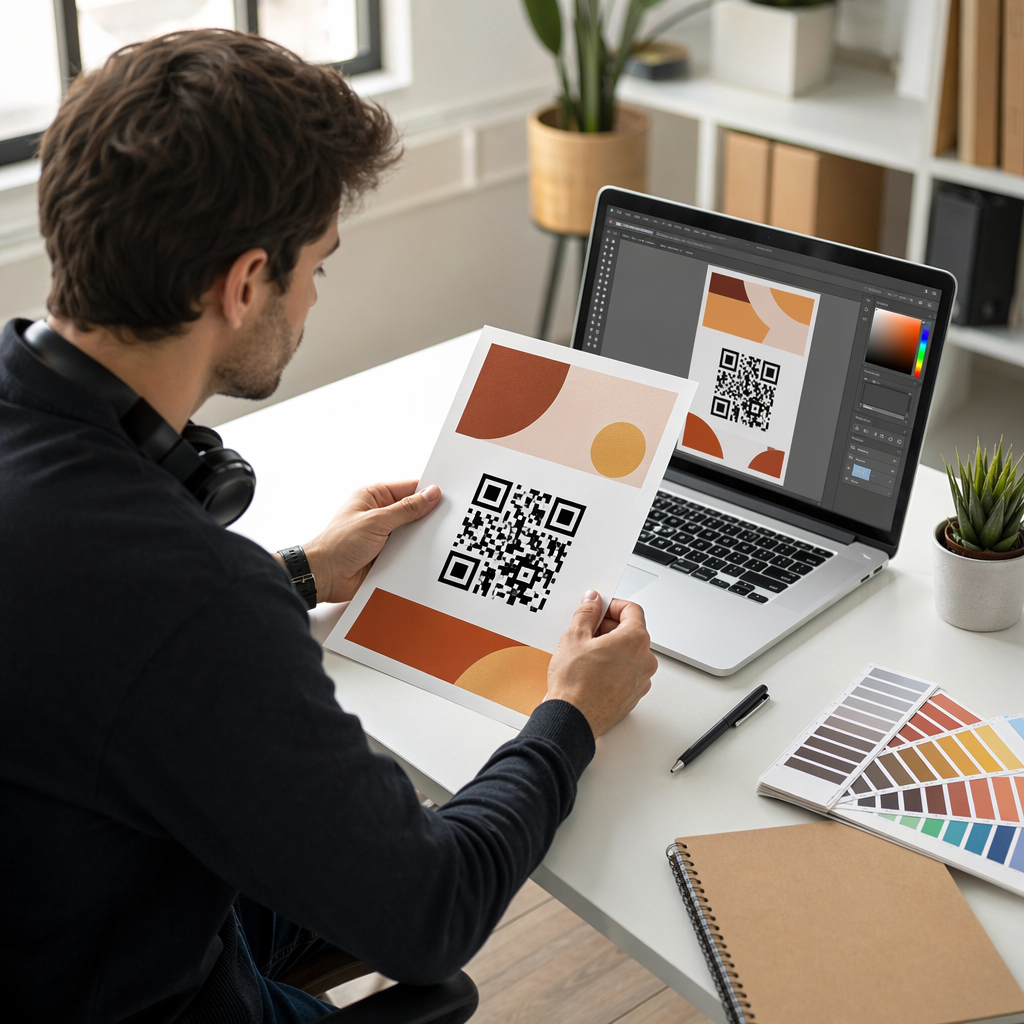
מיקום לוגו: אם אתה מוסיף לוגו, שמור אותו ממורכז והגבל אותו למקסימום של 20–30% משטח קוד ה-QR הכולל. לעולם אל תכסה את שלושת דפוסי האיתור הפינתיים (ה“עיניים” המרובעות) או את רצועות התזמון, שכן אלה חיוניים עבור הסורק כדי לכוון את הקוד נכון.
תיקון שגיאות: קודי QR משתמשים בתיקון שגיאות ריד-סולומון, המוסיף נתונים מיותרים כך שקוד מוסתר חלקית עדיין יכול להיות מפוענח. ישנן ארבע רמות: L (משחזר כ-7% מהנתונים הפגומים), M (כ-15%), Q (כ-25%) ו-H (כ-30%). אם אתה מוסיף לוגו או מניח את הקוד על משטח בעל טקסטורה, השתמש ברמה Q או H כדי לפצות על השטח האבוד. זכור שרמות תיקון שגיאות גבוהות יותר מגבירות את הצפיפות החזותית של הקוד במעט, מכיוון שיותר מודולים מוקדשים ליתירות.
היכן להשתמש בקוד ה-QR שלך לטוויטר/X
קודי QR לטוויטר/X עובדים בכל מקום שהקהל שלך נתקל בחומרים פיזיים:
- כרטיסי ביקור – אפשר לאנשי קשר חדשים לעקוב אחריך באופן מיידי במקום לחפש מאוחר יותר
- שילוט ותגים לאירועים – הפנה משתתפי כנס חיים לסיקור הפוסטים שלך בזמן אמת
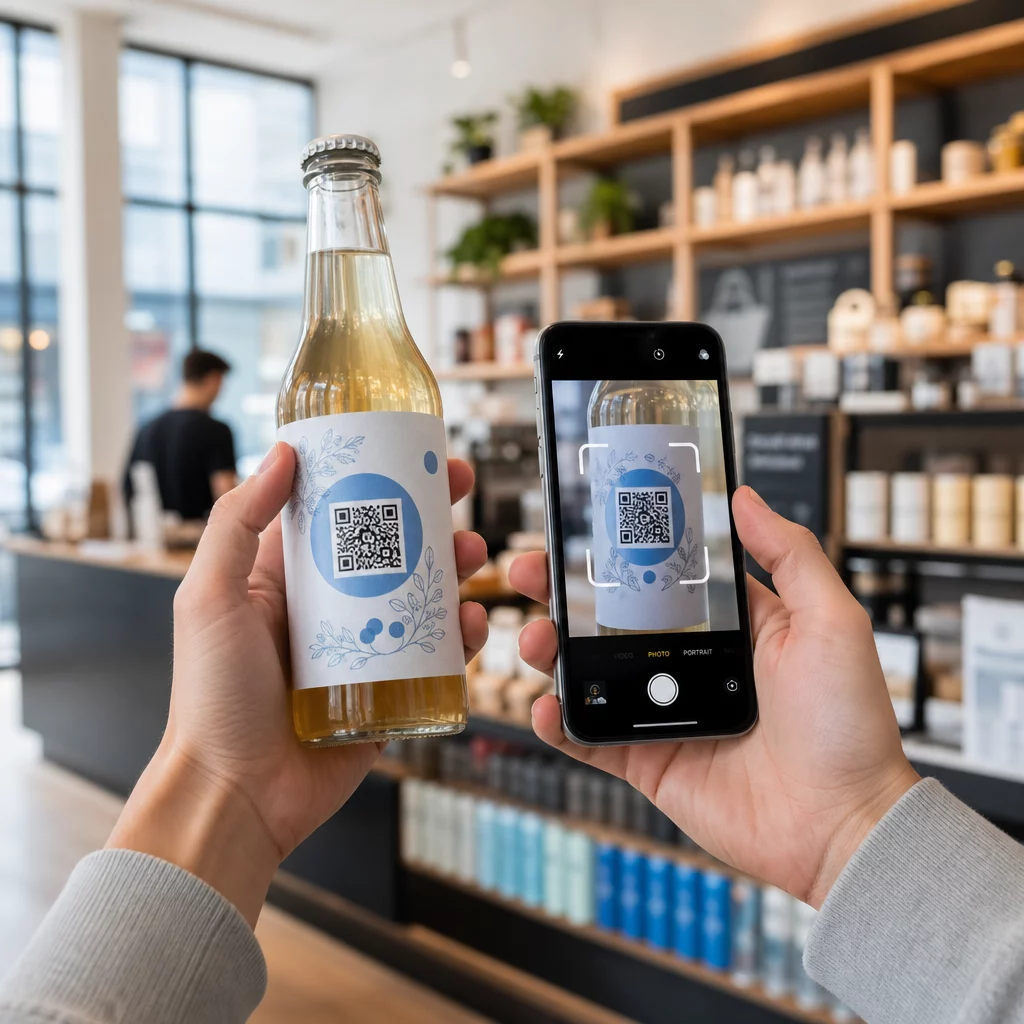
- אריזות מוצרים – קשר לפוסט המכריז על השקת מוצר או קידום מכירות
- פרסום מודפס – חבר מודעת מגזין או עיתון לציוץ או להאשטאג של קמפיין
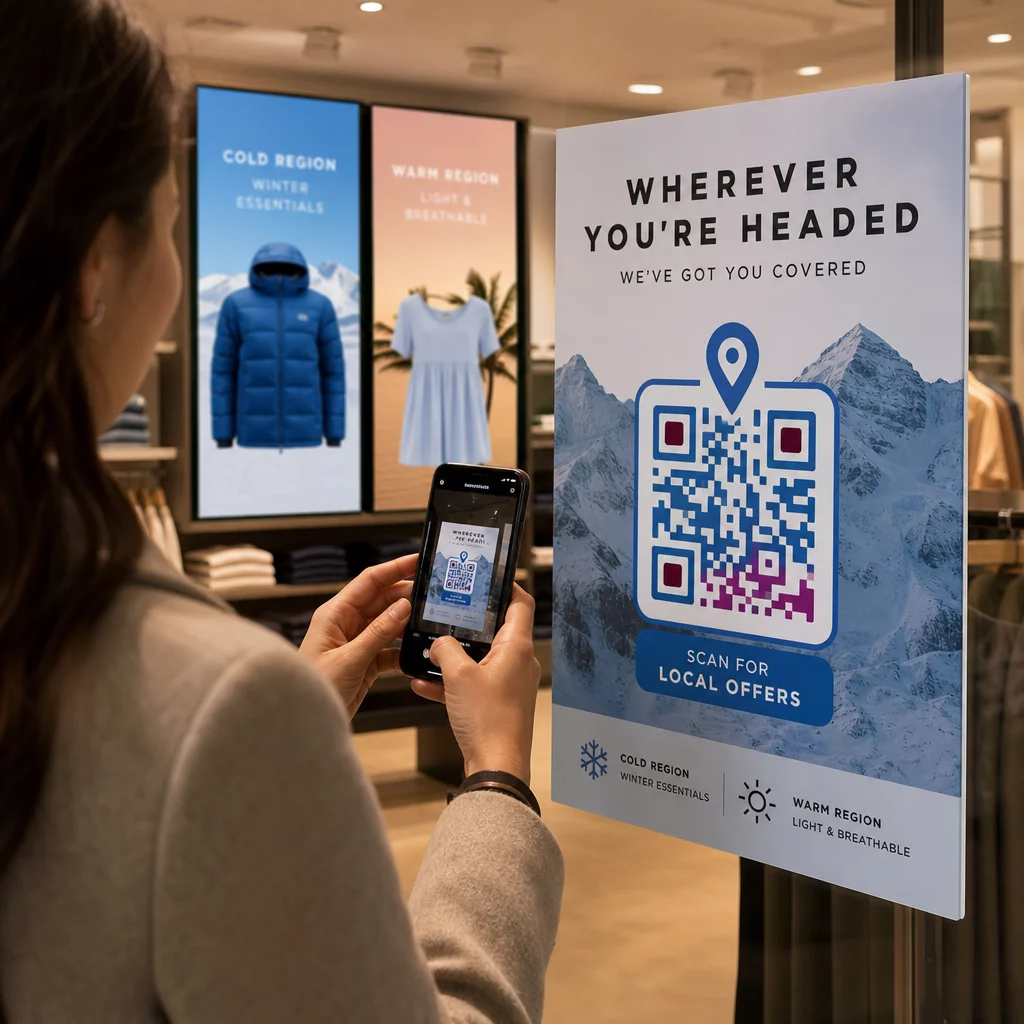
- תצוגות בחנות – הזמן לקוחות לעקוב אחר חשבונך או לצפות בפוסט קידום מכירות עדכני
- שקופיות מצגת – אפשר לקהלים לסרוק כדי לעקוב אחריך לאחר הרצאה
עבור עסקים קטנים המסתמכים על תנועת הולכי רגל וחומרים מודפסים, שילוב קוד QR עם קריאה ברורה לפעולה מסיר את כל החיכוך מתהליך העוקבים. למד עוד על איך עסקים קטנים משתמשים בקודי QR כדי להניע מעורבות דיגיטלית ממיקומים פיזיים.

הוספת קריאה ברורה לפעולה
קוד QR ללא הקשר זוכה להתעלמות. תמיד אמור לאנשים מה הם יקבלו כשהם סורקים. הנחיות ספציפיות עולות באופן עקבי על הנחיות מעורפלות. לדוגמה:
- “סרוק כדי לעקוב אחרינו ב-X לעדכונים יומיים”
- “סרוק כדי לראות את מבצעי השבוע ב-X”
- “סרוק כדי להצטרף לשיחה – אנחנו מצייצים בשידור חי מהאירוע”
מקם את טקסט ההוראה ישירות מעל או מתחת לקוד ה-QR, בגודל גופן גדול מספיק לקריאה ממרחק סריקה. המטרה היא לתת לאנשים סיבה לפעול עוד לפני שהם מרימים את הטלפון שלהם. למבט מעמיק יותר על כתיבת הנחיות יעילות ובניית קמפיינים, ראה את המדריך המלא ל שיטות עבודה מומלצות עבור קודי QR בקמפיינים ברשתות חברתיות.
השוואת קודי QR סטטיים מול דינמיים לטוויטר/X
| תכונה | קוד QR סטטי | קוד QR דינמי |
|---|---|---|
| יעד ניתן לעריכה לאחר ההדפסה | לא | כן |
| ניתוח סריקות | לא | כן |
| הפניה מחדש בין כתובות URL של X ללא הדפסה מחדש | לא | כן |
| מיתוג והתאמה אישית | מוּגבָּל | מלא |
| הטוב ביותר עבור | שימוש חד פעמי, קישורים פשוטים | קמפיינים, חומרים מתמשכים |
עבור כל חומר מודפס עם אורך חיים ארוך יותר מקמפיין בודד, דינמי הוא ההשקעה הטובה יותר. אתה נמנע מעלויות הדפסה מחדש כאשר התוכן משתנה ומקבל את נתוני הסריקה הדרושים כדי להעריך מה באמת עובד.
חיבור X לפלטפורמות חברתיות אחרות
אם טוויטר/X היא אחת מכמה פלטפורמות שאתה מקדם, אינך צריך קוד QR נפרד עבור כל אחת. כלי קוד ה-QR למדיה חברתית של Pageloot יוצר קוד יחיד הפותח דף נחיתה ממותג עם קישורים לכל הפרופילים שלך. זה שימושי במיוחד כשאתה גם מנהל קוד QR של אינסטגרם אוֹ קוד QR של פייסבוק קמפיינים במקביל – קוד אחד יכול לשרת את כל השלושה במקום לבלגן את החומרים שלך עם קודים מרובים. למבט רחב יותר על איך קודי QR עובדים על פני פלטפורמות שונות ומקרי שימוש, ראה את סקירת קודי QR למדיה חברתית.
להביא אנשים מנקודת מגע פיזית לפרופיל ה-X שלך זו אינטראקציה של שתי שניות כאשר קוד ה-QR שלך מוגדר נכון. השתמש בקוד דינמי כדי שתוכל לעדכן את היעד ללא הדפסה מחדש, פעל לפי הנחיות העיצוב כך שהוא ייסרק באמינות בכל פעם, ותמיד שלב אותו עם קריאה ברורה לפעולה כדי שאנשים ידעו בדיוק למה הם סורקים.
התחל עם Pageloot צור קוד QR ממותג וניתן למעקב עבור פרופיל הטוויטר/X שלך או כל קישור למדיה חברתית. השתמש ב מחולל קוד QR של Pageloot – ניסיון חינם למשך 14 יום, ללא צורך בכרטיס אשראי.
שאלות נפוצות
כן. פתח את הפוסט ב-X, הקש על סמל השיתוף, ובחר “העתק קישור” כדי לקבל את כתובת ה-URL הישירה של הפוסט. הדבק את כתובת ה-URL הזו לתוך מחולל קוד ה-QR של Pageloot כדי ליצור קוד שפותח את הפוסט הספציפי הזה כאשר הוא נסרק.
אם השתמשת בקוד QR סטטי, הוא ישבר מכיוון שכתובת האתר המקודדת כבר לא תואמת את הפרופיל שלך. אם השתמשת בקוד QR דינמי, תוכל לעדכן את כתובת האתר היעד בלוח המחוונים של Pageloot שלך מבלי לגעת בקוד המודפס – אין צורך בהדפסה חוזרת.
לא בהכרח. כלי קוד ה-QR למדיה חברתית של Pageloot מאפשר לך להוסיף מספר קישורי פרופיל – כולל X, אינסטגרם, פייסבוק ואחרים – לדף נחיתה אחד, כולם נגישים מקוד אחד שנסרק. זה שומר על חומרי ההדפסה שלך נקיים תוך מתן גישה לאנשים לכל הפרופילים שלך בבת אחת.