Vill du att folk ska hitta din Twitter/X-profil utan att skriva ett enda tecken? Att manuellt söka efter konton skapar friktion som kostar dig följare. Denna sida visar dig exakt hur du skapar en QR-kod för din Twitter/X-profil, tweet eller ditt konto och använder den effektivt över tryckta och digitala beröringspunkter.
Vad en Twitter/X QR-kod faktiskt gör
En Twitter/X QR-kod är en skanningsbar bild som kodar en offentlig `x.com` eller `twitter.com` URL. När någon skannar den med sin telefonkamera, öppnar den den länkade X-resursen direkt – en profil, ett inlägg, en tråd, ett sökresultat, eller till och med en specifik hashtag-sida – i X-appen eller en mobil webbläsare. Omdirigeringen fungerar automatiskt mellan `twitter.com` och `x.com` domäner, så du behöver inte oroa dig för vilken version av URL:en du använder. Det som spelar roll är att URL:en är offentlig och korrekt innan du kodar den.
Du kan skapa en QR-kod för någon av följande X-destinationer:
- Din X-profil (t.ex. `x.com/yourusername`)
- Ett specifikt inlägg eller en tweet
- En sökfråga eller hashtag-sida
- En lista eller gemenskap
- Ett Space eller en tråd
Hur man får rätt X URL
Innan du genererar din QR-kod, behöver du den korrekta URL:en för vilken X-destination du än vill länka till.
För din profil: Gå till din X-profilsida i en webbläsare och kopiera URL:en direkt från adressfältet. Den kommer att följa formatet `x.com/yourusername`.
För ett specifikt inlägg: Öppna inlägget på X, tryck eller klicka sedan på Dela-ikonen (pilikonen under inlägget) och välj Kopiera länk. Detta kopierar inläggets direkta URL – inte inläggstexten – till ditt urklipp. URL:en kommer att se ut ungefär som `x.com/yourusername/status/1234567890`.
För en hashtag eller sökning: Kör sökningen eller tryck på hashtaggen i X, kopiera sedan den resulterande URL:en från din webbläsares adressfält.
När du har den korrekta URL:en är du redo att generera QR-koden.
Hur man skapar en QR-kod för Twitter/X
Alternativ 1: Länk QR-kod för en enskild profil eller ett inlägg
Den snabbaste metoden för att länka till en specifik X-destination är att använda en länk-QR-kodgenerator. Processen är enkel:
- Kopiera din X-profils URL eller inläggs-URL som beskrivits ovan
- Öppna Pageloot QR-kodgenerator och välj Länk eller URL typ
- Klistra in din X URL i URL-fältet
- Anpassa designen – lägg till din logotyp, justera färger och välj en ramstil
- Testa koden genom att skanna den innan du laddar ner
- Ladda ner filen i ett utskriftsklart format (SVG, PDF, eller EPS) och distribuera den
Skapa din Twitter/X QR-kod nu Generera en anpassningsbar QR-kod länkad till din X-profil på några sekunder med Pageloot QR-kodgenerator. Gratis 14-dagars provperiod. Inget kreditkort krävs.
Alternativ 2: QR-kod för sociala medier för flera plattformar
Om du vill länka till X tillsammans med andra sociala plattformar – Instagram, Facebook, LinkedIn och andra – Pageloots verktyg för QR-koder för sociala medier låter dig konsolidera alla dina profiler till en skanningsbar kod som öppnar en anpassad landningssida. Inställningen fungerar så här:
- Kopiera den offentliga profillänken från varje social plattform separat, inklusive din X URL
- Lägg till varje länk till landningssidans byggare inuti Pageloots verktyg
- Anpassa landningssidan med en rubrik, beskrivning, bakgrundsfärg och bannerstilar
- Designa själva QR-koden med dina varumärkesfärger och logotyp
- Spara, testa och ladda ner koden
Du kan lägga till så många sociala profiler som du behöver, och landningssidan uppdateras dynamiskt utan att koden behöver tryckas om. Detta tillvägagångssätt fungerar särskilt bra för visitkort, produktförpackningar och evenemangsmaterial där utrymmet är begränsat men du vill erbjuda flera följningsalternativ i en enda skanning.
Använd dynamiska QR-koder för pågående kampanjer
Om du placerar din Twitter/X QR-kod på tryckt material – affischer, flygblad, merchandise eller förpackningar – dynamiska QR-koder är det smartare valet framför statiska.
En dynamisk QR-kod lagrar en kort omdirigerings-URL i själva koden. Den faktiska destinationen (din X-profil eller inläggs-URL) finns på Pageloots servrar och kan ändras när som helst utan att ändra den tryckta koden. Detta innebär att du kan fixa en trasig eller föråldrad X-länk efter utskrift utan att trycka om något, tillfälligt omdirigera samma kod till en specifik tweet under en kampanj och sedan peka om den till din profil efteråt, och få tillgång till fullständig skanningsanalys inklusive totalt antal skanningar, unika skanningar, tidsstämplar, enhetstyper, operativsystem och geografiska platser.

För alla som driver pågående sociala kampanjer, förmågan att uppdatera QR-kodens destinationer utan att trycka om är en betydande praktisk fördel. Du skyddar din tryckinvestering samtidigt som du håller din publik riktad mot aktuellt, relevant innehåll.
Spåra varje skanning från din X-kampanj Se exakt när och var människor skannar dina Twitter/X QR-koder med Pageloots inbyggda analyspanel. Använd Länk QR-kodgenerator för att komma igång.
Designriktlinjer för tillförlitlig skanning
En dåligt designad QR-kod kommer inte att skannas, oavsett hur bra ditt X-innehåll är. Följ dessa riktlinjer för att se till att din kod fungerar varje gång.
Storlek och skanningsavstånd: Skriv ut din QR-kod med minst 0,8 × 0,8 tum (2 × 2 cm) för skanning på nära håll. För material som ses på avstånd – affischer eller skyltar – använd 10:1-regeln: koden bör vara minst en tiondel av det förväntade skanningsavståndet. En kod avsedd att skannas från 10 fot bort måste vara minst 1 fot bred.
Tyst zon: Lämna en tydlig vit marginal på minst 4 moduler bred på alla sidor av QR-koden. Denna tomma kant är nödvändig för att skannrar ska kunna upptäcka var koden börjar och slutar. Att skära in i denna zon orsakar skanningsfel.
Kontrast: Håll mörka moduler på en ljus bakgrund. Undvik att vända på detta (ljus på mörk) eller att använda färger som minskar kontrasten avsevärt. Lägre kontrast innebär långsammare och mindre tillförlitlig skanning.
Logoplacering: Om du lägger till en logotyp, håll den centrerad och begränsa den till högst 20–30% av den totala QR-kodytan. Täck aldrig över de tre hörnsökarmönstren (de fyrkantiga “ögonen”) eller tidsremsorna, eftersom dessa är avgörande för att skannern ska kunna orientera koden korrekt.
Felkorrigering: QR-koder använder Reed–Solomon felkorrigering, som lägger till redundant data så att en delvis skymd kod fortfarande kan avkodas. Det finns fyra nivåer: L (återställer ~7% av skadad data), M (~15%), Q (~25%) och H (~30%). Om du lägger till en logotyp eller placerar koden på en texturerad yta, använd nivå Q eller H för att kompensera för den förlorade ytan. Tänk på att högre felkorrigeringsnivåer ökar kodens visuella densitet något, eftersom fler moduler ägnas åt redundans.
Var du ska använda din Twitter/X QR-kod
Twitter/X QR-koder fungerar överallt där din publik stöter på fysiskt material:
- Visitkort – låt nya kontakter följa dig direkt istället för att söka senare
- Evenemangsskyltar och märken – driv livekonferensdeltagare till din realtidsbevakning av inlägg
- Produktförpackningar – länka till ett inlägg som tillkännager en produktlansering eller kampanj
- Tryckt reklam – koppla en tidnings- eller tidningsannons till en tweet eller kampanjhashtag
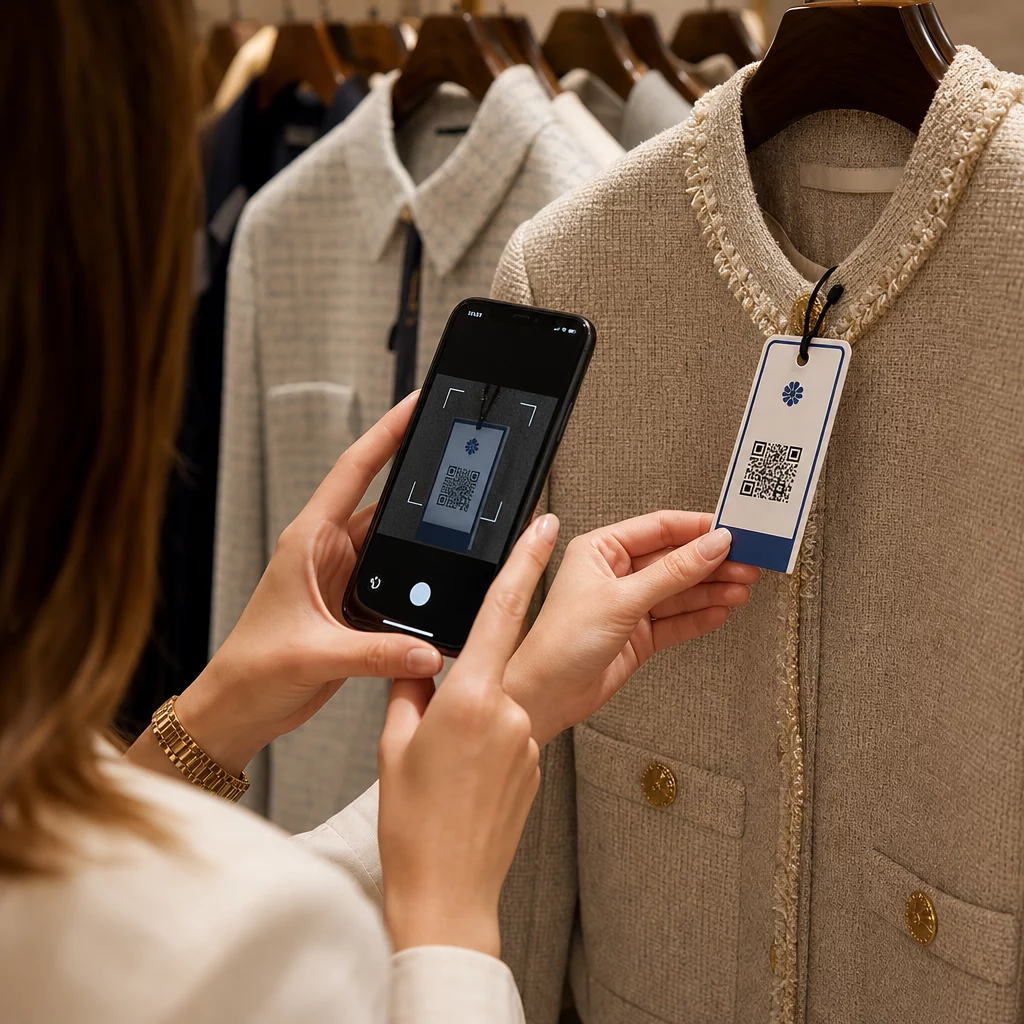
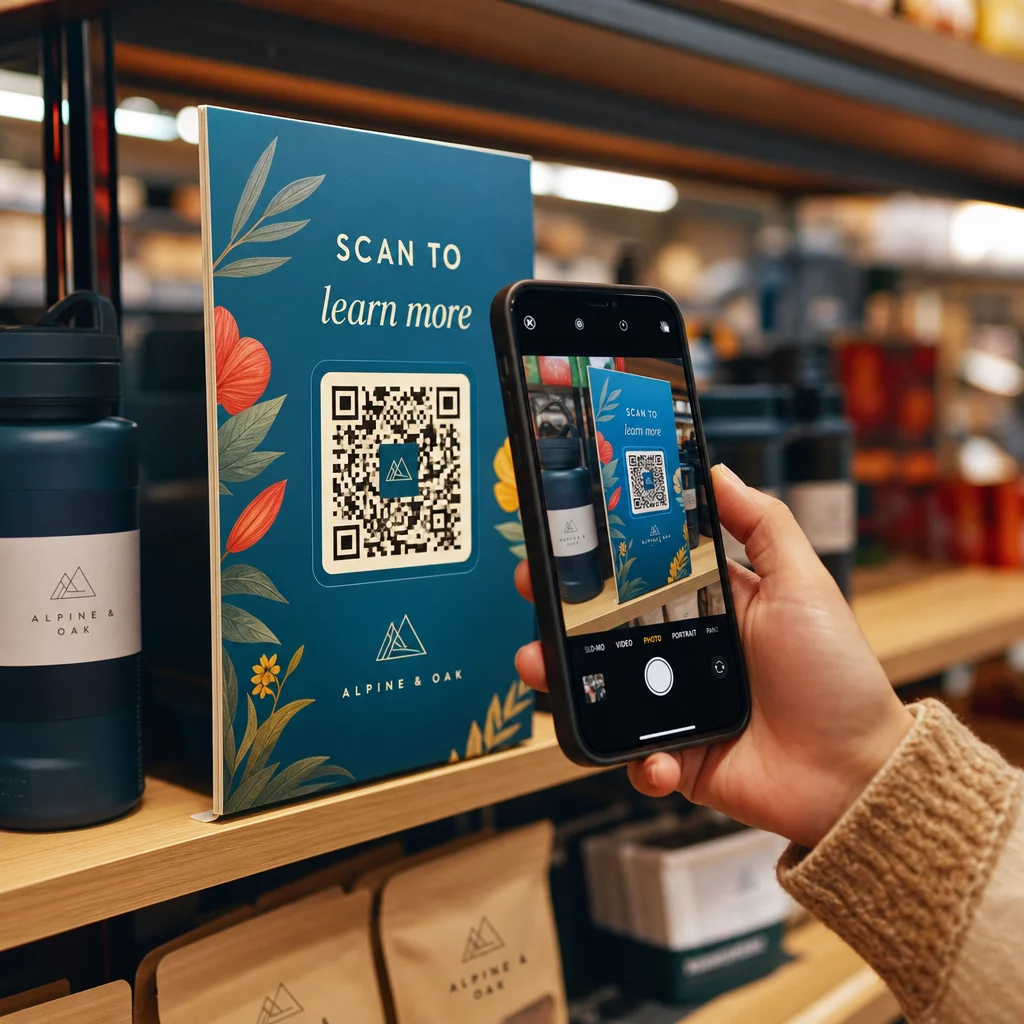
- Butiksdisplayer – bjud in kunder att följa ditt konto eller se ett aktuellt kampanjinlägg
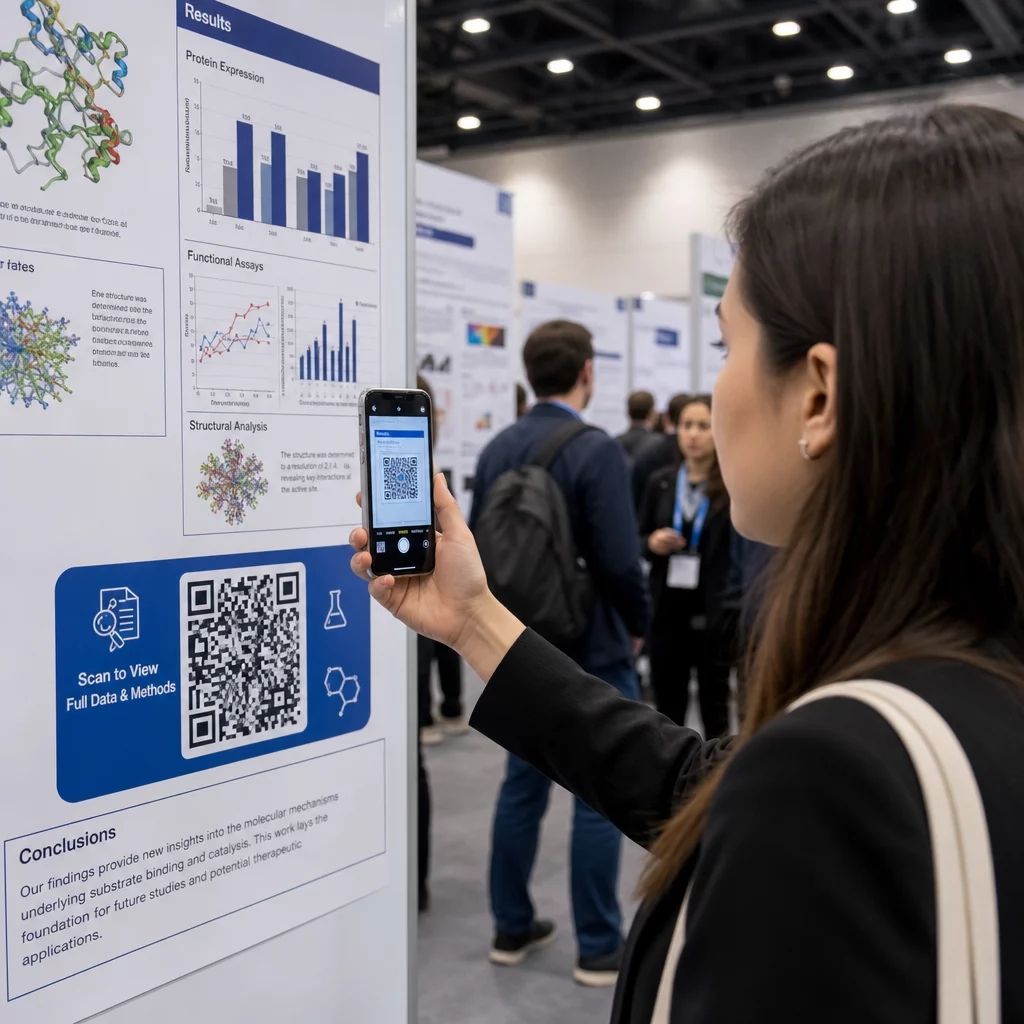
- Presentationsbilder – låt publiken skanna för att följa dig efter ett föredrag
För småföretag som förlitar sig på kundflöde och tryckt material, tar bort all friktion från följprocessen att para ihop en QR-kod med en tydlig uppmaning till handling. Läs mer om hur småföretag använder QR-koder för att driva digitalt engagemang från fysiska platser.

Lägga till en tydlig uppmaning till handling
En QR-kod utan sammanhang ignoreras. Berätta alltid för folk vad de får när de skannar. Specifika uppmaningar överträffar konsekvent vaga. Till exempel:
- “Skanna för att följa oss på X för dagliga uppdateringar”
- “Skanna för att se veckans erbjudanden på X”
- “Skanna för att delta i konversationen – vi livetweetar evenemanget”
Placera instruktionstexten direkt ovanför eller under QR-koden, i en teckenstorlek som är tillräckligt stor för att läsas på skanningsavstånd. Målet är att ge människor en anledning att agera innan de ens tar upp sin telefon. För en djupare titt på att skriva effektiva uppmaningar och strukturera kampanjer, se den fullständiga guiden till bästa praxis för QR-koder i sociala mediekampanjer.
Jämföra statiska vs. dynamiska Twitter/X QR-koder
| FUNKTION | Statisk QR-kod | Dynamisk QR-kod |
|---|---|---|
| Destination redigerbar efter utskrift | Nej | Ja |
| Skanningsanalys | Nej | Ja |
| Omdirigera mellan X-URL:er utan att skriva ut igen | Nej | Ja |
| Varumärkesprofilering och kundanpassning | Begränsad | Fullständig |
| 9. Bäst för | Engångsanvändning, enkla länkar | Kampanjer, pågående material |
För allt tryckt material med en livslängd längre än en enskild kampanj är dynamisk den bättre investeringen. Du undviker omkostnader för omtryck när innehållet ändras och får den skanningsdata som behövs för att utvärdera vad som faktiskt fungerar.
Ansluta X till andra sociala plattformar
Om Twitter/X är en av flera plattformar som du marknadsför, behöver du inte en separat QR-kod för varje. Pageloots verktyg för QR-koder för sociala medier skapar en enda kod som öppnar en märkesanpassad landningssida med länkar till alla dina profiler. Detta är särskilt användbart när du också kör Instagram QR-kod eller Facebook QR-kod kampanjer parallellt – en kod kan tjäna alla tre istället för att fylla ditt material med flera koder. För en bredare titt på hur QR-koder fungerar över olika plattformar och användningsfall, se översikten över QR-koder för sociala medier.
Att få människor från en fysisk kontaktpunkt till din X-profil är en tvåsekundersinteraktion när din QR-kod är korrekt inställd. Använd en dynamisk kod så att du kan uppdatera destinationen utan att skriva ut igen, följ designriktlinjerna så att den skannas tillförlitligt varje gång, och para alltid ihop den med en tydlig uppmaning till handling så att folk vet exakt varför de skannar.
Kom igång med Pageloot Skapa en märkesanpassad, spårbar QR-kod för din Twitter/X-profil eller vilken sociala medier-länk som helst. Använd Pageloot QR-kodgenerator – gratis 14-dagars provperiod, inget kreditkort krävs.
Vanliga frågor
Ja. Öppna inlägget på X, tryck på Dela-ikonen och välj “Kopiera länk” för att få den direkta inläggs-URL:en. Klistra in den URL:en i Pageloots länk-QR-kodgenerator för att skapa en kod som öppnar det specifika inlägget när den skannas.
Om du använde en statisk QR-kod, kommer den att sluta fungera eftersom den kodade URL:en inte längre matchar din profil. Om du använde en dynamisk QR-kod, kan du uppdatera destinations-URL:en i din Pageloot-panel utan att röra den tryckta koden – ingen omtryckning behövs.
Inte nödvändigtvis. Pageloots sociala medier-QR-kodverktyg låter dig lägga till flera profillänkar – inklusive X, Instagram, Facebook och andra – till en enda landningssida, alla tillgängliga från en skannad kod. Detta håller ditt tryckta material rent samtidigt som det ger människor tillgång till alla dina profiler på en gång.