Kehilangan hewan peliharaan Anda dan mengandalkan tag terukir kecil untuk membawanya pulang? Tag terukir memiliki batasan nyata – nomor telepon berubah, teks memudar, dan tidak ada ruang untuk detail medis atau kontak alternatif. Kode QR pada tag hewan peliharaan menyelesaikan semua itu dengan menghubungkan siapa pun yang menemukan hewan peliharaan Anda ke profil digital lengkap dalam hitungan detik.
Mengapa Tag Terukir Standar Seringkali Kurang Memadai
Tag ID hewan peliharaan tradisional mungkin hanya dapat menampung dua baris teks. Itu mungkin cukup untuk nama dan satu nomor telepon, tetapi itu mengabaikan semua yang sebenarnya dibutuhkan penemu dalam situasi stres: kontak cadangan, kondisi medis hewan peliharaan Anda, apakah mereka sudah ditanam microchip, atau instruksi untuk menangani hewan yang cemas.
Tag fisik juga mengalami degradasi. Ukiran memudar, tag tergores, dan jika Anda pindah atau mengubah nomor Anda, tag tersebut langsung menjadi usang. American Humane mencatat bahwa microchip hanya menyatukan kembali hewan peliharaan dengan pemiliknya ketika informasi kontak dalam database akurat dan terbaru – prinsip yang sama berlaku untuk metode ID apa pun yang Anda gunakan. Tag kode QR sepenuhnya menghindari masalah pembaruan, karena Anda mengubah informasi secara digital daripada mengganti tag fisik.
Cara Kerja Tag Hewan Peliharaan Kode QR
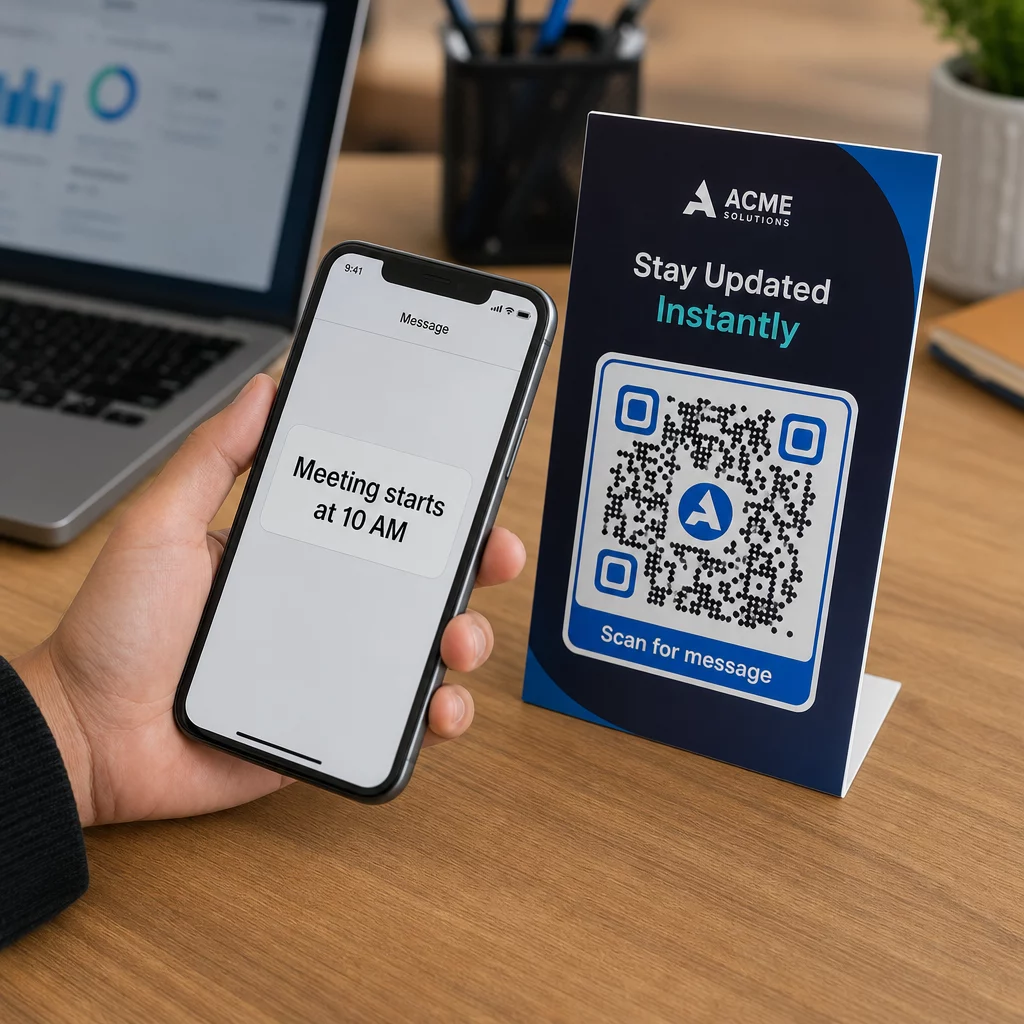
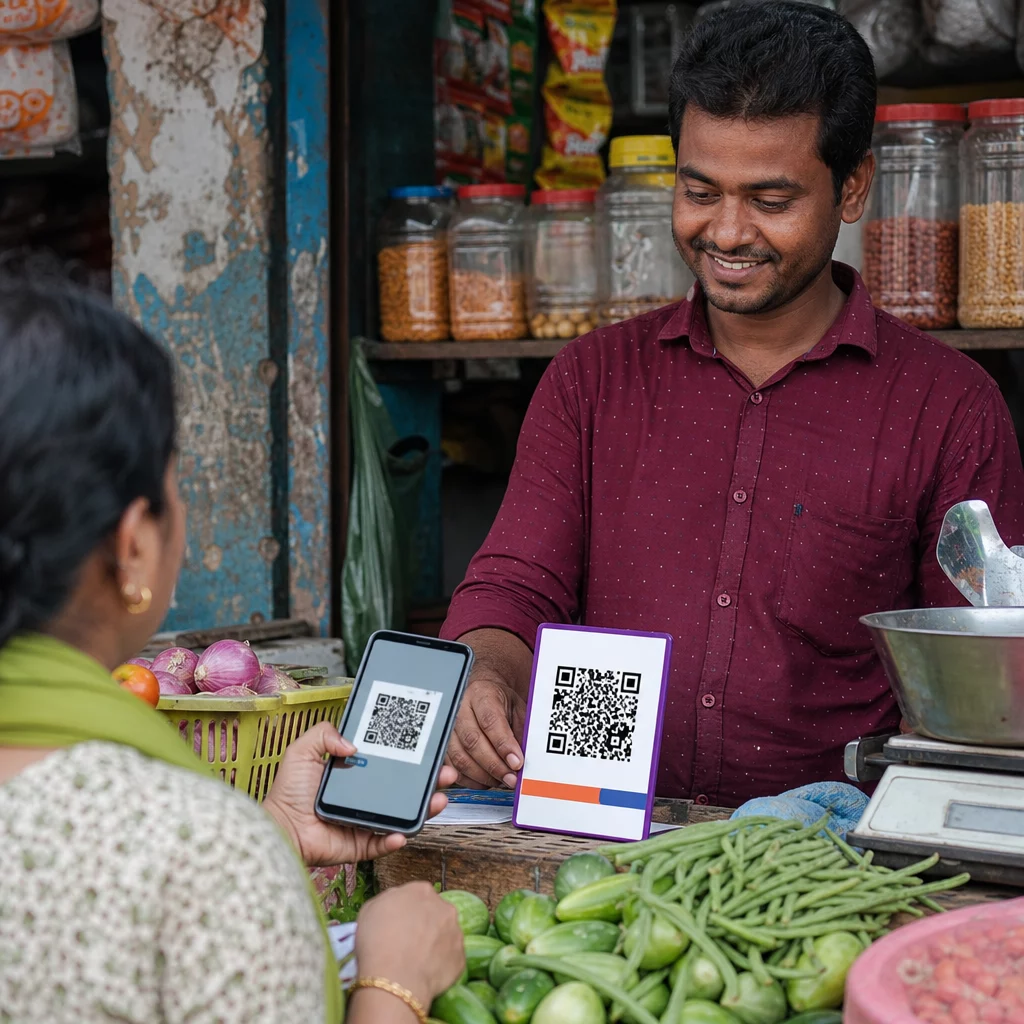
Kode QR adalah pola yang dapat dipindai yang dapat dibaca oleh kamera smartphone modern mana pun tanpa aplikasi khusus. Ketika seseorang menemukan hewan peliharaan Anda, mereka mengarahkan ponsel mereka ke tag, kamera mengenali kode, dan dalam hitungan detik mereka melihat profil hewan peliharaan Anda – nama Anda, nomor telepon, alamat, kebutuhan medis hewan peliharaan Anda, dan apa pun yang telah Anda sertakan.
Kunci untuk membuat ini berfungsi dengan andal seiring waktu adalah menggunakan kode QR dinamis daripada yang statis. Kode QR statis mengkodekan informasi langsung ke dalam polanya, yang berarti tidak dapat diubah. Kode QR dinamis menunjuk ke tautan pengalihan singkat yang Anda kendalikan, sehingga Anda dapat memperbarui tujuan – nomor telepon Anda, alamat Anda, kontak darurat baru – tanpa menyentuh tag fisik. perbandingan kode QR statis vs. dinamis menjelaskan perbedaan ini secara rinci jika Anda ingin menggali lebih dalam sebelum memutuskan jenis mana yang akan digunakan.
Jaga Profil Hewan Peliharaan Anda Selalu Terkini Menggunakan Generator QR Code Dinamis untuk membuat kode QR tag yang dapat Anda edit kapan saja – ubah nomor telepon Anda, tambahkan kontak baru, atau perbarui informasi medis tanpa mencetak ulang atau mengganti tag.
Apa yang Harus Dimasukkan dalam Profil Digital Hewan Peliharaan Anda
Tujuannya adalah untuk memberikan penemu semua yang mereka butuhkan untuk menghubungi Anda dan menangani hewan peliharaan Anda dengan aman – tanpa membebani mereka. Berikut adalah apa yang harus disertakan:

- Nama dan nomor telepon utama Anda – bagian paling penting, di depan dan di tengah
- Nomor telepon cadangan atau kontak darurat – jika Anda tidak dapat dihubungi
- Alamat Anda – berguna jika hewan peliharaan Anda ditemukan di dekatnya
- Nama hewan peliharaan Anda – membantu penemu menenangkan dan berkomunikasi dengan hewan
- Kondisi medis atau obat-obatan – sangat penting untuk hewan peliharaan diabetes, mereka yang mengonsumsi obat jantung, atau hewan dengan alergi parah
- Catatan perilaku – apakah hewan peliharaan Anda ramah, cemas di sekitar orang asing, atau cenderung melarikan diri
- Nomor microchip – berguna jika penemu membawa hewan peliharaan Anda ke dokter hewan atau penampungan yang dapat memindai chip
- Informasi kontak dokter hewan – sumber daya sekunder jika perhatian medis dibutuhkan dengan cepat
Salah satu format praktis untuk ini adalah kode vCard QR, yang mengkodekan informasi kontak dalam format standar yang dikenali secara native oleh smartphone. Saat dipindai, perangkat secara otomatis meminta penemu untuk menyimpan detail Anda langsung ke kontak mereka. Generator kode QR vCard memungkinkan Anda membuat kode jenis ini – cukup masukkan nama Anda dan setidaknya satu metode kontak untuk memulai. Anda dapat menemukan panduan tambahan tentang struktur kode vCard di panduan kode QR vCard.
Jika Anda ingin berbagi lebih dari sekadar detail kontak – profil hewan peliharaan lengkap dengan catatan medis, foto, dan beberapa kontak – halaman arahan kode QR memberi Anda satu tujuan pemindaian yang menyimpan semua itu dalam format yang bersih dan ramah seluler. Anda juga dapat menggunakan Generator Multi QR Code untuk membuat kode yang menautkan ke beberapa sumber daya sekaligus, seperti halaman kontak Anda, nomor dokter hewan Anda, dan formulir pelaporan hewan peliharaan yang ditemukan.
Mendesain Kode QR yang Dapat Dipindai dengan Andal pada Tag Hewan Peliharaan
Tag hewan peliharaan kecil, dan terus bergerak pada hewan yang aktif. Faktor-faktor ini membuat kemampuan pemindaian lebih penting di sini daripada di hampir semua aplikasi kode QR lainnya. Ikuti panduan ini untuk memastikan kode berfungsi dalam kondisi dunia nyata:
- Ukuran minimum 0,8 × 0,8 inci (2 × 2 cm) – minimum yang direkomendasikan untuk pemindaian jarak dekat; lebih besar lebih baik jika tag memungkinkan
- Kontras tinggi – gunakan pola gelap pada latar belakang terang dan targetkan rasio kontras minimal 4:1; hindari kombinasi warna yang mengurangi keterbacaan
- Zona tenang yang jelas – sisakan batas ruang putih yang bersih di sekitar kode, kira-kira 0,25 inci di setiap sisi, agar pemindai dapat membedakan kode dari permukaan tag
- Bahan dan hasil akhir yang tahan lama – tag hewan peliharaan menghadapi goresan, kelembapan, dan keausan konstan; gunakan hasil akhir matte jika memungkinkan untuk mengurangi silau, dan pilih kode yang diukir atau dicetak UV daripada label kertas
- Output resolusi tinggi – unduh kode QR Anda dalam format vektor seperti SVG atau EPS untuk memastikan tetap tajam pada ukuran cetak apa pun tanpa pikselasi
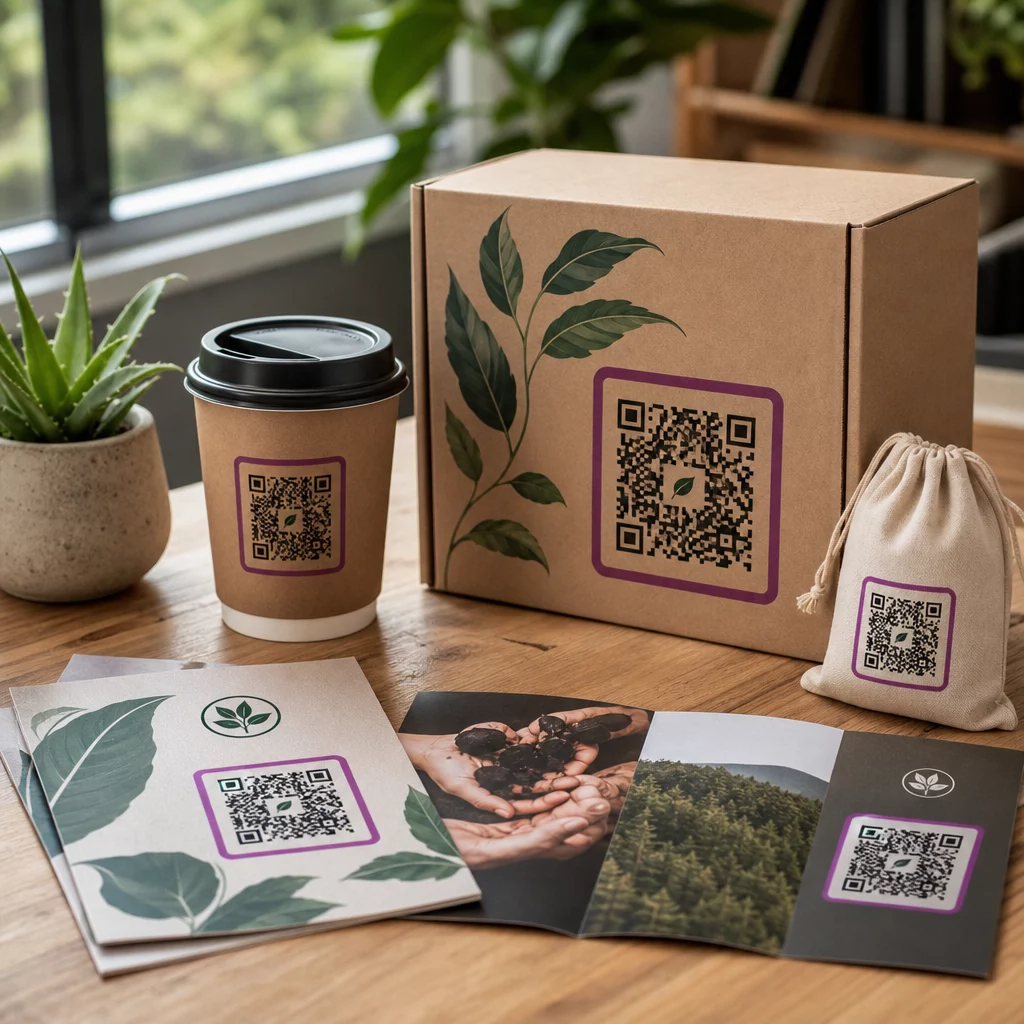
Itu praktik terbaik keterbacaan kode QR dan panduan tentang mencetak kode QR pada label mencakup prinsip-prinsip ini secara lebih mendalam. Ada baiknya juga menambahkan frasa ajakan bertindak singkat di dekat atau pada tag jika desain memungkinkan – sesuatu seperti “Pindai untuk info pemilik” menghilangkan ketidakpastian bagi penemu yang mungkin tidak segera mengenali untuk apa pola QR tersebut.
Menjaga Profil Hewan Peliharaan Anda Tetap Terkini
Salah satu keuntungan paling praktis dari tag hewan peliharaan kode QR dinamis adalah tag fisik Anda tidak pernah menjadi usang. Pindah ke kota baru? Perbarui alamat Anda di dasbor. Mendapatkan nomor telepon baru? Ubah dalam hitungan detik. Menambahkan kondisi medis yang dikembangkan hewan peliharaan Anda di kemudian hari? Selesai – tanpa memesan tag baru.
Ini penting karena informasi statis menurun kegunaannya saat keadaan Anda berubah. Dengan kode dinamis, Anda mengedit tujuan kode QR dari dasbor akun Anda dan tag fisik terus berfungsi persis seperti sebelumnya. Platform Pageloot juga memberi Anda analitik pemindaian, sehingga Anda dapat melihat apakah dan kapan kode dipindai – konteks yang berguna jika hewan peliharaan Anda hilang dan Anda mencoba melacak situasi secara real time.
Buat Profil Hewan Peliharaan Lengkap di Satu Tempat Jelajahi semua fitur yang tersedia melalui Platform kode QR Pageloot untuk membuat, menyesuaikan, dan mengelola kode QR tag hewan peliharaan yang tetap terkini tidak peduli apa pun perubahan dalam hidup Anda.
Tag QR dan Microchip: Gunakan Keduanya
Tag kode QR dan microchip memiliki fungsi yang berbeda dan bekerja paling baik bersama-sama. Microchip memerlukan pemindai di kantor dokter hewan atau penampungan untuk dibaca – tidak terlihat oleh publik dan tidak memberikan bantuan kepada orang biasa yang menemukan anjing berkeliaran di jalan. Tag kode QR, sebaliknya, dapat dibaca oleh smartphone apa pun dan segera menghubungkan penemu ke informasi kontak Anda, tanpa peralatan yang diperlukan.

Penelitian dari studi penampungan Ohio State University menemukan bahwa anjing yang diberi microchip dikembalikan kepada pemiliknya dengan tingkat 52,2%, dibandingkan dengan 21,9% untuk anjing yang tidak diberi microchip – sebuah peningkatan yang berarti. Namun, tag ID yang terlihat tetap penting karena itu adalah hal pertama yang dilihat siapa pun ketika mereka menemukan hewan yang hilang. Tag kode QR membuat ID yang terlihat itu jauh lebih kuat daripada teks yang diukir saja, karena memberikan profil yang lengkap dan terkini daripada baris teks statis.
Pendekatan praktis adalah menggunakan tag kode QR sebagai ID utama Anda yang terlihat – dengan kode dinamis yang terhubung ke profil digital lengkap – dan menyimpan microchip sebagai lapisan cadangan Anda jika tag hilang atau kalung terlepas.
Kode QR pada tag hewan peliharaan menghilangkan masalah informasi. Daripada berharap ukiran dua baris sudah cukup, Anda memberi penemu akses langsung ke semua yang mereka butuhkan. Siapkan kode QR dinamis agar profil Anda tetap akurat tidak peduli apa pun perubahannya, pilih format tag yang tahan lama untuk pemakaian sehari-hari, dan selalu uji pemindaian sebelum tag dipasang di kalung hewan peliharaan Anda.
Buat Tag QR Hewan Peliharaan Anda Hari Ini Mulai dengan Generator Kode QR Tautan atau Generator QR Code Dinamis untuk membangun profil hewan peliharaan yang dapat dipindai yang dapat Anda perbarui kapan saja.
Pertanyaan yang sering diajukan
Ya. Ponsel pintar modern mana pun dengan aplikasi kamera bawaan bisa memindai kode QR tanpa mengunduh perangkat lunak tambahan. Kamera mengenali kode itu secara otomatis dan membuka halaman yang tertaut di peramban, membuatnya dapat diakses oleh siapa pun yang menemukan hewan peliharaan Anda.
Jika Anda menggunakan kode QR dinamis, Anda cukup masuk ke dasbor akun Anda dan memperbarui informasi kontak. Tag fisik tetap sama – kode QR mengarahkan ke profil yang diperbarui segera. Dengan kode QR statis, informasi yang dienkode tidak dapat diubah, jadi Anda perlu mengganti seluruh tag.
Kode QR vCard dirancang khusus untuk informasi kontak – saat dipindai, ia akan meminta penemu untuk menyimpan detail Anda langsung ke kontak ponsel mereka. Kode QR tautan mengarah ke URL apa pun, yang bisa berupa halaman profil hewan peliharaan lengkap dengan riwayat medis, foto, dan beberapa kontak. Untuk profil hewan peliharaan yang lengkap, kode QR tautan atau halaman arahan memberi Anda lebih banyak fleksibilitas; untuk berbagi kontak cepat, kode QR vCard berfungsi dengan baik.