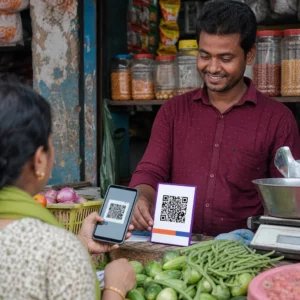
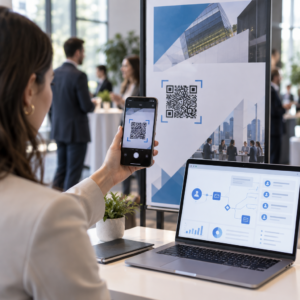
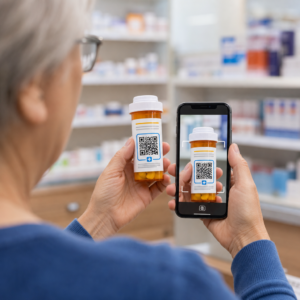
Přináší váš tištěný marketingový materiál nulovou měřitelnou návštěvnost? Fyzické kontaktní body, jako jsou letáky, obaly a značení, je obtížné propojit s digitálními výsledky – pokud strategicky nepoužíváte QR kódy. Tento průvodce popisuje, jak generovat marketingové QR kódy a používat je ke sledování výkonu, zvýšení angažovanosti a překlenutí propasti mezi offline a online světem.
Proč firmy používají QR kódy v marketingu
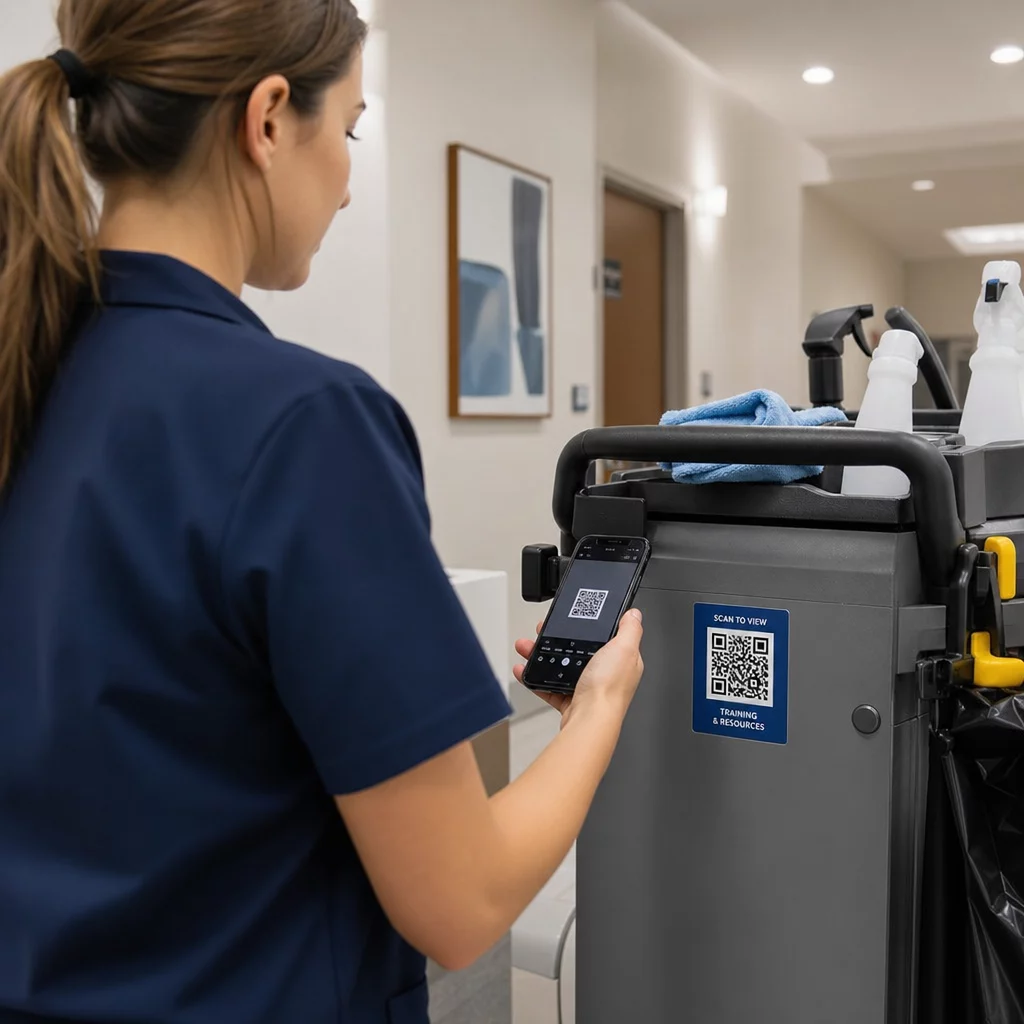
QR kódy řeší zásadní třecí bod v marketingu: dostat někoho z fyzického povrchu na digitální místo určení bez psaní. Skenování trvá méně než sekundu. Tato snadnost přístupu se přímo promítá do vyšší angažovanosti – a proto se jejich přijetí výrazně zvýšilo nad rámec raných, neúspěšných zavádění z roku 2011.
Tehdy byly Best Buy a Macy’s mezi prvními značkami, které testovaly QR kódy ve velkém. Technologie nebyla problém – pomalý mobilní internet, omezená penetrace chytrých telefonů a pouze desktopové vstupní stránky zabily zážitek dříve, než začal. Dnes jsou tyto bariéry pryč. Vysokorychlostní mobilní internet, nativní skenování fotoaparátem na iOS a Androidu a webové zážitky optimalizované pro mobily učinily QR kódy skutečně praktickými.
Z marketingového hlediska není skutečnou výhodou jen pohodlí – jsou to data. Když použijete dynamické QR kódy, každé skenování generuje záznam: kdy se stalo, kde, na jakém zařízení a prostřednictvím jaké kampaně. To je typ atribučních dat, která byla kdysi exkluzivní pouze pro digitální kanály.
Začněte sledovat své kampaně s QR kódy Chcete vidět data o skenování v reálném čase, geografické rozdělení a analýzu zařízení pro každý kód, který nasadíte? Použijte Generátor QR kódů k vytvoření sledovatelných, editovatelných kódů s vestavěným výkonnostním panelem.
Statické vs. Dynamické QR kódy: Které byste měli použít?
Než vygenerujete kód, musíte zvolit správný typ. Rozdíl je pro marketingové použití významný.
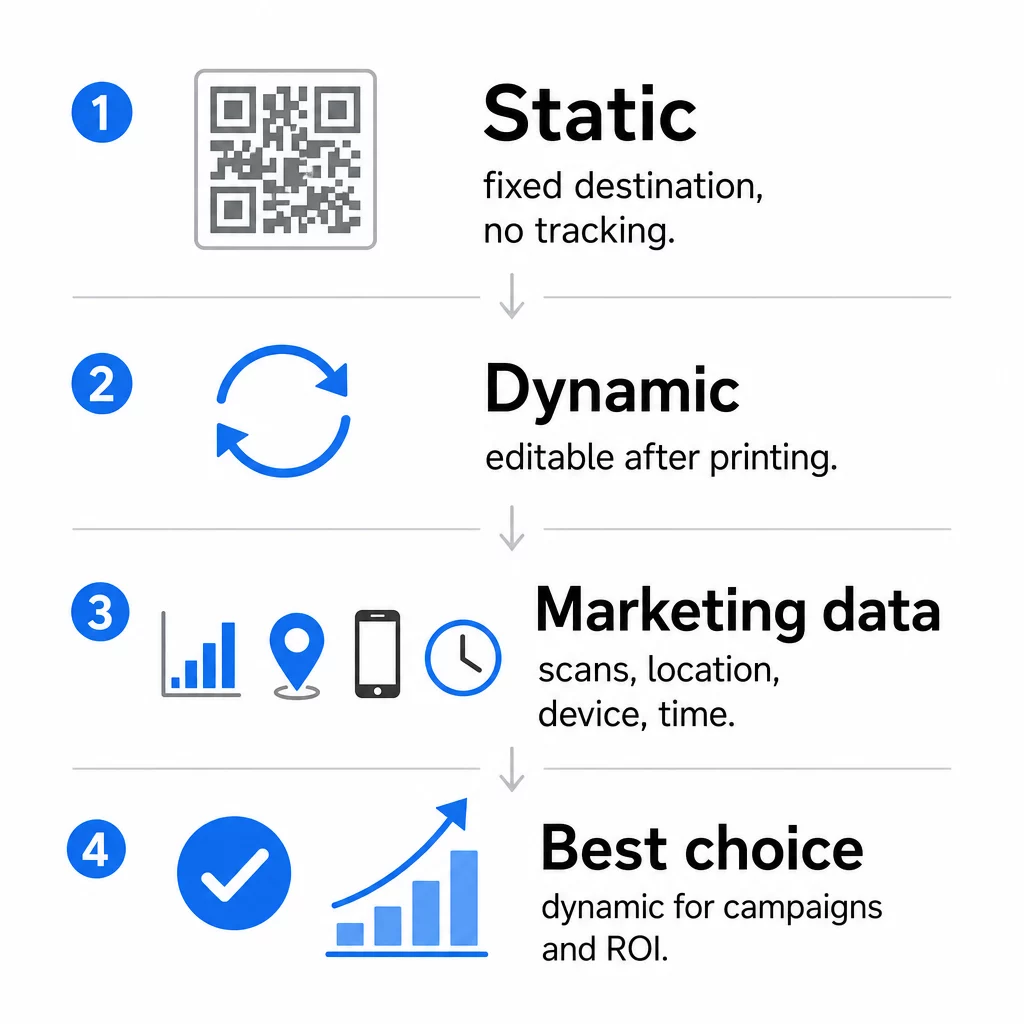
Statické QR kódy kódují data přímo do samotného vzoru. Jakmile jsou vytištěny, cíl nelze změnit. Nemají vestavěné sledování, generují hustší vzory pro složité URL adresy a po nasazení nenabízejí žádnou flexibilitu. Fungují dobře pro trvalé, nenáročné případy použití, jako je heslo k Wi-Fi nebo pevná kontaktní karta.
Dynamické QR kódy kódují krátkou přesměrovací URL adresu. Skutečný cíl je uložen v platformě pro správu a lze jej kdykoli aktualizovat – dokonce i po vytištění. To znamená, že můžete opravit nefunkční odkaz, vyměnit sezónní vstupní stránku nebo přesměrovat na novou propagaci, aniž byste museli znovu tisknout jediný kus materiálu.
Pro marketingové kampaně, jsou dynamické QR kódy téměř vždy lepší volbou. Podporují analýzu v reálném čase, A/B testování, sledování parametrů UTM a geo-cílení. Pokud měříte návratnost investic do tiskových materiálů, dynamické kódy jsou to, co to umožňuje.
Jak vygenerovat QR kód pro marketing
Vytvoření QR kódu pro kampaň trvá méně než pět minut. Zde je, jak proces funguje pomocí Pageloot:
- Vyberte typ QR kódu – Vyberte typ obsahu, který odpovídá vašemu cíli: URL, PDF, vCard, formulář, odkaz na obchod s aplikacemi, přihlašovací údaje k Wi-Fi, video nebo jiný formát. The generátor QR kódů odkazů je nejběžnějším výchozím bodem pro provoz kampaně.
- Zadejte svůj cíl – Vložte URL nebo nahrajte soubor, na který má kód odkazovat. Pro účely sledování použijte URL s UTM tagy, aby se skeny zobrazovaly jako odlišný zdroj v Google Analytics.
- Přizpůsobte si design – Přidejte své logo, nastavte barvy značky, vyberte styl rámečku a napište výzvu k akci. Značkové QR kódy trvale překonávají generické černobílé, protože budují vizuální důvěru a vynikají na tištěných materiálech. The QR kód s logem generátor to usnadňuje.
- Stáhněte ve správném formátu – Pro tisk stáhněte vektorový soubor (EPS, PDF nebo SVG), abyste zajistili ostrý výstup v jakékoli velikosti. Nikdy nepoužívejte rastrový obrázek s nízkým rozlišením pro tiskovou produkci.
- Otestujte před tiskem – Naskenujte kód sami pomocí více zařízení a světelných podmínek. Pokud selže na starším Androidu nebo za špatného osvětlení, upravte design, než se zavážete k tiskovému nákladu.
Vytvořte značkový QR kód během několika minut Ten QR kód s logem generátor vám umožní přizpůsobit barvy, přidat logo a aplikovat rámečky s výzvou k akci – vše z jednoho ovládacího panelu.
Devět způsobů, jak používat QR kódy ve vašem marketingu
Přiveďte návštěvnost na vstupní stránku
QR kód odstraňuje každou bariéru mezi fyzickým kontaktním bodem a vstupní stránkou vaší kampaně. Zákazníci nemusí zadávat URL ani hledat vaši značku – jedno naskenování je zavede přímo tam, kam potřebujete. Vždy spárujte kód s jasnou výzvou k akci, která vysvětluje, co získají naskenováním: slevu, průvodce, rezervační formulář nebo exkluzivní obsah.
Odeslat přímou zprávu
QR kódy mohou spouštět předvyplněné zprávy přes SMS, WhatsApp, Telegram nebo Facebook Messenger. Jedná se o jednu z nejméně využívaných marketingových aplikací. Míra otevření přímých zpráv na chytrých telefonech je podstatně vyšší než u e-mailů, což z nich činí efektivní cestu pro propagace, připomenutí schůzek nebo toky zákaznické podpory.
Sbírejte recenze a zpětnou vazbu
Více než 90 % online nakupujících konzultuje recenze před nákupem. QR kódy na účtenkách, obalech nebo cedulích mohou zákazníky poslat přímo na váš profil Google Moje firma, stránku s recenzemi produktů nebo dotazník zpětné vazby. Pro zvýšení míry odpovědí nabídněte slevový kód nebo malou pobídku výměnou za jejich názor.
Sdílejte polohu vaší firmy
QR kód odkazující na váš záznam v Google Maps ušetří zákazníkům námahu s ručním vyhledáváním. To je obzvláště užitečné na tištěných materiálech, jako jsou jídelní lístky s sebou, výstavní stánky nebo polepy vozidel, kde zadávání adresy není praktické.
Rozšiřte své sledující na sociálních sítích
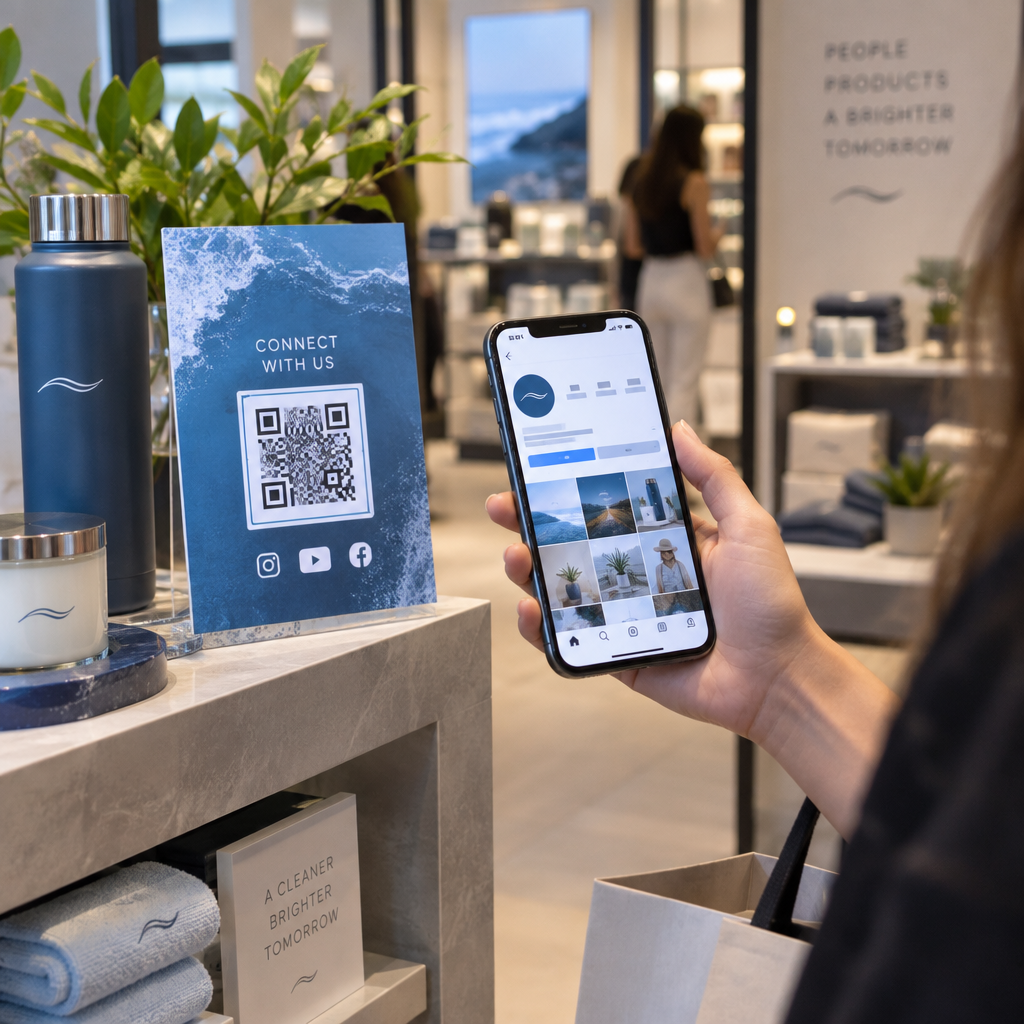
Nasměrujte QR kód přímo na váš sociální profil, nebo použijte mezistránku, která zobrazuje odkazy na všechny vaše kanály. Kódy můžete také nakonfigurovat tak, aby po naskenování automaticky spustily výzvu k „Líbí se mi“ na Facebooku nebo „Odebírat“ na YouTube – což je způsob s nízkým třením, jak budovat své publikum z fyzických kontaktních bodů.
Propagujte stahování aplikací
Použijte chytrý QR kód pro obchod s aplikacemi, který detekuje zařízení uživatele a automaticky ho přesměruje do správného obchodu – Apple App Store nebo Google Play. Tím se odstraní jeden krok a eliminuje frustrace z přistání na špatné platformě. Můžete také použít mezilehlou obsahovou stránku k „zahřátí“ uživatele před požadavkem na stažení.
Odeslat předvyplněný e-mail
QR kód může otevřít e-mailového klienta uživatele s předvyplněnou adresou příjemce, předmětem a textem zprávy. To funguje dobře pro požadavky na zákaznickou podporu, partnerské dotazy nebo RSVP na události, kde chcete strukturované odpovědi bez nutnosti vytvářet formulář.
Odkaz na e-commerce produkty
QR kódy na obalech, regálových displejích nebo tištěných brožurách mohou odkazovat přímo na stránky s detaily produktů, instruktážní videa, registraci záruky nebo zákaznické recenze. To snižuje množství textu, který musíte tisknout na obaly, a zároveň dává zákazníkům přístup k bohatším informacím na vyžádání.
Sdílejte přístup k Wi-Fi
QR kód pro Wi-Fi umožňuje zákazníkům připojit se k vaší síti jediným skenováním – bez nutnosti zadávat heslo. Umístěte jej uvnitř vaší provozovny, abyste zajistili, že zákazníci fyzicky vstoupí do prostoru před připojením. Tento malý detail prodlužuje dobu setrvání a vytváří více příležitostí pro zapojení v obchodě.
Principy designu a umístění, které ovlivňují míru skenování
QR kód, který nikdo neskenuje, má nulovou hodnotu. Volba designu a umístění přímo určuje, zda bude váš kód použit.
Na velikosti záleží. Pro materiály zblízka, jako jsou vizitky a letáky, je základem minimální velikost přibližně 1 palec (2,5 cm) čtvereční. Plakáty by měly používat alespoň 2 palce (5 cm). Pro venkovní značení použijte pravidlo 10:1: šířka kódu by měla být alespoň jedna desetina očekávané skenovací vzdálenosti.
Kontrast je nezbytný. Tmavý vzor na světlém pozadí je nejspolehlivější kombinací. Nízkokontrastní nebo invertované designy způsobují selhání skenování, zejména při proměnlivém osvětlení. Před tiskem ve velkém měřítku důkladně otestujte jakoukoli nestandardní barevnou kombinaci.
Je vyžadována klidová zóna. Každý QR kód potřebuje prázdný okraj široký alespoň čtyři moduly na všech stranách. Bez něj mají skenery potíže rozlišit kód od okolních grafických prvků a míra selhání skenování se zvyšuje.
Povrch a úprava ovlivňují výkon. Vysoce lesklé, reflexní nebo žebrované povrchy mohou zkreslit vzor QR kódu a snížit úspěšnost skenování. Nereflexní, ploché povrchy na nepropustných podkladech jsou trvale spolehlivější.
Umístění určuje viditelnost. Umístění ve výšce očí – zhruba 3,5 až 5,5 stopy od země na značení – maximalizuje dostupnost. Vyhněte se umísťování kódů v blízkosti záhybů, okrajů nebo oblastí, které jsou pravidelně zakryty. Pro úplný rozpis strategie umístění podle typu materiálu viz kompletní průvodce umístěním QR kódů v marketingu.
Jak sledovat výkon QR kódu
Generování kódu je jen polovina práce. Měření toho, co se stane po skenování, je místo, kde začíná optimalizace kampaně.
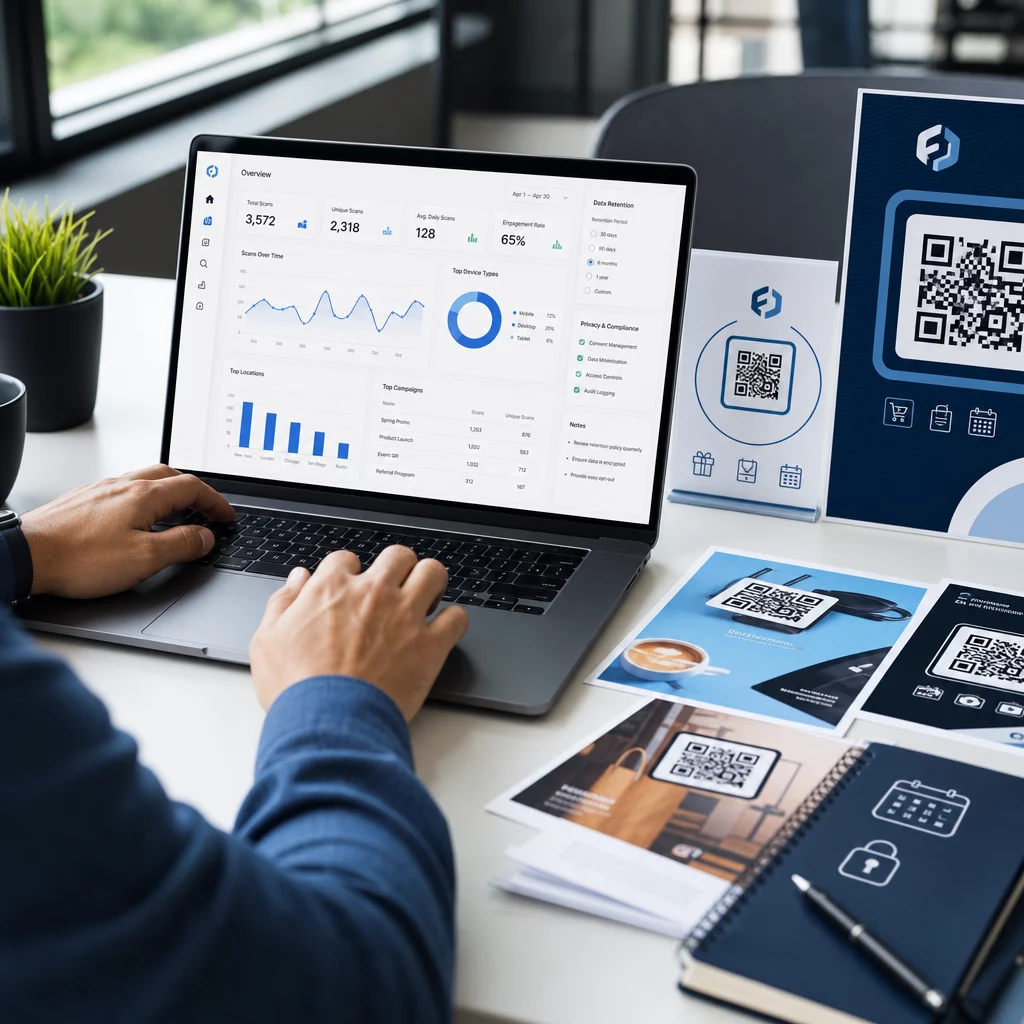
S dynamickými QR kódy, každé skenování produkuje sledovatelná data: celkové skeny, unikátní skeny, časová razítka, geografická poloha, typ zařízení a operační systém. To vám umožní odpovědět na otázky jako: Které tištěné materiály skutečně generují návštěvnost? Které lokality fungují nejlépe? V jakou denní dobu se zákazníci zapojují?
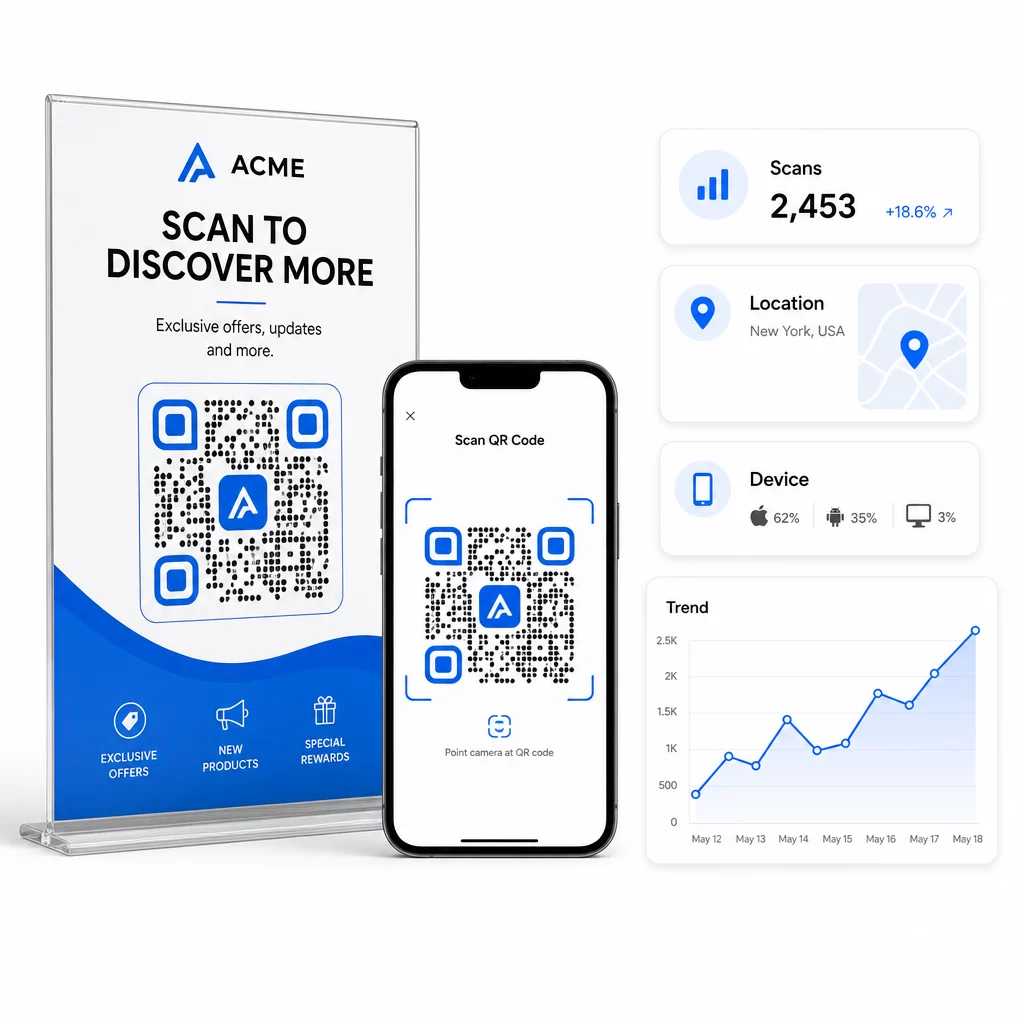
Pro hlubší atribuci přidejte parametry UTM do cílových URL před jejich vložením do QR kódu. Tím se provoz generovaný QR kódem směruje do Google Analytics jako samostatný zdroj, kde můžete analyzovat zapojení, konverzní poměry a chování odděleně od ostatních kanálů. Konzistentní konvence pojmenování – například `utmmedium=qrcode` a `utmsource=storedisplay` – zajišťuje přehledné a srovnatelné reportování napříč kampaněmi. Podrobný průvodce nastavením naleznete v článku Parametry UTM pro QR kódy.
Vestavěný panel Pageloot konsoliduje tato data na jednom místě: počty skenů, geografické rozdělení, zprávy o zařízeních a srovnání na úrovni kampaní – aniž by bylo pro základní metriky nutné samostatné nastavení analytiky.
Monitorujte každý sken v reálném čase Ten Dynamický QR kód vám poskytuje kompletní výkonnostní panel s geografickými daty, rozdělením podle zařízení a trendy skenování. Aktualizujte cíle bez opětovného tisku kdykoli se vaše kampaň změní.
Vybudujte škálovatelnou marketingovou strategii QR kódů
Jednorázové QR kódy jsou výchozím bodem. Koordinovaná strategie je to, co generuje složené výnosy.
Před generováním kódů definujte, čeho má každý z nich dosáhnout – a ujistěte se, že cíl tento slib splňuje. Kód, který někoho pošle na stránku neoptimalizovanou pro mobilní zařízení, chybu 404 nebo irelevantní domovskou stránku, naruší důvěru a odstraní jakýkoli důvod k opětovnému skenování.
Použití dynamické QR kódy pro kampaně s definovanými daty zahájení a ukončení, rotujícími akcemi nebo místy, která sdílejí materiály napříč ročními obdobími. Možnost aktualizovat cíl bez opětovného tisku znamená, že vaše fyzické materiály zůstanou aktuální, i když se vaše kampaň změní.
Pro krok za krokem přístup k plánování a provádění kampaně s QR kódy, Kontrolní seznam marketingových kampaní s QR kódy pro malé podniky pokrývá stanovení cílů, výběr typu kódu, osvědčené postupy designu a optimalizaci po spuštění ve strukturovaném formátu.
Značky, které vidí skutečné výsledky z QR kódů, je považují za výkonnostní kanál – takový, kde je umístění, design, cíl a sledování vše naplánováno předem. Tato disciplína je to, co odděluje míru skenování 0,5 % od té, která stojí za zmínku.
Často kladené otázky
Statický QR kód kóduje cíl přímo do svého vzoru a nelze jej po vytvoření změnit. Také neposkytuje žádná data o skenování. Dynamický QR kód ukládá krátkou přesměrovací URL, což znamená, že můžete cíl kdykoli aktualizovat – dokonce i po vytištění – a sledovat každé skenování s daty o poloze, zařízení a čase. Pro většinu marketingových kampaní jsou dynamické QR kódy lepší volbou, protože podporují sledování, A/B testování a aktualizace kampaní bez nutnosti opětovného tisku.
Potřebujete dynamický QR kód připojený k platformě pro sledování. Když někdo naskenuje kód, platforma zaznamená událost a zachytí data včetně počtu skenů, časového razítka, geografické polohy a typu zařízení. Můžete také přidat parametry UTM do cílové URL, aby se provoz generovaný QR kódem zobrazoval jako samostatný, identifikovatelný zdroj v Google Analytics. Dashboard Pageloot poskytuje tato data v reálném čase, aniž by vyžadoval samostatnou konfiguraci analytiky pro základní metriky.
Pro vizitky a letáky použijte minimální velikost přibližně 1 palec (2,5 cm) čtvereční. Pro jídelní lístky a brožury se zaměřte na minimálně 1,5 palce (3,8 cm). Pro plakáty použijte minimálně 2 palce (5 cm). Pro billboardy a venkovní značení aplikujte pravidlo 10:1: šířka kódu by měla být alespoň jedna desetina maximální očekávané skenovací vzdálenosti. Vždy udržujte prázdnou tichou zónu o šířce alespoň čtyř modulů na všech stranách a používejte vysoký kontrast – tmavý vzor na světlém pozadí – pro zajištění spolehlivého skenování.