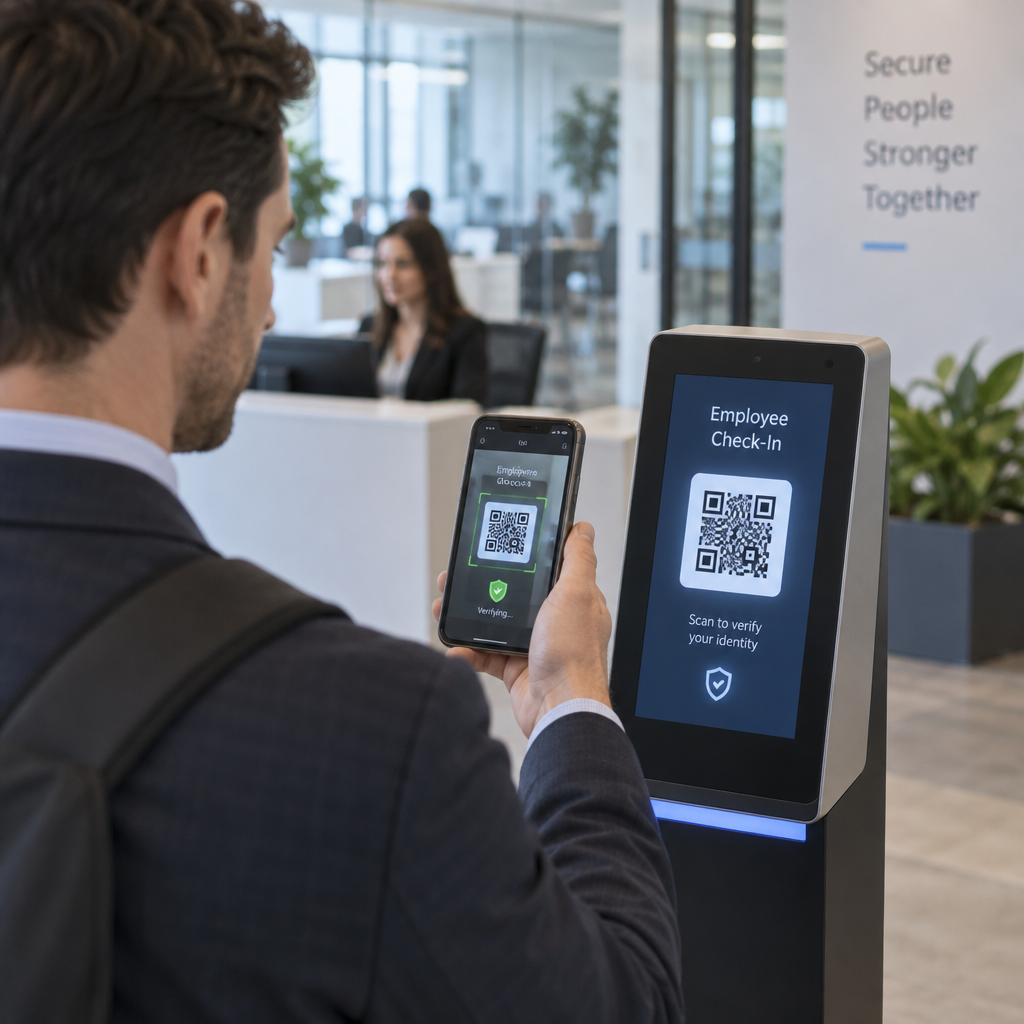
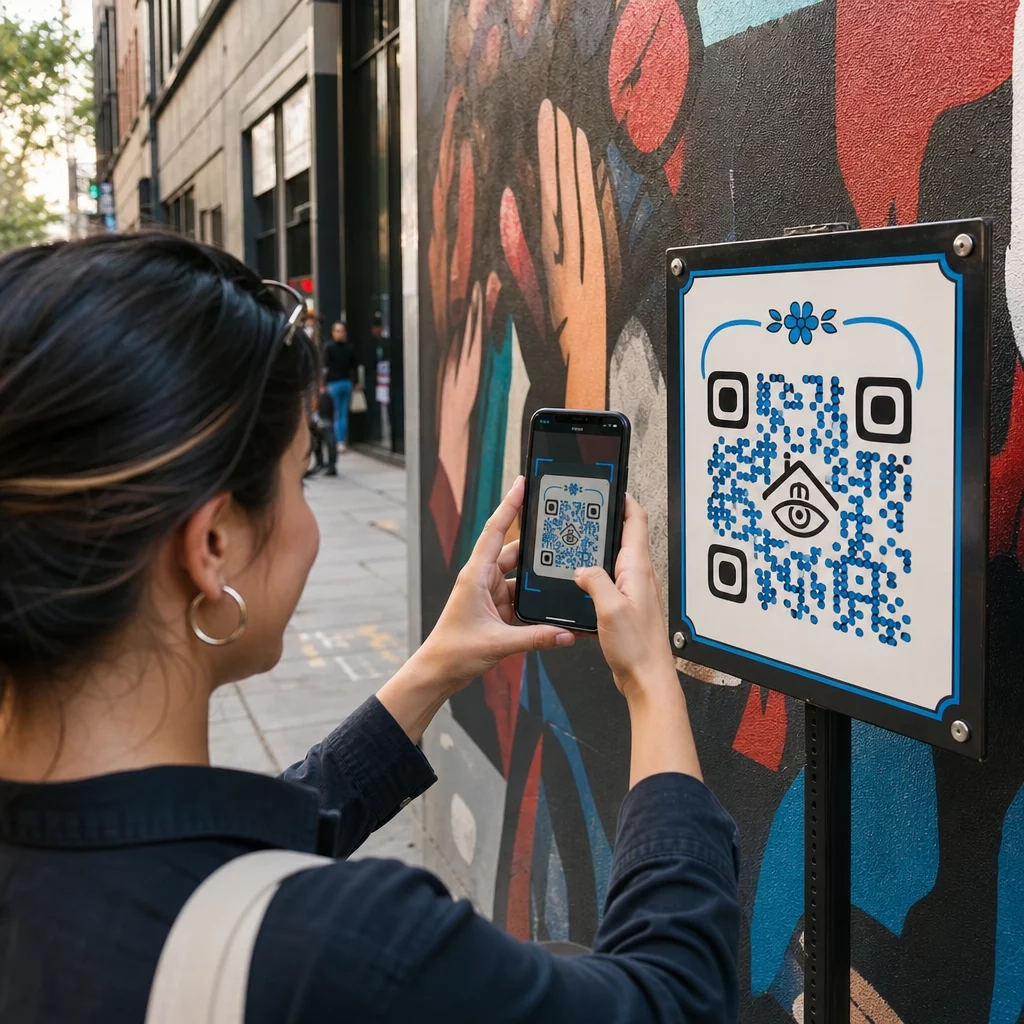
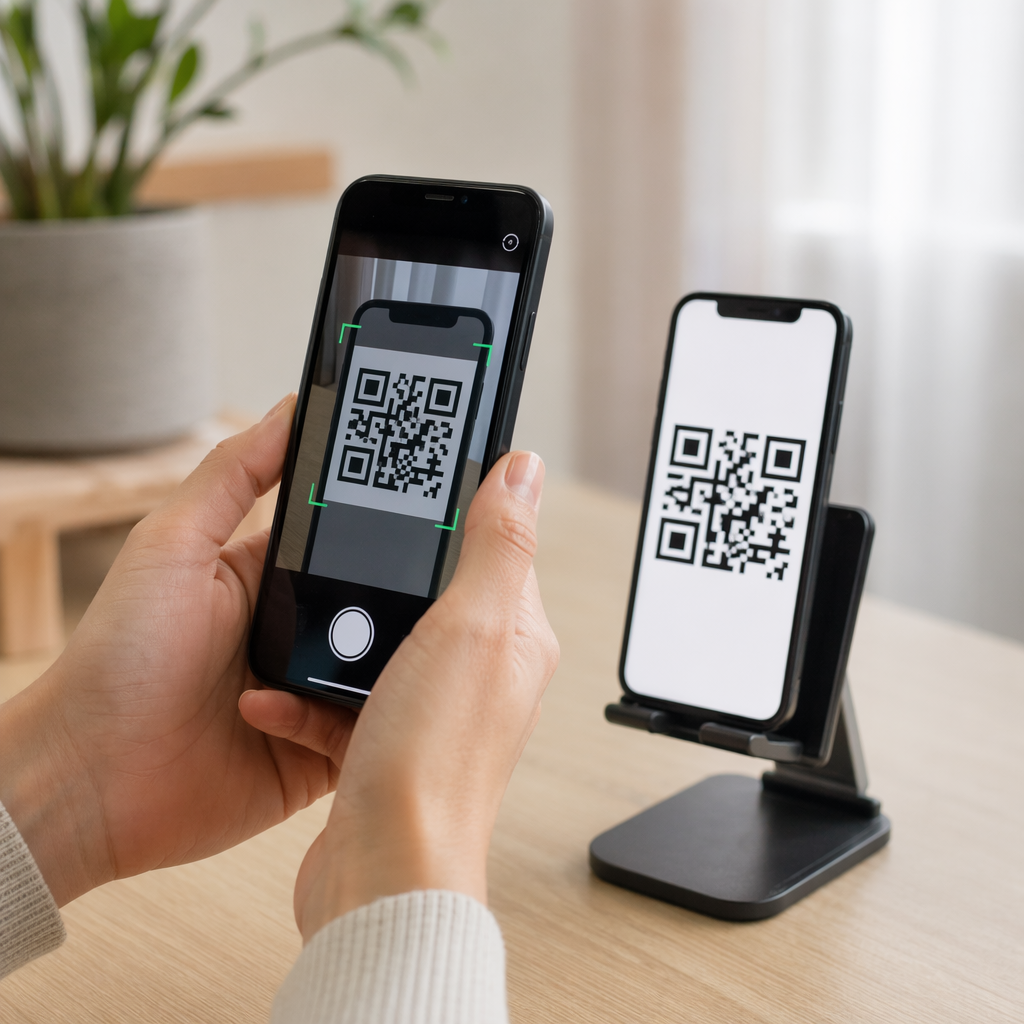
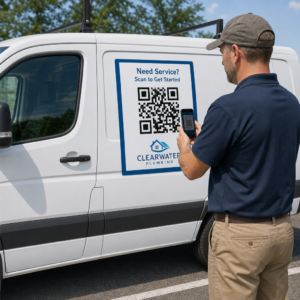
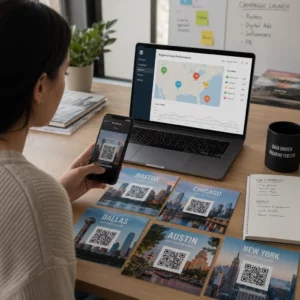
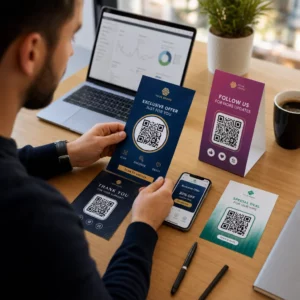
Ar jūsų spausdinta rinkodaros medžiaga nesukuria jokio išmatuojamo srauto? Fizinius kontaktinius taškus, tokius kaip skrajutės, pakuotės ir iškabos, sunku susieti su skaitmeniniais rezultatais – nebent strategiškai naudojate QR kodus. Šiame vadove aprašoma, kaip generuoti rinkodaros QR kodus ir juos naudoti našumui stebėti, įsitraukimui didinti ir atotrūkiui tarp neprisijungusio ir prisijungusio pasaulio sumažinti.
Kodėl įmonės naudoja QR kodus rinkodaroje
QR kodai išsprendžia esminį rinkodaros trinties tašką: perkelti ką nors iš fizinio paviršiaus į skaitmeninę paskirties vietą be rašymo. Nuskaitymas trunka mažiau nei sekundę. Šis lengvas prieinamumas tiesiogiai virsta didesniu įsitraukimu – todėl jų naudojimas smarkiai išaugo, gerokai viršydamas ankstyvus, nesėkmingus 2011 m. diegimus.
Tuo metu „Best Buy“ ir „Macy’s“ buvo vieni pirmųjų prekių ženklų, kurie dideliu mastu išbandė QR kodus. Technologija nebuvo problema – lėtas mobilusis internetas, ribotas išmaniųjų telefonų paplitimas ir tik staliniams kompiuteriams skirti nukreipimo puslapiai sugadino patirtį dar jai neprasidėjus. Šiandien šių kliūčių nebėra. Didelės spartos mobilusis internetas, vietinis kameros nuskaitymas „iOS“ ir „Android“ sistemose bei mobiliesiems optimizuotos žiniatinklio patirtys padarė QR kodus išties praktiškus.
Rinkodaros požiūriu, tikrasis pranašumas yra ne tik patogumas – tai duomenys. Kai naudojate dinaminiai QR kodai, kiekvienas nuskaitymas sugeneruoja įrašą: kada tai įvyko, kur, kokiu įrenginiu ir per kokią kampaniją. Tai yra tokie priskyrimo duomenys, kurie anksčiau buvo prieinami tik skaitmeniniams kanalams.
Pradėkite stebėti savo QR kodų kampanijas Norite matyti realaus laiko nuskaitymo duomenis, geografinius suskirstymus ir įrenginių analizę kiekvienam diegiamam kodui? Naudokite QR kodo generatorius , kad sukurtumėte stebimus, redaguojamus kodus su integruota našumo prietaisų skydeliu.
Statiniai ir dinaminiai QR kodai: kuriuos turėtumėte naudoti?
Prieš generuodami kodą, turite pasirinkti tinkamą tipą. Šis skirtumas yra labai svarbus rinkodaros naudojimui.
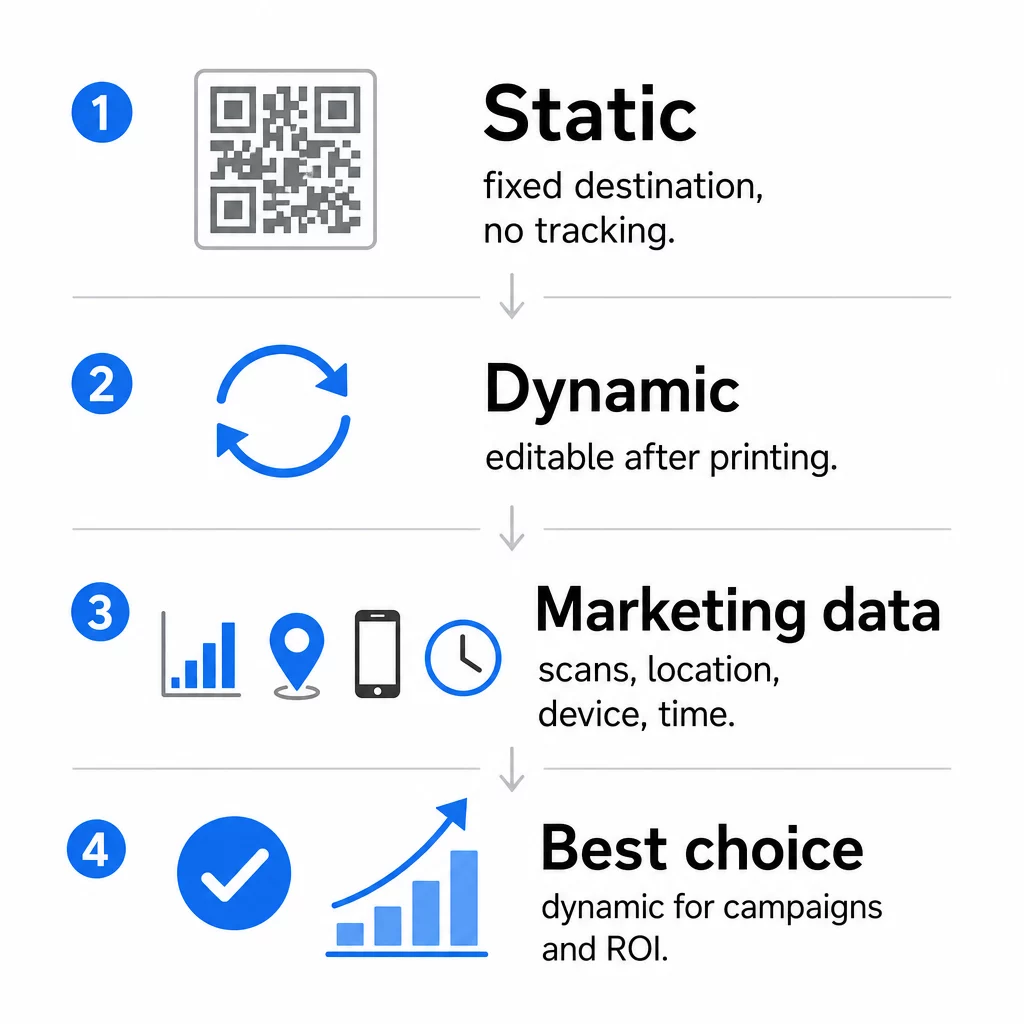
Statiniai QR kodai tiesiogiai užkoduoja duomenis į patį raštą. Atspausdinus, paskirties vieta negali būti pakeista. Jie neturi integruoto stebėjimo, generuoja tankesnius raštus sudėtingiems URL ir nesiūlo jokio lankstumo po diegimo. Jie puikiai tinka nuolatiniams, mažos rizikos naudojimo atvejams, pvz., „Wi-Fi“ slaptažodžiui ar fiksuotai kontaktinei kortelei.
Dinaminiai QR kodai užkoduoja trumpą peradresavimo URL. Tikroji paskirties vieta saugoma valdymo platformoje ir gali būti atnaujinta bet kuriuo metu – net ir po spausdinimo. Tai reiškia, kad galite pataisyti neveikiančią nuorodą, pakeisti sezoninį nukreipimo puslapį arba peradresuoti į naują akciją, neperspausdinant nė vieno reklaminio lapelio.
Rinkodaros kampanijoms, dinaminiai QR kodai beveik visada yra geresnis pasirinkimas. Jie palaiko realaus laiko analizę, A/B testavimą, UTM parametrų stebėjimą ir geografinį taikymą. Jei matuojate spausdintos medžiagos investicijų grąžą, dinaminiai kodai tai leidžia.
Kaip sugeneruoti QR kodą rinkodarai
QR kodo kampanijai kūrimas užtrunka mažiau nei penkias minutes. Štai kaip procesas veikia naudojant Pageloot:
- Pasirinkite QR kodo tipą – Pasirinkite turinio tipą, atitinkantį jūsų tikslą: URL, PDF, vCard, forma, programėlių parduotuvės nuoroda, Wi-Fi prisijungimo duomenys, vaizdo įrašas ar kitas formatas. The nuorodos QR kodo generatorius yra dažniausias kampanijos srauto pradžios taškas.
- Įveskite savo paskirties vietą – Įklijuokite URL arba įkelkite failą, į kurį norite, kad kodas nukreiptų. Sekimo tikslais naudokite UTM žymėtą URL, kad nuskaitymai „Google Analytics“ būtų rodomi kaip atskiras šaltinis.
- Pritaikykite dizainą – Pridėkite savo logotipą, nustatykite prekės ženklo spalvas, pasirinkite rėmelio stilių ir parašykite raginimą veikti. Prekės ženklo QR kodai nuolat pralenkia bendrus nespalvotus, nes jie sukuria vizualinį pasitikėjimą ir išsiskiria ant spausdintų medžiagų. The QR kodo generatorius su logotipu padaro tai paprasta.
- Atsisiųskite tinkamu formatu – Spausdinimui atsisiųskite vektorinį failą (EPS, PDF arba SVG), kad užtikrintumėte ryškų vaizdą bet kokiu dydžiu. Niekada nenaudokite mažos raiškos rastrinio vaizdo spausdinimo gamybai.
- Išbandykite prieš spausdindami – Nuskaitykite kodą patys naudodami kelis įrenginius ir skirtingas apšvietimo sąlygas. Jei jis neveikia senesniame „Android“ įrenginyje arba esant prastam apšvietimui, pakoreguokite dizainą prieš pradėdami spausdinti.
Sukurkite prekės ženklo QR kodą per kelias minutes Tas QR kodo generatorius su logotipu leidžia tinkinti spalvas, pridėti savo logotipą ir pritaikyti raginimo veikti rėmelius – visa tai iš vieno valdymo pulto.
Devyni būdai, kaip naudoti QR kodus savo rinkodaroje
Nukreipkite srautą į nukreipimo puslapį
QR kodas pašalina visas kliūtis tarp fizinio sąlyčio taško ir jūsų kampanijos nukreipimo puslapio. Klientams nereikia įvesti URL ar ieškoti jūsų prekės ženklo – vienas nuskaitymas nukreipia juos tiesiai ten, kur jums reikia. Visada susiekite kodą su aiškiu raginimu veikti, kuris paaiškina, ką jie gaus nuskaitydami: nuolaidą, vadovą, užsakymo formą ar išskirtinį turinį.
Siųsti tiesioginę žinutę
QR kodai gali suaktyvinti iš anksto užpildytas žinutes per SMS, WhatsApp, Telegram arba Facebook Messenger. Tai viena iš labiausiai nepakankamai naudojamų rinkodaros programų. Tiesioginių išmaniojo telefono žinučių atidarymo rodikliai yra žymiai didesni nei el. pašto, todėl tai yra efektyvus būdas reklamoms, priminimams apie susitikimus ar klientų aptarnavimo srautams.
Rinkti atsiliepimus ir grįžtamąjį ryšį
Daugiau nei 90 % internetinių pirkėjų prieš pirkdami peržiūri atsiliepimus. QR kodai ant kvitų, pakuočių ar iškabų gali nukreipti klientus tiesiai į jūsų „Google Business“ profilį, produkto atsiliepimų puslapį arba atsiliepimų apklausą. Norėdami padidinti atsakymų rodiklius, pasiūlykite nuolaidos kodą arba nedidelę paskatą mainais už jų indėlį.
Dalintis savo verslo vieta
QR kodas, susiejantis su jūsų „Google Maps“ sąrašu, sutaupo klientams rankinio ieškojimo vargo. Tai ypač naudinga spausdintinėje medžiagoje, tokioje kaip išsinešimo meniu, parodų stendai ar transporto priemonių apdaila, kur adreso įvedimas nėra praktiškas.
Didinti savo socialinės žiniasklaidos sekėjų skaičių
Nukreipkite QR kodą tiesiai į savo socialinį profilį arba naudokite tarpinį puslapį, kuriame rodomos nuorodos į visus jūsų kanalus. Taip pat galite sukonfigūruoti kodus, kad nuskenavus automatiškai suaktyvintų „Facebook Like“ arba „YouTube Subscribe“ raginimą – tai mažai trinties sukeliantis būdas kurti savo auditoriją iš fizinių sąlyčio taškų.
Skatinti programėlių atsisiuntimus
Naudokite išmanųjį programėlių parduotuvės QR kodą, kuris aptinka vartotojo įrenginį ir automatiškai nukreipia juos į tinkamą parduotuvę – „Apple App Store“ arba „Google Play“. Tai pašalina vieną žingsnį ir panaikina nusivylimą, kai patenkama į netinkamą platformą. Taip pat galite naudoti tarpinį turinio puslapį, kad sudomintumėte vartotoją prieš atsisiuntimo užklausą.
Siųsti iš anksto užpildytą el. laišką
QR kodas gali atidaryti vartotojo el. pašto klientą su iš anksto užpildytu gavėjo adresu, temos eilute ir laiško tekstu. Tai puikiai tinka klientų aptarnavimo užklausoms, partnerių užklausoms ar renginių RSVP, kai norite struktūrizuotų atsakymų, nekurdami formos.
Susieti su el. prekybos produktais
QR kodai ant pakuočių, lentynų ekspozicijų ar spausdintų brošiūrų gali tiesiogiai susieti su produkto detalių puslapiais, mokomaisiais vaizdo įrašais, garantijos registracija ar klientų atsiliepimais. Tai sumažina teksto kiekį, kurį reikia spausdinti ant pakuotės, tuo pačiu suteikiant klientams prieigą prie išsamesnės informacijos pagal poreikį.
Dalintis Wi-Fi prieiga
„Wi-Fi“ QR kodas leidžia klientams prisijungti prie jūsų tinklo vienu nuskaitymu – nereikia įvesti slaptažodžio. Padėkite jį savo vietoje, kad užtikrintumėte, jog klientai fiziškai įeina į erdvę prieš prisijungdami. Ši maža detalė prailgina buvimo laiką ir sukuria daugiau galimybių įsitraukti parduotuvėje.
Dizaino ir išdėstymo principai, turintys įtakos nuskaitymo dažniui
QR kodas, kurio niekas nenuskaito, neturi jokios vertės. Dizaino ir išdėstymo pasirinkimai tiesiogiai lemia, ar jūsų kodas bus naudojamas.
Dydis yra svarbus. Artimo nuotolio medžiagoms, tokioms kaip vizitinės kortelės ir skrajutės, minimalus dydis yra maždaug 1 colio (2,5 cm) kvadratas. Plakatams reikėtų naudoti bent 2 colius (5 cm). Lauko iškaboms taikykite taisyklę 10:1: kodo plotis turėtų būti bent dešimtadalis numatomo nuskaitymo atstumo.
Kontrastas yra nediskutuotinas. Tamsus raštas šviesiame fone yra patikimiausias derinys. Mažo kontrasto arba apversti dizainai sukelia nuskaitymo klaidas, ypač esant kintamam apšvietimui. Prieš spausdinant dideliu tiražu, kruopščiai išbandykite bet kokį nestandartinį spalvų derinį.
Reikalinga rami zona. Kiekvienam QR kodui reikalinga tuščia paraštė, bent keturių modulių pločio iš visų pusių. Be jos skaitytuvams sunku atskirti kodą nuo aplinkinių grafinių elementų, o nuskaitymo klaidų dažnis didėja.
Paviršius ir apdaila turi įtakos veikimui. Labai blizgūs, atspindintys arba briaunoti paviršiai gali iškraipyti QR raštą ir sumažinti sėkmingų nuskaitymų skaičių. Neatspindintys, lygūs paviršiai ant nepraleidžiančių pagrindų yra nuosekliai patikimesni.
Išdėstymas lemia matomumą. Išdėstymas akių lygyje – maždaug 3,5–5,5 pėdų (apie 1,07–1,68 m) nuo žemės ant iškabų – maksimaliai padidina prieinamumą. Venkite dėti kodus šalia raukšlių, kraštų ar vietų, kurios reguliariai uždengiamos. Išsamų išdėstymo strategijos pagal medžiagos tipą aprašymą rasite išsamus QR kodo išdėstymo rinkodaroje vadovas.
Kaip stebėti QR kodo veikimą
Kodo generavimas yra tik pusė darbo. Kampanijos optimizavimas prasideda matuojant, kas vyksta po nuskaitymo.
Su dinaminiais QR kodais, kiekvienas nuskaitymas sukuria stebimus duomenis: bendras nuskaitymų skaičius, unikalūs nuskaitymai, laiko žymos, geografinė vieta, įrenginio tipas ir operacinė sistema. Tai leidžia atsakyti į tokius klausimus: Kurios spausdintos medžiagos iš tiesų generuoja srautą? Kurios vietos veikia geriausiai? Kokiu paros metu klientai įsitraukia?
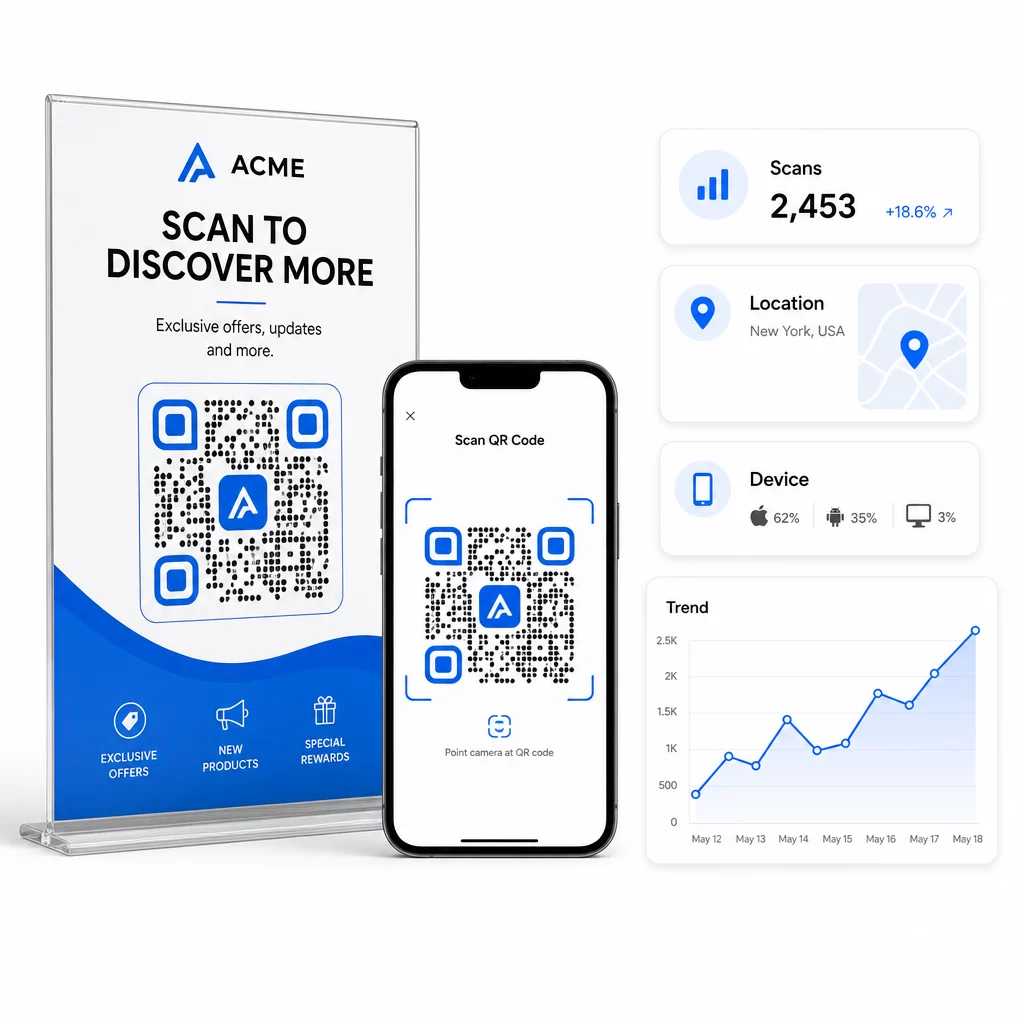
Norėdami giliau priskirti, pridėkite UTM parametrus prie savo paskirties URL prieš įterpdami juos į QR kodą. Tai nukreipia QR kodu generuojamą srautą į „Google Analytics“ kaip atskirą šaltinį, kur galite analizuoti įsitraukimą, konversijų rodiklius ir elgseną atskirai nuo kitų kanalų. Nuosekli pavadinimų suteikimo konvencija – pavyzdžiui, `utmmedium=qrcode` ir `utmsource=storedisplay` – leidžia ataskaitas daryti aiškias ir palyginamas visose kampanijose. Išsamų nustatymo vadovą rasite UTM parametrai QR kodams straipsnyje.
„Pageloot“ integruotas prietaisų skydelis konsoliduoja šiuos duomenis vienoje vietoje: nuskaitymų skaičių, geografinius suskirstymus, įrenginių ataskaitas ir kampanijos lygio palyginimus – nereikalaujant atskiro analizės nustatymo pagrindinėms metrikoms.
Stebėkite kiekvieną nuskaitymą realiuoju laiku Tas Dinaminis QR kodo generatorius suteikia jums visą našumo prietaisų skydelį su geografiniais duomenimis, įrenginių suskirstymais ir nuskaitymo tendencijomis. Atnaujinkite paskirties vietas be pakartotinio spausdinimo bet kuriuo metu, kai pasikeičia jūsų kampanija.
Sukurkite QR kodo rinkodaros strategiją, kuri plečiasi
Vienkartiniai QR kodai yra pradinis taškas. Koordinuota strategija yra tai, kas generuoja sudėtines grąžas.
Prieš generuodami kodus, apibrėžkite, ką kiekvienas iš jų turi pasiekti – ir įsitikinkite, kad paskirties vieta įvykdo tą pažadą. Kodas, kuris nukreipia ką nors į mobiliesiems nepritaikytą puslapį, 404 klaidą arba nesusijusį pagrindinį puslapį, pakenks pasitikėjimui ir pašalins bet kokią priežastį nuskaityti dar kartą.
Naudokite dinaminiai QR kodai kampanijoms su apibrėžtomis pradžios ir pabaigos datomis, besikeičiančiomis akcijomis arba vietomis, kurios dalijasi medžiaga per sezonus. Galimybė atnaujinti paskirties vietą be pakartotinio spausdinimo reiškia, kad jūsų fizinė reklaminė medžiaga išlieka aktuali net ir pasikeitus kampanijai.
Norėdami gauti nuoseklų požiūrį į QR kodo kampanijos planavimą ir vykdymą, QR kodo rinkodaros kontrolinis sąrašas mažoms įmonėms apima tikslų nustatymą, kodo tipo pasirinkimą, geriausią dizaino praktiką ir optimizavimą po paleidimo struktūrizuotu formatu.
Prekės ženklai, kurie mato realius rezultatus iš QR kodų, traktuoja juos kaip našumo kanalą – tokį, kuriame iš anksto suplanuojamas išdėstymas, dizainas, paskirties vieta ir stebėjimas. Ši disciplina yra tai, kas skiria 0,5% nuskaitymo rodiklį nuo to, kurį verta pranešti.
Dažniausiai užduodami klausimai
Statinis QR kodas užkoduoja paskirties vietą tiesiai į savo raštą ir negali būti pakeistas po sukūrimo. Jis taip pat neteikia nuskaitymo duomenų. Dinaminis QR kodas saugo trumpą nukreipimo URL, o tai reiškia, kad galite atnaujinti paskirties vietą bet kuriuo metu – net ir po spausdinimo – ir sekti kiekvieną nuskaitymą su duomenimis apie vietą, įrenginį ir laiką. Daugumai rinkodaros kampanijų dinaminiai QR kodai yra geresnis pasirinkimas, nes jie palaiko sekimą, A/B testavimą ir kampanijos atnaujinimus be pakartotinio spausdinimo.
Jums reikia dinaminio QR kodo, prijungto prie sekimo platformos. Kai kas nors nuskaito kodą, platforma įrašo įvykį ir fiksuoja duomenis, įskaitant nuskaitymų skaičių, laiko žymę, geografinę vietą ir įrenginio tipą. Taip pat galite pridėti UTM parametrus prie savo paskirties URL, kad QR kodu generuojamas srautas „Google Analytics“ būtų rodomas kaip atskiras, identifikuojamas šaltinis. „Pageloot“ prietaisų skydelis teikia šiuos duomenis realiuoju laiku, nereikalaujant atskiros analizės konfigūracijos pagrindiniams rodikliams.
Vizitinėms kortelėms ir skrajutėms naudokite mažiausiai apie 1 colio (2,5 cm) kvadratinį dydį. Meniu ir brošiūroms siekite bent 1,5 colio (3,8 cm). Plakatams naudokite bent 2 colius (5 cm). Lauko reklamai ir iškaboms taikykite 10:1 taisyklę: kodo plotis turėtų būti bent viena dešimtoji didžiausio numatomo nuskaitymo atstumo. Visada išlaikykite tuščią ramią zoną, bent keturių modulių pločio iš visų pusių, ir naudokite didelį kontrastą – tamsų raštą šviesiame fone – kad užtikrintumėte patikimą nuskaitymą.