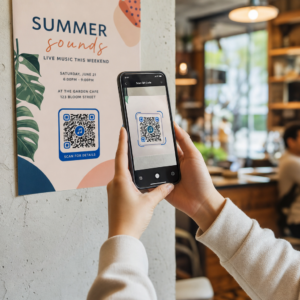
Kas teie trükitud turundusmaterjal ei too mõõdetavat liiklust? Füüsilisi puutepunkte nagu flaierid, pakendid ja sildid on raske digitaalsete tulemustega ühendada – välja arvatud juhul, kui kasutate QR-koode strateegiliselt. See juhend käsitleb, kuidas luua turundus-QR-koode ja kasutada neid jõudluse jälgimiseks, kaasatuse suurendamiseks ning offline- ja online-maailma vahelise lõhe ületamiseks.
Miks ettevõtted kasutavad turunduses QR-koode
QR-koodid lahendavad turunduses põhilise hõõrdepunkti: viia keegi füüsiliselt pinnalt digitaalsesse sihtkohta ilma tippimata. Skaneerimine võtab alla sekundi. See lihtne juurdepääs tähendab otseselt suuremat kaasatust – mistõttu on nende kasutuselevõtt kasvanud tunduvalt kaugemale 2011. aasta varajastest, ebaõnnestunud turuletoomistest.
Toona olid Best Buy ja Macy’s esimeste kaubamärkide seas, kes QR-koode laialdaselt testisid. Probleemiks polnud tehnoloogia – aeglane mobiilne internet, piiratud nutitelefonide levik ja ainult lauaarvutitele mõeldud sihtlehed tapsid kogemuse enne selle algust. Täna on need takistused kadunud. Kiire mobiilne internet, natiivne kaameraskaneerimine iOS-is ja Androidis ning mobiilile optimeeritud veebikogemused on muutnud QR-koodid tõeliselt praktiliseks.
Turunduse seisukohast pole tegelik eelis mitte ainult mugavus – see on andmed. Kui kasutate dünaamilised QR-koodid, loob iga skaneering kirje: millal see juhtus, kus, millisel seadmel ja millise kampaania kaudu. See on selline omistamisandmete tüüp, mis oli kunagi eksklusiivne ainult digitaalsetele kanalitele.
Alustage oma QR-koodikampaaniate jälgimist Kas soovite näha reaalajas skaneerimisandmeid, geograafilisi jaotusi ja seadme analüüsi iga koodi kohta, mille te kasutusele võtate? Kasutage QR-koodi generaator jälgitavate, muudetavate koodide loomiseks sisseehitatud jõudlusarmatuurlauaga.
Staatilised vs. dünaamilised QR-koodid: millist peaksite kasutama?
Enne koodi loomist peate valima õige tüübi. Erinevus on turunduses oluline.
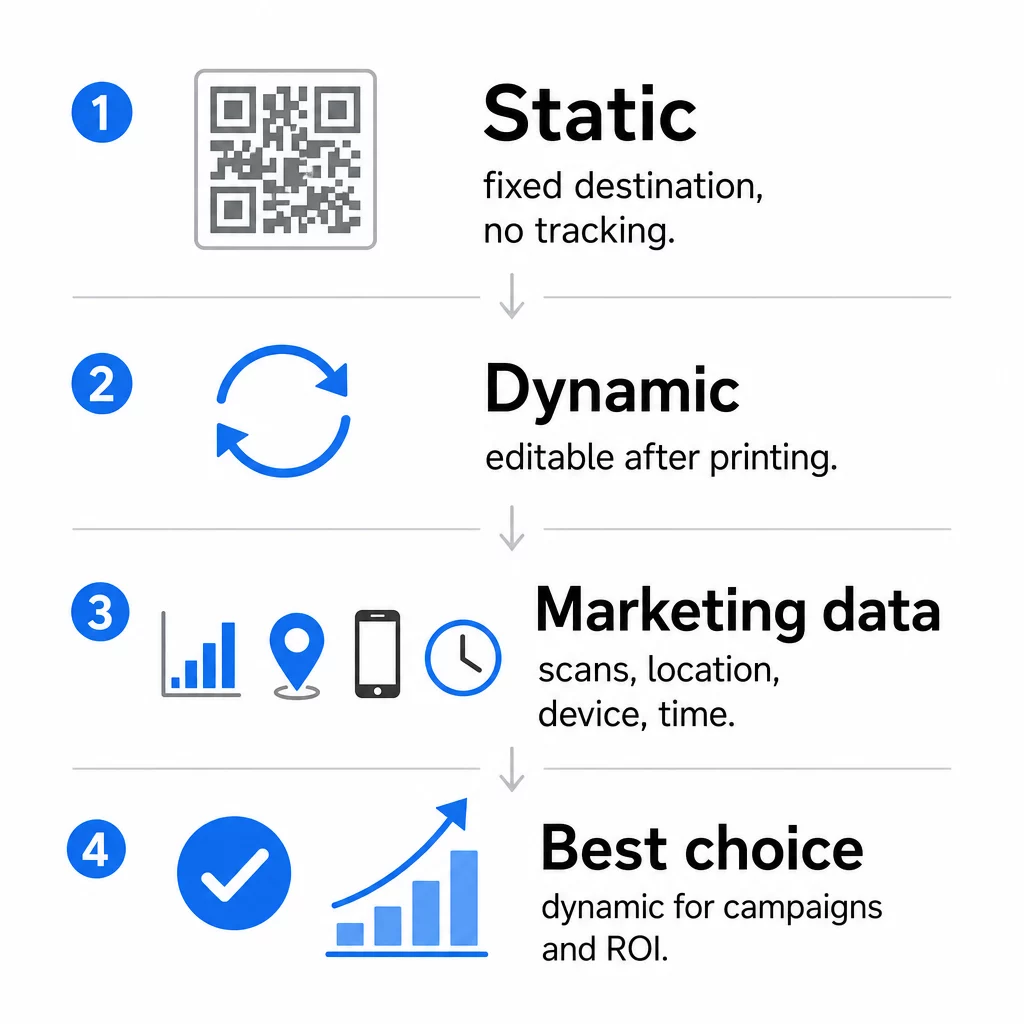
Staatilised QR-koodid kodeerivad andmed otse mustrisse. Pärast printimist ei saa sihtkohta muuta. Neil puudub sisseehitatud jälgimine, nad loovad keerukate URL-ide jaoks tihedamaid mustreid ega paku pärast kasutuselevõttu paindlikkust. Need sobivad hästi püsivateks, madala riskiga kasutusjuhtudeks, nagu Wi-Fi parool või fikseeritud kontaktkaart.
Dünaamilised QR-koodid kodeerivad lühikese ümbersuunamise URL-i. Tegelik sihtkoht salvestatakse haldusplatvormile ja seda saab igal ajal värskendada – isegi pärast printimist. See tähendab, et saate parandada katkise lingi, vahetada hooajalise sihtlehe või suunata uuele pakkumisele ilma ühtegi materjali uuesti printimata.
Turunduskampaaniate jaoks, on dünaamilised QR-koodid peaaegu alati parem valik. Need toetavad reaalajas analüüsi, A/B testimist, UTM-parameetrite jälgimist ja geosihtimist. Kui mõõdate trükimaterjalide ROI-d, siis dünaamilised koodid teevad selle võimalikuks.
Kuidas luua turunduseks QR-koodi
Kampaania jaoks QR-koodi loomine võtab vähem kui viis minutit. Siin on, kuidas protsess Pagelooti abil töötab:
- Valige oma QR-koodi tüüp – Valige sisutüüp, mis vastab teie eesmärgile: URL, PDF, vCard, vorm, rakenduste poe link, Wi-Fi mandaadid, video või muu formaat. The lingi QR-koodi generaator on kampaanialiikluse kõige tavalisem alguspunkt.
- Sisestage oma sihtkoht – Kleepige URL või laadige üles fail, millele soovite koodi suunata. Jälgimise eesmärgil kasutage UTM-märgistatud URL-i, et skaneeringud ilmuksid Google Analyticsis eraldi allikana.
- Disaini kohandamine – Lisage oma logo, määrake brändivärvid, valige raami stiil ja kirjutage üleskutse tegevusele. Bränditud QR-koodid edestavad järjepidevalt üldisi mustvalgeid koode, sest need loovad visuaalset usaldust ja paistavad trükimaterjalidel silma. The QR-koodi generaator logoga muudab selle lihtsaks.
- Laadige alla õiges formaadis – Trükkimiseks laadige alla vektorfail (EPS, PDF või SVG), et tagada terav väljund igas suuruses. Ärge kunagi kasutage trükkimisel madala resolutsiooniga rasterpilti.
- Testi enne printimist – Skaneerige koodi ise mitme seadme ja valgustingimuse abil. Kui see ebaõnnestub vanemal Androidil või hämaras valguses, kohandage disaini enne trükkimist.
Looge bränditud QR-kood minutitega See QR-koodi generaator logoga võimaldab teil kohandada värve, lisada oma logo ja rakendada üleskutse tegevusele raame – kõik ühest juhtpaneelist.
Üheksa viisi QR-koodide kasutamiseks oma turunduses
Suunake liiklust sihtlehele
QR-kood eemaldab kõik takistused füüsilise puutepunkti ja teie kampaania sihtlehe vahel. Kliendid ei pea URL-i sisestama ega teie brändi otsima – üks skaneering viib nad otse sinna, kuhu vaja. Siduge kood alati selge üleskutsega tegevusele, mis selgitab, mida nad skaneerides saavad: allahindlust, juhendit, broneerimisvormi või eksklusiivset sisu.
Saada otse sõnum
QR-koodid võivad käivitada eeltäidetud sõnumeid SMS-i, WhatsAppi, Telegrami või Facebook Messengeri kaudu. See on üks alakasutatud turundusrakendusi. Otse nutitelefonisõnumite avamismäärad on oluliselt kõrgemad kui e-kirjadel, muutes selle tõhusaks viisiks kampaaniate, kohtumiste meeldetuletuste või klienditoe voogude jaoks.
Koguge arvustusi ja tagasisidet
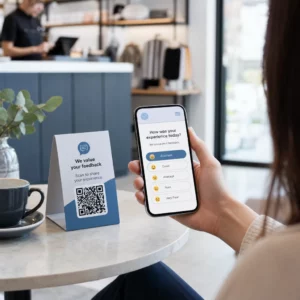
Rohkem kui 90% veebipoodidest konsulteerivad enne ostu sooritamist arvustustega. QR-koodid kviitungitel, pakenditel või siltidel võivad suunata kliendid otse teie Google'i ettevõtte profiilile, toote arvustuste lehele või tagasisideküsitlusele. Vastamismäärade suurendamiseks pakkuge sooduskoodi või väikest stiimulit nende panuse eest.
Jagage oma ettevõtte asukohta
QR-kood, mis lingib teie Google Mapsi kirjele, säästab kliente käsitsi otsimise vaevast. See on eriti kasulik trükitud materjalidel, nagu kaasavõetavate toitude menüüd, messistendid või sõidukite kleebised, kus aadressi sisestamine ei ole praktiline.
Kasvatage oma sotsiaalmeedia jälgijaskonda
Suunake QR-kood otse oma sotsiaalprofiilile või kasutage vahelehte, mis kuvab linke kõigile teie kanalitele. Samuti saate konfigureerida koode nii, et need käivitaksid skaneerimisel automaatselt Facebooki meeldimise või YouTube'i tellimise viipa – see on madala hõõrdumisega viis oma publiku loomiseks füüsilistest puutepunktidest.
Reklaamige rakenduste allalaadimisi
Kasutage nutikat rakenduste poe QR-koodi, mis tuvastab kasutaja seadme ja suunab nad automaatselt õigesse poodi – Apple App Store'i või Google Play'sse. See eemaldab ühe sammu ja välistab pettumuse sattuda valele platvormile. Samuti saate kasutada vahepealset sisulehte, et kasutajat enne allalaadimissoovi ette valmistada.
Saada eeltäidetud e-kiri
QR-kood võib avada kasutaja e-posti kliendi eeltäidetud saaja aadressi, teemarea ja keha tekstiga. See sobib hästi klienditoe päringute, partnerite päringute või ürituste RSVP-de jaoks, kus soovite struktureeritud vastuseid ilma vormi loomata.
Link e-kaubanduse toodetele
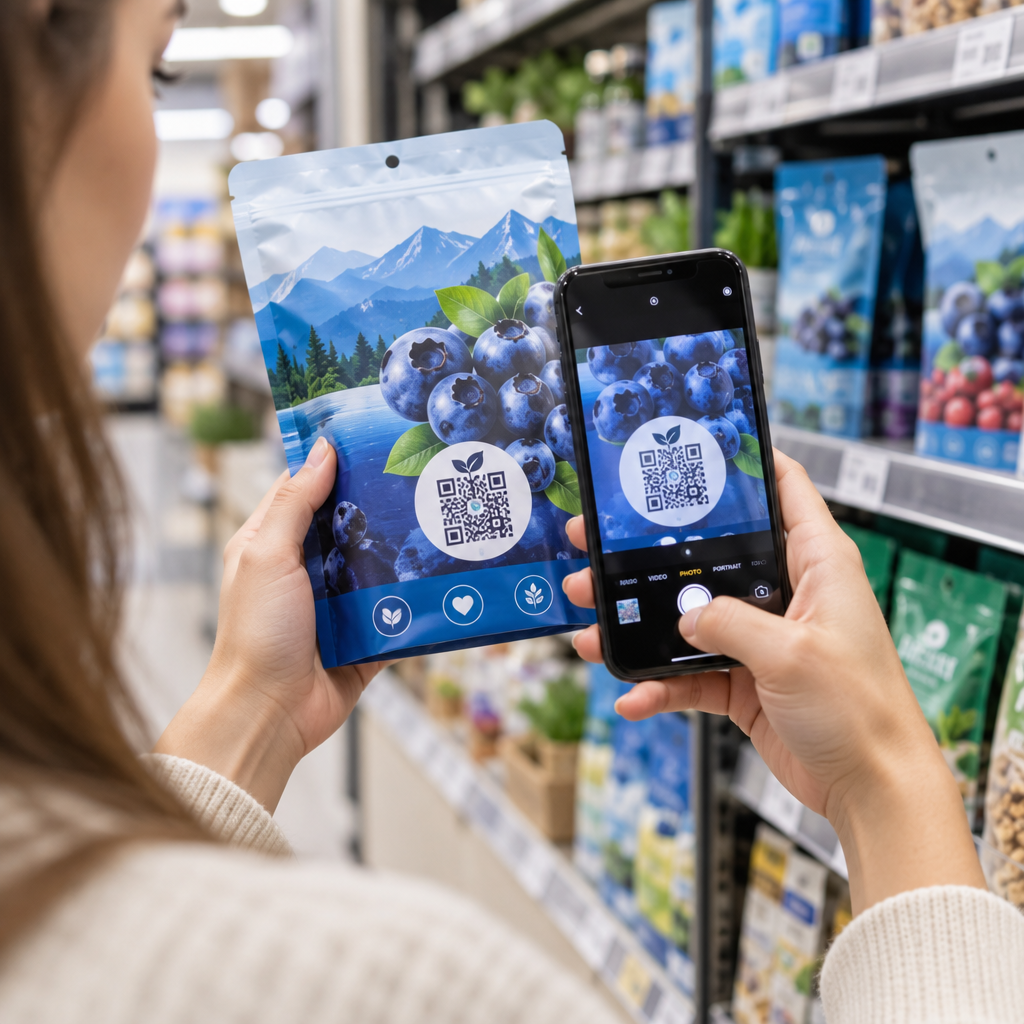
QR-koodid pakenditel, riiuliekraanidel või trükitud brošüüridel võivad linkida otse toote detaililehtedele, õppevideotele, garantiiregistreerimisele või klientide arvustustele. See vähendab pakendile trükitava teksti hulka, andes samal ajal klientidele juurdepääsu rikkalikumale teabele nõudmisel.
Jagage Wi-Fi juurdepääsu
Wi-Fi QR-kood võimaldab klientidel teie võrguga ühenduda ühe skaneerimisega – parooli sisestamine pole vajalik. Asetage see oma asukohas, et tagada klientide füüsiline sisenemine ruumi enne ühenduse loomist. See väike detail pikendab viibimisaega ja loob rohkem võimalusi kohapealseks kaasamiseks.
Disaini- ja paigutusprintsiibid, mis mõjutavad skaneerimissagedust
QR-koodil, mida keegi ei skaneeri, on null väärtust. Disaini- ja paigutusvalikud määravad otseselt, kas teie koodi kasutatakse.
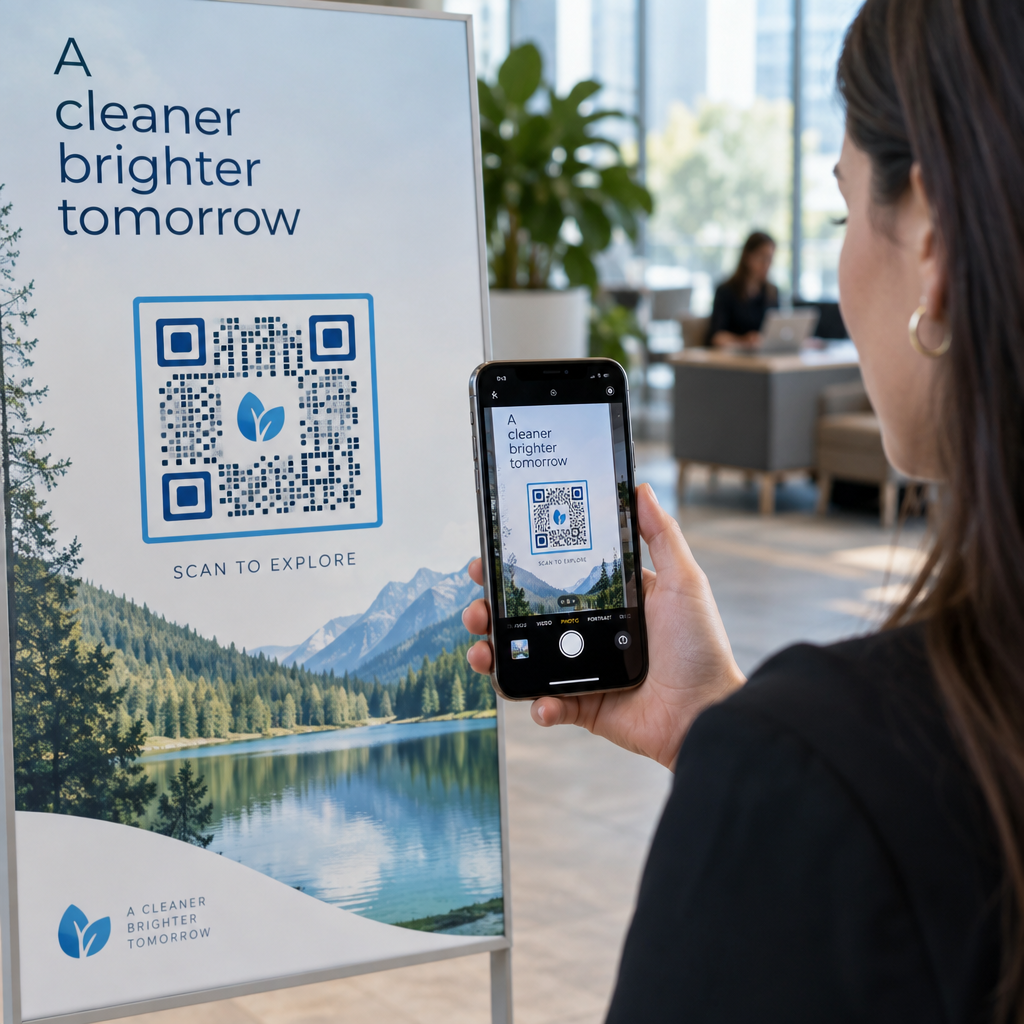
Suurus loeb. Lähimaterjalide, nagu visiitkaardid ja flaierid, puhul on miinimumsuurus umbes 1 toll (2,5 cm) ruut baasjoon. Plakatitel tuleks kasutada vähemalt 2 tolli (5 cm). Välisreklaami puhul rakendage 10:1 reeglit: koodi laius peaks olema vähemalt üks kümnendik eeldatavast skaneerimiskaugusest.
Kontrast on läbirääkimatu. Tume muster heledal taustal on kõige usaldusväärsem kombinatsioon. Madala kontrastsusega või pööratud kujundused põhjustavad skaneerimisvigu, eriti muutuvates valgustingimustes. Testige kõiki mittestandardseid värvikombinatsioone põhjalikult enne suuremahulist printimist.
Vaikne tsoon on vajalik. Iga QR-kood vajab tühja veerist, mis on igast küljest vähemalt neli moodulit lai. Ilma selleta on skanneritel raske koodi ümbritsevatest graafilistest elementidest eristada ja skaneerimisvigade määr suureneb.
Pind ja viimistlus mõjutavad jõudlust. Väga läikivad, peegeldavad või soonilised pinnad võivad QR-mustrit moonutada ja skaneerimise edukust vähendada. Mittepeegeldavad, lamedad pinnad mitteimavatel aluspindadel on järjepidevalt usaldusväärsemad.
Paigutus määrab nähtavuse. Silmade kõrgusel paigutus – umbes 3,5 kuni 5,5 jalga maapinnast sildil – maksimeerib ligipääsetavuse. Vältige koodide paigutamist voltide, servade või regulaarselt varjatud alade lähedusse. Paigutusstrateegia täieliku ülevaate saamiseks materjali tüübi järgi vaadake ülim juhend QR-koodi paigutamiseks turunduses.
Kuidas jälgida QR-koodi jõudlust
Koodi genereerimine on vaid pool tööst. Skaneerimisjärgse tegevuse mõõtmine on koht, kus kampaania optimeerimine algab.
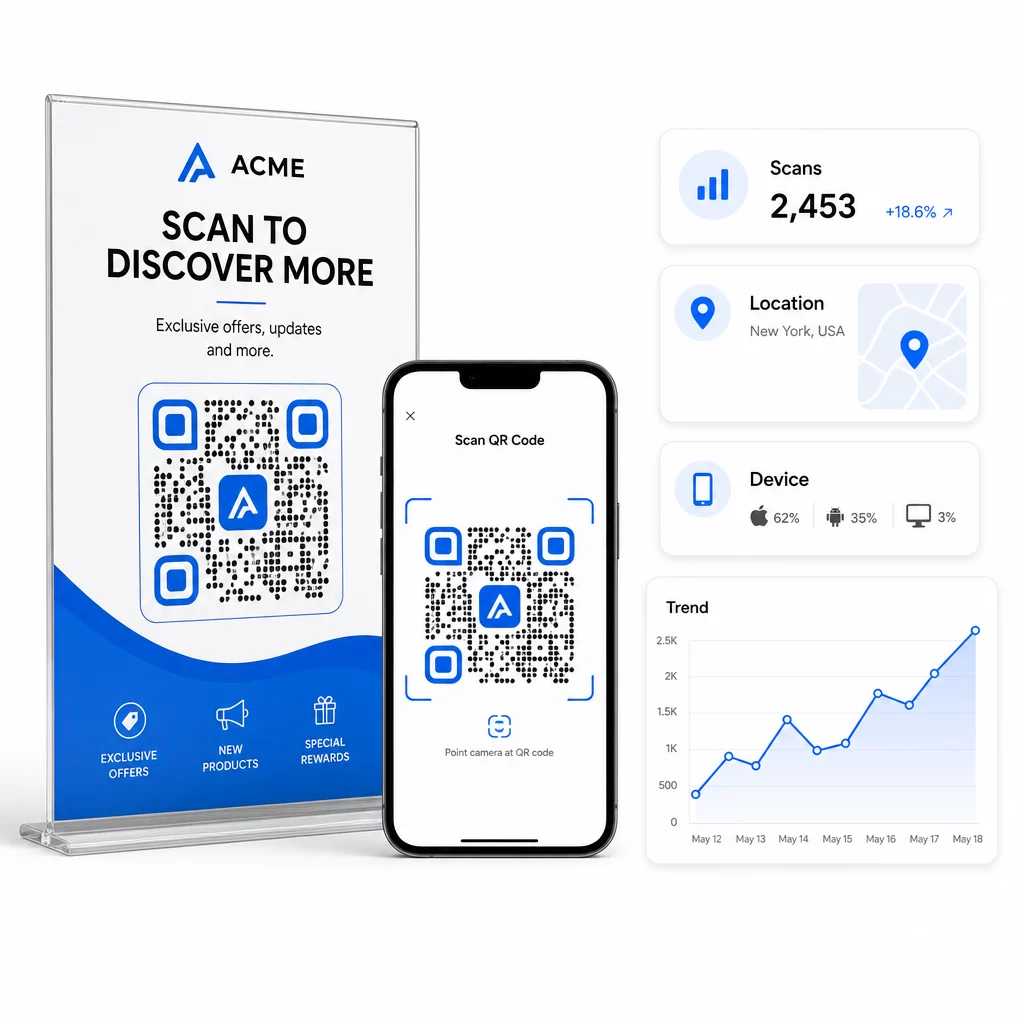
Dünaamiliste QR-koodidega, iga skaneerimine toodab jälgitavaid andmeid: skannimiste koguarv, unikaalsed skannimised, ajatemplid, geograafiline asukoht, seadme tüüp ja operatsioonisüsteem. See võimaldab teil vastata küsimustele nagu: Millised trükimaterjalid tegelikult liiklust genereerivad? Millised asukohad toimivad kõige paremini? Mis kellaajal kliendid suhtlevad?
Sügavama omistamise jaoks lisage UTM-parameetrid oma siht-URL-idele enne nende QR-koodi manustamist. See suunab QR-koodist tuleneva liikluse Google Analyticsi eraldi allikana, kus saate analüüsida kaasatust, konversioonimäärasid ja käitumist teistest kanalitest eraldi. Järjepidev nimetamiskonventsioon – näiteks `utmmeedia=qrcode` ja `utmsource=storedisplay` – muudab aruandluse selgeks ja võrreldavaks kampaaniate lõikes. Üksikasjaliku seadistusjuhendi leiate siit: UTM-parameetrid QR-koodide artikli jaoks.
Pagelooti sisseehitatud armatuurlaud koondab need andmed ühte kohta: skannimiste arvud, geograafilised jaotused, seadmete aruanded ja kampaaniataseme võrdlused – ilma et oleks vaja põhimõõdikute jaoks eraldi analüüsi seadistust.
Jälgige iga skannimist reaalajas See Dünaamilise QR koodi generaator annab teile täieliku jõudluse armatuurlaua geograafiliste andmete, seadmete jaotuste ja skannimistrendidega. Uuendage sihtkohti ilma uuesti printimata igal ajal, kui teie kampaania muutub.
Koostage skaleeritav QR-koodi turundusstrateegia
Ühekordsed QR-koodid on alguspunkt. Koordineeritud strateegia on see, mis genereerib liitkasumit.
Enne koodide genereerimist määratlege, mida igaüks neist peaks saavutama – ja veenduge, et sihtkoht täidab selle lubaduse. Kood, mis saadab kellegi mobiilile optimeerimata lehele, 404-le või ebaolulisele kodulehele, kahjustab usaldust ja kaotab igasuguse põhjuse uuesti skannida.
Kasutage dünaamilised QR-koodid kampaaniate jaoks määratletud algus- ja lõppkuupäevadega, roteeruvate kampaaniatega või asukohtadega, mis jagavad materjale läbi aastaaegade. Võimalus sihtkohta ilma uuesti printimata uuendada tähendab, et teie füüsiline tagatis jääb ajakohaseks isegi siis, kui teie kampaania muutub.
QR-koodi kampaania planeerimise ja elluviimise samm-sammult lähenemise kohta leiate teavet siit: QR-koodi turunduse kontrollnimekiri väikeettevõtetele hõlmab eesmärkide seadmist, kooditüübi valikut, disaini parimaid tavasid ja käivitusjärgset optimeerimist struktureeritud vormingus.
Brändid, mis näevad QR-koodidest tõelisi tulemusi, käsitlevad neid kui jõudluskanalit – kus paigutus, disain, sihtkoht ja jälgimine on kõik eelnevalt planeeritud. See distsipliin eristab 0,5% skannimismäära sellest, mis on aruandluse väärt.
Korduma kippuvad küsimused
Staatiline QR-kood kodeerib sihtkoha otse oma mustrisse ja seda ei saa pärast loomist muuta. See ei anna ka skaneerimisandmeid. Dünaamiline QR-kood salvestab lühikese ümbersuunamise URL-i, mis tähendab, et saate sihtkohta igal ajal värskendada – isegi pärast printimist – ja jälgida iga skaneerimist andmetega asukoha, seadme ja ajastuse kohta. Enamiku turunduskampaaniate puhul on dünaamilised QR-koodid parem valik, sest need toetavad jälgimist, A/B testimist ja kampaania värskendusi ilma uuesti printimata.
Teil on vaja dünaamilist QR-koodi, mis on ühendatud jälgimisplatvormiga. Kui keegi koodi skaneerib, salvestab platvorm sündmuse ja kogub andmeid, sealhulgas skaneerimiste arvu, ajatempli, geograafilise asukoha ja seadme tüübi. Samuti saate lisada UTM-parameetreid oma siht-URL-ile, et QR-koodist tulenev liiklus ilmuks Google Analyticsis eraldi, identifitseeritava allikana. Pagelooti armatuurlaud pakub neid andmeid reaalajas, ilma et oleks vaja põhimõõdikute jaoks eraldi analüütika konfiguratsiooni.
Visiitkaartide ja flaierite puhul kasutage minimaalset suurust umbes 1 toll (2,5 cm) ruut. Menüüde ja brošüüride puhul püüdke vähemalt 1,5 tolli (3,8 cm). Plakatite puhul kasutage vähemalt 2 tolli (5 cm). Stendide ja välireklaamide puhul rakendage 10:1 reeglit: koodi laius peaks olema vähemalt üks kümnendik maksimaalsest eeldatavast skaneerimiskaugusest. Hoidke alati tühja vaikset tsooni, mis on igast küljest vähemalt neli moodulit lai, ja kasutage usaldusväärse skaneerimise tagamiseks suurt kontrasti – tume muster heledal taustal.