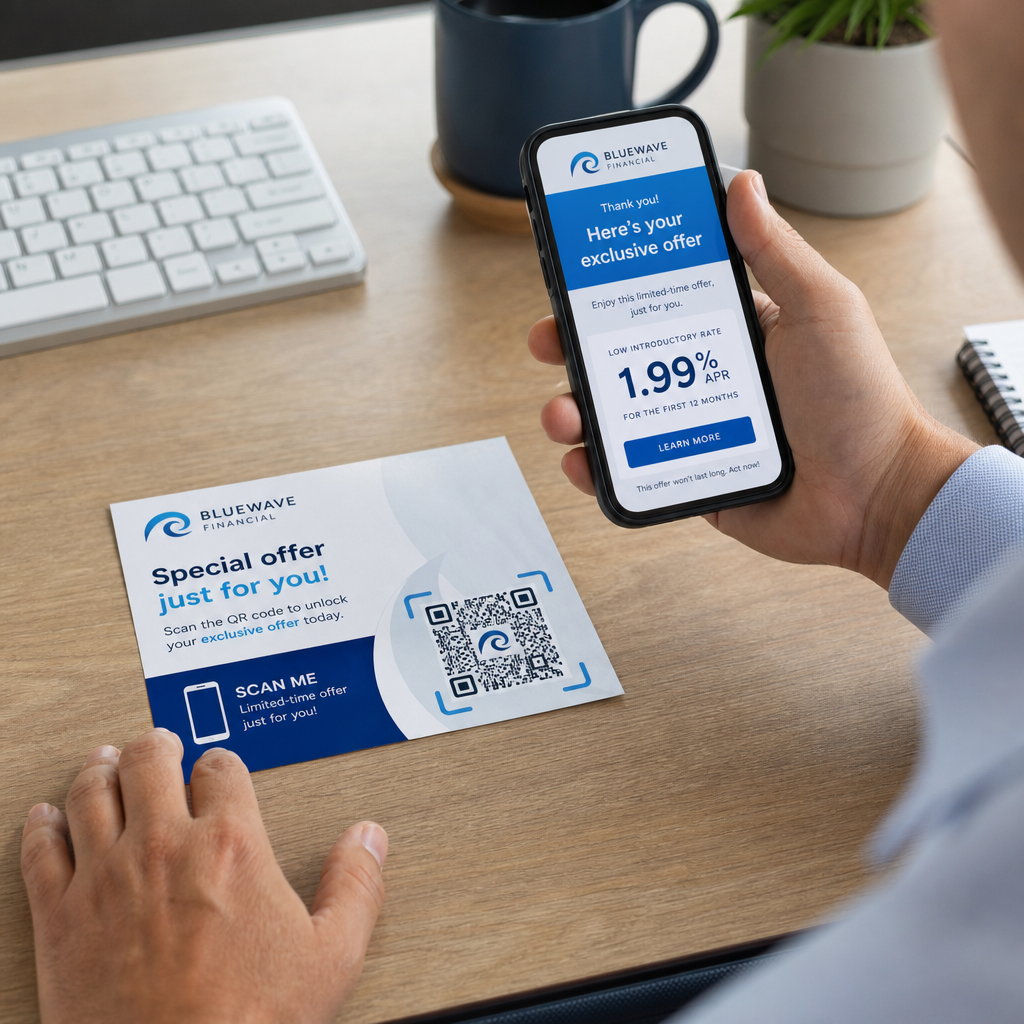
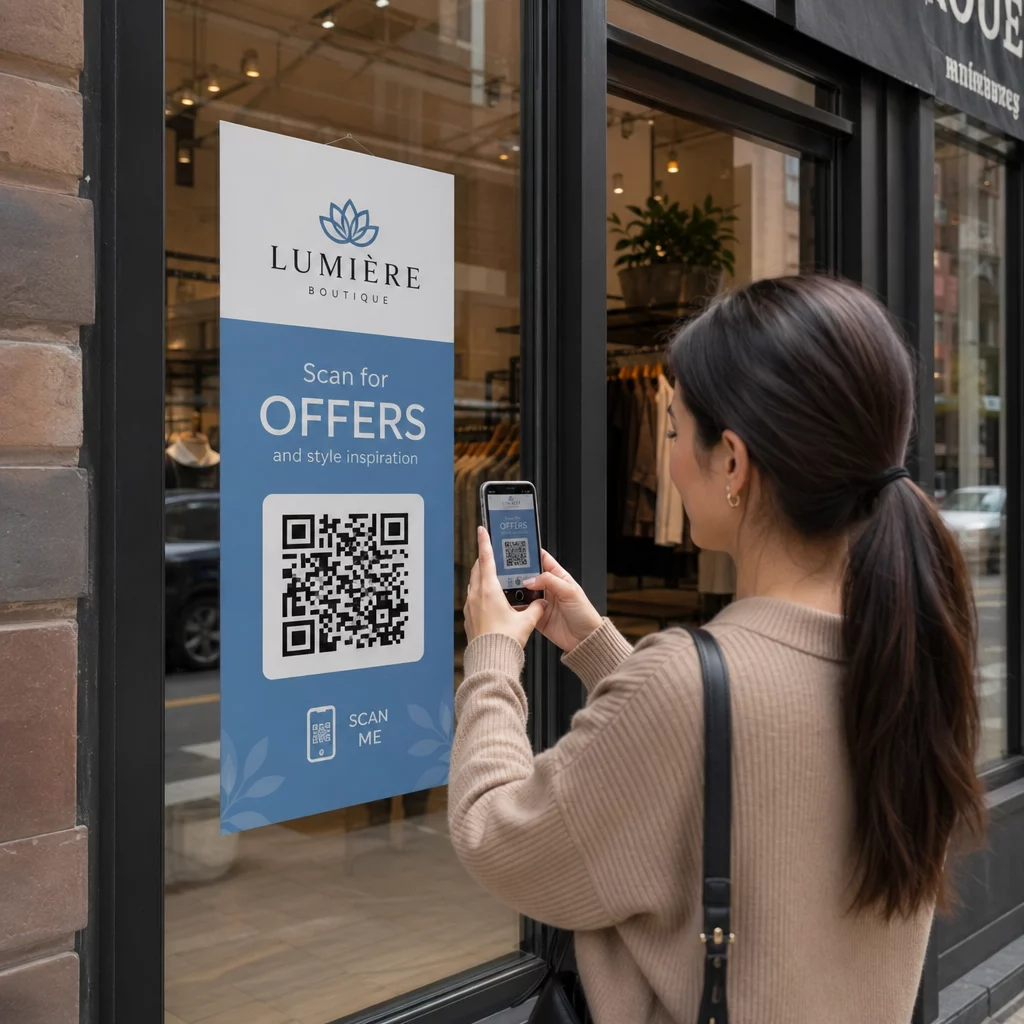
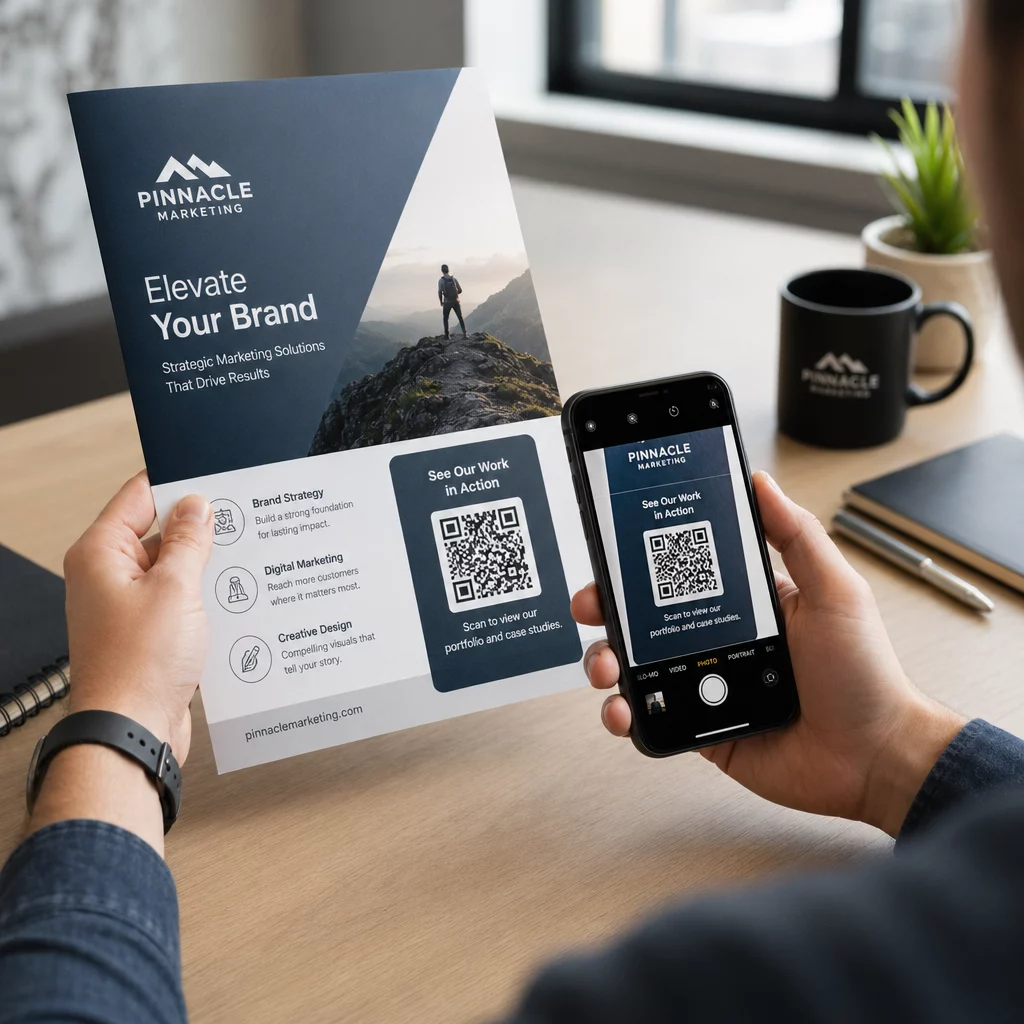
Il tuo materiale di marketing stampato genera zero traffico misurabile? I punti di contatto fisici come volantini, imballaggi e segnaletica sono difficili da collegare ai risultati digitali, a meno che tu non utilizzi i codici QR in modo strategico. Questa guida spiega come generare codici QR di marketing e usarli per monitorare le prestazioni, aumentare l'engagement e colmare il divario tra offline e online.
Perché le aziende usano i codici QR nel marketing
I codici QR risolvono un punto di attrito fondamentale nel marketing: portare qualcuno da una superficie fisica a una destinazione digitale senza digitare. Una scansione richiede meno di un secondo. Questa facilità di accesso si traduce direttamente in un maggiore engagement, motivo per cui l'adozione è aumentata ben oltre i primi, falliti lanci del 2011.
Allora, Best Buy e Macy's furono tra i primi marchi a testare i codici QR su larga scala. La tecnologia non era il problema: internet mobile lento, penetrazione limitata degli smartphone e landing page solo per desktop hanno ucciso l'esperienza prima che iniziasse. Oggi, quelle barriere sono scomparse. Internet mobile ad alta velocità, la scansione nativa della fotocamera su iOS e Android e le esperienze web ottimizzate per dispositivi mobili hanno reso i codici QR veramente pratici.
Da una prospettiva di marketing, il vero vantaggio non è solo la comodità, sono i dati. Quando usi i codici QR dinamici, ogni scansione genera un record: quando è avvenuta, dove, su quale dispositivo e tramite quale campagna. Questo è il tipo di dati di attribuzione che un tempo era esclusivo dei canali solo digitali.
Inizia a monitorare le tue campagne con codici QR Vuoi vedere dati di scansione in tempo reale, ripartizioni geografiche e analisi dei dispositivi per ogni codice che implementi? Usa il Generatore di codici QR per creare codici tracciabili e modificabili con una dashboard delle prestazioni integrata.
Codici QR statici vs. dinamici: Quale dovresti usare?
Prima di generare un codice, devi scegliere il tipo giusto. La distinzione è significativamente importante per l'uso nel marketing.
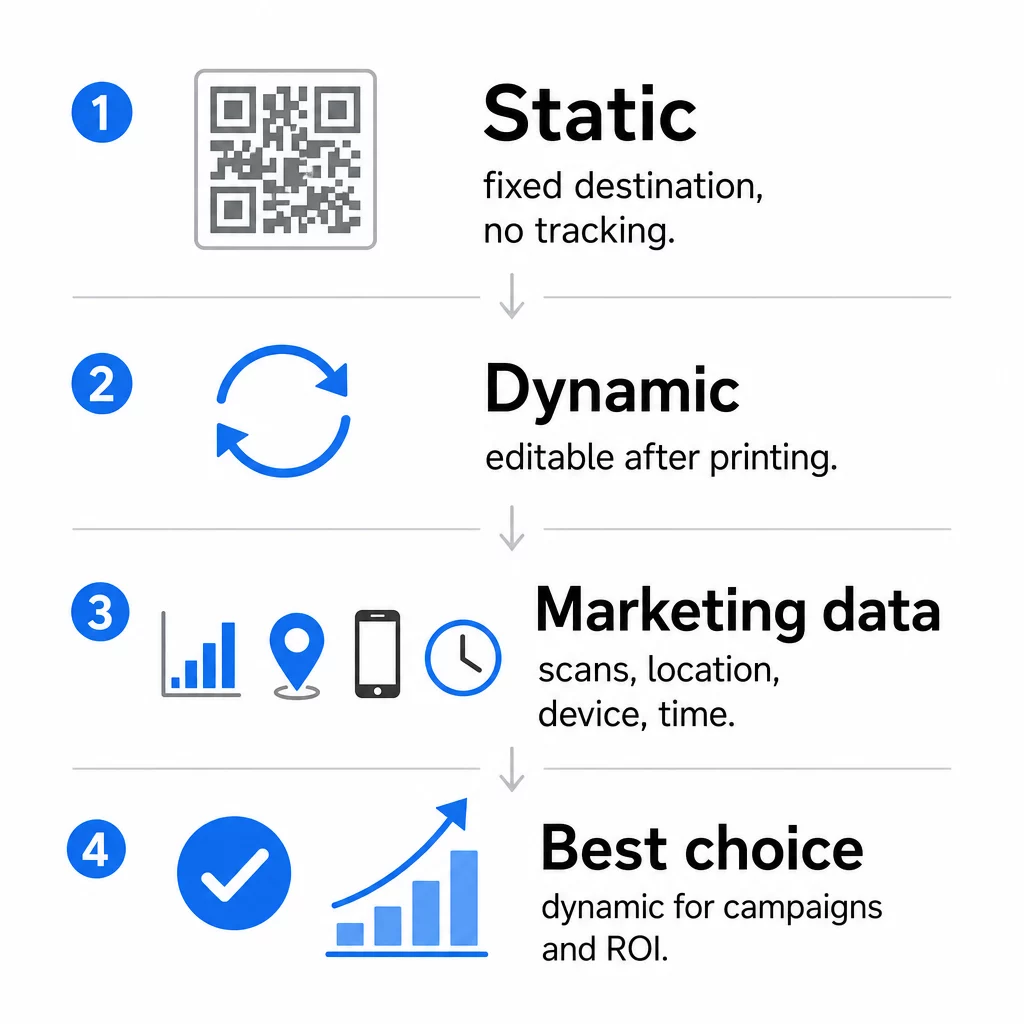
Codici QR statici codificano i dati direttamente nel modello stesso. Una volta stampata, la destinazione non può essere modificata. Non hanno un tracciamento integrato, generano modelli più densi per URL complessi e non offrono flessibilità dopo l'implementazione. Funzionano bene per casi d'uso permanenti e a basso rischio come una password Wi-Fi o una scheda contatto fissa.
Codici QR dinamici codificano un URL di reindirizzamento breve. La destinazione effettiva è memorizzata in una piattaforma di gestione e può essere aggiornata in qualsiasi momento, anche dopo la stampa. Ciò significa che puoi correggere un link interrotto, sostituire una landing page stagionale o reindirizzare a una nuova promozione senza ristampare un singolo pezzo di materiale.
Per le campagne di marketing, i codici QR dinamici sono quasi sempre la scelta migliore. Supportano analisi in tempo reale, A/B testing, tracciamento dei parametri UTM e geo-targeting. Se stai misurando il ROI sui materiali stampati, i codici dinamici sono ciò che lo rende possibile.
Come generare un codice QR per il marketing
Creare un codice QR per una campagna richiede meno di cinque minuti. Ecco come funziona il processo usando Pageloot:
- Scegliete il tipo di codice QR – Seleziona il tipo di contenuto che corrisponde al tuo obiettivo: un URL, PDF, vCard, modulo, link all'app store, credenziali Wi-Fi, video o un altro formato. L' generatore di codici QR di link è il punto di partenza più comune per il traffico della campagna.
- Inserisci la tua destinazione – Incolla l'URL o carica il file a cui vuoi che il codice punti. Per scopi di tracciamento, usa un URL con tag UTM in modo che le scansioni appaiano come una fonte distinta in Google Analytics.
- Personalizza il design – Aggiungi il tuo logo, imposta i colori del brand, scegli uno stile di cornice e scrivi una call-to-action. I codici QR brandizzati superano costantemente quelli generici in bianco e nero perché costruiscono fiducia visiva e si distinguono sui materiali stampati. Il Generatore di QR code con logo rende tutto questo semplice.
- Scarica nel formato giusto – Per la stampa, scarica un file vettoriale (EPS, PDF o SVG) per garantire una resa nitida a qualsiasi dimensione. Non usare mai un'immagine raster a bassa risoluzione per la produzione di stampa.
- Prova prima di stampare – Scansiona il codice tu stesso usando più dispositivi e condizioni di illuminazione. Se fallisce su un Android più vecchio o in condizioni di scarsa illuminazione, regola il design prima di impegnarti in una tiratura di stampa.
Crea un codice QR brandizzato in pochi minuti Il sito Generatore di QR code con logo ti permette di personalizzare i colori, aggiungere il tuo logo e applicare cornici con call-to-action – tutto da un'unica dashboard.
Nove modi per usare i codici QR nel tuo marketing
Genera traffico verso una landing page
Un codice QR rimuove ogni barriera tra un punto di contatto fisico e la landing page della tua campagna. I clienti non hanno bisogno di digitare un URL o cercare il tuo brand – una scansione li porta direttamente dove ti servono. Abbina sempre il codice a una chiara call-to-action che spieghi cosa otterranno scansionando: uno sconto, una guida, un modulo di prenotazione o contenuti esclusivi.
Invia un messaggio diretto
I codici QR possono attivare messaggi precompilati tramite SMS, WhatsApp, Telegram o Facebook Messenger. Questa è una delle applicazioni di marketing più sottoutilizzate. I tassi di apertura dei messaggi diretti su smartphone sono sostanzialmente più alti rispetto alle email, rendendo questa una via efficace per promozioni, promemoria di appuntamenti o flussi di assistenza clienti.
Raccogli recensioni e feedback
Oltre il 90% degli acquirenti online consulta le recensioni prima di acquistare. I codici QR su scontrini, imballaggi o segnaletica possono indirizzare i clienti direttamente al tuo profilo Google Business, alla pagina di recensione del prodotto o a un sondaggio di feedback. Per aumentare i tassi di risposta, offri un codice sconto o un piccolo incentivo in cambio del loro contributo.
Condividi la posizione della tua attività
Un codice QR che si collega alla tua scheda di Google Maps evita ai clienti la difficoltà di cercare manualmente. Questo è particolarmente utile su materiali stampati come menu da asporto, espositori fieristici o rivestimenti per veicoli dove digitare un indirizzo non è pratico.
Fai crescere il tuo seguito sui social media
Punta un codice QR direttamente al tuo profilo social, oppure usa una pagina intermedia che mostri i link a tutti i tuoi canali. Puoi anche configurare i codici per attivare automaticamente un prompt di "Mi piace" su Facebook o "Iscriviti" su YouTube al momento della scansione – un modo a basso attrito per costruire il tuo pubblico da punti di contatto fisici.
Promuovi i download di app
Utilizza un codice QR intelligente per l'app store che rileva il dispositivo dell'utente e lo indirizza automaticamente allo store corretto – Apple App Store o Google Play. Questo elimina un passaggio e la frustrazione di atterrare sulla piattaforma sbagliata. Puoi anche utilizzare una pagina di contenuto intermedia per preparare l'utente prima della richiesta di download.
Invia un'email precompilata
Un codice QR può aprire il client di posta elettronica dell'utente con un indirizzo del destinatario, una riga dell'oggetto e un testo del corpo precompilati. Questo funziona bene per richieste di assistenza clienti, richieste di partnership o RSVP per eventi in cui desideri risposte strutturate senza dover creare un modulo.
Collega a prodotti e-commerce
I codici QR su imballaggi, espositori o brochure stampate possono collegarsi direttamente a pagine di dettaglio del prodotto, video istruttivi, registrazione della garanzia o recensioni dei clienti. Questo riduce la quantità di testo che devi stampare sull'imballaggio, fornendo al contempo ai clienti l'accesso a informazioni più ricche su richiesta.
Condividi l'accesso Wi-Fi
Un codice QR Wi-Fi consente ai clienti di connettersi alla tua rete con una singola scansione – nessuna digitazione della password richiesta. Posizionalo all'interno della tua sede per assicurarti che i clienti entrino fisicamente nello spazio prima di connettersi. Questo piccolo dettaglio prolunga il tempo di permanenza e crea maggiori opportunità di coinvolgimento in negozio.
Principi di design e posizionamento che influenzano i tassi di scansione
Un codice QR che nessuno scansiona ha valore zero. Le scelte di design e posizionamento determinano direttamente se il tuo codice viene utilizzato.
La dimensione conta. Per materiali a distanza ravvicinata come biglietti da visita e volantini, una dimensione minima di circa 1 pollice (2,5 cm) quadrato è la base. I poster dovrebbero usare almeno 2 pollici (5 cm). Per la segnaletica esterna, applica la regola 10:1: la larghezza del codice dovrebbe essere almeno un decimo della distanza di scansione prevista.
Il contrasto non è negoziabile. Un motivo scuro su sfondo chiaro è la combinazione più affidabile. Design a basso contrasto o invertiti introducono errori di scansione, specialmente con illuminazione variabile. Testa rigorosamente qualsiasi combinazione di colori non standard prima di stampare su larga scala.
La zona di silenzio è richiesta. Ogni codice QR necessita di un margine vuoto di almeno quattro moduli di larghezza su tutti i lati. Senza di esso, gli scanner faticano a distinguere il codice dagli elementi grafici circostanti e i tassi di fallimento della scansione aumentano.
Superficie e finitura influenzano le prestazioni. Superfici molto lucide, riflettenti o a coste possono distorcere il modello QR e ridurre il successo della scansione. Superfici piane non riflettenti su substrati non sanguinanti sono costantemente più affidabili.
Il posizionamento determina la visibilità. Il posizionamento all'altezza degli occhi – circa 3,5 a 5,5 piedi da terra sulla segnaletica – massimizza l'accessibilità. Evita di posizionare i codici vicino a pieghe, bordi o aree che sono regolarmente oscurate. Per una ripartizione completa della strategia di posizionamento per tipo di materiale, vedi il guida definitiva al posizionamento dei codici QR nel marketing.
Come monitorare le prestazioni del codice QR
Generare un codice è solo metà del lavoro. Misurare ciò che accade dopo la scansione è dove inizia l'ottimizzazione della campagna.
Con i codici QR dinamici, ogni scansione produce dati tracciabili: scansioni totali, scansioni uniche, timestamp, posizione geografica, tipo di dispositivo e sistema operativo. Questo ti permette di rispondere a domande come: Quali materiali stampati stanno effettivamente generando traffico? Quali posizioni hanno le migliori prestazioni? A che ora del giorno i clienti interagiscono?
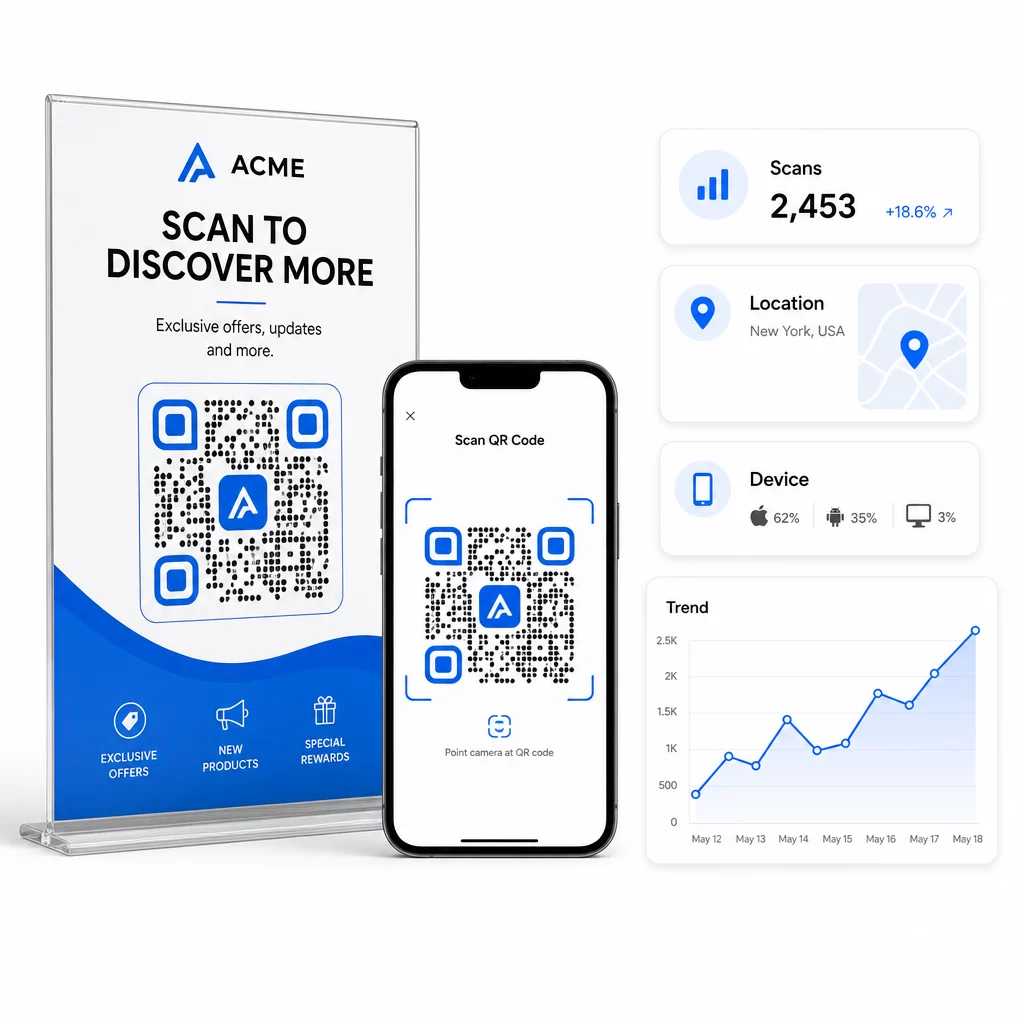
Per un'attribuzione più approfondita, aggiungi i parametri UTM ai tuoi URL di destinazione prima di incorporarli nel codice QR. Questo instrada il traffico generato dai QR in Google Analytics come una fonte distinta, dove puoi analizzare l'engagement, i tassi di conversione e il comportamento separatamente dagli altri canali. Una convenzione di denominazione coerente – ad esempio, `utm`medium=qrcode` e `utm`source=storedisplay` – rende i report chiari e confrontabili tra le campagne. Per una guida dettagliata alla configurazione, consulta l'` articolo sui parametri UTM per i codici QR.
La dashboard integrata di Pageloot consolida questi dati in un unico posto: conteggi delle scansioni, suddivisioni geografiche, report sui dispositivi e confronti a livello di campagna – senza richiedere una configurazione di analisi separata per le metriche di base.
Monitora ogni scansione in tempo reale Il sito Generatore di QR code dinamici ti offre una dashboard completa delle prestazioni con dati geografici, suddivisioni dei dispositivi e tendenze delle scansioni. Aggiorna le destinazioni senza ristampare ogni volta che la tua campagna cambia.
Costruisci una strategia di marketing con codici QR scalabile
I codici QR una tantum sono un punto di partenza. Una strategia coordinata è ciò che genera rendimenti composti.
Prima di generare i codici, definisci cosa ognuno di essi deve realizzare – e assicurati che la destinazione mantenga quella promessa. Un codice che invia qualcuno a una pagina non ottimizzata per i dispositivi mobili, a un errore 404 o a una homepage irrilevante eroderà la fiducia ed eliminerà qualsiasi motivo per scansionare di nuovo.
Usa codici QR dinamici per le campagne con date di inizio e fine definite, promozioni a rotazione o luoghi che condividono materiali tra le stagioni. La possibilità di aggiornare la destinazione senza ristampare significa che il tuo materiale fisico rimane attuale anche quando la tua campagna cambia.
Per un approccio passo-passo alla pianificazione e all'esecuzione di una campagna con codici QR, il Checklist di marketing con QR code per piccole imprese copre la definizione degli obiettivi, la selezione del tipo di codice, le migliori pratiche di progettazione e l'ottimizzazione post-lancio in un formato strutturato.
I marchi che ottengono risultati reali dai codici QR li trattano come un canale di performance – uno in cui posizionamento, design, destinazione e tracciamento sono tutti pianificati in anticipo. Questa disciplina è ciò che separa un tasso di scansione dello 0,5% da uno degno di essere riportato.
Domande frequenti
Un codice QR statico codifica la destinazione direttamente nel suo schema e non può essere modificato dopo la creazione. Inoltre non fornisce dati di scansione. Un codice QR dinamico memorizza un URL di reindirizzamento breve, il che significa che puoi aggiornare la destinazione in qualsiasi momento – anche dopo la stampa – e tracciare ogni scansione con dati su posizione, dispositivo e tempistica. Per la maggior parte delle campagne di marketing, i codici QR dinamici sono la scelta migliore perché supportano il tracciamento, l'A/B testing e gli aggiornamenti delle campagne senza ristampare.
Hai bisogno di un codice QR dinamico collegato a una piattaforma di tracciamento. Quando qualcuno scansiona il codice, la piattaforma registra l'evento e acquisisce dati tra cui il numero di scansioni, il timestamp, la posizione geografica e il tipo di dispositivo. Puoi anche aggiungere parametri UTM al tuo URL di destinazione in modo che il traffico generato dal QR appaia come una fonte separata e identificabile in Google Analytics. La dashboard di Pageloot fornisce questi dati in tempo reale senza richiedere una configurazione di analisi separata per le metriche di base.
Per biglietti da visita e volantini, usa una dimensione minima di circa 1 pollice (2,5 cm) quadrato. Per menu e brochure, punta ad almeno 1,5 pollici (3,8 cm). Per i poster, usa almeno 2 pollici (5 cm). Per cartelloni pubblicitari e segnaletica esterna, applica la regola 10:1: la larghezza del codice dovrebbe essere almeno un decimo della massima distanza di scansione prevista. Mantieni sempre una zona di silenzio vuota di almeno quattro moduli di larghezza su tutti i lati e usa un contrasto elevato – motivo scuro su sfondo chiaro – per garantire una scansione affidabile.