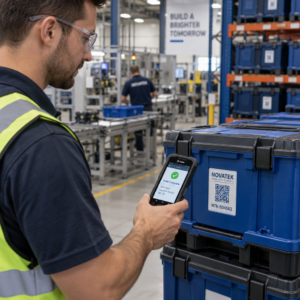
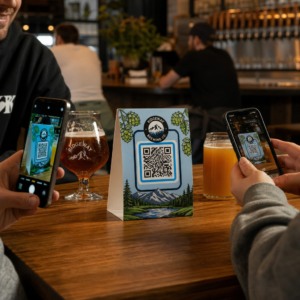
O seu material de marketing impresso gera zero tráfego mensurável? Pontos de contato físicos como folhetos, embalagens e sinalização são difíceis de conectar a resultados digitais – a menos que você use códigos QR estrategicamente. Este guia aborda como gerar códigos QR de marketing e usá-los para rastrear o desempenho, aumentar o engajamento e preencher a lacuna entre o offline e o online.
Por Que as Empresas Usam Códigos QR no Marketing
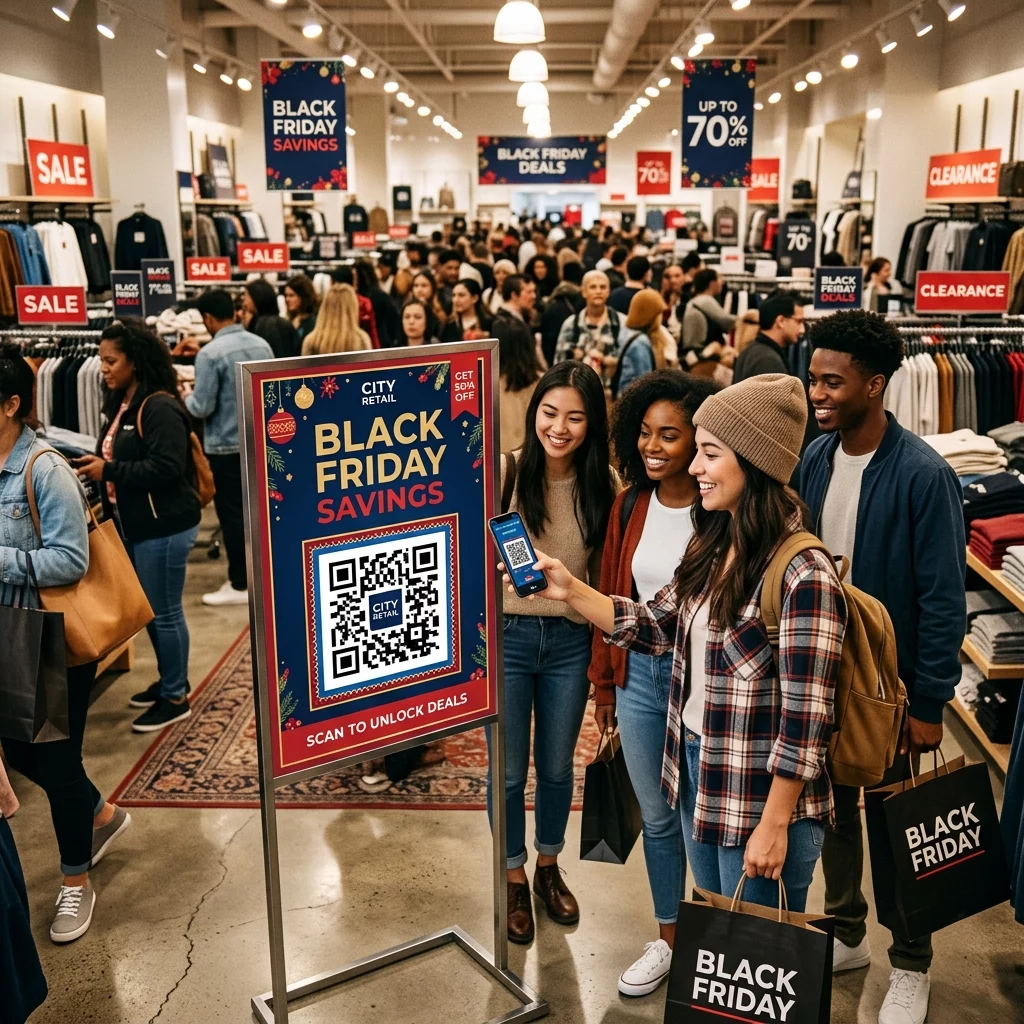
Os códigos QR resolvem um ponto de atrito fundamental no marketing: levar alguém de uma superfície física para um destino digital sem digitar. Uma leitura leva menos de um segundo. Essa facilidade de acesso se traduz diretamente em maior engajamento – razão pela qual a adoção disparou muito além dos lançamentos iniciais e falhos de 2011.
Naquela época, Best Buy e Macy’s estavam entre as primeiras marcas a testar códigos QR em larga escala. A tecnologia não era o problema – internet móvel lenta, penetração limitada de smartphones e páginas de destino apenas para desktop mataram a experiência antes que ela começasse. Hoje, essas barreiras desapareceram. Internet móvel de alta velocidade, leitura nativa da câmera no iOS e Android, e experiências web otimizadas para dispositivos móveis tornaram os códigos QR genuinamente práticos.
De uma perspectiva de marketing, a verdadeira vantagem não é apenas a conveniência – são os dados. Quando você usa códigos QR dinâmicos, cada leitura gera um registro: quando aconteceu, onde, em qual dispositivo e através de qual campanha. Esse é o tipo de dado de atribuição que antes era exclusivo de canais apenas digitais.
Comece a Rastrear Suas Campanhas de Código QR Quer ver dados de leitura em tempo real, detalhamentos geográficos e análises de dispositivos para cada código que você implanta? Use o Gerador de Código QR para criar códigos rastreáveis e editáveis com um painel de desempenho integrado.
Códigos QR Estáticos vs. Dinâmicos: Qual Deve Usar?
Antes de gerar um código, você precisa escolher o tipo certo. A distinção é significativamente importante para uso em marketing.
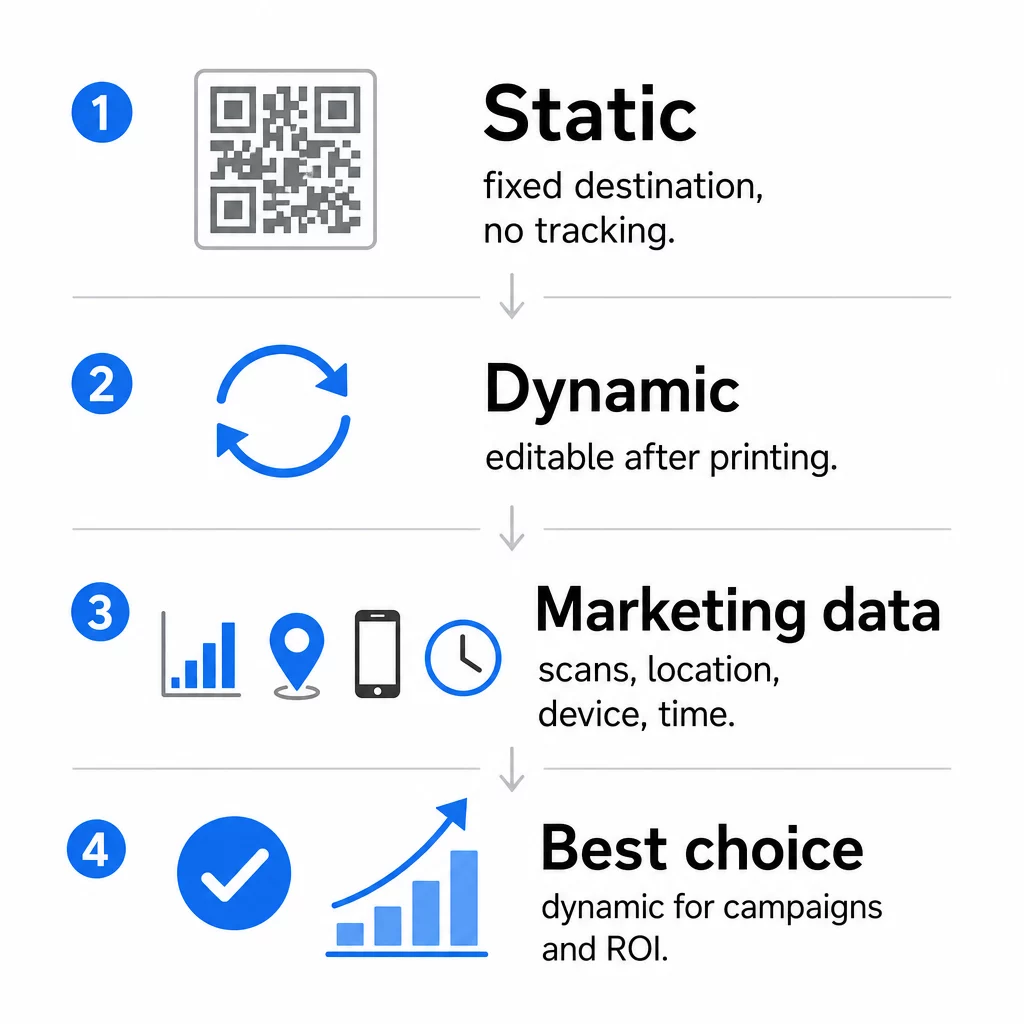
Códigos QR estáticos codificam dados diretamente no próprio padrão. Uma vez impresso, o destino não pode ser alterado. Eles não possuem rastreamento integrado, geram padrões mais densos para URLs complexas e não oferecem flexibilidade após a implantação. Funcionam bem para casos de uso permanentes e de baixo risco, como uma senha de Wi-Fi ou um cartão de contato fixo.
Códigos QR dinâmicos codificam uma URL de redirecionamento curta. O destino real é armazenado em uma plataforma de gerenciamento e pode ser atualizado a qualquer momento – mesmo após a impressão. Isso significa que você pode corrigir um link quebrado, trocar uma página de destino sazonal ou redirecionar para uma nova promoção sem reimprimir uma única peça de material.
Para campanhas de marketing, códigos QR dinâmicos são quase sempre a melhor escolha. Eles suportam análises em tempo real, testes A/B, rastreamento de parâmetros UTM e geo-segmentação. Se você está medindo o ROI em materiais impressos, os códigos dinâmicos são o que tornam isso possível.
Como Gerar um Código QR para Marketing
Criar um código QR para uma campanha leva menos de cinco minutos. Veja como o processo funciona usando o Pageloot:
- Escolha seu tipo de código QR – Selecione o tipo de conteúdo que corresponde ao seu objetivo: um URL, PDF, vCard, formulário, link da loja de aplicativos, credenciais de Wi-Fi, vídeo ou outro formato. O gerador de código QR de link é o ponto de partida mais comum para o tráfego da campanha.
- Insira seu destino – Cole o URL ou carregue o arquivo para o qual você deseja que o código aponte. Para fins de rastreamento, use um URL com tags UTM para que as digitalizações apareçam como uma fonte distinta no Google Analytics.
- Personalize o design – Adicione seu logotipo, defina as cores da marca, escolha um estilo de moldura e escreva uma chamada para ação. Códigos QR de marca superam consistentemente os genéricos em preto e branco porque constroem confiança visual e se destacam em materiais impressos. O Gerador de QR Code com Logo torna isso simples.
- Baixe no formato certo – Para impressão, baixe um arquivo vetorial (EPS, PDF ou SVG) para garantir uma saída nítida em qualquer tamanho. Nunca use uma imagem raster de baixa resolução para produção de impressão.
- Teste antes de imprimir – Digitalize o código você mesmo usando vários dispositivos e condições de iluminação. Se falhar em um Android mais antigo ou com pouca luz, ajuste o design antes de se comprometer com uma tiragem de impressão.
Crie um Código QR de Marca em Minutos O Gerador de QR Code com Logo permite personalizar cores, adicionar seu logotipo e aplicar molduras de chamada para ação – tudo a partir de um único painel.
Nove Maneiras de Usar Códigos QR em Seu Marketing
Direcione Tráfego para uma Página de Destino
Um código QR remove todas as barreiras entre um ponto de contato físico e a página de destino da sua campanha. Os clientes não precisam digitar um URL ou procurar sua marca – uma única digitalização os leva diretamente para onde você precisa. Sempre combine o código com uma chamada para ação clara que explique o que eles obterão ao digitalizar: um desconto, um guia, um formulário de reserva ou conteúdo exclusivo.
Enviar uma Mensagem Direta
Códigos QR podem acionar mensagens pré-preenchidas via SMS, WhatsApp, Telegram ou Facebook Messenger. Esta é uma das aplicações de marketing mais subutilizadas. As taxas de abertura em mensagens diretas de smartphone são substancialmente mais altas do que as de e-mail, tornando esta uma rota eficaz para promoções, lembretes de agendamento ou fluxos de suporte ao cliente.
Coletar Avaliações e Feedback
Mais de 90% dos compradores online consultam avaliações antes de comprar. Códigos QR em recibos, embalagens ou sinalização podem enviar os clientes diretamente para o seu perfil do Google Meu Negócio, página de avaliação de produtos ou uma pesquisa de feedback. Para aumentar as taxas de resposta, ofereça um código de desconto ou um pequeno incentivo em troca da sua contribuição.
Compartilhar a Localização do Seu Negócio
Um código QR que linka para a sua listagem no Google Maps poupa aos clientes o atrito de pesquisar manualmente. Isso é particularmente útil em materiais impressos como menus de entrega, displays de feiras comerciais ou envelopamento de veículos, onde digitar um endereço não é prático.
Aumentar Seu Seguimento nas Redes Sociais
Aponte um código QR diretamente para o seu perfil social, ou use uma página intermediária que exiba links para todos os seus canais. Você também pode configurar códigos para acionar um prompt de Curtir no Facebook ou Inscrever-se no YouTube automaticamente após a leitura – uma maneira de baixa fricção para construir sua audiência a partir de pontos de contato físicos.
Promover Downloads de Aplicativos
Use um código QR inteligente de loja de aplicativos que detecta o dispositivo do usuário e os direciona para a loja correta – Apple App Store ou Google Play – automaticamente. Isso remove uma etapa e elimina a frustração de cair na plataforma errada. Você também pode usar uma página de conteúdo intermediária para preparar o usuário antes da solicitação de download.
Enviar um E-mail Pré-Preenchido
Um código QR pode abrir o cliente de e-mail do usuário com um endereço de destinatário, linha de assunto e corpo de texto pré-preenchidos. Isso funciona bem para solicitações de suporte ao cliente, consultas de parceiros ou RSVPs de eventos onde você deseja respostas estruturadas sem construir um formulário.
Linkar para Produtos de E-commerce
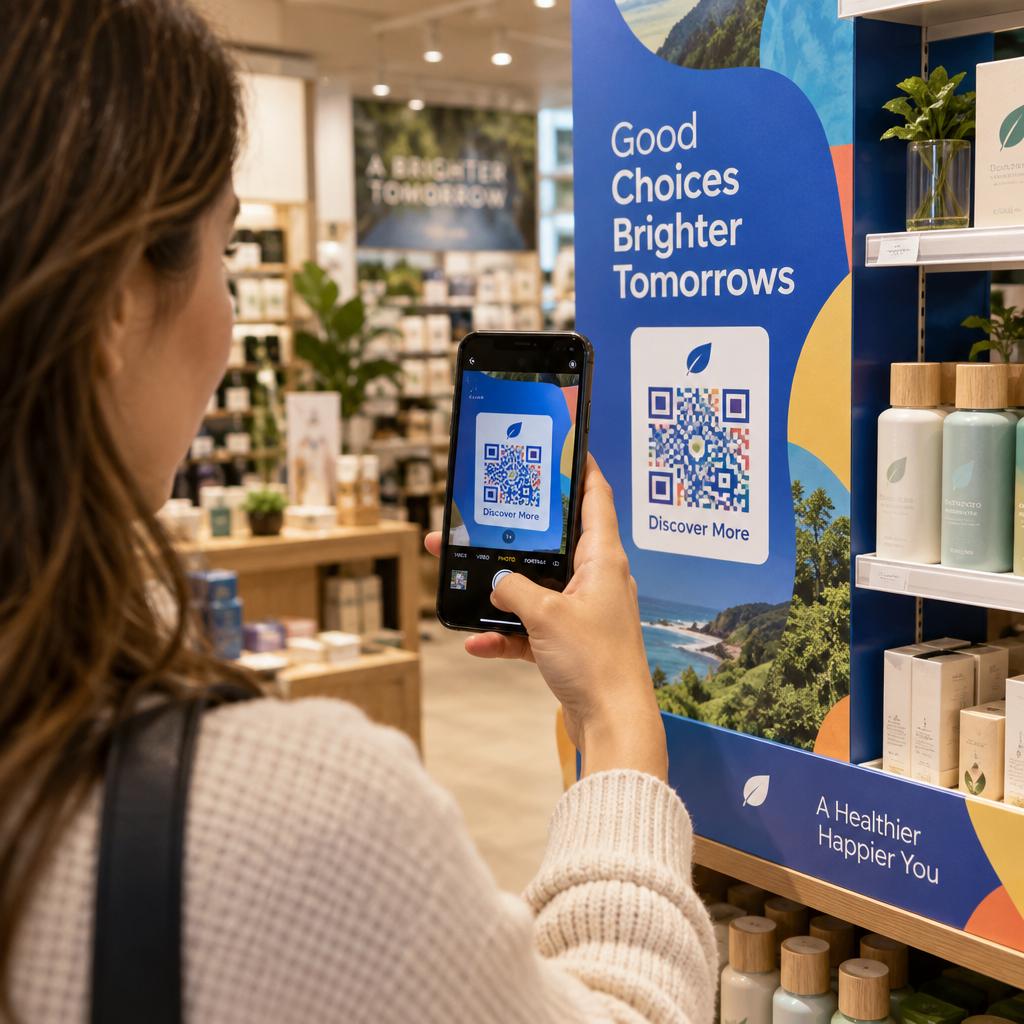
Códigos QR em embalagens, displays de prateleira ou brochuras impressas podem linkar diretamente para páginas de detalhes de produtos, vídeos instrutivos, registro de garantia ou avaliações de clientes. Isso reduz a quantidade de texto que você precisa imprimir na embalagem, ao mesmo tempo em que dá aos clientes acesso a informações mais ricas sob demanda.
Compartilhar Acesso Wi-Fi
Um código QR de Wi-Fi permite que os clientes se conectem à sua rede com uma única leitura – sem necessidade de digitar senha. Coloque-o dentro do seu local para garantir que os clientes entrem fisicamente no espaço antes de se conectar. Este pequeno detalhe estende o tempo de permanência e cria mais oportunidades para o engajamento na loja.
Princípios de Design e Posicionamento que Afetam as Taxas de Leitura
Um código QR que ninguém escaneia tem valor zero. As escolhas de design e posicionamento determinam diretamente se o seu código será usado.
O tamanho importa. Para materiais de curto alcance, como cartões de visita e folhetos, um tamanho mínimo de aproximadamente 1 polegada (2,5 cm) quadrada é o ponto de partida. Cartazes devem usar pelo menos 2 polegadas (5 cm). Para sinalização externa, aplique a regra 10:1: a largura do código deve ser de pelo menos um décimo da distância de leitura esperada.
O contraste é inegociável. Padrão escuro em fundo claro é a combinação mais confiável. Designs de baixo contraste ou invertidos introduzem falhas de leitura, especialmente sob iluminação variável. Teste rigorosamente qualquer combinação de cores não padrão antes de imprimir em escala.
Zona de silêncio é necessária. Todo código QR precisa de uma margem em branco de pelo menos quatro módulos de largura em todos os lados. Sem ela, os leitores têm dificuldade em distinguir o código dos elementos gráficos circundantes, e as taxas de falha de leitura aumentam.
Superfície e acabamento afetam o desempenho. Superfícies altamente brilhantes, reflexivas ou nervuradas podem distorcer o padrão QR e reduzir o sucesso da leitura. Superfícies planas e não reflexivas em substratos que não sangram são consistentemente mais confiáveis.
O posicionamento determina a visibilidade. O posicionamento ao nível dos olhos – aproximadamente 3,5 a 5,5 pés do chão na sinalização – maximiza a acessibilidade. Evite colocar códigos perto de dobras, bordas ou áreas que são regularmente obscurecidas. Para uma análise completa da estratégia de posicionamento por tipo de material, consulte o guia definitivo para o posicionamento de códigos QR em marketing.
Como Rastrear o Desempenho do Código QR
Gerar um código é apenas metade do trabalho. Medir o que acontece após a leitura é onde a otimização da campanha começa.
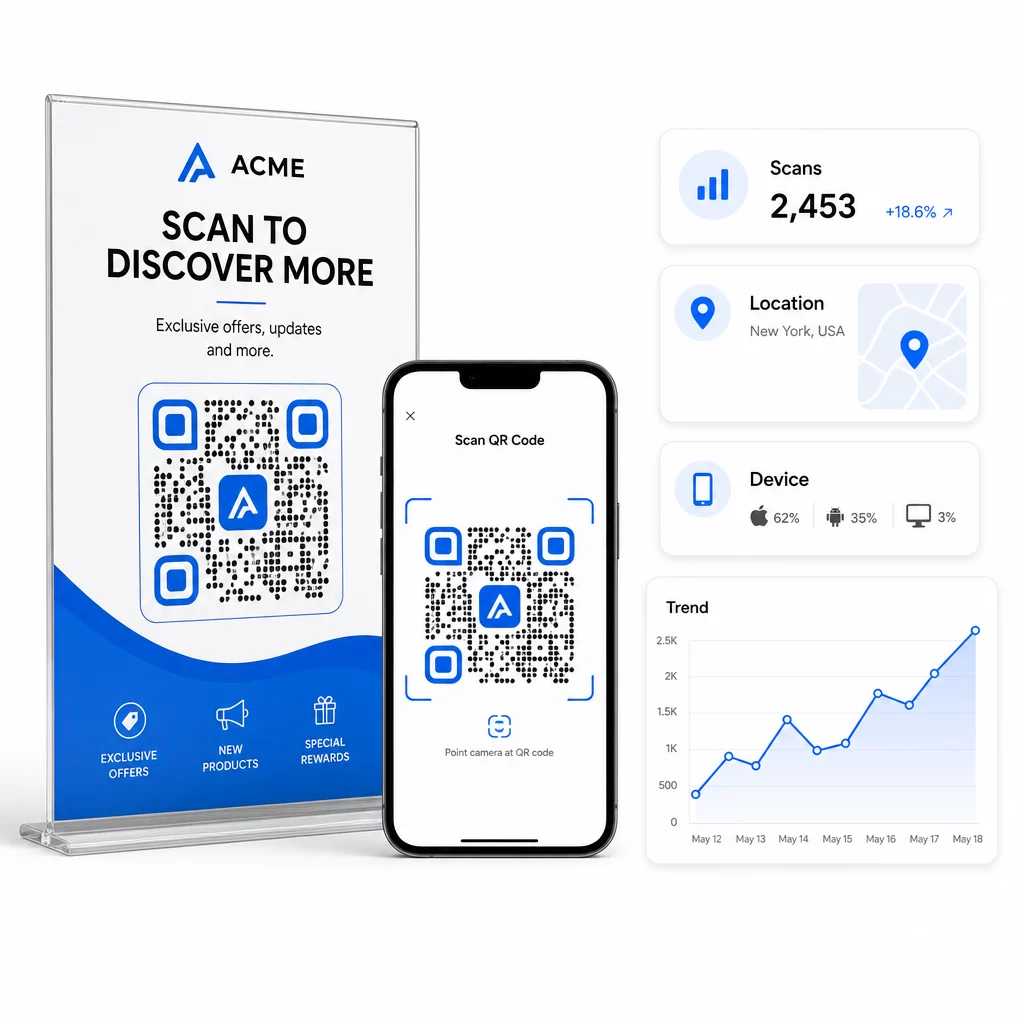
Com códigos QR dinâmicos, cada leitura produz dados rastreáveis: total de digitalizações, digitalizações únicas, carimbos de data/hora, localização geográfica, tipo de dispositivo e sistema operacional. Isso permite que você responda a perguntas como: Quais materiais impressos estão realmente gerando tráfego? Quais locais têm o melhor desempenho? A que horas do dia os clientes interagem?
Para uma atribuição mais profunda, adicione parâmetros UTM aos seus URLs de destino antes de incorporá-los no código QR. Isso direciona o tráfego gerado por QR para o Google Analytics como uma fonte distinta, onde você pode analisar o engajamento, as taxas de conversão e o comportamento separadamente de outros canais. Uma convenção de nomenclatura consistente – por exemplo, `utm`medium=qr`code` e `utm`source=store`display` – torna os relatórios claros e comparáveis entre as campanhas. Para um guia de configuração detalhado, consulte o artigo Parâmetros UTM para códigos QR.
O painel integrado do Pageloot consolida esses dados em um só lugar: contagens de digitalizações, detalhamentos geográficos, relatórios de dispositivos e comparações em nível de campanha – sem exigir uma configuração de análise separada para métricas básicas.
Monitore Cada Digitalização em Tempo Real O Gerador de QR Code Dinâmico oferece um painel de desempenho completo com dados geográficos, detalhamentos de dispositivos e tendências de digitalização. Atualize os destinos sem reimprimir a qualquer momento que sua campanha mudar.
Construa uma Estratégia de Marketing com Código QR que Escala
Códigos QR únicos são um ponto de partida. Uma estratégia coordenada é o que gera retornos compostos.
Antes de gerar códigos, defina o que cada um deve realizar – e certifique-se de que o destino cumpra essa promessa. Um código que envia alguém para uma página não otimizada para celular, um 404 ou uma página inicial irrelevante irá corroer a confiança e eliminar qualquer motivo para digitalizar novamente.
Use códigos QR dinâmicos para campanhas com datas de início e fim definidas, promoções rotativas ou locais que compartilham materiais entre as estações. A capacidade de atualizar o destino sem reimprimir significa que seu material físico permanece atualizado mesmo quando sua campanha muda.
Para uma abordagem passo a passo para planejar e executar uma campanha de código QR, o Checklist de marketing com QR code para pequenas empresas aborda a definição de metas, seleção do tipo de código, melhores práticas de design e otimização pós-lançamento em um formato estruturado.
As marcas que veem resultados reais dos códigos QR os tratam como um canal de desempenho – um onde o posicionamento, design, destino e rastreamento são todos planejados com antecedência. Essa disciplina é o que separa uma taxa de digitalização de 0,5% de uma que vale a pena relatar.
Perguntas frequentes
Um código QR estático codifica o destino diretamente em seu padrão e não pode ser alterado após a criação. Ele também não fornece dados de leitura. Um código QR dinâmico armazena um URL de redirecionamento curto, o que significa que você pode atualizar o destino a qualquer momento – mesmo após a impressão – e rastrear cada leitura com dados sobre localização, dispositivo e horário. Para a maioria das campanhas de marketing, os códigos QR dinâmicos são a melhor escolha porque suportam rastreamento, testes A/B e atualizações de campanha sem reimpressão.
Você precisa de um código QR dinâmico conectado a uma plataforma de rastreamento. Quando alguém escaneia o código, a plataforma registra o evento e captura dados incluindo contagem de escaneamentos, carimbo de data/hora, localização geográfica e tipo de dispositivo. Você também pode adicionar parâmetros UTM à sua URL de destino para que o tráfego gerado por QR apareça como uma fonte separada e identificável no Google Analytics. O painel do Pageloot fornece esses dados em tempo real sem exigir uma configuração de análise separada para métricas básicas.
Para cartões de visita e folhetos, use um tamanho mínimo de cerca de 1 polegada (2,5 cm) quadrada. Para menus e brochuras, procure pelo menos 1,5 polegadas (3,8 cm). Para pôsteres, use pelo menos 2 polegadas (5 cm). Para outdoors e sinalização externa, aplique a regra 10:1: a largura do código deve ser de pelo menos um décimo da distância máxima de escaneamento esperada. Sempre mantenha uma zona de silêncio em branco de pelo menos quatro módulos de largura em todos os lados, e use alto contraste – padrão escuro em um fundo claro – para garantir um escaneamento confiável.