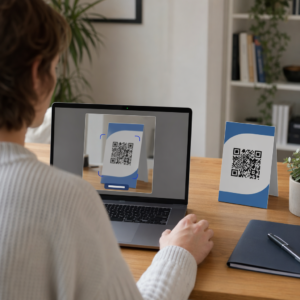
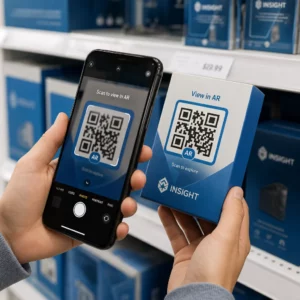
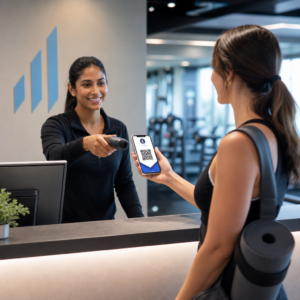
Fører dit trykte markedsføringsmateriale til nul målbar trafik? Fysiske kontaktpunkter som flyers, emballage og skiltning er svære at forbinde med digitale resultater – medmindre du bruger QR-koder strategisk. Denne guide dækker, hvordan man genererer marketing-QR-koder og bruger dem til at spore ydeevne, øge engagement og bygge bro mellem offline og online.
Hvorfor virksomheder bruger QR-koder i markedsføring
QR-koder løser et grundlæggende friktionspunkt i markedsføring: at få nogen fra en fysisk overflade til en digital destination uden at taste. En scanning tager under et sekund. Den lette adgang omsættes direkte til højere engagement – hvilket er grunden til, at udbredelsen er steget langt ud over de tidlige, mislykkede udrulninger i 2011.
Dengang var Best Buy og Macy's blandt de første brands til at teste QR-koder i stor skala. Teknologien var ikke problemet – langsomt mobilt internet, begrænset smartphone-penetration og kun desktop-landingssider dræbte oplevelsen, før den startede. I dag er disse barrierer væk. Højhastigheds mobilt internet, indbygget kamerascanning på iOS og Android, og mobiloptimerede weboplevelser har gjort QR-koder ægte praktiske.
Fra et markedsføringsperspektiv er den virkelige fordel ikke kun bekvemmelighed – det er data. Når du bruger dynamiske QR-koder, genererer hver scanning en registrering: hvornår det skete, hvor, på hvilken enhed og gennem hvilken kampagne. Det er den slags attribueringsdata, der engang var eksklusivt for digitale kanaler.
Begynd at spore dine QR-kodekampagner Vil du se scanningsdata i realtid, geografiske opdelinger og enhedsanalyser for hver kode, du implementerer? Brug QR-kodegenerator til at oprette sporbare, redigerbare koder med et indbygget ydeevnedashboard.
Statiske vs. Dynamiske QR-koder: Hvilken skal du bruge?
Før du genererer en kode, skal du vælge den rigtige type. Forskellen er betydelig for markedsføringsbrug.
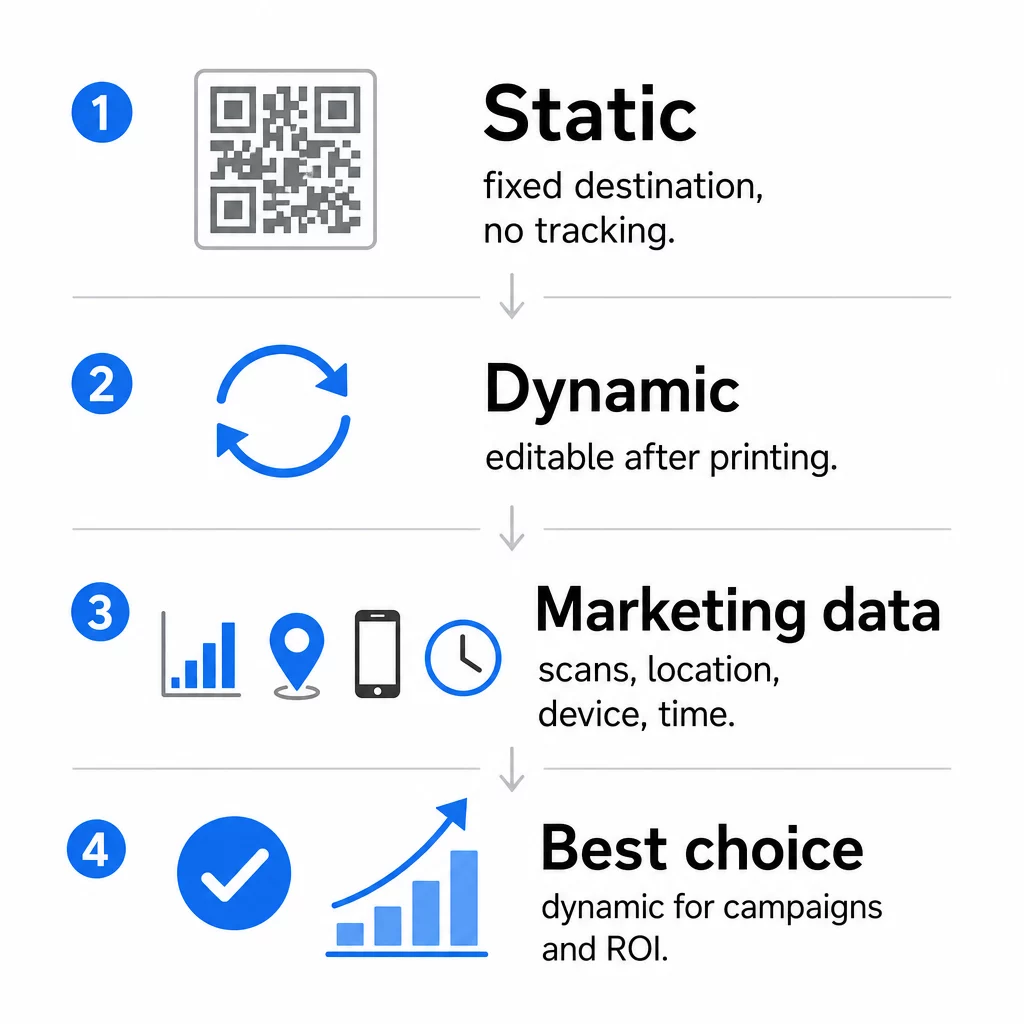
Statiske QR-koder koder data direkte ind i selve mønsteret. Når den er udskrevet, kan destinationen ikke ændres. De har ingen indbygget sporing, genererer tættere mønstre for komplekse URL'er og tilbyder ingen fleksibilitet efter implementering. De fungerer fint til permanente, lavrisiko-brugsscenarier som en Wi-Fi-adgangskode eller et fast kontaktkort.
Dynamiske QR-koder koder en kort omdirigerings-URL. Den faktiske destination er gemt i en administrationsplatform og kan opdateres når som helst – selv efter udskrivning. Dette betyder, at du kan rette et ødelagt link, udskifte en sæsonbestemt landingsside eller omdirigere til en ny kampagne uden at genudskrive et eneste stykke materiale.
Til marketingkampagner, er dynamiske QR-koder næsten altid det bedre valg. De understøtter realtidsanalyse, A/B-test, UTM-parameter sporing og geo-targeting. Hvis du måler ROI på trykt materiale, er dynamiske koder det, der gør det muligt.
Sådan genererer du en QR-kode til markedsføring
At oprette en QR-kode til en kampagne tager mindre end fem minutter. Sådan fungerer processen med Pageloot:
- Vælg din QR-kodetype – Vælg den indholdstype, der matcher dit mål: en URL, PDF, vCard, formular, link til app-butik, Wi-Fi-legitimationsoplysninger, video eller et andet format. Den link QR-kodegenerator er det mest almindelige udgangspunkt for kampagnetrafik.
- Indtast din destination – Indsæt URL'en eller upload den fil, du vil have koden til at pege på. Til sporingsformål skal du bruge en UTM-tagget URL, så scanninger vises som en særskilt kilde i Google Analytics.
- Tilpas designet – Tilføj dit logo, indstil brandfarver, vælg en rammestil, og skriv en call-to-action. Brandede QR-koder overgår konsekvent generiske sort-hvide, fordi de opbygger visuel tillid og skiller sig ud på trykte materialer. Den QR-kode generator med logo gør dette ligetil.
- Download i det rigtige format – Til print skal du downloade en vektorfil (EPS, PDF eller SVG) for at sikre skarpt output i enhver størrelse. Brug aldrig et lavopløseligt rasterbillede til printproduktion.
- Test, før du trykker – Scan selv koden med flere enheder og lysforhold. Hvis den fejler på en ældre Android eller i svagt lys, skal du justere designet, før du forpligter dig til et print.
Opret en brandet QR-kode på få minutter Det QR-kode generator med logo giver dig mulighed for at tilpasse farver, tilføje dit logo og anvende call-to-action-rammer – alt sammen fra et enkelt dashboard.
Ni måder at bruge QR-koder på i din markedsføring
Skab trafik til en landingsside
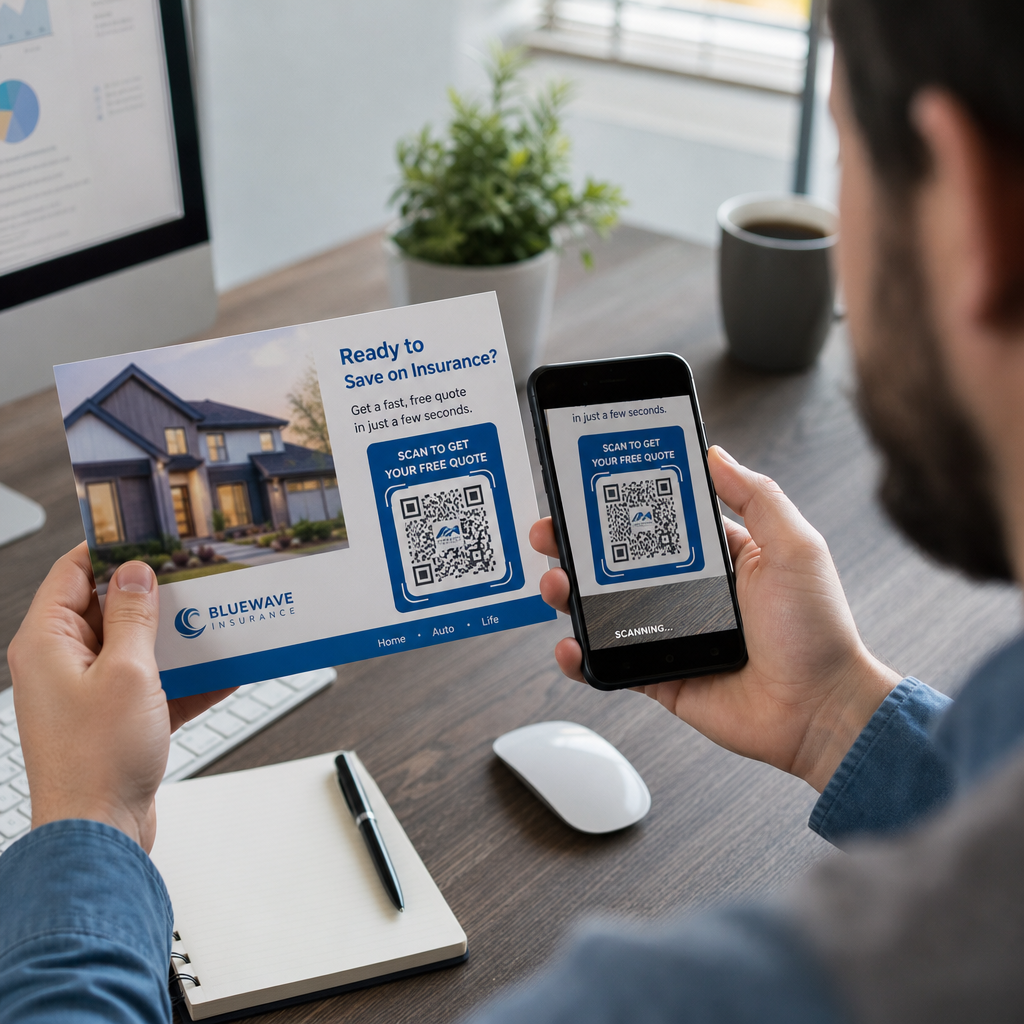
En QR-kode fjerner enhver barriere mellem et fysisk kontaktpunkt og din kampagnes landingsside. Kunder behøver ikke at indtaste en URL eller søge efter dit brand – én scanning tager dem direkte derhen, hvor du har brug for dem. Par altid koden med en klar call-to-action, der forklarer, hvad de får ved at scanne: en rabat, en guide, en bookingformular eller eksklusivt indhold.
Send en direkte besked
QR-koder kan udløse forududfyldte beskeder via SMS, WhatsApp, Telegram eller Facebook Messenger. Dette er en af de mest underudnyttede marketingapplikationer. Åbningsrater for direkte smartphone-beskeder er væsentligt højere end e-mail, hvilket gør dette til en effektiv vej for kampagner, aftalepåmindelser eller kundesupportforløb.
Indsaml anmeldelser og feedback
Mere end 90% af online-shoppere konsulterer anmeldelser før køb. QR-koder på kvitteringer, emballage eller skiltning kan sende kunder direkte til din Google Business-profil, produktoversigtsside eller en feedbackundersøgelse. For at øge svarprocenten, tilbyd en rabatkode eller en lille incitament i bytte for deres input.
Del din virksomheds placering
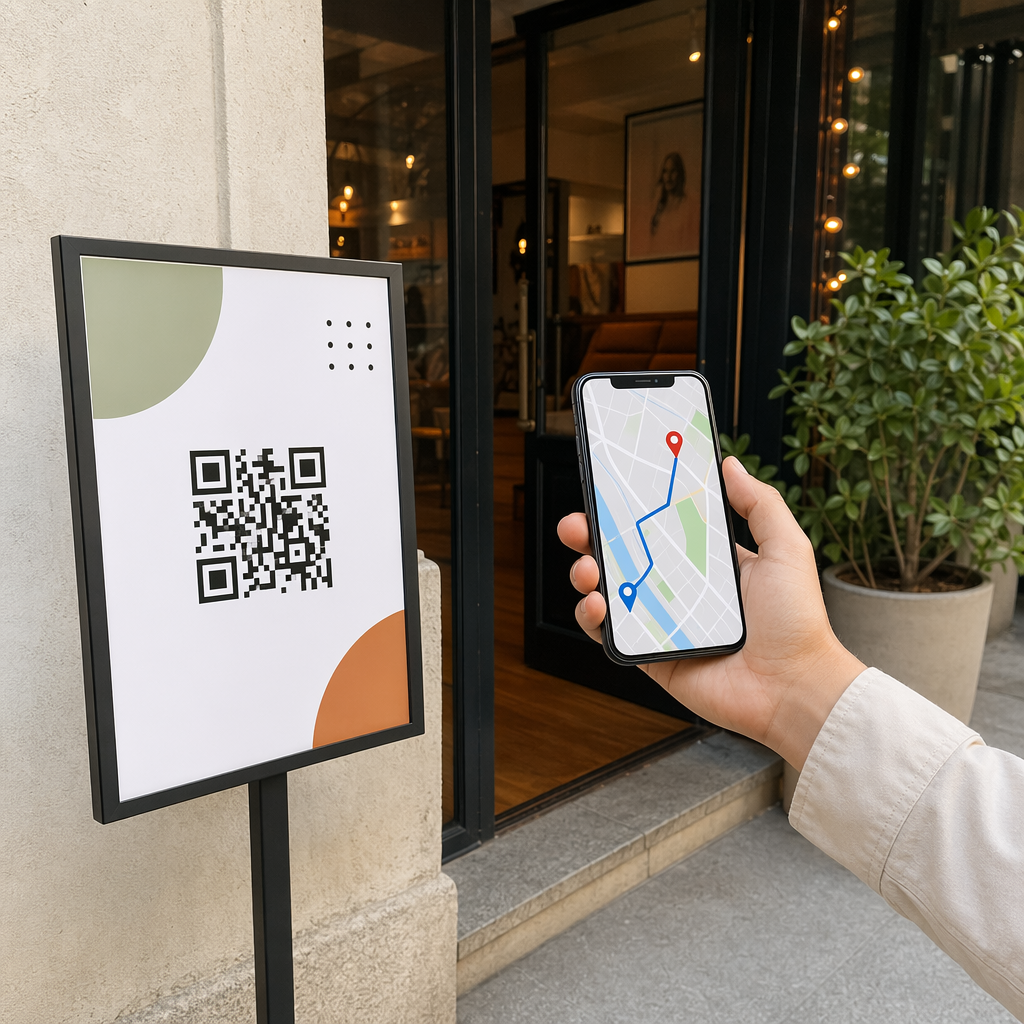
En QR-kode, der linker til din Google Maps-fortegnelse, sparer kunderne for besværet med manuel søgning. Dette er især nyttigt på trykt materiale som takeaway-menuer, messestande eller bilreklamer, hvor det ikke er praktisk at indtaste en adresse.
Øg dit følgerskab på sociale medier
Ret en QR-kode direkte mod din sociale profil, eller brug en mellemliggende side, der viser links til alle dine kanaler. Du kan også konfigurere koder til automatisk at udløse en Facebook Like- eller YouTube Subscribe-prompt ved scanning – en friktionsfri måde at opbygge dit publikum fra fysiske berøringspunkter.
Fremme app-downloads
Brug en smart app-butik QR-kode, der registrerer brugerens enhed og dirigerer dem til den korrekte butik – Apple App Store eller Google Play – automatisk. Dette fjerner et trin og eliminerer frustrationen ved at lande på den forkerte platform. Du kan også bruge en mellemliggende indholdsside til at forberede brugeren før downloadanmodningen.
Send en forududfyldt e-mail
En QR-kode kan åbne brugerens e-mailklient med en forududfyldt modtageradresse, emnelinje og brødtekst. Dette fungerer godt til kundesupportanmodninger, partnerforespørgsler eller event-RSVP'er, hvor du ønsker strukturerede svar uden at opbygge en formular.
Link til e-handels-produkter
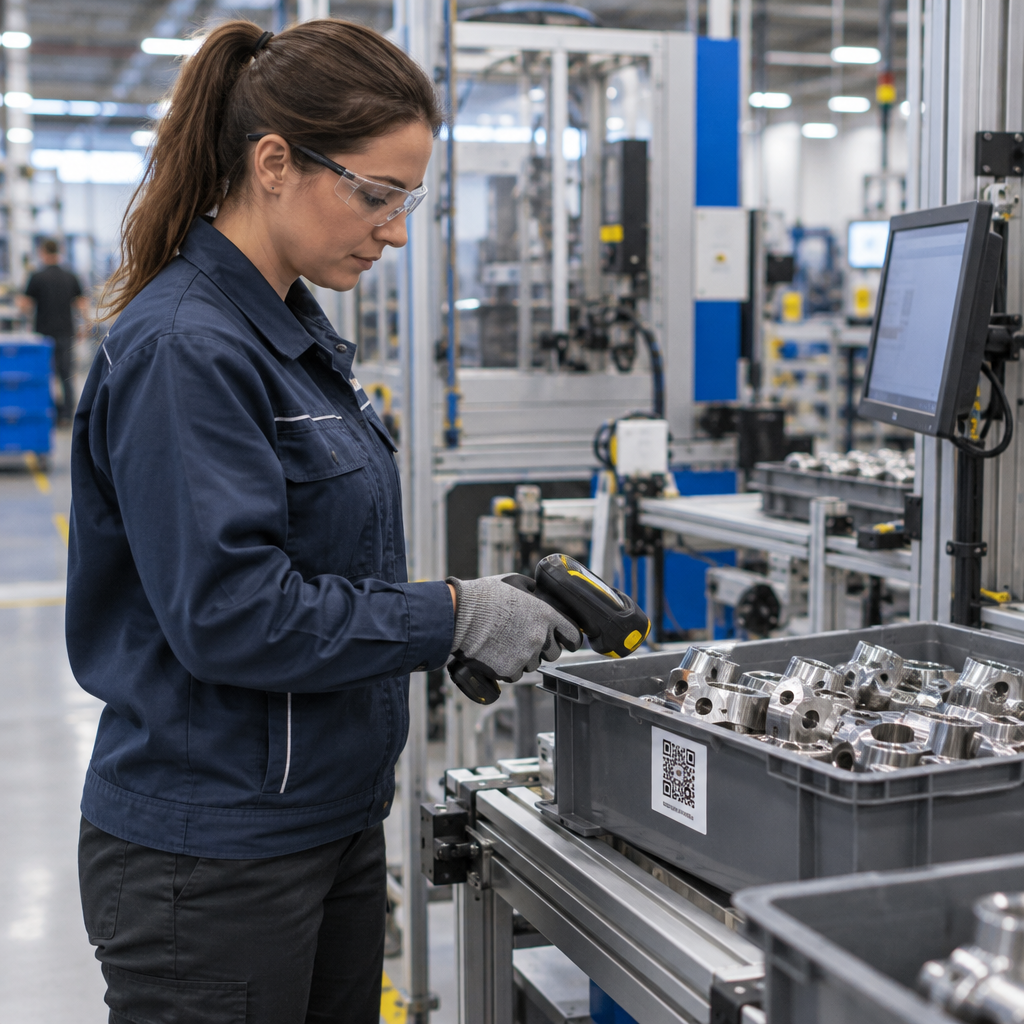
QR-koder på emballage, hyldedisplays eller trykte brochurer kan linke direkte til produktdetaljesider, instruktionsvideoer, garantiregistrering eller kundeanmeldelser. Dette reducerer mængden af tekst, du skal printe på emballagen, samtidig med at kunderne får adgang til rigere information efter behov.
Del Wi-Fi-adgang
En Wi-Fi QR-kode lader kunder forbinde til dit netværk med en enkelt scanning – ingen adgangskodeindtastning påkrævet. Placer den inde i din lokation for at sikre, at kunderne fysisk kommer ind i rummet, før de forbinder. Denne lille detalje forlænger opholdstiden og skaber flere muligheder for engagement i butikken.
Design- og placeringsprincipper, der påvirker scanningsrater
En QR-kode, som ingen scanner, har nul værdi. Design- og placeringsvalg afgør direkte, om din kode bliver brugt.
Størrelse betyder noget. For materialer på tæt hold som visitkort og flyers er en minimumsstørrelse på ca. 1 tomme (2,5 cm) kvadratisk udgangspunktet. Plakater bør bruge mindst 2 tommer (5 cm). For udendørs skiltning skal 10:1-reglen anvendes: kodens bredde skal være mindst en tiendedel af den forventede scanningsafstand.
Kontrast er ikke til forhandling. Mørkt mønster på lys baggrund er den mest pålidelige kombination. Lavkontrast- eller inverterede designs fører til scanningsfejl, især under varierende lysforhold. Test enhver ikke-standard farvekombination grundigt, før du udskriver i stor skala.
Stillezone er påkrævet. Hver QR-kode kræver en tom margen på mindst fire moduler bred på alle sider. Uden den har scannere svært ved at skelne koden fra omgivende grafiske elementer, og scanningsfejlraten stiger.
Overflade og finish påvirker ydeevnen. Meget blanke, reflekterende eller riflede overflader kan forvrænge QR-mønsteret og reducere scanningssuccesen. Ikke-reflekterende, flade overflader på ikke-gennemsigtige substrater er konsekvent mere pålidelige.
Placering bestemmer synlighed. Placering i øjenhøjde – ca. 3,5 til 5,5 fod fra jorden på skiltning – maksimerer tilgængeligheden. Undgå at placere koder nær folder, kanter eller områder, der regelmæssigt er skjult. For en fuld oversigt over placeringsstrategi efter materialetype, se ultimativ guide til placering af QR-koder i markedsføring.
Sådan sporer du QR-kodens ydeevne
At generere en kode er kun halvdelen af arbejdet. At måle, hvad der sker efter scanningen, er der, hvor kampagneoptimering begynder.
Med dynamiske QR-koder, producerer hver scanning sporbare data: samlede scanninger, unikke scanninger, tidsstempler, geografisk placering, enhedstype og operativsystem. Dette giver dig mulighed for at besvare spørgsmål som: Hvilke trykte materialer driver faktisk trafik? Hvilke placeringer performer bedst? Hvilken tid på dagen engagerer kunderne sig?
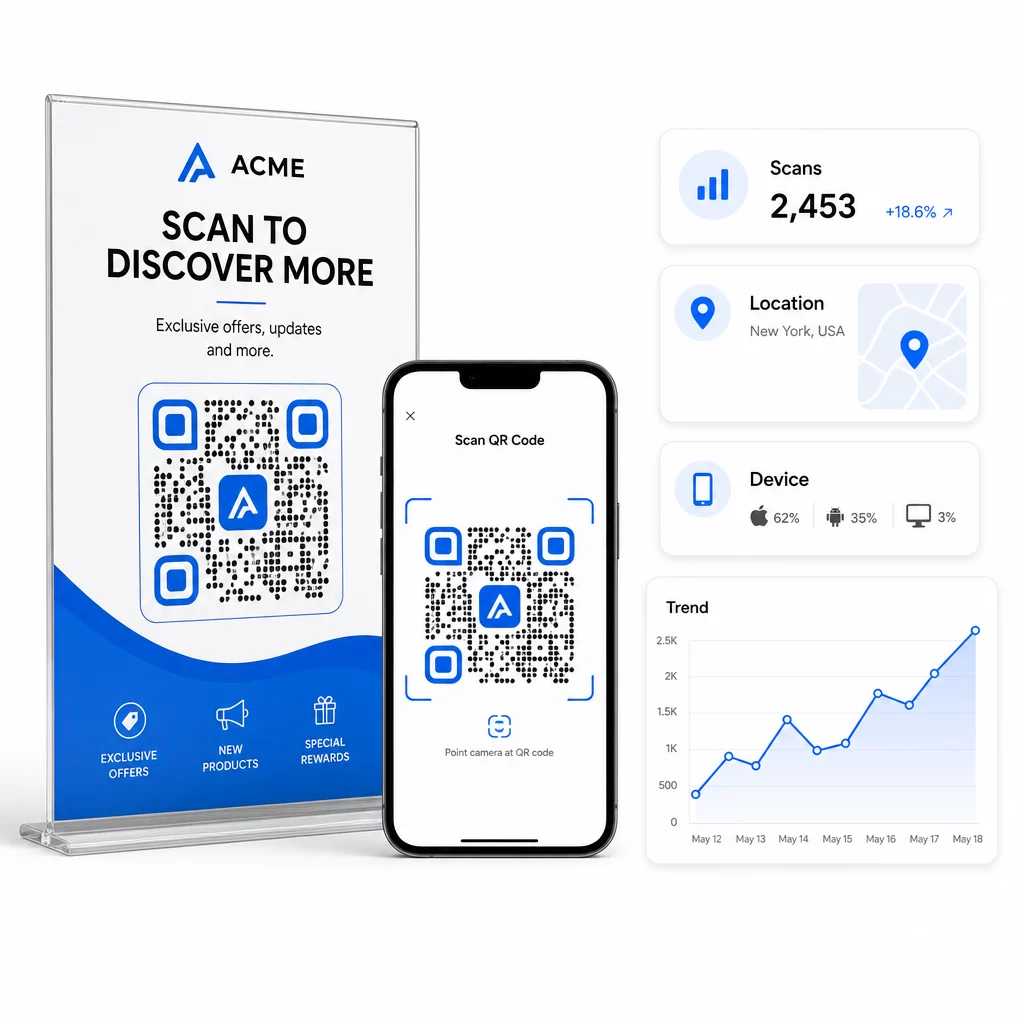
For dybere attribuering skal du tilføje UTM-parametre til dine destinations-URL'er, før du indlejrer dem i QR-koden. Dette dirigerer QR-drevet trafik ind i Google Analytics som en særskilt kilde, hvor du kan analysere engagement, konverteringsrater og adfærd separat fra andre kanaler. En konsekvent navngivningskonvention – for eksempel `utmmedium=qrcode` og `utmsource=butikdisplay` – gør rapporteringen ren og sammenlignelig på tværs af kampagner. For en detaljeret opsætningsguide, se UTM-parametre for QR-koder artikel.
Pageloots indbyggede dashboard samler disse data ét sted: antal scanninger, geografiske opdelinger, enhedsrapporter og sammenligninger på kampagneniveau – uden at kræve en separat analyseopsætning for grundlæggende målinger.
Overvåg hver scanning i realtid Det Dynamisk QR-kode generator giver dig et komplet ydeevne-dashboard med geografiske data, enhedsfordelinger og scanningstendenser. Opdater destinationer uden at genudskrive, når din kampagne ændres.
Byg en QR-kode marketingstrategi, der skalerer
Engangs-QR-koder er et udgangspunkt. En koordineret strategi er det, der genererer sammensatte afkast.
Før du genererer koder, skal du definere, hvad hver enkelt skal opnå – og sørg for, at destinationen lever op til det løfte. En kode, der sender nogen til en ikke-mobiloptimeret side, en 404-fejl eller en irrelevant startside, vil underminere tilliden og fjerne enhver grund til at scanne igen.
Brug dynamiske QR-koder til kampagner med definerede start- og slutdatoer, roterende kampagner eller steder, der deler materialer på tværs af sæsoner. Muligheden for at opdatere destinationen uden at genudskrive betyder, at dit fysiske materiale forbliver aktuelt, selv når din kampagne ændres.
For en trin-for-trin tilgang til planlægning og udførelse af en QR-kodekampagne, QR-kode marketing: Tjekliste til små virksomheder dækker målsætning, valg af kodetype, bedste designpraksis og optimering efter lancering i et struktureret format.
De brands, der ser reelle resultater fra QR-koder, behandler dem som en performancekanal – en hvor placering, design, destination og sporing alle er planlagt på forhånd. Den disciplin er det, der adskiller en scanningsrate på 0,5 % fra en, der er værd at rapportere.
Ofte stillede spørgsmål
En statisk QR-kode koder destinationen direkte ind i sit mønster og kan ikke ændres efter oprettelse. Den giver heller ingen scanningsdata. En dynamisk QR-kode gemmer en kort omdirigerings-URL, hvilket betyder, at du kan opdatere destinationen når som helst – selv efter udskrivning – og spore hver scanning med data om placering, enhed og tidspunkt. For de fleste marketingkampagner er dynamiske QR-koder det bedre valg, fordi de understøtter sporing, A/B-test og kampagneopdateringer uden genudskrivning.
Du skal bruge en dynamisk QR-kode forbundet til en sporingsplatform. Når nogen scanner koden, registrerer platformen begivenheden og indsamler data, herunder antal scanninger, tidsstempel, geografisk placering og enhedstype. Du kan også tilføje UTM-parametre til din destinations-URL, så QR-drevet trafik vises som en separat, identificerbar kilde i Google Analytics. Pageloots dashboard leverer disse data i realtid uden at kræve en separat analysekonfiguration for grundlæggende målinger.
Til visitkort og flyers skal du bruge en minimumsstørrelse på ca. 1 tomme (2,5 cm) kvadratisk. Til menuer og brochurer skal du sigte efter mindst 1,5 tommer (3,8 cm). Til plakater skal du bruge mindst 2 tommer (5 cm). Til billboards og udendørs skiltning skal du anvende 10:1-reglen: kodens bredde skal være mindst en tiendedel af den maksimale forventede scanningsafstand. Oprethold altid en tom, stille zone på mindst fire moduler bred på alle sider, og brug høj kontrast – mørkt mønster på en lys baggrund – for at sikre pålidelig scanning.