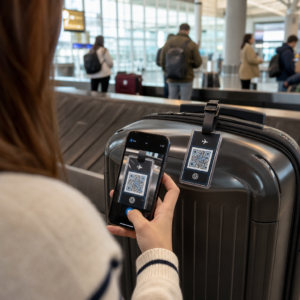
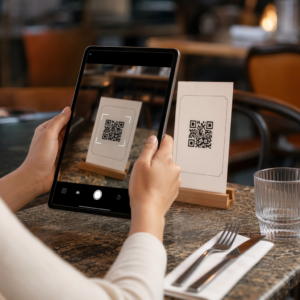
Mai gestionați intrarea la evenimente cu liste de invitați tipărite și înregistrări manuale? Această abordare încetinește cozile de intrare, frustrează participanții și lasă organizatorii cu puțină vizibilitate asupra a ceea ce se întâmplă de fapt la fața locului. Această pagină acoperă fiecare mod practic de a utiliza codurile QR la evenimente – de la emiterea biletelor și înregistrări la confirmări de prezență (RSVP) și follow-up post-eveniment – astfel încât să puteți derula operațiuni mai fluide și să obțineți rezultate măsurabile.
De ce Organizatorii de Evenimente Adoptă Codurile QR
Adoptarea codurilor QR în rândul profesioniștilor din evenimente nu mai este o nișă. 43% dintre marketeri folosesc coduri QR special pentru evenimente, făcând evenimentele cel mai comun caz de utilizare a codurilor QR în rândul profesioniștilor din marketing. Aceleași date arată că peste 90% dintre marketeri au raportat utilizarea codurilor QR în 2025, 94% dintre aceștia crescându-și utilizarea de la an la an.
Motivul acestei schimbări este practic: participanții sunt deja obișnuiți cu scanarea. Mai mult de două treimi dintre consumatori au folosit un cod QR cel puțin o dată în ultimul an, iar aproximativ jumătate dintre Generația Z și Mileniali scanează coduri QR cel puțin o dată pe săptămână. Cu 98% dintre americani deținând un telefon mobil, nu există nicio barieră semnificativă în a-i determina pe participanți să scaneze.
Pentru organizatori, recompensa este controlul în timp real. Puteți urmări intrarea, monitoriza prezența pe sesiune, actualiza informațiile despre eveniment fără a retipări materiale și măsura implicarea mult timp după încheierea evenimentului.
Cazuri de Utilizare a Codurilor QR pentru Evenimente
Codurile QR sunt suficient de flexibile pentru a gestiona aproape orice nevoie operațională și de implicare la un eveniment. Iată cele mai eficiente aplicații.
Emiterea Biletelor și Gestionarea Intrării
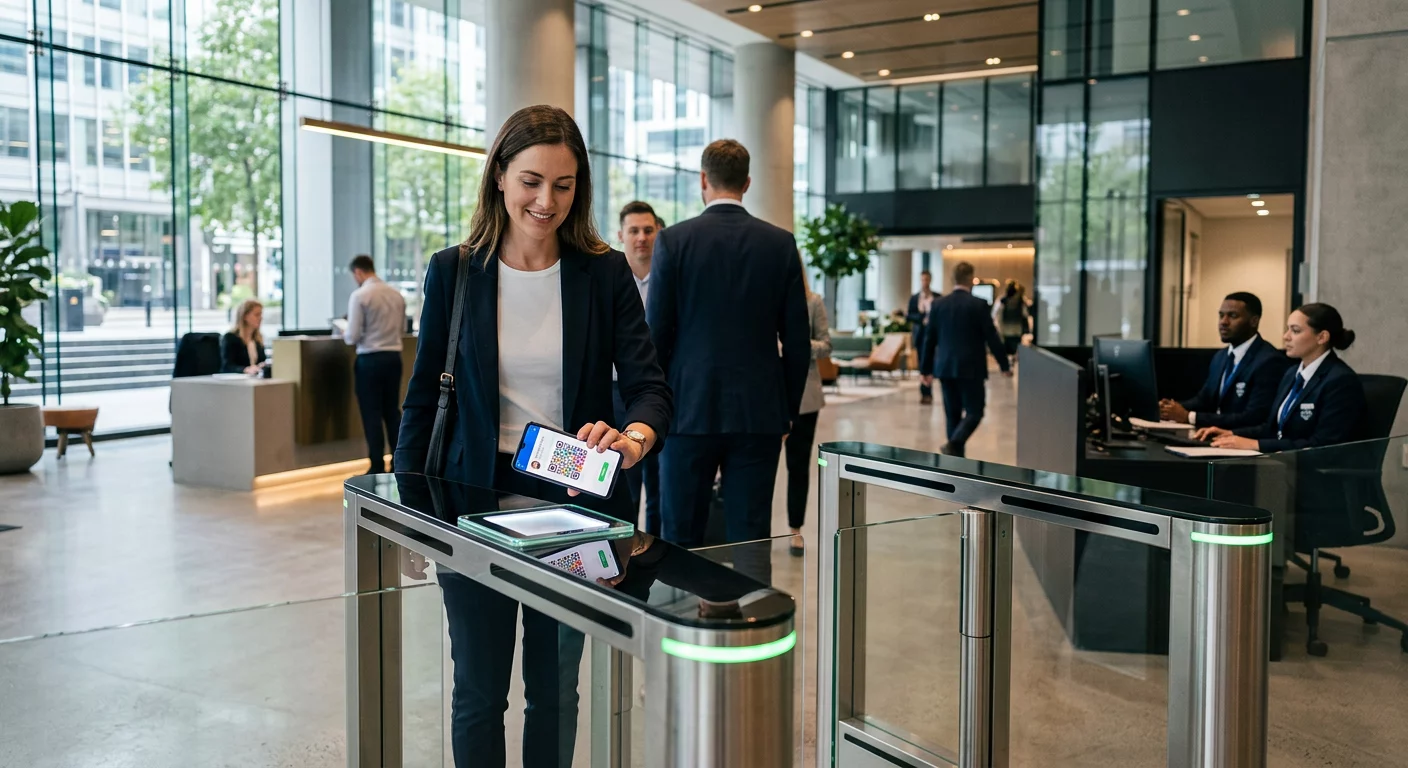
Cel mai comun punct de plecare este înlocuirea biletelor de hârtie cu coduri QR scanabile. Fiecare participant primește un cod QR unic – livrat prin e-mail, PDF sau mobil – pe care personalul îl scanează la ușă pentru a valida intrarea și a marca prezența în timp real.
Această abordare elimină necesitatea verificării manuale a listelor, accelerează cozile de intrare și previne frauda prin utilizare duplicată, deoarece fiecare cod poate fi setat pentru validare cu o singură scanare. Pentru o prezentare detaliată a arhitecturii de securitate din spatele acesteia, consultați ghidul despre cum să creați bilete de eveniment sigure cu cod QR.
Puteți genera bilete direct folosind Cod QR invitații pentru evenimente introducând URL-ul evenimentului, titlul, descrierea și detaliile de contact, apoi personalizând designul codului înainte de a-l descărca pentru distribuție.
Simplificați Intrarea la Eveniment Creați coduri QR personalizate, urmăribile pentru bilete, pagini de destinație și înregistrări. Încercați Cod QR invitații pentru evenimente gratuit timp de 14 zile – nu este necesar un card de credit.
Înregistrarea Participanților și Urmărirea Prezenței
Înregistrarea bazată pe QR funcționează prin scanarea codului fiecărui participant de către personal cu un telefon, tabletă sau o aplicație dedicată de scanare. O scanare validă marchează automat persoana ca înregistrată și actualizează instantaneu înregistrările dvs. de prezență.
Acest lucru este semnificativ mai rapid decât metodele manuale. Conform ghidului pentru coduri QR pentru înregistrările la evenimente, înregistrările cu coduri QR reduc timpul mediu de procesare la sub 2 secunde pe persoană și pot reduce durata totală de intrare cu până la 50% comparativ cu procesele manuale.
Pentru evenimente în desfășurare, cursuri sau conferințe cu mai multe sesiuni, instrumentul Pageloot de Cod QR pentru Prezență permite participanților să se înregistreze singuri scanând un cod legat de un Formular Google sau un instrument similar, cu răspunsuri care se introduc automat într-o foaie de calcul pentru urmărire în timp real. Aflați mai multe despre construirea acestui tip de sistem pe pagina de urmărire a prezenței.
Colectarea Confirmărilor de Prezență (RSVP)
În loc să direcționați invitații să tasteze o adresă URL, un cod QR de pe invitația, flyerul sau pagina evenimentului îi duce direct la formularul dvs. de RSVP cu o singură scanare. Acest lucru elimină fricțiunea și, de obicei, crește ratele de răspuns.
Folosește Pageloot’s Generator cod QR Google Forms pentru a lega orice Formular Google de un cod scanabil, apoi plasați-l pe invitații tipărite, grafică digitală sau semnalistică de eveniment. Pentru instrucțiuni pas cu pas, ghidul despre codurile QR RSVP pentru evenimente detaliază selecția platformei, generarea codului și conformitatea cu confidențialitatea.
Programe și Informații Eveniment
Un cod QR plasat pe un ecuson, un card de masă sau un semn de locație poate lega participanții la un program live al evenimentului, biografii ale vorbitorilor, hărți ale etajelor sau detalii despre sesiuni. Deoarece codurile QR dinamice vă permit să actualizați URL-ul de destinație după imprimare, puteți corecta modificările de program sau adăuga informații fără a retipări materiale.
Acesta este unul dintre cele mai puternice argumente practice pentru utilizarea codurilor dinamice în detrimentul celor statice. Dacă un vorbitor anulează sau o sală se schimbă, actualizați linkul – nu materialele tipărite.
Integrare Google Calendar
Pentru conferințe, workshop-uri sau orice eveniment cu bilete și sesiuni, legarea unui cod QR la o intrare din Google Calendar permite participanților să adauge evenimentul direct în calendarul lor cu o singură scanare. Utilizați Generator cod QR Google Calendar pentru a crea acest cod, apoi plasați-l pe e-mailurile de confirmare, bilete sau invitații.
Navigația în locație
Locațiile mari – centre de convenții, festivaluri în aer liber, spații de conferințe pe mai multe etaje – cauzează adesea dificultăți pur și simplu pentru că participanții nu pot găsi unde trebuie să meargă. Un cod QR pe semnalistică, bilete sau invitații care se deschide direct în Google Maps elimină complet această dificultate. Creați unul folosind Generează cod QR Google Maps și includeți-l oriunde participanții îl vor vedea înainte sau în timpul evenimentului.
Partajarea fotografiilor și implicarea socială
Codurile QR pot conecta participanții la o galerie foto partajată, o pagină de hashtag de brand sau un portal de încărcare, astfel încât oaspeții să poată contribui și vizualiza fotografii de la eveniment în timp real. Acest lucru creează o buclă de participare care extinde experiența evenimentului dincolo de locația fizică. Pentru un ghid practic de configurare, consultați cum să utilizați un cod QR pentru a partaja fotografii.
Sondaje post-eveniment și follow-up
Cercetările arată că 41% dintre organizatori folosesc sondaje post-eveniment pentru a măsura ROI-ul, iar 40% se bazează pe implicarea în social media. Un cod QR pe o insignă, un material promoțional sau un semn de ieșire care indică un formular de feedback facilitează răspunsul participanților în timp ce evenimentul este încă proaspăt. Conectarea acelui formular la un Google Form prin generatorul Pageloot înseamnă că răspunsurile ajung direct într-o foaie de calcul pe care o puteți analiza imediat.
Cum să creați un cod QR pentru evenimente cu Pageloot
Procesul durează câteva minute și nu necesită abilități tehnice.
- Deschideți generatorul – Accesați Cod QR invitații pentru evenimente și selectați “Creați cod QR pentru eveniment”.”
- Adăugați detaliile evenimentului dvs. – Introduceți URL-ul paginii evenimentului, titlul, descrierea și informațiile de contact. Pageloot construiește o pagină de destinație în jurul acestui conținut.
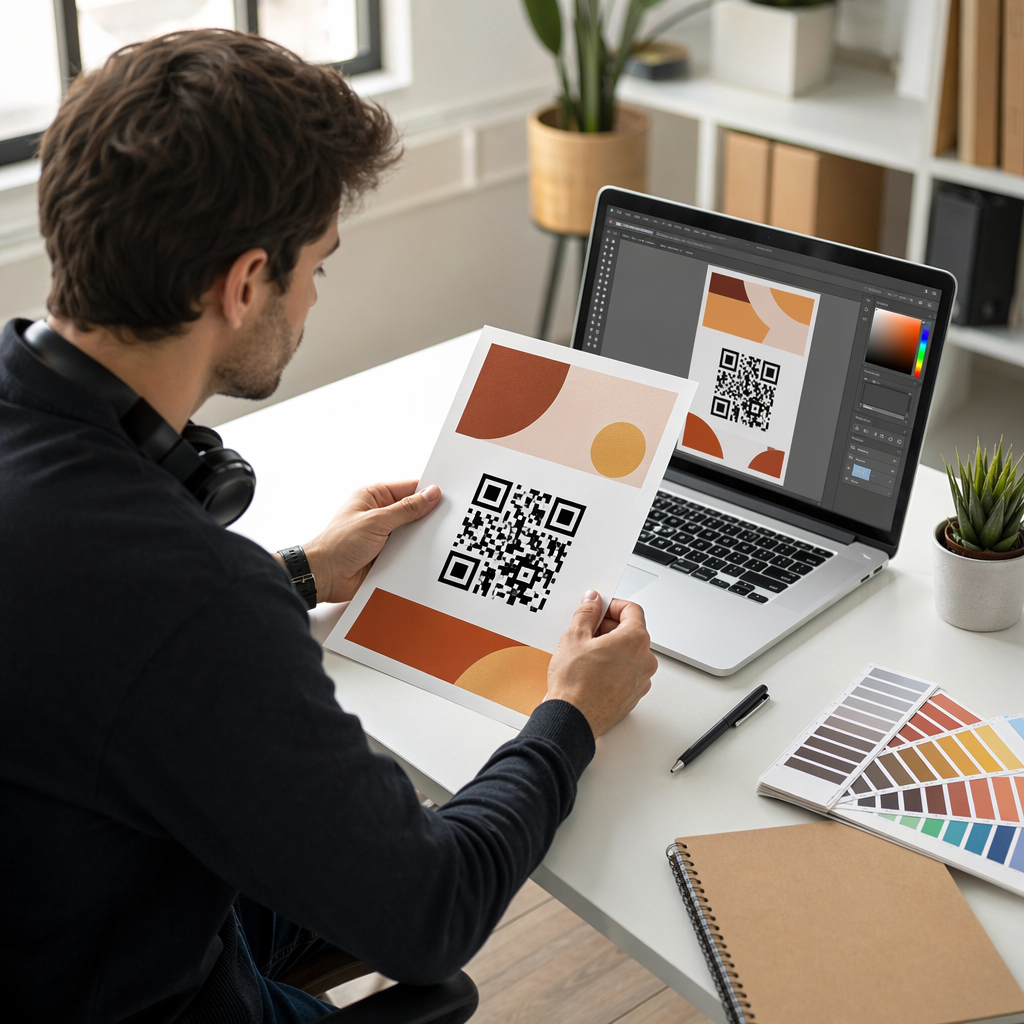
- Proiectați codul QR – Ajustați culorile, formele și adăugați logo-ul dvs. pentru a se potrivi cu brandingul evenimentului.
- Alegeți dinamic dacă aveți nevoie de flexibilitate – Codurile dinamice vă permit să actualizați linkul de destinație după imprimare. Aceasta este alegerea potrivită pentru orice s-ar putea schimba înainte sau în timpul evenimentului.
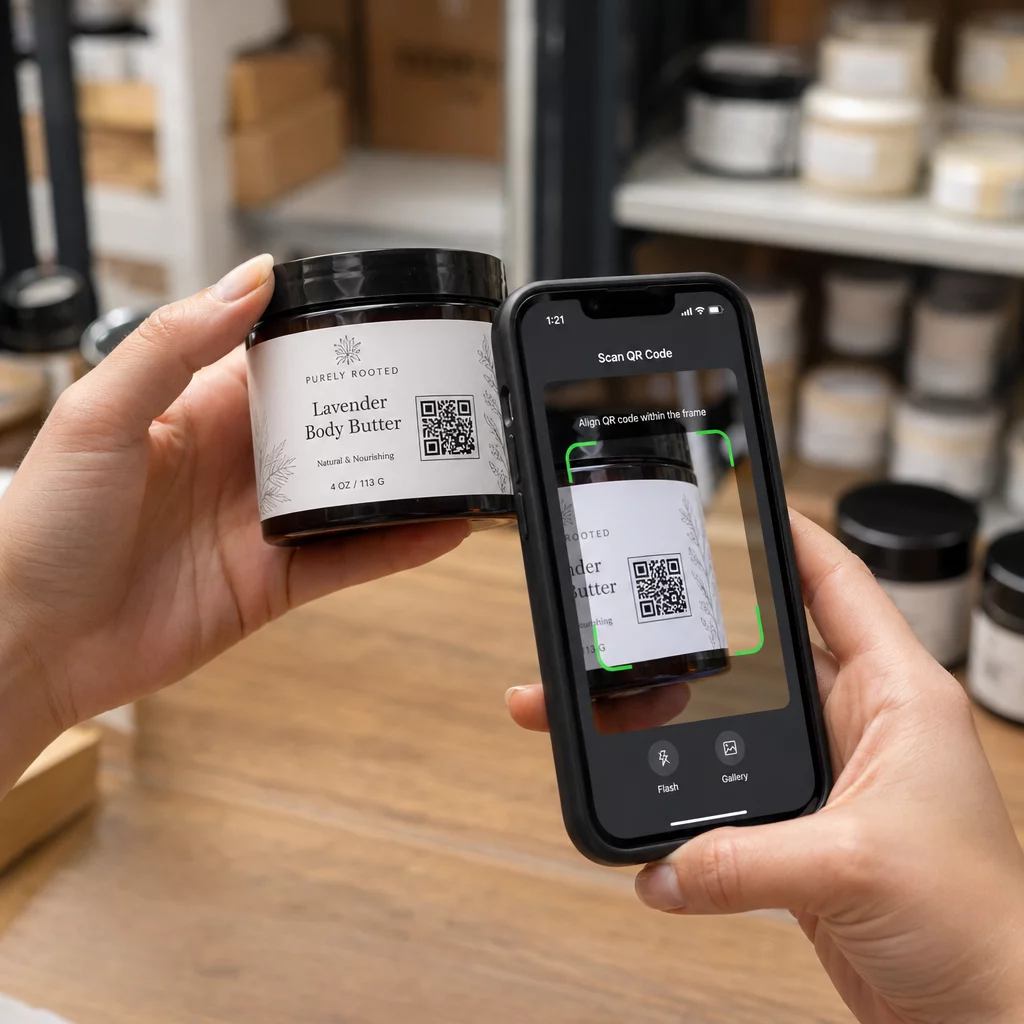
- Testați codul – Scanați-l pe ambele dispozitive iOS și Android în diferite condiții de iluminare înainte de a-l distribui.
- Descărcați și distribuiți – Exportați în PNG, PDF sau SVG și plasați-l pe bilete, semnalistică, invitații sau materiale digitale.
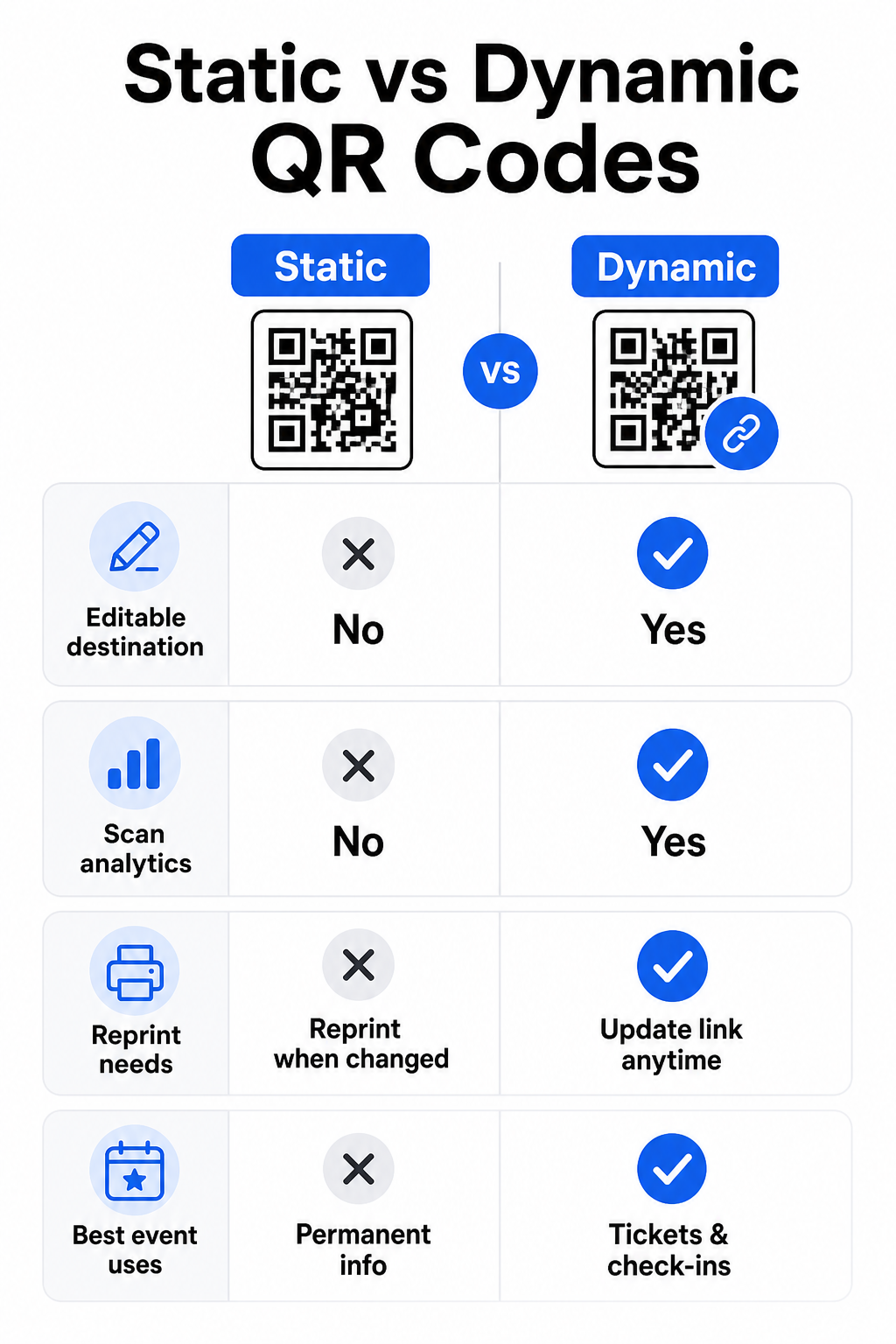
Coduri QR statice vs. dinamice pentru evenimente
Înțelegerea diferenței dintre codurile QR statice și dinamice vă ajută să faceți alegerea corectă pentru fiecare caz de utilizare.
| FUNCȚIE | Cod QR static | Cod QR dinamic |
|---|---|---|
| Destinație editabilă după imprimare | Nu | Da |
| Analize scanări | Nu | Da |
| Codul se modifică dacă destinația se modifică | Da (reimprimare necesară) | Nu |
| Cel mai bun pentru | Linkuri simple, permanente | Bilete, programe, campanii |
| Cost | Gratuit | Abonament plătit |
Pentru majoritatea operațiunilor evenimentelor – în special emiterea biletelor, înregistrarea și orice ar putea necesita actualizare – codurile QR dinamice sunt alegerea mai bună. Acestea oferă, de asemenea, analize de scanare, care vă spun câte persoane au scanat, când, pe ce dispozitiv și din ce locație. ghidul pentru construirea codurilor QR dinamice pentru înregistrările CRM explică cum să conectați aceste date la fluxul de lucru mai amplu de gestionare a participanților.
Plasarea și dimensionarea codurilor QR pentru evenimente
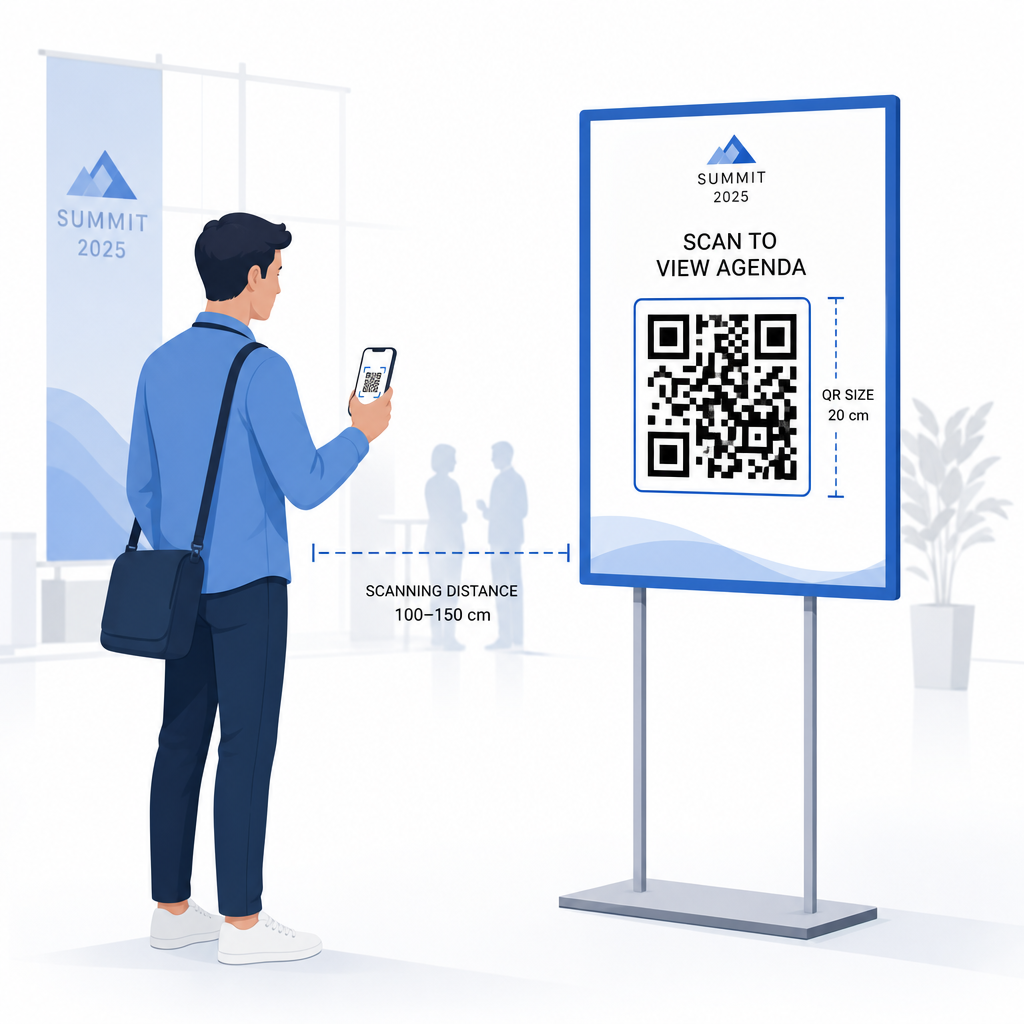
Un cod QR care nu poate fi scanat în mod fiabil își pierde scopul. Următoarele ghiduri reflectă cercetările de utilizabilitate și scenariile practice ale evenimentelor.
Dimensiuni minime în funcție de tipul materialului:
- Invitații tipărite: cel puțin 1,5 × 1,5 inchi
- Insigne sau brățări: cel puțin 1,5 inchi pătrați
- Carduri de masă sau carduri de loc: cel puțin 1 × 1 inch (1,5 inchi preferabil)
- Semnalistică eveniment: cel puțin 5 × 5 inchi, crescând la 7 × 7 inchi pentru locații mai late de 30 de picioare
O regulă utilă: cea mai mică dimensiune a codului QR ar trebui să fie aproximativ o zecime din distanța de scanare. Un cod scanat de la 3 picioare distanță ar trebui să aibă cel puțin 3,6 inchi lățime.
Ghiduri de plasare:
- Poziționați codurile la înălțimea ochilor sau a pieptului – aproximativ 3 până la 5 picioare de la podea – astfel încât participanții să poată scana fără a se apleca sau a se întinde
- Plasați codurile acolo unde oamenii se opresc sau așteaptă în mod natural: intrări, birouri de înregistrare, mese, lângă afișaje și în cozi
- Mențineți contrast ridicat: modulele întunecate pe un fundal deschis se scanează cel mai fiabil; evitați schemele de culori inversate sau cu contrast scăzut
- Păstrați o zonă de liniște de cel puțin 4 module de spațiu gol pe toate cele patru laturi ale codului; textul sau grafica din interiorul acestei margini cauzează eșecuri de scanare
- Testați fiecare cod la dimensiunea sa finală imprimată, de la distanța de scanare așteptată, atât pe iOS, cât și pe Android, înainte de eveniment
Pentru mai multe îndrumări, ghidul suprem pentru codurile QR pentru înregistrarea la evenimente include cerințe tehnice detaliate de scanare și cele mai bune practici pentru operațiunile la ușă.
Urmărirea performanței evenimentelor cu analize QR
Unul dintre avantajele subutilizate ale codurilor QR dinamice sunt datele pe care le generează. Tabloul de bord de analiză Pageloot captează numărul de scanări, marcajele de timp, tipurile de dispozitive și locațiile geografice în timp real.
Pentru organizatorii de evenimente, aceste date răspund la întrebări practice:
- Care punct de intrare a avut cel mai mare volum de scanări și la ce oră?
- Participanții s-au implicat cu programul sau conținutul sponsorilor în timpul evenimentului?
- Câte persoane au scanat codul sondajului post-eveniment?
- Ce canal promoțional – flyer tipărit, postare pe rețelele sociale, e-mail – a generat cele mai multe scanări de bilete?
Aceste informații stau la baza deciziilor privind personalul, vă ajută să identificați blocajele și oferă sponsorilor o dovadă măsurabilă a implicării publicului. Pentru o analiză mai aprofundată a instrumentelor disponibile, consultați sinteza celor mai bune instrumente pentru urmărirea evenimentelor cu cod QR.
Vedeți Cine Scanează și Când Analizele încorporate de Pageloot vă oferă date de scanare în timp real pentru toate codurile QR ale evenimentului dvs. într-un singur tablou de bord. Începeți cu Cod QR invitații pentru evenimente și rulați următorul eveniment cu vizibilitate completă.
Scanarea Codurilor QR la Evenimentul Dvs.
Dacă aveți nevoie de o soluție de scanare pentru personal pentru a valida biletele sau a înregistra participanții, soluția Pageloot Scanare cod QR funcționează direct în browser – nu este necesară descărcarea unei aplicații. Personalul poate scana de.
Pentru evenimente mai mari cu stații de scanare dedicate, camerele native ale dispozitivelor pe iOS (iOS 11 și versiuni ulterioare) și Android scanează codurile QR fără nicio aplicație suplimentară. Testați-vă configurația de scanare în condițiile reale de iluminare ale locației dvs. înainte de eveniment și instruiți personalul să țină dispozitivul la aproximativ 30 cm (aproximativ 12 inci) de cod pentru citiri consistente.
Probleme comune cu codurile QR la evenimente (și cum să le evitați)
Chiar și codurile QR bine concepute eșuează atunci când anumite condiții nu sunt îndeplinite. Iată cele mai frecvente probleme și soluțiile lor:
- Cod prea mic: Respectați dimensiunile minime de mai sus; când aveți îndoieli, imprimați mai mare
- Contrast slab: Utilizați module întunecate pe un fundal alb sau deschis; evitați plasarea codurilor pe suprafețe întunecate sau cu model
- Material lucios: Finisajele mate scanează mai fiabil deoarece elimină reflexiile; evitați materialele lucioase pentru ecusoane sau brățări
- Cod deteriorat: Zgârieturile sau rupturile fizice blochează scanarea; utilizați setările de corecție a erorilor atunci când generați coduri pentru materiale fizice
- Fără zonă de liniște: Verificați ca nimic – text, chenare, imagini – să nu încalce marginea albă din jurul codului
- Cod netestat: Scanați întotdeauna versiunea finală tipărită pe mai multe dispozitive înainte de a o distribui la scară largă
Pentru depanare suplimentară a codurilor QR imprimate direct pe bilete, consultați ghidul pentru codurile QR pe bilete.
Codurile QR oferă organizatorilor de evenimente o legătură directă între punctele de contact fizice și sistemele digitale – fie că este vorba de validarea unui bilet, înregistrarea prezenței, colectarea feedback-ului sau navigarea într-o locație. Cheia este alegerea codurilor dinamice acolo unde flexibilitatea contează, dimensionarea și plasarea lor pentru o scanare fiabilă și utilizarea analizelor pentru a înțelege cum interacționează de fapt participanții.
Începeți cu Cod QR invitații pentru evenimente pentru a crea primul dvs. cod QR de eveniment, sau explorați Cod QR pentru Prezență instrumentul pentru a construi un sistem de check-in care înregistrează automat fiecare sosire.
Întrebări frecvente
Un cod QR static are o destinație fixă care nu poate fi schimbată după ce este creat. Dacă detaliile evenimentului dumneavoastră se modifică, trebuie să re-tipăriți codul. Un cod QR dinamic vă permite să actualizați URL-ul destinației în orice moment fără a schimba codul tipărit în sine. Codurile dinamice oferă, de asemenea, analize de scanare – date despre când, unde și cât de des este scanat codul – ceea ce codurile statice nu fac. Pentru majoritatea aplicațiilor de evenimente, în special pentru bilete și programe, codurile dinamice sunt alegerea practică.
Deschideți Generatorul de coduri QR pentru evenimente de la Pageloot și selectați opțiunea de a crea un cod QR pentru eveniment. Introduceți URL-ul evenimentului sau linkul de înregistrare, adăugați detalii despre eveniment, cum ar fi titlul și descrierea, apoi personalizați designul codului cu brandingul dvs. Descărcați codul și distribuiți-l participanților prin e-mail, PDF sau bilet tipărit. La eveniment, personalul scanează codul fiecărui participant folosind camera unui smartphone sau Scanerul de coduri QR Pageloot pentru a-i marca ca fiind înregistrați.
Pentru semnalizarea standard a evenimentelor, se recomandă un minim de 5 × 5 inci. Pentru locații mai mari, cu o lățime de peste 30 de picioare, măriți dimensiunea la cel puțin 7 × 7 inci. O regulă de bază fiabilă este că cea mai mică dimensiune a codului ar trebui să fie aproximativ o zecime din distanța de scanare așteptată – deci un cod vizualizat de la 5 picioare distanță ar trebui să aibă aproximativ 6 inci lățime. Testați întotdeauna codul tipărit la distanța reală de scanare înainte de eveniment.