Mahu menukar kad ucapan kertas menjadi sesuatu yang penerima benar-benar mainkan, tonton, atau dengar? Kad statik diketepikan, tetapi kad dengan kod QR yang membuka kunci video peribadi atau mesej suara mencipta detik yang orang ingat. Halaman ini menerangkan bagaimana kod QR berfungsi pada kad ucapan dan bagaimana untuk mencipta atau menyesuaikannya menggunakan alatan Pageloot.
Mengapa Kod QR Menjadikan Kad Ucapan Lebih Menarik
Rakyat Amerika membeli kira-kira 6.5 bilion kad ucapan setiap tahun, dengan kad hari jadi sahaja menyumbang lebih daripada separuh daripada semua kad yang dijual. Format ini ada di mana-mana, itulah sebabnya menonjol adalah penting.
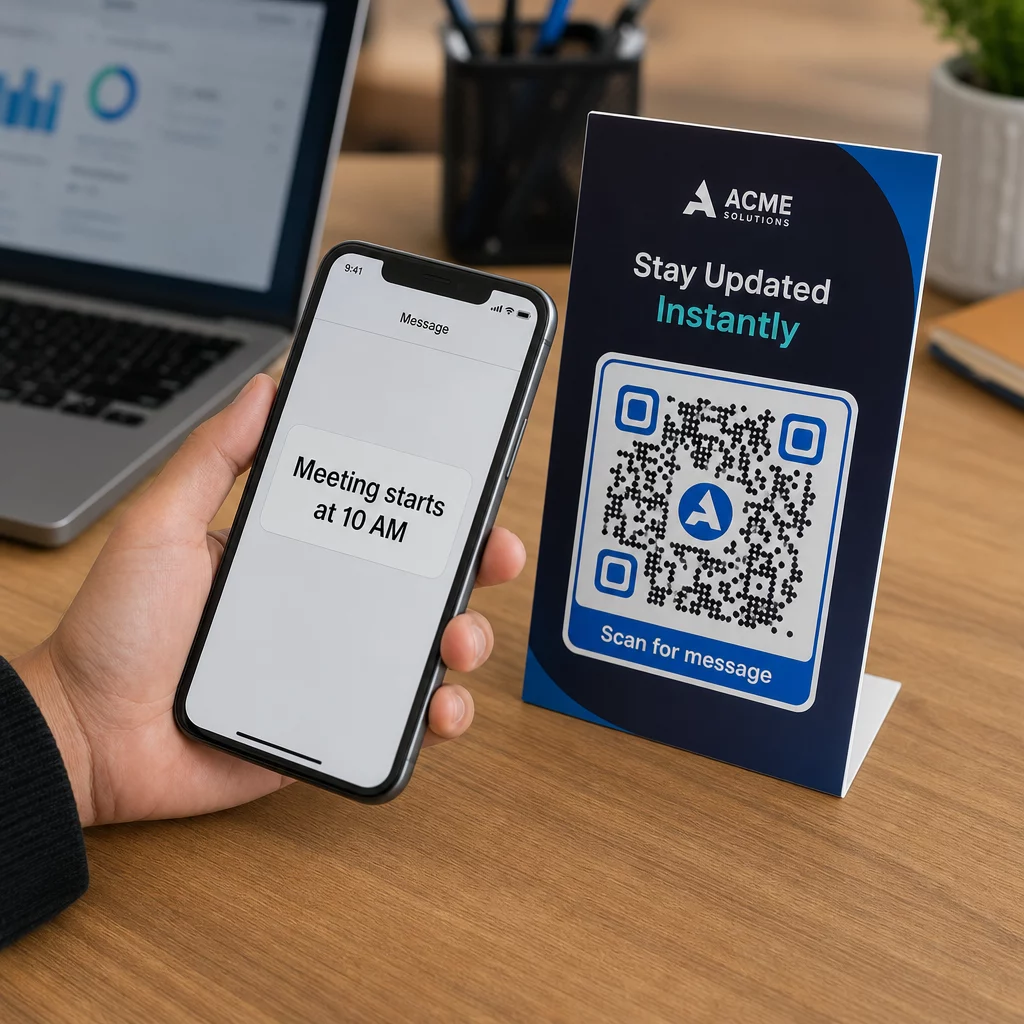
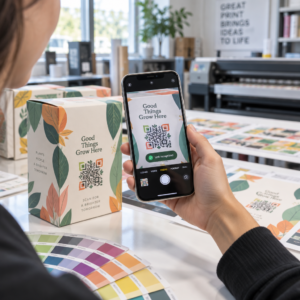
Sebuah kod QR yang dicetak di dalam atau pada muka depan kad pautan ke mana-mana kandungan digital yang anda pilih – sebuah video YouTube, sebuah mesej suara yang dirakam, sebuah lagu, sebuah galeri foto, atau sebuah halaman pendaratan yang diperibadikan. Apabila penerima membuka kad dan mengimbas kod itu dengan kamera telefon mereka, kandungan itu dimuatkan serta-merta, tiada muat turun aplikasi diperlukan.
Perbezaan utama untuk penggunaan berterusan adalah antara kod QR statik dan dinamik. Sebuah kod statik mengekod destinasi secara langsung dan tidak boleh diubah selepas dicetak. Sebuah kod dinamik menggunakan URL pengalihan pendek, bermakna anda boleh mengemas kini apa yang ditunjuk oleh kod itu pada bila-bila masa tanpa mencetak semula kad. Untuk kad peribadi sekali sahaja, statik berfungsi dengan baik. Untuk perniagaan yang menghantar kad berjenama dalam jumlah besar, kod dinamik memberikan anda fleksibiliti dan keupayaan untuk menjejaki penglibatan.
Kandungan Apa yang Boleh Anda Pautkan Daripada Kod QR Kad Ucapan
Kemungkinan kandungan berkisar dari yang mudah hingga yang kaya. Berikut adalah kes penggunaan yang paling biasa:
- Mesej video peribadi – Rakam sebuah video, muat naik ke YouTube, dan pautkannya menggunakan Kod QR YouTube. Kod itu membuka video secara langsung dalam aplikasi YouTube atau pelayar.
- Rakaman suara atau audio – Tukar sebuah fail MP3 atau audio menjadi kod yang boleh diimbas dengan Penjana kod QR MP3. Anda boleh menyesuaikan halaman pendaratan audio berjenama dengan tajuk, imej muka depan, dan warna jenama.
- Galeri foto – Pautkan ke sebuah galeri imej yang dikurasi menggunakan Penjana gambar QR, berguna untuk hadiah foto, ringkasan acara, atau kad ulang tahun.
- Lagu atau senarai main – Kongsi sebuah lagu atau senarai main yang bermakna melalui Kod Spotify dengan penjana kod QR, yang memautkan secara langsung ke sebuah trek, album, atau senarai main di Spotify.
- Pautan tersuai atau halaman pendaratan – Gunakan Penjana Kod QR Pautan untuk menunjuk ke mana-mana URL – sebuah laman web, sebuah borang, sebuah halaman acara, atau sebuah mesej digital yang diperibadikan.
Setiap penjana ini membolehkan anda menyesuaikan warna kod QR, menambah sebuah logo, memilih gaya bingkai, dan memuat turun fail sedia cetak.
Cipta Sebuah Kod QR untuk Kad Ucapan Anda Pilih jenis kandungan anda dan jana sebuah kod QR berjenama penuh, boleh diimbas dalam beberapa minit. Mulakan dengan Penjana Kod Pageloot QR – percubaan percuma 14 hari, tiada kad kredit diperlukan.
Cara Mencipta Sebuah Kod QR untuk Sebuah Kad Ucapan
Proses itu mengambil masa kurang daripada lima minit:
- Pilih jenis kandungan anda. Putuskan apa yang anda mahu kad itu sampaikan – video, audio, imej, sebuah pautan, atau sebuah lagu.
- Sediakan kandungan anda. Muat naik video anda ke YouTube, eksport audio anda sebagai sebuah MP3, kumpul imej anda, atau salin URL yang anda mahu gunakan.
- Buka penjana yang betul. Pergi ke penjana Pageloot yang berkaitan berdasarkan jenis kandungan anda.
- Masukkan butiran kandungan anda. Tampal URL anda atau muat naik fail anda.
- Sesuaikan kod QR. Laraskan warna, tambah sebuah logo, pilih bingkai atau bentuk, dan tambah seruan tindakan pendek seperti “Imbas untuk mendengar mesej.”
- Muat turun kod anda. Eksport dalam format sedia cetak – SVG, EPS, atau PDF – untuk output berkualiti tertinggi.
- Letakkannya pada kad. Cetak kod QR secara langsung pada reka bentuk kad atau cetaknya pada pelekat untuk dilekatkan di dalam.
- Uji sebelum mencetak dalam jumlah besar. Imbas kod itu dengan sekurang-kurangnya dua telefon pintar yang berbeza untuk mengesahkan ia berfungsi dengan betul.
Garis Panduan Reka Bentuk Kod QR untuk Kad
Kad ucapan adalah kecil, jadi mendapatkan saiz dan penempatan yang betul adalah kritikal untuk pengimbasan yang boleh dipercayai.

Saiz: Saiz minimum yang disyorkan untuk sebuah kod QR pada bahan cetak adalah 8 × 0.8 inci (20 × 20 mm). Pada sebuah kad ucapan standard yang diimbas pada jarak lengan, ini sudah mencukupi. Jika anda menambah sebuah logo di dalam kod itu, tingkatkan saiz sebanyak 20–30% untuk mengimbangi ruang yang diduduki oleh logo itu. Untuk pecahan penuh mengikut jenis bahan, lihat panduan mengenai saiz kod QR untuk bahan cetakan yang berbeza.
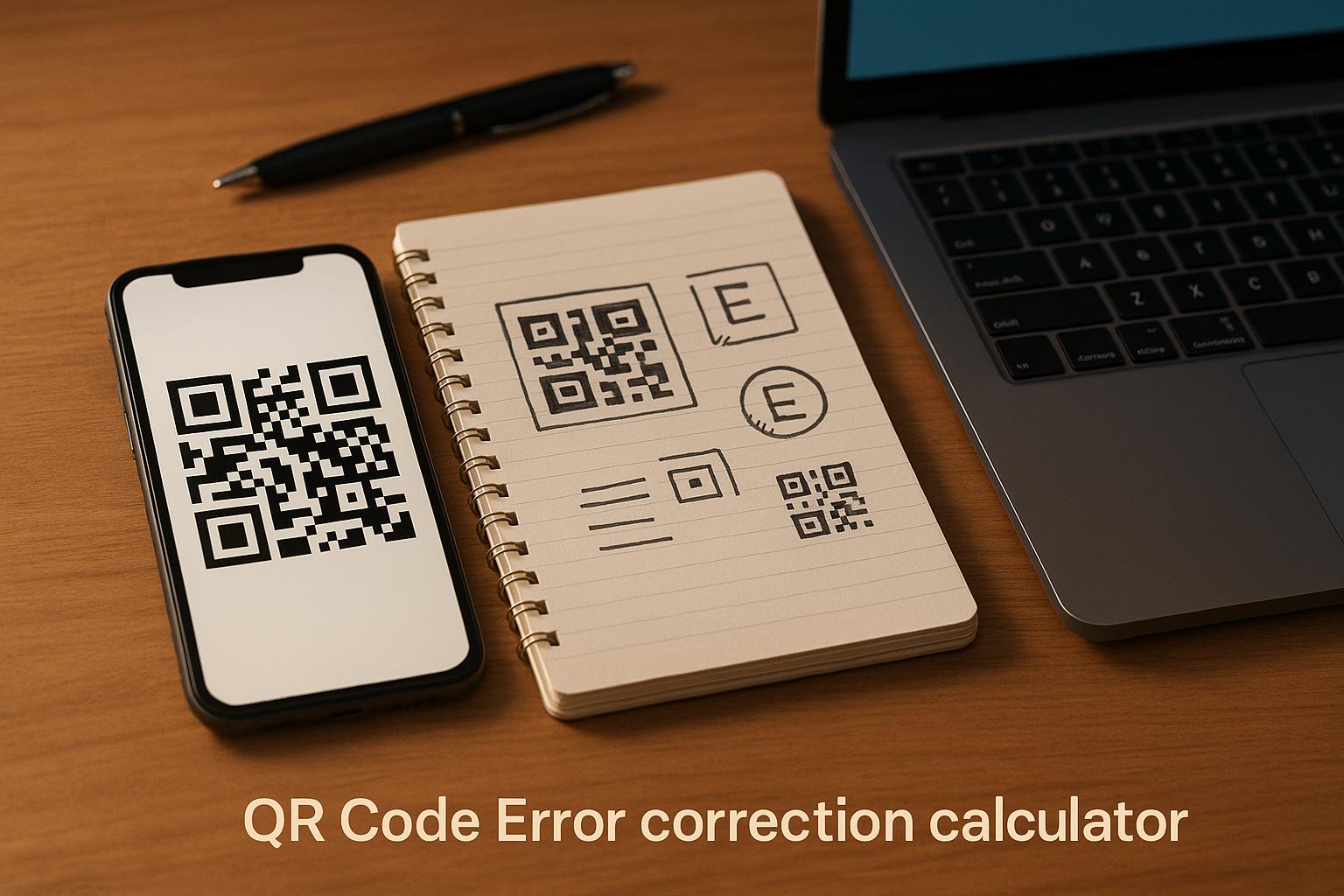
Kontras: Gunakan modul gelap pada latar belakang cerah dan jangan sekali-kali menterbalikkan hubungan itu. Kontras tinggi adalah faktor tunggal yang paling penting untuk pengimbasan yang boleh dipercayai merentasi model telefon yang berbeza dan keadaan pencahayaan. Untuk panduan terperinci, amalan terbaik untuk kebolehbacaan kod QR panduan meliputi nisbah kontras, kombinasi warna, dan kesilapan biasa yang perlu dielakkan.
Zon senyap: Tinggalkan sempadan yang jelas, tidak dicetak di sekeliling kod QR pada keempat-empat sisi – sekurang-kurangnya empat modul lebar. Zon penampan ini membantu pengimbas mengesan tepi kod itu. Jangan letakkan teks, corak, atau elemen hiasan di dalam sempadan ini.
Penempatan: Di mana anda meletakkan kod itu pada kad adalah sama pentingnya dengan cara anda merekabentuknya.
- Letakkan kod QR pada permukaan rata, tidak memantul dan elakkan meletakkannya melintasi lipatan kad, yang boleh memesongkan corak apabila kad dibuka atau dikendalikan.
- Bahagian dalam kad selalunya merupakan pilihan paling selamat – rata, terlindung daripada pengendalian, dan dilihat pada saat kad dibuka.
- Panel belakang kad adalah satu lagi penempatan yang boleh dipercayai jika permukaannya matte dan latar belakangnya ringkas dan tidak berserabut.
- Elakkan permukaan bertekstur tebal, berkilat, atau timbul, yang boleh menyerakkan cahaya dan menghalang pengimbasan yang tepat.
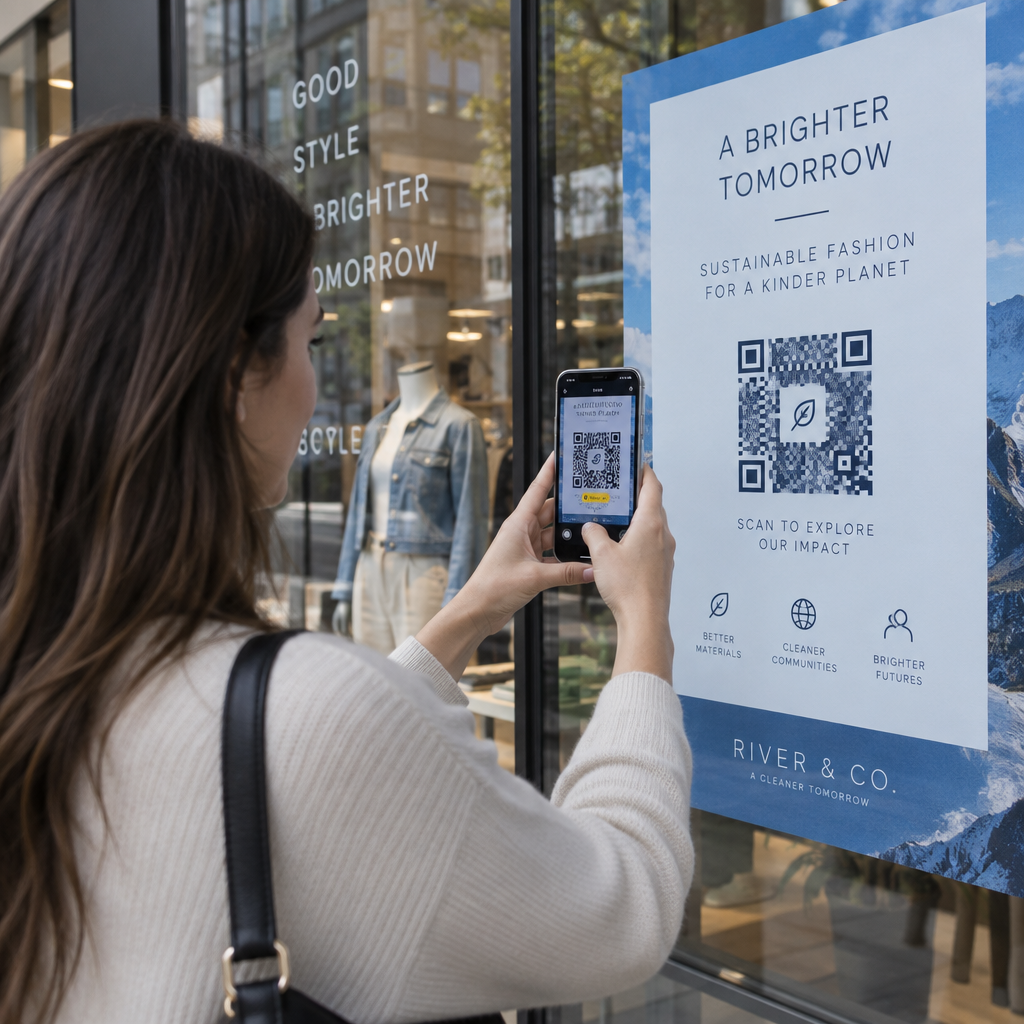
Untuk strategi penempatan yang lebih luas yang boleh digunakan untuk kempen cetakan, the panduan penempatan kod QR dalam pemasaran merangkumi jenis permukaan, kedudukan paras mata, dan pembingkaian seruan bertindak secara terperinci.
Kualiti cetakan: Eksport kod QR anda sebagai fail vektor (SVG atau EPS) dan bukannya PNG resolusi rendah apabila boleh. Ini memastikan kod kekal tajam tanpa mengira saiz output. Jika anda bekerja dengan pencetak komersial, semak bagaimana teknik percetakan mempengaruhi kebolehimbasan kod QR untuk memahami bagaimana kaedah, substrat, dan pilihan dakwat mempengaruhi hasil akhir.
Menggunakan Kod QR Dinamik untuk Kad yang Dihantar dalam Jumlah Besar
Jika anda sebuah perniagaan yang menghantar kad ucapan berjenama untuk cuti, penghargaan pelanggan, atau kempen pemasaran, kod QR dinamik menambah kelebihan yang bermakna berbanding yang statik.

Dengan kod dinamik, anda boleh:
- Kemas kini kandungan yang dipautkan selepas mencetak. Jika URL video berubah atau anda ingin menukar destinasi untuk kempen baharu, anda membuat kemas kini dalam papan pemuka Pageloot dan kod yang dicetak kekal sah – tiada pencetakan semula diperlukan.
- Jejak prestasi imbasan. Lihat jumlah imbasan, imbasan unik, masa imbasan, lokasi mengikut bandar atau wilayah, dan jenis peranti, semuanya dari satu papan pemuka.
- Guna semula reka bentuk kad yang sama merentasi musim. Kemas kini destinasi setiap kitaran kempen tanpa mereka bentuk semula atau mencetak semula stok kad anda.
Ini penting pada skala besar. Krismas menyumbang kira-kira 1.3 bilion kad ucapan yang dibeli di A.S. setiap tahun, diikuti oleh Hari Valentine pada 145 juta unit dan Hari Ibu pada 113 juta. Untuk perniagaan yang beroperasi pada jumlah tersebut, keupayaan untuk mengedit destinasi dan memantau penglibatan tanpa mencetak semula diterjemahkan secara langsung kepada pengurangan kos dan data kempen yang lebih boleh diambil tindakan.
Jejaki Siapa yang Mengimbas Kad Ucapan Anda Gunakan Pageloot’s Penjana Kod QR untuk mencipta kod yang boleh dikemas kini, boleh dijejaki untuk kempen kad anda dan memantau prestasi imbasan dari satu papan pemuka.
Nota Mengenai Penghantaran Kad dengan Kod QR
Menambah kod QR pada kad tidak menjejaskan klasifikasi penghantarannya, dengan syarat kad itu sendiri memenuhi dimensi standard USPS. Minimum saiz surat ialah 3.5 × 5 inci, dan maksimum ialah 6.125 × 11.5 inci. Kad dalam dimensi ini yang beratnya di bawah 3.5 auns dihantar pada kadar surat Kelas Pertama standard.
Satu pengecualian yang perlu diberi perhatian: kad ucapan segi empat sama mungkin tertakluk kepada surcaj tidak boleh diproses mesin di atas pos Kelas Pertama standard, tanpa mengira sama ada ia mengandungi kod QR. Jika kos pos adalah faktor, patuhi dimensi segi empat tepat standard.
Menambah kod QR pada kad ucapan adalah peningkatan mudah yang mengubah item pakai buang menjadi momen interaktif. Pastikan kod sekurang-kurangnya 0.8 inci lebar, letakkannya pada permukaan matte rata jauh dari lipatan, dan sentiasa ujinya pada pelbagai peranti sebelum mencetak. Untuk kegunaan perniagaan, kod dinamik membolehkan anda mengemas kini kandungan yang dipautkan dan mengukur penglibatan tanpa menyentuh kad. Gunakan the Penjana Kod Pageloot QR untuk membina kod sedia kad pertama anda dalam beberapa minit.
Soalan lazim
Ia bergantung pada majlis. Mesej video peribadi dan rakaman suara cenderung mempunyai impak emosi terkuat untuk kad individu. Untuk kad ucapan perniagaan, memautkan kepada mesej video pendek, halaman pendaratan yang dikurasi, atau senarai main yang relevan berfungsi dengan baik. Penjana Kod QR YouTube Pageloot, Penjana Kod QR MP3, dan Penjana Kod QR Pautan merangkumi format yang paling biasa.
Ya. Jana kod QR anda dalam Pageloot, muat turun ia sebagai PNG atau SVG, kemudian muat naik ia ke dalam reka bentuk Canva anda. Untuk panduan langkah demi langkah, lihat panduan penjana kod QR Canva. Pastikan kod itu sekurang-kurangnya 0.8 × 0.8 inci dalam output cetakan akhir untuk memastikan pengimbasan yang boleh dipercayai.
Hanya jika anda menggunakan kod QR dinamik. Kod dinamik menggunakan URL ubah hala semula pendek yang kekal yang boleh menunjuk ke mana-mana destinasi yang anda pilih, walaupun selepas kad itu telah dicetak dan dihantar melalui pos. Kod statik mengekodkan destinasi secara langsung dan tidak boleh diubah. Untuk mana-mana kempen kad di mana kandungan mungkin berkembang atau di mana anda mahukan analitik imbasan, kod dinamik melalui Pageloot adalah pilihan yang tepat.