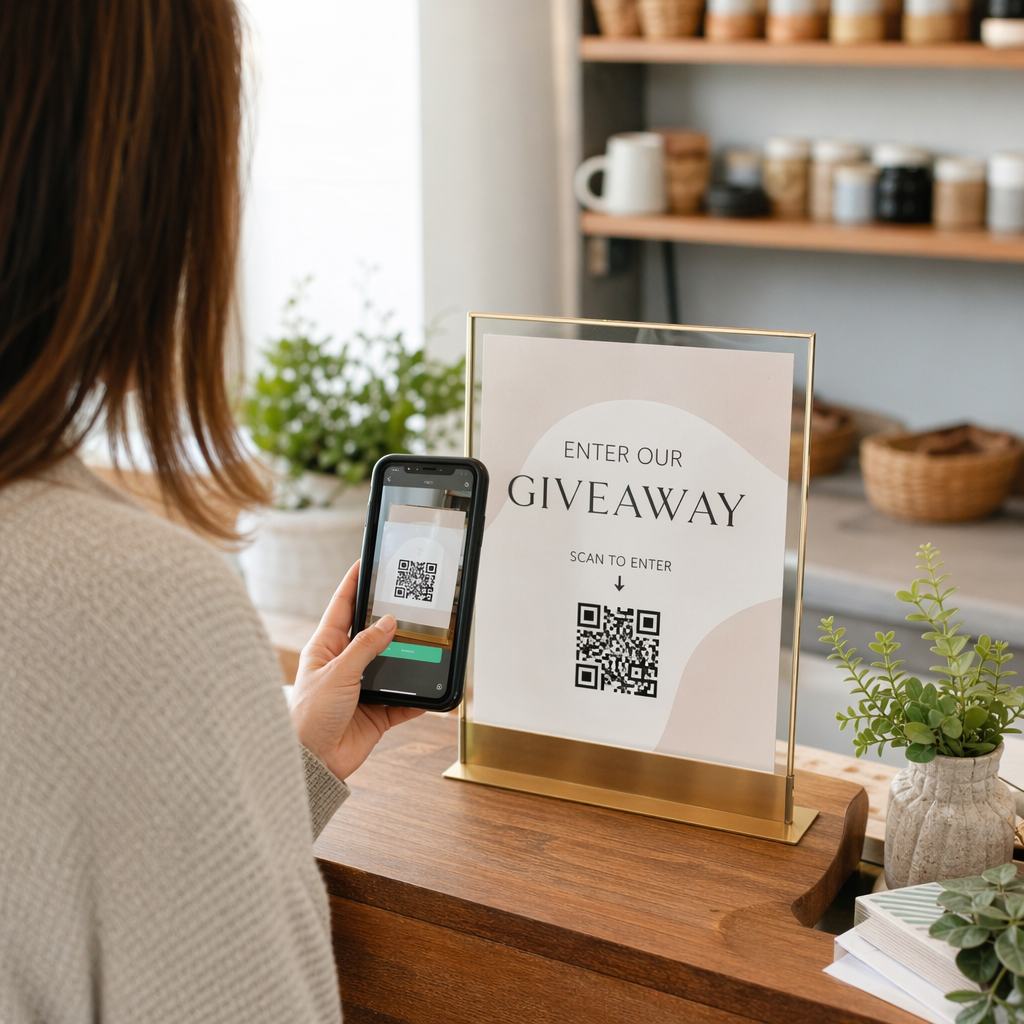
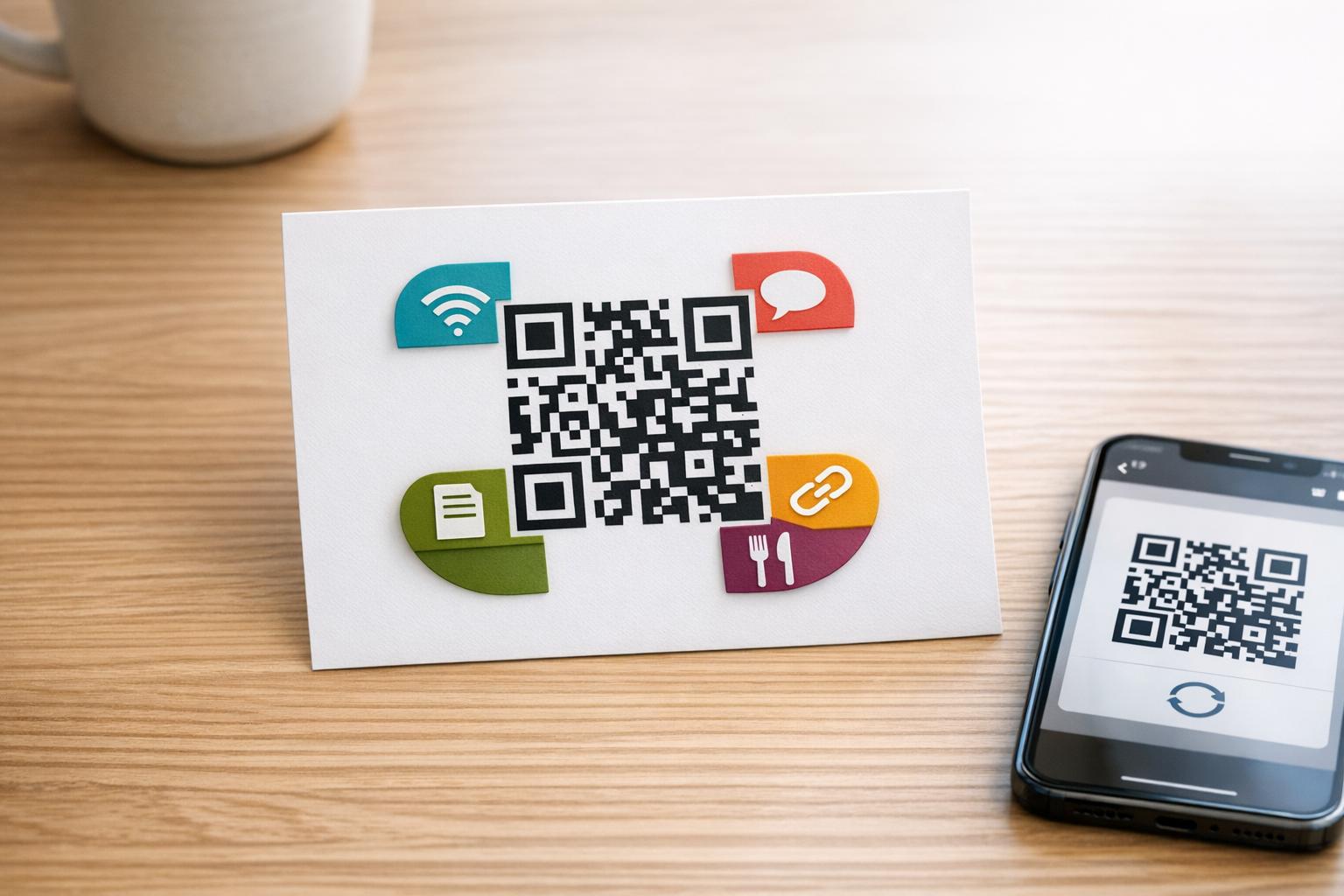
Norite popierinį sveikinimo atviruką paversti kažkuo, ką gavėjas iš tikrųjų žaidžia, žiūri ar klauso? Statiniai atvirukai padedami į šalį, tačiau atvirukas su QR kodu, kuris atrakina asmeninį vaizdo ar balso pranešimą, sukuria akimirką, kurią žmonės prisimena. Šiame puslapyje paaiškinama, kaip QR kodai veikia sveikinimo atvirukuose ir kaip juos sukurti ar pritaikyti naudojant „Pageloot“ įrankius.
Kodėl QR kodai daro sveikinimo atvirukus patrauklesnius
Amerikiečiai kasmet įsigyja apie 6,5 milijardo sveikinimo atvirukų, o vien gimtadienio atvirukai sudaro daugiau nei pusę visų parduotų atvirukų. Formatas yra visur paplitęs, todėl išsiskirti yra svarbu.
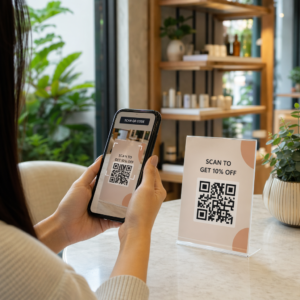
QR kodas, atspausdintas atviruko viduje arba ant viršelio, susieja su bet kokiu pasirinktu skaitmeniniu turiniu – „YouTube“ vaizdo įrašu, įrašytu balso pranešimu, daina, nuotraukų galerija ar suasmenintu nukreipimo puslapiu. Kai gavėjas atidaro atviruką ir nuskaito kodą savo telefono kamera, tas turinys iškart įkeliamas, nereikia atsisiųsti jokios programėlės.
Pagrindinis skirtumas nuolatiniam naudojimui yra tarp statiniai ir dinaminiai QR kodai. Statinis kodas tiesiogiai užkoduoja paskirties vietą ir negali būti pakeistas po atspausdinimo. Dinaminis kodas naudoja trumpą nukreipimo URL, o tai reiškia, kad galite bet kada atnaujinti, į ką nukreipia kodas, neperspausdinant atviruko. Vienkartiniams asmeniniams atvirukams statinis kodas tinka. Įmonėms, siunčiančioms firminius atvirukus dideliais kiekiais, dinaminiai kodai suteikia lankstumo ir galimybę stebėti įsitraukimą.
Kokį turinį galite susieti iš sveikinimo atviruko QR kodo
Turinio galimybės svyruoja nuo paprastų iki turtingų. Štai dažniausiai pasitaikantys naudojimo atvejai:
- Asmeninis vaizdo pranešimas – Įrašykite vaizdo įrašą, įkelkite jį į „YouTube“ ir susiekite jį naudodami YouTube QR kodo generatorius. .
- Balso ar garso įrašas – Konvertuokite MP3 ar garso failą į nuskaitomą kodą naudodami MP3 QR kodo generatorius. Galite pritaikyti firminį garso nukreipimo puslapį su pavadinimu, viršelio paveikslėliu ir prekės ženklo spalvomis.
- Nuotraukų galerija – Susiekite su kuruota vaizdų galerija naudodami Paveikslėlio QR kodo generatorius, naudinga nuotraukų dovanoms, renginių apžvalgoms ar jubiliejiniams atvirukams.
- Daina ar grojaraštis – Pasidalykite prasminga daina ar grojaraščiu per Spotify QR kodo generatorius, kuri tiesiogiai susieja su daina, albumu ar grojaraščiu „Spotify“ platformoje.
- Pasirinktinė nuoroda arba nukreipimo puslapis – Naudokite Nuorodos QR kodo generatorius nukreipti į bet kokį URL – svetainę, formą, renginio puslapį ar suasmenintą skaitmeninį pranešimą.
Kiekvienas iš šių generatorių leidžia jums pritaikyti QR kodo spalvas, pridėti logotipą, pasirinkti rėmelio stilių ir atsisiųsti spausdinimui paruoštą failą.
Sukurkite QR kodą savo sveikinimo atvirukui Pasirinkite turinio tipą ir per kelias minutes sugeneruokite visiškai firminį, nuskaitomą QR kodą. Pradėkite nuo „Pageloot“ QR kodų generatorius – nemokamas 14 dienų bandymas, kreditinė kortelė nereikalinga.
Kaip sukurti QR kodą sveikinimo atvirukui
Procesas trunka mažiau nei penkias minutes:
- Pasirinkite turinio tipą. Nuspręskite, ką norite, kad atvirukas perduotų – vaizdo įrašą, garso įrašą, nuotraukas, nuorodą ar dainą.
- Paruoškite savo turinį. Įkelkite vaizdo įrašą į „YouTube“, eksportuokite garso įrašą kaip MP3, surinkite nuotraukas arba nukopijuokite norimą naudoti URL.
- Atidarykite tinkamą generatorių. Eikite į atitinkamą „Pageloot“ generatorių, atsižvelgdami į jūsų turinio tipą.
- Įveskite savo turinio detales. Įklijuokite savo URL arba įkelkite failą.
- Pritaikykite QR kodą. Koreguokite spalvas, pridėkite logotipą, pasirinkite rėmelį ar formą ir pridėkite trumpą raginimą veikti, pvz., “Nuskaitykite, kad išgirstumėte žinutę”.”
- Atsisiųskite savo kodą. Eksportuokite spausdinimui paruoštu formatu – SVG, EPS arba PDF – kad gautumėte aukščiausios kokybės rezultatą.
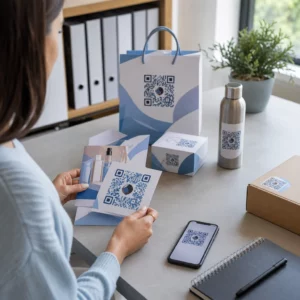
- Uždėkite jį ant atviruko. Atspausdinkite QR kodą tiesiai ant atviruko dizaino arba atspausdinkite jį ant lipduko, kurį priklijuosite viduje.
- Išbandykite prieš spausdinant dideliu tiražu. Nuskaitykite kodą bent dviem skirtingais išmaniaisiais telefonais, kad patvirtintumėte, jog jis veikia tinkamai.
QR kodo dizaino gairės atvirukams
Sveikinimo atvirukai yra maži, todėl tinkamas dydžio ir vietos parinkimas yra labai svarbus patikimam nuskaitymui.

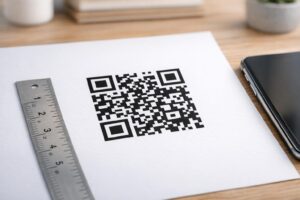
Dydis: Minimalus rekomenduojamas QR kodo dydis ant spausdintų medžiagų yra 0,8 × 0,8 colio (20 × 20 mm). Ant standartinio sveikinimo atviruko, nuskaitomo iš rankos atstumo, to pakanka. Jei į kodą pridedate logotipą, padidinkite dydį 20–30% (20–30%), kad kompensuotumėte logotipo užimamą vietą. Išsamų suskirstymą pagal medžiagos tipą rasite vadove apie QR kodo dydžio nustatymas skirtingoms spausdinimo medžiagoms.
Kontrastas: Naudokite tamsius modulius šviesiame fone ir niekada neapverskite šio santykio. Didelis kontrastas yra pats svarbiausias veiksnys patikimam nuskaitymui įvairiais telefonų modeliais ir apšvietimo sąlygomis. Išsamesnėms gairėms, geriausia praktika QR kodo skaitomumui vadovas apima kontrasto santykius, spalvų derinius ir dažnas klaidas, kurių reikia vengti.
Tylioji zona: Palikite aiškų, neapspausdintą kraštą aplink QR kodą iš visų keturių pusių – bent keturių modulių pločio. Ši buferinė zona padeda skaitytuvams aptikti kodo kraštus. Nedėkite teksto, raštų ar dekoratyvinių elementų į šį kraštą.
Vieta: Kur padedate kodą ant kortelės, yra taip pat svarbu, kaip ir tai, kaip jį sukuriate.
- Padėkite QR kodą ant lygaus, neatspindinčio paviršiaus ir venkite jo dėti per kortelės lankstymą, kuris gali iškraipyti raštą, kai kortelė atidaroma ar naudojama.
- Kortelės vidus dažnai yra saugiausias variantas – lygus, apsaugotas nuo naudojimo ir matomas kortelės atidarymo metu.
- Kortelės nugarėlė yra dar viena patikima vieta, jei paviršius yra matinis, o fonas – paprastas ir neužkrautas.
- Venkite stipriai tekstūruotų, blizgių ar reljefinių paviršių, kurie gali išsklaidyti šviesą ir trukdyti tiksliai nuskaityti.
Platesnei vietos nustatymo strategijai, taikomai spausdinimo kampanijoms, QR kodų išdėstymo rinkodaroje vadovas išsamiai apima paviršiaus tipus, akių lygio padėtį ir raginimo veikti įrėminimą.
Spausdinimo kokybė: Eksportuokite savo QR kodą kaip vektorinį failą (SVG arba EPS), o ne mažos raiškos PNG, kai tik įmanoma. Tai išlaiko kodą ryšk kaip spausdinimo technikos veikia QR kodo nuskaitomumą suprasti, kaip metodas, substratas ir rašalo pasirinkimas veikia galutinį rezultatą.
Dinaminio QR kodo naudojimas dideliu kiekiu siunčiamoms kortelėms
Jei esate įmonė, siunčianti firminius sveikinimo atvirukus šventėms, klientų padėkai ar rinkodaros kampanijoms, dinaminiai QR kodai suteikia reikšmingų pranašumų, palyginti su statiniais.

Naudodami dinaminį kodą, galite:
- Atnaujinti susietą turinį po spausdinimo. Jei vaizdo įrašo URL pasikeičia arba norite pakeisti paskirties vietą naujai kampanijai, atnaujinimą atliekate Pageloot prietaisų skydelyje ir atspausdintas kodas lieka galiojantis – nereikia pakartotinai spausdinti.
- Stebėti nuskaitymo našumą. Peržiūrėkite bendrą nuskaitymų skaičių, unikalius nuskaitymus, nuskaitymo laikus, vietas pagal miestą ar regioną ir įrenginių tipus – viską iš vieno prietaisų skydelio.
- Pakartotinai naudoti tą patį kortelės dizainą skirtingais sezonais. Atnaujinkite paskirties vietą kiekvieno kampanijos ciklo metu, neperkurdami ir neperspausdindami savo kortelių atsargų.
Tai svarbu dideliu mastu. Kalėdoms JAV kasmet nuperkama apie 1,3 milijardo sveikinimo atvirukų, po jų seka Valentino diena su 145 milijonais vienetų ir Motinos diena su 113 milijonų. Įmonėms, veikiančioms tokiais kiekiais, galimybė redaguoti paskirties vietas ir stebėti įsitraukimą be pakartotinio spausdinimo tiesiogiai reiškia sumažintas išlaidas ir daugiau naudingų kampanijos duomenų.
Stebėkite, kas nuskaito jūsų sveikinimo atvirukus Naudokite Pageloot QR kodo generatorius kurti atnaujinamus, sekamus kodus savo kortelių kampanijoms ir stebėti nuskaitymo našumą iš vieno prietaisų skydelio.
Pastaba dėl kortelių su QR kodais siuntimo paštu
QR kodo pridėjimas prie kortelės neturi įtakos jos siuntimo klasifikacijai, jei pati kortelė atitinka standartinius USPS matmenis. Laiško dydžio minimumas yra 3,5 × 5 coliai, o maksimumas – 6,125 × 11,5 colio. Kortelės, atitinkančios šiuos matmenis ir sveriančios mažiau nei 3,5 uncijos, siunčiamos standartiniais pirmos klasės laiško tarifais.
Viena išimtis, kurią verta paminėti: kvadratiniai sveikinimo atvirukai gali būti apmokestinami papildomu nemachininiu mokesčiu prie standartinio pirmos klasės pašto mokesčio, nepriklausomai nuo to, ar juose yra QR kodas. Jei pašto išlaidos yra svarbios, laikykitės standartinių stačiakampių matmenų.
QR kodo pridėjimas prie sveikinimo atviruko yra paprastas patobulinimas, paverčiantis vienkartinį daiktą interaktyvia akimirka. Laikykite kodą bent 0,8 colio pločio, padėkite jį ant lygaus matinio paviršiaus, toliau nuo raukšlių, ir visada išbandykite jį keliuose įrenginiuose prieš spausdinant. Verslo reikmėms dinaminiai kodai leidžia atnaujinti susietą turinį ir matuoti įsitraukimą neliečiant kortelės. Naudokite „Pageloot“ QR kodų generatorius kad sukurtumėte savo pirmąjį kortelei paruoštą kodą per kelias minutes.
Dažniausiai užduodami klausimai
Tai priklauso nuo progos. Asmeniniai vaizdo pranešimai ir balso įrašai dažniausiai turi stipriausią emocinį poveikį individualioms kortelėms. Verslo sveikinimo atvirukams gerai tinka nuoroda į trumpą vaizdo pranešimą, kuruojamą nukreipimo puslapį arba atitinkamą grojaraštį. Pageloot YouTube QR kodo generatorius, MP3 QR kodo generatorius ir nuorodų QR kodo generatorius apima dažniausius formatus.
Taip. Sugeneruokite savo QR kodą Pageloot, atsisiųskite jį kaip PNG arba SVG, tada įkelkite jį į savo Canva dizainą. Išsamias instrukcijas rasite Canva QR kodo generatoriaus vadove. Įsitikinkite, kad kodas yra bent 0,8 × 0,8 colio galutiniame spausdintame variante, kad būtų užtikrintas patikimas nuskaitymas.
Tik jei naudojote dinaminį QR kodą.