Хочете перетворити паперову вітальну листівку на щось, що одержувач дійсно відтворює, дивиться або слухає? Статичні листівки відкладаються, але листівка з QR-кодом, який розблоковує особисте відео або голосове повідомлення, створює момент, який люди пам'ятають. Ця сторінка пояснює, як QR-коди працюють на вітальних листівках і як їх створити або налаштувати за допомогою інструментів Pageloot.
Чому QR-коди роблять вітальні листівки більш привабливими
Американці купують приблизно 6,5 мільярда вітальних листівок щороку, причому лише листівки до дня народження становлять понад половину всіх проданих листівок. Формат є повсюдним, і саме тому виділятися має значення.
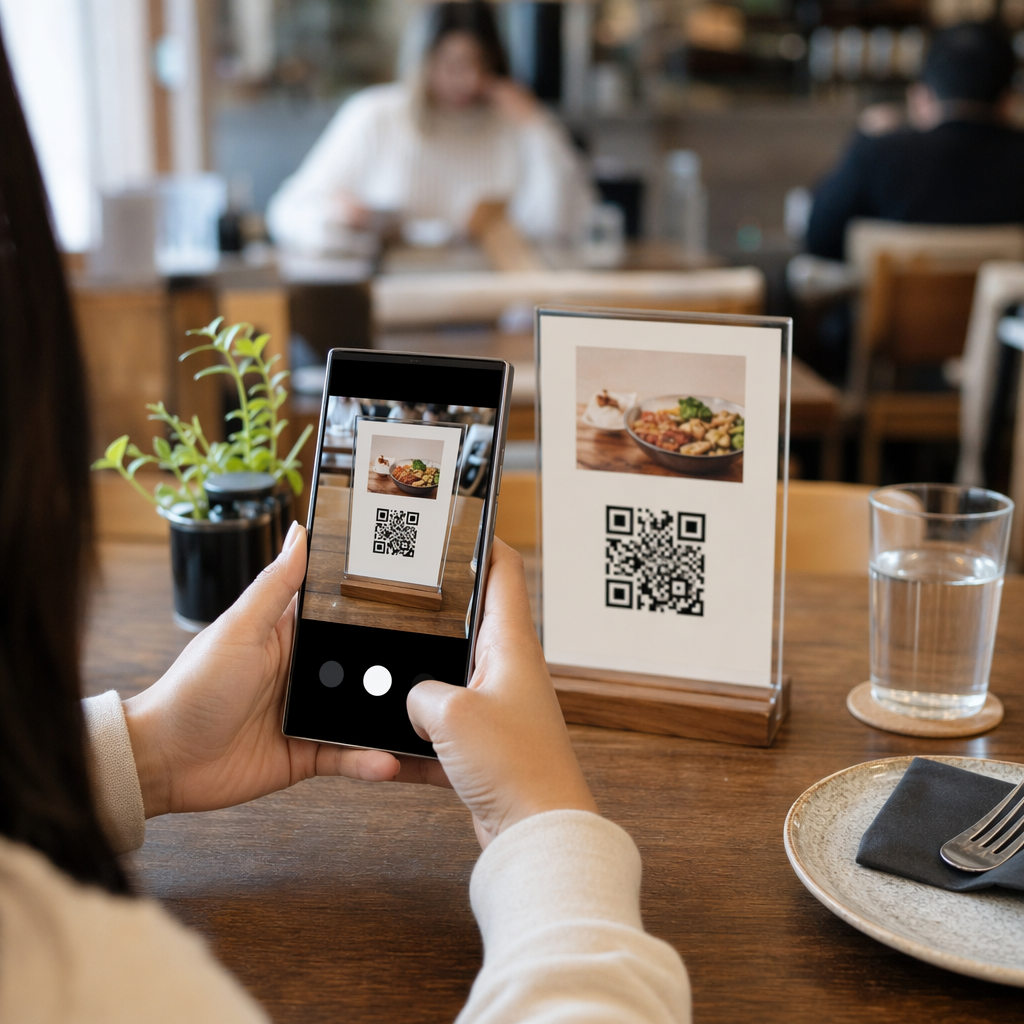
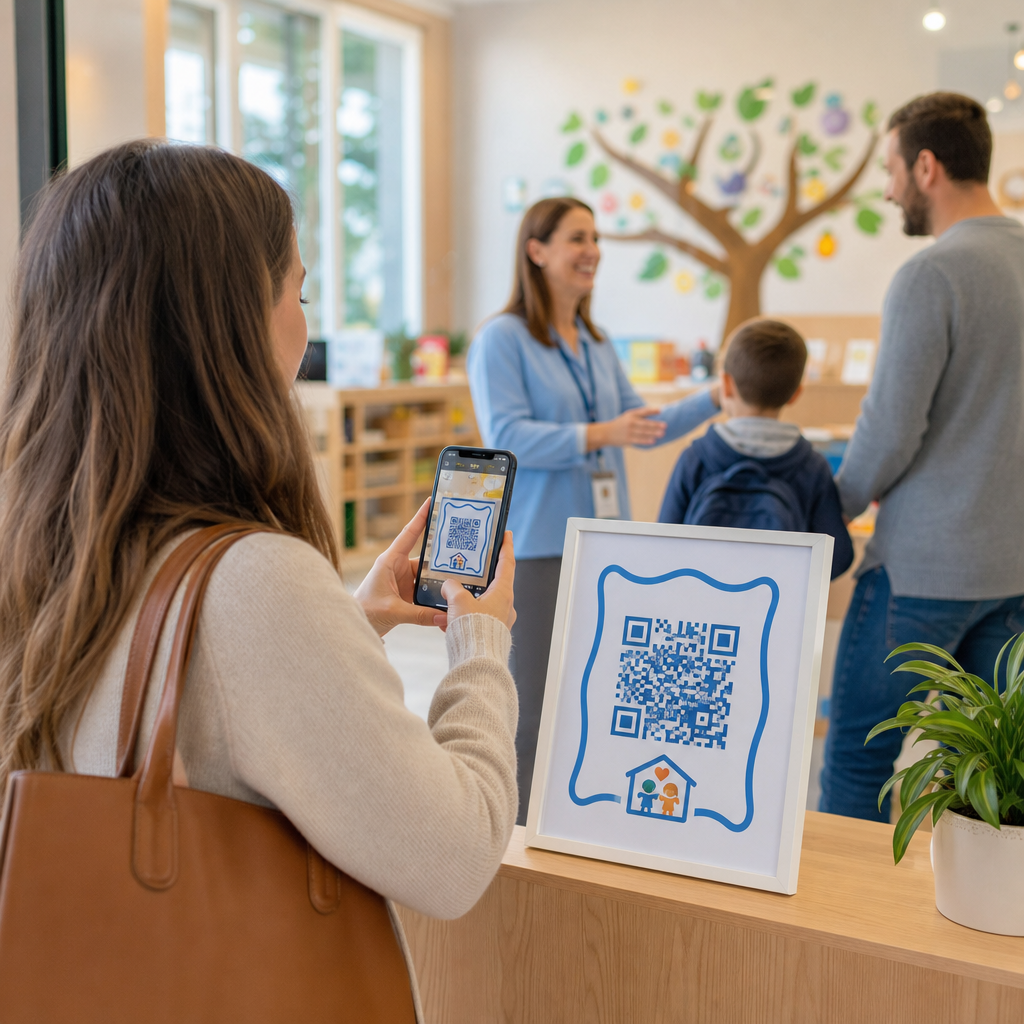
QR-код, надрукований всередині або на обкладинці листівки, посилається на будь-який цифровий контент, який ви оберете – відео на YouTube, записане голосове повідомлення, пісню, фотогалерею або персоналізовану цільову сторінку. Коли одержувач відкриває листівку і сканує код камерою свого телефону, цей контент завантажується негайно, завантаження програми не потрібне.
Ключова відмінність для постійного використання полягає між статичні та динамічні QR-коди. Статичний код кодує призначення безпосередньо і не може бути змінений після друку. Динамічний код використовує коротку URL-адресу перенаправлення, що означає, що ви можете оновлювати, на що вказує код, у будь-який час без повторного друку листівки. Для одноразових особистих листівок статичний працює добре. Для компаній, що надсилають брендовані листівки у великих обсягах, динамічні коди дають вам гнучкість і можливість відстежувати залученість.
Який контент ви можете посилати з QR-коду вітальної листівки
Можливості контенту варіюються від простих до насичених. Ось найпоширеніші випадки використання:
- Особисте відеоповідомлення – Запишіть відео, завантажте його на YouTube і посилайтеся на нього за допомогою QR код ютуб. Код відкриває відео безпосередньо у додатку YouTube або браузері.
- Голосовий або аудіозапис – Перетворіть MP3 або аудіофайл на сканований код за допомогою MP3 QR: генератор QR-кодів. Ви можете налаштувати брендовану аудіо цільову сторінку з назвою, зображенням обкладинки та фірмовими кольорами.
- Фотогалерея – Посилайтеся на підібрану галерею зображень за допомогою Створити кюар код із зображення, корисно для фотоподарунків, підсумків подій або ювілейних листівок.
- Пісня або плейлист – Поділіться значущою піснею або плейлистом через Spotify QR, який посилається безпосередньо на трек, альбом або плейлист на Spotify.
- Спеціальне посилання або цільова сторінка – Використовуйте Генератор QR-кодів для посилань щоб вказувати на будь-яку URL-адресу – вебсайт, форму, сторінку події або персоналізоване цифрове повідомлення.
Кожен з цих генераторів дозволяє налаштувати кольори QR-коду, додати логотип, вибрати стиль рамки і завантажити файл, готовий до друку.
Створіть QR-код для Вашої вітальної листівки Виберіть тип контенту та згенеруйте повністю брендований, сканований QR-код за лічені хвилини. Почніть з Генератор QR-кодів Pageloot – безкоштовна 14-денна пробна версія, кредитна картка не потрібна.
Як створити QR-код для вітальної листівки
Процес займає менше п'яти хвилин:
- Виберіть тип вмісту. Вирішіть, що ви хочете, щоб листівка доставляла – відео, аудіо, зображення, посилання або пісню.
- Підготуйте свій контент. Завантажте своє відео на YouTube, експортуйте своє аудіо як MP3, зберіть свої зображення або скопіюйте URL-адресу, яку ви хочете використовувати.
- Відкрийте потрібний генератор. Перейдіть до відповідного генератора Pageloot на основі вашого типу контенту.
- Введіть деталі свого контенту. Вставте свою URL-адресу або завантажте свій файл.
- Налаштуйте QR-код. Налаштуйте кольори, додайте логотип, виберіть рамку або форму та додайте короткий заклик до дії, наприклад, “Скануйте, щоб почути повідомлення”.”
- Завантажте свій код. Експортуйте у форматі, готовому до друку – SVG, EPS або PDF – для найвищої якості виводу.
- Розмістіть його на листівці. Надрукуйте QR-код безпосередньо на дизайні листівки або надрукуйте його на наклейці, щоб прикріпити всередині.
- Протестуйте перед масовим друком. Скануйте код щонайменше двома різними смартфонами, щоб підтвердити, що він розпізнається правильно.
Рекомендації щодо дизайну QR-коду для листівок
Вітальні листівки невеликі, тому правильний розмір і розміщення є критично важливими для надійного сканування.

Розмір: Мінімальний рекомендований розмір для QR-коду на друкованих матеріалах становить 8 × 0.8 inches (20 × 20 mm). На стандартній вітальній листівці, відсканованій на відстані витягнутої руки, цього достатньо. Якщо ви додаєте логотип всередину коду, збільшіть розмір на 20–30% , щоб компенсувати простір, який займає логотип. Для повного розбору за типом матеріалу дивіться посібник з розміру QR-коду для різних друкованих матеріалів.
Контраст: Використовуйте темні модулі на світлому фоні і ніколи не інвертуйте це співвідношення. Високий контраст є найважливішим фактором для надійного сканування на різних моделях телефонів та в умовах освітлення. Для детальних вказівок, найкращих практик для читабельності QR-кодів посібник охоплює коефіцієнти контрастності, колірні комбінації та поширені помилки, яких слід уникати.
Тиха зона: Залиште чіткий, недрукований кордон навколо QR-коду з усіх чотирьох сторін – щонайменше чотири модулі завширшки. Ця буферна зона допомагає сканерам виявляти краї коду. Не розміщуйте текст, візерунки або декоративні елементи всередині цього кордону.
Розміщення: Де ви розміщуєте код на листівці, має значення так само, як і те, як ви його розробляєте.
- Розмістіть QR-код на плоскій, невідблискуючій поверхні та уникайте розміщення його через згин листівки, що може спотворити візерунок, коли листівка відкривається або її тримають.
- Всередині листівки часто є найбезпечнішим варіантом – плоский, захищений від дотику і видимий в момент відкриття листівки.
- Задня панель листівки є ще одним надійним місцем розміщення, якщо поверхня матова, а фон простий та незахаращений.
- Уникайте сильно текстурованих, глянцевих або рельєфних поверхонь, які можуть розсіювати світло та перешкоджати точному скануванню.
Для ширшої стратегії розміщення, застосовної до друкованих кампаній, посібник з розміщення QR-кодів у маркетингу охоплює типи поверхонь, позиціонування на рівні очей та деталізацію заклику до дії.
Якість друку: Експортуйте свій QR-код як векторний файл (SVG або EPS), а не як PNG з низькою роздільною здатністю, коли це можливо. Це зберігає чіткість коду незалежно від розміру виводу. Якщо ви працюєте з комерційним принтером, перегляньте як методи друку впливають на сканованість QR-кодів щоб зрозуміти, як метод, матеріал та вибір чорнила впливають на кінцевий результат.
Використання динамічних QR-кодів для листівок, що надсилаються у великих обсягах
Якщо ви є бізнесом, що надсилає брендовані вітальні листівки на свята, для подяки клієнтам або маркетингових кампаній, динамічні QR-коди додають значні переваги над статичними.

З динамічним кодом ви можете:
- Оновлювати пов'язаний контент після друку. Якщо URL-адреса відео змінюється або ви хочете змінити призначення для нової кампанії, ви робите оновлення на панелі керування Pageloot, і надрукований код залишається дійсним – повторний друк не потрібен.
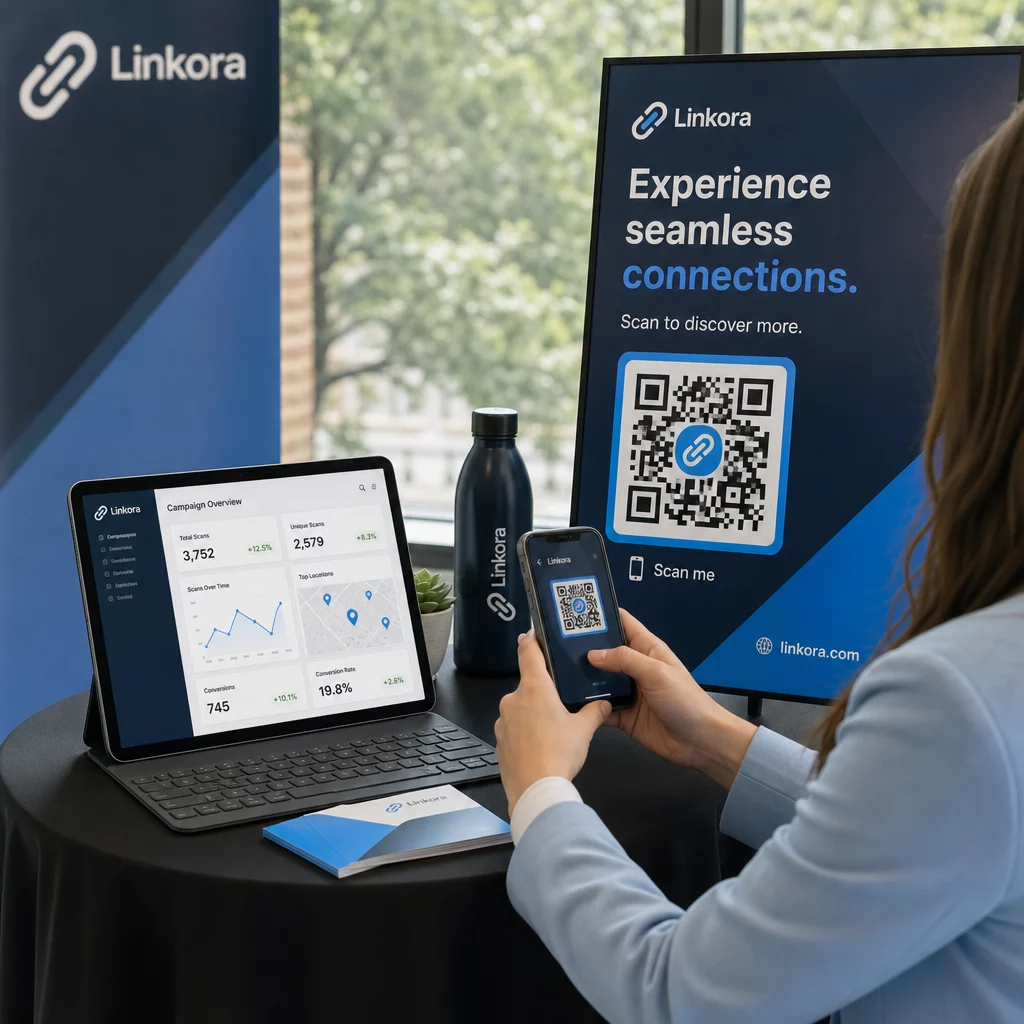
- Відстежувати ефективність сканування. Переглядати загальну кількість сканувань, унікальні сканування, час сканування, місцезнаходження за містом або регіоном та типи пристроїв, все з однієї панелі керування.
- Повторно використовувати той самий дизайн листівки протягом різних сезонів. Оновлювати призначення кожного циклу кампанії без переробки дизайну або повторного друку вашого картону.
Це має значення у великих масштабах. На Різдво припадає приблизно 1,3 мільярда вітальних листівок, придбаних у США щороку, за яким слідує День святого Валентина з 145 мільйонами одиниць та День матері з 113 мільйонами. Для бізнесів, що працюють з такими обсягами, можливість редагувати призначення та відстежувати залученість без повторного друку безпосередньо перетворюється на зниження витрат та більш дієві дані кампанії.
Відстежуйте, хто сканує ваші вітальні листівки Використовуйте Pageloot’s Генератор QR-кодів щоб створювати оновлювані, відстежувані коди для ваших карткових кампаній та відстежувати ефективність сканування з однієї панелі керування.
Примітка щодо надсилання листівок з QR-кодами
Додавання QR-коду до листівки не впливає на її поштову класифікацію, за умови, що сама листівка відповідає стандартним розмірам USPS. Мінімальні розміри для листів – 3,5 × 5 дюймів, а максимальні – 6,125 × 11,5 дюймів. Листівки в межах цих розмірів, що важать менше 3,5 унцій, надсилаються за стандартними тарифами листа першого класу.
Одне виключення, варте уваги: квадратні вітальні листівки можуть підлягати доплаті за немеханізовану обробку на додаток до стандартної поштової оплати першого класу, незалежно від того, чи містять вони QR-код. Якщо вартість поштового відправлення є фактором, дотримуйтесь стандартних прямокутних розмірів.
Додавання QR-коду до вітальної листівки – це просте оновлення, яке перетворює одноразовий предмет на інтерактивний момент. Тримайте код шириною щонайменше 0,8 дюйма, розмістіть його на плоскій матовій поверхні подалі від згинів і завжди тестуйте його на кількох пристроях перед друком. Для бізнес-використання динамічні коди дозволяють оновлювати пов'язаний контент та вимірювати залученість, не торкаючись листівки. Використовуйте Генератор QR-кодів Pageloot щоб створити свій перший готовий до використання на листівці код за лічені хвилини.
Поширені запитання
Це залежить від нагоди. Особисті відеоповідомлення та голосові записи, як правило, мають найсильніший емоційний вплив на окремі листівки. Для ділових вітальних листівок добре працює посилання на коротке відеоповідомлення, спеціально підготовлену цільову сторінку або відповідний плейлист. Генератор QR-кодів YouTube від Pageloot, Генератор QR-кодів MP3 та Генератор QR-кодів посилань охоплюють найпоширеніші формати.
Так. Створіть ваш QR-код у Pageloot, завантажте його як PNG або SVG, потім завантажте його у ваш дизайн Canva. Для покрокових вказівок дивіться посібник генератора QR-кодів Canva. Переконайтеся, що код має розмір щонайменше 0,8 × 0,8 дюйма у кінцевому друкованому вигляді, щоб забезпечити надійне сканування.
Лише якщо ви використали динамічний QR-код. Динамічні коди використовують постійну коротку URL-адресу перенаправлення, яка може вказувати на будь-яке призначення, яке ви оберете, навіть після того, як картку було надруковано та надіслано поштою. Статичні коди кодують призначення безпосередньо і не можуть бути змінені. Для будь-якої карткової кампанії, де вміст може змінюватися або де ви хочете аналітику сканувань, динамічний код через Pageloot є правильним вибором.