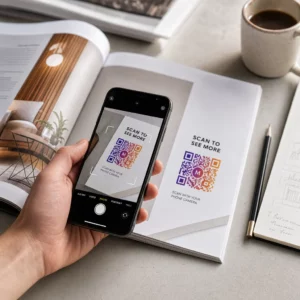
Bir kağıt tebrik kartını, alıcının gerçekten oynadığı, izlediği veya dinlediği bir şeye dönüştürmek ister misiniz? Statik kartlar bir kenara bırakılır, ancak kişisel bir video veya sesli mesajın kilidini açan bir QR koduna sahip bir kart, insanların hatırlayacağı bir an yaratır. Bu sayfa, QR kodlarının tebrik kartlarında nasıl çalıştığını ve Pageloot'un araçlarını kullanarak bunları nasıl oluşturacağınızı veya özelleştireceğinizi açıklar.
QR Kodları Neden Tebrik Kartlarını Daha Etkileyici Hale Getirir?
Amerikalılar her yıl yaklaşık 6,5 milyar tebrik kartı satın alıyor; sadece doğum günü kartları satılan tüm kartların yarısından fazlasını oluşturuyor. Biçim her yerde yaygın, bu da tam olarak öne çıkmanın neden önemli olduğunu gösteriyor.
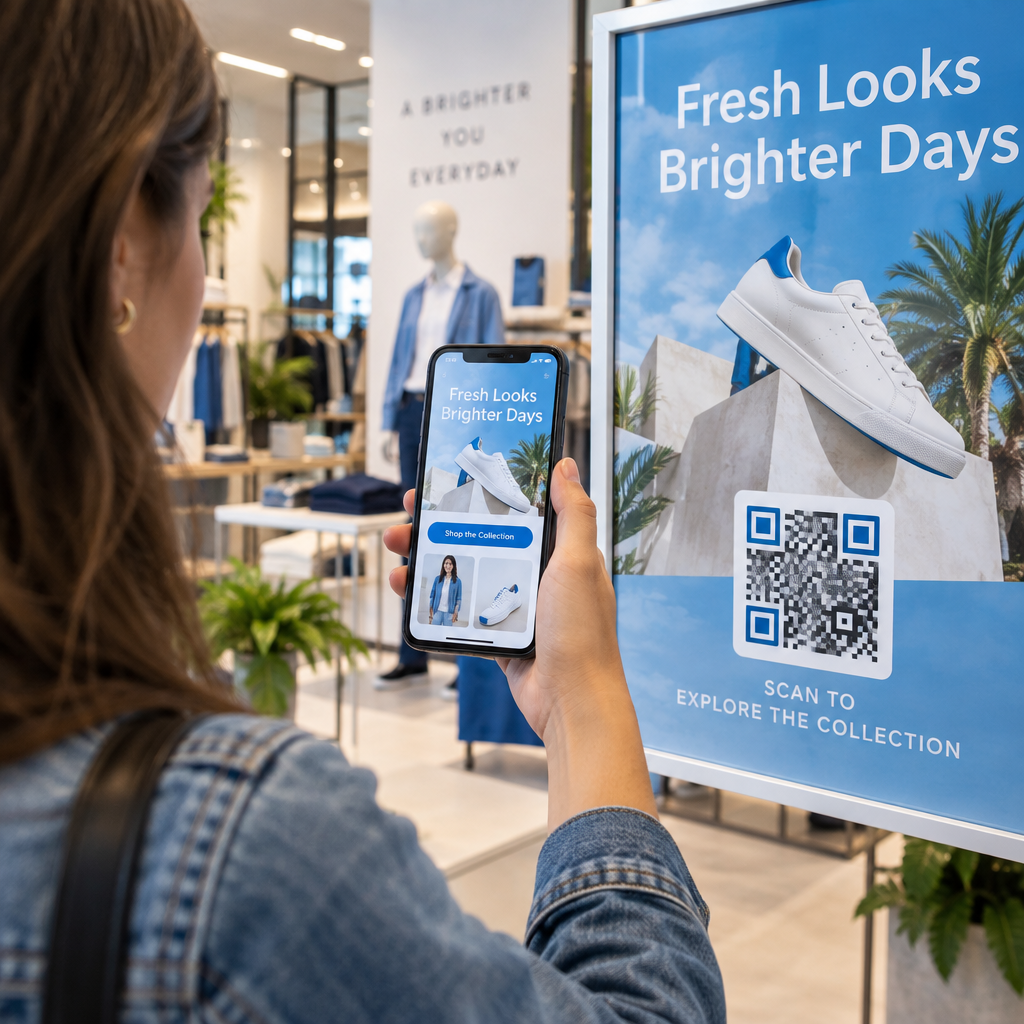
Bir kartın içine veya kapağına basılan bir QR kodu, seçtiğiniz herhangi bir dijital içeriğe bağlanır – bir YouTube videosu, kaydedilmiş bir sesli mesaj, bir şarkı, bir fotoğraf galerisi veya kişiselleştirilmiş bir açılış sayfası. Alıcı kartı açıp kodu telefon kamerasıyla taradığında, o içerik hemen yüklenir, uygulama indirmeye gerek kalmaz.
Sürekli kullanım için temel ayrım şunlar arasındadır: statik ve dinamik QR kodları. Statik bir kod, hedefi doğrudan kodlar ve basıldıktan sonra değiştirilemez. Dinamik bir kod, kısa bir yönlendirme URL'si kullanır, bu da kartı yeniden basmadan kodun işaret ettiği şeyi istediğiniz zaman güncelleyebileceğiniz anlamına gelir. Tek seferlik kişisel kartlar için statik kodlar iyi çalışır. Markalı kartları toplu olarak gönderen işletmeler için dinamik kodlar size esneklik ve etkileşimi izleme yeteneği sunar.
Bir Tebrik Kartı QR Kodundan Hangi İçeriği Bağlayabilirsiniz?
İçerik olanakları basitten zengine kadar değişir. İşte en yaygın kullanım durumları:
- Kişisel video mesajı – Bir video kaydedin, YouTube'a yükleyin ve şunu kullanarak bağlayın: YouTube QR Kod Oluşturucu. Kod, videoyu doğrudan YouTube uygulamasında veya tarayıcısında açar.
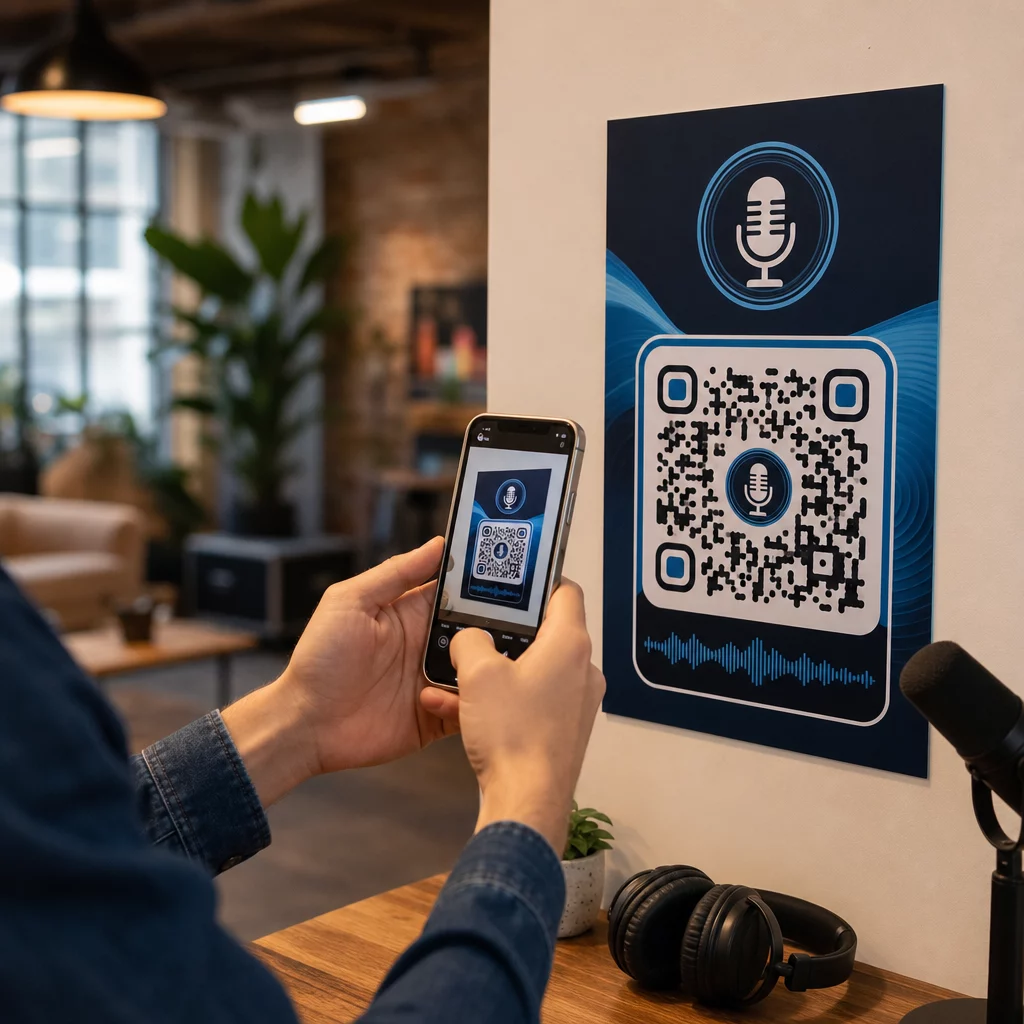
- Sesli veya işitsel kayıt – Bir MP3 veya ses dosyasını, şunu kullanarak taranabilir bir koda dönüştürün: MP3 QR Kod Oluşturucu. Başlık, kapak resmi ve marka renkleriyle markalı bir sesli açılış sayfasını özelleştirebilirsiniz.
- Fotoğraf galerisi – Şunu kullanarak seçilmiş bir resim galerisine bağlantı verin: Resim QR Kod Oluşturucu, fotoğraf hediyeleri, etkinlik özetleri veya yıldönümü kartları için kullanışlıdır.
- Şarkı veya çalma listesi – Anlamlı bir şarkıyı veya çalma listesini şunun aracılığıyla paylaşın: Spotify QR Kod Oluşturucu, doğrudan Spotify'daki bir parçaya, albüme veya çalma listesine bağlanır.
- Özel bağlantı veya açılış sayfası – Kullanın Bağlantı QR Kod Oluşturucu herhangi bir URL'ye işaret etmek için – bir web sitesi, bir form, bir etkinlik sayfası veya kişiselleştirilmiş bir dijital mesaj.
Bu jeneratörlerin her biri, QR kodunun renklerini özelleştirmenize, bir logo eklemenize, bir çerçeve stili seçmenize ve baskıya hazır bir dosya indirmenize olanak tanır.
Tebrik Kartınız İçin Bir QR Kodu Oluşturun İçerik türünüzü seçin ve dakikalar içinde tamamen markalı, taranabilir bir QR kodu oluşturun. Şununla başlayın: Pageloot QR Kodu Oluşturucu – ücretsiz 14 günlük deneme, kredi kartı gerekmez.
Bir Tebrik Kartı İçin QR Kodu Nasıl Oluşturulur?
İşlem beş dakikadan az sürer:
- İçerik türünüzü seçin. Kartın ne sunmasını istediğinize karar verin – video, ses, resimler, bir bağlantı veya bir şarkı.
- İçeriğinizi hazırlayın. Videonuzu YouTube'a yükleyin, sesinizi MP3 olarak dışa aktarın, resimlerinizi toplayın veya kullanmak istediğiniz URL'yi kopyalayın.
- Doğru jeneratörü açın. İçerik türünüze göre ilgili Pageloot jeneratörüne gidin.
- İçerik ayrıntılarınızı girin. URL'nizi yapıştırın veya dosyanızı yükleyin.
- QR kodunu özelleştirin. Renkleri ayarlayın, bir logo ekleyin, bir çerçeve veya şekil seçin ve “Mesajı dinlemek için tarayın” gibi kısa bir harekete geçirici mesaj ekleyin.”
- Kodunuzu indirin. En yüksek kalitede çıktı için baskıya hazır bir formatta dışa aktarın – SVG, EPS veya PDF.
- Karta yerleştirin. QR kodunu doğrudan kart tasarımına yazdırın veya içine yapıştırmak için bir etikete yazdırın.
- Toplu baskıdan önce test edin. Doğru çözümlendiğini doğrulamak için kodu en az iki farklı akıllı telefonla tarayın.
Kartlar İçin QR Kodu Tasarım Yönergeleri
Tebrik kartları küçüktür, bu nedenle boyutlandırma ve yerleşimi doğru yapmak güvenilir tarama için kritik öneme sahiptir.

Boyut: Baskı materyallerinde bir QR kodu için önerilen minimum boyut şudur: 0,8 × 0,8 inç (20 × 20 mm). Kol mesafesinden taranan standart bir tebrik kartında bu yeterlidir. Kodun içine bir logo ekliyorsanız, logonun kapladığı alanı telafi etmek için boyutu -30 oranında artırın. Malzeme türüne göre tam bir döküm için, şuradaki kılavuza bakın: farklı baskı malzemeleri için QR kodu boyutlandırma.
Kontrast: Açık bir arka plan üzerinde koyu modüller kullanın ve bu ilişkiyi asla tersine çevirmeyin. Yüksek kontrast, farklı telefon modellerinde ve aydınlatma koşullarında güvenilir tarama için en önemli faktördür. Ayrıntılı rehberlik için, şuradaki kılavuz: QR kodu okunabilirliği için en iyi uygulamaları kılavuzu kontrast oranlarını, renk kombinasyonlarını ve kaçınılması gereken yaygın hataları kapsar.
Sessiz bölge: QR kodunun dört tarafında da net, baskısız bir kenarlık bırakın – en az dört modül genişliğinde. Bu tampon bölge, tarayıcıların kodun kenarlarını algılamasına yardımcı olur. Bu kenarlığın içine metin, desen veya dekoratif öğeler yerleştirmeyin.
Yerleştirme: Kodu kart üzerinde nereye konumlandırdığınız, onu nasıl tasarladığınız kadar önemlidir.
- QR kodunu düz, yansıtıcı olmayan bir yüzeye yerleştirin ve kart açıldığında veya tutulduğunda deseni bozabilecek bir kart katlamasının üzerine yerleştirmekten kaçının.
- Kartın içi genellikle en güvenli seçenektir – düz, kullanımdan korunmuş ve kart açıldığı anda görülen.
- Kartın arka paneli, yüzey mat ve arka plan sade ve dağınıklıktan uzak ise başka bir güvenilir yerleşimdir.
- Işığı dağıtabilecek ve doğru taramayı engelleyebilecek yoğun dokulu, parlak veya kabartmalı yüzeylerden kaçının.
Basılı kampanyalara uygulanabilir daha geniş yerleşim stratejisi için, pazarlamada QR kod yerleşimi rehberi yüzey türlerini, göz hizası konumlandırmayı ve harekete geçirici mesaj çerçevelemeyi ayrıntılı olarak kapsar.
Baskı kalitesi: Mümkün olduğunca QR kodunuzu düşük çözünürlüklü bir PNG yerine bir vektör dosyası (SVG veya EPS) olarak dışa aktarın. Bu, çıktı boyutundan bağımsız olarak kodu keskin tutar. Ticari bir yazıcıyla çalışıyorsanız, inceleyin baskı tekniklerinin QR kodu taranabilirliğini nasıl etkilediği yöntem, alt tabaka ve mürekkep seçiminin nihai sonucu nasıl etkilediğini anlamak için.
Yüksek Hacimli Gönderilen Kartlar İçin Dinamik QR Kodları Kullanmak
Tatiller, müşteri takdiri veya pazarlama kampanyaları için markalı tebrik kartları gönderen bir işletmeyseniz, dinamik QR kodları statik olanlara göre anlamlı avantajlar sağlar.

Dinamik bir kodla şunları yapabilirsiniz:
- Bağlantılı içeriği baskıdan sonra güncelleyin. Bir video URL'si değişirse veya yeni bir kampanya için hedefi değiştirmek isterseniz, güncellemeyi Pageloot panosunda yaparsınız ve basılı kod geçerli kalır – yeniden baskıya gerek kalmaz.
- Tarama performansını takip edin. Toplam taramaları, benzersiz taramaları, tarama sürelerini, şehre veya bölgeye göre konumları ve cihaz türlerini tek bir panodan görün.
- Aynı kart tasarımını mevsimler boyunca yeniden kullanın. Kart stoğunuzu yeniden tasarlamadan veya yeniden basmadan her kampanya döngüsünde hedefi güncelleyin.
Bu, ölçekte önemlidir. Noel, her yıl ABD'de yaklaşık 1,3 milyar tebrik kartının satın alınmasına neden olur, ardından Sevgililer Günü 145 milyon adet ve Anneler Günü 113 milyon adet ile gelir. Bu hacimlerde faaliyet gösteren işletmeler için, hedefleri düzenleme ve etkileşimi yeniden baskı yapmadan izleme yeteneği, doğrudan maliyetlerin azalmasına ve daha eyleme geçirilebilir kampanya verilerine dönüşür.
Tebrik Kartlarınızı Kimlerin Taradığını Takip Edin Pageloot'un QR Kod Oluşturucu kart kampanyalarınız için güncellenebilir, izlenebilir kodlar oluşturmak ve tek bir panodan tarama performansını izlemek için.
QR Kodlu Kartları Postalamaya İlişkin Bir Not
Bir karta QR kodu eklemek, kartın kendisi standart USPS boyutlarını karşılıyorsa, posta sınıflandırmasını etkilemez. Mektup boyutundaki minimumlar 3,5 × 5 inçtir ve maksimumlar 6,125 × 11,5 inçtir. Bu boyutlarda ve 3,5 onstan daha hafif olan kartlar, standart Birinci Sınıf mektup ücretleriyle postalanır.
Dikkate değer bir istisna: kare tebrik kartları QR kodu içerip içermediklerine bakılmaksızın, standart Birinci Sınıf posta ücretine ek olarak işlenemez bir ek ücrete tabi olabilir. Posta maliyeti bir faktörse, standart dikdörtgen boyutlara sadık kalın.
Bir tebrik kartına QR kodu eklemek, tek kullanımlık bir öğeyi etkileşimli bir ana dönüştüren basit bir yükseltmedir. Kodu en az 0,8 inç genişliğinde tutun, katlamalardan uzak, düz mat bir yüzeye yerleştirin ve baskıdan önce her zaman birden fazla cihazda test edin. İş kullanımı için, dinamik kodlar bağlantılı içeriği güncellemenize ve karta dokunmadan etkileşimi ölçmenize olanak tanır. Kullanın Pageloot QR Kodu Oluşturucu ilk kartınıza hazır kodunuzu dakikalar içinde oluşturmak için.
Sıkça sorulan sorular
Duruma bağlıdır. Kişisel video mesajları ve ses kayıtları, bireysel kartlar için en güçlü duygusal etkiye sahip olma eğilimindedir. İş tebrik kartları için, kısa bir video mesajına, özel olarak hazırlanmış bir açılış sayfasına veya ilgili bir çalma listesine bağlantı vermek iyi sonuç verir. Pageloot'un YouTube QR Kod Oluşturucu, MP3 QR Kod Oluşturucu ve Bağlantı QR Kod Oluşturucu en yaygın formatları kapsar.
Evet. QR kodunuzu Pageloot'ta oluşturun, onu PNG veya SVG olarak indirin, ardından Canva tasarımınıza yükleyin. Adım adım rehberlik için, Canva QR kod oluşturucu rehberine bakın. Güvenilir tarama sağlamak için kodun son basılı çıktıda en az 0.8 × 0.8 inç olduğundan emin olun.
Sadece dinamik bir QR kodu kullandıysanız. Dinamik kodlar, kart basılıp postalandıktan sonra bile seçtiğiniz herhangi bir hedefe yönlendirebilen kalıcı, kısa bir yönlendirme URL'si kullanır. Statik kodlar hedefi doğrudan kodlar ve değiştirilemez. İçeriğin değişebileceği veya tarama analizi istediğiniz herhangi bir kart kampanyası için Pageloot aracılığıyla dinamik bir kod doğru seçimdir.