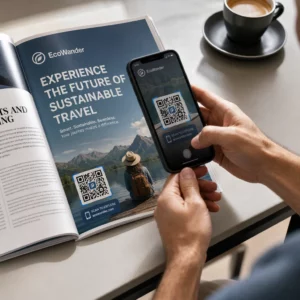
Želite li papirnatu čestitku pretvoriti u nešto što primatelj zapravo reproducira, gleda ili sluša? Statične čestitke se odlažu, ali čestitka s QR kodom koja otključava osobnu video ili glasovnu poruku stvara trenutak koji ljudi pamte. Ova stranica objašnjava kako QR kodovi funkcioniraju na čestitkama i kako ih stvoriti ili prilagoditi pomoću Pagelootovih alata.
Zašto QR kodovi čine čestitke privlačnijima
Amerikanci svake godine kupe otprilike 6,5 milijardi čestitki, pri čemu samo rođendanske čestitke čine više od polovice svih prodanih čestitki. Format je sveprisutan, što je upravo razlog zašto je isticanje važno.
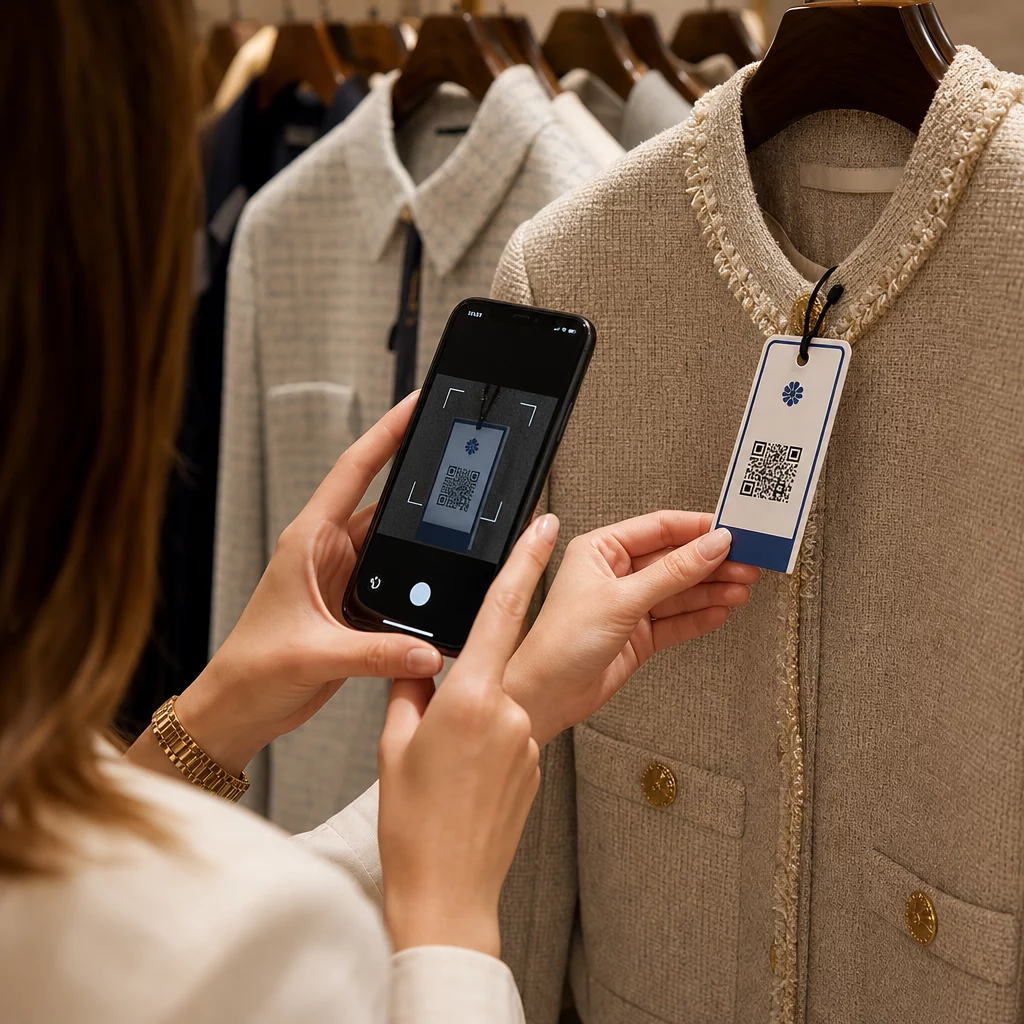
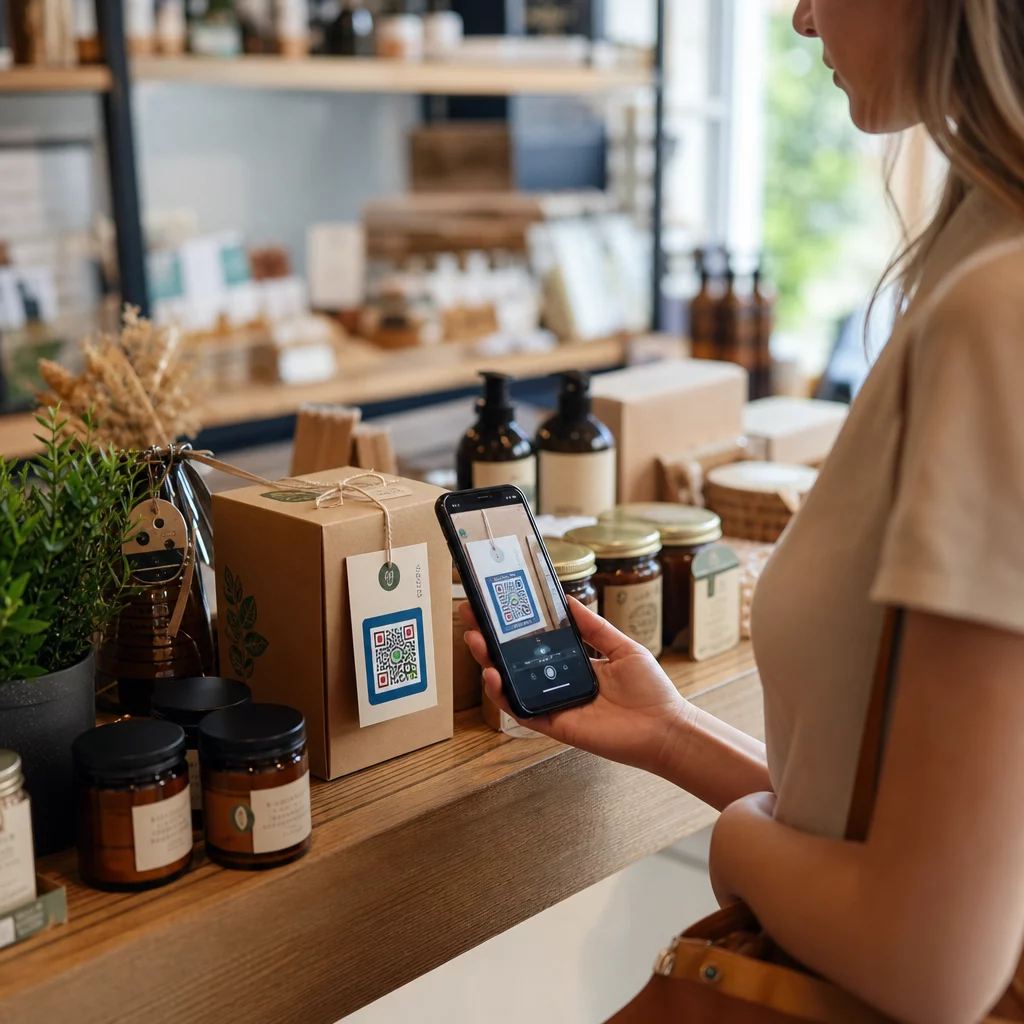
QR kod otisnut unutar ili na naslovnici čestitke povezuje se s bilo kojim digitalnim sadržajem koji odaberete – YouTube videom, snimljenom glasovnom porukom, pjesmom, galerijom fotografija ili personaliziranom odredišnom stranicom. Kada primatelj otvori čestitku i skenira kod kamerom svog telefona, taj se sadržaj odmah učitava, bez potrebe za preuzimanjem aplikacije.
Ključna razlika za kontinuiranu upotrebu je između statički i dinamički QR kodovi. Statični kod izravno kodira odredište i ne može se promijeniti nakon ispisa. Dinamički kod koristi kratki URL za preusmjeravanje, što znači da možete ažurirati na što kod upućuje u bilo kojem trenutku bez ponovnog ispisa kartice. Za jednokratne osobne čestitke, statični kodovi su u redu. Za tvrtke koje šalju brendirane čestitke u velikim količinama, dinamički kodovi pružaju fleksibilnost i mogućnost praćenja angažmana.
Koji sadržaj možete povezati s QR koda na čestitki
Mogućnosti sadržaja kreću se od jednostavnih do bogatih. Evo najčešćih slučajeva upotrebe:
- Osobna video poruka – Snimite video, prenesite ga na YouTube i povežite ga pomoću YouTube QR kod generator. Kod otvara video izravno u YouTube aplikaciji ili pregledniku.
- Glasovna ili audio snimka – Pretvorite MP3 ili audio datoteku u skenirajući kod pomoću Izrada QR koda za MP3. Možete prilagoditi brendiranu audio odredišnu stranicu s naslovom, naslovnom slikom i bojama brenda.
- Galerija fotografija – Povežite se s odabranom galerijom slika pomoću QR galerija i QR kod za sliku, korisno za foto poklone, sažetke događaja ili godišnjice.
- Pjesma ili popis za reprodukciju – Podijelite smislenu pjesmu ili popis za reprodukciju putem Spotify kod i QR kod generator, koja se izravno povezuje s pjesmom, albumom ili popisom za reprodukciju na Spotifyju.
- Prilagođena poveznica ili odredišna stranica – Koristite Generator QR kodova za linkove za usmjeravanje na bilo koji URL – web stranicu, obrazac, stranicu događaja ili personaliziranu digitalnu poruku.
Svaki od ovih generatora omogućuje vam prilagodbu boja QR koda, dodavanje logotipa, odabir stila okvira i preuzimanje datoteke spremne za ispis.
Stvorite QR kod za svoju čestitku Odaberite vrstu sadržaja i generirajte potpuno brendiran, skenirajući QR kod u nekoliko minuta. Započnite s Pageloot Generator QR kodova – besplatno 14-dnevno probno razdoblje, nije potrebna kreditna kartica.
Kako stvoriti QR kod za čestitku
Proces traje manje od pet minuta:
- Odaberite vrstu sadržaja. Odlučite što želite da čestitka isporuči – video, audio, slike, poveznicu ili pjesmu.
- Pripremite svoj sadržaj. Prenesite svoj video na YouTube, izvezite svoj audio kao MP3, prikupite svoje slike ili kopirajte URL koji želite koristiti.
- Otvorite pravi generator. Idite na relevantni Pageloot generator na temelju vrste vašeg sadržaja.
- Unesite detalje svog sadržaja. Zalijepite svoj URL ili prenesite svoju datoteku.
- Prilagodite QR kod. Prilagodite boje, dodajte logotip, odaberite okvir ili oblik i dodajte kratak poziv na akciju poput “Skenirajte za slušanje poruke.”
- Preuzmite svoj kod. Izvezite u formatu spremnom za ispis – SVG, EPS ili PDF – za najvišu kvalitetu izlaza.
- Postavite ga na čestitku. Ispišite QR kod izravno na dizajn čestitke ili ga ispišite na naljepnicu koju ćete pričvrstiti unutra.
- Testirajte prije masovnog ispisa. Skenirajte kod s najmanje dva različita pametna telefona kako biste potvrdili da se ispravno razrješava.
Smjernice za dizajn QR koda za čestitke
Čestitke su male, stoga je ispravno određivanje veličine i položaja ključno za pouzdano skeniranje.

Veličina: Minimalna preporučena veličina za QR kod na tiskanim materijalima je 0,8 × 0,8 inča (20 × 20 mm). Na standardnoj čestitki skeniranoj s udaljenosti ruke, to je dovoljno. Ako dodajete logotip unutar koda, povećajte veličinu za 20–30% kako biste nadoknadili prostor koji logotip zauzima. Za potpuni pregled po vrsti materijala, pogledajte vodič o Veličina QR koda za različite materijale za ispis.
Kontrast: Koristite tamne module na svijetloj pozadini i nikada ne obrnuto. Visoki kontrast je najvažniji faktor za pouzdano skeniranje na različitim modelima telefona i u različitim uvjetima osvjetljenja. Za detaljne smjernice, najbolje prakse za čitljivost QR koda vodič pokriva omjere kontrasta, kombinacije boja i uobičajene pogreške koje treba izbjegavati.
Tiha zona: Ostavite jasan, neotisnut rub oko QR koda sa sve četiri strane – širok najmanje četiri modula. Ova tampon zona pomaže skenerima da otkriju rubove koda. Ne postavljajte tekst, uzorke ili ukrasne elemente unutar ovog ruba.
Plasman: Gdje postavite kod na čestitku jednako je važno kao i kako ga dizajnirate.
- Postavite QR kod na ravnu, nereflektirajuću površinu i izbjegavajte ga postavljati preko preklopa kartice, što može izobličiti uzorak kada se kartica otvori ili rukuje.
- Unutar kartice je često najsigurnija opcija – ravna, zaštićena od rukovanja, i vidljiva u trenutku kada se kartica otvori.
- Stražnja ploča kartice je još jedno pouzdano mjesto ako je površina mat i pozadina je jednostavna i nezatrpana.
- Izbjegavajte jako teksturirane, sjajne ili reljefne površine, koje mogu raspršiti svjetlost i spriječiti točno skeniranje.
Za širu strategiju postavljanja primjenjivu na tiskane kampanje, the vodič za postavljanje QR kodova u marketingu pokriva vrste površina, pozicioniranje u razini očiju i uokvirivanje poziva na akciju detaljno.
Kvaliteta ispisa: Izvezite svoj QR kod kao vektorsku datoteku (SVG ili EPS) radije nego PNG niske rezolucije kad god je to moguće. To održava kod oštrim bez obzira na izlaznu veličinu. Ako radite s komercijalnim tiskarom, pregledajte 15. kako tehnike ispisa utječu na skeniranje QR koda uvelike ovisi o faktorima kao što je razlijevanje tinte. Na upijajućim materijalima poput tkanine ili teksturiranog papira, tinta se može razliti, proširujući tamne module i smanjujući bijele prostore između njih. kako biste razumjeli kako metoda, podloga i odabir tinte utječu na konačni rezultat.
Korištenje dinamičkih QR kodova za kartice poslane u velikim količinama
Ako ste tvrtka koja šalje brendirane čestitke za praznike, zahvalnost klijentima ili marketinške kampanje, dinamički QR kodovi dodaju značajne prednosti u odnosu na statične.

S dinamičkim kodom možete:
- Ažurirajte povezani sadržaj nakon ispisa. Ako se URL videozapisa promijeni ili želite zamijeniti odredište za novu kampanju, ažuriranje izvršavate u Pageloot nadzornoj ploči i ispisani kod ostaje valjan – nije potrebno ponovno ispisivanje.
- Pratite izvedbu skeniranja. Pogledajte ukupna skeniranja, jedinstvena skeniranja, vremena skeniranja, lokacije po gradu ili regiji, i vrste uređaja, sve s jedne nadzorne ploče.
- Ponovno upotrijebite isti dizajn kartice kroz godišnja doba. Ažurirajte odredište svakog ciklusa kampanje bez redizajniranja ili ponovnog ispisa vašeg kartonskog materijala.
Ovo je važno u velikim razmjerima. Božić čini približno 1,3 milijarde čestitki kupljenih u SAD-u svake godine, slijedi Valentinovo s 145 milijuna jedinica i Majčin dan s 113 milijuna. Za tvrtke koje posluju s tim količinama, mogućnost uređivanja odredišta i praćenja angažmana bez ponovnog ispisa izravno se pretvara u smanjene troškove i više upotrebljivih podataka kampanje.
Pratite tko skenira vaše čestitke Koristite Pagelootov Generator QR kodova za stvaranje ažurirajućih, prativih kodova za vaše kampanje kartica i praćenje izvedbe skeniranja s jedne nadzorne ploče.
Napomena o slanju kartica poštom s QR kodovima
Dodavanje QR koda na karticu ne utječe na njezinu poštansku klasifikaciju, pod uvjetom da sama kartica zadovoljava standardne USPS dimenzije. Minimalne dimenzije za pismo su 3,5 × 5 inča, a maksimalne su 6,125 × 11,5 inča. Kartice unutar ovih dimenzija koje teže manje od 3,5 unce šalju se po standardnim cijenama pisama Prve klase.
Jedna iznimka vrijedna spomena: kvadratne čestitke mogu biti podložne dodatnoj naknadi za nerukovanje strojem povrh standardne poštarine Prve klase, bez obzira sadrže li QR kod. Ako je trošak poštarine faktor, držite se standardnih pravokutnih dimenzija.
Dodavanje QR koda na čestitku je jednostavna nadogradnja koja pretvara jednokratni predmet u interaktivni trenutak. Držite kod širokim najmanje 0,8 inča, postavite ga na ravnu mat površinu dalje od preklopa, i uvijek ga testirajte na više uređaja prije ispisa. Za poslovnu upotrebu, dinamički kodovi omogućuju vam ažuriranje povezanog sadržaja i mjerenje angažmana bez dodirivanja kartice. Koristite the Pageloot Generator QR kodova za izradu vašeg prvog koda spremnog za karticu u nekoliko minuta.
Često postavljana pitanja
Ovisi o prigodi. Osobne video poruke i glasovne snimke obično imaju najjači emocionalni utjecaj za pojedinačne kartice. Za poslovne čestitke, povezivanje na kratku video poruku, odabranu odredišnu stranicu ili relevantnu playlistu dobro funkcionira. Pagelootov YouTube QR Code Generator, MP3 QR Code Generator i Link QR Code Generator pokrivaju najčešće formate.
Da. Generirajte svoj QR kod u Pagelootu, preuzmite ga kao PNG ili SVG, zatim ga prenesite u svoj Canva dizajn. Za detaljne upute, pogledajte vodič za generator QR kodova u Canvi. Provjerite je li kod najmanje 0,8 × 0,8 inča u konačnom ispisu kako bi se osiguralo pouzdano skeniranje.
Samo ako ste koristili dinamični QR kod. Dinamični kodovi koriste trajni kratki URL za preusmjeravanje koji može pokazivati na bilo koje odredište koje odaberete, čak i nakon što je kartica ispisana i poslana poštom. Statični kodovi izravno kodiraju odredište i ne mogu se promijeniti. Za bilo koju kampanju s karticama gdje se sadržaj može razvijati ili gdje želite analitiku skeniranja, dinamični kod putem Pageloota je pravi izbor.