Möchten Sie eine Papiergrußkarte in etwas verwandeln, das ein Empfänger tatsächlich abspielt, ansieht oder anhört? Statische Karten werden beiseitegelegt, aber eine Karte mit einem QR-Code, der eine persönliche Video- oder Sprachnachricht freischaltet, schafft einen Moment, an den sich Menschen erinnern. Diese Seite erklärt, wie QR-Codes auf Grußkarten funktionieren und wie Sie diese mit den Tools von Pageloot erstellen oder anpassen können.
Warum QR-Codes Grußkarten ansprechender machen
Amerikaner kaufen jährlich etwa 6,5 Milliarden Grußkarten, wobei Geburtstagskarten allein mehr als die Hälfte aller verkauften Karten ausmachen. Das Format ist allgegenwärtig, und genau deshalb ist es wichtig, sich abzuheben.
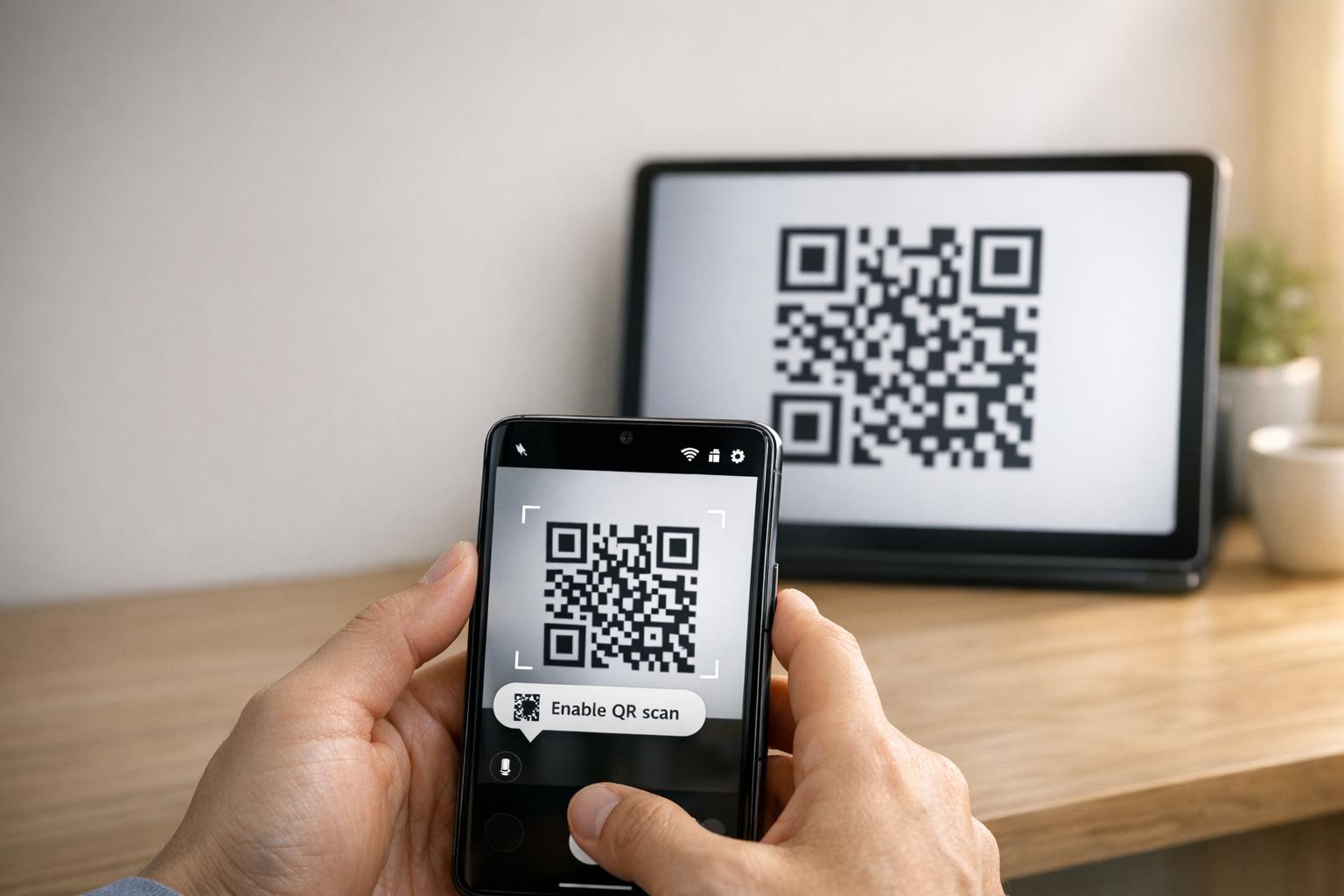
Ein QR-Code, der in oder auf der Vorderseite einer Karte gedruckt ist, verlinkt zu beliebigen digitalen Inhalten Ihrer Wahl – einem YouTube-Video, einer aufgezeichneten Sprachnachricht, einem Lied, einer Fotogalerie oder einer personalisierten Landingpage. Wenn der Empfänger die Karte öffnet und den Code mit seiner Telefonkamera scannt, werden die Inhalte sofort geladen, ohne dass ein App-Download erforderlich ist.
Der wesentliche Unterschied für die fortlaufende Nutzung liegt zwischen statische und dynamische QR-Codes. Ein statischer Code kodiert das Ziel direkt und kann nach dem Drucken nicht mehr geändert werden. Ein dynamischer Code verwendet eine kurze Weiterleitungs-URL, was bedeutet, dass Sie jederzeit aktualisieren können, worauf der Code verweist, ohne die Karte neu drucken zu müssen. Für einmalige persönliche Karten funktioniert statisch gut. Für Unternehmen, die gebrandete Karten in großen Mengen versenden, bieten dynamische Codes Flexibilität und die Möglichkeit, die Interaktion zu verfolgen.
Welche Inhalte Sie von einem Grußkarten-QR-Code verlinken können
Die Inhaltsmöglichkeiten reichen von einfach bis umfangreich. Hier sind die häufigsten Anwendungsfälle:
- Persönliche Videonachricht – Nehmen Sie ein Video auf, laden Sie es auf YouTube hoch und verlinken Sie es mit dem YouTube QR-Code Generator. Der Code öffnet das Video direkt in der YouTube-App oder im Browser.
- Sprach- oder Audioaufnahme – Konvertieren Sie eine MP3- oder Audiodatei in einen scannbaren Code mit dem MP3 QR-Code Generator. Sie können eine gebrandete Audio-Landingpage mit einem Titel, einem Coverbild und Markenfarben anpassen.
- Fotogalerie – Verlinken Sie zu einer kuratierten Bildergalerie mit dem Bild QR-Code Generator, nützlich für Fotogeschenke, Veranstaltungsrückblicke oder Jubiläumskarten.
- Lied oder Wiedergabeliste – Teilen Sie ein bedeutungsvolles Lied oder eine Wiedergabeliste über den Spotify QR-Code Generator, der direkt zu einem Titel, Album oder einer Wiedergabeliste auf Spotify verlinkt.
- Benutzerdefinierter Link oder Landingpage – Verwenden Sie den Link QR-Code-Generator um auf eine beliebige URL zu verweisen – eine Website, ein Formular, eine Eventseite oder eine personalisierte digitale Nachricht.
Jeder dieser Generatoren ermöglicht es Ihnen, die Farben des QR-Codes anzupassen, ein Logo hinzuzufügen, einen Rahmenstil zu wählen und eine druckfertige Datei herunterzuladen.
Erstellen Sie einen QR-Code für Ihre Grußkarte Wählen Sie Ihren Inhaltstyp und generieren Sie in wenigen Minuten einen vollständig gebrandeten, scannbaren QR-Code. Beginnen Sie mit dem Pageloot QR-Code-Generator – kostenlose 14-Tage-Testversion, keine Kreditkarte erforderlich.
So erstellen Sie einen QR-Code für eine Grußkarte
Der Vorgang dauert weniger als fünf Minuten:
- Wählen Sie Ihren Inhaltstyp. Entscheiden Sie, was die Karte liefern soll – Video, Audio, Bilder, einen Link oder ein Lied.
- Bereiten Sie Ihre Inhalte vor. Laden Sie Ihr Video auf YouTube hoch, exportieren Sie Ihr Audio als MP3, sammeln Sie Ihre Bilder oder kopieren Sie die URL, die Sie verwenden möchten.
- Öffnen Sie den richtigen Generator. Gehen Sie zum entsprechenden Pageloot-Generator basierend auf Ihrem Inhaltstyp.
- Geben Sie Ihre Inhaltsdetails ein. Fügen Sie Ihre URL ein oder laden Sie Ihre Datei hoch.
- Passe den QR-Code an. Passen Sie Farben an, fügen Sie ein Logo hinzu, wählen Sie einen Rahmen oder eine Form und fügen Sie einen kurzen Call-to-Action hinzu, wie “Scannen, um eine Nachricht zu hören.”
- Laden Sie Ihren Code herunter. Exportieren Sie in einem druckfertigen Format – SVG, EPS oder PDF – für die höchste Ausgabequalität.
- Platzieren Sie ihn auf der Karte. Drucken Sie den QR-Code direkt auf das Kartendesign oder drucken Sie ihn auf einen Aufkleber, um ihn innen anzubringen.
- Testen Sie vor dem Drucken in großen Mengen. Scannen Sie den Code mit mindestens zwei verschiedenen Smartphones, um zu bestätigen, dass er korrekt aufgelöst wird.
QR-Code-Designrichtlinien für Karten
Grußkarten sind klein, daher ist die richtige Größe und Platzierung entscheidend für ein zuverlässiges Scannen.

Größe: Die empfohlene Mindestgröße für einen QR-Code auf Druckmaterialien beträgt 0,8 × 0,8 Zoll (20 × 20 mm). Auf einer Standard-Grußkarte, die aus Armeslänge gescannt wird, ist dies ausreichend. Wenn Sie ein Logo in den Code einfügen, erhöhen Sie die Größe um 20–30 % (% ist ein Tippfehler für %), um den vom Logo eingenommenen Platz auszugleichen. Für eine vollständige Aufschlüsselung nach Materialtyp siehe den Leitfaden zu QR-Code-Größen für verschiedene Druckmaterialien.
Kontrast: Verwenden Sie dunkle Module auf hellem Hintergrund und kehren Sie diese Beziehung niemals um. Hoher Kontrast ist der wichtigste Faktor für zuverlässiges Scannen über verschiedene Telefonmodelle und Lichtverhältnisse hinweg. Für detaillierte Anleitungen, der Best Practices für die Lesbarkeit von QR-Codes Leitfaden behandelt Kontrastverhältnisse, Farbkombinationen und häufige Fehler, die vermieden werden sollten.
Ruhezone: Lassen Sie einen klaren, unbedruckten Rand um den QR-Code auf allen vier Seiten – mindestens vier Module breit. Diese Pufferzone hilft Scannern, die Ränder des Codes zu erkennen. Platzieren Sie keinen Text, Muster oder dekorative Elemente innerhalb dieses Randes.
Platzierung: Wo Sie den Code auf der Karte positionieren, ist genauso wichtig wie dessen Design.
- Platzieren Sie den QR-Code auf einer flachen, nicht-reflektierenden Oberfläche und vermeiden Sie es, ihn über einen Kartenfalz zu positionieren, was das Muster verzerren kann, wenn die Karte geöffnet oder gehandhabt wird.
- Im Inneren der Karte ist oft die sicherste Option – flach, vor Handhabung geschützt und im Moment des Öffnens der Karte sichtbar.
- Die Rückseite der Karte ist eine weitere zuverlässige Platzierung, wenn die Oberfläche matt ist und der Hintergrund schlicht und übersichtlich ist.
- Vermeiden Sie stark strukturierte, glänzende oder geprägte Oberflächen, die Licht streuen können und ein genaues Scannen verhindern.
Für eine breitere Platzierungsstrategie, die für Printkampagnen anwendbar ist, die Leitfaden zur Platzierung von QR-Codes im Marketing behandelt Oberflächentypen, Augenhöhe-Positionierung und Call-to-Action-Rahmung im Detail.
Druckqualität: Exportieren Sie Ihren QR-Code als Vektordatei (SVG oder EPS) anstatt als niedrigauflösendes PNG, wann immer möglich. Dies hält den Code scharf, unabhängig von der Ausgabegröße. Wenn Sie mit einem kommerziellen Drucker zusammenarbeiten, überprüfen Sie wie Drucktechniken die Scannbarkeit von QR-Codes beeinflussen um zu verstehen, wie Methode, Substrat und Tintenwahl das Endergebnis beeinflussen.
Verwendung dynamischer QR-Codes für Karten, die in großen Mengen versendet werden
Wenn Sie ein Unternehmen sind, das gebrandete Grußkarten für Feiertage, Kundenwertschätzung oder Marketingkampagnen versendet, bieten dynamische QR-Codes bedeutsame Vorteile gegenüber statischen.

Mit einem dynamischen Code können Sie:
- Den verlinkten Inhalt nach dem Drucken aktualisieren. Wenn sich eine Video-URL ändert oder Sie das Ziel für eine neue Kampagne ändern möchten, nehmen Sie die Aktualisierung im Pageloot-Dashboard vor und der gedruckte Code bleibt gültig – kein Neudruck erforderlich.
- Scan-Leistung verfolgen. Sehen Sie Gesamtzahl der Scans, einzigartige Scans, Scan-Zeiten, Standorte nach Stadt oder Region und Gerätetypen, alles von einem einzigen Dashboard aus.
- Das gleiche Kartendesign über verschiedene Jahreszeiten hinweg wiederverwenden. Aktualisieren Sie das Ziel in jedem Kampagnenzyklus, ohne Ihr Kartenmaterial neu zu gestalten oder neu zu drucken.
Dies ist im großen Maßstab wichtig. Weihnachten macht jährlich etwa 1,3 Milliarden gekaufte Grußkarten in den USA aus, gefolgt vom Valentinstag mit 145 Millionen Einheiten und dem Muttertag mit 113 Millionen. Für Unternehmen, die in diesen Mengen operieren, führt die Möglichkeit, Ziele zu bearbeiten und das Engagement zu überwachen, ohne neu zu drucken, direkt zu reduzierten Kosten und aussagekräftigeren Kampagnendaten.
Verfolgen Sie, wer Ihre Grußkarten scannt Nutzen Sie Pageloots QR-Code-Generator um aktualisierbare, verfolgbare Codes für Ihre Kartenkampagnen zu erstellen und die Scan-Leistung von einem einzigen Dashboard aus zu überwachen.
Ein Hinweis zum Versenden von Karten mit QR-Codes
Das Hinzufügen eines QR-Codes zu einer Karte beeinflusst deren Versandklassifizierung nicht, vorausgesetzt, die Karte selbst erfüllt die Standard-USPS-Abmessungen. Die Mindestmaße für Briefe sind 3,5 × 5 Zoll, und die Höchstmaße sind 6,125 × 11,5 Zoll. Karten innerhalb dieser Abmessungen, die weniger als 3,5 Unzen wiegen, werden zu den Standard-First-Class-Briefpreisen versendet.
Eine Ausnahme, die es wert ist, beachtet zu werden: quadratische Grußkarten können einem Zuschlag für nicht maschinenfähige Sendungen unterliegen, zusätzlich zum Standard-First-Class-Porto, unabhängig davon, ob sie einen QR-Code enthalten. Wenn die Portokosten ein Faktor sind, halten Sie sich an die standardmäßigen rechteckigen Abmessungen.
Das Hinzufügen eines QR-Codes zu einer Grußkarte ist ein unkompliziertes Upgrade, das einen Wegwerfartikel in einen interaktiven Moment verwandelt. Halten Sie den Code mindestens 0,8 Zoll breit, positionieren Sie ihn auf einer flachen, matten Oberfläche abseits von Falten und testen Sie ihn immer auf mehreren Geräten vor dem Drucken. Für den geschäftlichen Gebrauch ermöglichen dynamische Codes die Aktualisierung des verlinkten Inhalts und die Messung des Engagements, ohne die Karte zu berühren. Verwenden Sie die Pageloot QR-Code-Generator um Ihren ersten kartenfertigen Code in wenigen Minuten zu erstellen.
Häufig gestellte Fragen
Es hängt vom Anlass ab. Persönliche Videobotschaften und Sprachaufnahmen haben tendenziell die stärkste emotionale Wirkung für einzelne Karten. Für geschäftliche Grußkarten funktioniert das Verlinken auf eine kurze Videobotschaft, eine kuratierte Landingpage oder eine relevante Wiedergabeliste gut. Pageloots YouTube QR Code Generator, MP3 QR Code Generator und Link QR Code Generator decken die gängigsten Formate ab.
Ja. Generieren Sie Ihren QR-Code in Pageloot, laden Sie ihn als PNG oder SVG herunter und laden Sie ihn dann in Ihr Canva-Design hoch. Für eine Schritt-für-Schritt-Anleitung siehe die Anleitung zum Canva QR-Code-Generator. Stellen Sie sicher, dass der Code in der endgültigen gedruckten Ausgabe mindestens 0,8 × 0,8 Zoll groß ist, um ein zuverlässiges Scannen zu gewährleisten.
Nur wenn Sie einen dynamischen QR-Code verwendet haben. Dynamische Codes verwenden eine permanente kurze Weiterleitungs-URL, die auf jedes Ziel zeigen kann, das Sie wählen, selbst nachdem die Karte gedruckt und versendet wurde. Statische Codes codieren das Ziel direkt und können nicht geändert werden. Für jede Kartenkampagne, bei der sich Inhalte entwickeln können oder wo Sie Scan-Analysen wünschen, ist ein dynamischer Code über Pageloot die richtige Wahl.