Vill du förvandla ett pappersgratulationskort till något som mottagaren faktiskt spelar, tittar på eller lyssnar på? Statiska kort läggs åt sidan, men ett kort med en QR-kod som låser upp ett personligt video- eller röstmeddelande skapar ett ögonblick som människor minns. Denna sida förklarar hur QR-koder fungerar på gratulationskort och hur man skapar eller anpassar dem med Pageloots verktyg.
Varför QR-koder gör gratulationskort mer engagerande
Amerikaner köper cirka 6,5 miljarder gratulationskort varje år, där födelsedagskort ensamma står för mer än hälften av alla sålda kort. Formatet är allmänt förekommande, vilket är precis varför det är viktigt att sticka ut.
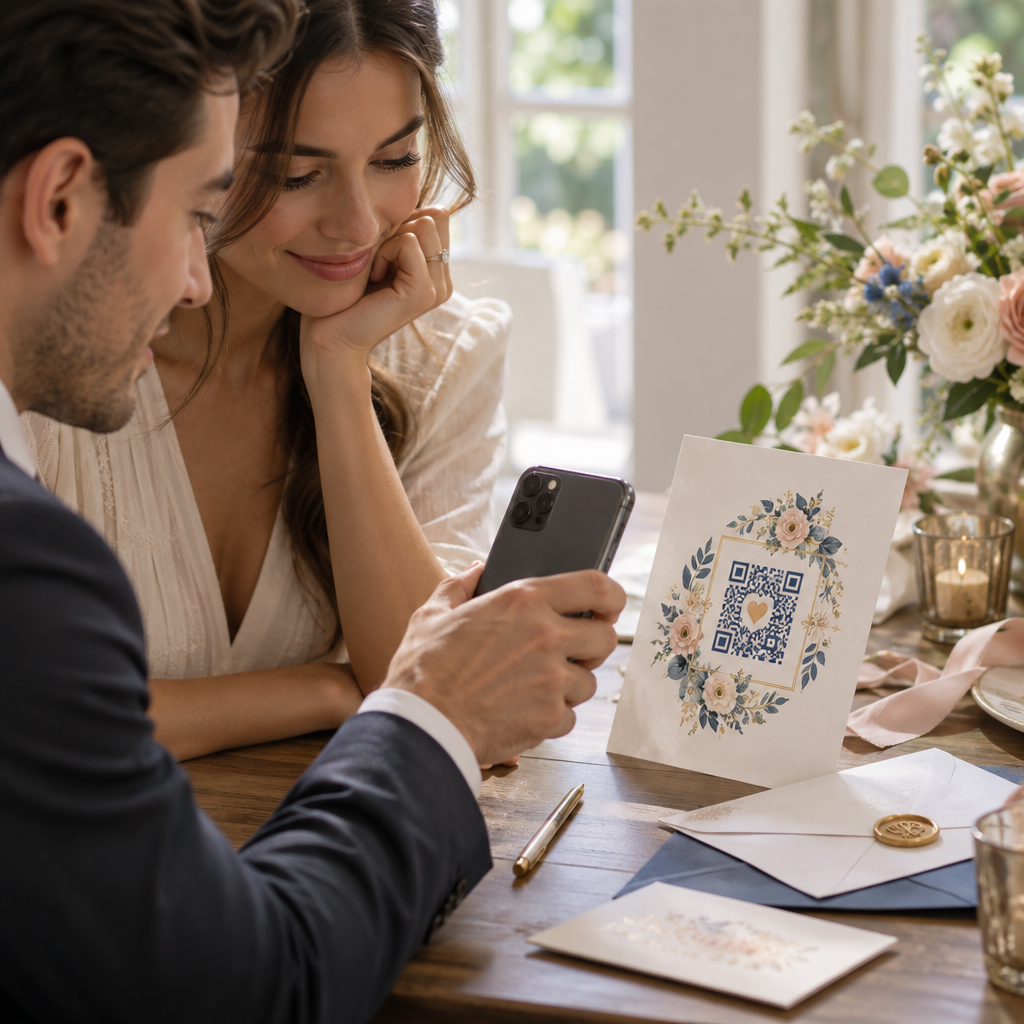
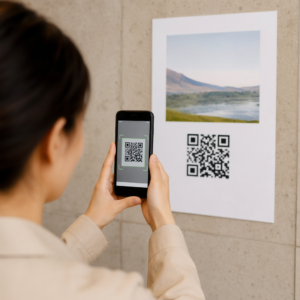
En QR-kod tryckt inuti eller på omslaget av ett kort länkar till vilket digitalt innehåll du än väljer – en YouTube-video, ett inspelat röstmeddelande, en låt, ett fotogalleri eller en personlig landningssida. När mottagaren öppnar kortet och skannar koden med sin telefonkamera laddas innehållet omedelbart, ingen appnedladdning krävs.
Den viktigaste skillnaden för löpande användning är mellan statiska och dynamiska QR-koder. En statisk kod kodar destinationen direkt och kan inte ändras efter utskrift. En dynamisk kod använder en kort omdirigerings-URL, vilket innebär att du kan uppdatera vad koden pekar på när som helst utan att skriva ut kortet igen. För engångs-personliga kort fungerar statiska koder bra. För företag som skickar märkeskort i volym ger dynamiska koder dig flexibilitet och möjlighet att spåra engagemang.
Vilket innehåll du kan länka från en QR-kod på ett gratulationskort
Innehållsmöjligheterna sträcker sig från enkla till rika. Här är de vanligaste användningsfallen:
- Personligt videomeddelande – Spela in en video, ladda upp den till YouTube och länka den med QR-kodgenerator för YouTube. Koden öppnar videon direkt i YouTube-appen eller webbläsaren.
- Röst- eller ljudinspelning – Konvertera en MP3- eller ljudfil till en skanningsbar kod med QR-kodgenerator för MP3. Du kan anpassa en märkesanpassad ljudlandningssida med en titel, omslagsbild och varumärkesfärger.
- Fotogalleri – Länka till ett kurerat bildgalleri med QR-kodgenerator för bild, användbart för fotopresenter, evenemangsöversikter eller jubileumskort.
- Låt eller spellista – Dela en meningsfull låt eller spellista via QR-kodgenerator för Spotify, som länkar direkt till ett spår, album eller en spellista på Spotify.
- Anpassad länk eller landningssida – Använd Länk QR-kodgenerator för att peka på vilken URL som helst – en webbplats, ett formulär, en evenemangssida eller ett personligt digitalt meddelande.
Var och en av dessa generatorer låter dig anpassa QR-kodens färger, lägga till en logotyp, välja en ramstil och ladda ner en utskriftsklar fil.
Skapa en QR-kod för ditt gratulationskort Välj din innehållstyp och generera en helt märkesanpassad, skanningsbar QR-kod på några minuter. Börja med Pageloot QR-kodgenerator – gratis 14-dagars provperiod, inget kreditkort krävs.
Hur man skapar en QR-kod för ett gratulationskort
Processen tar mindre än fem minuter:
- Välj din innehållstyp. Bestäm vad du vill att kortet ska leverera – video, ljud, bilder, en länk eller en låt.
- Förbered ditt innehåll. Ladda upp din video till YouTube, exportera ditt ljud som en MP3, samla dina bilder eller kopiera den URL du vill använda.
- Öppna rätt generator. Gå till den relevanta Pageloot-generatorn baserat på din innehållstyp.
- Ange dina innehållsuppgifter. Klistra in din URL eller ladda upp din fil.
- Anpassa QR-koden. Justera färger, lägg till en logotyp, välj en ram eller form och lägg till en kort uppmaning som “Skanna för att höra ett meddelande.”
- Ladda ner din kod. Exportera i ett utskriftsklart format – SVG, EPS eller PDF – för högsta kvalitet.
- Placera den på kortet. Skriv ut QR-koden direkt på kortdesignen eller skriv ut den på ett klistermärke att fästa inuti.
- Testa innan du skriver ut i volym. Skanna koden med minst två olika smartphones för att bekräfta att den fungerar korrekt.
Riktlinjer för QR-koddesign för kort
Gratulera kort är små, så att få storlek och placering rätt är avgörande för tillförlitlig skanning.

Storlek: Den minsta rekommenderade storleken för en QR-kod på tryckt material är 0,8 × 0,8 tum (20 × 20 mm). På ett standardgratulationskort skannat på armlängds avstånd är detta tillräckligt. Om du lägger till en logotyp inuti koden, öka storleken med 20–30% för att kompensera för utrymmet logotypen upptar. För en fullständig uppdelning per materialtyp, se guiden om QR-kodstorlek för olika tryckmaterial.
Kontrast: Använd mörka moduler på en ljus bakgrund och vänd aldrig det förhållandet. Hög kontrast är den enskilt viktigaste faktorn för tillförlitlig skanning över olika telefonmodeller och ljusförhållanden. För detaljerad vägledning, bästa praxis för läsbarhet av QR-koder guiden täcker kontrastförhållanden, färgkombinationer och vanliga misstag att undvika.
Tyst zon: Lämna en tydlig, otryckt kant runt QR-koden på alla fyra sidor – minst fyra moduler bred. Denna buffertzon hjälper skannrar att upptäcka kodens kanter. Placera inte text, mönster eller dekorativa element inuti denna kant.
Placering: Var du placerar koden på kortet är lika viktigt som hur du designar den.
- Placera QR-koden på en platt, icke-reflekterande yta och undvik att placera den över ett kortveck, vilket kan förvränga mönstret när kortet öppnas eller hanteras.
- Inuti kortet är ofta det säkraste alternativet – platt, skyddat från hantering, och syns i samma ögonblick som kortet öppnas.
- Kortets baksida är en annan pålitlig placering om ytan är matt och bakgrunden är enkel och ren.
- Undvik kraftigt texturerade, glansiga eller präglade ytor, vilket kan sprida ljus och förhindra korrekt skanning.
För en bredare placeringsstrategi som är tillämplig på tryckta kampanjer, guide för placering av QR-koder i marknadsföring täcker yttyper, placering i ögonhöjd och utformning av uppmaningar i detalj.
Utskriftskvalitet: Exportera din QR-kod som en vektorfil (SVG eller EPS) snarare än en lågupplöst PNG när det är möjligt. Detta håller koden skarp oavsett utskriftsstorlek. Om du arbetar med en kommersiell skrivare, granska 15. hur trycktekniker påverkar QR-kodens skanningsbarhet för att förstå hur metod, substrat och bläckval påverkar slutresultatet.
Använda dynamiska QR-koder för kort som skickas i volym
Om du är ett företag som skickar märkesvaror med gratulationskort för helgdagar, kunduppskattning eller marknadsföringskampanjer, ger dynamiska QR-koder betydande fördelar jämfört med statiska.

Med en dynamisk kod kan du:
- Uppdatera det länkade innehållet efter utskrift. Om en video-URL ändras eller om du vill byta destination för en ny kampanj, gör du uppdateringen i Pageloot-panelen och den tryckta koden förblir giltig – ingen omtryckning behövs.
- Spåra skanningsprestanda. Se totala skanningar, unika skanningar, skanningstider, platser per stad eller region, och enhetstyper, allt från en enda panel.
- Återanvänd samma kortdesign över säsonger. Uppdatera destinationen varje kampanjcykel utan att omforma eller trycka om ditt kortlager.
Detta är viktigt i stor skala. Julen står för cirka 1,3 miljarder gratulationskort som köps i USA varje år, följt av Alla hjärtans dag med 145 miljoner enheter och Mors dag med 113 miljoner. För företag som verkar i dessa volymer, översätts förmågan att redigera destinationer och övervaka engagemang utan omtryckning direkt till minskade kostnader och mer handlingsbar kampanjdata.
Spåra vem som skannar dina gratulationskort Använd Pageloots QR-kodgenerator för att skapa uppdaterbara, spårbara koder för dina kortkampanjer och övervaka skanningsprestanda från en enda panel.
En anmärkning om att skicka kort med QR-koder
Att lägga till en QR-kod på ett kort påverkar inte dess postklassificering, förutsatt att kortet i sig uppfyller standard USPS-mått. Minsta brevstorlek är 3,5 × 5 tum, och maximala är 6,125 × 11,5 tum. Kort inom dessa mått som väger under 3,5 uns skickas med standardbrevtaxa för First-Class.
Ett undantag värt att notera: kvadratiska gratulationskort kan vara föremål för en icke-maskinell tilläggsavgift utöver standardporto för First-Class, oavsett om de innehåller en QR-kod. Om portokostnaden är en faktor, håll dig till standard rektangulära mått.
Att lägga till en QR-kod på ett gratulationskort är en enkel uppgradering som förvandlar en engångsartikel till ett interaktivt ögonblick. Håll koden minst 0,8 tum bred, placera den på en platt matt yta bort från veck, och testa den alltid på flera enheter före utskrift. För företagsbruk låter dynamiska koder dig uppdatera det länkade innehållet och mäta engagemang utan att röra kortet. Använd Pageloot QR-kodgenerator för att bygga din första kortklara kod på några minuter.
Vanliga frågor
Det beror på tillfället. Personliga videomeddelanden och röstinspelningar tenderar att ha den starkaste känslomässiga effekten för enskilda kort. För företagsgratulationskort fungerar det bra att länka till ett kort videomeddelande, en kurerad landningssida eller en relevant spellista. Pageloots YouTube QR-kodgenerator, MP3 QR-kodgenerator och Länk QR-kodgenerator täcker de vanligaste formaten.
Ja. Generera din QR-kod i Pageloot, ladda ner den som en PNG eller SVG, ladda sedan upp den i din Canva-design. För steg-för-steg-vägledning, se Canva QR-kodgeneratorguiden. Se till att koden är minst 0,8 × 0,8 tum i den slutliga utskriften för att säkerställa tillförlitlig skanning.
Endast om du använde en dynamisk QR-kod. Dynamiska koder använder en permanent kort omdirigerings-URL som kan peka på vilken destination du än väljer, även efter att kortet har skrivits ut och skickats. Statiska koder kodar destinationen direkt och kan inte ändras. För varje kortkampanj där innehållet kan utvecklas eller där du vill ha skanningsanalys, är en dynamisk kod via Pageloot det rätta valet.