Kas soovite muuta paberist õnnitluskaardi millekski, mida saaja tegelikult mängib, vaatab või kuulab? Staatilised kaardid pannakse kõrvale, kuid QR-koodiga kaart, mis avab isikliku video- või häälsõnumi, loob hetke, mida inimesed mäletavad. See leht selgitab, kuidas QR-koodid õnnitluskaartidel töötavad ja kuidas neid Pagelooti tööriistade abil luua või kohandada.
Miks QR-koodid muudavad õnnitluskaardid kaasahaaravamaks
Ameeriklased ostavad igal aastal ligikaudu 6,5 miljardit õnnitluskaarti, kusjuures sünnipäevakaardid moodustavad üksi üle poole kõigist müüdud kaartidest. Formaat on kõikjal levinud, mis ongi täpselt põhjus, miks silma paistmine oluline on.
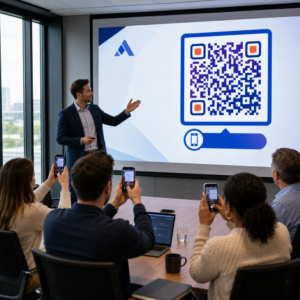
Kaardi sisse või kaanele trükitud QR-kood lingib mis tahes digitaalsele sisule, mille valite – YouTube'i videole, salvestatud häälsõnumile, laulule, fotogaleriile või isikupärastatud sihtlehele. Kui saaja avab kaardi ja skannib koodi oma telefonikaameraga, laaditakse see sisu koheselt, ilma rakenduse allalaadimise vajaduseta.
Peamine erinevus pideva kasutuse puhul on staatilised ja dünaamilised QR-koodid. Staatiline kood kodeerib sihtkoha otse ja seda ei saa pärast printimist muuta. Dünaamiline kood kasutab lühikest ümbersuunamise URL-i, mis tähendab, et saate igal ajal värskendada, millele kood viitab, ilma kaarti uuesti printimata. Ühekordsete isiklike kaartide puhul sobib staatiline kood hästi. Ettevõtetele, kes saadavad bränditud kaarte suures mahus, annavad dünaamilised koodid paindlikkuse ja võimaluse jälgida kaasatust.
Millist sisu saate õnnitluskaardi QR-koodiga linkida
Sisu võimalused ulatuvad lihtsast rikkalikuni. Siin on kõige levinumad kasutusjuhud:
- Isiklik videosõnum – Salvestage video, laadige see YouTube'i üles ja linkige see, kasutades YouTube QR-koodi generaator. Kood avab video otse YouTube'i rakenduses või brauseris.
- Hääle- või helisalvestis – Teisendage MP3- või helifail skannitavaks koodiks, kasutades MP3 QR-koodi generaator. Saate kohandada bränditud heli sihtlehte pealkirja, kaanepildi ja brändivärvidega.
- Fotogalerii – Linkige kureeritud pildigaleriile, kasutades Pildi QR koodi loomine, kasulik fotokingituste, sündmuste kokkuvõtete või aastapäevakaartide jaoks.
- Laul või esitusloend – Jagage tähendusrikast laulu või esitusloendit, kasutades Spotify QR-koodi generaator, mis lingib otse loole, albumile või esitusloendile Spotifys.
- Kohandatud link või sihtleht – Kasutage Lingi QR-koodi generaator mis viitab mis tahes URL-ile – veebisaidile, vormile, sündmuse lehele või isikupärastatud digitaalsele sõnumile.
Igaüks neist generaatoritest võimaldab teil kohandada QR-koodi värve, lisada logo, valida raami stiili ja alla laadida printimiseks valmis faili.
Looge oma õnnitluskaardile QR-kood Valige oma sisutüüp ja genereerige täielikult bränditud, skannitav QR-kood minutitega. Alustage Pageloot QR-koodi generaator – tasuta 14-päevane prooviperiood, krediitkaarti pole vaja.
Kuidas luua õnnitluskaardile QR-kood
Protsess võtab vähem kui viis minutit:
- Vali oma sisutüüp. Otsustage, mida soovite kaardiga edastada – video, heli, pildid, link või laul.
- Valmistage oma sisu ette. Laadige oma video YouTube'i üles, eksportige heli MP3-na, koguge oma pildid või kopeerige URL, mida soovite kasutada.
- Avage õige generaator. Minge vastavasse Pagelooti generaatorisse vastavalt oma sisutüübile.
- Sisestage oma sisu üksikasjad. Kleepige oma URL või laadige oma fail üles.
- Kohandage QR-koodi. Kohandage värve, lisage logo, valige raami või kuju ja lisage lühike üleskutse, näiteks “Skannige sõnumi kuulamiseks.”
- Laadige oma kood alla. Eksportige printimiseks valmis formaadis – SVG, EPS või PDF – kõrgeima kvaliteediga väljundi saamiseks.
- Asetage see kaardile. Printige QR-kood otse kaardi kujundusele või printige see kleebisele, et see sisse kinnitada.
- Testige enne suuremahulist printimist. Skannige koodi vähemalt kahe erineva nutitelefoniga, et veenduda selle õiges lahenduses.
QR-koodi kujundusjuhised kaartidele
Õnnitluskaardid on väikesed, seega on õige suuruse ja paigutuse saavutamine usaldusväärseks skannimiseks kriitilise tähtsusega.

Suurus: Minimaalne soovitatav suurus QR-koodile trükimaterjalidel on 0,8 × 0,8 tolli (20 × 20 mm). Tavalisel õnnitluskaardil, mis on skannitud käeulatusest, on see piisav. Kui lisate koodi sisse logo, suurendage suurust 20–30% võrra, et kompenseerida logo hõivatud ruumi. Materjalitüübi täieliku jaotuse kohta vaadake juhendit QR-koodi suuruse määramine erinevatele trükimaterjalidele.
Kontrast: Kasutage tumedaid mooduleid heledal taustal ja ärge kunagi seda suhet pöörake. Kõrge kontrast on kõige olulisem tegur usaldusväärseks skannimiseks erinevate telefonimudelite ja valgustingimuste korral. Üksikasjaliku juhendi saamiseks QR-koodi loetavuse parimaid tavasid juhend hõlmab kontrastsussuhteid, värvikombinatsioone ja levinud vigu, mida vältida.
Vaikne tsoon: Jätke QR-koodi ümber kõigile neljale küljele selge, trükkimata äär – vähemalt neli moodulit lai. See puhvertsoon aitab skanneritel koodi servi tuvastada. Ärge asetage teksti, mustreid ega dekoratiivseid elemente selle piiri sisse.
Paigutus: See, kuhu te koodi kaardil paigutate, on sama oluline kui see, kuidas te selle kujundate.
- Asetage QR-kood tasasele, mittepeegelduvale pinnale ja vältige selle paigutamist üle kaardi voldi, mis võib mustrit moonutada, kui kaart avatakse või seda käsitsetakse.
- Kaardi sees on sageli kõige ohutum variant – tasane, kaitstud käsitsemise eest ja nähtav kaardi avamise hetkel.
- Kaardi tagapaneel on veel üks usaldusväärne paigutuskoht, kui pind on matt ja taust on lihtne ja korras.
- Vältige tugevalt tekstureeritud, läikivaid või reljeefseid pindu, mis võivad valgust hajutada ja takistada täpset skaneerimist.
Laiema paigutusstrateegia jaoks, mis kehtib trükikampaaniate puhul, see QR-koodide paigutuse juhend turunduses käsitleb pinnatüüpe, silmade kõrgusel positsioneerimist ja üleskutse raamimist üksikasjalikult.
Prindikvaliteet: Eksportige oma QR-kood vektorfailina (SVG või EPS) pigem kui madala resolutsiooniga PNG-na, kui see on võimalik. See hoiab koodi teravana sõltumata väljundi suurusest. Kui töötate kommertstrükikojaga, vaadake üle 15. kuidas printimistehnikad mõjutavad QR-koodi skannitavust et mõista, kuidas meetod, alusmaterjal ja tindi valik mõjutavad lõpptulemust.
Dünaamiliste QR-koodide kasutamine suures mahus saadetavate kaartide jaoks
Kui olete ettevõte, mis saadab bränditud õnnitluskaarte pühadeks, klientide tunnustamiseks või turunduskampaaniateks, lisavad dünaamilised QR-koodid staatiliste ees olulisi eeliseid.

Dünaamilise koodiga saate:
- Uuendada lingitud sisu pärast printimist. Kui video URL muutub või soovite sihtkohta uue kampaania vastu vahetada, teete uuenduse Pagelooti armatuurlaual ja prinditud kood jääb kehtivaks – uuesti printimist pole vaja.
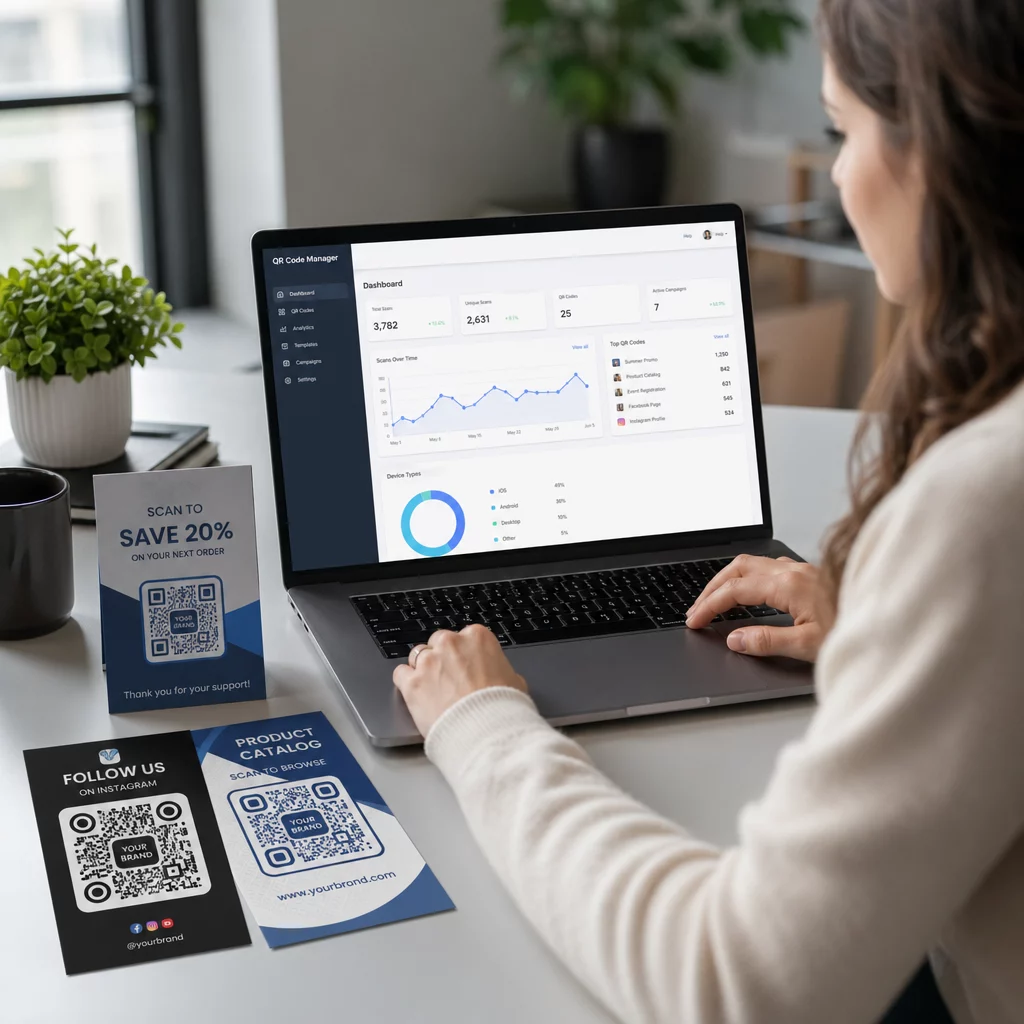
- Jälgida skaneerimise jõudlust. Vaadake kõiki skaneeringuid, unikaalseid skaneeringuid, skaneerimisaegu, asukohti linna või piirkonna järgi ja seadmetüüpe, kõik ühest armatuurlaualt.
- Kasutage sama kaardikujundust erinevatel hooaegadel uuesti. Uuendage sihtkohta igas kampaania tsüklis ilma oma kaardivaru ümber kujundamata või uuesti printimata.
See on oluline suures mahus. Jõulude ajal ostetakse USA-s igal aastal ligikaudu 1,3 miljardit õnnitluskaarti, millele järgnevad sõbrapäev 145 miljoni ühikuga ja emadepäev 113 miljoniga. Ettevõtetele, mis tegutsevad sellistes mahtudes, tähendab võimalus sihtkohti muuta ja kaasatust jälgida ilma uuesti printimata otseselt väiksemaid kulusid ja teostatavamaid kampaaniaandmeid.
Jälgige, kes skaneerivad teie õnnitluskaarte Kasutage Pagelooti QR-koodi generaator et luua uuendatavaid, jälgitavaid koode oma kaardikampaaniate jaoks ja jälgida skaneerimise jõudlust ühest armatuurlaualt.
Märkus QR-koodidega kaartide postitamise kohta
QR-koodi lisamine kaardile ei mõjuta selle postiklassifikatsiooni, eeldusel, et kaart ise vastab standardsetele USPS-i mõõtmetele. Kirja suuruse miinimumid on 3,5 × 5 tolli ja maksimumid on 6,125 × 11,5 tolli. Kaardid, mis jäävad nende mõõtmete piiresse ja kaaluvad alla 3,5 untsi, postitatakse standardsete esimese klassi kirjade tariifidega.
Üks erand, mida tasub märkida: ruudukujulised õnnitluskaardid võivad olla masintöötlemise lisatasu all lisaks standardsele esimese klassi postitasule, olenemata sellest, kas need sisaldavad QR-koodi. Kui postikulu on tegur, jääge standardsete ristkülikukujuliste mõõtmete juurde.
QR-koodi lisamine õnnitluskaardile on lihtne uuendus, mis muudab ühekordselt kasutatava eseme interaktiivseks hetkeks. Hoidke kood vähemalt 0,8 tolli laiune, asetage see tasasele matile pinnale voltidest eemale ja testige seda alati mitmel seadmel enne printimist. Ärikasutuseks võimaldavad dünaamilised koodid teil uuendada lingitud sisu ja mõõta kaasatust kaarti puudutamata. Kasutage Pageloot QR-koodi generaator et luua oma esimene kaardivalmis kood minutitega.
Korduma kippuvad küsimused
See sõltub sündmusest. Isiklikud videosõnumid ja helisalvestised kipuvad üksikute kaartide puhul omama tugevaimat emotsionaalset mõju. Äriõnnitluskaartide puhul töötab hästi linkimine lühikese videosõnumi, kureeritud sihtlehe või asjakohase esitusloendi juurde. Pagelooti YouTube'i QR-koodi generaator, MP3 QR-koodi generaator ja Lingi QR-koodi generaator katavad kõige levinumad formaadid.
Jah. Genereeri oma QR-kood Pagelootis, laadi see alla PNG või SVG-na, seejärel laadi see üles oma Canva kujundusse. Samm-sammult juhiste saamiseks vaata Canva QR-koodi generaatori juhendit. Veendu, et kood oleks lõplikul prinditud väljundil vähemalt 0,8 × 0,8 tolli, et tagada usaldusväärne skaneerimine.
Ainult siis, kui kasutasite dünaamilist QR-koodi. Dünaamilised koodid kasutavad püsivat lühikest ümbersuunamise URL-i, mis saab osutada mis tahes sihtkohale, mille teie valite, isegi pärast seda, kui kaart on trükitud ja postitatud. Staatilised koodid kodeerivad sihtkoha otse ja neid ei saa muuta. Iga kaardikampaania jaoks, kus sisu võib areneda või kus soovite skaneerimise analüütikat, on Pagelooti kaudu dünaamiline kood õige valik.