Are your QR codes unintentionally locking out customers with disabilities? Relying on inaccessible barcodes can frustrate visitors, cut off access to essential services, and create legal liabilities under the Americans with Disabilities Act. This guide explains how to design scannable codes, choose accessible placements, and ensure digital destinations serve every user.
Why Accessibility Standards Apply to QR Codes
Under Title III of the Americans with Disabilities Act (ADA), places of public accommodation must provide full and equal enjoyment of their goods, services, and facilities. While the statutory text of the ADA does not name barcodes specifically, the legal mandate focuses on effective communication. When a company uses a barcode to share restaurant menus, event schedules, check-in portals, or product manuals, accessibility obligations follow.
The Department of Justice (DOJ) routinely references the Web Content Accessibility Guidelines (WCAG) as the standard for digital accessibility. Furthermore, state and local government entities covered under ADA Title II must adhere to WCAG 2.1 Level AA for web content and mobile applications. Across the private sector, organizations operating in top industries using ADA-compliant QR codes recognize that digital touchpoints must accommodate individuals with vision, hearing, cognitive, and motor impairments. Failing to provide accessible alternatives or deploying unscannable designs exposes organizations to compliance disputes and alienated patrons.
Designing Codes for Visual and Digital Scannability
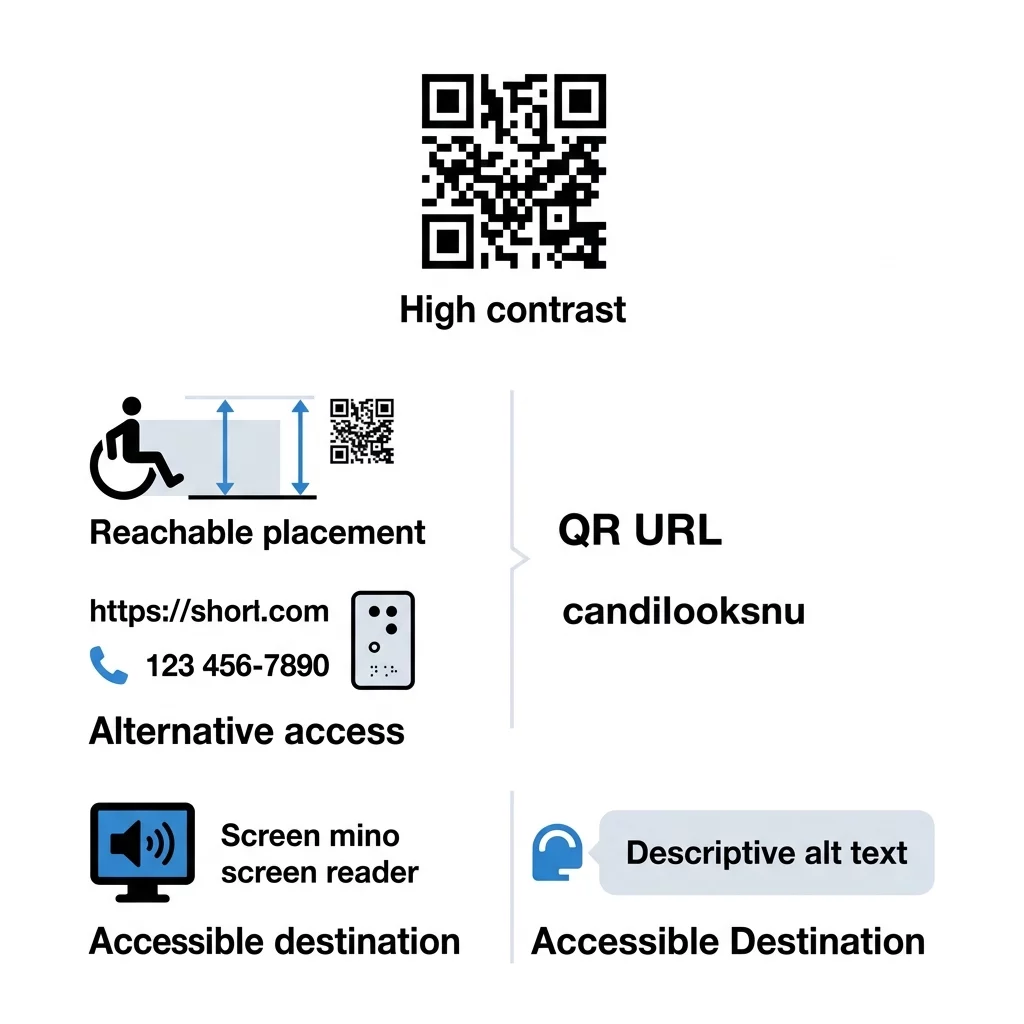
Visual accessibility begins with sharp contrast, adequate dimensions, and clean margins. Both human eyes with low vision and digital camera sensors rely on distinct edges to distinguish code patterns from the surrounding background.
- Maintain strong color contrast by targeting a minimum ratio of 4.5:1 between the foreground pattern and the background.
- Rely on dark foreground elements against a solid light background, avoiding light gray or yellow patterns that wash out in bright ambient light.
- レビュー QRコードの色のコントラストに関するベストプラクティス to eliminate inverted color schemes and multi-color gradients that confuse assistive technology and older cameras.
- Size your print symbols according to our practical QRコードサイズガイド, maintaining at least 0.8 x 0.8 inches (2 x 2 cm) for close-range handheld scanning and scaling upward using a 10:1 viewing distance-to-size ratio.
- Preserve an unprinted quiet zone around the symbol that measures at least four modules wide on all sides to isolate data modules from nearby graphics and text.
- Export graphics in vector formats such as SVG, PDF, or EPS to prevent pixelation and edge blur during high-resolution printing.
Create Accessible and Trackable QR Codes Need to deploy codes that adapt to changing accessibility guidelines without reprinting? Use the QRコードジェネレーター to design high-contrast, scalable codes with complete scan analytics.
Physical Placement and Tactile Discoverability
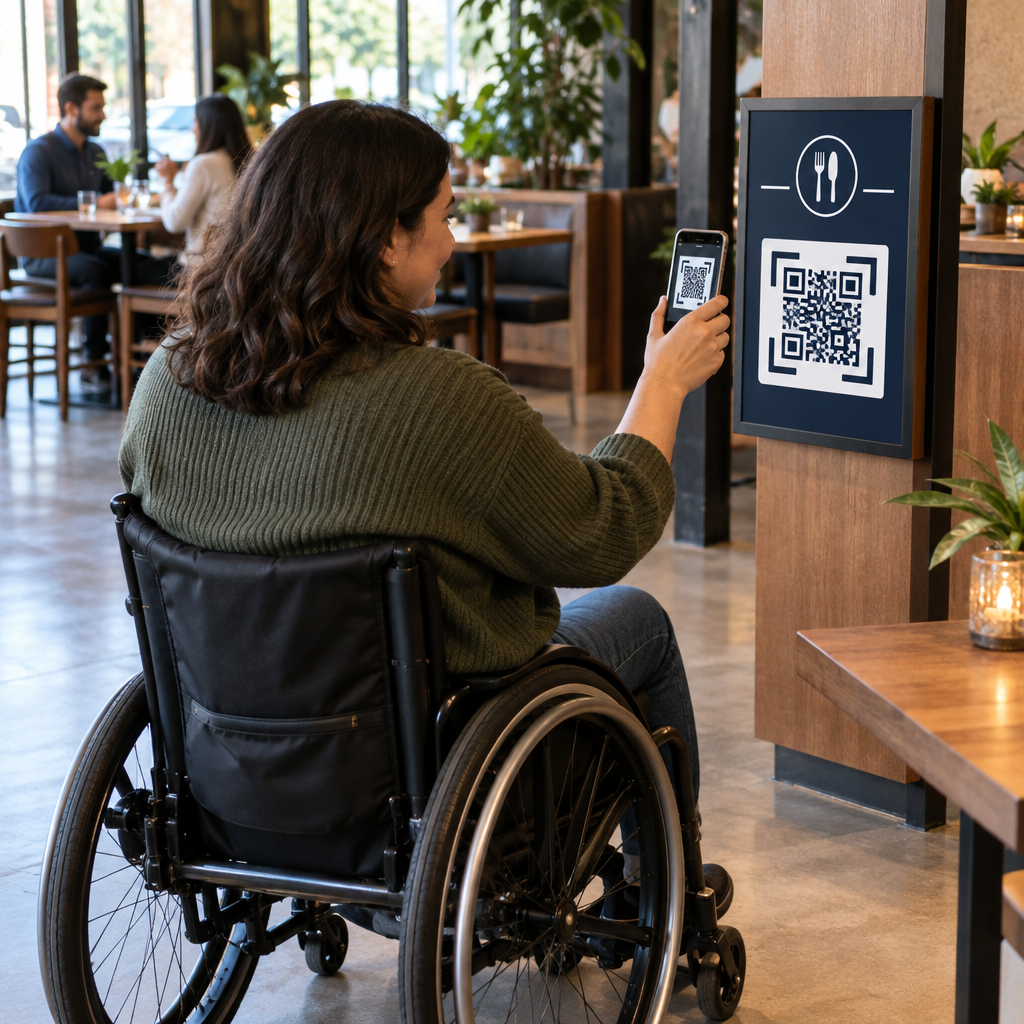
A flawless visual design fails if a customer cannot locate or physically reach the code. Environmental placement must account for wheelchair users, individuals of short stature, and patrons with visual impairments.
- Mount signs and physical displays within an accessible reach range between 3 and 5 feet from the floor.
- Maintain clear floor space in front of the display so wheelchair users can approach the code without physical obstructions.
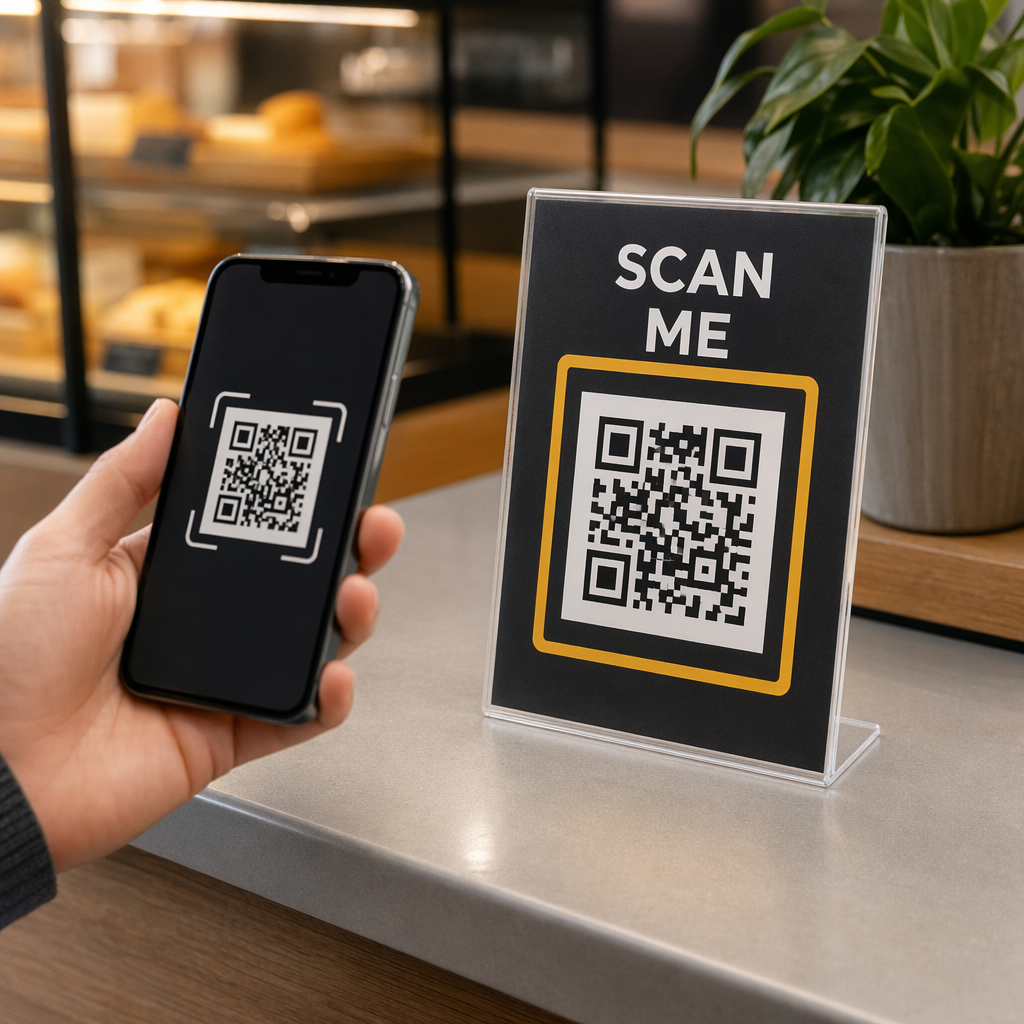
- Print codes on smooth, matte finishes rather than glossy paper or acrylic covers to eliminate light reflections and glare.
- Add tactile cues, such as raised borders, embossed stickers, or adjacent Braille text, so blind users can detect the scanning area with their hands.
- Provide descriptive visual text adjacent to the code explaining exactly what will happen after scanning, following established QRコードのユーザビリティに関するベストプラクティス.
Providing Redundant Paths and Alternative Formats
A QR code should never serve as the exclusive gateway to essential information. Accessible design principles require redundancy so people without smartphones, users with motor tremors, or visitors using screen readers can retrieve the same material.
- Print a readable, short plain-text URL directly beneath the physical code for manual browser entry.
- Implement 音声起動型QRコード to support visitors who benefit from spoken directions, voice prompts, and screen-reader assistance.
- Include a customer service telephone number or SMS contact option for immediate human assistance in public settings.
- Maintain physical backups, such as large-print handouts or Braille menus, for critical workflows like dining orders or medical intake.
- Supply informative alternative text when displaying QR codes inside digital channels like emails or web pages, accompanied by a direct text hyperlink.
Ensuring Accessible Digital Destinations
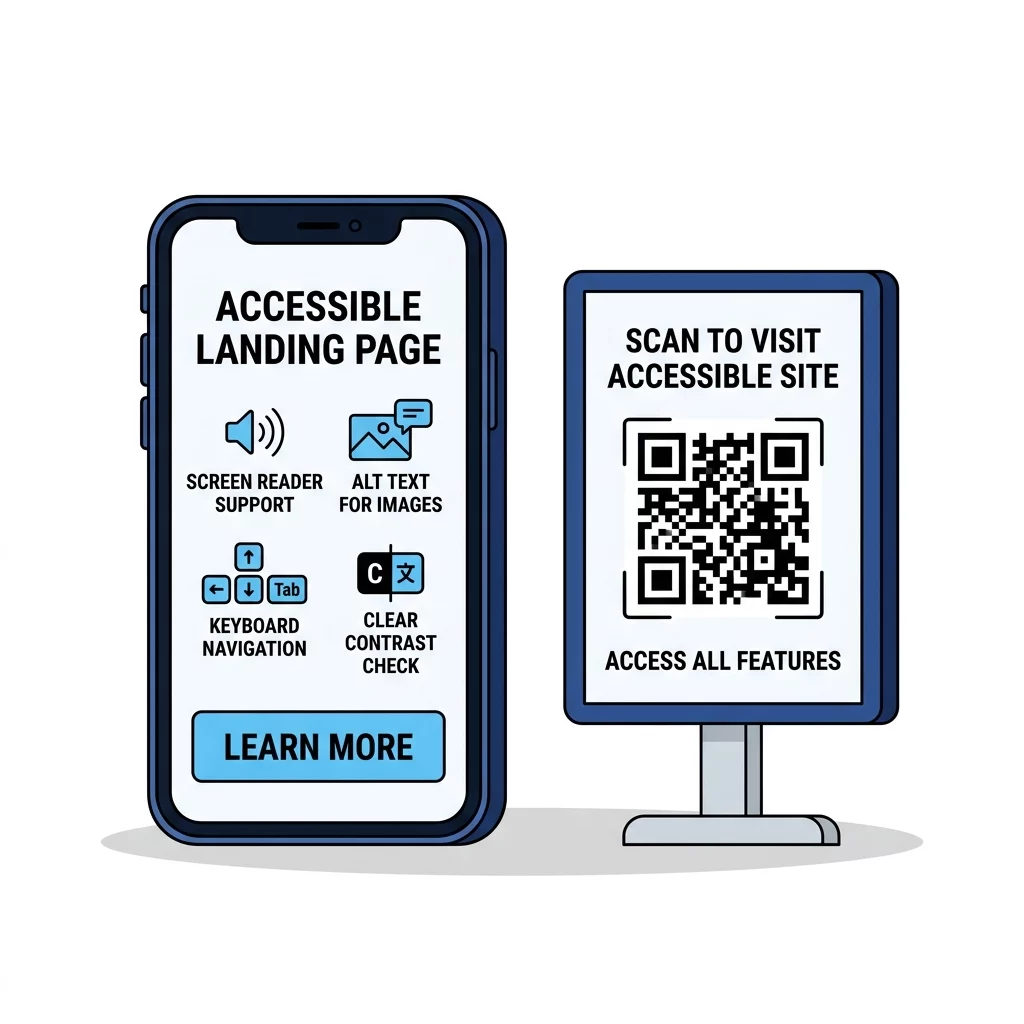
Scanning the code represents only the initial step of the user journey. If the linked destination fails basic web accessibility benchmarks, the entire interaction becomes inaccessible.
- Ensure destination pages conform to WCAG 2.1 Level AA standards, incorporating structured headings, form labels, and descriptive text for non-text media.
- Support complete keyboard operability so individuals using switch devices or external keyboards can navigate without getting trapped in focus loops.
- Design responsive layouts that reflow cleanly at narrow screen viewports down to 320 CSS pixels without demanding horizontal scrolling.
- Support responsive viewport orientations in both portrait and landscape modes to accommodate users with mounted mobile devices.
- Avoid links that immediately trigger file downloads, automatic telephone calls, or app launches, allowing visitors to maintain full control over browser navigation.
- Implement high text contrast across landing page copy, maintaining at least 4.5:1 for body copy and 3:1 for large typography and user interface controls.
Testing and Validating Real-World Performance
Rigorous testing prevents accessibility failures before materials reach print or public circulation. Verifying symbols across varied hardware, software, and lighting conditions ensures dependable performance.
- レビュー QRコードの読みやすさに関するベストプラクティス to verify that data density remains low enough for rapid decoding.
- Conduct comprehensive QRコードのモバイルユーザビリティテスト across different devices, operating systems, and budget camera lenses.
- Verify decoding capability using an online QRコード読み取り(スキャナー) to inspect destination URLs and symbol structure.
- Audit destination pages using popular assistive tools such as Apple VoiceOver, Android TalkBack, NVDA, and mobile screen magnifiers.
- Test printed mockups in realistic environments featuring harsh overhead fluorescent lighting, low-light corridors, and variable viewing angles.
Establishing an Accessible Touchpoint Strategy
Inclusive communication requires careful alignment between physical design, smart placement, and digital accessibility standards. By maintaining high contrast ratios, guaranteeing wheelchair reach ranges, adding tactile indicators, and linking to fully compliant web destinations, your organization ensures equal access for every customer.
Begin auditing your existing barcodes today to identify scannability bottlenecks and missing fallbacks. Adopting professional tools makes it straightforward to generate high-resolution, compliant codes and manage editable destination links across every campaign.
よくある質問
Under Title III of the Americans with Disabilities Act, businesses open to the public must ensure effective communication and equal access to goods and services. If a QR code serves as the primary gateway to menus, forms, or critical information, you must provide accessible digital content alongside alternative communication methods such as text URLs or large-print handouts.
For close-range handheld scanning, print codes at a minimum size of 0.8 x 0.8 inches (2 x 2 cm), or follow a 10:1 distance-to-size ratio for signs viewed from further away. Maintain a strong contrast ratio of at least 4.5:1 with dark modules on a solid light background to ensure readability for users with low vision and mobile cameras.
You can make codes discoverable by placing tactile borders, raised stickers, or Braille labels around the printed symbol. In addition, always pair physical codes with visible context instructions, short plain-text URLs, and alternative contact options so non-scanning users can reach the same destination.