Hai perso il tuo animale domestico e ti affidi a una minuscola targhetta incisa per riportarlo a casa? Le targhette incise hanno dei limiti reali – i numeri di telefono cambiano, il testo si consuma e semplicemente non c'è spazio per dettagli medici o contatti alternativi. Un codice QR su una targhetta per animali risolve tutto questo collegando chiunque trovi il tuo animale domestico a un profilo digitale completo in pochi secondi.
Perché una Targhetta Incisa Standard Spesso Non è Sufficiente
Una tradizionale targhetta identificativa per animali domestici può contenere forse due righe di testo. Questo potrebbe essere sufficiente per un nome e un singolo numero di telefono, ma tralascia tutto ciò di cui un ritrovatore ha effettivamente bisogno in una situazione stressante: un contatto di riserva, le condizioni mediche del tuo animale domestico, se è microchippato, o istruzioni per gestire un animale ansioso.
Anche le targhette fisiche si degradano. L'incisione sbiadisce, le targhette si graffiano e se ti trasferisci o cambi numero, la targhetta diventa immediatamente obsoleta. American Humane osserva che un microchip riunisce un animale domestico con il suo proprietario solo quando le informazioni di contatto nel database sono accurate e aggiornate – lo stesso principio si applica a qualsiasi metodo di identificazione tu utilizzi. Una targhetta con codice QR aggira completamente il problema dell'aggiornamento, perché modifichi le informazioni digitalmente anziché sostituire la targhetta fisica.
Come Funziona una Targhetta per Animali con Codice QR
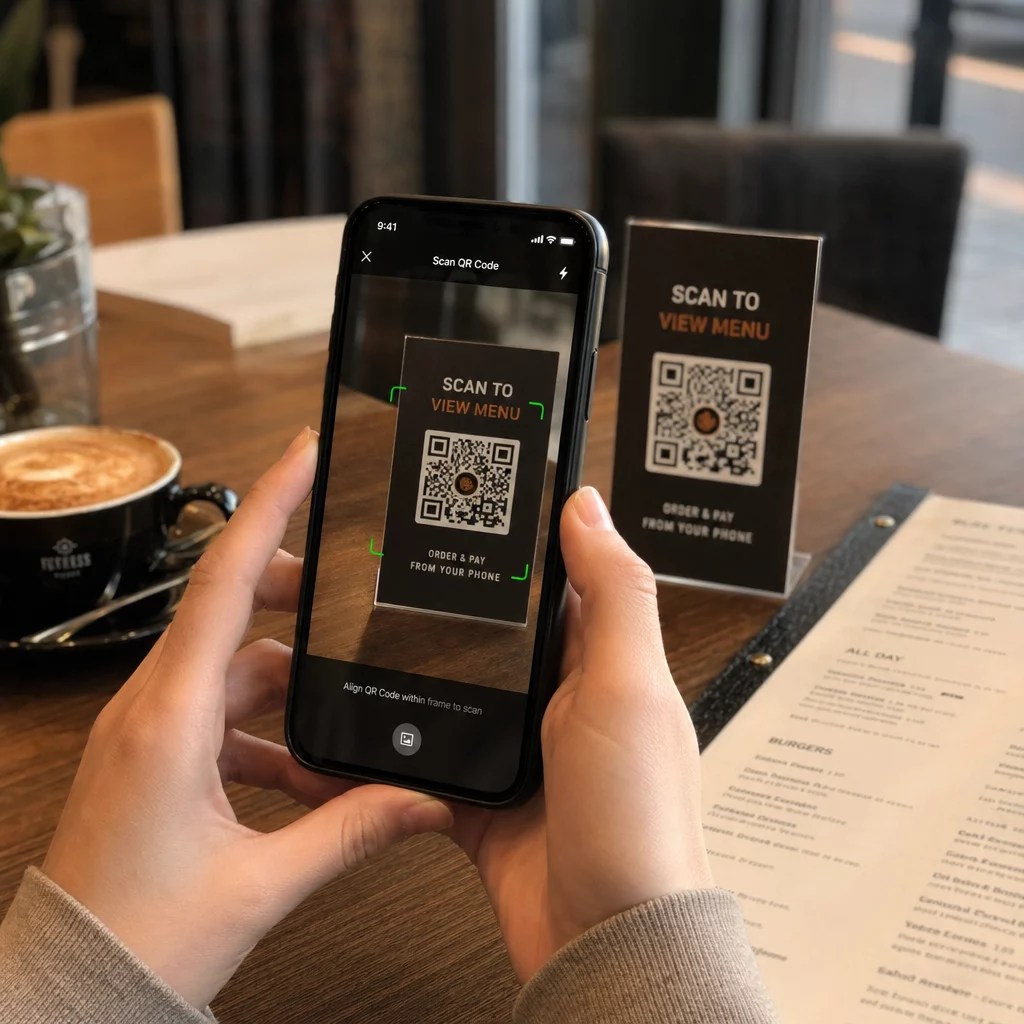
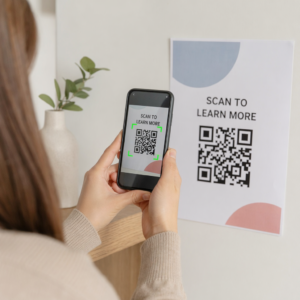
Un codice QR è un modello scansionabile che qualsiasi moderna fotocamera di smartphone può leggere senza un'app dedicata. Quando qualcuno trova il tuo animale domestico, punta il telefono sulla targhetta, la fotocamera riconosce il codice e in pochi secondi sta visualizzando il profilo del tuo animale domestico – il tuo nome, numero di telefono, indirizzo, le esigenze mediche del tuo animale domestico e qualsiasi altra cosa tu abbia incluso.
La chiave per far sì che questo funzioni in modo affidabile nel tempo è utilizzare un codice QR dinamico piuttosto che uno statico. Un codice QR statico codifica le informazioni direttamente nel suo modello, il che significa che non può mai essere modificato. Un codice QR dinamico punta a un breve link di reindirizzamento che controlli, in modo da poter aggiornare la destinazione – il tuo numero di telefono, il tuo indirizzo, un nuovo contatto di emergenza – senza toccare la targhetta fisica. Il confronto tra codici QR statici e dinamici spiega questa distinzione in dettaglio se vuoi approfondire prima di decidere quale tipo utilizzare.
Mantieni il Profilo del Tuo Animale Domestico Sempre Aggiornato Utilizzare il Generatore di QR code dinamici per creare un codice QR per targhetta che puoi modificare in qualsiasi momento – cambia il tuo numero di telefono, aggiungi un nuovo contatto o aggiorna le informazioni mediche senza ristampare o sostituire la targhetta.
Cosa Inserire nel Profilo Digitale del Tuo Animale Domestico
L'obiettivo è fornire a chi trova il tuo animale tutto ciò di cui ha bisogno per contattarti e gestire il tuo animale in sicurezza – senza sopraffarlo. Ecco cosa includere:

- Il tuo nome e numero di telefono principale – gli elementi più critici, in primo piano
- Un numero di telefono di riserva o contatto di emergenza – nel caso tu sia irraggiungibile
- Il tuo indirizzo – utile se il tuo animale viene trovato nelle vicinanze
- Il nome del tuo animale domestico – aiuta chi lo trova a calmare e comunicare con l'animale
- Condizioni mediche o farmaci – particolarmente critico per animali diabetici, quelli in terapia cardiaca o animali con allergie gravi
- Note comportamentali – se il tuo animale è amichevole, ansioso con gli estranei o propenso a scappare
- Numero del microchip – utile se chi lo trova porta il tuo animale da un veterinario o in un rifugio che può scansionare i chip
- Informazioni di contatto del veterinario – una risorsa secondaria se è necessaria assistenza medica rapidamente
Un formato pratico per questo è un Codice QR vCard, che codifica le informazioni di contatto in un formato standard che gli smartphone riconoscono nativamente. Quando scansionato, il dispositivo chiede automaticamente a chi lo trova di salvare i tuoi dettagli direttamente nei loro contatti. Il Generatore di QR code vCard ti permette di creare esattamente questo tipo di codice – basta inserire il tuo nome e almeno un metodo di contatto per iniziare. Puoi trovare ulteriori indicazioni sulla strutturazione dei codici vCard nel guida ai codici QR vCard.
Se vuoi condividere più dei soli dettagli di contatto – un profilo completo dell'animale con note mediche, foto e contatti multipli – un pagina di destinazione con codice QR ti offre un'unica destinazione di scansione che contiene tutto in un formato pulito e mobile-friendly. Puoi anche usare il Generatore di QR code multi link per creare un codice che si collega a diverse risorse contemporaneamente, come la tua pagina di contatto, il numero del tuo veterinario e un modulo di segnalazione di animali smarriti.
Progettare un Codice QR che Scansiona in Modo Affidabile su una Targhetta per Animali
Una targhetta per animali è piccola e si muove costantemente su un animale attivo. Questi fattori rendono la scansionabilità più importante qui che in quasi qualsiasi altra applicazione di codici QR. Segui queste linee guida per assicurarti che il codice funzioni in condizioni reali:
- Dimensione minima di 0,8 × 0,8 pollici (2 × 2 cm) – il minimo raccomandato per la scansione a distanza ravvicinata; più grande è meglio se la targhetta lo consente
- Contrasto elevato – usa un motivo scuro su uno sfondo chiaro e punta a un rapporto di contrasto di almeno 4:1; evita combinazioni di colori che riducono la leggibilità
- Zona di silenzio chiara – lascia un bordo pulito di spazio bianco intorno al codice, circa 0,25 pollici su ogni lato, in modo che lo scanner possa distinguere il codice dalla superficie del tag
- Materiale e finitura durevoli – i tag per animali domestici affrontano graffi, umidità e usura costante; usa una finitura opaca quando possibile per ridurre il riverbero e scegli codici incisi o stampati UV rispetto alle etichette di carta
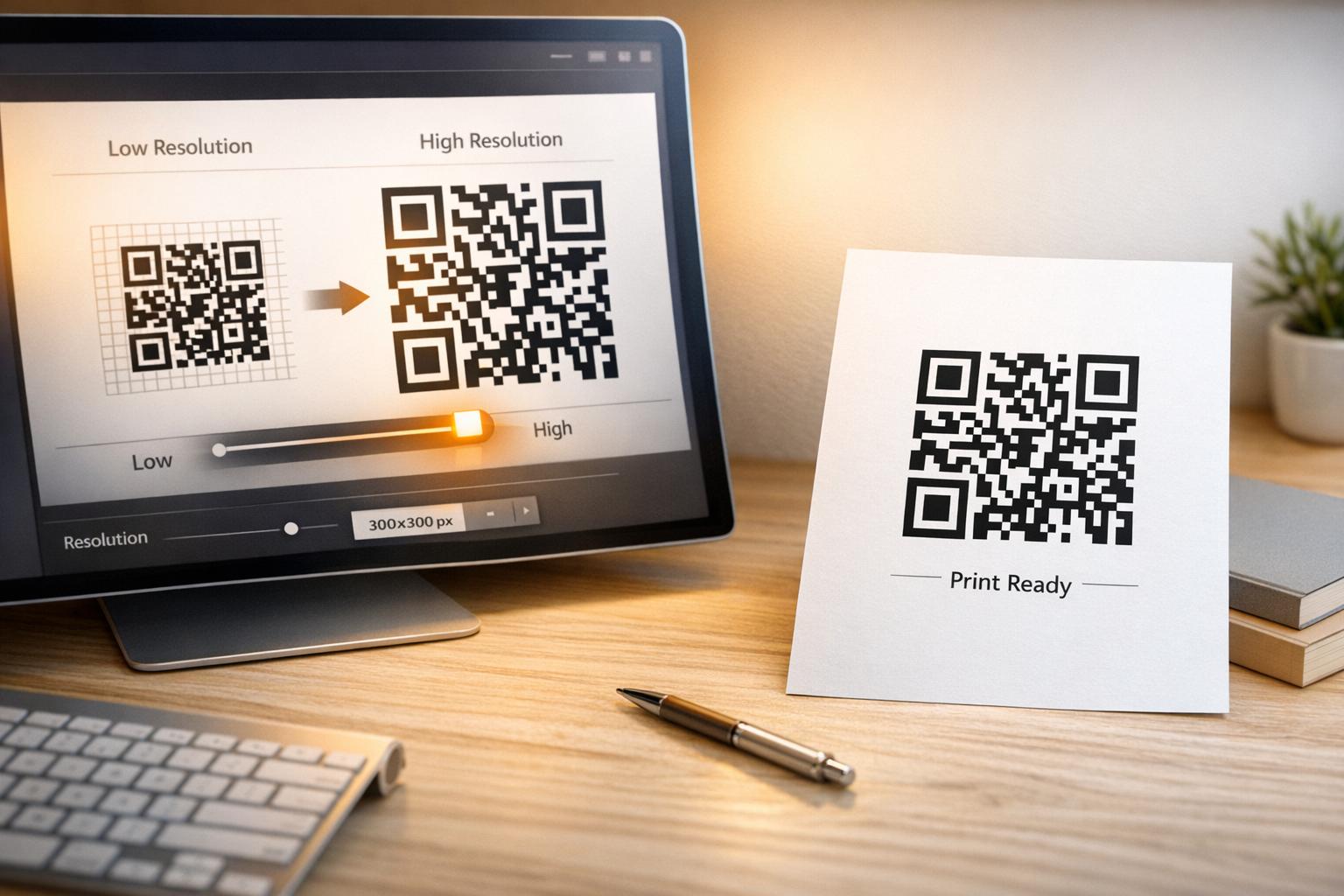
- Output ad alta risoluzione – scarica il tuo codice QR in un formato vettoriale come SVG o EPS per assicurarti che rimanga nitido a qualsiasi dimensione di stampa senza pixelazione
Il sito guida alle migliori pratiche per la leggibilità dei codici QR e la guida su stampa di codici QR su etichette coprono questi principi in maggiore profondità. Vale anche la pena aggiungere una breve frase di invito all'azione vicino o sul tag se il design lo consente – qualcosa come “Scansiona per informazioni sul proprietario” rimuove ogni incertezza per un ritrovatore che potrebbe non riconoscere immediatamente a cosa serve il modello QR.
Mantenere aggiornato il profilo del tuo animale domestico
Uno dei vantaggi più pratici di un tag per animali domestici con codice QR dinamico è che il tuo tag fisico non diventa mai obsoleto. Ti trasferisci in una nuova città? Aggiorna il tuo indirizzo nella dashboard. Hai un nuovo numero di telefono? Cambialo in pochi secondi. Aggiungi una condizione medica che il tuo animale domestico sviluppa più avanti nella vita? Fatto – senza ordinare un nuovo tag.
Questo è importante perché le informazioni statiche perdono di utilità nel momento in cui le tue circostanze cambiano. Con un codice dinamico, tu modificare la destinazione del codice QR dalla tua dashboard dell'account e il tag fisico continua a funzionare esattamente come prima. La piattaforma di Pageloot ti offre anche analisi delle scansioni, così puoi vedere se e quando il codice è stato scansionato – un contesto utile se il tuo animale domestico scompare e stai cercando di monitorare la situazione in tempo reale.
Crea un profilo completo per il tuo animale domestico in un unico posto Esplora tutte le funzionalità disponibili tramite il Piattaforma di codici QR Pageloot per creare, personalizzare e gestire un codice QR per il tag del tuo animale domestico che rimane aggiornato indipendentemente dai cambiamenti nella tua vita.
Tag QR e Microchip: Usali entrambi
Un tag con codice QR e un microchip svolgono funzioni diverse e funzionano meglio insieme. Un microchip richiede uno scanner presso l'ufficio di un veterinario o un rifugio per essere letto – è invisibile al pubblico e non fornisce alcun aiuto a una persona comune che trova un cane randagio per strada. Un tag con codice QR, al contrario, può essere letto da qualsiasi smartphone e collega immediatamente un ritrovatore alle tue informazioni di contatto, senza bisogno di attrezzature.

Una ricerca di uno studio di un rifugio dell'Ohio State University ha rilevato che i cani con microchip sono stati restituiti ai loro proprietari con un tasso del 52,2%, rispetto al 21,9% per i cani senza microchip – un miglioramento significativo. Ma i tag identificativi visibili contano ancora perché sono la prima cosa che chiunque vede quando incontra un animale smarrito. Un tag con codice QR rende quell'ID visibile molto più potente del solo testo inciso, perché fornisce un profilo completo e aggiornato piuttosto che una riga di testo statica.
L'approccio pratico è utilizzare un tag con codice QR come ID visibile principale – con un codice dinamico che si collega a un profilo digitale completo – e mantenere un microchip come strato di backup nel caso in cui il tag venga perso o il collare si stacchi.
Un codice QR su un tag per animali domestici elimina il problema delle informazioni. Invece di sperare che un'incisione di due righe sia sufficiente, dai a qualsiasi ritrovatore accesso immediato a tutto ciò di cui ha bisogno. Imposta un codice QR dinamico in modo che il tuo profilo rimanga accurato indipendentemente dai cambiamenti, scegli un formato di tag durevole che resista all'usura quotidiana e testa sempre la scansione prima che il tag venga messo al collare del tuo animale domestico.
Crea oggi il tag QR del tuo animale domestico Inizia con il Generatore di codici QR per link o il Generatore di QR code dinamici per costruire un profilo scansionabile per animali domestici che puoi aggiornare in qualsiasi momento.
Domande frequenti
Sì. Qualsiasi smartphone moderno con un'app fotocamera integrata può scansionare un codice QR senza scaricare software aggiuntivo. La fotocamera riconosce il codice automaticamente e apre la pagina collegata nel browser, rendendolo accessibile a praticamente chiunque trovi il tuo animale domestico.
Se si utilizza un codice QR dinamico, è sufficiente accedere al proprio pannello di controllo dell'account e aggiornare le informazioni di contatto. Il tag fisico rimane lo stesso – il codice QR reindirizza immediatamente al profilo aggiornato. Con un codice QR statico, le informazioni codificate non possono essere modificate, quindi sarebbe necessario sostituire interamente il tag.
Un codice QR vCard è progettato specificamente per le informazioni di contatto – quando scansionato, invita il ritrovatore a salvare i tuoi dettagli direttamente nei contatti del suo telefono. Un codice QR di collegamento punta a qualsiasi URL, che potrebbe essere una pagina di profilo completa per animali domestici con storia medica, foto e contatti multipli. Per un profilo completo per animali domestici, un codice QR di collegamento o di landing page ti offre maggiore flessibilità; per la condivisione rapida dei contatti, un codice QR vCard funziona bene.