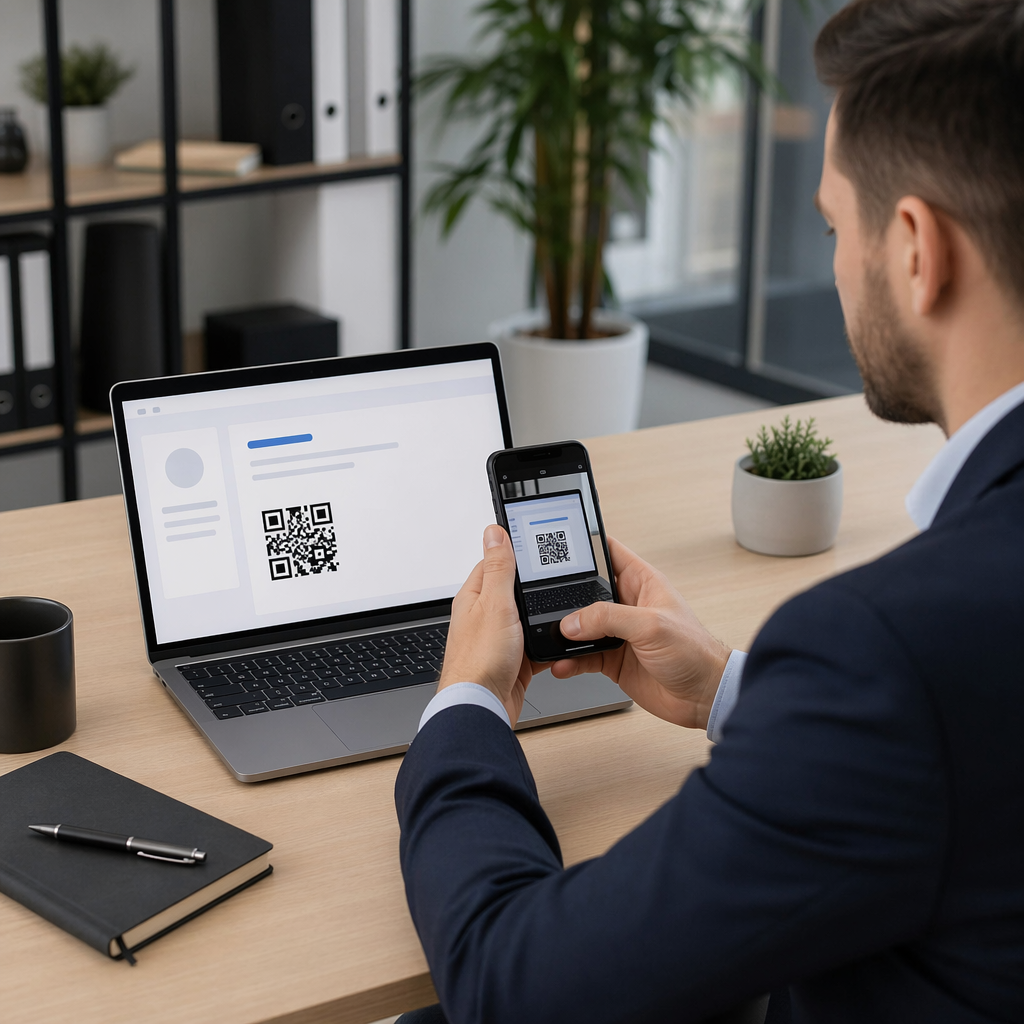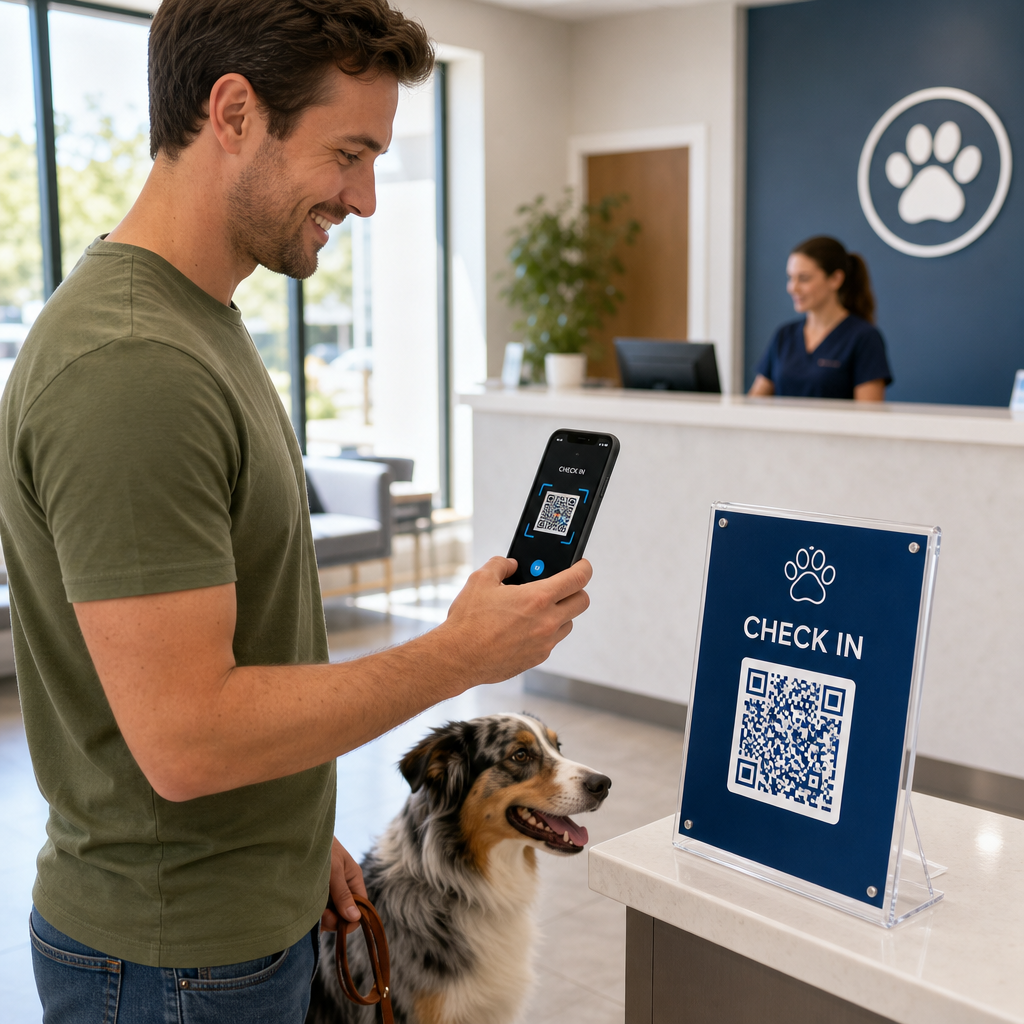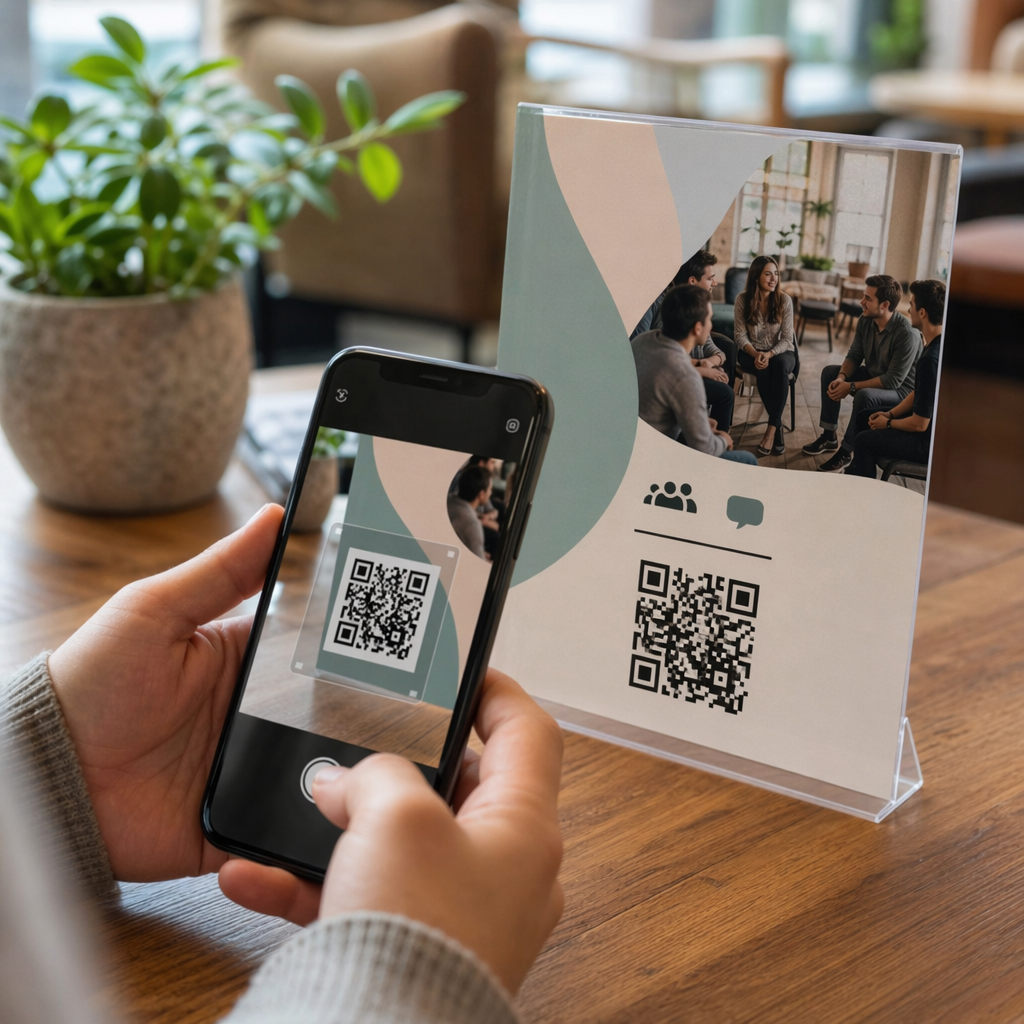
Ingin setiap pemindai mendarat di konten yang relevan dengan lokasi mereka? Ketika satu kode QR mengirim semua orang ke halaman yang sama tanpa memandang geografi, Anda kehilangan kesempatan untuk berbicara dengan audiens lokal dengan penawaran, bahasa, dan konteks yang ditargetkan. Panduan ini menjelaskan cara kerja pengalihan kode QR berbasis lokasi, cara mengaturnya, dan apa yang harus diwaspadai.
Mengapa Pengalihan Berbasis Lokasi Membutuhkan Kode QR Dinamis
Kode QR statis standar mengkodekan URL tetap langsung ke dalam polanya. Tujuan itu tidak akan pernah bisa berubah – Anda harus mencetak kode baru setiap saat. Kode QR dinamis bekerja secara berbeda: kode itu sendiri mengkodekan URL pengalihan singkat, dan tujuan sebenarnya dikendalikan di server. Itu berarti Anda dapat memperbarui ke mana kode mengarah kapan saja, tanpa menyentuh materi cetak.
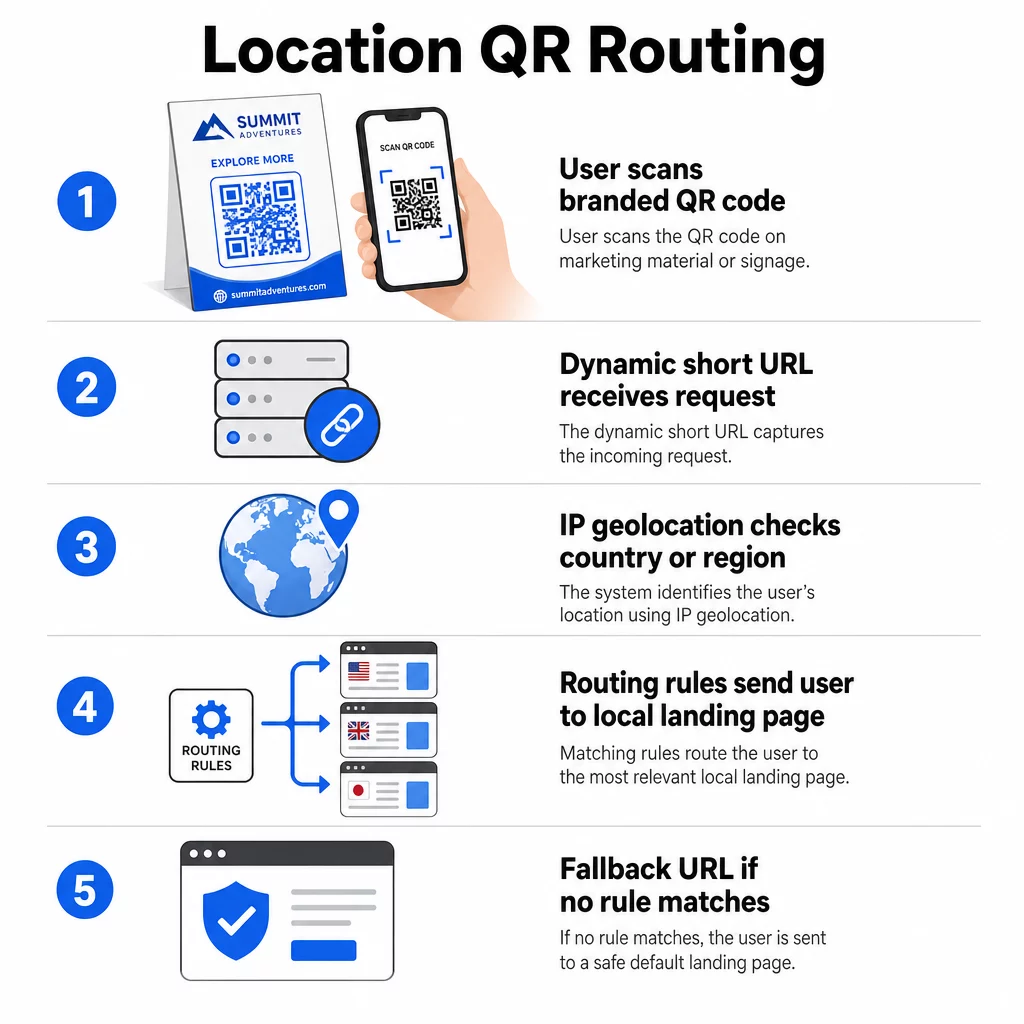
Pengalihan berbasis lokasi dibangun di atas fondasi ini. Ketika seseorang memindai kode dinamis, lapisan pengalihan memeriksa lokasi geografis pemindai – biasanya berasal dari alamat IP perangkat – dan menerapkan aturan yang telah Anda konfigurasi untuk menyajikan URL khusus negara atau khusus wilayah. Jika tidak ada aturan yang cocok, sistem akan kembali ke URL default yang Anda tetapkan.
Memahami perbedaan antara kode QR statis dan dinamis adalah langkah pertama yang paling penting sebelum membangun kampanye yang peka lokasi.
Buat Kode QR yang Peka Lokasi Siap mengirim pemindai ke tujuan yang tepat berdasarkan lokasi mereka? Gunakan Generator QR Code Dinamis untuk membangun kode yang dapat diedit, dilacak, dengan aturan lokasi yang sudah terpasang.
Bagaimana Deteksi Lokasi Sebenarnya Bekerja
Sebagian besar platform menggunakan geolokasi berbasis IP: ketika perangkat memindai kode QR dan membuka URL pengalihan singkat, permintaan tersebut membawa alamat IP. Platform mencari IP tersebut terhadap database geolokasi untuk menentukan negara atau wilayah pemindai, kemudian mengarahkan ke URL tujuan yang cocok.
Pendekatan ini dapat diandalkan di tingkat negara – akurasi umumnya dilaporkan dalam kisaran 90–99% untuk deteksi negara – tetapi menurun drastis untuk geografi yang lebih kecil. Deteksi tingkat regional atau negara bagian berjalan sekitar 55–80% akurasi, dan akurasi tingkat kota turun menjadi 50–75%. Beberapa faktor mengurangi keandalan lebih lanjut:
- Penggunaan VPN atau proxy, di mana lokasi IP yang terlihat berbeda dari lokasi fisik pengguna
- NAT tingkat operator seluler, yang dapat menetapkan IP yang terdaftar jauh dari perangkat sebenarnya
- Jaringan korporat, di mana lalu lintas diarahkan melalui IP kantor pusat
- Basis data geolokasi usang yang belum diperbarui dengan penugasan ulang IP
Untuk kampanye di mana penargetan tingkat negara sudah cukup – versi bahasa yang berbeda, promosi regional, toko khusus negara – deteksi berbasis IP berfungsi dengan baik. Untuk penargetan hiper-lokal di tingkat lingkungan atau lokasi, lokasi berbasis GPS (di mana pengguna memberikan izin) memberikan presisi yang lebih besar, meskipun memerlukan permintaan persetujuan eksplisit.
Selalu konfigurasikan URL fallback default untuk pemindai yang lokasinya tidak dapat ditentukan atau yang berada di luar aturan yang Anda tetapkan. Ini mencegah siapa pun menemui jalan buntu.
Apa yang Anda Butuhkan Sebelum Memulai
Sebelum menyiapkan aturan lokasi, siapkan tiga hal ini:
- Platform kode QR dinamis yang mendukung perutean geografis. Cari yang memungkinkan Anda menentukan URL tujuan per negara atau wilayah, memperbarui aturan tanpa mencetak ulang, dan melacak data pemindaian berdasarkan lokasi. Fitur Pageloot mencakup semua ini dalam satu dasbor.
- URL tujuan untuk setiap geografi target. Ini harus sepenuhnya dibangun dan dioptimalkan untuk seluler sebelum Anda meluncurkan. Setiap halaman regional harus mencerminkan bahasa lokal, mata uang, penawaran, atau informasi toko yang sesuai.
- URL fallback yang berfungsi untuk pemindai mana pun yang tidak cocok dengan aturan tertentu – biasanya situs web utama Anda atau halaman arahan netral tempat pengguna dapat memilih sendiri wilayah mereka.
Cara Mengatur Pengalihan Berbasis Lokasi
Langkah 1: Buat Kode QR Dinamis
Daftar untuk paket kode QR dinamis dan buat kode baru menggunakan Generator QR Code Dinamis. Pada tahap ini, masukkan URL tujuan placeholder – Anda akan mengonfigurasi aturan lokasi selanjutnya. Sesuaikan tampilan kode dengan warna dan logo merek Anda untuk membangun kepercayaan dan mendorong pemindaian.
Langkah 2: Konfigurasi Aturan Perutean Geografis
Di dalam dasbor manajemen kode QR Anda, temukan pengaturan pengalihan atau perutean untuk kode yang baru saja Anda buat. Tambahkan aturan berdasarkan negara (atau wilayah, jika didukung):
- Pilih geografi target (misalnya, Jerman)
- Masukkan URL tujuan untuk geografi tersebut (misalnya, halaman produk berbahasa Jerman Anda)
- Ulangi untuk setiap negara atau wilayah yang ingin Anda targetkan
- Atur URL cadangan default Anda untuk semua lokasi lain
Sistem menggunakan pengalihan HTTP sementara 302, yang berarti URL pendek selalu tetap sama sementara tujuan dapat diperbarui kapan saja tanpa memengaruhi kode yang dicetak.
Langkah 3: Tambahkan Branding ke Kode QR
Kode QR bermerek – dengan logo Anda di tengah pola dan warna yang sesuai dengan identitas Anda – mendorong pengguna untuk memindai daripada mengabaikannya. Sebagian besar platform memungkinkan Anda mengontrol ukuran logo, palet warna, dan gaya tepi. Pastikan kontras antara latar depan dan latar belakang kode tetap cukup tinggi untuk pemindaian yang andal, terutama jika kode akan muncul di berbagai permukaan atau dalam kondisi pencahayaan yang berbeda.
Untuk melihat lebih dalam tentang praktik terbaik geofencing dan penempatan, termasuk aturan ukuran 10:1 untuk bahan cetak, panduan tersebut mencakup daftar periksa desain dan penerapan lengkap.
Langkah 4: Uji Sebelum Menyebarkan
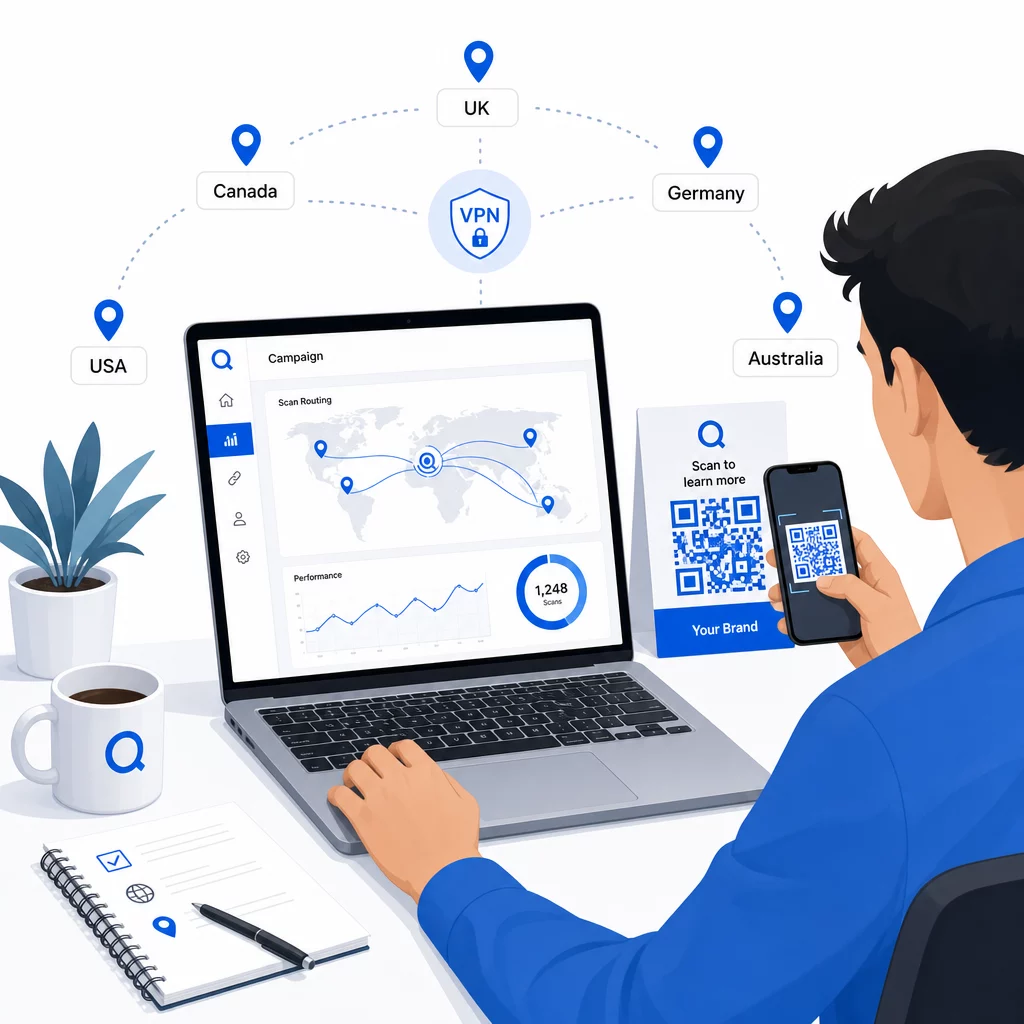
Pengujian tidak bisa ditawar. Sebelum mencetak atau menerbitkan apa pun, verifikasi bahwa setiap aturan geografis mengarahkan dengan benar. Gunakan VPN yang diatur ke setiap negara target untuk mensimulasikan pemindaian dari lokasi tersebut, dan konfirmasikan Anda tiba di URL tujuan yang diharapkan setiap saat. Uji juga URL cadangan dengan lokasi di luar aturan yang Anda tentukan.
Uji di berbagai jenis perangkat (iOS dan Android), baik pada koneksi Wi-Fi maupun data seluler, dan dalam kondisi pencahayaan yang berbeda untuk memastikan kemampuan pemindaian. Dokumentasikan masalah apa pun dan selesaikan sebelum tayang. Jika Anda perlu melakukan perubahan nanti, proses untuk mengedit tujuan kode QR dinamis mudah dan tidak memerlukan pencetakan ulang apa pun.
Membuat Konten Regional yang Menarik Pemindaian
Aturan lokasi yang mengarahkan pemindai ke halaman generik mengalahkan tujuan. Konten tujuan harus mencerminkan apa yang membuat setiap geografi berbeda:
- Bahasa: Bahkan di pasar berbahasa Inggris, frasa, ejaan, dan nada berbeda. Untuk pasar non-Inggris, halaman yang sepenuhnya diterjemahkan diharapkan.
- Penawaran dan harga lokal: Mata uang, waktu promosi, dan ketersediaan produk bervariasi menurut wilayah. Tunjukkan apa yang benar-benar relevan dan dapat dibeli di lokasi tersebut.
- Informasi toko atau kontak: Jika Anda memiliki lokasi fisik, tampilkan yang terdekat berdasarkan lokasi pemindai.
- Detail regulasi atau kepatuhan: Beberapa industri – makanan dan minuman, perawatan kesehatan, layanan keuangan – memiliki persyaratan pengungkapan khusus wilayah. Pastikan setiap halaman memenuhi standar lokal.
Penelitian menunjukkan bahwa 39% pelanggan secara aktif mencari konten kode QR yang dipersonalisasi. Halaman khusus wilayah bukanlah tambahan yang bagus – ini semakin menjadi harapan dasar. Untuk melihat lebih luas tentang menjangkau audiens lokal dengan kode QR bertarget geografis, termasuk contoh merek di dunia nyata, panduan tersebut membahas lebih dalam strategi lokalisasi.
Mengukur dan Meningkatkan Kinerja
Kode QR dinamis menghasilkan data pemindaian secara otomatis. Gunakan dasbor analitik platform Anda untuk memantau:
- Volume pemindaian berdasarkan negara atau wilayah, untuk mengidentifikasi di mana keterlibatan paling kuat
- Waktu pemindaian, untuk memahami kapan pengguna paling aktif di setiap pasar
- Jenis perangkat, untuk memastikan halaman regional Anda dirender dengan benar untuk perangkat dominan di setiap geografi
- Perilaku konversi, jika Anda telah menghubungkan parameter UTM ke URL tujuan Anda dan terintegrasi dengan alat seperti Google Analytics
Untuk panduan lengkap tentang apa yang dapat dilacak dan cara menafsirkan data, panduan tentang melacak pemindaian kode QR dan analitik mencakup seluruh rentang metrik yang tersedia dengan kode dinamis.
Gunakan data ini untuk menjalankan tes A/B pada halaman arahan regional, menyesuaikan penempatan kode QR fisik ke lokasi dengan lalu lintas lebih tinggi, dan mengalihkan anggaran ke pasar yang menghasilkan hasil terbaik. Tinjau kinerja setiap bulan dan perbarui URL tujuan saat kampanye, penawaran, atau konten berubah – tanpa mencetak satu pun kode baru.
Lacak Setiap Pemindaian berdasarkan Lokasi Lihat wilayah mana yang mendorong keterlibatan paling banyak dan sesuaikan kampanye Anda secara real time. Mulai dengan Generator QR Code Dinamis dan mendapatkan dasbor analitik lengkap sejak hari pertama.
Menangani Privasi dan Kepatuhan Data
Mengumpulkan data lokasi – bahkan yang berbasis IP – menciptakan tanggung jawab kepatuhan. Aturan bervariasi menurut wilayah:
- GDPR (Uni Eropa): Anda memerlukan dasar hukum untuk memproses data lokasi. Untuk tujuan pemasaran, persetujuan eksplisit biasanya diperlukan. Bersikaplah transparan tentang data apa yang Anda kumpulkan dan mengapa sebelum pemindaian terjadi.
- CCPA (California): Pengguna memiliki hak untuk mengetahui data pribadi apa yang Anda miliki dan untuk meminta penghapusan. Platform dan proses Anda perlu mendukung permintaan tersebut.
- HIPAA (Amerika Serikat): Konteks layanan kesehatan memerlukan perlindungan tambahan terhadap data apa pun yang terkait dengan pasien, termasuk sinyal lokasi yang terikat pada kode QR terkait kesehatan.
Langkah-langkah praktis untuk tetap patuh:
- Hanya kumpulkan data lokasi jika itu meningkatkan pengalaman pengguna dengan cara yang spesifik dan dapat dijelaskan
- Beritahu pengguna dengan jelas – sebelum mereka memindai – data apa yang dikumpulkan dan bagaimana data itu digunakan
- Sediakan jalur alternatif untuk pengguna yang menolak berbagi lokasi (seperti halaman di mana mereka dapat memilih wilayah mereka secara manual)
- Gunakan HTTPS dan penyimpanan data terenkripsi secara menyeluruh
- Bekerja dengan platform yang memenuhi standar keamanan yang diakui dan memungkinkan Anda mengelola retensi data
Jaga agar pemberitahuan privasi Anda singkat, berbahasa sederhana, dan mudah ditemukan – termasuk pada materi cetak apa pun yang memuat kode QR.
Keterbatasan yang Perlu Diingat
Geolokasi berbasis IP tidak sempurna, dan beberapa pengguna pasti akan diarahkan ke tujuan regional yang salah – terutama mereka yang menggunakan VPN, bepergian ke luar negeri, atau terhubung melalui jaringan perusahaan. Beberapa cara untuk mengurangi dampaknya:
- Selalu sediakan pemilih bahasa atau wilayah yang terlihat di setiap halaman arahan agar pengguna yang salah arah dapat memperbaiki pengalaman mereka sendiri
- Hindari penguncian konten secara paksa berdasarkan geografi dengan cara yang membuat frustrasi pengguna yang tahu bahwa mereka menginginkan konten dari wilayah yang berbeda
- Pantau analitik Anda untuk anomali, seperti lalu lintas yang sangat tinggi secara tak terduga dari negara yang tidak sesuai dengan penargetan Anda, yang mungkin menunjukkan kesalahan perutean
Pertanyaan yang sering diajukan
Tidak. Karena kode QR dinamis menggunakan URL pengalihan singkat yang dikontrol di tingkat server, Anda dapat memperbarui URL tujuan untuk aturan geografis apa pun kapan saja tanpa mengubah atau mencetak ulang kode itu sendiri. Kode yang dicetak tetap sama; hanya logika perutean yang berubah.
Akurasi tingkat negara umumnya tinggi – sekitar 90–99% dalam kebanyakan kasus – membuatnya dapat diandalkan untuk mengarahkan pengguna ke halaman khusus negara atau versi bahasa. Akurasi menurun secara signifikan pada tingkat regional, kota, atau lingkungan, dan semakin berkurang untuk pengguna VPN, operator seluler dengan perutean IP terpusat, atau jaringan perusahaan. Jika Anda memerlukan penargetan lokal yang lebih tepat, cari platform yang mendukung lokasi berbasis GPS dengan persetujuan pengguna.
Sistem mengarahkan pemindai ke URL fallback default yang Anda konfigurasikan saat menyiapkan kode. Inilah mengapa mendefinisikan tujuan fallback yang andal – biasanya situs web utama Anda atau halaman arahan netral dengan pemilih wilayah manual – adalah bagian penting dari setiap pengaturan QR berbasis lokasi.