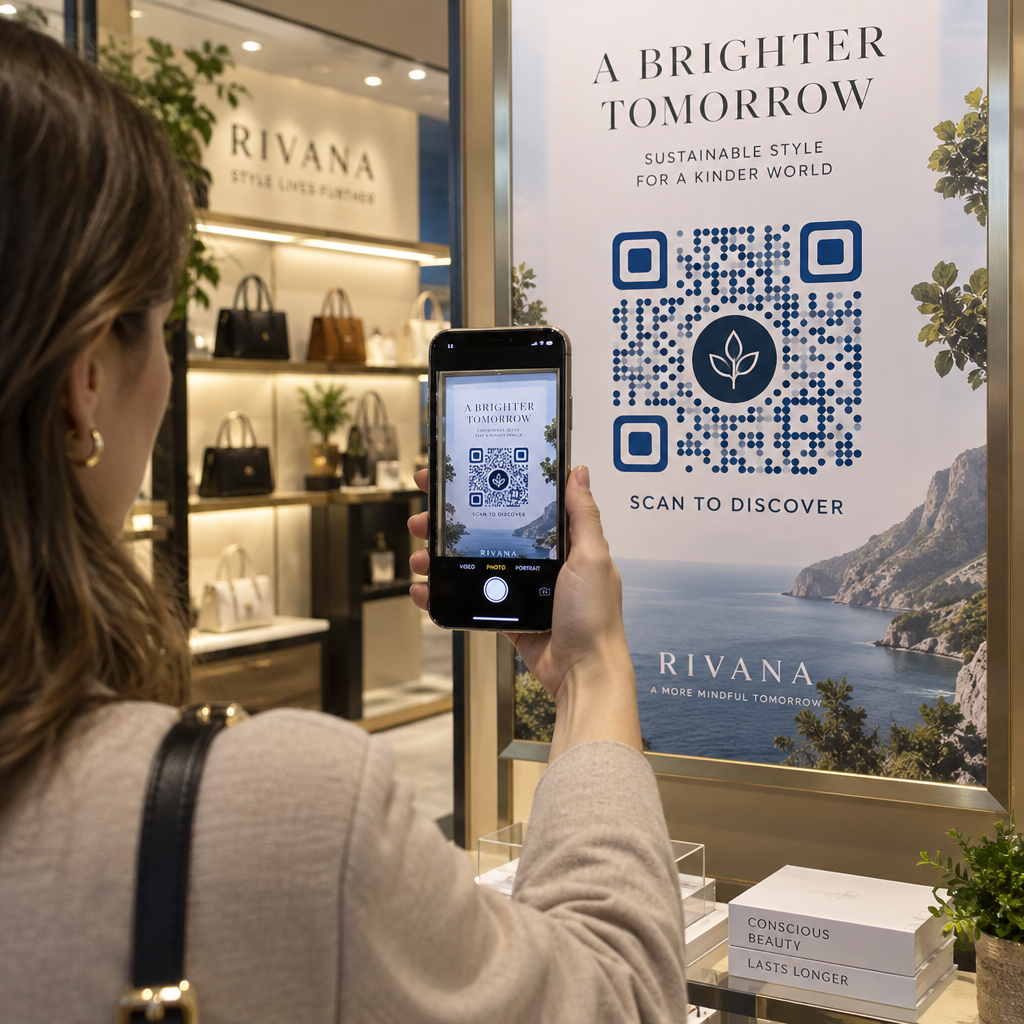
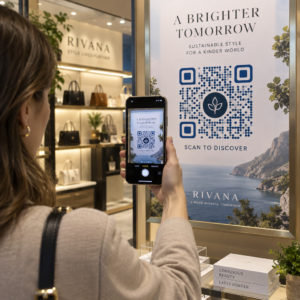
Want to share a message, set of instructions, or contact details with anyone who has a smartphone? Plain text is often overlooked as a QR code content type, but it is one of the most direct and versatile formats available. This guide walks you through exactly how to create a text QR code, customize it, and make sure it scans reliably every time.
What Is a Text QR Code?
A QR code (Quick Response code) is a two-dimensional barcode that stores data in a pattern of black and white squares. When a smartphone camera points at it, the pattern is decoded and the stored information is displayed instantly – no manual typing required.
A text QR code works the same way, except instead of redirecting to a website, it displays the encoded text directly on the user’s screen. When someone scans it, the content appears right away and they can read, copy, or interact with it as needed.
This makes text QR codes useful for a wide range of situations:
- Short messages or announcements
- Step-by-step instructions on packaging or signage
- Contact details or notes
- Emojis, URLs, or any other text-based content
Unlike a URL QR code, a text QR code does not require the recipient to have an internet connection to read the content – the information is embedded directly in the code itself.
How to Create a QR Code from Text
Creating a text QR code takes less than a minute. Here is the process using the Pageloot Text QR Code Generator:
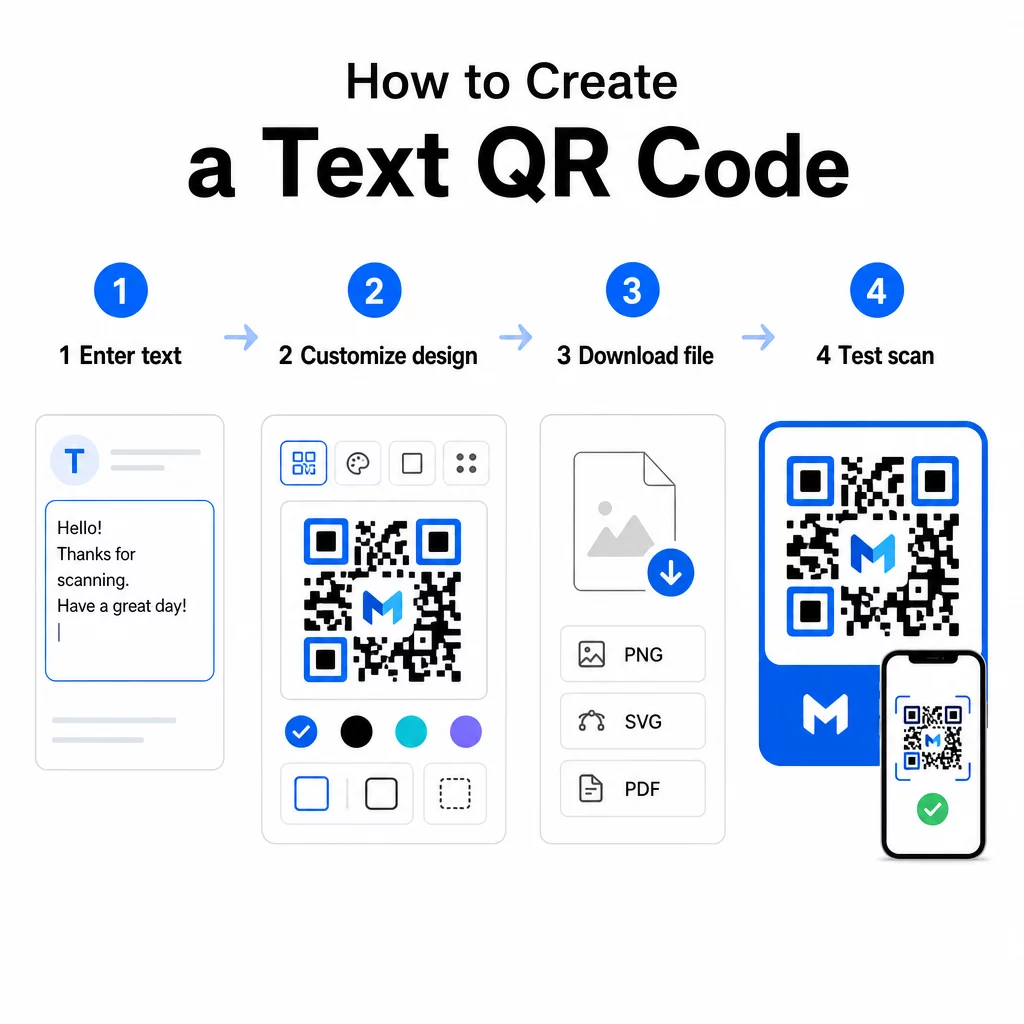
- Nhập văn bản của bạn – Type or paste the message, instructions, or details you want to encode. This can be anything from a short note to contact information.
- Customize the appearance – Adjust colors, add your logo, change the shape, or add a call-to-action frame to match your brand. Following các phương pháp hay nhất về độ tương phản màu của mã QR at this stage helps ensure your code stays scannable.
- Lưu và tải xuống – Click “Save” to generate the code. You can download it as a PNG or JPG image file for use in digital or print materials.
- Test before you publish – Scan the code with a Máy quét mã QR or your smartphone camera to confirm it displays the correct content before distributing it.
Create Your Text QR Code for Free Ready to turn any message into an instantly scannable code? Use the Trình tạo mã QR văn bản to build, customize, and download your code in minutes.
Customizing Your Text QR Code
A plain black-and-white code works, but a branded, well-designed QR code gets more scans. Here are the key customization options worth considering:
- Colors – Use your brand colors, but always keep a dark foreground on a light background. Low contrast is the most common reason a QR code fails to scan reliably.
- Logo – Adding your logo builds trust and reinforces brand recognition. If you add a logo overlay, use a higher error correction level (Q or H) so the scanner can still read the code even with part of it obscured.
- Frame with call-to-action – A short prompt like “Scan for details” or “Read instructions here” tells people exactly what to expect and encourages them to scan.
- Hình dạng – QR codes do not have to be perfectly square. Custom dot shapes and edge styles can make a code feel more like part of your design without compromising functionality.
For a deeper look at what affects scan reliability, the QR code readability best practices guide covers size, contrast, quiet zones, and placement in detail.
Downloading and Using Your QR Code
Once you are happy with the design and have tested it, download the file in the format that fits your use case:
- PNG or JPG – Best for digital use: websites, emails, social media, and presentations.
- SVG, EPS, or PDF – Vector formats that scale without losing quality, ideal for print materials like flyers, posters, and product packaging.
Các QR Code PNG Generator is a good option if you need a transparent background for placing the code over images or textured designs without a white box around it.
For placement, choose a flat, smooth, high-visibility surface. Avoid curved surfaces, highly reflective finishes, or cluttered backgrounds, as these can interfere with scanning. A minimum size of around 2 × 2 cm (roughly 0.8 × 0.8 inches) is recommended for close-range scanning, and the code should get proportionally larger the farther away your audience is likely to be.
Static vs. Dynamic Text QR Codes
When you create a text QR code, you have two structural options:
| Tính năng | Mã QR tĩnh | Mã QR động |
|---|---|---|
| Content editable after creation | KHÔNG | Đúng |
| Theo dõi và phân tích quét | KHÔNG | Đúng |
| Shorter encoded URL (cleaner pattern) | KHÔNG | Đúng |
| Works without internet | Đúng | Requires redirect |
A mã QR tĩnh encodes the text directly and permanently. It works offline, but if you need to change the message later, you have to create and redistribute a new code.
A mã QR động encodes a short redirect URL instead of the text itself. This keeps the code pattern simpler and easier to scan, and it lets you update the destination content at any time without reprinting. It also gives you access to scan analytics – tracking metrics like scan count, location, device type, and time of scan.
For one-time uses like a handout or a product label with fixed instructions, a static code is perfectly sufficient. For ongoing campaigns or anything that may need updating, a dynamic code is the more flexible choice. You can explore dynamic options through the Trình tạo mã QR Pageloot.
Practical Uses for Text QR Codes
Text QR codes fit naturally into many real-world scenarios:
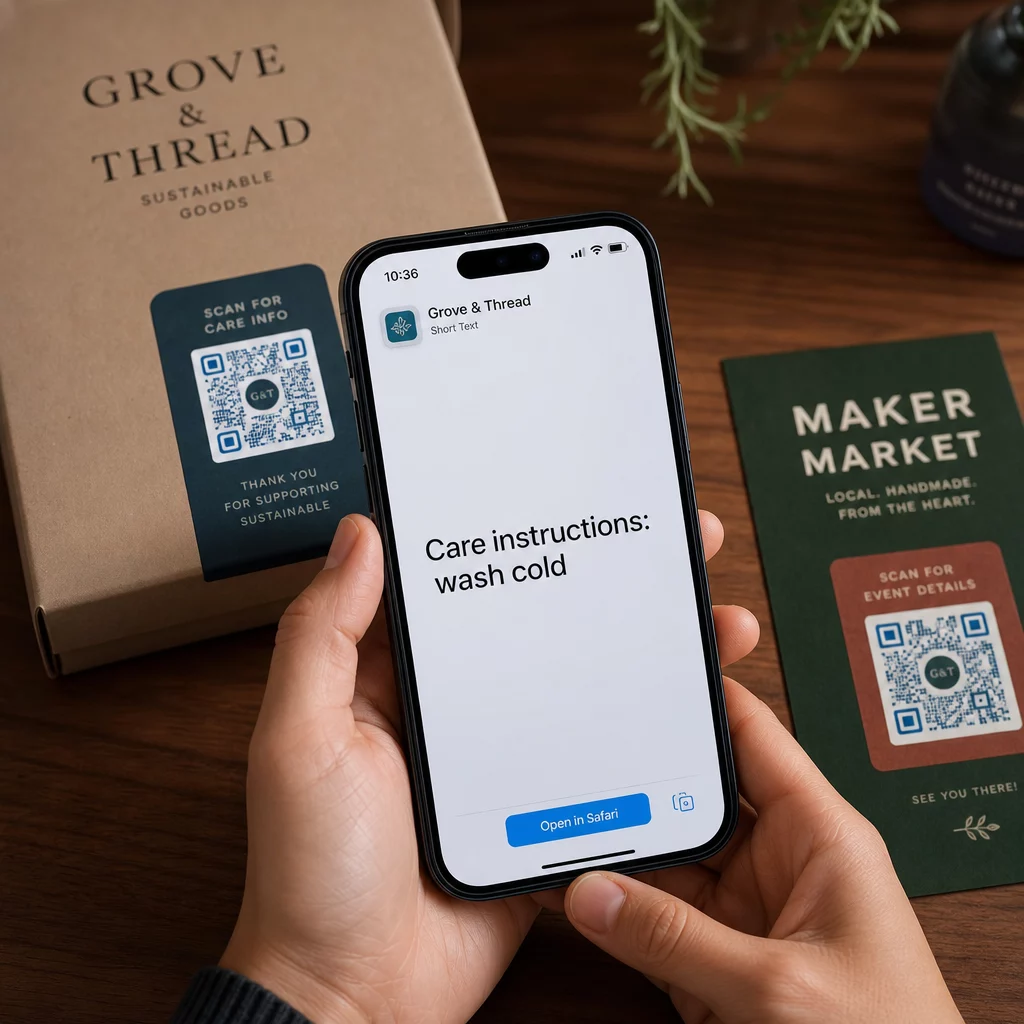
- bao bì sản phẩm – Encode care instructions, assembly steps, or safety information so customers can access details with a single scan instead of hunting for a separate insert.
- Event signage – Share WiFi passwords, event schedules, or venue rules without printing them in full on every sign.
- Danh thiếp – Include a short personal message or tagline that appears when someone scans the card.
- Retail and hospitality – Encode short promotional messages, discount codes, or welcome notes for guests.
- Tin khẩn – Text QR codes can also be combined with messaging workflows. The instant messaging QR code guide explains how to set up codes that open a pre-filled message in WhatsApp, Facebook Messenger, or SMS.
Before You Distribute: Testing Checklist
Scanning problems are much easier to catch before a code goes to print than after. Run through these checks before distributing any QR code:
- Scan with at least two different devices (iOS and Android)
- Test in the actual lighting conditions where the code will be displayed
- Confirm the displayed text is accurate and complete
- Check that the quiet zone (the clear border around the code) is unobstructed
- For print, confirm the code is large enough relative to the expected scanning distance
Các QR code usability best practices guide has a full breakdown of the ISO/IEC 18004 standard requirements if you want to ensure your code meets technical compliance criteria.
A text QR code is one of the fastest ways to share information without requiring an internet connection or a typed URL. Getting the basics right – clear contrast, appropriate size, a tested design – means the people you are trying to reach can access your content instantly and without friction.
Build and Test Your QR Code Sử dụng Trình tạo mã QR miễn phí to create, customize, and download a text QR code in minutes. No credit card required to get started.
Các câu hỏi thường gặp
Yes. Most modern smartphones running iOS 11 or later and recent Android versions can scan QR codes directly through the built-in camera app without downloading anything extra. For older devices or to verify content before sharing, you can also use an online tool like the Pageloot QR Code Scanner.
A standard QR code can encode up to 4,296 alphanumeric characters at the lowest error correction level. In practice, shorter text produces a simpler, less dense code that scans faster and more reliably across a wider range of devices and lighting conditions. If your message is long, consider whether a URL pointing to a webpage might work better.
Not with a static QR code – the text is permanently encoded in the pattern. If you need to change the content later, you would need to create a new code. A dynamic QR code solves this: it encodes a short redirect URL that you can update at any time, so the printed code stays the same even as the content changes.