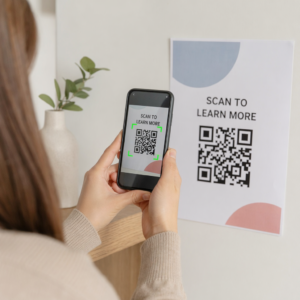
Trình tạo mã QR miễn phí
What you can do with this free QR code generator


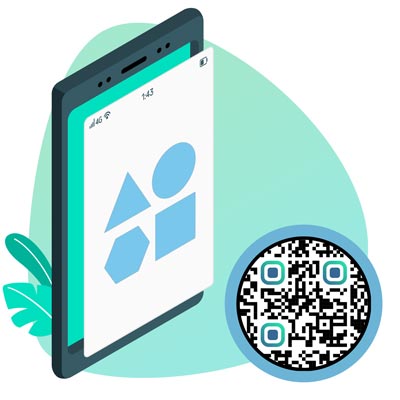
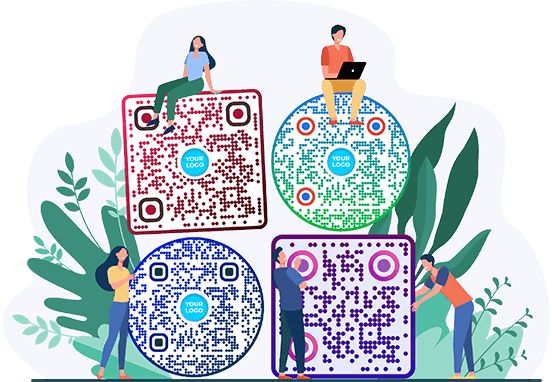
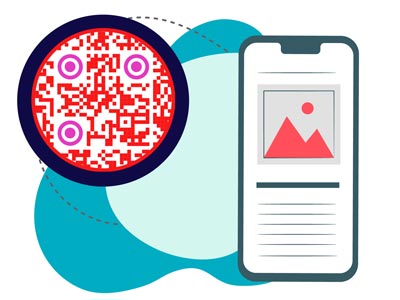
Add your logo, pick colors and shapes, and put a frame with a call to action around the code.
With a dynamic code you change the link or file later. The printed code stays the same.
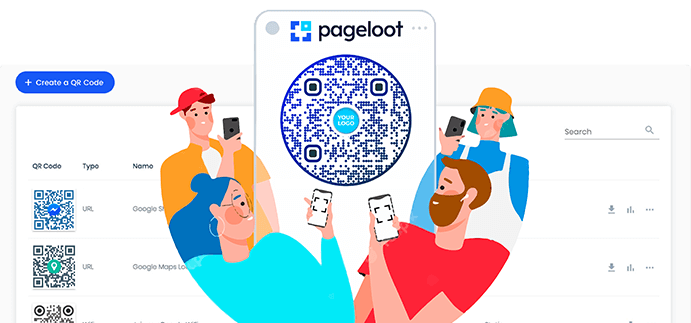
In a Pageloot account, sort codes into folders, add notes and tags, and find any code in seconds.
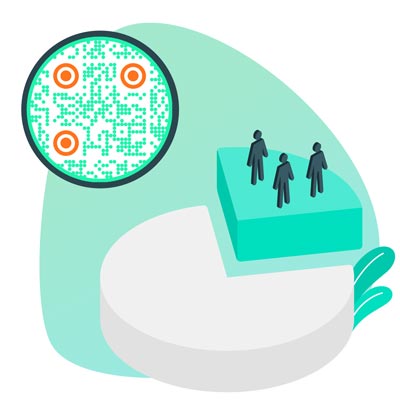
Dynamic codes show how many people scanned them, when, where and on which device.
How to make a QR code


Pick the type at the top of the tool: a link, a PDF, an image, a vCard, Wi-Fi and more. Most people start with a link.


Paste your link or upload your file. The QR code appears straight away.


Add a frame with a short call to action such as “Scan for the menu”, choose your colors and upload your logo. Keep a dark code on a light background so every phone can read it.


Scan it with two different phones, then download a PNG for screens or SVG or PDF for print. To change the code later or see who scans it, tick Edit later or Track scans and start a free 14-day trial.
Tạo mã QR miễn phí ví dụ
Nhấn vào hình ảnh để phóng to
Tạo mã QR đầu tiên của bạn trong vài giây - miễn phí
Dùng thử miễn phí 14 ngày.
Không cần thẻ tín dụng.


Làm thế nào để tạo mã QR có thể tùy chỉnh?
Để tạo mã QR trực tuyến, hãy sử dụng công cụ miễn phí trên trang này. Nếu bạn muốn khám phá thêm các tính năng mã, bạn có thể dùng thử Dùng thử miễn phí 14 ngày.
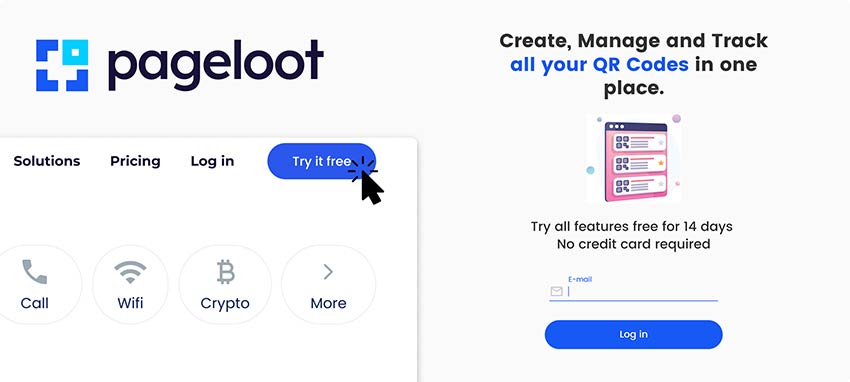

Chọn loại mã QR mà bạn đang muốn tạo và làm theo hướng dẫn tiếp theo. Đảm bảo bạn bao gồm tất cả dữ liệu bắt buộc trong các trường được chỉ định.
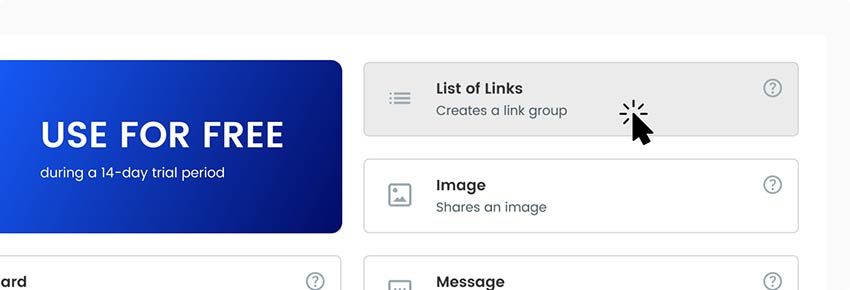

Thêm các chi tiết bổ sung để tùy chỉnh trang đích. Chúng có thể là hình ảnh trực quan như hình ảnh hoặc video nhưng cũng có thể là dòng thời gian và biểu đồ khác.
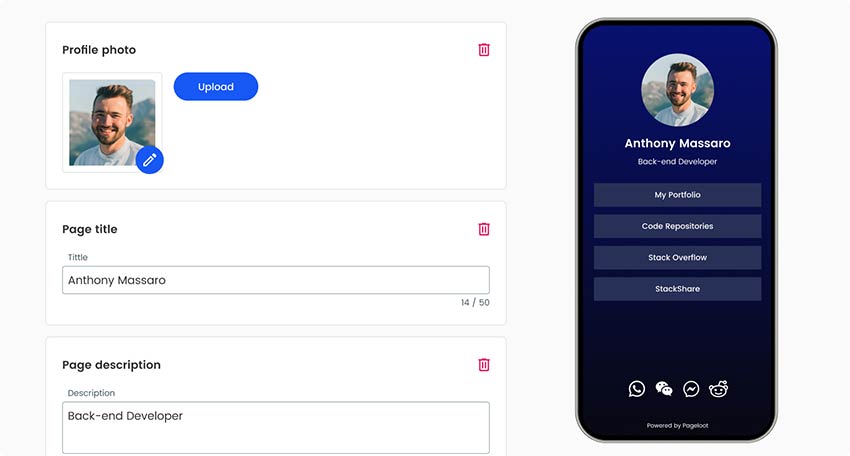

Khi hoàn thành phần bên trong của mã QR, hãy đảm bảo bạn thiết kế giao diện của nó. Thêm logo thương hiệu của bạn, thay đổi màu sắc để đại diện cho công ty của bạn và thử nhiều khung hoặc hình dạng khác nhau.
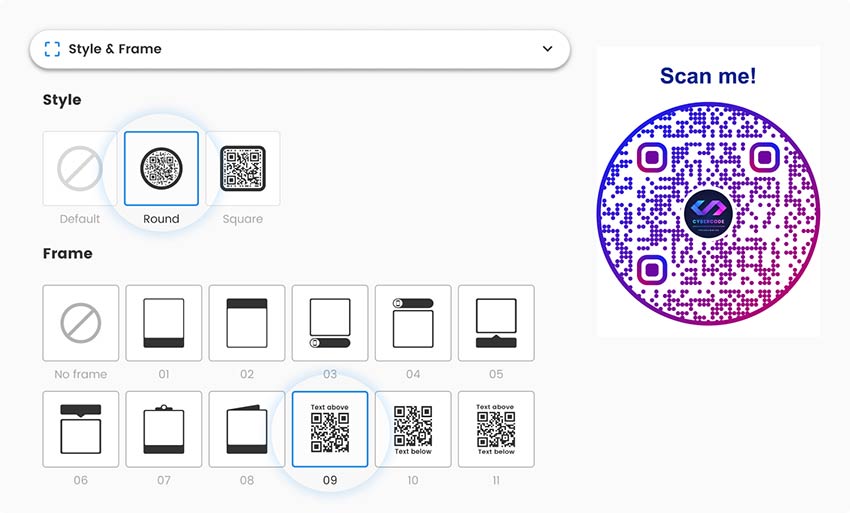

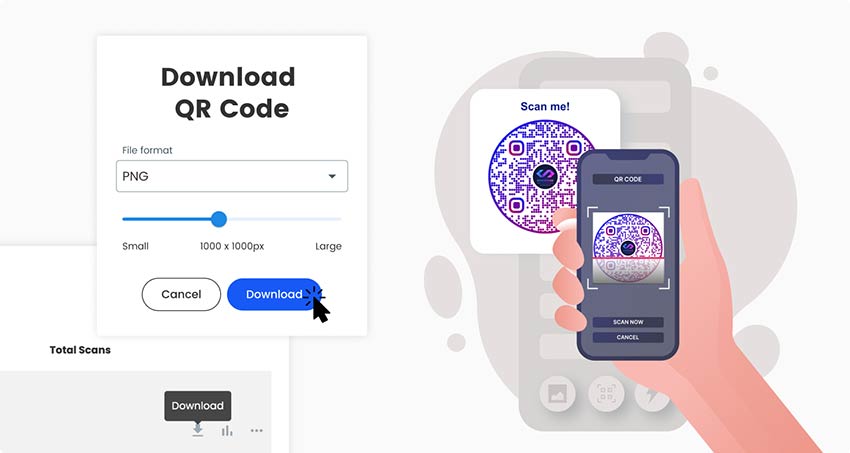
Lưu và tải xuống mã QR đã hoàn thành của bạn và đừng quên kiểm tra xem nó có hoạt động không. Bây giờ bạn có thể chia sẻ trực tuyến và in ra để phân phối cho đối tượng ngoại tuyến của mình.

Is this QR code generator really free?


Yes. You can make QR codes here and download them as PNG, SVG or PDF for free, with your logo, colors and frame. No account is needed, and free codes keep working with no time limit.
What you pay for is a năng động code in a Pageloot account. A dynamic code lets you change where the code points after it is printed, and shows scan statistics: when, where and on which device. It also gives you folders, UTM tracking and smart links that send people to different pages by country, language or time.
If your link will never change and you don’t need statistics, the free code is enough. If you are printing menus, packaging, posters or anything you can’t easily reprint, a dynamic code saves you the reprint. You can try it free for 14 days.

Các câu hỏi thường gặp


Yes. You can make QR codes and download them as PNG, SVG or PDF for free, with your logo, colors and a frame, without creating an account. Dynamic codes that you can edit and track are part of a paid plan, and you can try them free for 14 days.
No. Free codes you make here keep working with no time limit. What a free code can’t do is change its destination after printing or show detailed scan statistics. For that you need a dynamic code.
A static code points to one fixed destination that can’t be changed. A dynamic code points to a short link that you control in your Pageloot account, so you can change the destination after printing and see who scans it.
Choose a type at the top of this page, paste your link or upload your file, add your design, then scan it with two phones to test it and download it.
Open your phone’s camera and point it at the code. iPhones and most Android phones show a link to tap. On a computer, use our free QR code scanner.
At least 2 x 2 cm (0.8 in) for items people hold. For signs and posters, plan about 1 cm of code for every 10 cm of scanning distance, and always test the printed result.
Yes. Upload your logo in the tool. Keep the logo small, keep strong contrast between the code and the background, and test the code before printing.
Yes. You can use the codes you make here on products, packaging, menus, ads and any other commercial material.


Liên hệ với chúng tôi và chúng tôi sẽ sẵn lòng trợ giúp!
Tại sao mã QR của tôi không làm việc?
-
Bạn không nhận được đủ số lần quét
Đừng sử dụng mã QR pixel tiêu chuẩn xấu xí. Áp dụng một số thiết kế với công cụ của chúng tôi. Luôn sử dụng khung CTA trên mã QR của bạn. Giải thích lý do tại sao nên quét mã QR. -
Liên kết bị hỏng
Có thể bạn đã nhập sai hoặc liên kết của bạn đã thay đổi. Bạn có thể in mã QR mới hoặc sử dụng mã QR động của chúng tôi khi đăng ký. Bạn có thể chỉnh sửa mà không cần in lại.
-
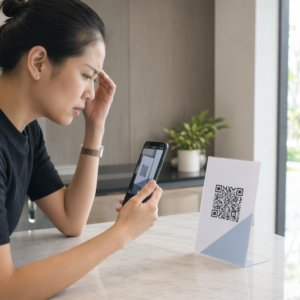
Mã QR không quét được
Đảm bảo mã QR có đủ độ tương phản với nền. Không sử dụng màu quá giống với nền. Thay vào đó, hãy sử dụng màu sáng trên nền tối và ngược lại. -
Mã QR đã bị vô hiệu hóa
Điều này chỉ có thể xảy ra nếu bạn sử dụng phiên bản trả phí của dịch vụ mã QR. Mã QR sẽ hoạt động miễn là đăng ký của bạn còn hiệu lực.
Đánh giá 4.86 / 5 sao


Sử dụng mã QR ở đâu? ví dụ
Nhấn vào hình ảnh để phóng to


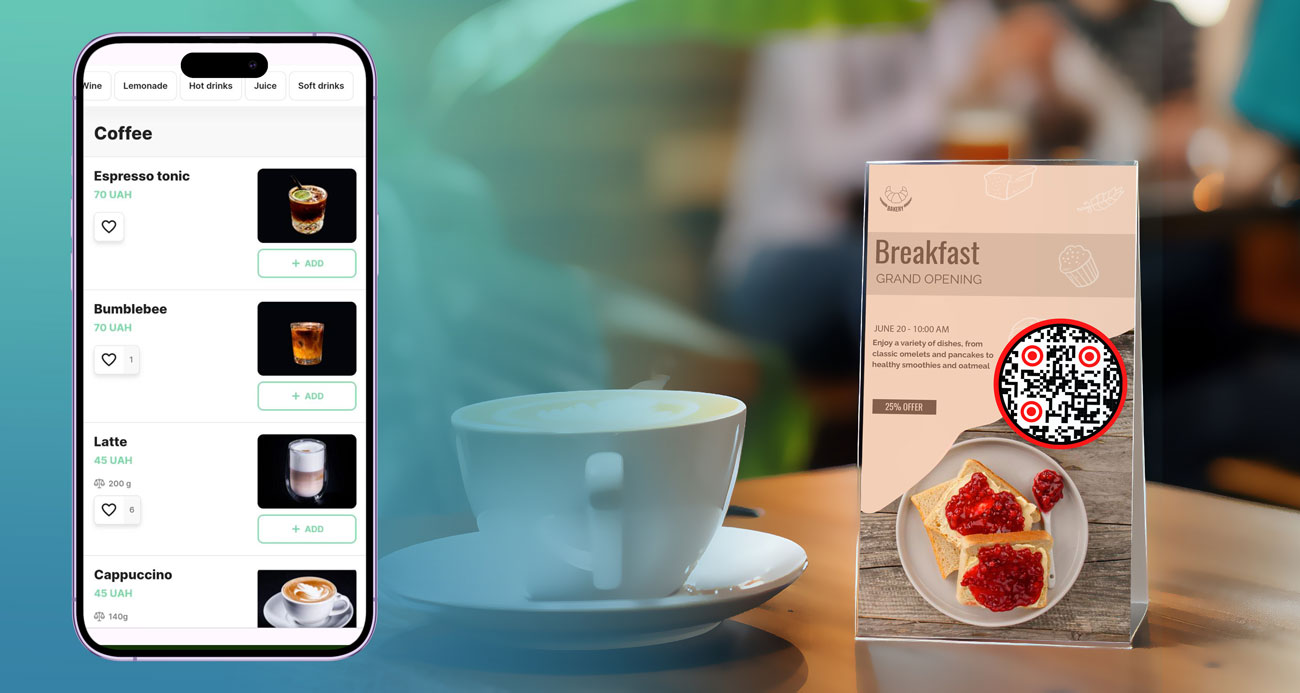
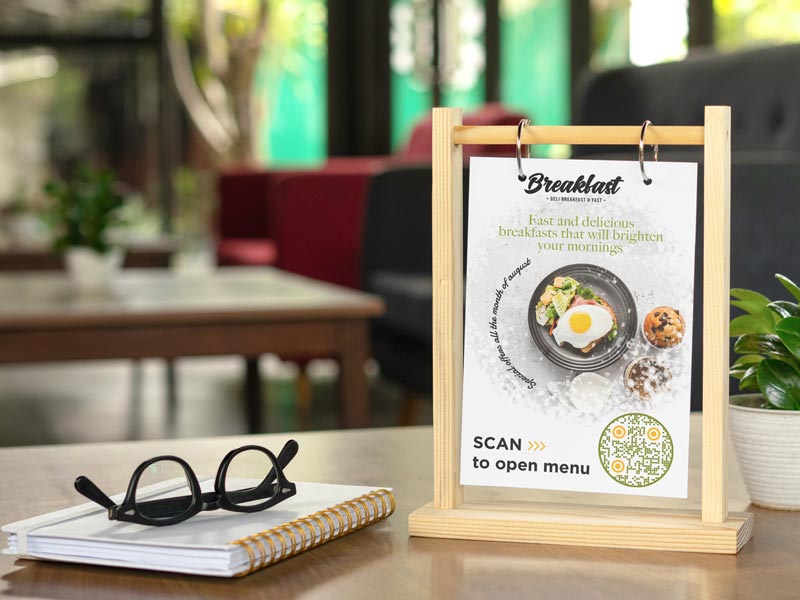
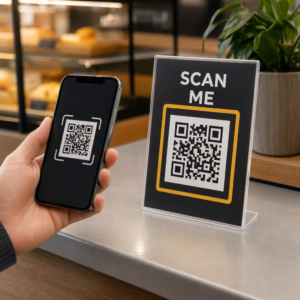
Put a code on table tents, stickers or the window that opens your menu. With a dynamic code you update dishes and prices without reprinting, and scan statistics show your busiest hours.


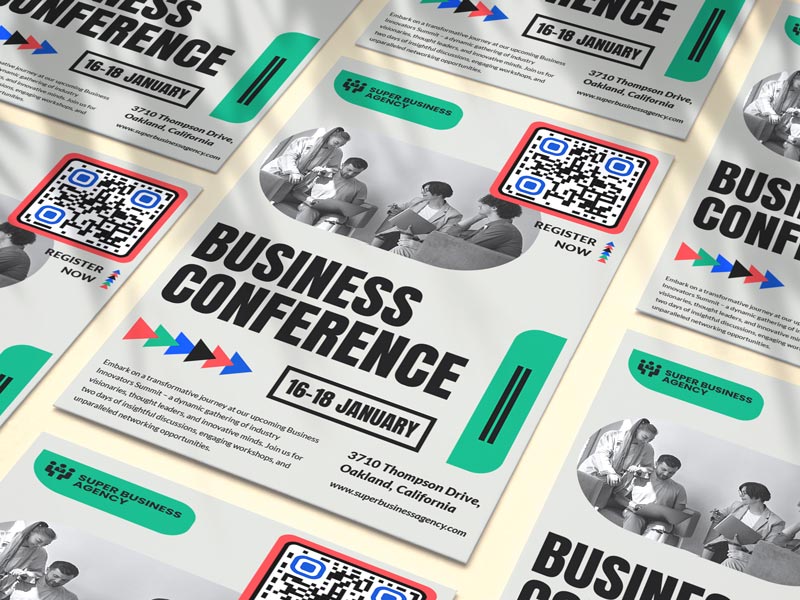
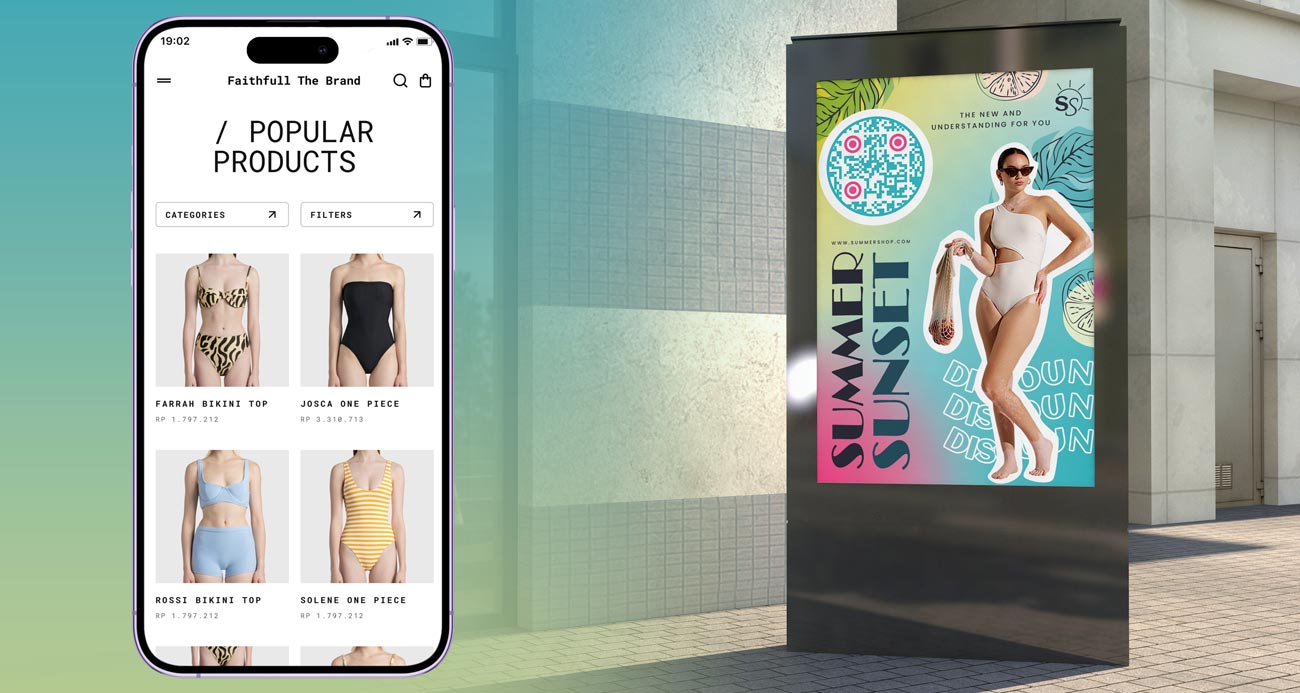
Add a code to posters, flyers, magazine ads and billboards so people can act right away: book, buy, sign up or watch. Use a different code on each poster to see which location works best.


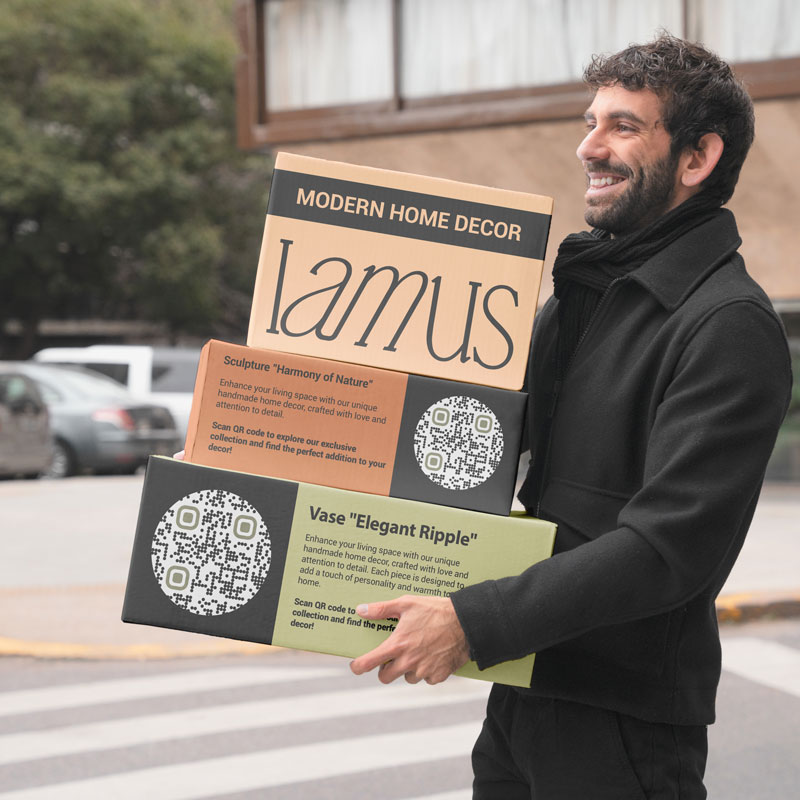
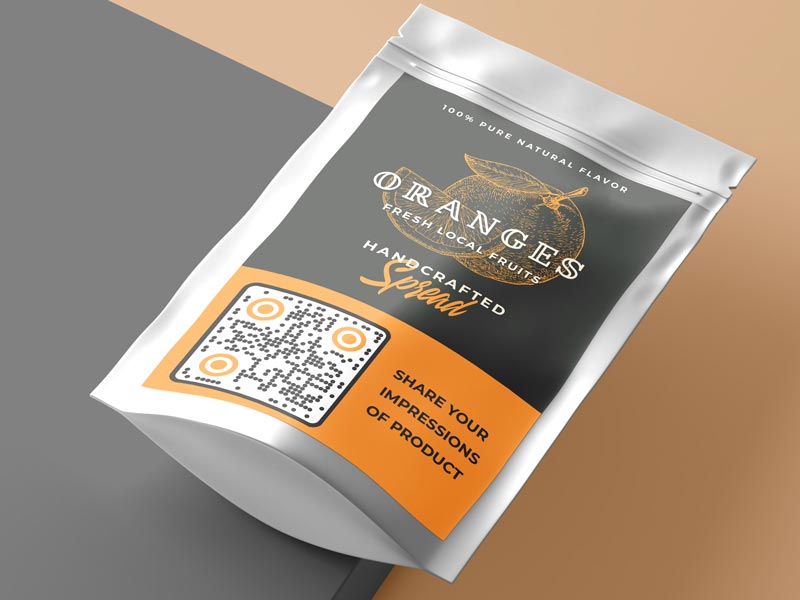
Link the box or label to instructions, a setup video, warranty registration or a reorder page. With a dynamic code you can change the page later without touching packaging that is already printed.


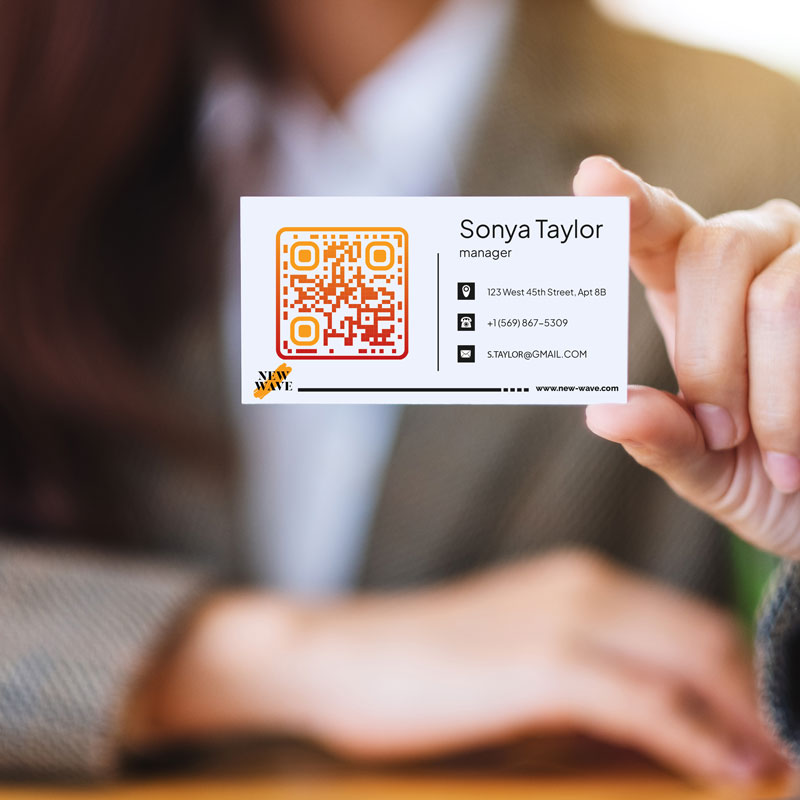
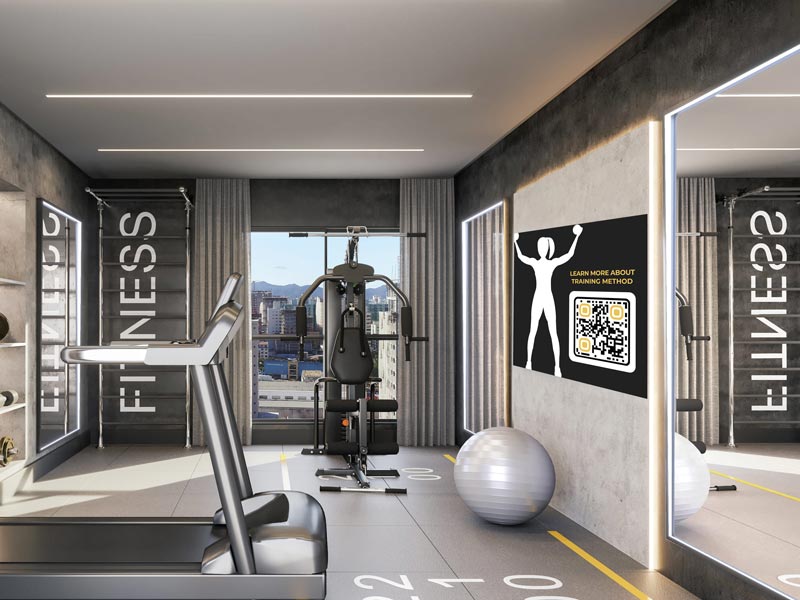
Use codes on business cards, invoices, shop counters and vehicles: for reviews, contact details, bookings or your social profiles. One scan replaces typing a long web address.
Làm thế nào để có thêm nhiều bản quét trên Mã QR?
-
Giúp mọi người quét dễ dàng
Mã QR của bạn phải dễ quét mà không cần phải đến gần hoặc làm phẳng nó. -
Chất lượng in cao
Đảm bảo tất cả người dùng có thể quét mã QR một cách liền mạch, không bị mờ hoặc phản chiếu ánh sáng.
-
Làm cho nó trở nên độc đáo
Thêm màu sắc và khung thương hiệu vào mã QR để làm cho mã này nổi bật và hấp dẫn hơn. -
Sử dụng các kênh khác nhau
Nếu bạn muốn mã QR của mình được chú ý, bạn nên tích cực quảng bá nó bằng nhiều tài liệu khác nhau, cả dạng in và dạng kỹ thuật số.
Tips for a QR code people actually scan
Put a short line on or next to the code: “Scan for the menu”, “Scan to book”, “Scan for 10% off”. A code without a reason gets ignored.


At least 2 x 2 cm (0.8 in) for things people hold, like flyers and cards. For posters and signs, plan about 1 cm of code for every 10 cm of scanning distance.
A logo in the middle makes the code look trustworthy. Keep it small, keep strong contrast, and test the final file before you print.


If the page, file or offer behind the code might change, use a dynamic code from the start. A free static code can’t be pointed somewhere else after printing.
Why people make QR codes with Pageloot


Make and download codes without an account. No watermark on the code.


Links, PDFs, images, video, vCards, Wi-Fi, menus, Google reviews, Google Forms, social profiles, app downloads and more.


With a dynamic code, see the number of scans, the time, the city and country, and the device. Compare campaigns and locations.


Change the destination of a dynamic code whenever you need to. Everything you already printed keeps working.


PNG for screens, documents and slides. SVG and PDF stay sharp at any size, from a sticker to a billboard.


Restaurants, agencies, retailers, schools and event teams in 110 countries use Pageloot for their QR codes.