ホーム > QRニュース > How to Make a QR Code from Text
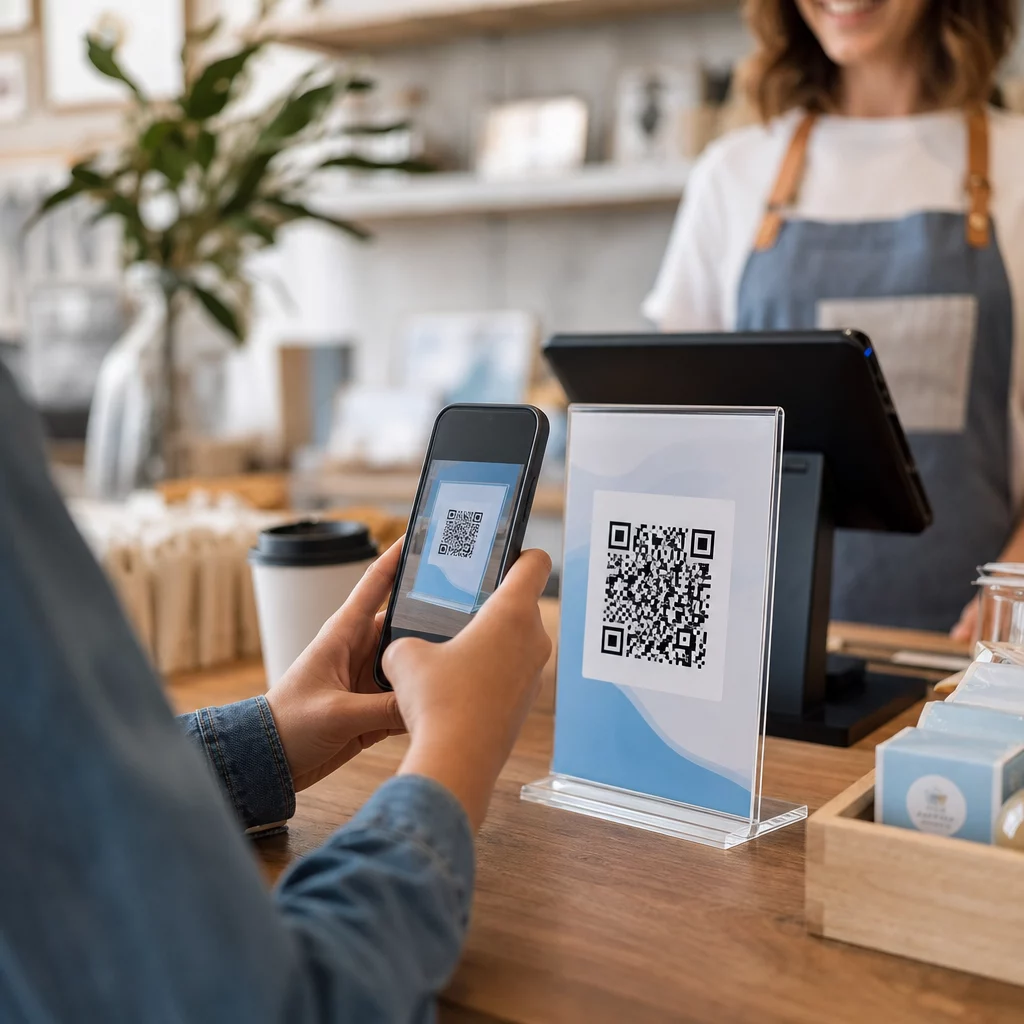
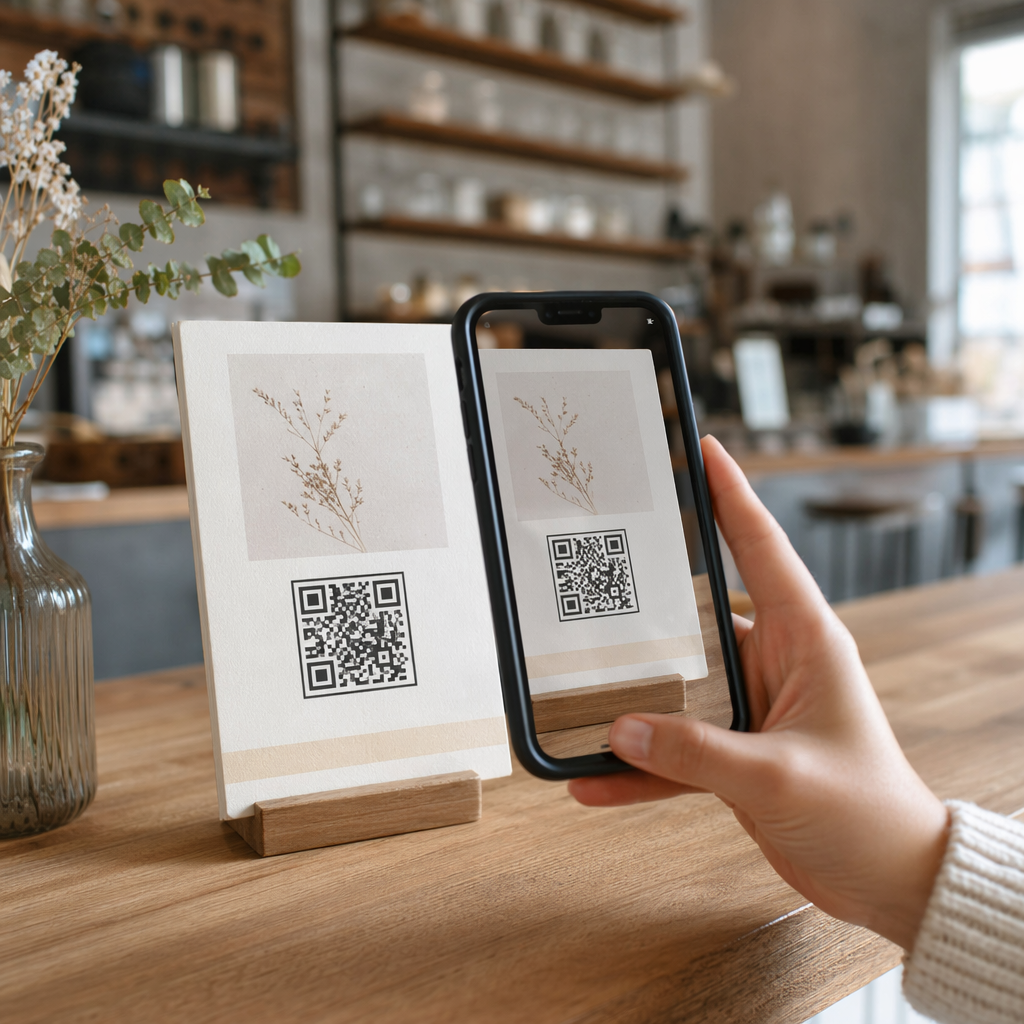
Scanning text QR code

How to Make a QR Code from Text

Learn how to make a QR code from text to share messages or instructions. This guide explains how to generate, customize, and download scannable codes for free.
Updated on 6月 10, 2026
目次

Want to share a message, set of instructions, or contact details with anyone who has a smartphone? Plain text is often overlooked as a QR code content type, but it is one of the most direct and versatile formats available. This guide walks you through exactly how to create a text QR code, customize it, and make sure it scans reliably every time.

What Is a Text QR Code?

A QR code (Quick Response code) is a two-dimensional barcode that stores data in a pattern of black and white squares. When a smartphone camera points at it, the pattern is decoded and the stored information is displayed instantly – no manual typing required.

A text QR code works the same way, except instead of redirecting to a website, it displays the encoded text directly on the user’s screen. When someone scans it, the content appears right away and they can read, copy, or interact with it as needed.

This makes text QR codes useful for a wide range of situations:

  • Short messages or announcements
  • Step-by-step instructions on packaging or signage
  • Contact details or notes
  • Emojis, URLs, or any other text-based content

Unlike a URL QR code, a text QR code does not require the recipient to have an internet connection to read the content – the information is embedded directly in the code itself.

How to Create a QR Code from Text

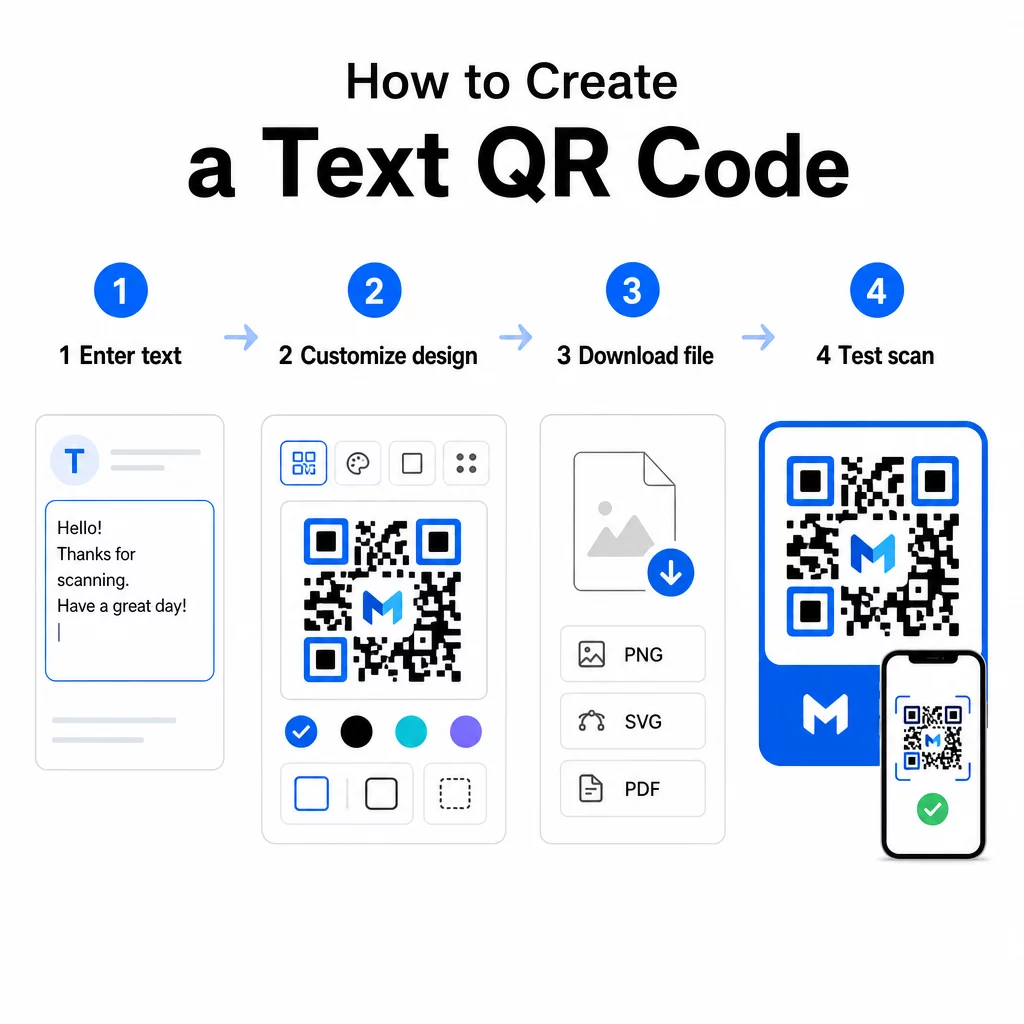
Creating a text QR code takes less than a minute. Here is the process using the Pageloot Text QR Code Generator:

Text QR code steps
  • テキストを入力してください – Type or paste the message, instructions, or details you want to encode. This can be anything from a short note to contact information.
  • Customize the appearance – Adjust colors, add your logo, change the shape, or add a call-to-action frame to match your brand. Following QRコードの色のコントラストに関するベストプラクティス at this stage helps ensure your code stays scannable.
  • 保存してダウンロードする – Click “Save” to generate the code. You can download it as a PNG or JPG image file for use in digital or print materials.
  • Test before you publish – Scan the code with a QRコードスキャナ or your smartphone camera to confirm it displays the correct content before distributing it.

Create Your Text QR Code for Free Ready to turn any message into an instantly scannable code? Use the テキストQRコードジェネレーター to build, customize, and download your code in minutes.

Customizing Your Text QR Code

A plain black-and-white code works, but a branded, well-designed QR code gets more scans. Here are the key customization options worth considering:

  • Colors – Use your brand colors, but always keep a dark foreground on a light background. Low contrast is the most common reason a QR code fails to scan reliably.
  • ロゴマーク – Adding your logo builds trust and reinforces brand recognition. If you add a logo overlay, use a higher error correction level (Q or H) so the scanner can still read the code even with part of it obscured.
  • Frame with call-to-action – A short prompt like “Scan for details” or “Read instructions here” tells people exactly what to expect and encourages them to scan.
  • 形状 – QR codes do not have to be perfectly square. Custom dot shapes and edge styles can make a code feel more like part of your design without compromising functionality.

For a deeper look at what affects scan reliability, the QR code readability best practices guide covers size, contrast, quiet zones, and placement in detail.

Downloading and Using Your QR Code

Once you are happy with the design and have tested it, download the file in the format that fits your use case:

  • PNG or JPG – Best for digital use: websites, emails, social media, and presentations.
  • SVG, EPS, or PDF – Vector formats that scale without losing quality, ideal for print materials like flyers, posters, and product packaging.

QR Code PNG Generator is a good option if you need a transparent background for placing the code over images or textured designs without a white box around it.

For placement, choose a flat, smooth, high-visibility surface. Avoid curved surfaces, highly reflective finishes, or cluttered backgrounds, as these can interfere with scanning. A minimum size of around 2 × 2 cm (roughly 0.8 × 0.8 inches) is recommended for close-range scanning, and the code should get proportionally larger the farther away your audience is likely to be.

Static vs. Dynamic Text QR Codes

When you create a text QR code, you have two structural options:

機能静的QRコードダイナミックQRコード
Content editable after creationいいえはい
スキャン追跡と分析いいえはい
Shorter encoded URL (cleaner pattern)いいえはい
Works without internetはいRequires redirect

静的QRコード encodes the text directly and permanently. It works offline, but if you need to change the message later, you have to create and redistribute a new code.

ダイナミックQRコード encodes a short redirect URL instead of the text itself. This keeps the code pattern simpler and easier to scan, and it lets you update the destination content at any time without reprinting. It also gives you access to scan analytics – tracking metrics like scan count, location, device type, and time of scan.

For one-time uses like a handout or a product label with fixed instructions, a static code is perfectly sufficient. For ongoing campaigns or anything that may need updating, a dynamic code is the more flexible choice. You can explore dynamic options through the Pageloot QRコードジェネレータ.

Practical Uses for Text QR Codes

Text QR codes fit naturally into many real-world scenarios:

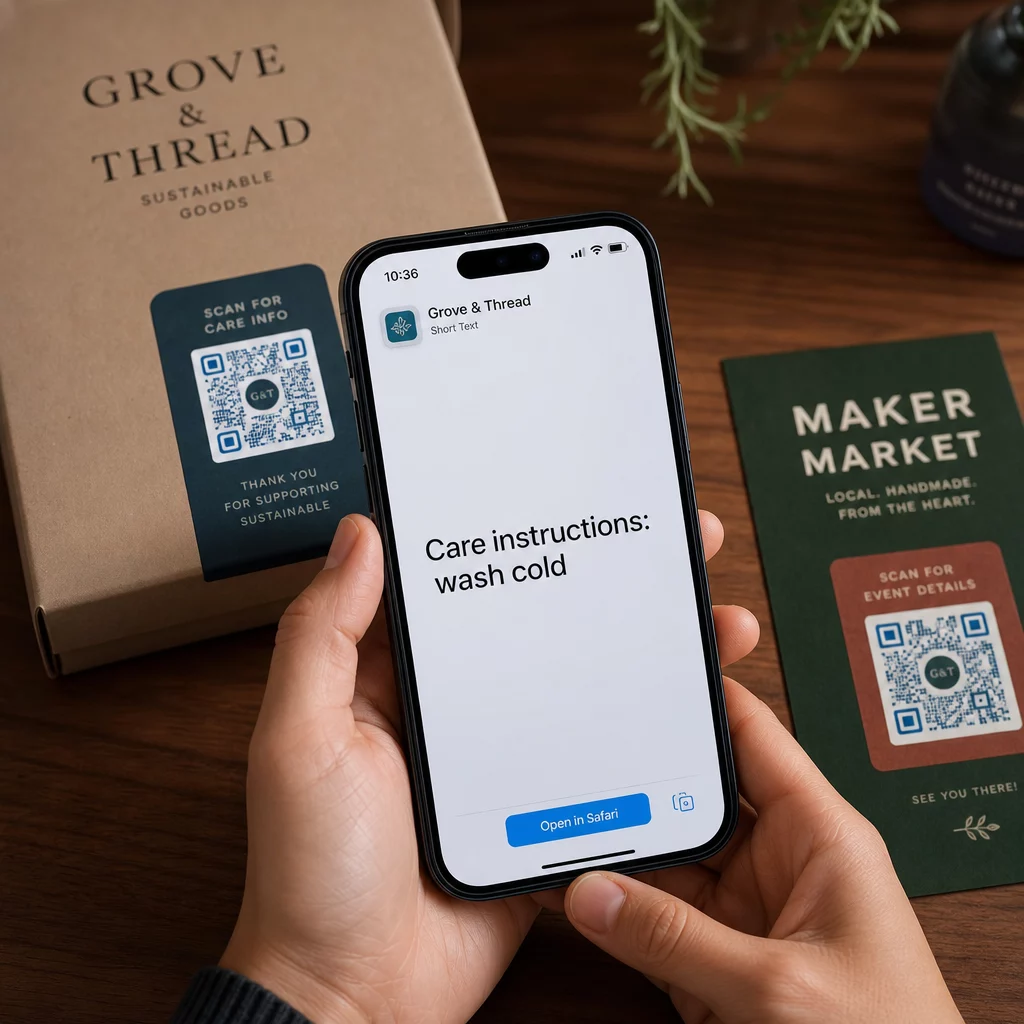
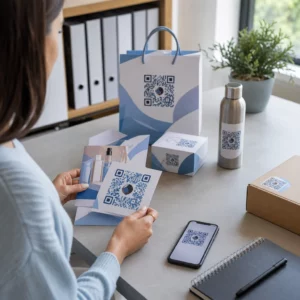
  • 製品パッケージ – Encode care instructions, assembly steps, or safety information so customers can access details with a single scan instead of hunting for a separate insert.
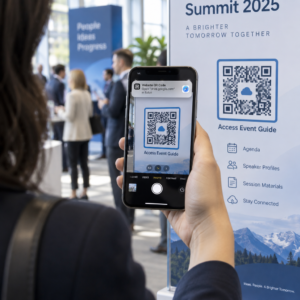
  • Event signage – Share WiFi passwords, event schedules, or venue rules without printing them in full on every sign.
  • 名刺 – Include a short personal message or tagline that appears when someone scans the card.
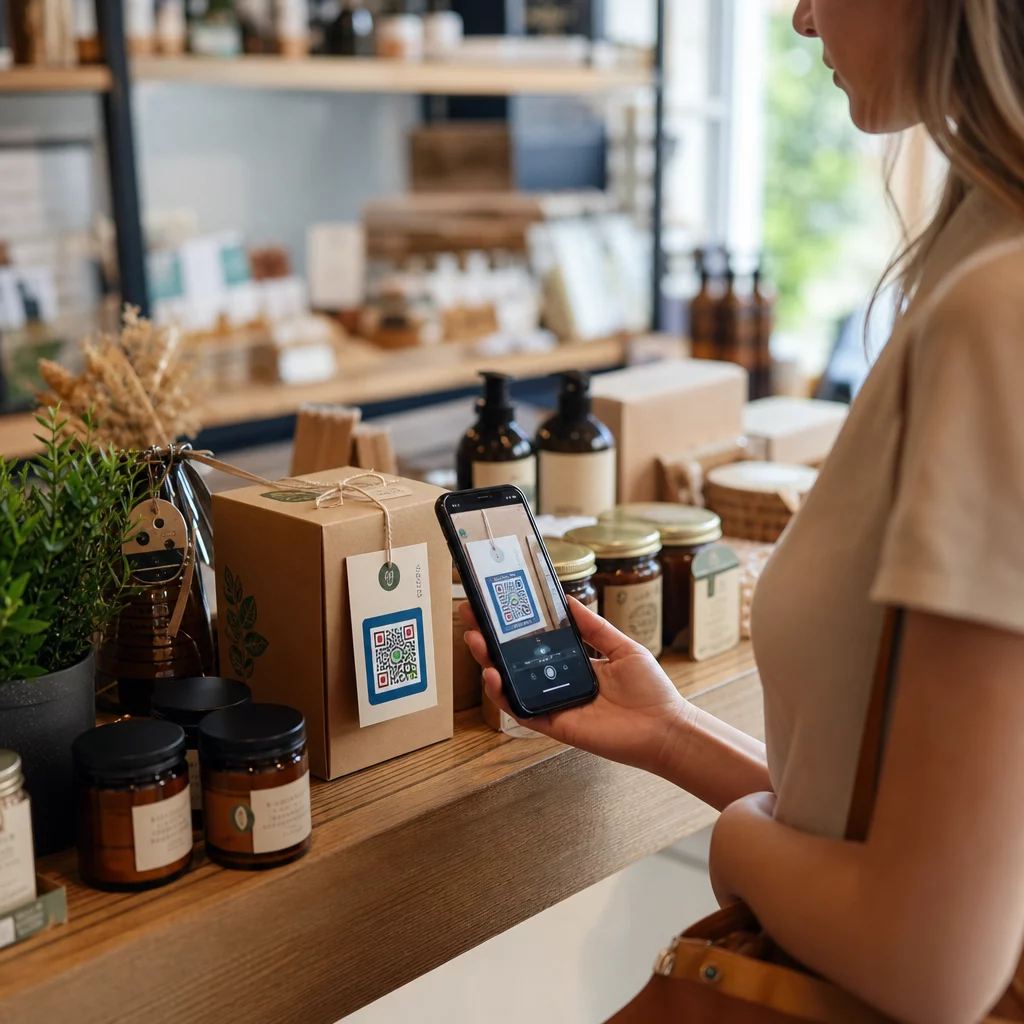
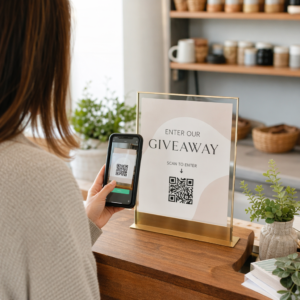
  • Retail and hospitality – Encode short promotional messages, discount codes, or welcome notes for guests.
  • インスタントメッセージング – Text QR codes can also be combined with messaging workflows. The instant messaging QR code guide explains how to set up codes that open a pre-filled message in WhatsApp, Facebook Messenger, or SMS.
Scanning text QR code

Before You Distribute: Testing Checklist

Scanning problems are much easier to catch before a code goes to print than after. Run through these checks before distributing any QR code:

  • Scan with at least two different devices (iOS and Android)
  • Test in the actual lighting conditions where the code will be displayed
  • Confirm the displayed text is accurate and complete
  • Check that the quiet zone (the clear border around the code) is unobstructed
  • For print, confirm the code is large enough relative to the expected scanning distance

QR code usability best practices guide has a full breakdown of the ISO/IEC 18004 standard requirements if you want to ensure your code meets technical compliance criteria.

A text QR code is one of the fastest ways to share information without requiring an internet connection or a typed URL. Getting the basics right – clear contrast, appropriate size, a tested design – means the people you are trying to reach can access your content instantly and without friction.

Build and Test Your QR Code を使用しています。 フリーQRコードジェネレータ to create, customize, and download a text QR code in minutes. No credit card required to get started.

よくある質問

Can someone scan a text QR code without a special app?

Yes. Most modern smartphones running iOS 11 or later and recent Android versions can scan QR codes directly through the built-in camera app without downloading anything extra. For older devices or to verify content before sharing, you can also use an online tool like the Pageloot QR Code Scanner.

How much text can a QR code hold?

A standard QR code can encode up to 4,296 alphanumeric characters at the lowest error correction level. In practice, shorter text produces a simpler, less dense code that scans faster and more reliably across a wider range of devices and lighting conditions. If your message is long, consider whether a URL pointing to a webpage might work better.

Can I edit the text in my QR code after I create it?

Not with a static QR code – the text is permanently encoded in the pattern. If you need to change the content later, you would need to create a new code. A dynamic QR code solves this: it encodes a short redirect URL that you can update at any time, so the printed code stays the same even as the content changes.

著者について

Siim KostabiはPagelootのコンテンツリードです。Pagelootの革新的なQRコード生成サービスについて執筆しています。5年以上にわたるQRコードに関する深い専門知識を持つSiimは、この分野の専門家です。QRテクノロジーを活用してデジタルインタラクションを簡素化・拡張する上で、大きな進歩を遂げています。.

カテゴリー
について詳しくはこちら
化粧品用QRコードメーカー
のQRコードビューティープロダクツ
QRラベルのスキャン
のQRコードを印刷する製品ラベル
✅ QRコードの#1ソリューション

オンラインでQRコードを作成する必要がある場合は QRコードを作る ここで無料で
ページルートは #1のGo-Toソリューション でQRコードを作成してスキャンすることができます。

QRN-011

ブログジェネ

売上、レビュー、フォロワーを増やすために 20,000 を超えるブランドから信頼されています。

クライアントのロゴ
トップブランドから信頼される
5 のうち 4.8 と評価しました

4.86 / 5つ星評価

ユーゴ・ローラン
ユーゴ・ローラン
レストランオーナー
最も簡単で信頼性の高いQRコードジェネレータです。PDFファイルを即座にアップロードできます。レストランのメニューがデジタル化されました。
ルーカス・ジャンセン
ルーカス・ジャンセン
不動産開発業者
これは優れたツールで、QRコードでちょうど欲しいところに連れて行ってくれます。私たちは位置情報のQRコードしか使っていませんが、とても便利な機能がたくさんあります。
エマ・モレッティ
エマ・モレッティ
小売製品
使いやすいし、早い。素晴らしい機能で、完璧な画像を作成してくれるので、社員は私のvCardをダウンロードすることができます。
ユーゴ・ローラン
ユーゴ・ローラン
レストランオーナー
最も簡単で信頼性の高いQRコードジェネレータです。PDFファイルを即座にアップロードできます。レストランのメニューがデジタル化されました。
ルーカス・ジャンセン
ルーカス・ジャンセン
不動産開発業者
これは優れたツールで、QRコードでちょうど欲しいところに連れて行ってくれます。私たちは位置情報のQRコードしか使っていませんが、とても便利な機能がたくさんあります。
エマ・モレッティ
エマ・モレッティ
小売製品
使いやすいし、早い。素晴らしい機能で、完璧な画像を作成してくれるので、社員は私のvCardをダウンロードすることができます。
QRコードをもっと見る
あらゆるものをデジタル体験に変えよう 3分以内に。

14日間の無料トライアル。

クレジットカードは必要ありません。

初回購入で30%オフ

次のコードを使用してください:

MP3ファイルを共有

PDF QRコードを作成するにはサインアップしてください

必要なものをすべてアップロードして表示する。

  • オーディオファイル
  • ポッドキャスト
  • 音楽

サインアップで14日間無料トライアル。.
トライアル終了後、QRコードは期限切れになります。.

オーディオmp3 QRコードを作成するにはサインアップしてください

フレームでより多くのスキャンを獲得

QRコードにフレームを追加するにはサインアップしてください

コールトゥアクションフレームは、お客様が簡単にQRコードと対話できるようにします。ぜひお試しください。

サインアップで14日間無料トライアル。.
トライアル終了後、QRコードは期限切れになります。.

QRコードにフレームを追加するにはサインアップしてください

シェイプでスタイルを追加

より多くの図形を作成するにはサインアップしてください

QRコードは四角いものである必要はありません。あなたのブランドのイメージに合わせて変えてみてください。

サインアップで14日間無料トライアル。.
トライアル終了後、QRコードは期限切れになります。.

より多くの図形を作成するにはサインアップしてください

QRコードにロゴを追加

QRコードにロゴを追加するにはサインアップしてください

QRコードにロゴやブランドを入れることで、目立たせることができます。

サインアップで14日間無料トライアル。.
トライアル終了後、QRコードは期限切れになります。.

QRコードにロゴを追加するにはサインアップしてください

スマートなApp Storeリダイレクト

アプリストアのQRコードを作成するにはサインアップしてください

スマートなApp StoreのQRコードに、あなたのアプリのリンクを追加します。ユーザーは、デバイスに応じてリダイレクトされます。

サインアップで14日間無料トライアル。.
トライアル終了後、QRコードは期限切れになります。.

アプリストアのQRコードを作成するにはサインアップしてください

QRコードに画像をアップロード

画像QRコードを作成するにはサインアップしてください

画像を簡単に共有できます。どんな画像も、数秒でダイナミックに変化します。

サインアップで14日間無料トライアル。.
トライアル終了後、QRコードは期限切れになります。.

画像QRコードを作成するにはサインアップしてください

PDFファイルを共有

PDF QRコードを作成するにはサインアップしてください

必要なものをすべてアップロードして表示する。

  • メニュー&プライスリスト
  • 指示
  • 任意の書類

サインアップで14日間無料トライアル。.
トライアル終了後、QRコードは期限切れになります。.

PDF QRコードを作成するにはサインアップしてください

印刷せずに後で編集

再度印刷せずにQRコードを編集するにはサインアップしてください

ダイナミックQRコードは、新たにQRコードを印刷することなく、QRコードの内容を変更することができます。

サインアップで14日間無料トライアル。.
トライアル終了後、QRコードは期限切れになります。.

再度印刷せずにQRコードを編集するにはサインアップしてください

いつ?どこで?QRコードのスキャンを追跡

QRコードを追跡するにはサインアップしてください

どのQRコードが最も多くスキャンされ、何が最も顧客を喜ばせているのかを知ることができます。

サインアップで14日間無料トライアル。.
トライアル終了後、QRコードは期限切れになります。.

QRコードを追跡するにはサインアップしてください

印刷可能なファイルが利用可能

PDFやSVGのようなベクターQRコードを作成するにはサインアップしてください

.eps、.pdf、.svg

QRコードをHD解像度でダウンロードしたいですか?すぐに印刷できるベクターまたはピクセル形式を入手しましょう。

サインアップで14日間無料トライアル。.
トライアル終了後、QRコードは期限切れになります。.

PDFやSVGのようなベクターQRコードを作成するにはサインアップしてください

しばらくお待ちください。あなたのQRコードは ロード... ロード...

あなただけのものに

サインアップしてQRコードを後で保存してください

異なる色、ロゴ、コールトゥアクションフレームで素晴らしいQRコードを作成することで、より多くのスキャンを得ることができます。

サインアップで14日間無料トライアル。.
トライアル終了後、QRコードは期限切れになります。.

サインアップしてQRコードを後で保存してください