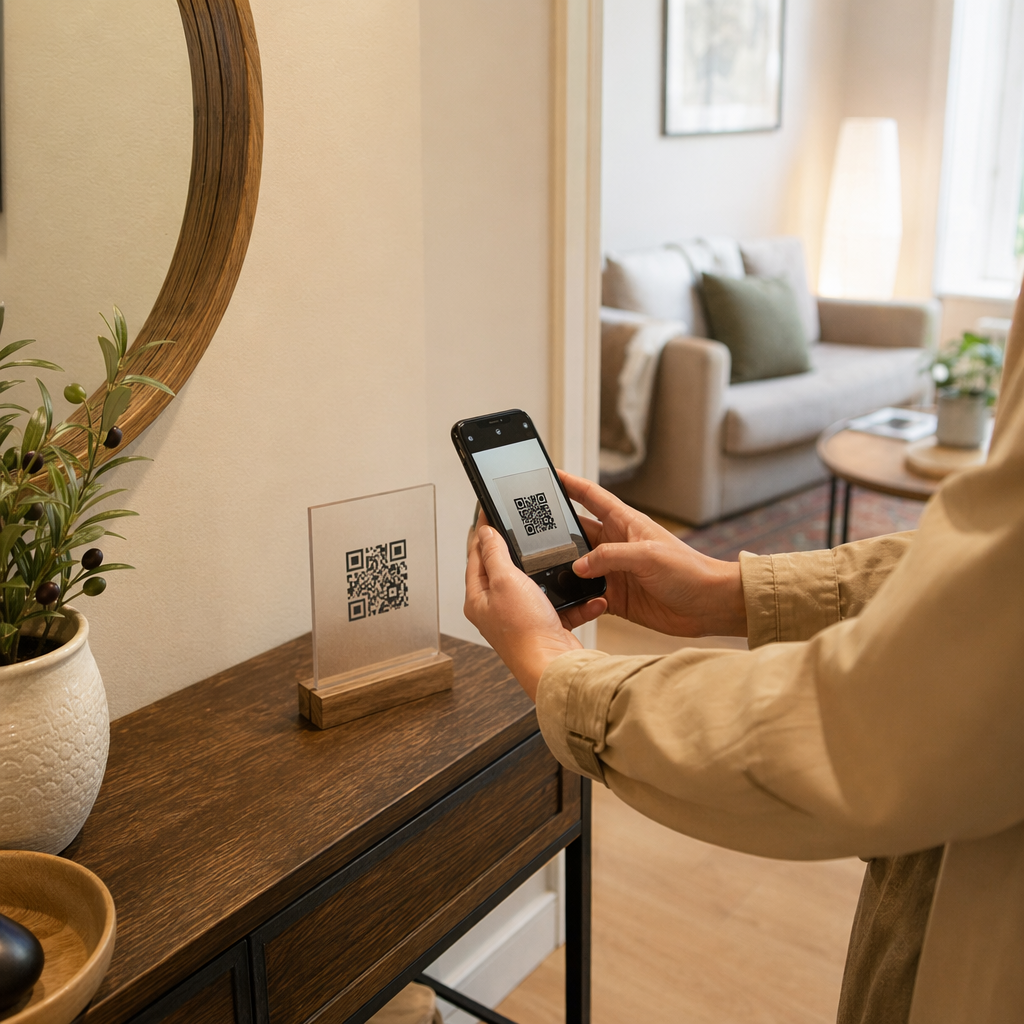
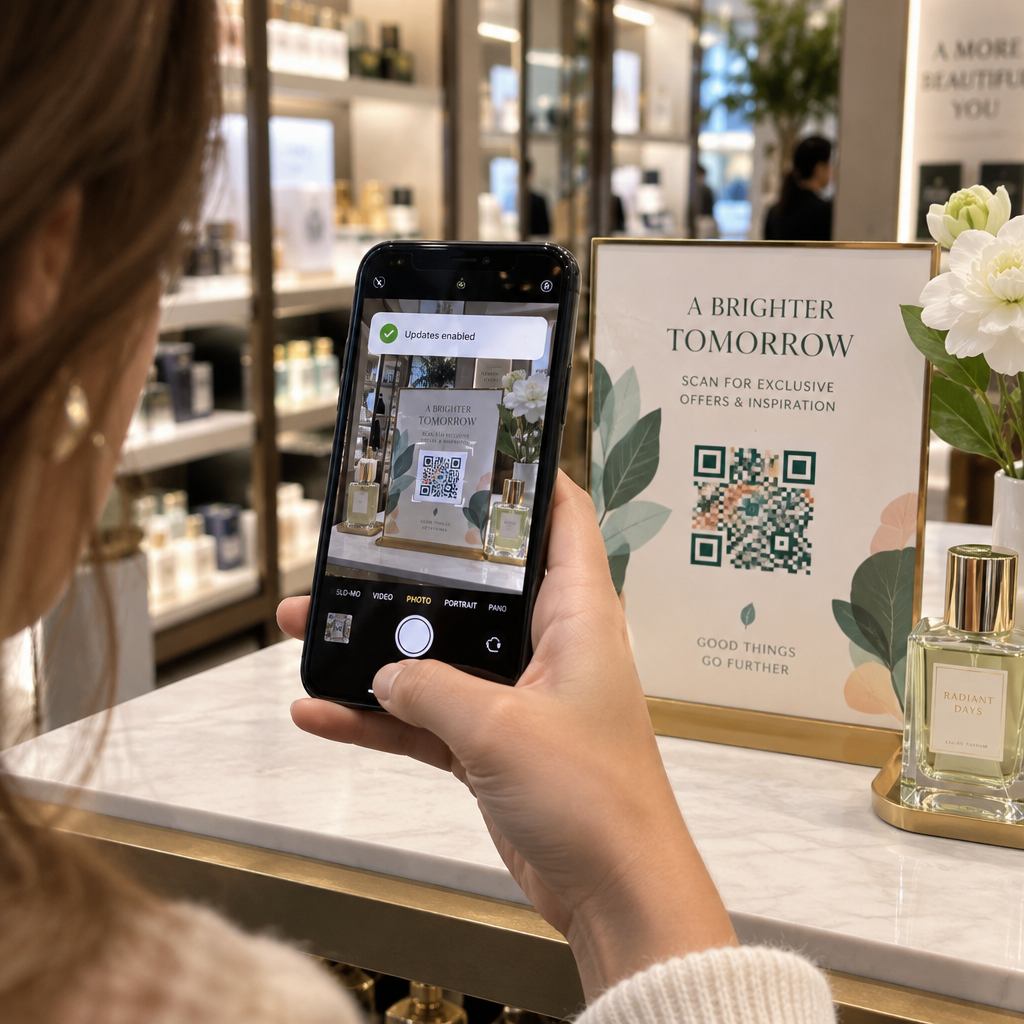
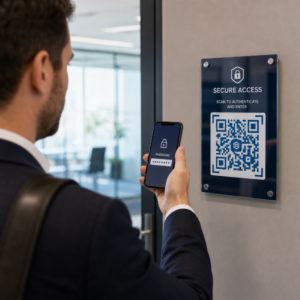
Akıllı telefonu olan herkesle bir mesaj, talimatlar veya iletişim bilgileri paylaşmak ister misiniz? Düz metin, bir QR kodu içerik türü olarak genellikle göz ardı edilir, ancak mevcut en doğrudan ve çok yönlü formatlardan biridir. Bu kılavuz, bir metin QR kodunu tam olarak nasıl oluşturacağınızı, özelleştireceğinizi ve her seferinde güvenilir bir şekilde taranmasını nasıl sağlayacağınızı size adım adım anlatır.
Metin QR Kodu Nedir?
Bir QR kodu (Hızlı Yanıt kodu), verileri siyah beyaz karelerden oluşan bir desende depolayan iki boyutlu bir barkoddur. Bir akıllı telefon kamerası ona doğrultulduğunda, desen çözülür ve depolanan bilgiler anında görüntülenir – manuel yazmaya gerek yoktur.
Bir metin QR kodu da aynı şekilde çalışır, ancak bir web sitesine yönlendirmek yerine, kodlanmış metni doğrudan kullanıcının ekranında görüntüler. Biri onu taradığında, içerik hemen görünür ve gerektiğinde okuyabilir, kopyalayabilir veya onunla etkileşim kurabilirler.
Bu, metin QR kodlarını çok çeşitli durumlar için kullanışlı hale getirir:
- Kısa mesajlar veya duyurular
- Ambalaj veya tabelalardaki adım adım talimatlar
- İletişim bilgileri veya notlar
- Emojiler, URL'ler veya diğer metin tabanlı içerikler
Bir URL QR kodunun aksine, bir metin QR kodu, alıcının içeriği okumak için internet bağlantısına sahip olmasını gerektirmez – bilgiler doğrudan kodun içine gömülüdür.
Metinden QR Kodu Nasıl Oluşturulur
Bir metin QR kodu oluşturmak bir dakikadan az sürer. İşte bu işlemi kullanarak: Pageloot Metin QR Kodu Oluşturucu:
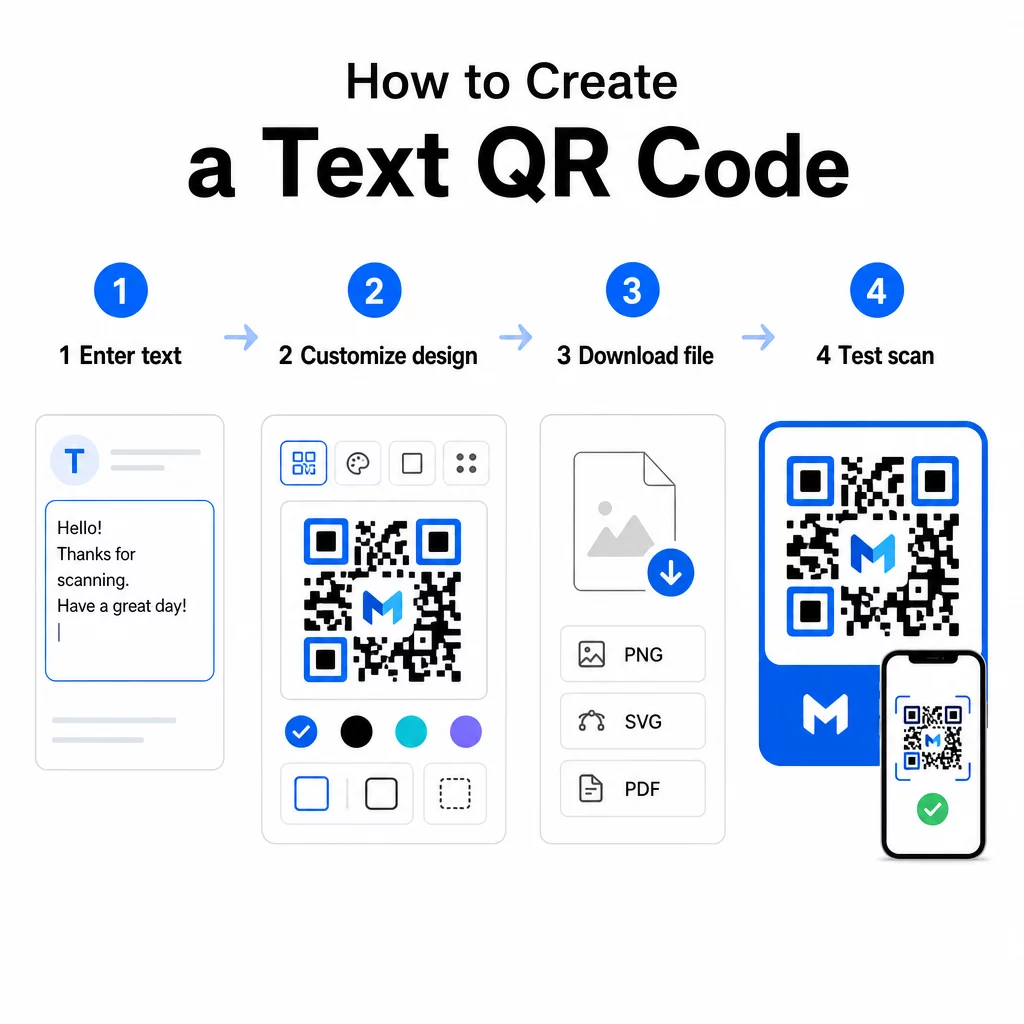
- Metninizi girin – Kodlamak istediğiniz mesajı, talimatları veya ayrıntıları yazın veya yapıştırın. Bu, kısa bir nottan iletişim bilgilerine kadar her şey olabilir.
- Görünümü özelleştirin – Renkleri ayarlayın, logonuzu ekleyin, şekli değiştirin veya markanıza uygun bir harekete geçirici mesaj çerçevesi ekleyin. Aşağıdaki QR kodu renk kontrastı en iyi uygulamaları bu aşamada kodunuzun taranabilir kalmasını sağlamaya yardımcı olur.
- Kaydet ve indir – Kodu oluşturmak için “Kaydet”e tıklayın. Dijital veya basılı materyallerde kullanmak üzere PNG veya JPG görüntü dosyası olarak indirebilirsiniz.
- Yayınlamadan önce test edin – Kodu bir ile tarayın QR Kod Okuyucu veya akıllı telefon kameranızla tarayarak dağıtmadan önce doğru içeriği görüntülediğini onaylayın.
Metin QR Kodunuzu Ücretsiz Oluşturun Herhangi bir mesajı anında taranabilir bir koda dönüştürmeye hazır mısınız? Kullanın Metin QR Kod Oluşturucu kodunuzu dakikalar içinde oluşturmak, özelleştirmek ve indirmek için.
Metin QR Kodunuzu Özelleştirme
Sade siyah-beyaz bir kod işe yarar, ancak markalı, iyi tasarlanmış bir QR kodu daha fazla tarama alır. İşte dikkate alınması gereken temel özelleştirme seçenekleri:
- Renkler – Marka renklerinizi kullanın, ancak her zaman açık bir arka plan üzerinde koyu bir ön plan tutun. Düşük kontrast, bir QR kodunun güvenilir bir şekilde taranamamasının en yaygın nedenidir.
- Logo – Logonuzu eklemek güven oluşturur ve marka tanınırlığını pekiştirir. Bir logo katmanı eklerseniz, tarayıcının kodun bir kısmı gizlenmiş olsa bile kodu okuyabilmesi için daha yüksek bir hata düzeltme seviyesi (Q veya H) kullanın.
- Harekete geçirici mesaj içeren çerçeve – “Ayrıntılar için tarayın” veya “Talimatları buradan okuyun” gibi kısa bir uyarı, insanlara tam olarak ne bekleyeceklerini söyler ve onları taramaya teşvik eder.
- Şekil – QR kodlarının mükemmel kare olması gerekmez. Özel nokta şekilleri ve kenar stilleri, işlevsellikten ödün vermeden bir kodun tasarımınızın bir parçası gibi hissetmesini sağlayabilir.
Tarama güvenilirliğini etkileyen faktörlere daha derinlemesine bir bakış için, QR kodu okunabilirlik en iyi uygulamalar kılavuzu boyut, kontrast, sessiz bölgeler ve yerleşimi ayrıntılı olarak ele alır.
QR Kodunuzu İndirme ve Kullanma
Tasarımdan memnun kaldığınızda ve test ettiğinizde, kullanım durumunuza uygun formatta dosyayı indirin:
- PNG veya JPG – Dijital kullanım için en iyisi: web siteleri, e-postalar, sosyal medya ve sunumlar.
- SVG, EPS veya PDF – Kalite kaybetmeden ölçeklenebilen vektör formatları, el ilanları, posterler ve ürün ambalajları gibi basılı materyaller için idealdir.
Bu QR Kod PNG Oluşturucu kodu resimlerin veya dokulu tasarımların üzerine, etrafında beyaz bir kutu olmadan yerleştirmek için şeffaf bir arka plana ihtiyacınız varsa iyi bir seçenektir.
Yerleştirme için düz, pürüzsüz, yüksek görünürlüklü bir yüzey seçin. Kavisli yüzeylerden, yüksek yansıtıcı kaplamalardan veya dağınık arka planlardan kaçının, çünkü bunlar taramayı engelleyebilir. Yakın mesafeli tarama için yaklaşık 2 × 2 cm (kabaca 0.8 × 0.8 inç) minimum boyut önerilir ve hedef kitleniz ne kadar uzakta olursa kod orantılı olarak o kadar büyük olmalıdır.
Statik ve Dinamik Metin QR Kodları
Bir metin QR kodu oluşturduğunuzda, iki yapısal seçeneğiniz vardır:
| ÖZELLİK | Statik QR Kodu | Dinamik QR Kodu |
|---|---|---|
| Oluşturulduktan sonra düzenlenebilir içerik | Hayır | Evet |
| Tarama takibi ve analizi | Hayır | Evet |
| Daha kısa kodlanmış URL (daha temiz desen) | Hayır | Evet |
| İnternet olmadan çalışır | Evet | Yönlendirme gerektirir |
Bir Statik QR kodu metni doğrudan ve kalıcı olarak kodlar. Çevrimdışı çalışır, ancak mesajı daha sonra değiştirmeniz gerekirse, yeni bir kod oluşturmanız ve yeniden dağıtmanız gerekir.
Bir dinamik QR kodu metnin kendisi yerine kısa bir yönlendirme URL'sini kodlar. Bu, kod desenini daha basit ve taranması daha kolay tutar ve hedef içeriği yeniden yazdırmadan istediğiniz zaman güncellemenizi sağlar. Ayrıca tarama sayısı, konum, cihaz türü ve tarama zamanı gibi izleme metrikleri olan tarama analizlerine erişim sağlar.
Bir el ilanı veya sabit talimatlara sahip bir ürün etiketi gibi tek seferlik kullanımlar için statik bir kod tamamen yeterlidir. Devam eden kampanyalar veya güncellenmesi gerekebilecek herhangi bir şey için dinamik bir kod daha esnek bir seçimdir. Dinamik seçenekleri şuradan keşfedebilirsiniz: Pageloot QR Kodu Oluşturucu.
Metin QR Kodları için Pratik Kullanımlar
Metin QR kodları birçok gerçek dünya senaryosuna doğal olarak uyar:
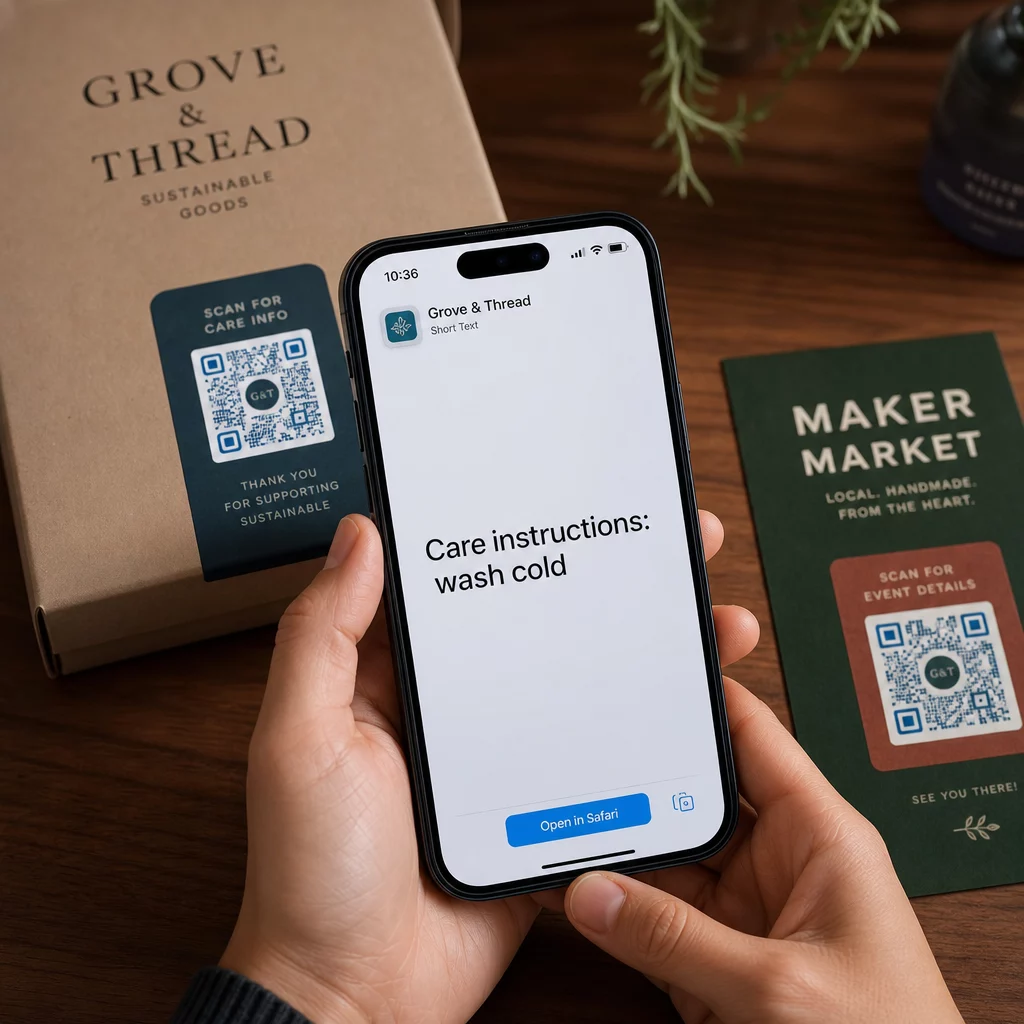
- Ürün ambalajı – Bakım talimatlarını, montaj adımlarını veya güvenlik bilgilerini kodlayın, böylece müşteriler ayrı bir ek aramak yerine tek bir tarama ile ayrıntılara erişebilir.
- Etkinlik tabelaları – WiFi şifrelerini, etkinlik programlarını veya mekan kurallarını her tabelaya tam olarak yazdırmadan paylaşın.
- Kartvizitler – Kartı tarayan biri tarafından görünen kısa bir kişisel mesaj veya slogan ekleyin.
- Perakende ve konaklama – Misafirler için kısa promosyon mesajları, indirim kodları veya hoş geldiniz notları kodlayın.
- Anlık mesajlaşma – Metin QR kodları mesajlaşma iş akışlarıyla da birleştirilebilir. anlık mesajlaşma QR kodu rehberi WhatsApp, Facebook Messenger veya SMS'te önceden doldurulmuş bir mesajı açan kodların nasıl kurulacağını açıklar.
Dağıtmadan Önce: Test Kontrol Listesi
Tarama sorunları, bir kod baskıya gitmeden önce yakalamak, sonrasına göre çok daha kolaydır. Herhangi bir QR kodu dağıtmadan önce bu kontrolleri yapın:
- En az iki farklı cihazla (iOS ve Android) tarayın
- Kodun görüntüleneceği gerçek aydınlatma koşullarında test edin
- Görüntülenen metnin doğru ve eksiksiz olduğunu onaylayın
- Sessiz bölgenin (kodun etrafındaki boş kenarlık) engellenmediğini kontrol edin
- Baskı için, kodun beklenen tarama mesafesine göre yeterince büyük olduğunu onaylayın
Bu QR kodu kullanılabilirlik en iyi uygulamalar rehberi kodunuzun teknik uyumluluk kriterlerini karşıladığından emin olmak istiyorsanız, ISO/IEC 18004 standart gereksinimlerinin tam bir dökümünü içerir.
Metin QR kodu, internet bağlantısı veya yazılı bir URL gerektirmeden bilgi paylaşmanın en hızlı yollarından biridir. Temelleri doğru yapmak – net kontrast, uygun boyut, test edilmiş bir tasarım – ulaşmaya çalıştığınız kişilerin içeriğinize anında ve sorunsuz bir şekilde erişebileceği anlamına gelir.
QR Kodunuzu Oluşturun ve Test Edin Kullan Ücretsiz QR Kod Oluşturucu dakikalar içinde bir metin QR kodu oluşturmak, özelleştirmek ve indirmek için. Başlamak için kredi kartı gerekmez.
Sıkça sorulan sorular
Evet. iOS 11 veya sonraki sürümleri çalıştıran çoğu modern akıllı telefon ve yeni Android sürümleri, yerleşik kamera uygulaması aracılığıyla ekstra bir şey indirmeden QR kodlarını doğrudan tarayabilir. Daha eski cihazlar için veya paylaşmadan önce içeriği doğrulamak için, Pageloot QR Code Scanner gibi çevrimiçi bir araç da kullanabilirsiniz.
Standart bir QR kodu, en düşük hata düzeltme seviyesinde 4.296'ya kadar alfasayısal karakteri kodlayabilir. Pratikte, daha kısa metin, daha geniş bir cihaz yelpazesinde ve aydınlatma koşullarında daha hızlı ve daha güvenilir bir şekilde taranan daha basit, daha az yoğun bir kod üretir. Mesajınız uzunsa, bir web sayfasına işaret eden bir URL'nin daha iyi çalışıp çalışmayacağını düşünün.
Statik bir QR kodu ile değil – metin desene kalıcı olarak kodlanmıştır. İçeriği daha sonra değiştirmeniz gerekirse, yeni bir kod oluşturmanız gerekir. Dinamik bir QR kodu bunu çözer: istediğiniz zaman güncelleyebileceğiniz kısa bir yönlendirme URL'si kodlar, böylece içerik değişse bile basılı kod aynı kalır.