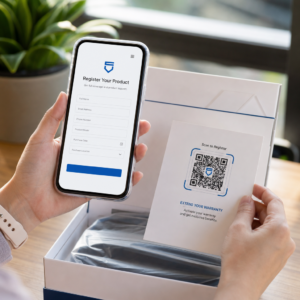
Norite pasidalinti žinute, instrukcijų rinkiniu ar kontaktiniais duomenimis su bet kuo, kas turi išmanųjį telefoną? Paprastas tekstas dažnai nepastebimas kaip QR kodo turinio tipas, tačiau tai yra vienas tiesiausių ir universaliausių galimų formatų. Šis vadovas paaiškins, kaip tiksliai sukurti tekstinį QR kodą, jį pritaikyti ir užtikrinti, kad jis patikimai nuskaitytų kiekvieną kartą.
Kas yra tekstinis QR kodas?
QR kodas (greitojo atsako kodas) yra dvimatis brūkšninis kodas, kuris saugo duomenis juodų ir baltų kvadratų rašte. Kai išmaniojo telefono kamera nukreipiama į jį, raštas iššifruojamas ir saugoma informacija iškart parodoma – nereikia rankinio įvedimo.
Tekstinis QR kodas veikia taip pat, tik vietoj nukreipimo į svetainę, jis rodo užkoduotą tekstą tiesiai vartotojo ekrane. Kai kas nors jį nuskaito, turinys pasirodo iškart ir jie gali jį skaityti, kopijuoti ar sąveikauti su juo, kaip reikia.
Dėl to tekstiniai QR kodai yra naudingi įvairiose situacijose:
- Trumpos žinutės ar pranešimai
- Nuoseklios instrukcijos ant pakuotės ar iškabų
- Kontaktiniai duomenys ar pastabos
- Jaustukai, URL nuorodos ar bet koks kitas teksto pagrindu sukurtas turinys
Skirtingai nei URL QR kodas, tekstinis QR kodas nereikalauja, kad gavėjas turėtų interneto ryšį turiniui perskaityti – informacija yra įterpta tiesiai į patį kodą.
Kaip sukurti QR kodą iš teksto
Tekstinio QR kodo sukūrimas užtrunka mažiau nei minutę. Štai procesas naudojant Pageloot teksto QR kodo generatorių:
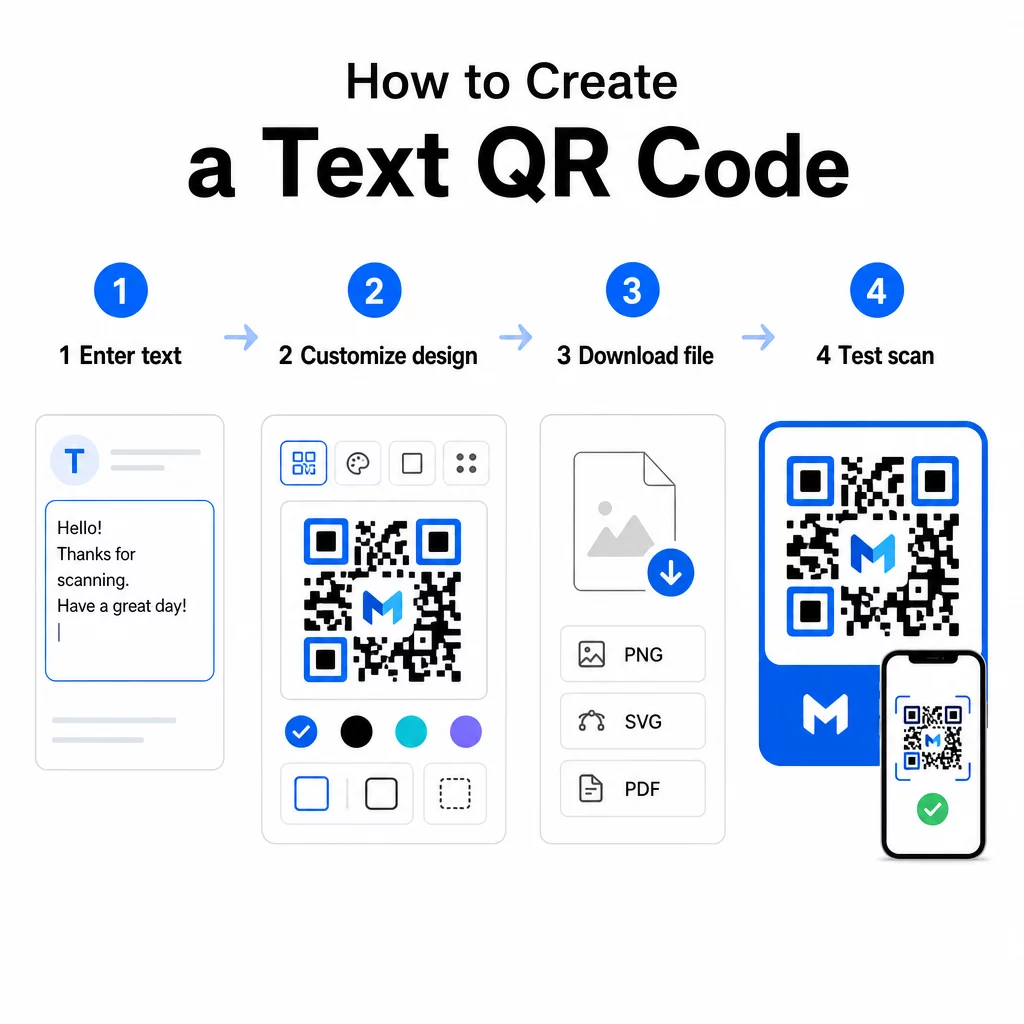
- Įveskite savo tekstą – Įveskite arba įklijuokite žinutę, instrukcijas ar detales, kurias norite užkoduoti. Tai gali būti bet kas – nuo trumpos pastabos iki kontaktinės informacijos.
- Pritaikykite išvaizdą – Koreguokite spalvas, pridėkite savo logotipą, pakeiskite formą arba pridėkite raginimo veikti rėmelį, kad atitiktų jūsų prekės ženklą. Toliau QR kodo spalvų kontrasto geriausios praktikos šiame etape padeda užtikrinti, kad jūsų kodas išliktų nuskaitomas.
- Išsaugoti ir atsisiųsti – Spustelėkite “Išsaugoti”, kad sugeneruotumėte kodą. Jį galite atsisiųsti kaip PNG arba JPG paveikslėlio failą, skirtą naudoti skaitmeninėje ar spausdintoje medžiagoje.
- Išbandykite prieš publikuodami – Nuskaitykite kodą su QR kodo skaitytuvas arba savo išmaniojo telefono kamera, kad patvirtintumėte, jog jame rodomas teisingas turinys, prieš jį platindami.
Sukurkite savo teksto QR kodą nemokamai Pasiruošę bet kokį pranešimą paversti akimirksniu nuskaitomu kodu? Naudokite Teksto QR kodo generatorius kad sukurtumėte, pritaikytumėte ir atsisiųstumėte savo kodą per kelias minutes.
Teksto QR kodo pritaikymas
Paprastas juodai baltas kodas veikia, tačiau firminis, gerai suprojektuotas QR kodas sulaukia daugiau nuskaitymų. Štai pagrindinės pritaikymo parinktys, kurias verta apsvarstyti:
- Spalvos – Naudokite savo prekės ženklo spalvas, tačiau visada išlaikykite tamsų priekinį planą šviesiame fone. Mažas kontrastas yra dažniausia priežastis, kodėl QR kodas nepavyksta patikimai nuskaityti.
- Logotipas – Pridėjus savo logotipą, didėja pasitikėjimas ir stiprinama prekės ženklo atpažįstamumas. Jei pridedate logotipo perdangą, naudokite aukštesnį klaidų taisymo lygį (Q arba H), kad skaitytuvas vis tiek galėtų perskaityti kodą, net jei dalis jo yra uždengta.
- Rėmelis su raginimu veikti – Trumpas raginimas, pvz., “Nuskaitykite, kad gautumėte daugiau informacijos” arba “Skaitykite instrukcijas čia”, tiksliai pasako žmonėms, ko tikėtis, ir skatina juos nuskaityti.
- Figūra – QR kodai neturi būti idealiai kvadratiniai. Pasirinktinės taškų formos ir kraštų stiliai gali padaryti kodą labiau panašų į jūsų dizaino dalį, nepakenkiant funkcionalumui.
Norėdami giliau pažvelgti į tai, kas veikia nuskaitymo patikimumą, QR kodo skaitomumo geriausios praktikos vadovas išsamiai apima dydį, kontrastą, ramiąsias zonas ir išdėstymą.
QR kodo atsisiuntimas ir naudojimas
Kai esate patenkinti dizainu ir jį išbandėte, atsisiųskite failą tokiu formatu, kuris tinka jūsų naudojimo atvejui:
- PNG arba JPG – Geriausiai tinka skaitmeniniam naudojimui: svetainėms, el. laiškams, socialinei žiniasklaidai ir pristatymams.
- SVG, EPS arba PDF – Vektoriniai formatai, kurie keičiasi nekeisdami kokybės, idealiai tinka spausdintinei medžiagai, tokiai kaip skrajutės, plakatai ir produktų pakuotės.
Tas QR kodo PNG generatorius yra geras pasirinkimas, jei jums reikia skaidraus fono, kad kodą galėtumėte uždėti ant paveikslėlių ar tekstūruotų dizainų be balto rėmelio aplink jį.
Išdėstymui pasirinkite lygų, glotnų, gerai matomą paviršių. Venkite išlenktų paviršių, labai atspindinčių apdailų ar užgriozdintų fonų, nes tai gali trukdyti nuskaityti. Artimo nuotolio nuskaitymui rekomenduojamas minimalus maždaug 2 × 2 cm (apie 0,8 × 0,8 colio) dydis, o kodas turėtų proporcingai didėti, kuo toliau bus jūsų auditorija.
Statiniai ir dinaminiai teksto QR kodai
Kai kuriate teksto QR kodą, turite dvi struktūrines parinktis:
| FUNKCIJA | Statinis QR kodas | Dinaminis QR kodas |
|---|---|---|
| Turinys redaguojamas po sukūrimo | Ne | Taip |
| Skenavimo stebėjimas ir analizė | Ne | Taip |
| Trumpesnis užkoduotas URL (švaresnis raštas) | Ne | Taip |
| Veikia be interneto | Taip | Reikalingas peradresavimas |
A statinis QR kodas tiesiogiai ir nuolat užkoduoja tekstą. Jis veikia neprisijungus, tačiau jei vėliau reikės pakeisti pranešimą, turėsite sukurti ir iš naujo platinti naują kodą.
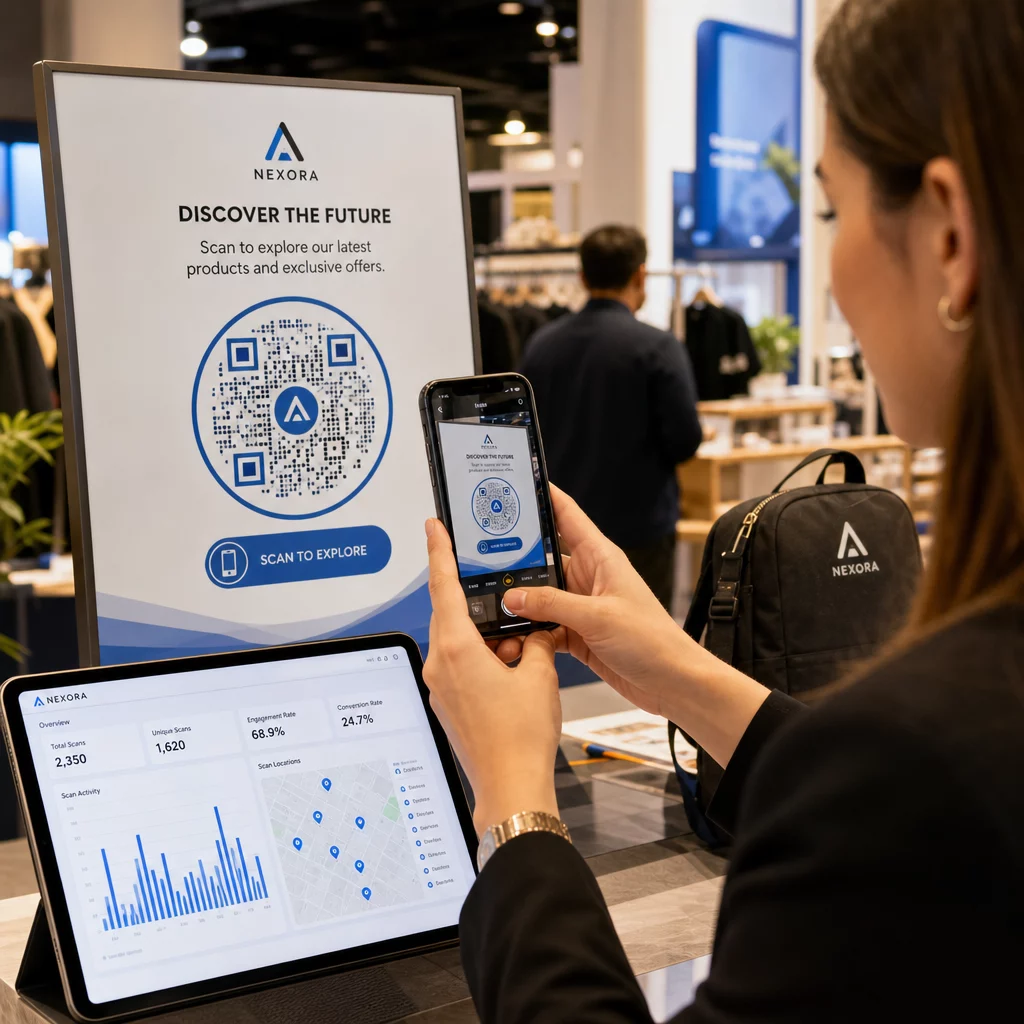
A dinaminis QR kodas užkoduoja trumpą peradresavimo URL, o ne patį tekstą. Tai leidžia išlaikyti kodo šabloną paprastesnį ir lengviau nuskaitomą, be to, galite bet kada atnaujinti paskirties turinį be pakartotinio spausdinimo. Tai taip pat suteikia prieigą prie nuskaitymo analizės – stebėjimo metrikos, tokios kaip nuskaitymų skaičius, vieta, įrenginio tipas ir nuskaitymo laikas.
Vienkartiniam naudojimui, pavyzdžiui, dalomajai medžiagai ar produkto etiketei su fiksuotomis instrukcijomis, statinis kodas yra visiškai pakankamas. Nuolatinėms kampanijoms ar bet kam, ką gali prireikti atnaujinti, dinaminis kodas yra lankstesnis pasirinkimas. Dinamines parinktis galite išnagrinėti per „Pageloot“ QR kodų generatorius.
Praktinis teksto QR kodų naudojimas
Teksto QR kodai natūraliai tinka daugeliui realaus pasaulio scenarijų:
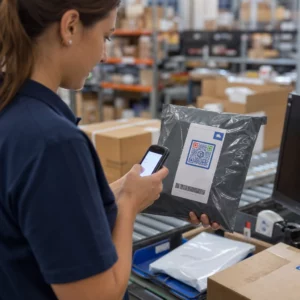
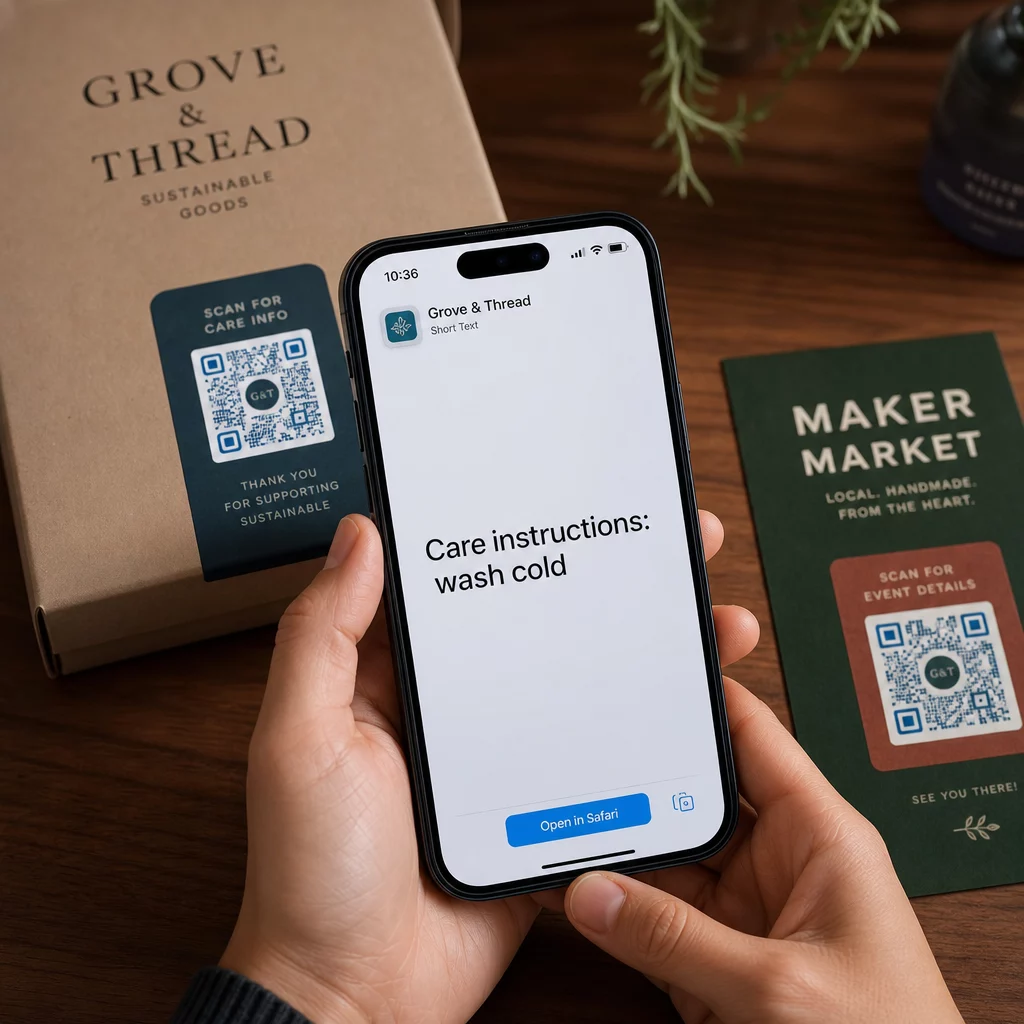
- Produkto pakuotė – Užkoduokite priežiūros instrukcijas, surinkimo veiksmus ar saugos informaciją, kad klientai galėtų pasiekti detales vienu nuskaitymu, užuot ieškoję atskiro įdėklo.
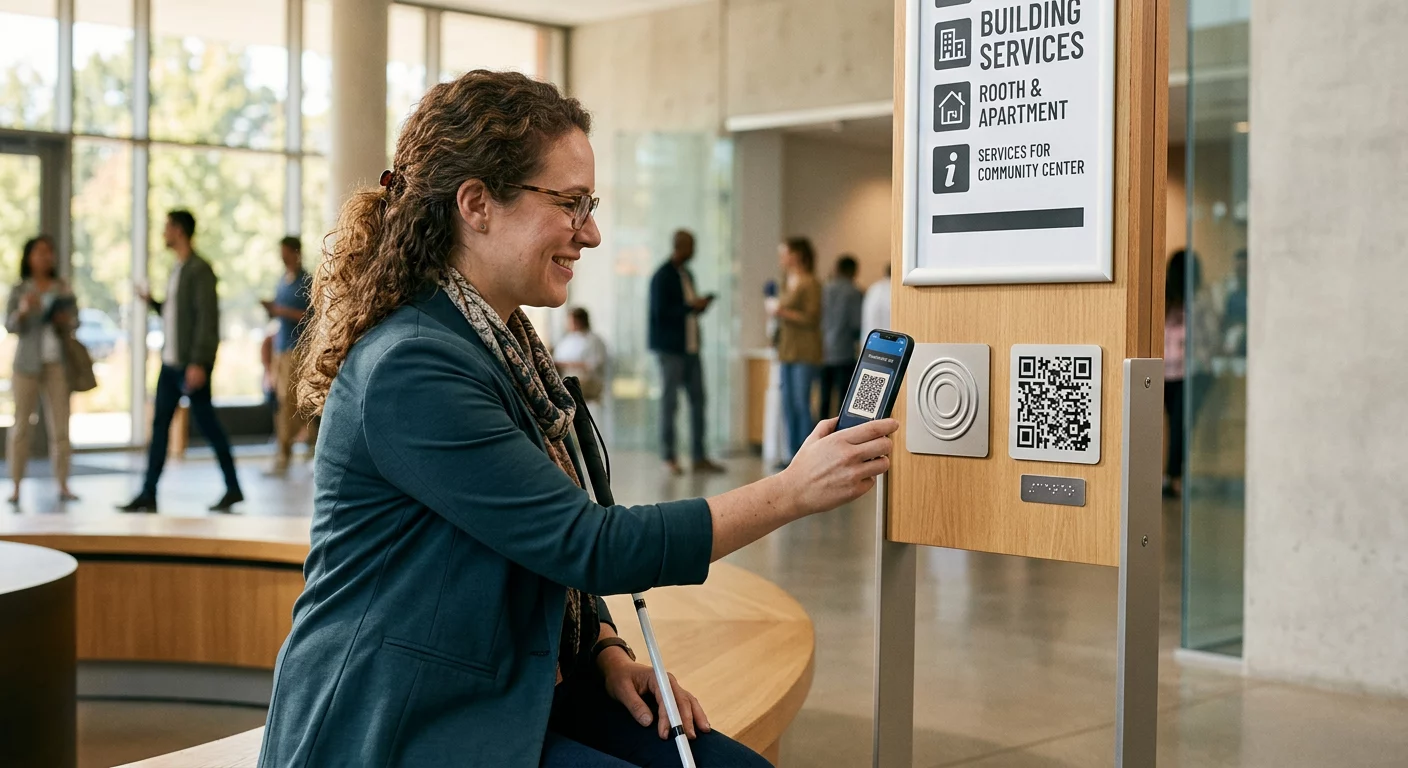
- Renginių iškabos – Dalinkitės WiFi slaptažodžiais, renginių tvarkaraščiais ar vietos taisyklėmis, jų pilnai nespausdinant ant kiekvienos iškabos.
- Vizitinės kortelės – Įtraukite trumpą asmeninį pranešimą ar šūkį, kuris pasirodo, kai kas nors nuskaito kortelę.
- Mažmeninė prekyba ir svetingumas – Užkoduokite trumpus reklaminius pranešimus, nuolaidų kodus ar sveikinimo žinutes svečiams.
- Momentiniai pranešimai – Teksto QR kodai taip pat gali būti derinami su pranešimų siuntimo darbo eigomis. The momentinių pranešimų QR kodų vadovas paaiškina, kaip nustatyti kodus, kurie atidaro iš anksto užpildytą pranešimą WhatsApp, Facebook Messenger ar SMS žinutėje.
Prieš platinant: testavimo kontrolinis sąrašas
Skenavimo problemas daug lengviau pastebėti prieš atspausdinant kodą, nei po to. Prieš platindami bet kokį QR kodą, atlikite šiuos patikrinimus:
- Nuskaitykite bent dviem skirtingais įrenginiais (iOS ir Android)
- Išbandykite realiomis apšvietimo sąlygomis, kuriomis bus rodomas kodas
- Patvirtinkite, kad rodomas tekstas yra tikslus ir išsamus
- Patikrinkite, ar rami zona (aiškus kraštas aplink kodą) yra neužblokuota
- Spausdinimui patvirtinkite, kad kodas yra pakankamai didelis, atsižvelgiant į numatomą nuskaitymo atstumą
Tas QR kodo naudojimo geriausios praktikos vadovas pateikia išsamų ISO/IEC 18004 standarto reikalavimų aprašymą, jei norite užtikrinti, kad jūsų kodas atitiktų techninius atitikties kriterijus.
Tekstinis QR kodas yra vienas greičiausių būdų dalytis informacija nereikalaujant interneto ryšio ar įvesto URL. Teisingai nustačius pagrindus – aiškų kontrastą, tinkamą dydį, išbandytą dizainą – žmonės, kuriuos bandote pasiekti, gali akimirksniu ir be kliūčių pasiekti jūsų turinį.
Sukurkite ir išbandykite savo QR kodą Naudoti Nemokamas QR kodo generatorius norėdami sukurti, pritaikyti ir atsisiųsti tekstinį QR kodą per kelias minutes. Norint pradėti, nereikia kredito kortelės.
Dažniausiai užduodami klausimai
Taip. Dauguma šiuolaikinių išmaniųjų telefonų, veikiančių su iOS 11 ar naujesne versija ir naujesnėmis Android versijomis, gali nuskaityti QR kodus tiesiogiai per integruotą kameros programėlę, nieko papildomai neatsisiunčiant. Senesniems įrenginiams arba norint patikrinti turinį prieš dalijantis, taip pat galite naudoti internetinį įrankį, pvz., Pageloot QR kodo skaitytuvą.
Standartinis QR kodas gali užkoduoti iki 4 296 raidinės-skaitmeninės simbolių mažiausiu klaidų taisymo lygiu. Praktiškai, trumpesnis tekstas sukuria paprastesnį, mažiau tankų kodą, kuris nuskaitomas greičiau ir patikimiau įvairesniuose įrenginiuose ir apšvietimo sąlygomis. Jei jūsų žinutė ilga, apsvarstykite, ar URL, nukreipiantis į tinklalapį, galėtų veikti geriau.
Ne su statiniu QR kodu – tekstas yra nuolat užkoduotas rašte. Jei vėliau reikės pakeisti turinį, reikės sukurti naują kodą. Dinaminis QR kodas tai išsprendžia: jis užkoduoja trumpą nukreipimo URL, kurį galite atnaujinti bet kuriuo metu, todėl atspausdintas kodas išlieka toks pat, net jei turinys keičiasi.