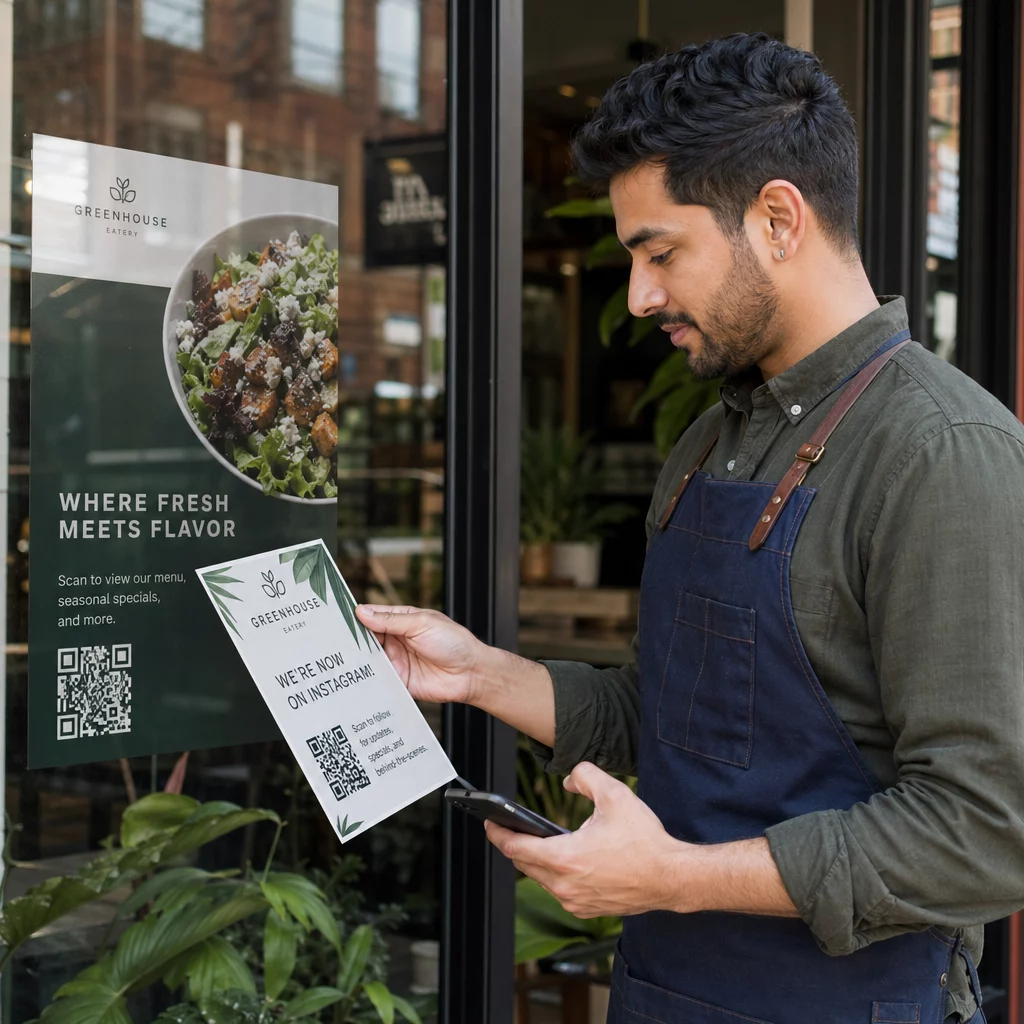
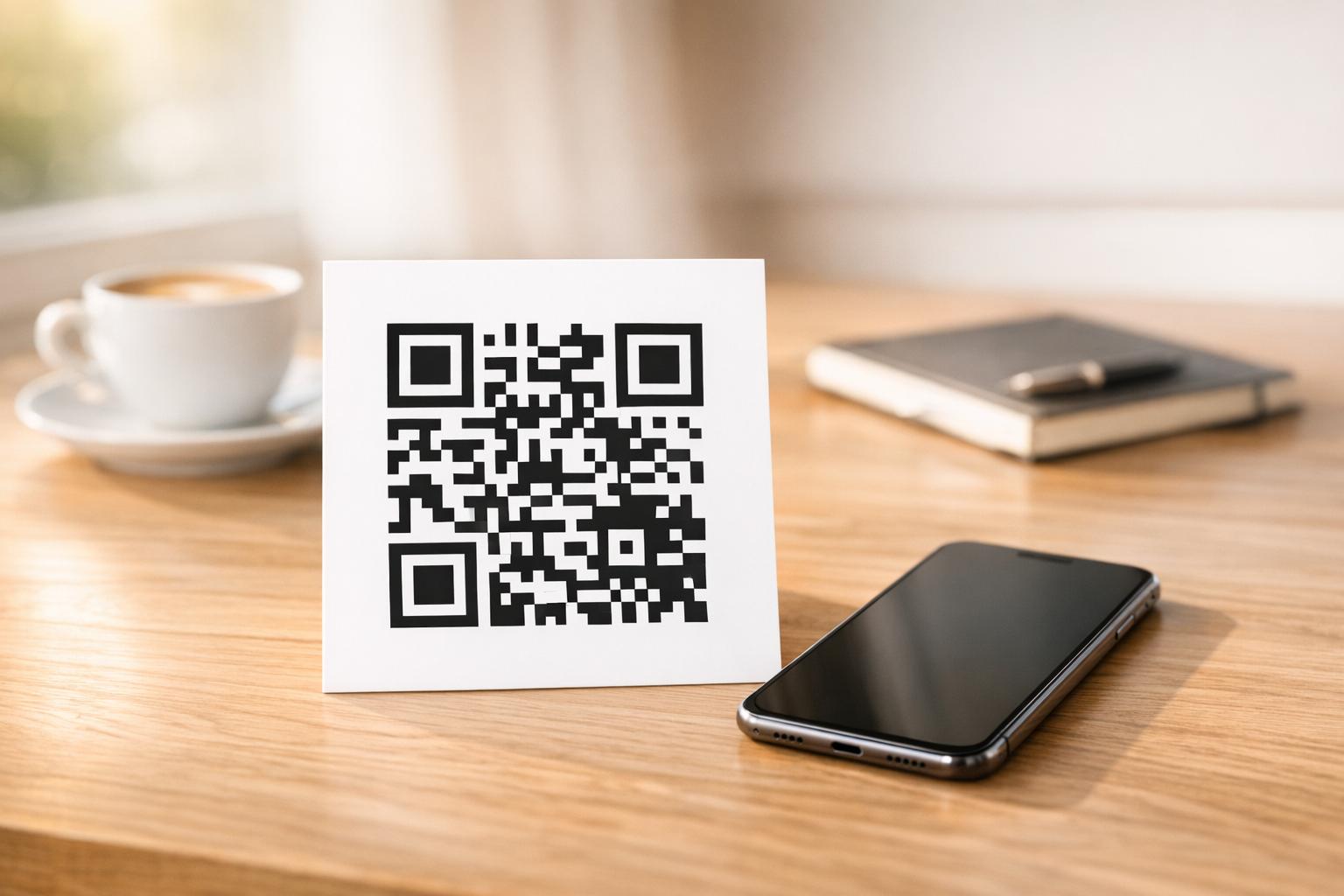
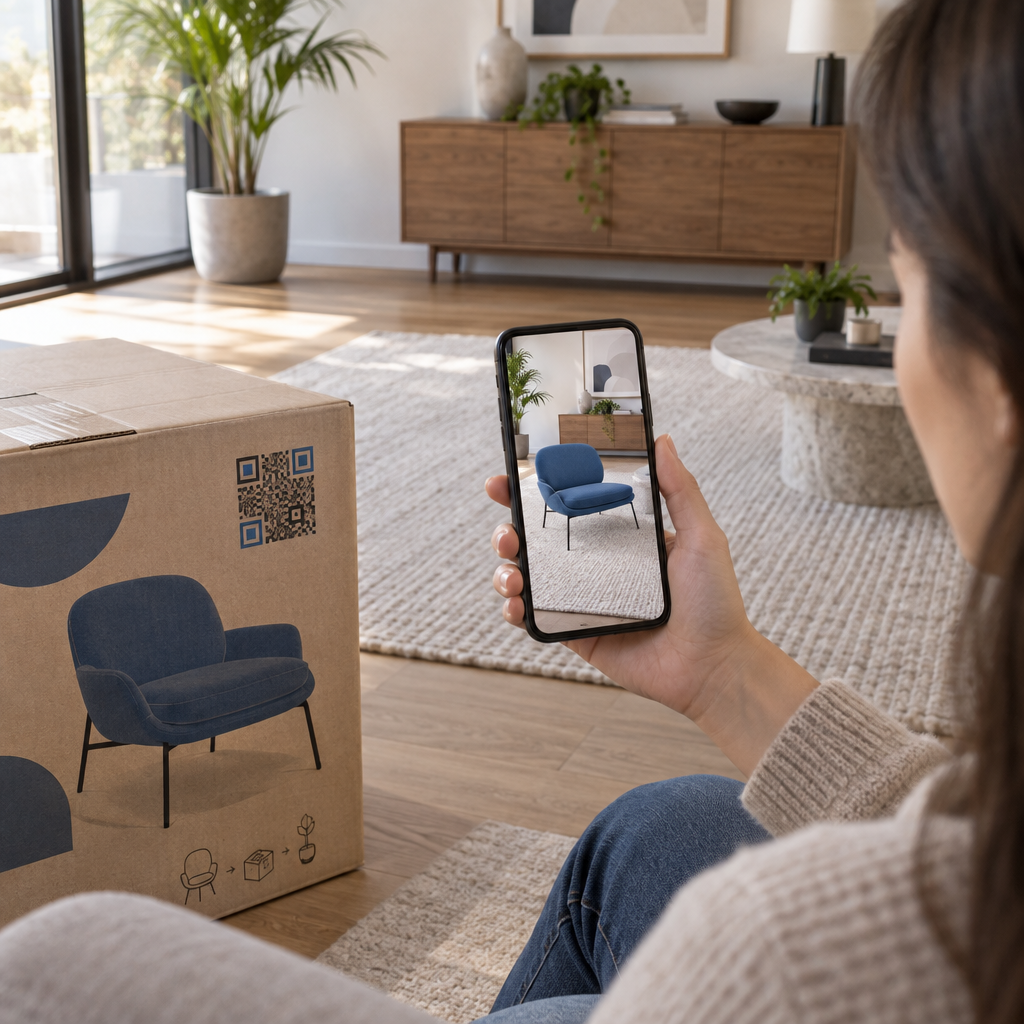
רוצה לשתף הודעה, סט הוראות, או פרטי יצירת קשר עם כל מי שיש לו סמארטפון? טקסט רגיל לעיתים קרובות מתעלמים ממנו כסוג תוכן של קוד QR, אך הוא אחד הפורמטים הישירים והרב-גוניים ביותר הזמינים. מדריך זה מראה לך בדיוק כיצד ליצור קוד QR טקסט, להתאים אותו אישית, ולוודא שהוא נסרק באופן אמין בכל פעם.
מהו קוד QR טקסט?
קוד QR (קוד תגובה מהירה) הוא ברקוד דו-ממדי המאחסן נתונים בתבנית של ריבועים שחורים ולבנים. כאשר מצלמת סמארטפון מכוונת אליו, התבנית מפוענחת והמידע המאוחסן מוצג באופן מיידי – ללא צורך בהקלדה ידנית.
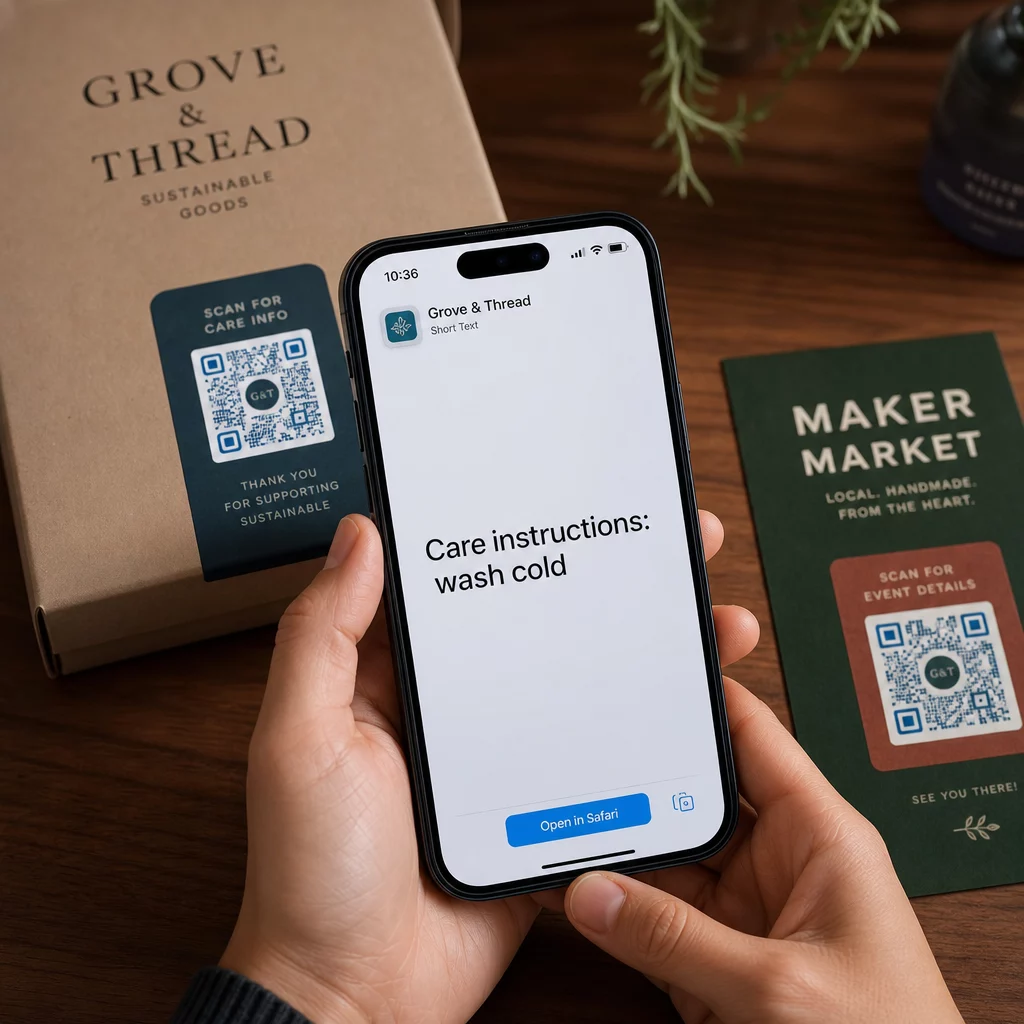
קוד QR טקסט פועל באותה צורה, אלא שבמקום להפנות לאתר אינטרנט, הוא מציג את הטקסט המקודד ישירות על מסך המשתמש. כאשר מישהו סורק אותו, התוכן מופיע מיד והם יכולים לקרוא, להעתיק אותו, או לקיים אינטראקציה איתו לפי הצורך.
זה הופך קודי QR טקסט לשימושיים למגוון רחב של מצבים:
- הודעות קצרות או הכרזות
- הוראות שלב אחר שלב על אריזות או שילוט
- פרטי יצירת קשר או הערות
- אימוג'ים, כתובות אתרים (URLs), או כל תוכן אחר מבוסס טקסט
בניגוד לקוד QR של כתובת אתר (URL), קוד QR טקסט אינו דורש מהנמען חיבור לאינטרנט כדי לקרוא את התוכן – המידע מוטמע ישירות בקוד עצמו.
כיצד ליצור קוד QR מטקסט
יצירת קוד QR טקסט אורכת פחות מדקה. הנה התהליך באמצעות ה- מחולל קודי QR טקסט של Pageloot:
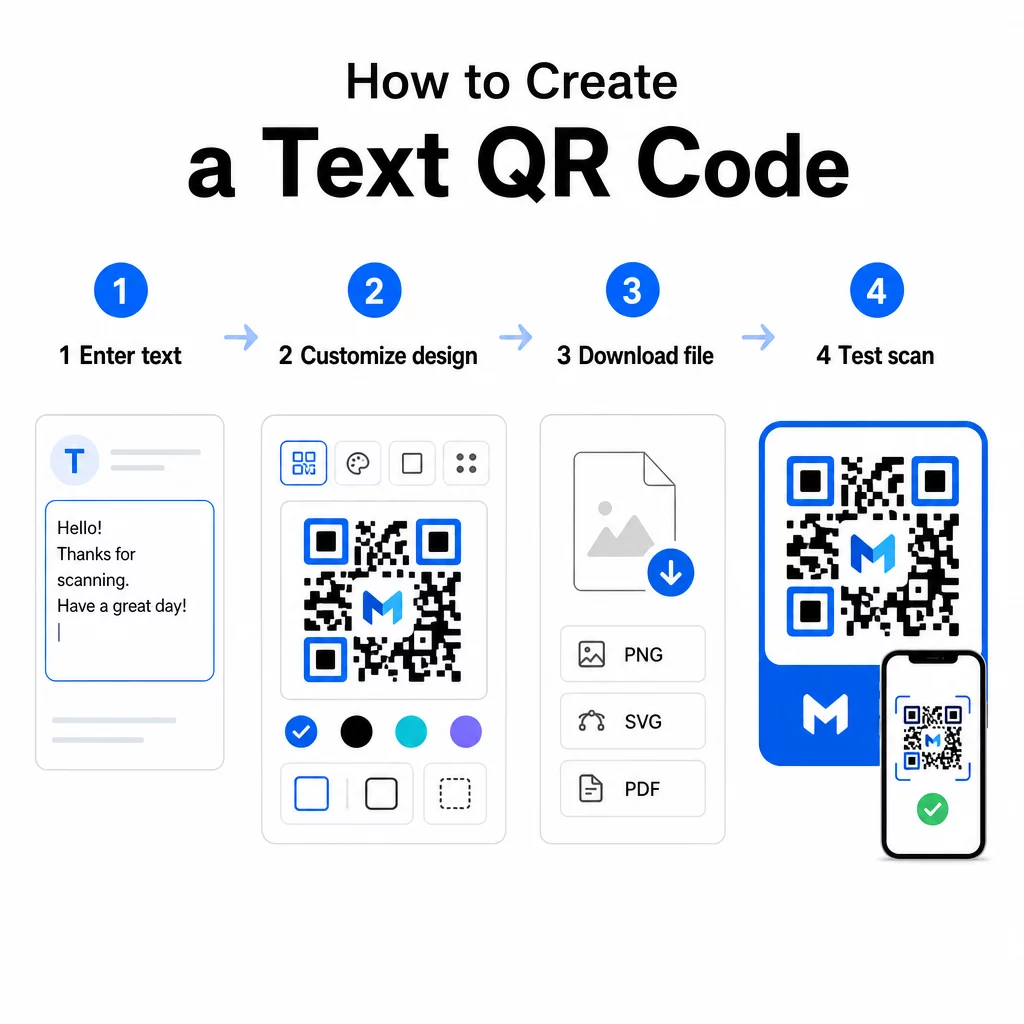
- הזן את הטקסט שלך – הקלד או הדבק את ההודעה, ההוראות, או הפרטים שברצונך לקודד. זה יכול להיות כל דבר, מהערה קצרה ועד פרטי יצירת קשר.
- התאם אישית את המראה – התאם צבעים, הוסף את הלוגו שלך, שנה את הצורה, או הוסף מסגרת קריאה לפעולה כדי להתאים למותג שלך. בעקבות זאת, שיטות עבודה מומלצות לניגודיות צבעי קוד QR בשלב זה עוזר להבטיח שהקוד שלך יישאר ניתן לסריקה.
- שמור והורד – לחץ על “שמור” כדי ליצור את הקוד. תוכל להוריד אותו כקובץ תמונה PNG או JPG לשימוש בחומרים דיגיטליים או מודפסים.
- בדוק לפני שאתה מפרסם – סרוק את הקוד באמצעות סורק QR אונליין או מצלמת הסמארטפון שלך כדי לוודא שהוא מציג את התוכן הנכון לפני הפצתו.
צור קוד QR טקסט משלך בחינם מוכן להפוך כל הודעה לקוד שניתן לסרוק באופן מיידי? השתמש ב- מחולל QR לטקסט כדי לבנות, להתאים אישית ולהוריד את הקוד שלך תוך דקות.
התאמה אישית של קוד ה-QR הטקסט שלך
קוד פשוט בשחור-לבן עובד, אבל קוד QR ממותג ומעוצב היטב מקבל יותר סריקות. הנה אפשרויות ההתאמה האישית העיקריות שכדאי לשקול:
- צבעים – השתמש בצבעי המותג שלך, אך תמיד שמור על חזית כהה על רקע בהיר. ניגודיות נמוכה היא הסיבה הנפוצה ביותר לכך שקוד QR לא נסרק באופן אמין.
- סֵמֶל – הוספת הלוגו שלך בונה אמון ומחזקת את זיהוי המותג. אם אתה מוסיף שכבת-על של לוגו, השתמש ברמת תיקון שגיאות גבוהה יותר (Q או H) כך שהסורק יוכל עדיין לקרוא את הקוד גם כאשר חלק ממנו מוסתר.
- מסגרת עם קריאה לפעולה – הנחיה קצרה כמו “סרוק לפרטים” או “קרא הוראות כאן” אומרת לאנשים בדיוק למה לצפות ומעודדת אותם לסרוק.
- צוּרָה – קודי QR לא חייבים להיות מרובעים לחלוטין. צורות נקודות מותאמות אישית וסגנונות קצוות יכולים לגרום לקוד להרגיש יותר כחלק מהעיצוב שלך מבלי לפגוע בפונקציונליות.
לעיון מעמיק יותר במה שמשפיע על אמינות הסריקה, ה מדריך שיטות עבודה מומלצות לקריאות קוד QR מכסה גודל, ניגודיות, אזורים שקטים ומיקום בפירוט.
הורדה ושימוש בקוד ה-QR שלך
לאחר שאתה מרוצה מהעיצוב ובדקת אותו, הורד את הקובץ בפורמט המתאים למקרה השימוש שלך:
- PNG או JPG – הטוב ביותר לשימוש דיגיטלי: אתרים, מיילים, מדיה חברתית ומצגות.
- SVG, EPS או PDF – פורמטים וקטוריים שניתנים להגדלה ללא איבוד איכות, אידיאליים לחומרי הדפסה כמו פליירים, פוסטרים ואריזות מוצרים.
ה מחולל קוד QR בפורמט PNG הוא אפשרות טובה אם אתה זקוק לרקע שקוף כדי למקם את הקוד מעל תמונות או עיצובים בעלי טקסטורה ללא תיבה לבנה סביבו.
למיקום, בחר משטח שטוח, חלק ובעל נראות גבוהה. הימנע ממשטחים מעוקלים, גימורים מחזירי אור במיוחד, או רקעים עמוסים, מכיוון שאלה עלולים להפריע לסריקה. גודל מינימלי של כ-2 × 2 ס"מ (בערך 0.8 × 0.8 אינץ') מומלץ לסריקה מטווח קרוב, והקוד צריך להיות גדול יותר באופן פרופורציונלי ככל שהקהל שלך צפוי להיות רחוק יותר.
קודי QR טקסטואליים סטטיים לעומת דינמיים
כאשר אתה יוצר קוד QR טקסטואלי, יש לך שתי אפשרויות מבניות:
| תכונה | קוד QR סטטי | קוד QR דינמי |
|---|---|---|
| תוכן ניתן לעריכה לאחר יצירה | לא | כן |
| מעקב וניתוח סריקות | לא | כן |
| כתובת URL מקודדת קצרה יותר (תבנית נקייה יותר) | לא | כן |
| עובד ללא אינטרנט | כן | דורש הפניה מחדש |
א קוד QR סטטי מקודד את הטקסט ישירות ובאופן קבוע. הוא עובד במצב לא מקוון, אך אם תצטרך לשנות את ההודעה מאוחר יותר, תצטרך ליצור ולהפיץ קוד חדש.
א קוד QR דינמי מקודד כתובת URL קצרה להפניה מחדש במקום הטקסט עצמו. זה שומר על תבנית הקוד פשוטה וקלה יותר לסריקה, ומאפשר לך לעדכן את תוכן היעד בכל עת ללא הדפסה מחדש. זה גם נותן לך גישה לניתוח סריקות – מעקב אחר מדדים כמו ספירת סריקות, מיקום, סוג מכשיר וזמן סריקה.
לשימושים חד-פעמיים כמו עלון או תווית מוצר עם הוראות קבועות, קוד סטטי מספיק בהחלט. עבור קמפיינים מתמשכים או כל דבר שעשוי לדרוש עדכון, קוד דינמי הוא הבחירה הגמישה יותר. ניתן לבחון אפשרויות דינמיות דרך ה מחולל קוד QR של Pageloot.
שימושים מעשיים לקודי QR טקסטואליים
קודי QR טקסטואליים משתלבים באופן טבעי בתרחישים רבים בעולם האמיתי:
- אריזות מוצרים – קודד הוראות טיפול, שלבי הרכבה או מידע בטיחותי כדי שלקוחות יוכלו לגשת לפרטים בסריקה אחת במקום לחפש עלון נפרד.
- שילוט אירועים – שתף סיסמאות WiFi, לוחות זמנים של אירועים או כללי מקום מבלי להדפיס אותם במלואם על כל שלט.
- כרטיסי ביקור – כלול הודעה אישית קצרה או סלוגן שיופיעו כאשר מישהו סורק את הכרטיס.
- קמעונאות ואירוח – קודד הודעות קידום מכירות קצרות, קודי הנחה או הערות קבלת פנים לאורחים.
- הודעות מיידיות – ניתן לשלב קודי QR טקסטואליים גם עם תהליכי עבודה של הודעות. ה- מדריך קודי QR להודעות מיידיות מסביר כיצד להגדיר קודים הפותחים הודעה מלאה מראש בווטסאפ, פייסבוק מסנג'ר או SMS.
לפני ההפצה: רשימת בדיקה
בעיות סריקה קל הרבה יותר לזהות לפני שקוד מודפס מאשר אחרי. בצע את הבדיקות הבאות לפני הפצת כל קוד QR:
- סרוק עם לפחות שני מכשירים שונים (iOS ואנדרואיד)
- בדוק בתנאי התאורה האמיתיים שבהם הקוד יוצג
- אשר שהטקסט המוצג מדויק ושלם
- ודא שהאזור השקט (הגבול הנקי סביב הקוד) אינו חסום
- להדפסה, אשר שהקוד גדול מספיק ביחס למרחק הסריקה הצפוי
ה מדריך שיטות עבודה מומלצות לשימושיות קוד QR כולל פירוט מלא של דרישות תקן ISO/IEC 18004 אם ברצונך לוודא שהקוד שלך עומד בקריטריונים של תאימות טכנית.
קוד QR טקסטואלי הוא אחת הדרכים המהירות ביותר לשתף מידע מבלי לדרוש חיבור לאינטרנט או כתובת URL מוקלדת. הקפדה על היסודות – ניגודיות ברורה, גודל מתאים, עיצוב שנבדק – משמעותה שאנשים שאתה מנסה להגיע אליהם יכולים לגשת לתוכן שלך באופן מיידי וללא חיכוך.
בנה ובדוק את קוד ה-QR שלך להשתמש ב יצירת קוד QR חינם כדי ליצור, להתאים אישית ולהוריד קוד QR טקסטואלי תוך דקות. אין צורך בכרטיס אשראי כדי להתחיל.
שאלות נפוצות
כן. רוב הסמארטפונים המודרניים המריצים iOS 11 ואילך וגרסאות אנדרואיד עדכניות יכולים לסרוק קודי QR ישירות דרך אפליקציית המצלמה המובנית מבלי להוריד שום דבר נוסף. עבור מכשירים ישנים יותר או כדי לאמת תוכן לפני השיתוף, ניתן גם להשתמש בכלי מקוון כמו ה-Pageloot QR Code Scanner.
קוד QR סטנדרטי יכול לקודד עד 4,296 תווים אלפאנומריים ברמת תיקון השגיאות הנמוכה ביותר. בפועל, טקסט קצר יותר מייצר קוד פשוט יותר ופחות צפוף, שנסרק מהר יותר ובאופן אמין יותר במגוון רחב יותר של מכשירים ותנאי תאורה. אם ההודעה שלך ארוכה, שקול האם כתובת URL המפנה לדף אינטרנט עשויה להיות עדיפה.
לא עם קוד QR סטטי – הטקסט מקודד באופן קבוע בתבנית. אם תצטרך לשנות את התוכן מאוחר יותר, תצטרך ליצור קוד חדש. קוד QR דינמי פותר זאת: הוא מקודד כתובת URL קצרה להפניה מחדש שתוכל לעדכן בכל עת, כך שהקוד המודפס נשאר זהה גם כשהתוכן משתנה.