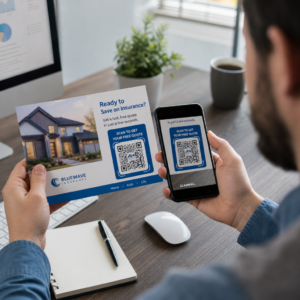
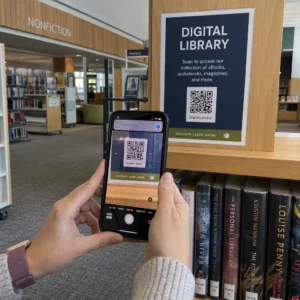
Хотите поделиться сообщением, набором инструкций или контактными данными с любым владельцем смартфона? Обычный текст часто упускается из виду как тип контента для QR-кода, но это один из самых прямых и универсальных доступных форматов. Это руководство подробно расскажет вам, как создать текстовый QR-код, настроить его и убедиться, что он надежно сканируется каждый раз.
Что такое текстовый QR-код?
QR-код (код быстрого ответа) — это двухмерный штрих-код, который хранит данные в виде узора из черно-белых квадратов. Когда камера смартфона наводится на него, узор декодируется, и сохраненная информация мгновенно отображается — ручной ввод не требуется.
Текстовый QR-код работает так же, за исключением того, что вместо перенаправления на веб-сайт он отображает закодированный текст непосредственно на экране пользователя. Когда кто-то сканирует его, содержимое появляется сразу, и они могут читать, копировать или взаимодействовать с ним по мере необходимости.
Это делает текстовые QR-коды полезными для широкого круга ситуаций:
- Короткие сообщения или объявления
- Пошаговые инструкции на упаковке или вывесках
- Контактные данные или заметки
- Эмодзи, URL-адреса или любой другой текстовый контент
В отличие от QR-кода URL-адреса, текстовый QR-код не требует от получателя подключения к интернету для чтения содержимого — информация встроена непосредственно в сам код.
Как создать QR-код из текста
Создание текстового QR-кода занимает меньше минуты. Вот процесс с использованием Pageloot Text QR Code Generator:
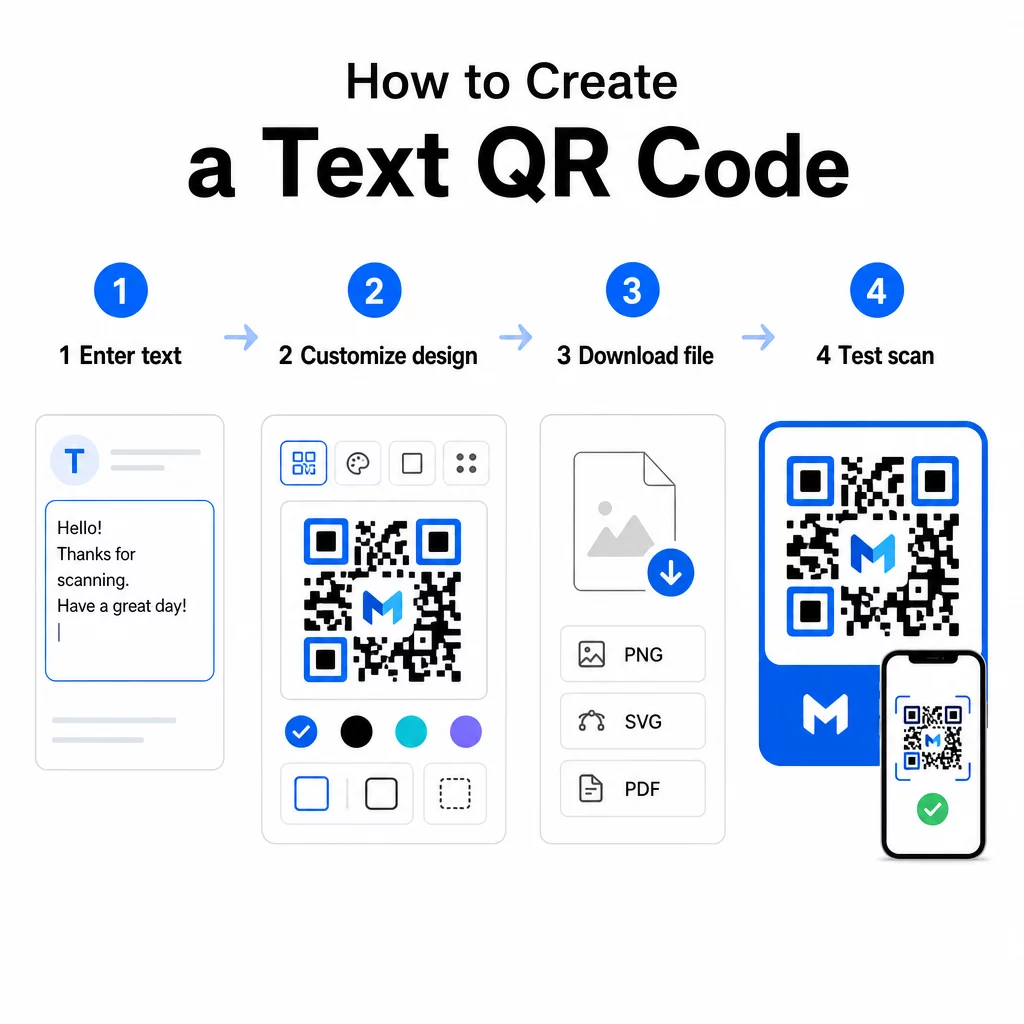
- Введите свой текст – Введите или вставьте сообщение, инструкции или данные, которые вы хотите закодировать. Это может быть что угодно, от короткой заметки до контактной информации.
- Настройте внешний вид – Отрегулируйте цвета, добавьте свой логотип, измените форму или добавьте рамку с призывом к действию, чтобы соответствовать вашему бренду. Следуя лучшим практикам контрастности цветов QR-кода на этом этапе помогает убедиться, что ваш код остается сканируемым.
- Сохрани и загрузи – Нажмите “Сохранить”, чтобы сгенерировать код. Вы можете скачать его как файл изображения PNG или JPG для использования в цифровых или печатных материалах.
- Проверьте перед публикацией – Отсканируйте код с помощью Сканер QR кода или камеры вашего смартфона, чтобы убедиться, что он отображает правильное содержимое, прежде чем распространять его.
Создайте свой текстовый QR-код бесплатно Готовы превратить любое сообщение в мгновенно сканируемый код? Используйте QR код с текстом для создания, настройки и загрузки вашего кода за считанные минуты.
Настройка вашего текстового QR-кода
Простой черно-белый код работает, но фирменный, хорошо разработанный QR-код получает больше сканирований. Вот основные параметры настройки, которые стоит рассмотреть:
- Цвета – Используйте цвета вашего бренда, но всегда сохраняйте темный передний план на светлом фоне. Низкий контраст — самая распространенная причина ненадежного сканирования QR-кода.
- Логотип – Добавление вашего логотипа повышает доверие и укрепляет узнаваемость бренда. Если вы добавляете наложение логотипа, используйте более высокий уровень коррекции ошибок (Q или H), чтобы сканер мог считывать код, даже если часть его скрыта.
- Рамка с призывом к действию – Короткая подсказка, такая как “Сканировать для получения подробностей” или “Прочитать инструкции здесь”, точно сообщает людям, чего ожидать, и побуждает их сканировать.
- Форма – QR-коды не обязательно должны быть идеально квадратными. Пользовательские формы точек и стили краев могут сделать код более похожим на часть вашего дизайна без ущерба для функциональности.
Для более глубокого изучения того, что влияет на надежность сканирования, руководство по лучшим практикам читаемости QR-кодов рассматриваются размер, контрастность, тихие зоны и размещение подробно.
Загрузка и использование вашего QR-кода
Как только вы довольны дизайном и протестировали его, загрузите файл в формате, который соответствует вашему сценарию использования:
- PNG или JPG – Лучше всего подходит для цифрового использования: веб-сайты, электронная почта, социальные сети и презентации.
- SVG, EPS или PDF – Векторные форматы, которые масштабируются без потери качества, идеально подходят для печатных материалов, таких как листовки, плакаты и упаковка продуктов.
В Генератор QR-кода PNG является хорошим вариантом, если вам нужен прозрачный фон для размещения кода поверх изображений или текстурированных дизайнов без белой рамки вокруг него.
Для размещения выберите плоскую, гладкую, хорошо видимую поверхность. Избегайте изогнутых поверхностей, сильно отражающих покрытий или загроможденных фонов, так как это может помешать сканированию. Минимальный размер около 2 × 2 см (примерно 0,8 × 0,8 дюйма) рекомендуется для сканирования с близкого расстояния, и код должен пропорционально увеличиваться по мере удаления вашей аудитории.
Статические против динамических текстовых QR-кодов
При создании текстового QR-кода у вас есть два структурных варианта:
| ФУНКЦИЯ | Статический QR-код | Динамический QR-код |
|---|---|---|
| Содержимое можно редактировать после создания | Нет | Да |
| Отслеживание и анализ сканирования | Нет | Да |
| Более короткий закодированный URL (более чистый шаблон) | Нет | Да |
| Работает без интернета | Да | Требует перенаправления |
A статический QR-код кодирует текст напрямую и навсегда. Он работает в автономном режиме, но если вам нужно изменить сообщение позже, вам придется создать и распространить новый код.
A динамический QR-код кодирует короткий URL-адрес перенаправления вместо самого текста. Это делает шаблон кода проще и легче для сканирования, а также позволяет обновлять целевой контент в любое время без перепечатки. Это также дает вам доступ к аналитике сканирования – отслеживанию таких метрик, как количество сканирований, местоположение, тип устройства и время сканирования.
Для одноразового использования, например, для раздаточного материала или этикетки продукта с фиксированными инструкциями, статический код вполне достаточен. Для текущих кампаний или всего, что может потребовать обновления, динамический код является более гибким выбором. Вы можете изучить динамические опции через Генератор QR-кодов.
Практическое применение текстовых QR-кодов
Текстовые QR-коды естественно вписываются во многие реальные сценарии:
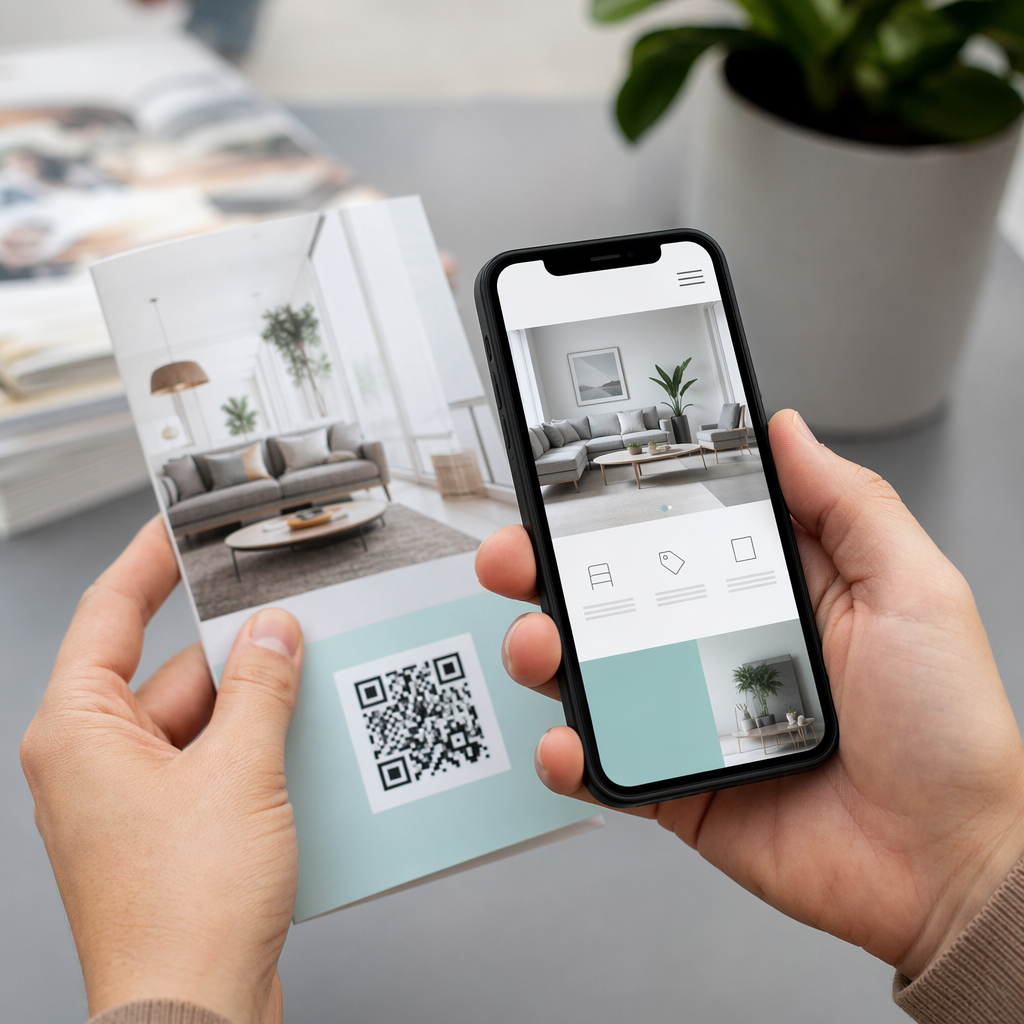
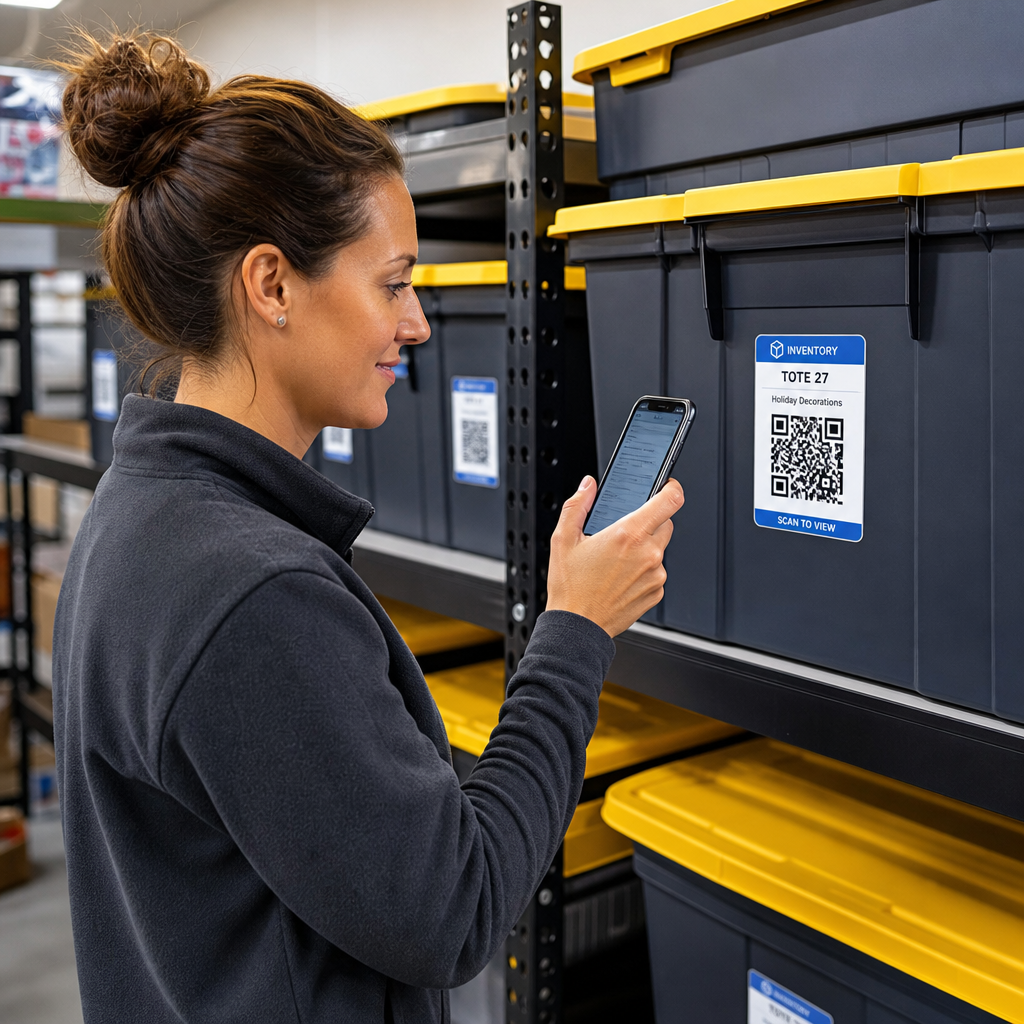
- Упаковка товаров – Кодируйте инструкции по уходу, этапы сборки или информацию о безопасности, чтобы клиенты могли получить доступ к деталям одним сканированием вместо поиска отдельной вставки.
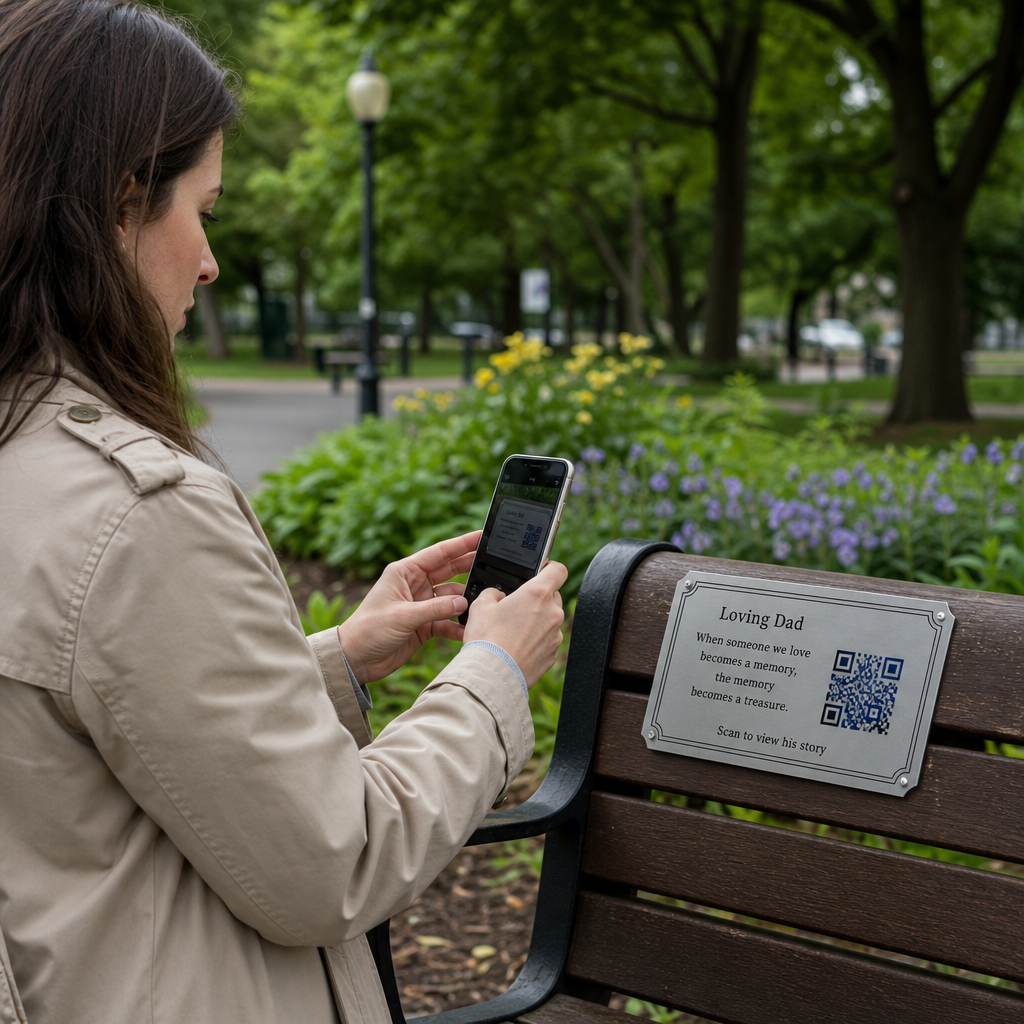
- Вывески мероприятий – Делитесь паролями Wi-Fi, расписанием мероприятий или правилами места проведения, не печатая их полностью на каждой вывеске.
- Визитки – Включите короткое личное сообщение или слоган, который появляется, когда кто-то сканирует карту.
- Розничная торговля и гостиничный бизнес – Кодируйте короткие рекламные сообщения, коды скидок или приветственные записки для гостей.
- Мгновенные сообщения – Текстовые QR-коды также могут быть объединены с рабочими процессами обмена сообщениями. руководство по QR-кодам для мгновенных сообщений объясняет, как настроить коды, которые открывают предварительно заполненное сообщение в WhatsApp, Facebook Messenger или SMS.
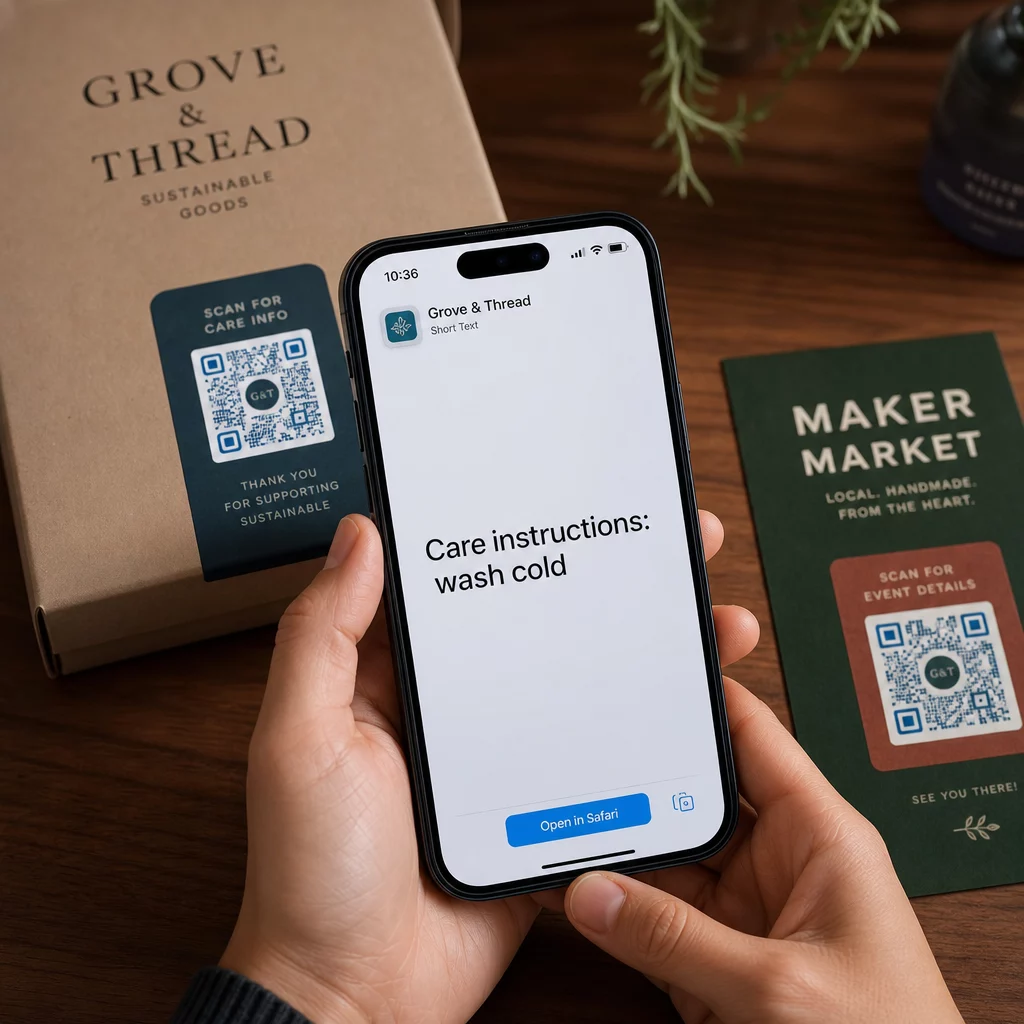
Перед распространением: Контрольный список тестирования
Проблемы со сканированием гораздо легче обнаружить до того, как код будет напечатан, чем после. Выполните эти проверки перед распространением любого QR-кода:
- Сканируйте как минимум двумя разными устройствами (iOS и Android)
- Протестируйте в реальных условиях освещения, где будет отображаться код
- Убедитесь, что отображаемый текст точен и полон
- Убедитесь, что тихая зона (четкая граница вокруг кода) не загорожена
- Для печати убедитесь, что код достаточно велик относительно ожидаемого расстояния сканирования
В Руководство по лучшим практикам использования QR-кодов содержит полный обзор требований стандарта ISO/IEC 18004, если вы хотите убедиться, что ваш код соответствует критериям технического соответствия.
Текстовый QR-код — один из самых быстрых способов обмена информацией, не требующий подключения к интернету или ввода URL-адреса. Правильное выполнение основных требований — четкий контраст, соответствующий размер, проверенный дизайн — означает, что люди, которых вы пытаетесь охватить, смогут получить доступ к вашему контенту мгновенно и без затруднений.
Создайте и протестируйте свой QR-код Использовать Создать QR код бесплатно чтобы создать, настроить и загрузить текстовый QR-код за считанные минуты. Для начала работы кредитная карта не требуется.
Часто задаваемые вопросы
Да. Большинство современных смартфонов, работающих под управлением iOS 11 или новее и последних версий Android, могут сканировать QR-коды напрямую через встроенное приложение камеры без загрузки чего-либо дополнительного. Для старых устройств или для проверки содержимого перед отправкой вы также можете использовать онлайн-инструмент, например, сканер QR-кодов Pageloot.
Стандартный QR-код может кодировать до 4296 буквенно-цифровых символов при самом низком уровне исправления ошибок. На практике более короткий текст создает более простой, менее плотный код, который сканируется быстрее и надежнее на более широком спектре устройств и при различных условиях освещения. Если ваше сообщение длинное, подумайте, не лучше ли использовать URL-адрес, указывающий на веб-страницу.
Не со статическим QR-кодом – текст постоянно закодирован в его рисунке. Если вам понадобится изменить содержимое позже, вам потребуется создать новый код. Динамический QR-код решает эту проблему: он кодирует короткий URL-адрес перенаправления, который вы можете обновить в любое время, поэтому напечатанный код остается прежним, даже если содержимое меняется.