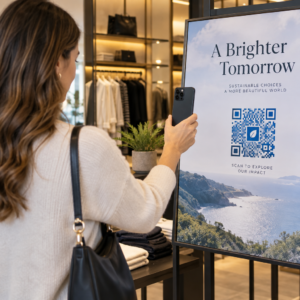
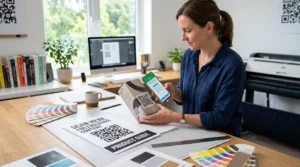
Haluatko jakaa viestin, ohjeet tai yhteystiedot kenen tahansa älypuhelimen omistajan kanssa? Pelkkä teksti jää usein huomiotta QR-koodin sisältötyyppinä, mutta se on yksi suorimmista ja monipuolisimmista saatavilla olevista muodoista. Tämä opas käy läpi tarkalleen, miten luot tekstin QR-koodin, mukautat sen ja varmistat, että se skannautuu luotettavasti joka kerta.
Mikä on tekstin QR-koodi?
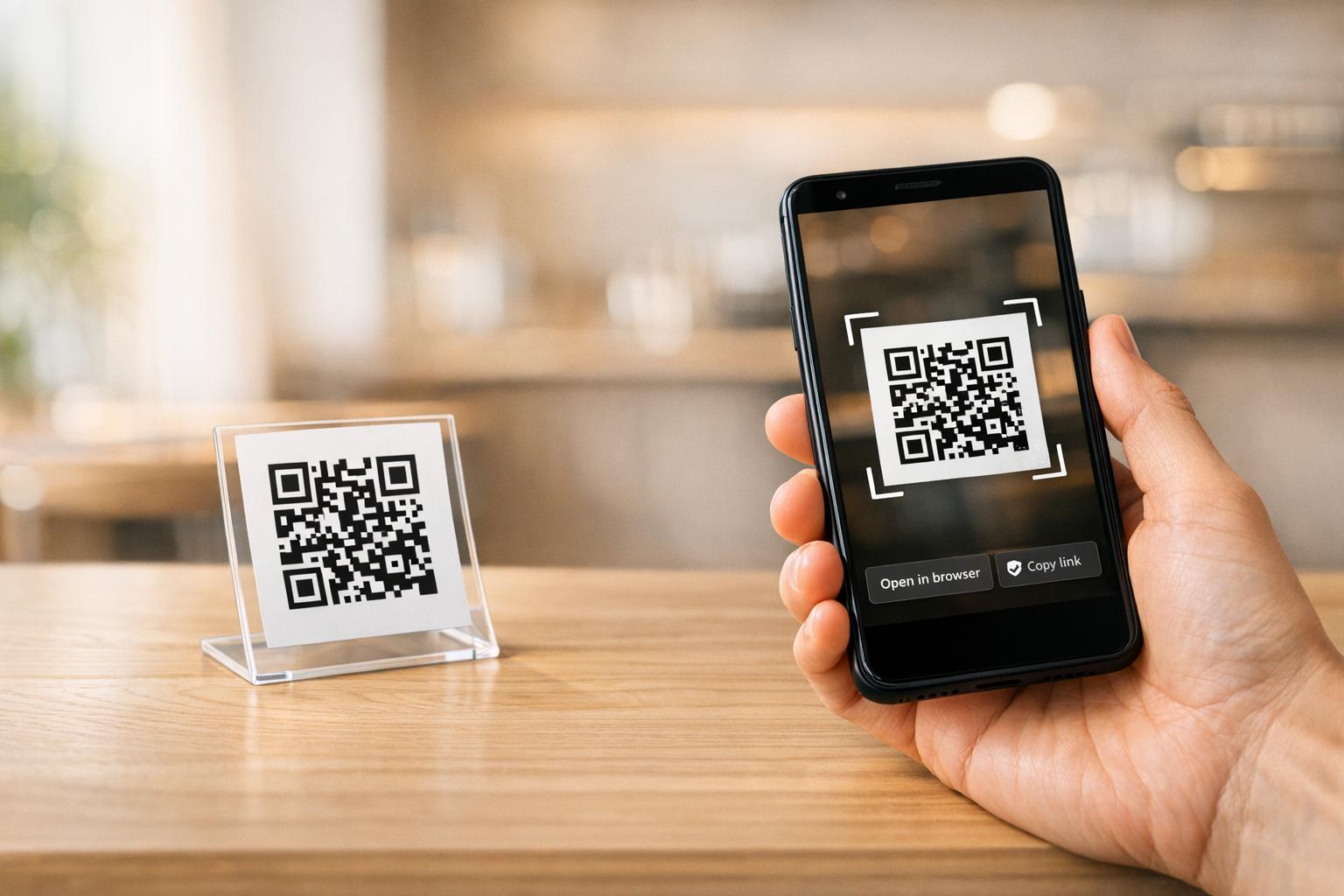
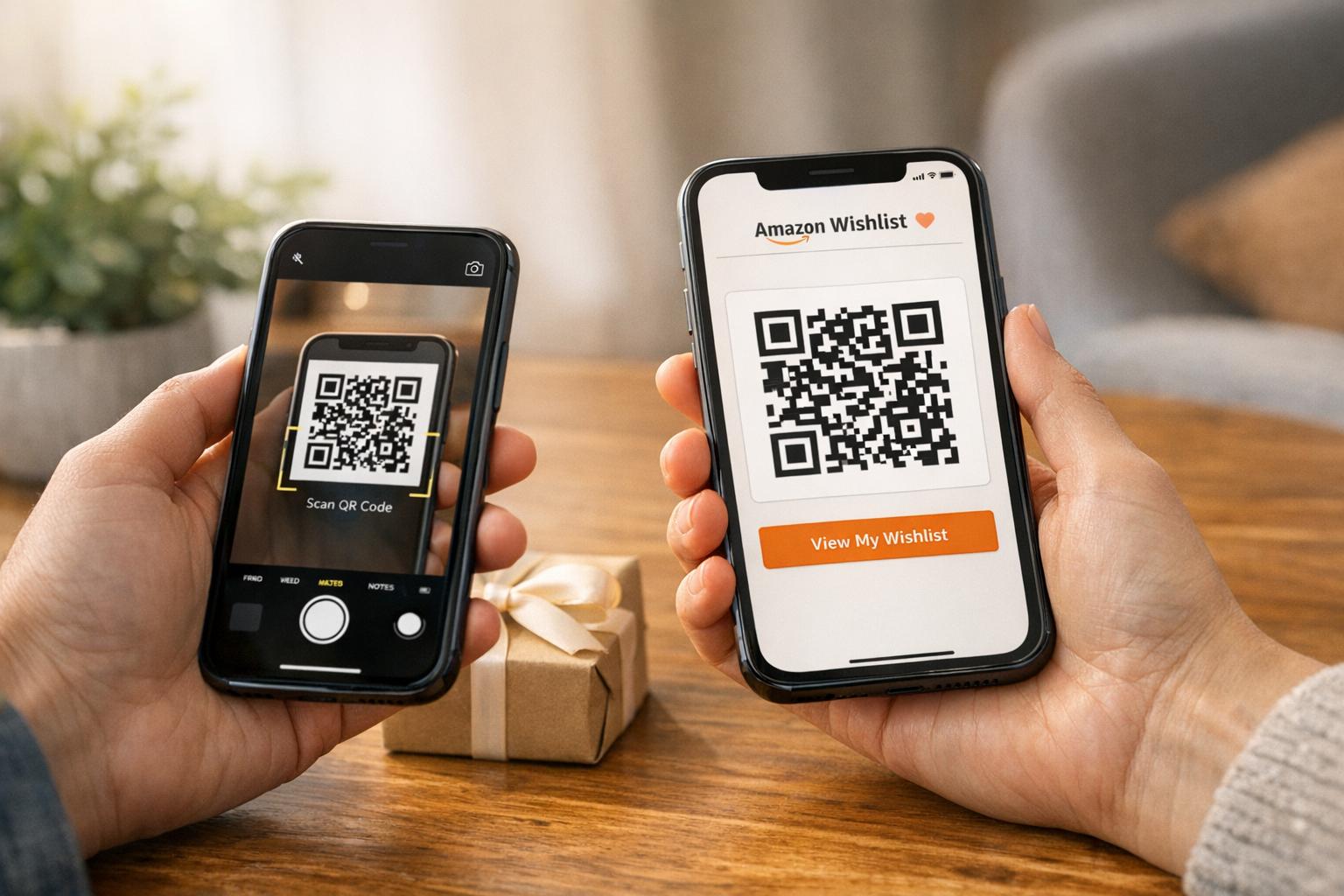
QR-koodi (Quick Response code) on kaksiulotteinen viivakoodi, joka tallentaa tietoja mustavalkoisten neliöiden kuviona. Kun älypuhelimen kamera osoittaa sitä kohti, kuvio puretaan ja tallennetut tiedot näytetään välittömästi – manuaalista kirjoittamista ei tarvita.
Tekstin QR-koodi toimii samalla tavalla, paitsi että verkkosivustolle ohjaamisen sijaan se näyttää koodatun tekstin suoraan käyttäjän näytöllä. Kun joku skannaa sen, sisältö ilmestyy heti ja he voivat lukea, kopioida tai olla vuorovaikutuksessa sen kanssa tarpeen mukaan.
Tämä tekee tekstin QR-koodeista hyödyllisiä monissa tilanteissa:
- Lyhyet viestit tai ilmoitukset
- Vaiheittaiset ohjeet pakkauksissa tai kylteissä
- Yhteystiedot tai muistiinpanot
- Emojit, URL-osoitteet tai muu tekstipohjainen sisältö
Toisin kuin URL-QR-koodi, tekstin QR-koodi ei vaadi vastaanottajalta internetyhteyttä sisällön lukemiseen – tiedot on upotettu suoraan itse koodiin.
Miten luoda QR-koodi tekstistä
Tekstin QR-koodin luominen kestää alle minuutin. Tässä on prosessi käyttäen Pageloot Text QR Code Generator:
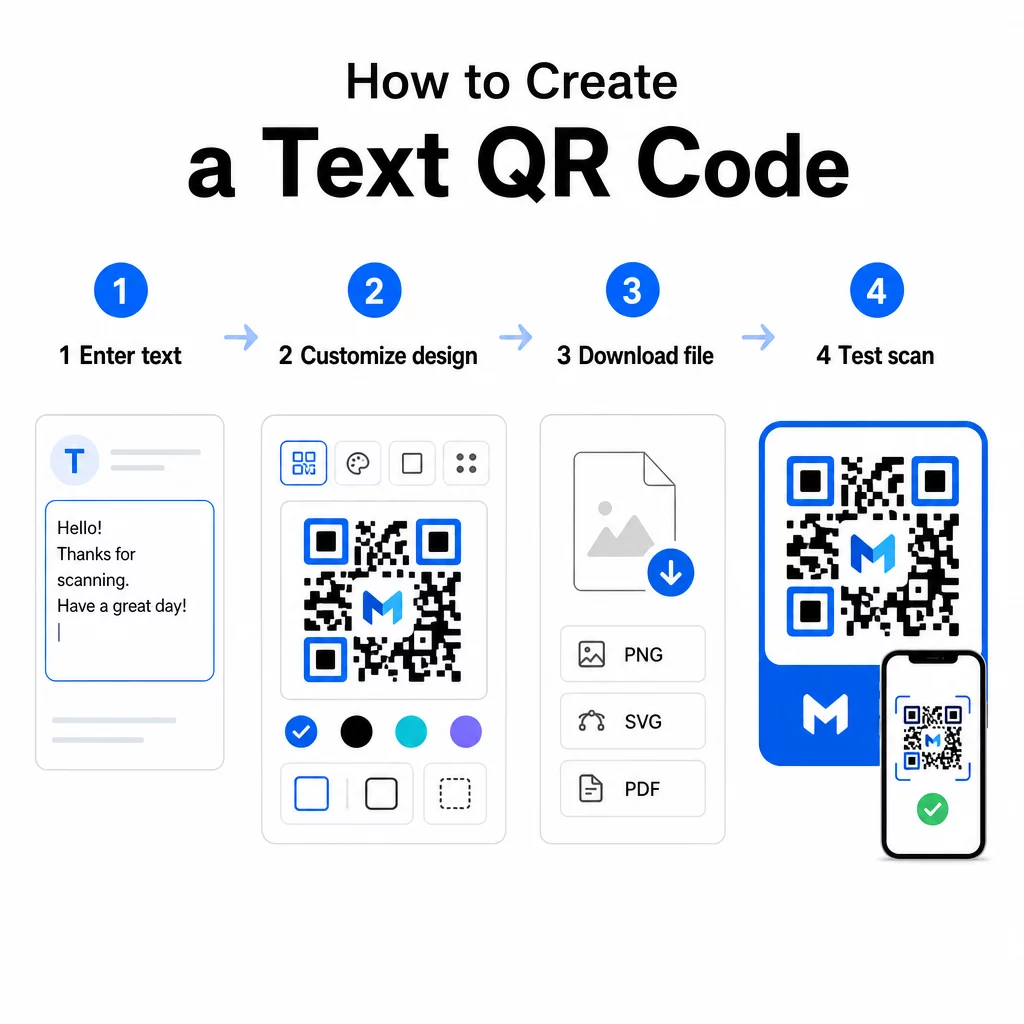
- Kirjoita teksti – Kirjoita tai liitä viesti, ohjeet tai tiedot, jotka haluat koodata. Tämä voi olla mitä tahansa lyhyestä muistiinpanosta yhteystietoihin.
- Mukauta ulkoasua – Säädä värejä, lisää logosi, muuta muotoa tai lisää toimintakehote (call-to-action) -kehys vastaamaan brändiäsi. Seuraavat QR-koodin värikontrastin parhaita käytäntöjä tässä vaiheessa auttaa varmistamaan, että koodisi pysyy skannattavana.
- Tallenna ja lataa – Napsauta “Tallenna” luodaksesi koodin. Voit ladata sen PNG- tai JPG-kuvatiedostona käytettäväksi digitaalisissa tai painetuissa materiaaleissa.
- Testaa ennen julkaisua – Skannaa koodi QR-koodin lukija tai älypuhelimesi kameralla varmistaaksesi, että se näyttää oikean sisällön ennen jakelua.
Luo oma tekstin QR-koodisi ilmaiseksi Valmiina muuttamaan minkä tahansa viestin välittömästi skannattavaksi koodiksi? Käytä Tekstin QR-koodi generaattori rakentaaksesi, mukauttaaksesi ja ladataksesi koodisi minuuteissa.
Tekstin QR-koodin mukauttaminen
Yksinkertainen mustavalkoinen koodi toimii, mutta brändätty, hyvin suunniteltu QR-koodi saa enemmän skannauksia. Tässä ovat tärkeimmät mukautusvaihtoehdot, jotka kannattaa ottaa huomioon:
- Värit – Käytä brändisi värejä, mutta pidä aina tumma etuala vaalealla taustalla. Huono kontrasti on yleisin syy siihen, miksi QR-koodi ei skannaudu luotettavasti.
- Logo – Logon lisääminen rakentaa luottamusta ja vahvistaa brändin tunnistettavuutta. Jos lisäät logon peittokuvana, käytä korkeampaa virheenkorjaustasoa (Q tai H), jotta skanneri voi silti lukea koodin, vaikka osa siitä olisi peitetty.
- Kehys toimintakehotuksella – Lyhyt kehotus, kuten “Skannaa lisätietoja varten” tai “Lue ohjeet tästä”, kertoo ihmisille tarkalleen, mitä odottaa, ja kannustaa heitä skannaamaan.
- Muoto – QR-koodien ei tarvitse olla täysin neliönmuotoisia. Mukautetut pisteiden muodot ja reunatyylit voivat saada koodin tuntumaan enemmän osalta suunnitteluasi toimivuudesta tinkimättä.
Syvällisemmän katsauksen skannauksen luotettavuuteen vaikuttaviin tekijöihin tarjoaa QR-koodin luettavuuden parhaiden käytäntöjen opas käsittelee kokoa, kontrastia, hiljaisia alueita ja sijoittelua yksityiskohtaisesti.
QR-koodin lataaminen ja käyttäminen
Kun olet tyytyväinen suunnitteluun ja olet testannut sen, lataa tiedosto käyttötarkoitukseesi sopivassa muodossa:
- PNG tai JPG – Paras digitaaliseen käyttöön: verkkosivustot, sähköpostit, sosiaalinen media ja esitykset.
- SVG, EPS tai PDF – Vektorimuodot, jotka skaalautuvat laadun heikkenemättä, ihanteellisia painomateriaaleille, kuten esitteille, julisteille ja tuotepakkauksille.
Se QR-koodin PNG-generaattori on hyvä vaihtoehto, jos tarvitset läpinäkyvän taustan koodin sijoittamiseen kuvien tai teksturoitujen kuvioiden päälle ilman valkoista laatikkoa sen ympärillä.
Sijoittelua varten valitse tasainen, sileä ja hyvin näkyvä pinta. Vältä kaarevia pintoja, erittäin heijastavia viimeistelyjä tai sotkuisia taustoja, sillä ne voivat häiritä skannausta. Lähiskannaukseen suositellaan vähimmäiskokoa noin 2 × 2 cm (noin 0,8 × 0,8 tuumaa), ja koodin tulisi kasvaa suhteellisesti suuremmaksi sitä kauempana yleisösi todennäköisesti on.
Staattiset vs. dynaamiset tekstin QR-koodit
Kun luot tekstin QR-koodin, sinulla on kaksi rakenteellista vaihtoehtoa:
| OMINAISUUS | Staattinen QR-koodi | Dynaaminen QR-koodi |
|---|---|---|
| Sisältö muokattavissa luomisen jälkeen | Ei | Kyllä |
| Skannausten seuranta ja analytiikka | Ei | Kyllä |
| Lyhyempi koodattu URL (siistimpi kuvio) | Ei | Kyllä |
| Toimii ilman internetiä | Kyllä | Vaatii uudelleenohjauksen |
A staattinen QR-koodi koodaa tekstin suoraan ja pysyvästi. Se toimii offline-tilassa, mutta jos viestiä on muutettava myöhemmin, on luotava ja jaettava uusi koodi.
A dynaaminen QR-koodi koodaa lyhyen uudelleenohjaus-URL-osoitteen itse tekstin sijaan. Tämä pitää koodikuvion yksinkertaisempana ja helpommin skannattavana, ja sen avulla voit päivittää kohdesisällön milloin tahansa ilman uudelleenpainatusta. Se antaa myös pääsyn skannausanalytiikkaan – seuraten mittareita, kuten skannausten määrää, sijaintia, laitetyyppiä ja skannausaikaa.
Kertakäyttöön, kuten esitteeseen tai tuotemerkintään, jossa on kiinteät ohjeet, staattinen koodi on täysin riittävä. Jatkuviin kampanjoihin tai mihin tahansa, mikä saattaa vaatia päivitystä, dynaaminen koodi on joustavampi valinta. Voit tutustua dynaamisiin vaihtoehtoihin Pageloot QR-koodigeneraattori.
Teksti-QR-koodien käytännön käyttötarkoitukset
Teksti-QR-koodit sopivat luontevasti moniin todellisiin tilanteisiin:
- Tuotepakkaukset – Koodaa hoito-ohjeet, kokoamisvaiheet tai turvallisuustiedot, jotta asiakkaat voivat tarkastella tietoja yhdellä skannauksella sen sijaan, että he etsisivät erillistä liitettä.
- Tapahtumakyltit – Jaa WiFi-salasanat, tapahtuma-aikataulut tai paikan säännöt ilman, että ne tulostetaan kokonaisuudessaan jokaiseen kylttiin.
- Käyntikortit – Sisällytä lyhyt henkilökohtainen viesti tai iskulause, joka ilmestyy, kun joku skannaa kortin.
- Vähittäiskauppa ja matkailu- ja ravintola-ala – Koodaa lyhyitä mainosviestejä, alennuskoodeja tai tervetulotoivotuksia vieraille.
- Pikaviestintä – Teksti-QR-koodeja voidaan yhdistää myös viestintätyönkulkuihin. Pikaviestien QR-koodiopas selittää, miten koodit asetetaan avaamaan esitäytetty viesti WhatsAppissa, Facebook Messengerissä tai tekstiviestissä.
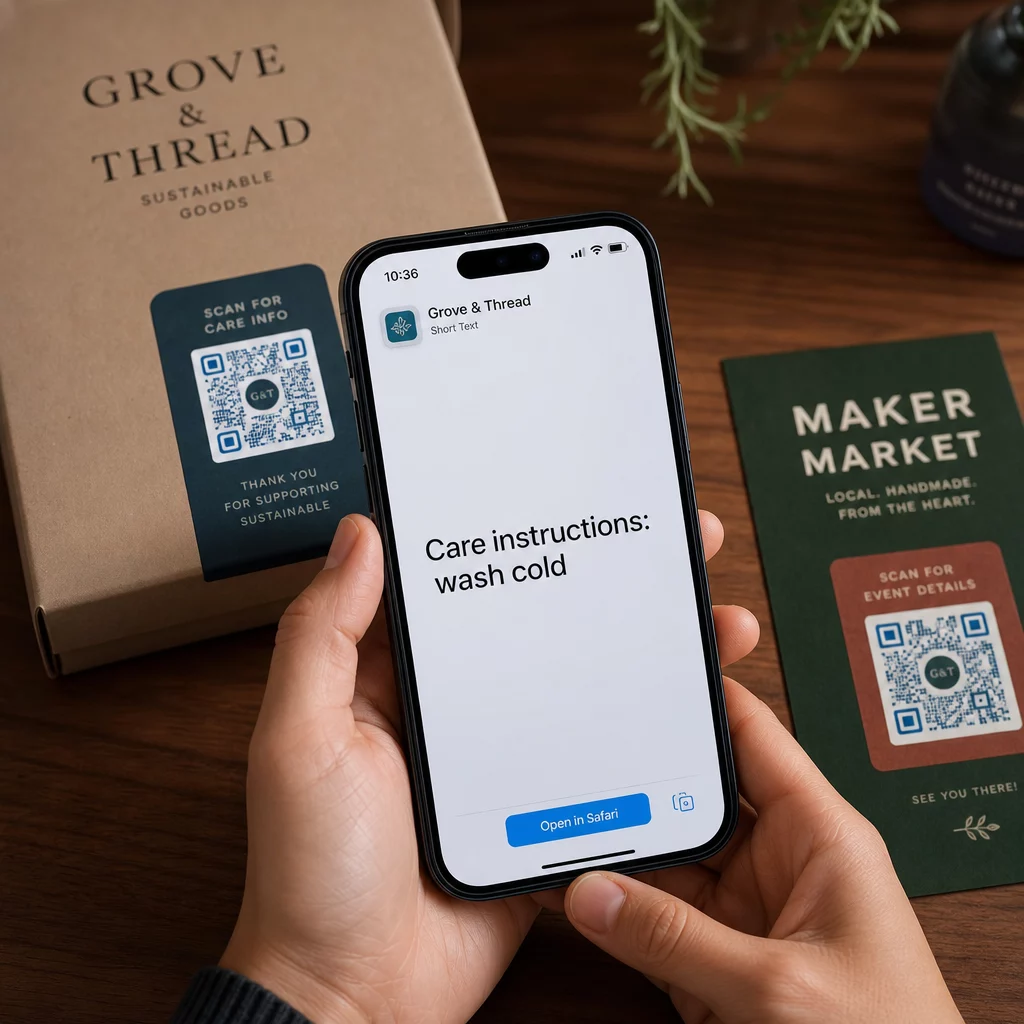
Ennen jakelua: Testauslista
Skannausongelmat on paljon helpompi havaita ennen kuin koodi menee painoon kuin sen jälkeen. Käy läpi nämä tarkistukset ennen minkään QR-koodin jakelua:
- Skannaa vähintään kahdella eri laitteella (iOS ja Android)
- Testaa todellisissa valaistusolosuhteissa, joissa koodi näytetään
- Varmista, että näytetty teksti on tarkka ja täydellinen
- Tarkista, että hiljainen vyöhyke (koodin ympärillä oleva selkeä reuna) on esteetön
- Painatusta varten varmista, että koodi on riittävän suuri suhteessa odotettuun skannausetäisyyteen
Se QR-koodin käytettävyyden parhaiden käytäntöjen opas sisältää täydellisen erittelyn ISO/IEC 18004 -standardin vaatimuksista, jos haluat varmistaa, että koodisi täyttää tekniset vaatimustenmukaisuuskriteerit.
Teksti-QR-koodi on yksi nopeimmista tavoista jakaa tietoa ilman internet-yhteyttä tai kirjoitettua URL-osoitetta. Perusasioiden oikein tekeminen – selkeä kontrasti, sopiva koko, testattu suunnittelu – tarkoittaa, että tavoittelemasi ihmiset pääsevät sisältöösi välittömästi ja vaivattomasti.
Rakenna ja testaa QR-koodisi Käytä Ilmainen QR-koodi generaattori luodaksesi, mukauttaaksesi ja ladataksesi teksti-QR-koodin minuuteissa. Aloittamiseen ei tarvita luottokorttia.
Usein kysytyt kysymykset
Kyllä. Useimmat modernit älypuhelimet, joissa on iOS 11 tai uudempi ja uudet Android-versiot, voivat skannata QR-koodeja suoraan sisäänrakennetun kamerasovelluksen kautta lataamatta mitään ylimääräistä. Vanhemmille laitteille tai sisällön tarkistamiseksi ennen jakamista voit käyttää myös verkkotyökalua, kuten Pageloot QR Code Scanneria.
Standardi QR-koodi voi koodata jopa 4 296 aakkosnumeerista merkkiä alimmalla virheenkorjaustasolla. Käytännössä lyhyempi teksti tuottaa yksinkertaisemman, vähemmän tiheän koodin, joka skannautuu nopeammin ja luotettavammin laajemmin eri laitteilla ja valaistusolosuhteissa. Jos viestisi on pitkä, harkitse, toimisiko verkkosivulle osoittava URL-osoite paremmin.
Ei staattisella QR-koodilla – teksti on pysyvästi koodattu kuvioon. Jos sinun täytyy muuttaa sisältöä myöhemmin, sinun täytyisi luoda uusi koodi. Dynaaminen QR-koodi ratkaisee tämän: se koodaa lyhyen uudelleenohjaus-URL-osoitteen, jonka voit päivittää milloin tahansa, joten painettu koodi pysyy samana, vaikka sisältö muuttuu.