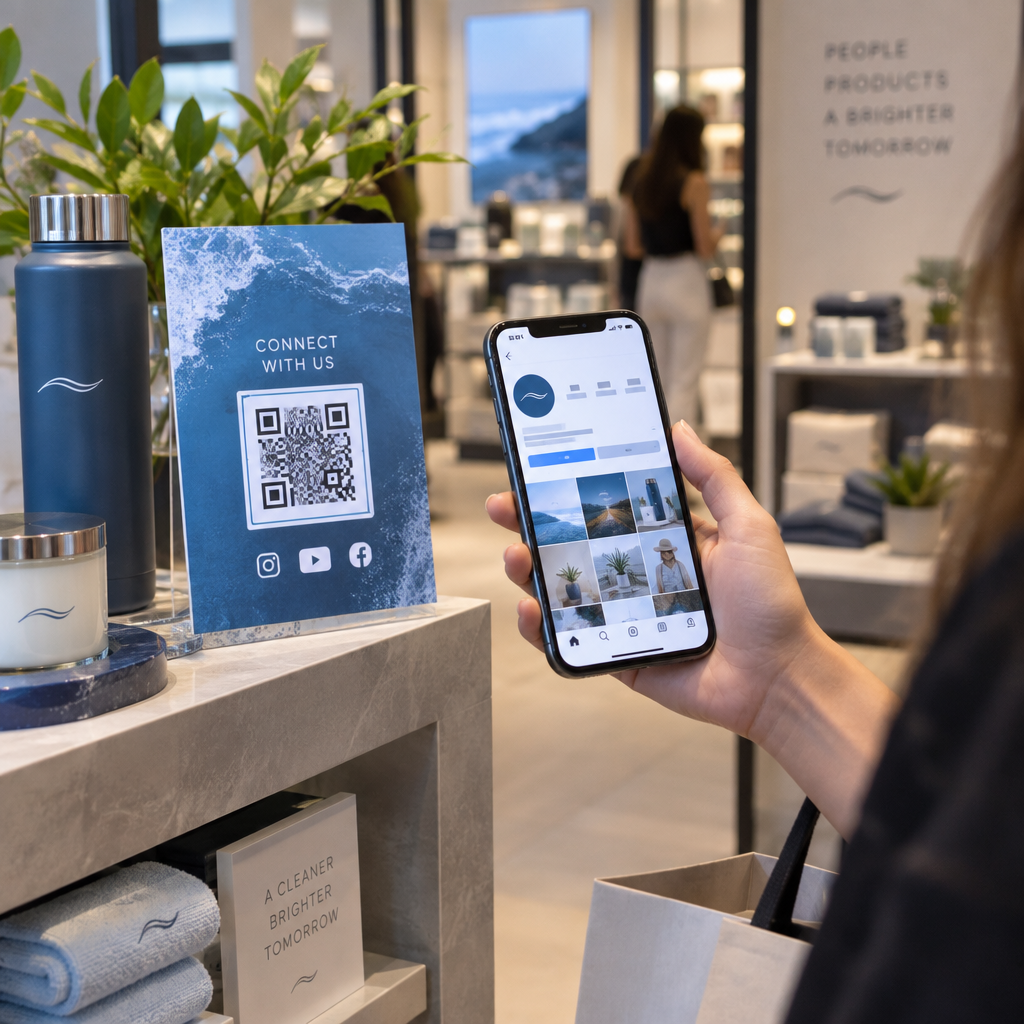
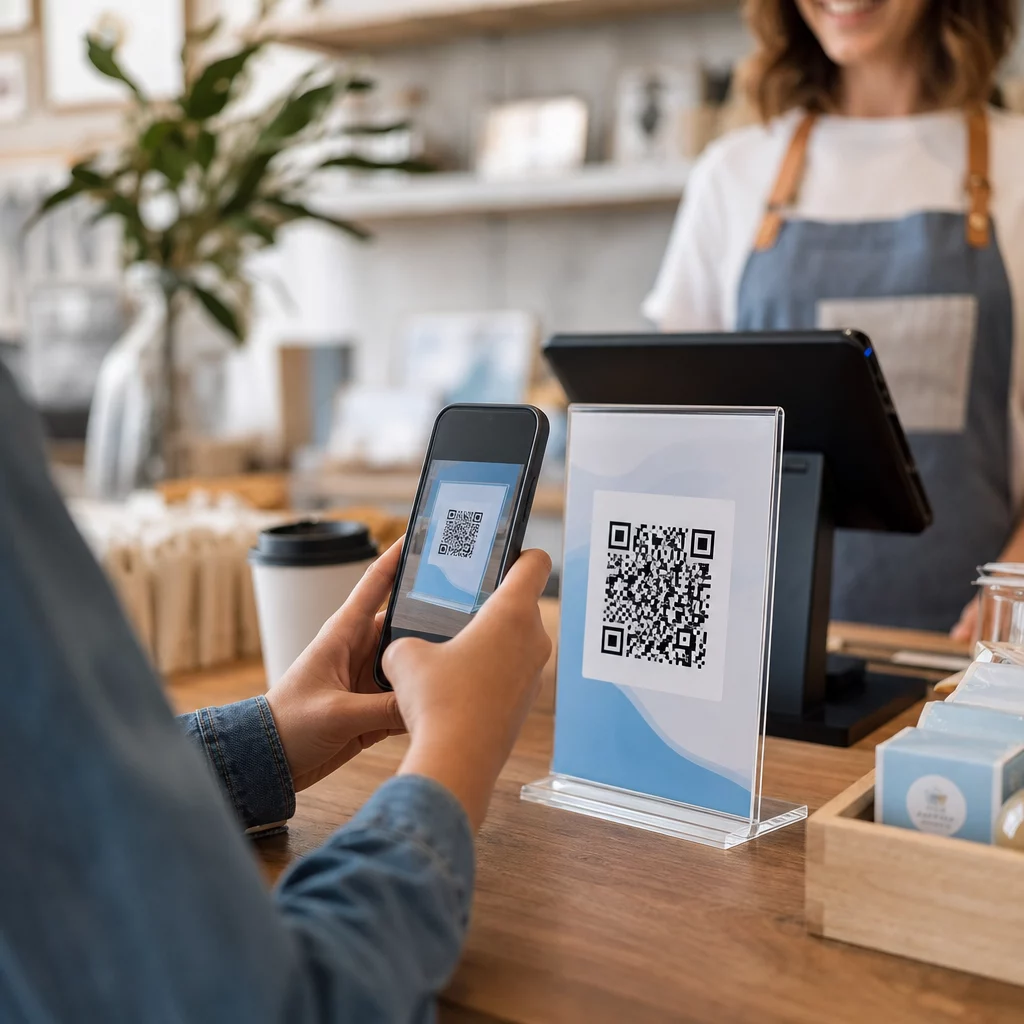
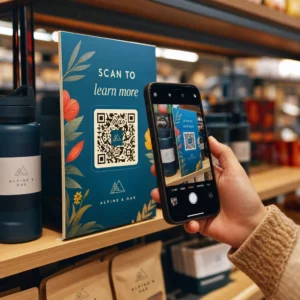
Da li vaš izlog radi za vas nakon zatvaranja? Većina izloga utihne onog trenutka kada se svetla ugase, propuštajući svakog potencijalnog kupca koji prođe. Postavljanje QR koda na vaš izlog pretvara to staklo u uvek aktivnu marketinšku dodirnu tačku koja trenutno povezuje prolaznike sa vašim digitalnim sadržajem.
Zašto su izlozi nedovoljno iskorišćen marketinški prostor
Većina maloprodajnih preduzeća tretira svoje izloge kao dekoraciju. U stvarnosti, izlog okrenut prometnoj ulici je jedno od najvidljivijih mesta koje vam je dostupno – i ne košta ništa dodatno da mu dodate QR kod.
Ljudi koji razgledaju izloge su već zainteresovani. Usporili su, pogledali vašu izložbu i razmišljaju da li da se dalje angažuju. QR kod im daje neposredan sledeći korak: skenirajte da biste videli meni, prelistali katalog, preuzeli popust ili pročitali recenzije. Bez njega, taj trenutak interesovanja prođe i kupac nastavlja dalje.
Brendovi poput Heinza i Nestléa su koristili dinamički QR kodovi na fizičkoj ambalaži za stvaranje trajnih odnosa sa kupcima. Ista logika se primenjuje na izloge. Izlog nije samo barijera između unutrašnjosti i spoljašnjosti – to je površina koja može povezati vaše offline prisustvo sa celokupnim digitalnim ekosistemom.
Kako prikazati QR kod na izlogu prodavnice
Postoji nekoliko praktičnih formata za postavljanje QR koda na izlog, u zavisnosti od vašeg budžeta i toga koliko često treba da menjate sadržaj.
- Folije za prozore su uklonjive vinilne nalepnice koje se direktno lepe na staklo. Lako se postavljaju, izgledaju profesionalno i mogu se zameniti kada se vaša promocija promeni.
- Prozorske nalepnice ili dekali su slične folijama, ali mogu biti trajnije. One dobro funkcionišu za kodove koji vode do dugoročnih destinacija kao što su vaša veb stranica ili stranica za Google recenzije.
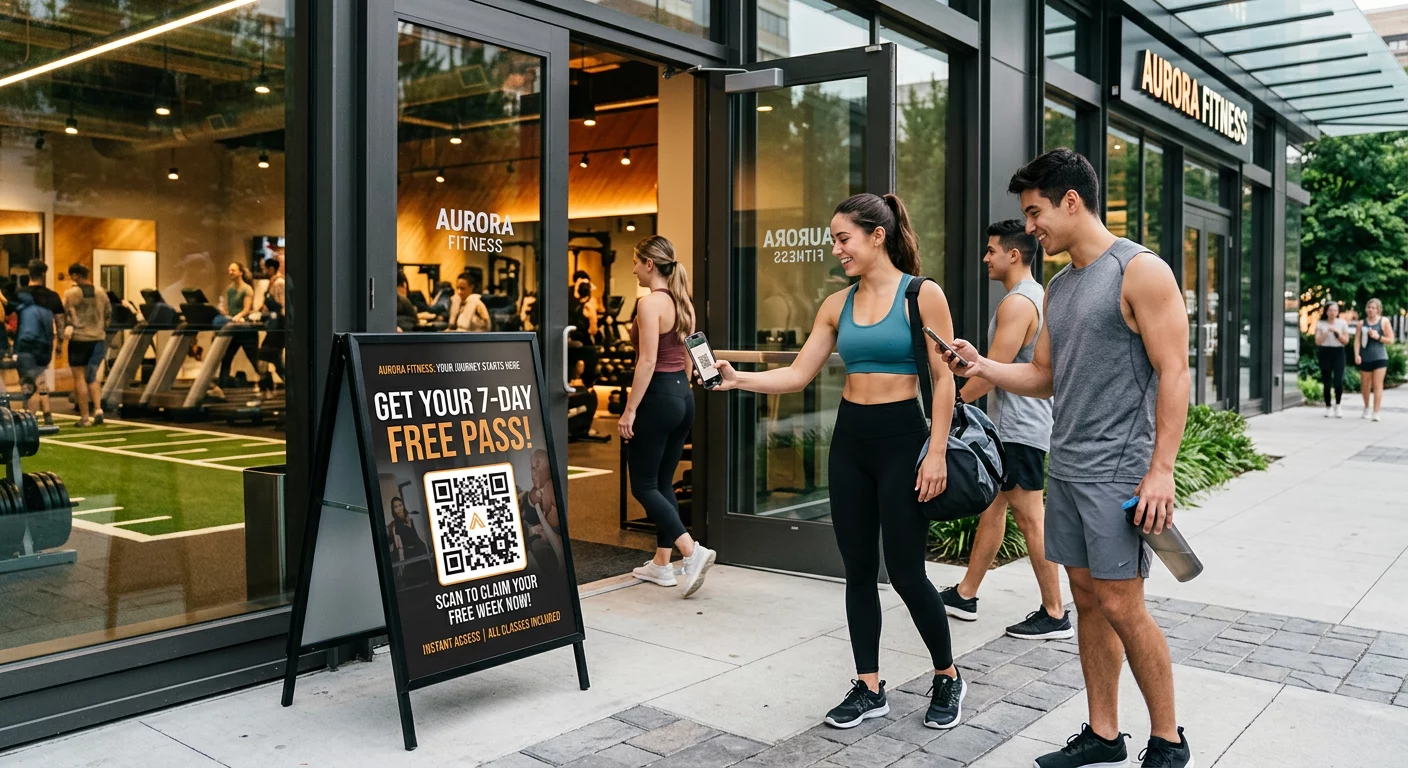
- A-ram znakovi postavljeni odmah ispred vašeg ulaza omogućavaju vam da menjate postere sa QR kodovima bez dodirivanja izloga. Ovo je korisno za promovisanje dnevnih specijaliteta ili vremenski ograničenih ponuda.
- Monitor ili ekran u izlogu može dinamički prikazivati QR kod, što je posebno efikasno ako rotirate promocije ili želite digitalni ekran visoke vidljivosti.
Za bilo koji od ovih formata, koristite PNG QR kod visoke rezolucije kako biste osigurali da štampani ili prikazani kod ostane jasan u veličini koja vam je potrebna.
Kreirajte QR kod spreman za štampu za vaš izlog Generišite brendirani QR kod visoke rezolucije za nekoliko sekundi pomoću Пагелоот генератор КР кодова. Preuzmite u PNG, SVG ili PDF formatu – spremno za nalepnice za izloge, folije ili A-ram znakove.
Izbor između statičkih i dinamičkih QR kodova
Ovo je jedna od najvažnijih odluka koju ćete doneti pre štampanja bilo čega na vašem izlogu.
Статички КР кодови su fiksni. Jednom odštampani, odredište se ne može promeniti. Pogodni su za trajne linkove kao što su početna stranica vašeg poslovanja ili mapa lokacije – sadržaj koji nikada neće zahtevati ažuriranje.
Динамички КР кодови omogućavaju vam da promenite povezano odredište u bilo kom trenutku, čak i nakon što je kod već odštampan i prikazan. Ako vaša nalepnica za izlog promoviše sezonsku rasprodaju koja se završava u martu, možete ažurirati odredište na novu promociju u aprilu bez zamene fizičkog koda. Dinamički kodovi takođe podržavaju analitiku, tako da možete videti koliko je ljudi skeniralo, kada i sa koje lokacije.
Za većinu postavljanja na izloge i signalizaciju, dinamički QR kodovi su bolji izbor. Fleksibilnost ažuriranja sadržaja bez ponovnog štampanja štedi novac i daje vam mogućnost da vaš izlog ostane relevantan. Saznajte više o opcijama QR koda za znakove i banere kako biste razumeli koji format odgovara vašem slučaju upotrebe.
Neka vaš kod za izlog bude uvek aktuelan Са Pageloot-ovi dinamički QR kodovi, možete ažurirati URL odredišta vašeg izloga u bilo kom trenutku – nije potrebno ponovno štampanje. Započnite besplatnu 14-dnevnu probu da biste dobili potpuni pristup praćenju i uređivanju.
Smernice za postavljanje i veličinu
QR kod koji se ne može skenirati je propuštena prilika. Pratite ove praktične smernice kako biste bili sigurni da vaš kod za izlog zaista funkcioniše.
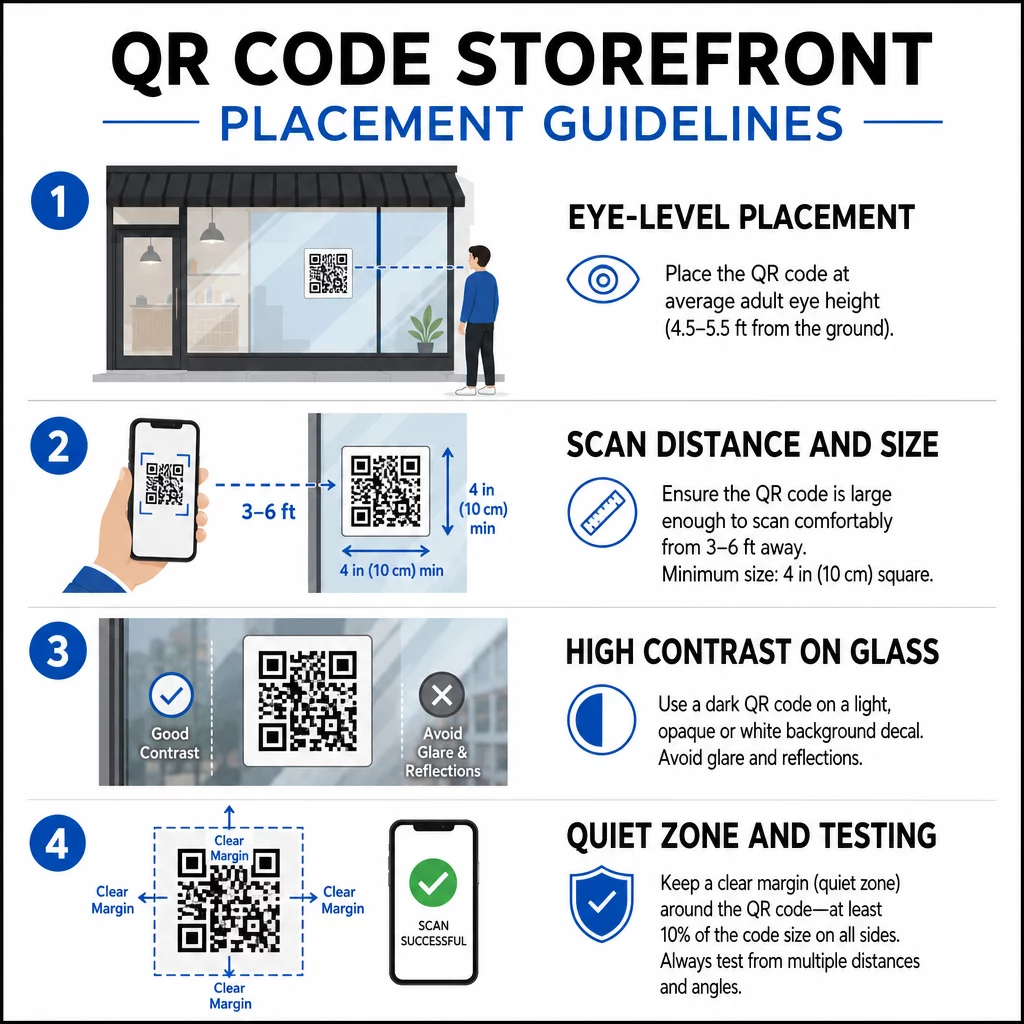
Postavljanje u visini očiju je standardna preporuka. Ciljajte na približno pet stopa od tla, gde većina odraslih prirodno gleda dok prolazi. Kodovi postavljeni previsoko, prenisko ili zaklonjeni drugim natpisima lako se ignorišu i teže skeniraju.
Veličina za očekivanu udaljenost skeniranja je važnija nego što ljudi očekuju. Opšte pravilo: za svakih 10 cm udaljenosti skeniranja, dodajte 1 cm dužini stranice koda. Za kod na izlogu koji se očekuje da bude skeniran sa četiri do sedam stopa udaljenosti, kod veličine oko 8 × 8 inča je prikladan. Izbegavajte da idete manje od 2 × 2 cm za bilo koju primenu izbliza.
Visok kontrast između koda i njegove pozadine je ključan. Koristite taman kod na svetloj pozadini. Izbegavajte invertovane šeme (svetli kod na tamnoj pozadini) jer ih neki QR čitači ne mogu pouzdano dekodirati. Kada lepite nalepnicu na staklo, testirajte je nakon postavljanja – staklo može stvoriti odsjaj koji ometa skeniranje.
Tihe zone (bela margina oko koda) treba da se održi. Ostavite najmanje 0,25 inča slobodnog prostora sa svih strana, bez teksta, slika ili dizajnerskih elemenata. Bez ovog bafera, skeneri možda neće uspeti da detektuju gde kod počinje i završava.
Testirajte pre nego što se obavežete. Skenirajte kod u konačnoj štampanoj veličini sa stvarne udaljenosti sa koje bi kupac stajao, koristeći više uređaja. Ovaj korak hvata probleme pre nego što stignu do vašeg izloga. Za više detalja o najbolje prakse čitljivosti QR kodova, uključujući odnose kontrasta i tihe zone, kompletan vodič pokriva sve tehničke zahteve.
Na šta povezati vaš QR kod na izlogu
Odredište je jednako važno kao i sam kod. Jednostavno povezivanje na vašu početnu stranicu je opcija najniže vrednosti. Ljudi koji skeniraju kod na izlogu već su na vašoj lokaciji – žele nešto specifičnije.
Razmotrite ova odredišta veće vrednosti:
- А. PDF katalog proizvoda koji prikazuje dostupne artikle, veličine i cene, tako da kupci mogu da pretražuju čak i kada je prodavnica zatvorena. A ПДФ КР код čini ovo jednostavnim za postavljanje i ažuriranje.
- А. popust ili kupon za njihovu sledeću posetu, podstičući povratni saobraćaj.
- А. link za recenziju na vaš Google Business profil, čineći ostavljanje povratnih informacija lakim za zadovoljne kupce.
- Ан ekskluzivna promocija ili nagradna igra, dajući ljudima razlog da odmah skeniraju umesto da prođu pored.
- Društvene mreže ili obrazac za prijavu, pretvarajući jednokratnog prolaznika u dugoročnog pratioca ili pretplatnika.
А. QR код URL-а može voditi do bilo koje od ovih destinacija, a sa dinamičkim kodom, možete menjati ono što nudite bez promene fizičkog prikaza.
Uvek dodajte poziv na akciju
Nikada nemojte pretpostavljati da ljudi znaju šta da rade sa QR kodom ili zašto bi se trudili. Kratko uputstvo pored koda uklanja tu prepreku. Fraze poput “Otvorite kameru i skenirajte za 10% popusta” ili “Skenirajte da biste videli današnji meni” govore kupcu tačno šta da očekuje.
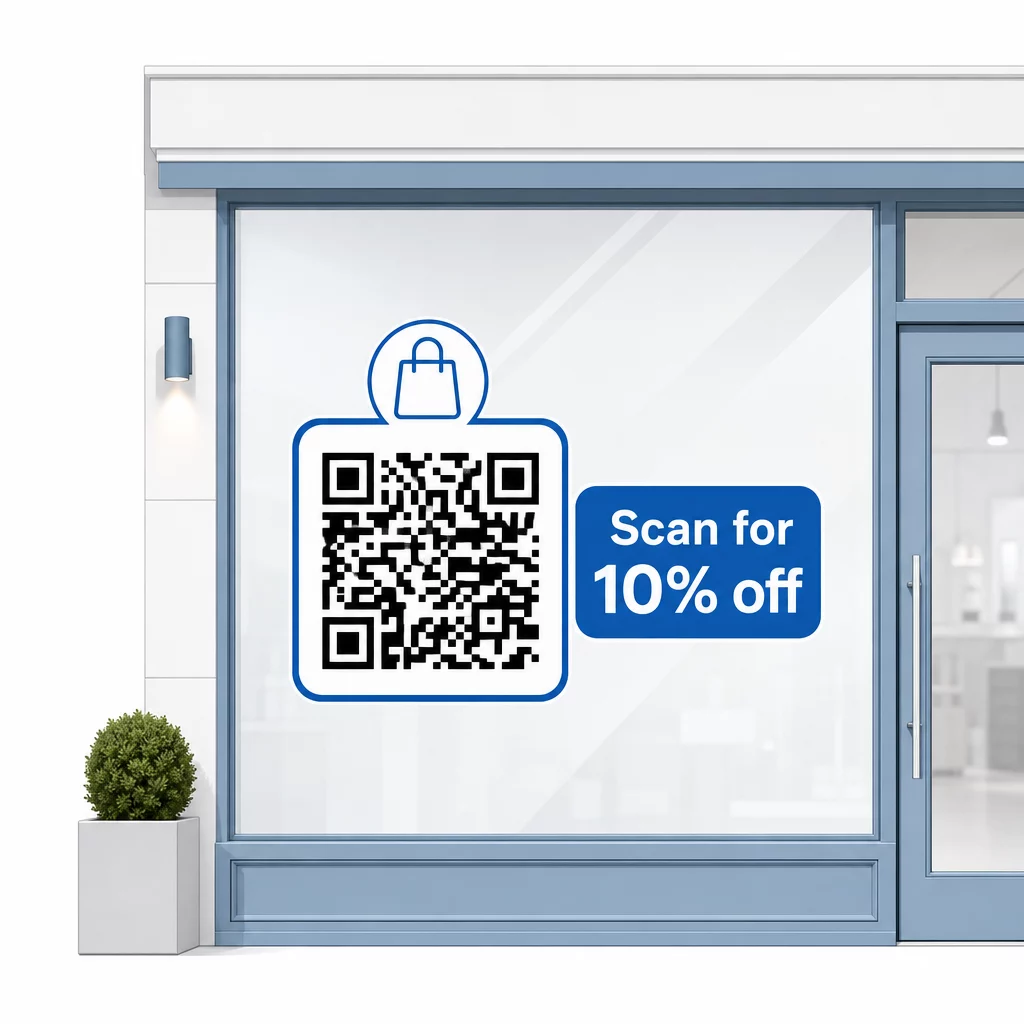
Neka poruka bude kratka – najviše dva reda. Što je vaš CTA jasniji i specifičniji, to će vaša stopa skeniranja biti veća. Ako vaša publika može uključivati kupce koji nisu upoznati sa skeniranjem QR kodova, dodajte kratku napomenu kao što je “usmerite kameru telefona na ovaj kod.” Za uputstva o skeniranju QR kodova na različitim uređajima, uključujući laptope i desktop računare, možete uputiti kupce na jednostavna uputstva.
Pratite i poboljšavajte tokom vremena
Jedna prednost dinamičkih QR kodova u odnosu na statičke je ugrađena analitika. Možete videti koliko je ljudi skeniralo vaš prozor kod svakog dana, u koje vreme, i da li postoje skokovi oko određenih promocija.
Ovi podaci vam omogućavaju da donosite informisane odluke. Ako se broj skeniranja smanji nakon završetka promocije, ažurirajte odredište nečim novim. Ako jedno postavljanje na prozoru nadmašuje drugo, znate gde da se fokusirate. Takođe možete uporedite aplikacije za skeniranje QR kodova da biste razumeli kako korisnici verovatno pristupaju vašim kodovima i osigurali kompatibilnost.
Користити Pregledu funkcija Pageloot-a da istražite ceo spektar alata za analitiku, uređivanje i prilagođavanje dostupnih za upravljanje vašim kodovima na prozoru, zajedno sa svim ostalim vašim QR kampanjama.
Dobro postavljen, dobro dizajniran QR kod na izlogu vaše prodavnice može generisati značajan angažman non-stop – ne samo tokom radnog vremena. Počnite sa jasnim ciljem, izaberite dinamički kod kako biste sadržaj mogli da održavate aktuelnim, pratite smernice za postavljanje i veličinu i uvek dajte kupcima razlog za skeniranje.
Počnite da pratite skeniranja vašeg izloga Користити Пагелоот генератор КР кодова da kreirate QR kod koji se može pratiti i uređivati za izlog vaše prodavnice. Besplatna proba od 14 dana, kreditna kartica nije potrebna.
Često postavljana pitanja
Da, ako koristite dinamički QR kod. Dinamički kodovi vam omogućavaju da ažurirate odredišni URL u bilo kom trenutku nakon štampanja, tako da fizički kod na vašem prozoru ostaje isti dok se sadržaj na koji se povezuje menja sa svakom promocijom. Statički kodovi su fiksni i zahtevali bi ponovno štampanje svaki put.
Za kod na prozoru koji se očekuje da bude skeniran sa udaljenosti od četiri do sedam stopa, odgovarajuća je veličina od približno 8 × 8 inča. Opšta smernica je dodati 1 cm veličine koda za svakih 10 cm udaljenosti skeniranja. Uvek testirajte kod u stvarnoj štampanoj veličini sa predviđene udaljenosti pre nego što finalizujete prikaz.
Izbegavajte jednostavno povezivanje na vašu početnu stranicu. Efektivnije destinacije uključuju PDF katalog proizvoda, popust ili kupon, link za Google recenziju, stranicu društvenih medija ili obrazac za prijavu. Jasan poziv na akciju pored koda koji govori kupcima šta će dobiti kada ga skeniraju značajno povećava verovatnoću da će ga koristiti.