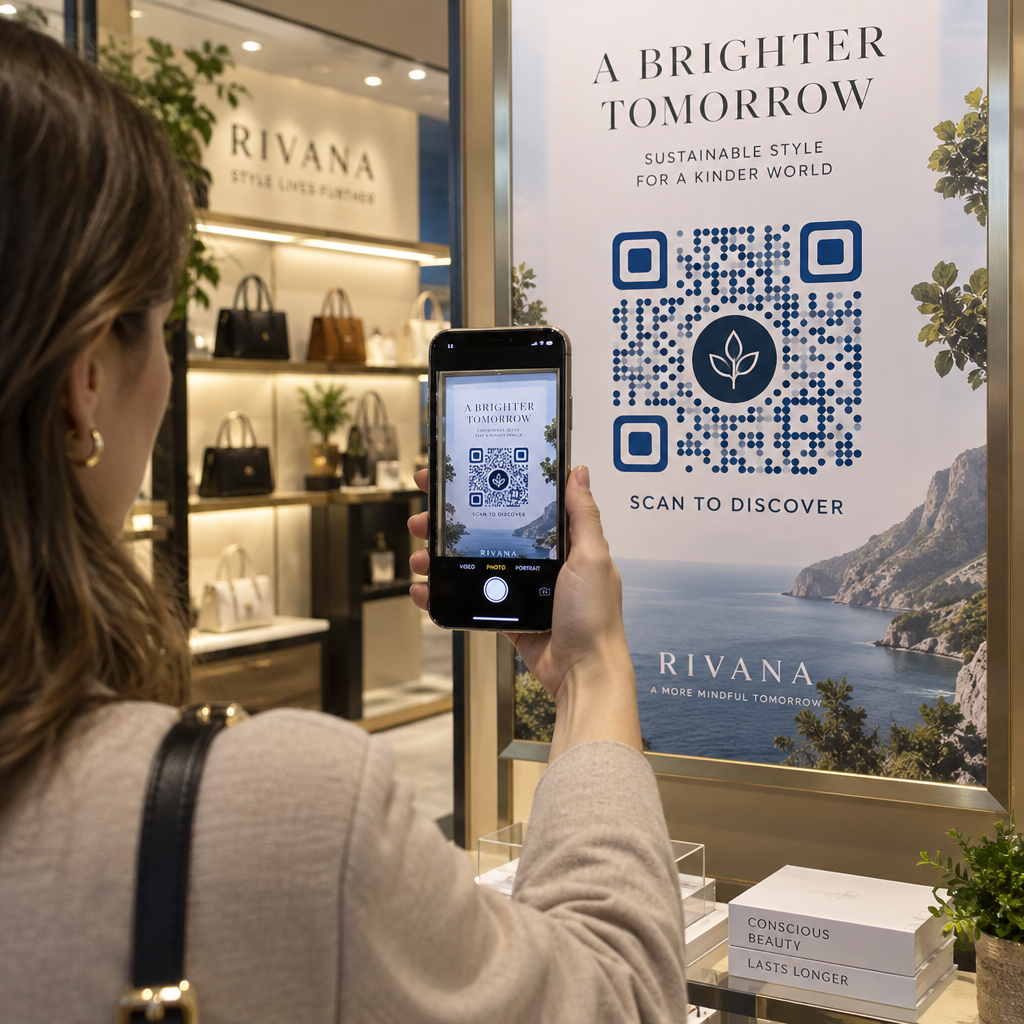
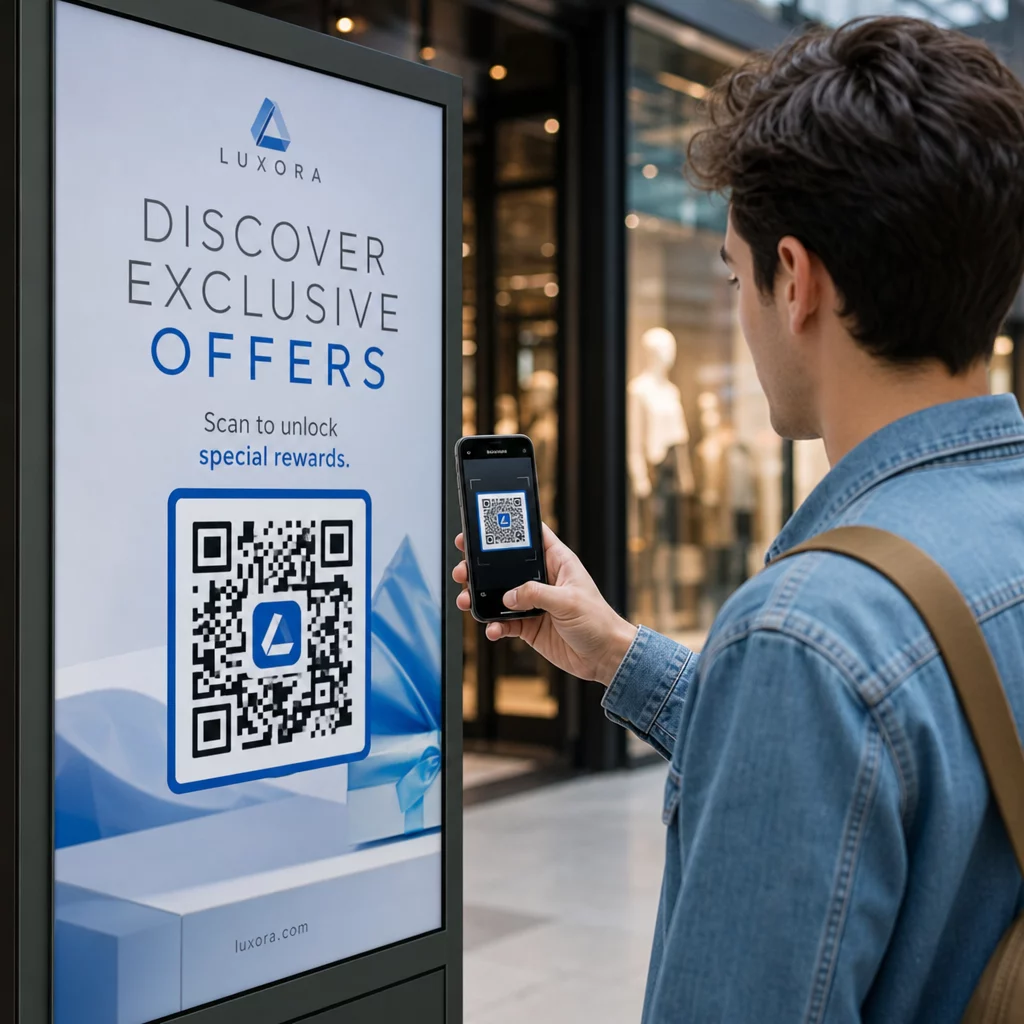
Fungerer dit butiksvindue for dig efter lukketid? De fleste butiksfacader bliver tavse i det øjeblik lyset slukkes og går glip af enhver potentiel kunde, der går forbi. Ved at placere en QR-kode på dit vindue forvandles glasset til et altid-aktivt marketingkontaktpunkt, der øjeblikkeligt forbinder forbipasserende med dit digitale indhold.
Hvorfor butiksvinduer er underudnyttet marketingplads
De fleste detailvirksomheder behandler deres vinduer som dekoration. I virkeligheden er et vindue ud mod en travl gade en af de mest synlige placeringer, du har til rådighed – og det koster intet ekstra at tilføje en QR-kode til det.
Vindueshoppere er allerede interesserede. De har sænket farten, kigget på din udstilling og overvejer, om de vil engagere sig yderligere. En QR-kode giver dem et øjeblikkeligt næste skridt: scan for at se menuen, gennemse kataloget, få en rabat eller læse anmeldelser. Uden den forsvinder det øjebliks interesse, og kunden går videre.
Brands som Heinz og Nestlé har brugt dynamiske QR-koder på fysisk emballage for at skabe løbende relationer med kunder. Den samme logik gælder for butiksfacader. Vinduet er ikke kun en barriere mellem inde og ude – det er en overflade, der kan forbinde din offline tilstedeværelse med hele dit digitale økosystem.
Sådan viser du en QR-kode i et butiksvindue
Der er flere praktiske formater til at sætte en QR-kode på et vindue, afhængigt af dit budget og hvor ofte du skal ændre indholdet.
- Vinduesklæbefolie er aftagelige vinylklistermærker, der klæber direkte til glas. De er nemme at installere, ser professionelle ud og kan udskiftes, når din kampagne ændres.
- Vinduesklistermærker eller -dekaler ligner klæbefolie, men kan være mere permanente. Disse fungerer godt til koder, der linker til langsigtede destinationer som din hjemmeside eller Google-anmeldelsesside.
- A-skilte placeret lige uden for din indgang giver dig mulighed for at udskifte QR-kodeplakater uden overhovedet at røre vinduet. Dette er nyttigt til at promovere daglige tilbud eller tidsbegrænsede tilbud.
- En skærm i vinduet kan vise en QR-kode dynamisk, hvilket er særligt effektivt, hvis du roterer kampagner eller ønsker en digital skærm med høj synlighed.
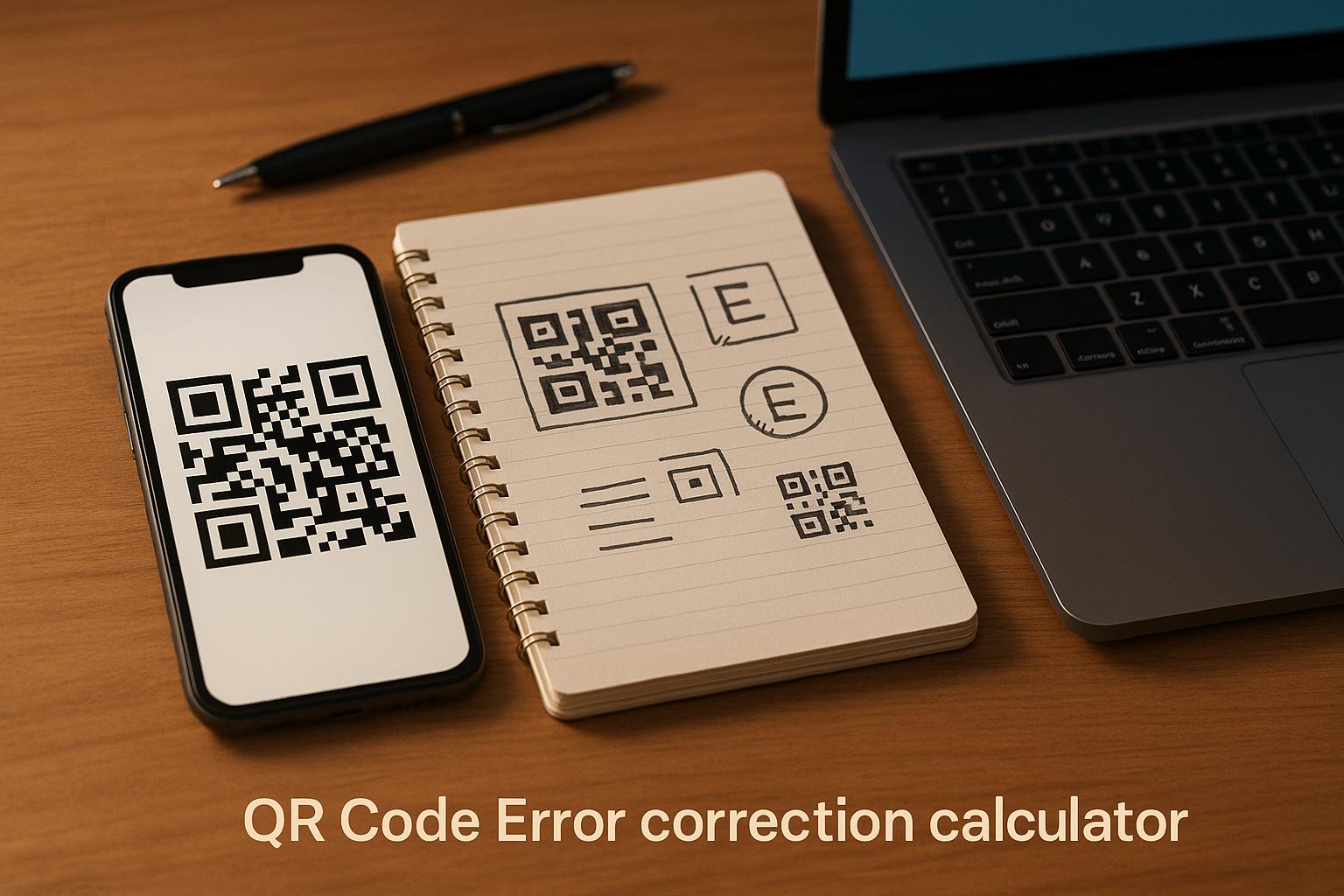
Til alle disse formater skal du bruge en højopløselig QR-kode PNG for at sikre, at den printede eller viste kode forbliver skarp i den størrelse, du har brug for.
Opret en printklar QR-kode til dit vindue Generer en brandet, højopløselig QR-kode på få sekunder med Pageloot QR-kodegenerator. Download i PNG-, SVG- eller PDF-format – klar til vinduesklistermærker, folie eller A-skilte.
Valg mellem statiske og dynamiske QR-koder
Dette er en af de vigtigste beslutninger, du skal træffe, før du printer noget på dit vindue.
Statiske QR-koder er faste. Når de er printet, kan destinationen ikke ændres. De er velegnede til permanente links som din virksomheds hjemmeside eller et lokationskort – indhold der aldrig skal opdateres.
Dynamiske QR-koder lader dig ændre den linkede destination når som helst, selv efter koden allerede er printet og vist. Hvis dit vinduesklistermærke promoverer et sæsonudsalg, der slutter i marts, kan du opdatere destinationen til en ny kampagne i april uden at udskifte den fysiske kode. Dynamiske koder understøtter også analyser, så du kan se, hvor mange mennesker der scannede, hvornår og fra hvilken placering.
Til de fleste vindues- og skiltplaceringer er dynamiske QR-koder det bedre valg. Fleksibiliteten til at opdatere indhold uden genprint sparer penge og giver dig mulighed for at holde dit vindue relevant. Lær mere om QR-kode muligheder for skilte og bannere for at forstå, hvilket format der passer til dit brugsscenarie.
Hold din vindueskode eviggrøn Med Pageloots dynamiske QR-koder, kan du opdatere dit vindues destinations-URL når som helst – ingen genprint påkrævet. Start en gratis 14-dages prøveperiode for at få fuld sporings- og redigeringsadgang.
Retningslinjer for placering og størrelse
En QR-kode, der ikke kan scannes, er en spildt mulighed. Følg disse praktiske retningslinjer for at sikre, at din vindueskode faktisk virker.
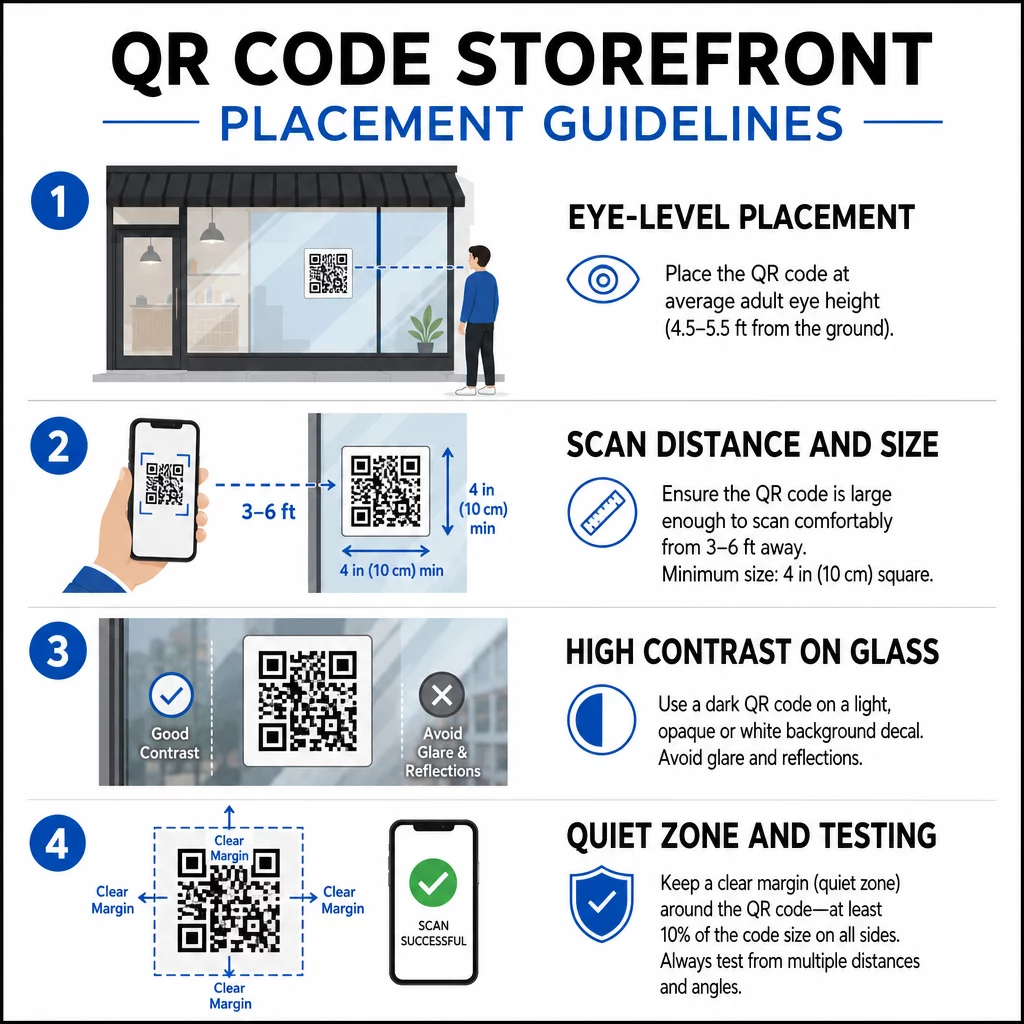
Placering i øjenhøjde er standardanbefalingen. Sigt efter cirka halvanden meter fra jorden, hvor de fleste voksne naturligt kigger, når de går forbi. Koder, der er placeret for højt, for lavt eller skjult af anden skiltning, er nemme at ignorere og sværere at scanne.
Størrelse i forhold til den forventede scanningsafstand betyder mere, end folk forventer. En generel regel: for hver 10 cm scanningsafstand, tilføj 1 cm til kodens sidelængde. For en vindueskode, der forventes at blive scannet fra 1,2 til 2,1 meter væk, er en kode på omkring 8 × 8 tommer passende. Undgå at gå mindre end 2 × 2 cm til enhver kortdistanceapplikation.
Høj kontrast mellem koden og dens baggrund er afgørende. Brug en mørk kode på en lys baggrund. Undgå inverterede skemaer (lys kode på mørk baggrund), da nogle QR-læsere ikke pålideligt kan afkode dem. Når du påfører en mærkat på glas, test den efter installation – glas kan skabe genskin, der forstyrrer scanningen.
Stille zoner (den hvide margen omkring koden) skal opretholdes. Tillad mindst 0,25 tommer frit rum på alle sider, fri for tekst, billeder eller designelementer. Uden denne buffer kan scannere muligvis ikke registrere, hvor koden begynder og slutter.
Test før du forpligter dig. Scan koden i den endelige udskrevne størrelse fra den faktiske afstand, en kunde ville stå, ved hjælp af flere enheder. Dette trin fanger problemer, før de når din butiksfacade. For mere detaljer om bedste praksis for læsbarhed af QR-koder, herunder kontrastforhold og stille zoner, dækker den fulde guide alle de tekniske krav.
Hvad du skal linke din vindues-QR-kode til
Destinationen betyder lige så meget som selve koden. Simpelthen at linke til din hjemmeside er den laveste værdi-mulighed. Folk, der scanner en vindueskode, er allerede på din placering – de ønsker noget mere specifikt.
Overvej disse destinationer med højere værdi:
- EN PDF-produktkatalog der viser tilgængelige varer, størrelser og priser, så kunderne kan browse, selv når butikken er lukket. En PDF QR-kode gør dette ligetil at opsætte og opdatere.
- EN rabat eller kupon til deres næste besøg, hvilket opmuntrer til gentagne besøg.
- EN anmeldelseslink til din Google My Business-profil, hvilket gør det problemfrit for tilfredse kunder at give feedback.
- Et eksklusiv kampagne eller lodtrækning, hvilket giver folk en grund til at scanne med det samme i stedet for at gå forbi.
- Sociale medier eller en tilmeldingsformular, hvilket forvandler en engangsforbipasserende til en langsigtet følger eller abonnent.
EN URL QR-kode kan pege på enhver af disse destinationer, og med en dynamisk kode kan du rotere, hvad du tilbyder, uden at ændre den fysiske visning.
Tilføj altid en opfordring til handling
Antag aldrig, at folk ved, hvad de skal gøre med en QR-kode, eller hvorfor de skal gøre sig ulejlighed. En kort instruktion ved siden af koden fjerner den friktion. Sætninger som “Åbn dit kamera og scan for 10% rabat” eller “Scan for at se dagens menu” fortæller kunden præcis, hvad de kan forvente.
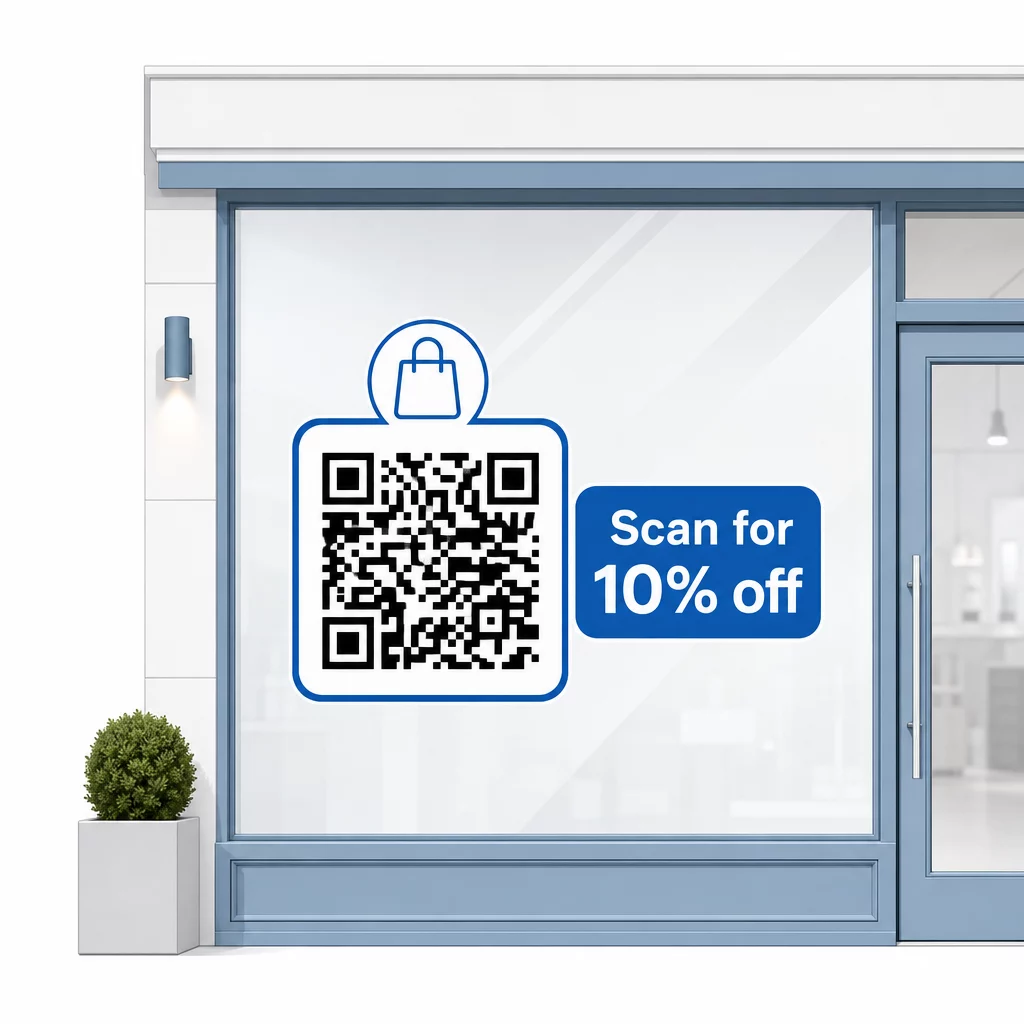
Hold budskabet kort – højst to linjer. Jo klarere og mere specifik din CTA er, desto højere vil din scanningsrate være. Hvis dit publikum kan omfatte kunder, der er uvante med QR-scanning, skal du tilføje en kort note som “ret din telefonkamera mod denne kode.” For vejledning om scanning af QR-koder på forskellige enheder, herunder bærbare computere og stationære computere, kan du henvise kunder til ligetil instruktioner.
Spor og forbedr over tid
En fordel, dynamiske QR-koder har frem for statiske, er indbygget analyse. Du kan se, hvor mange mennesker der scannede din vindueskode hver dag, på hvilke tidspunkter, og om der er spidser omkring specifikke kampagner.
Disse data giver dig mulighed for at træffe informerede beslutninger. Hvis scanninger falder efter en kampagne slutter, skal du opdatere destinationen til noget nyt. Hvis én vinduesplacering klarer sig bedre end en anden, ved du, hvor du skal fokusere. Du kan også sammenligne QR-kodescanner-apps for at forstå, hvordan kunder sandsynligvis får adgang til dine koder og sikre kompatibilitet.
Brug Pageloot funktionsoversigt for at udforske det fulde udvalg af analyse-, redigerings- og tilpasningsværktøjer, der er tilgængelige til at administrere dine vindueskoder sammen med alle dine andre QR-kampagner.
En velplaceret, veldesignet QR-kode på dit butiksvindue kan generere meningsfuldt engagement døgnet rundt – ikke kun i åbningstiden. Start med et klart mål, vælg en dynamisk kode, så du kan holde indholdet aktuelt, følg retningslinjerne for placering og størrelse, og giv altid kunderne en grund til at scanne.
Begynd at spore dine vinduesscanninger Brug Pageloot QR-kodegenerator for at oprette en sporbar, redigerbar QR-kode til dit butiksvindue. Gratis 14-dages prøveperiode, intet kreditkort påkrævet.
Ofte stillede spørgsmål
Ja, hvis du bruger en dynamisk QR-kode. Dynamiske koder lader dig opdatere destinations-URL'en når som helst efter udskrivning, så den fysiske kode på dit vindue forbliver den samme, mens indholdet, den linker til, ændrer sig med hver kampagne. Statiske koder er faste og ville kræve genudskrivning hver gang.
For en vindueskode, der forventes scannet fra fire til syv fods afstand, er en størrelse på cirka 8 × 8 tommer passende. Den generelle retningslinje er at tilføje 1 cm kodestørrelse for hver 10 cm scanningsafstand. Test altid koden i den faktiske udskrevne størrelse fra den tilsigtede afstand, før du færdiggør visningen.
Undgå blot at linke til din hjemmeside. Mere effektive destinationer inkluderer en produktkatalog-PDF, en rabat eller kupon, et Google-anmeldelseslink, en side på sociale medier eller en tilmeldingsformular. En tydelig opfordring til handling ved siden af koden, der fortæller kunderne, hvad de får, når de scanner, øger sandsynligheden for, at de vil bruge den, betydeligt.