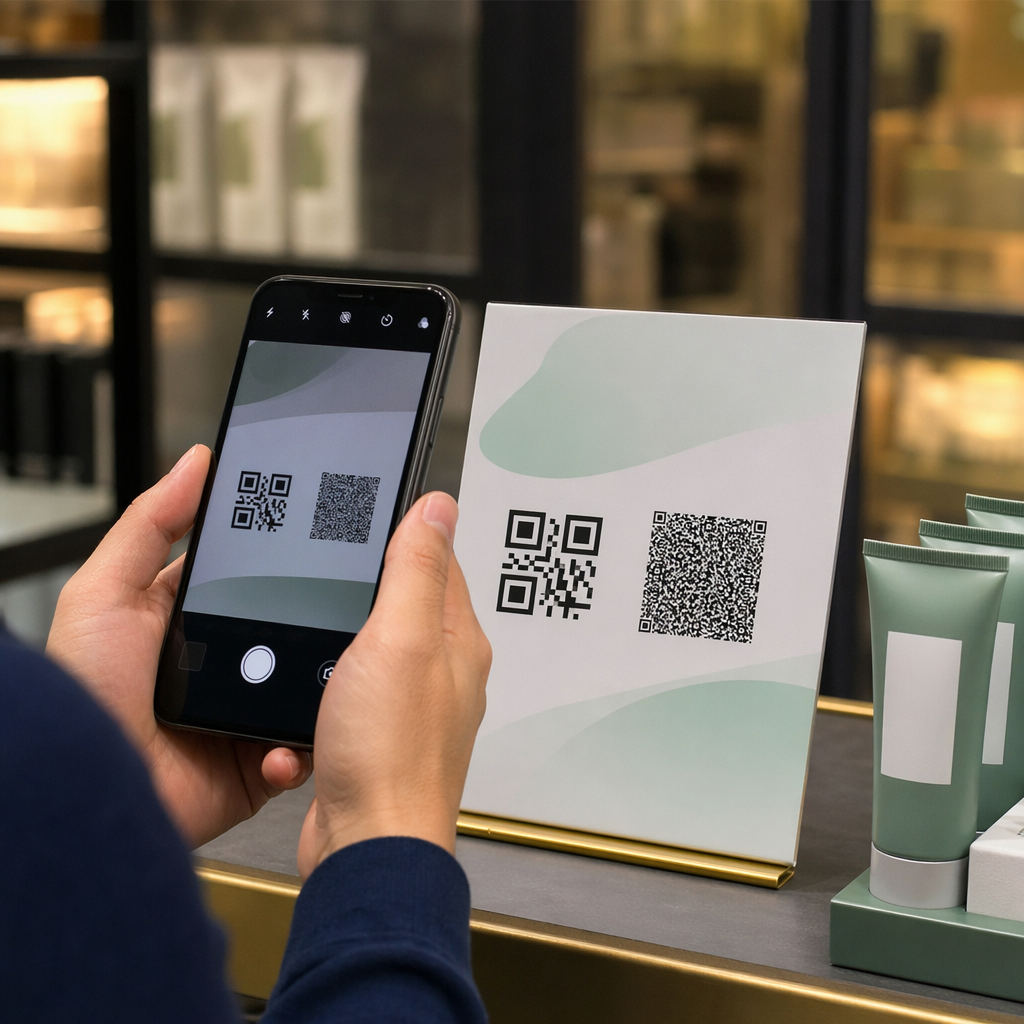
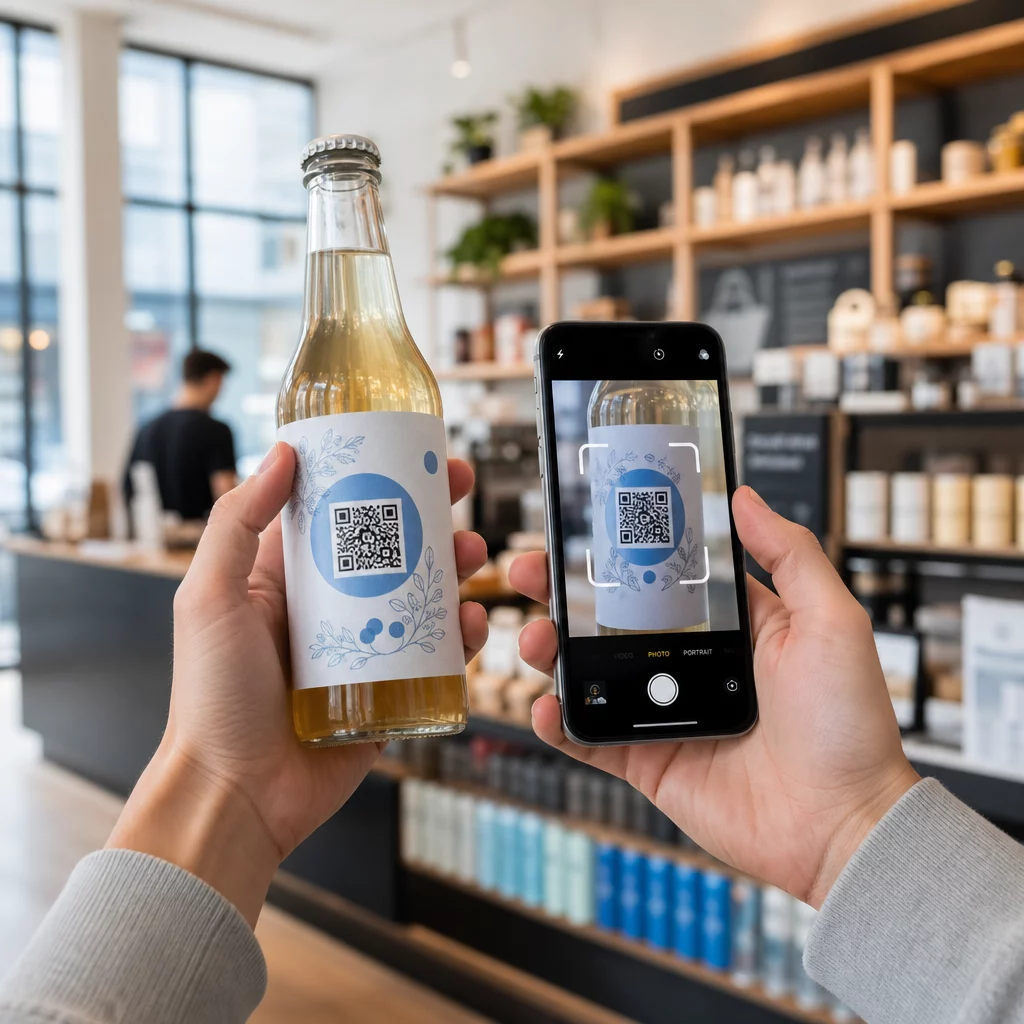
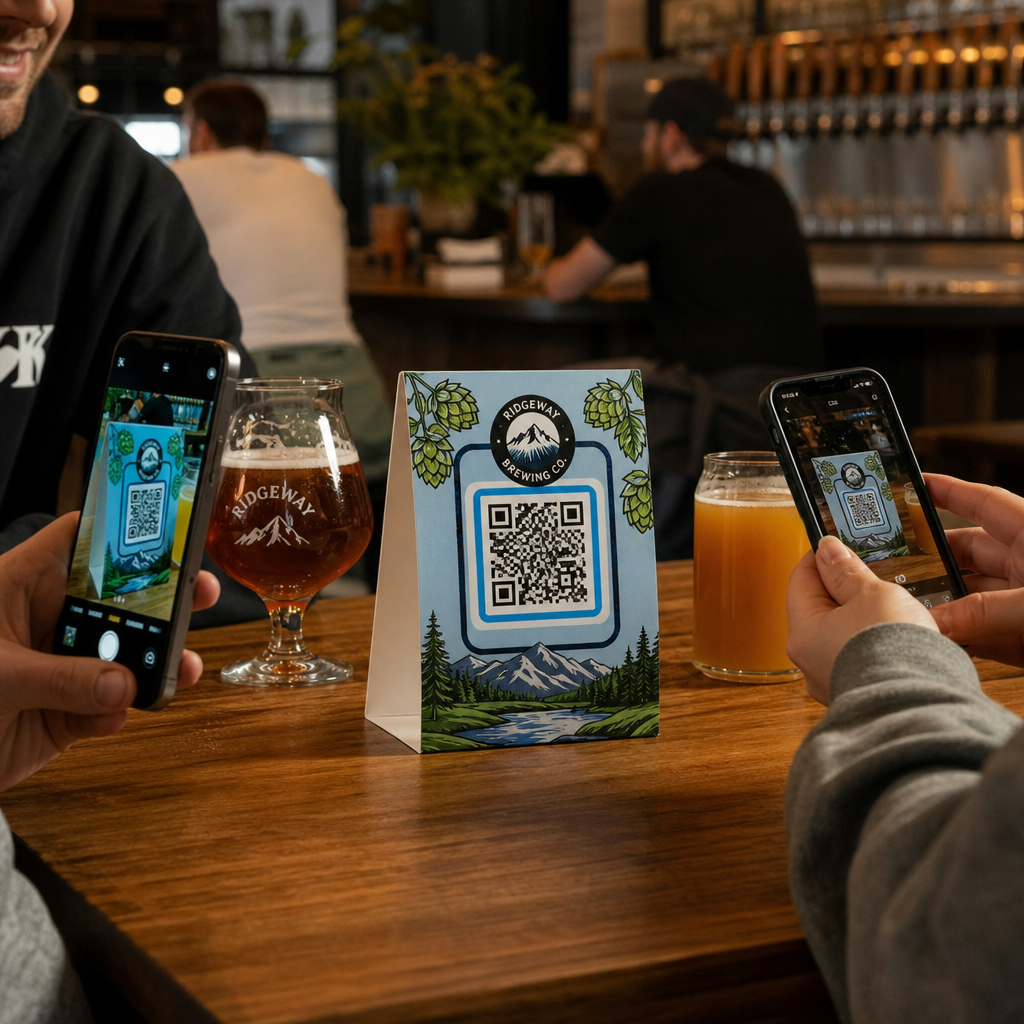
Működik az üzlet kirakata Önnek zárás után is? A legtöbb kirakat elnémul, amint lekapcsolják a lámpákat, elszalasztva minden potenciális vásárlót, aki elhalad mellette. Ha QR-kódot helyez el a kirakatában, az üveg egy mindig aktív marketing érintkezési ponttá válik, amely azonnal összeköti a járókelőket a digitális tartalmával.
Miért alulhasznált marketingfelület a kirakat?
A legtöbb kiskereskedelmi vállalkozás dekorációként kezeli a kirakatát. Valójában egy forgalmas utcára néző kirakat az egyik legmagasabb láthatóságú elhelyezés, ami rendelkezésére áll – és semmibe sem kerül pluszban egy QR-kód hozzáadása.
A kirakatnézegetők már érdeklődnek. Lassítottak, megnézték a kiállítását, és fontolgatják, hogy tovább foglalkozzanak-e vele. Egy QR-kód azonnali következő lépést kínál nekik: szkenneljék be a menü megtekintéséhez, böngésszék a katalógust, igényeljenek kedvezményt, vagy olvassanak véleményeket. Enélkül az érdeklődés pillanata elszáll, és a vásárló továbbáll.
Az olyan márkák, mint a Heinz és a Nestlé, használták dinamikus QR kódok fizikai csomagoláson, hogy folyamatos kapcsolatot építsenek ki az ügyfelekkel. Ugyanez a logika érvényes a kirakatokra is. A kirakat nem csupán egy akadály a belső és a külső között – ez egy olyan felület, amely összekötheti offline jelenlétét a teljes digitális ökoszisztémájával.
Hogyan helyezzünk el QR-kódot egy üzlet kirakatában
Számos praktikus formátum létezik a QR-kód kirakaton való elhelyezésére, a költségvetésétől és attól függően, hogy milyen gyakran kell változtatnia a tartalmat.
- Öntapadós ablakfóliák eltávolítható vinil matricák, amelyek közvetlenül az üveghez tapadnak. Könnyen telepíthetők, professzionálisan néznek ki, és cserélhetők, ha a promóciója változik.
- Ablakmatricák vagy -dekorációk hasonlóak az öntapadós fóliákhoz, de tartósabbak lehetnek. Ezek jól működnek olyan kódokhoz, amelyek hosszú távú célpontokra mutatnak, mint például a weboldala vagy a Google véleményezési oldala.
- A-táblák közvetlenül a bejárat elé helyezve lehetővé teszik a QR-kód poszterek cseréjét anélkül, hogy egyáltalán hozzáérne az ablakhoz. Ez hasznos a napi akciók vagy időérzékeny ajánlatok népszerűsítéséhez.
- Monitor vagy képernyő a kirakatban dinamikusan képes megjeleníteni egy QR-kódot, ami különösen hatékony, ha promóciókat váltogat, vagy nagy láthatóságú digitális kijelzőt szeretne.
Ezen formátumok bármelyikéhez használjon egy nagy felbontású QR-kód PNG-t hogy a nyomtatott vagy megjelenített kód éles maradjon a kívánt méretben.
Készítsen nyomtatásra kész QR-kódot az ablakához Hozzon létre márkás, nagy felbontású QR-kódot másodpercek alatt a Pageloot QR Kód Generátor. Töltse le PNG, SVG vagy PDF formátumban – készen áll ablakmatricákhoz, tapadó fóliákhoz vagy A-keretes táblákhoz.
Választás statikus és dinamikus QR-kódok között
Ez az egyik legfontosabb döntés, amit meg kell hoznia, mielőtt bármit is nyomtatna az ablakára.
Statikus QR-kódok rögzítettek. Nyomtatás után a cél nem módosítható. Alkalmasak állandó linkekhez, mint például a vállalkozása honlapja vagy egy helyszíntérkép – olyan tartalomhoz, amelyet soha nem kell frissíteni.
Dinamikus QR-kódok lehetővé teszik a linkelt cél bármikori megváltoztatását, még azután is, hogy a kód már kinyomtatásra és megjelenítésre került. Ha az ablakmatricája egy márciusban végződő szezonális akciót hirdet, áprilisban frissítheti a célt egy új promócióra anélkül, hogy kicserélné a fizikai kódot. A dinamikus kódok elemzéseket is támogatnak, így láthatja, hányan szkenneltek, mikor és melyik helyről.
A legtöbb ablak- és táblahelyezéshez a dinamikus QR-kódok a jobb választás. A tartalom újranyomtatás nélküli frissítésének rugalmassága pénzt takarít meg, és lehetővé teszi, hogy az ablaka releváns maradjon. Tudjon meg többet a QR-kód opciókról táblákhoz és bannerekhez hogy megértse, melyik formátum illik az Ön felhasználási esetéhez.
Tartsa örökzöldnek az ablak kódját Val vel A Pageloot dinamikus QR-kódjai, bármikor frissítheti ablaka cél URL-jét – újranyomtatás nélkül. Indítson egy ingyenes 14 napos próbaidőszakot a teljes nyomon követési és szerkesztési hozzáférésért.
Elhelyezési és méretirányelvek
Egy beolvashatatlan QR-kód elvesztegetett lehetőség. Kövesse ezeket a gyakorlati irányelveket, hogy az ablak kódja valóban működjön.
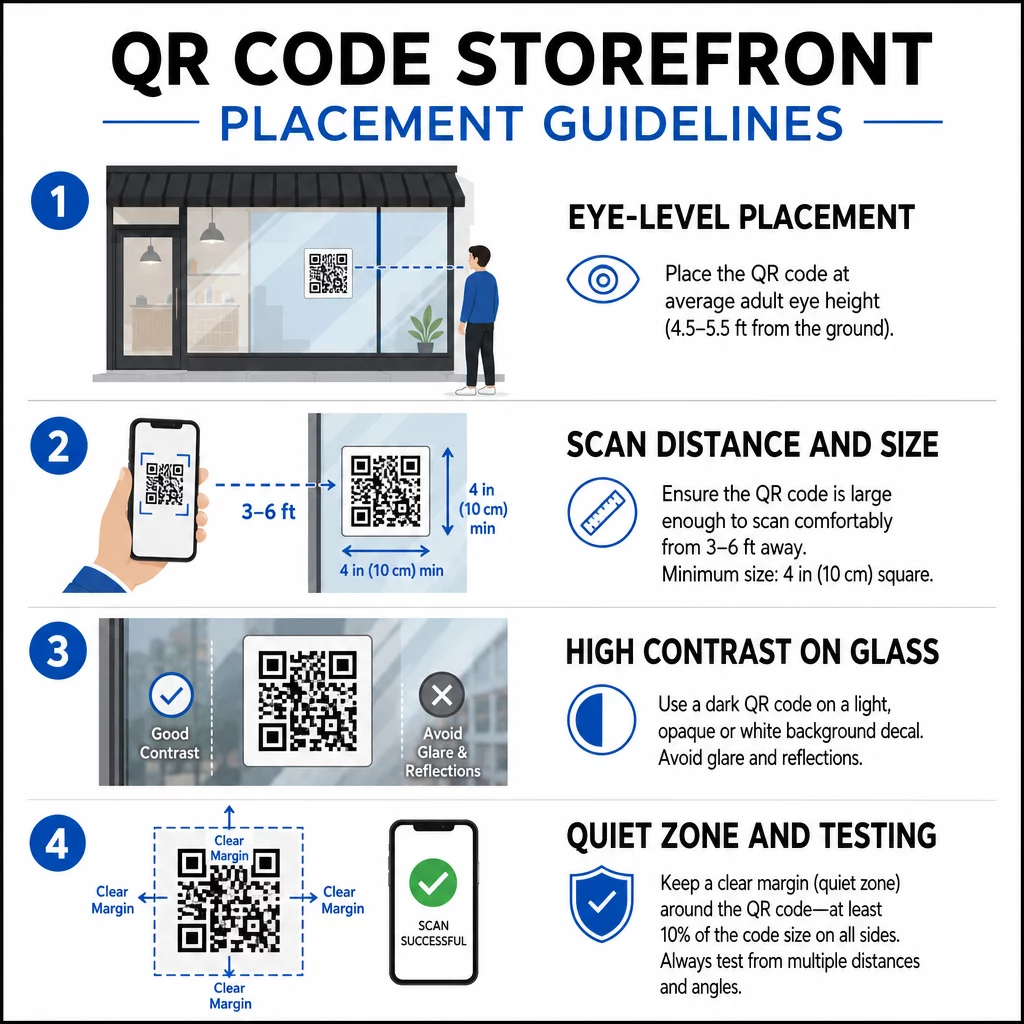
Szemmagasságban elhelyezés az általános ajánlás. Célozzon körülbelül öt láb magasságra a talajtól, ahol a legtöbb felnőtt természetesen néz, ahogy elhalad. A túl magasra, túl alacsonyra helyezett, vagy más táblák által eltakart kódokat könnyű figyelmen kívül hagyni és nehezebb beolvasni.
Méret az elvárt szkennelési távolsághoz jobban számít, mint gondolnánk. Általános szabály: minden 10 cm szkennelési távolsághoz adjon hozzá 1 cm-t a kód oldalhosszához. Egy ablakra szánt kódhoz, amelyet négy-hét láb távolságból várhatóan beolvasnak, egy körülbelül 8 × 8 hüvelykes kód megfelelő. Kerülje a 2 × 2 cm-nél kisebb méretet bármilyen közeli alkalmazás esetén.
Magas kontraszt a kód és a háttere között elengedhetetlen. Használjon sötét kódot világos háttéren. Kerülje az invertált sémákat (világos kód sötét háttéren), mert egyes QR-olvasók nem tudják megbízhatóan dekódolni őket. Ha matricát helyez üvegre, tesztelje a felhelyezés után – az üveg tükröződést okozhat, ami zavarja a szkennelést.
Csendes zónák (a kód körüli fehér margó) fenntartandó. Hagyjon legalább 0,25 hüvelyk tiszta teret minden oldalon, szöveg, képek vagy design elemek nélkül. E puffer nélkül a szkennerek nem észlelhetik, hol kezdődik és hol végződik a kód.
Tesztelje, mielőtt véglegesíti. Szkennelje be a kódot a végleges nyomtatott méretben, abból a tényleges távolságból, ahonnan egy vásárló állna, több eszközzel. Ez a lépés még azelőtt észleli a problémákat, mielőtt azok elérnék az üzletét. További részletekért a QR-kód olvashatósági legjobb gyakorlatokkal, beleértve a kontrasztarányokat és a csendes zónákat, a teljes útmutató lefedi az összes technikai követelményt.
Mire hivatkozzon az ablak QR-kódja
A cél ugyanolyan fontos, mint maga a kód. Egyszerűen a honlapjára hivatkozni a legalacsonyabb értékű opció. Azok az emberek, akik beolvasnak egy ablak kódot, már az Ön helyszínén vannak – valami specifikusabbat akarnak.
Fontolja meg ezeket a magasabb értékű célokat:
- A PDF termékkatalógus amely bemutatja az elérhető termékeket, méreteket és árakat, így a vásárlók akkor is böngészhetnek, ha az üzlet zárva van. Egy PDF QR-kód egyszerűvé teszi a beállítást és a frissítést.
- A kedvezmény vagy kupon következő látogatásukra, ösztönözve a visszatérő forgalmat.
- A értékelési link a Google Cégprofilodra, így a elégedett ügyfelek könnyedén hagyhatnak visszajelzést.
- Egy exkluzív promóció vagy nyereményjáték, okot adva az embereknek, hogy azonnal beolvassák, ahelyett, hogy elmennének mellette.
- Közösségi média vagy feliratkozási űrlap, egy egyszeri járókelőt hosszú távú követővé vagy feliratkozóvá alakítva.
A URL QR-kód mutathat bármelyik ilyen célállomásra, és egy dinamikus kóddal forgathatja az ajánlatát anélkül, hogy megváltoztatná a fizikai kijelzőt.
Mindig adjon hozzá cselekvésre ösztönzést (CTA)
Soha ne feltételezze, hogy az emberek tudják, mit kell tenniük egy QR-kóddal, vagy miért érdemes foglalkozniuk vele. Egy rövid utasítás a kód mellett megszünteti ezt a súrlódást. Az olyan kifejezések, mint “Nyissa meg a kameráját, és olvassa be 10% kedvezményért” vagy “Olvassa be a mai menü megtekintéséhez” pontosan megmondják az ügyfélnek, mire számíthat.
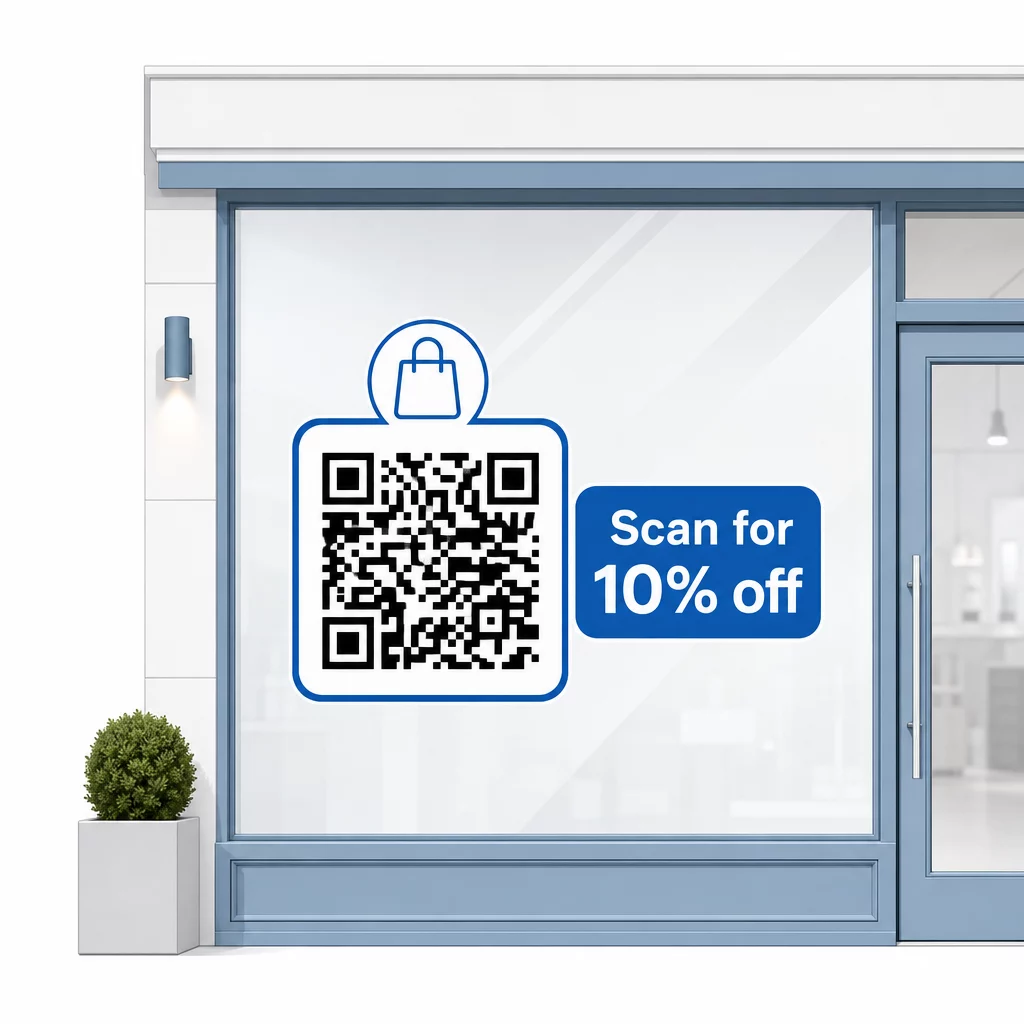
Tartsa rövidre az üzenetet – legfeljebb két sor. Minél világosabb és specifikusabb a CTA-ja, annál magasabb lesz a beolvasási aránya. Ha a közönsége olyan ügyfeleket is tartalmazhat, akik nem ismerik a QR-kód beolvasását, adjon hozzá egy rövid megjegyzést, például “irányítsa telefonja kameráját erre a kódra”. Útmutatásért a QR-kódok beolvasása különböző eszközökön, beleértve a laptopokat és asztali számítógépeket is, egyszerű utasításokhoz irányíthatja az ügyfeleket.
Kövesse nyomon és javítsa az idő múlásával
A dinamikus QR-kódok egyik előnye a statikusakkal szemben a beépített analitika. Láthatja, hányan olvasták be az ablakon lévő kódját naponta, milyen időpontokban, és vannak-e kiugró értékek bizonyos promóciók körül.
Ez az adat lehetővé teszi, hogy megalapozott döntéseket hozzon. Ha a szkennelések száma csökken egy promóció vége után, frissítse a célhelyet valami újra. Ha az egyik ablakelhelyezés jobban teljesít, mint a másik, tudja, hova összpontosítson. Ön is összehasonlíthatja a QR-kód olvasó alkalmazásokat hogy megértse, hogyan férnek hozzá valószínűleg az ügyfelek a kódjaihoz, és biztosítsa a kompatibilitást.
Használja a Pageloot funkciók áttekintése oldalon hogy felfedezze az elemzési, szerkesztési és testreszabási eszközök teljes skáláját, amelyek elérhetők az ablak kódjainak és az összes többi QR-kampányának kezeléséhez.
Egy jól elhelyezett, jól megtervezett QR-kód az üzlet kirakatában éjjel-nappal jelentős elkötelezettséget generálhat – nem csak nyitvatartási időben. Kezdje egy világos céllal, válasszon dinamikus kódot, hogy naprakészen tarthassa a tartalmat, kövesse az elhelyezési és méretirányelveket, és mindig adjon okot az ügyfeleknek a szkennelésre.
Kezdje el nyomon követni az ablak szkenneléseit Használja a Pageloot QR Kód Generátor hogy létrehozzon egy nyomon követhető, szerkeszthető QR-kódot az üzlet kirakatához. Ingyenes 14 napos próba, hitelkártya nem szükséges.
Gyakori kérdések
Igen, ha dinamikus QR-kódot használ. A dinamikus kódok lehetővé teszik, hogy a cél URL-t bármikor frissítse a nyomtatás után, így az ablakán lévő fizikai kód változatlan marad, miközben a hozzá kapcsolódó tartalom minden promócióval változik. A statikus kódok rögzítettek, és minden alkalommal újra kellene nyomtatni őket.
Egy ablakra szánt kódhoz, amelyet négy-hét láb távolságból várhatóan beolvasnak, körülbelül 8 × 8 hüvelyk méret megfelelő. Az általános irányelv az, hogy 1 cm kódméretet adjunk hozzá minden 10 cm szkennelési távolsághoz. Mindig tesztelje a kódot a tényleges nyomtatott méretben a tervezett távolságból, mielőtt véglegesítené a megjelenítést.
Kerülje a puszta honlapjára mutató linkelést. Hatékonyabb célállomások közé tartozik egy termékkatalógus PDF, egy kedvezmény vagy kupon, egy Google értékelési link, egy közösségi média oldal, vagy egy regisztrációs űrlap. A kód melletti világos cselekvésre ösztönzés, amely elmondja az ügyfeleknek, mit kapnak, ha beolvassák, jelentősen növeli annak valószínűségét, hogy használni fogják.