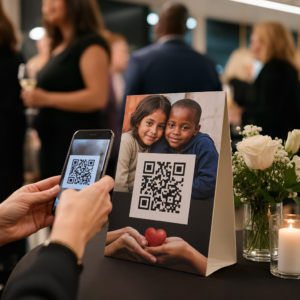
A sua montra funciona para si depois do horário de fecho? A maioria das montras fica em silêncio no momento em que as luzes se apagam, perdendo todos os potenciais clientes que passam. Colocar um código QR na sua montra transforma esse vidro num ponto de contacto de marketing sempre ativo que conecta os transeuntes ao seu conteúdo digital instantaneamente.
Por Que as Montras São Espaços de Marketing Subutilizados
A maioria dos negócios de retalho trata as suas montras como decoração. Na realidade, uma montra virada para uma rua movimentada é um dos locais de maior visibilidade disponíveis para si – e não custa nada extra adicionar um código QR a ela.
Os clientes que olham para a montra já estão interessados. Eles abrandaram, olharam para a sua exposição e estão a considerar se devem interagir mais. Um código QR dá-lhes um próximo passo imediato: digitalizar para ver o menu, navegar no catálogo, reivindicar um desconto ou ler avaliações. Sem ele, esse momento de interesse passa e o cliente segue em frente.
Marcas como a Heinz e a Nestlé têm usado códigos QR dinâmicos em embalagens físicas para criar relacionamentos contínuos com os clientes. A mesma lógica aplica-se às montras. A montra não é apenas uma barreira entre o interior e o exterior – é uma superfície que pode conectar a sua presença offline a todo o seu ecossistema digital.
Como Exibir um Código QR Numa Montra
Existem vários formatos práticos para colocar um código QR numa montra, dependendo do seu orçamento e da frequência com que precisa de alterar o conteúdo.
- Adesivos de janela são decalques de vinil removíveis que aderem diretamente ao vidro. São fáceis de instalar, têm uma aparência profissional e podem ser substituídos quando a sua promoção muda.
- Autocolantes ou decalques de janela são semelhantes aos adesivos, mas podem ser mais permanentes. Estes funcionam bem para códigos que ligam a destinos de longo prazo, como o seu website ou página de avaliações do Google.
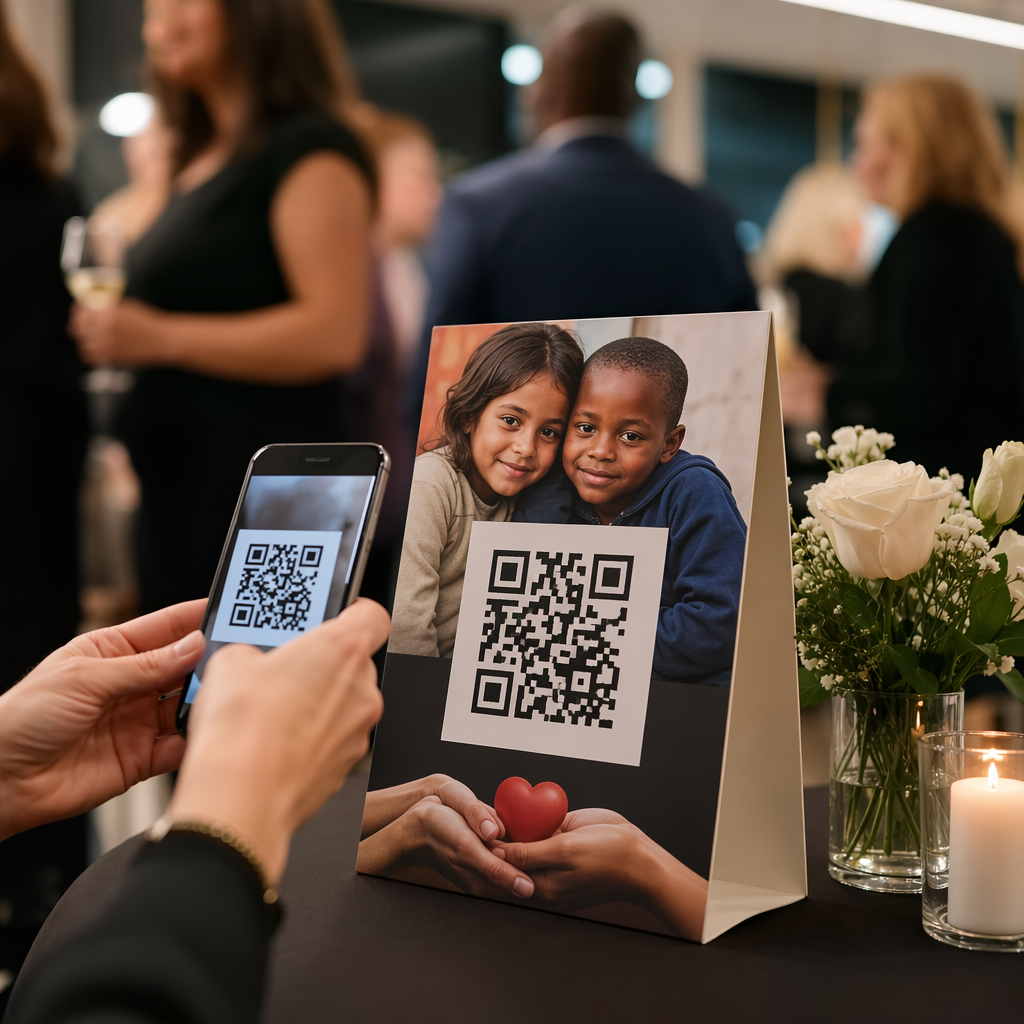
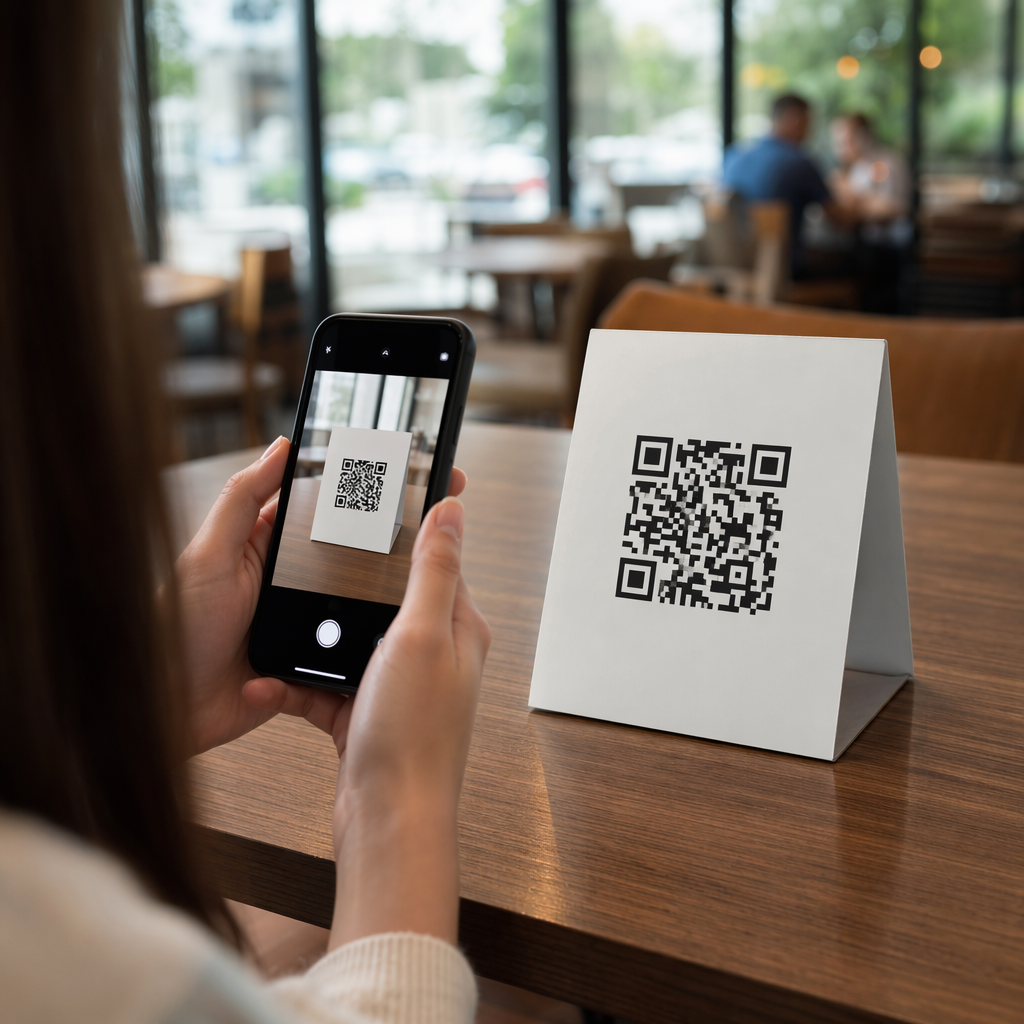
- Placas em forma de A colocadas mesmo à porta da sua entrada permitem-lhe trocar os cartazes com códigos QR sem tocar na montra. Isto é útil para promover especiais diários ou ofertas com prazo limitado.
- Um monitor ou ecrã na montra pode exibir um código QR dinamicamente, o que é especialmente eficaz se rodar promoções ou quiser um ecrã digital de alta visibilidade.
Para qualquer um desses formatos, use um PNG de código QR de alta resolução para garantir que o código impresso ou exibido permaneça nítido no tamanho que você precisa.
Crie um Código QR Pronto para Impressão para Sua Janela Gere um código QR de alta resolução e com a sua marca em segundos com o Gerador de Código QR Pageloot. Baixe em formato PNG, SVG ou PDF – pronto para adesivos de janela, películas ou placas de cavalete.
Escolhendo Entre Códigos QR Estáticos e Dinâmicos
Esta é uma das decisões mais importantes que você tomará antes de imprimir qualquer coisa em sua janela.
Códigos QR estáticos são fixos. Uma vez impresso, o destino não pode ser alterado. Eles são adequados para links permanentes como a página inicial do seu negócio ou um mapa de localização – conteúdo que nunca precisará ser atualizado.
Códigos QR dinâmicos permitem que você altere o destino vinculado a qualquer momento, mesmo depois que o código já estiver impresso e exibido. Se o seu adesivo de janela promove uma venda sazonal que termina em março, você pode atualizar o destino para uma nova promoção em abril sem substituir o código físico. Os códigos dinâmicos também suportam análises, para que você possa ver quantas pessoas escanearam, quando e de qual local.
Para a maioria das colocações em janelas e sinalizações, os códigos QR dinâmicos são a melhor escolha. A flexibilidade de atualizar o conteúdo sem reimprimir economiza dinheiro e lhe dá a capacidade de manter sua janela relevante. Saiba mais sobre opções de código QR para placas e banners para entender qual formato se adapta ao seu caso de uso.
Mantenha o Código da Sua Janela Sempre Atualizado Com códigos QR dinâmicos da Pageloot, você pode atualizar o URL de destino da sua janela a qualquer momento – sem necessidade de reimpressão. Comece um teste gratuito de 14 dias para obter acesso total de rastreamento e edição.
Diretrizes de Posicionamento e Tamanho
Um código QR que não pode ser escaneado é uma oportunidade perdida. Siga estas diretrizes práticas para garantir que o código da sua janela realmente funcione.
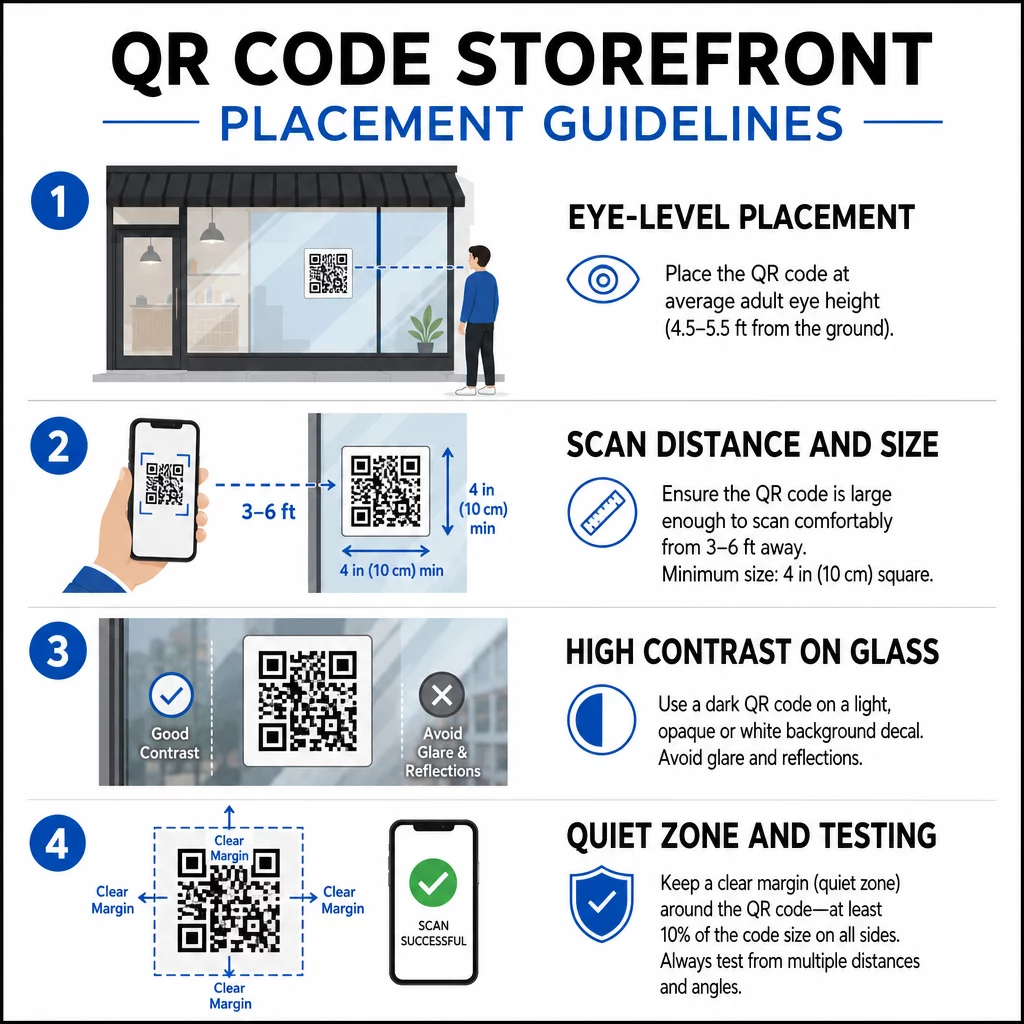
Posicionamento ao nível dos olhos é a recomendação padrão. Procure posicionar a aproximadamente cinco pés do chão, onde a maioria dos adultos naturalmente olha ao passar. Códigos colocados muito altos, muito baixos ou obscurecidos por outras sinalizações são fáceis de ignorar e mais difíceis de escanear.
Tamanho para a distância de digitalização esperada importa mais do que as pessoas esperam. Uma regra geral: para cada 10 cm de distância de digitalização, adicione 1 cm ao comprimento do lado do código. Para um código de janela que se espera ser digitalizado de quatro a sete pés de distância, um código de cerca de 8 × 8 polegadas é apropriado. Evite ir menor que 2 × 2 cm para qualquer aplicação de curto alcance.
Alto contraste entre o código e seu fundo é essencial. Use um código escuro em um fundo claro. Evite esquemas invertidos (código claro em fundo escuro) porque alguns leitores de QR não conseguem decodificá-los de forma confiável. Ao aplicar um decalque em vidro, teste-o após a instalação – o vidro pode criar reflexos que interferem na digitalização.
Zonas de silêncio (a margem branca ao redor do código) deve ser mantida. Permita pelo menos 0,25 polegadas de espaço livre em todos os lados, sem texto, imagens ou elementos de design. Sem este buffer, os scanners podem falhar em detectar onde o código começa e termina.
Teste antes de se comprometer. Digitalize o código no tamanho final impresso, da distância real em que um cliente ficaria, usando vários dispositivos. Este passo detecta problemas antes que cheguem à sua loja. Para mais detalhes sobre as melhores práticas de legibilidade de códigos QR, incluindo taxas de contraste e zonas de silêncio, o guia completo abrange todos os requisitos técnicos.
O Que Ligar o Seu Código QR de Janela
O destino importa tanto quanto o próprio código. Simplesmente ligar à sua página inicial é a opção de menor valor. Pessoas que digitalizam um código de janela já estão na sua localização – elas querem algo mais específico.
Considere estes destinos de maior valor:
- UMA Catálogo de produtos em PDF mostrando itens disponíveis, tamanhos e preços, para que os clientes possam navegar mesmo quando a loja estiver fechada. Um Código QR em PDF torna isso simples de configurar e atualizar.
- UMA desconto ou cupom para a próxima visita, incentivando o retorno.
- UMA link de avaliação para o seu perfil do Google Meu Negócio, tornando fácil para clientes satisfeitos deixarem feedback.
- Um promoção exclusiva ou sorteio, dando às pessoas um motivo para escanear imediatamente em vez de simplesmente passar.
- Mídias sociais ou um formulário de inscrição, transformando um transeunte ocasional em um seguidor ou assinante de longo prazo.
UMA Código QR da URL pode apontar para qualquer um desses destinos e, com um código dinâmico, você pode alternar o que oferece sem alterar a exibição física.
Sempre Adicione uma Chamada para Ação
Nunca presuma que as pessoas sabem o que fazer com um código QR ou por que deveriam se importar. Uma breve instrução adjacente ao código remove essa fricção. Frases como “Abra sua câmera e escaneie para 10% de desconto” ou “Escaneie para ver o menu de hoje” dizem ao cliente exatamente o que esperar.
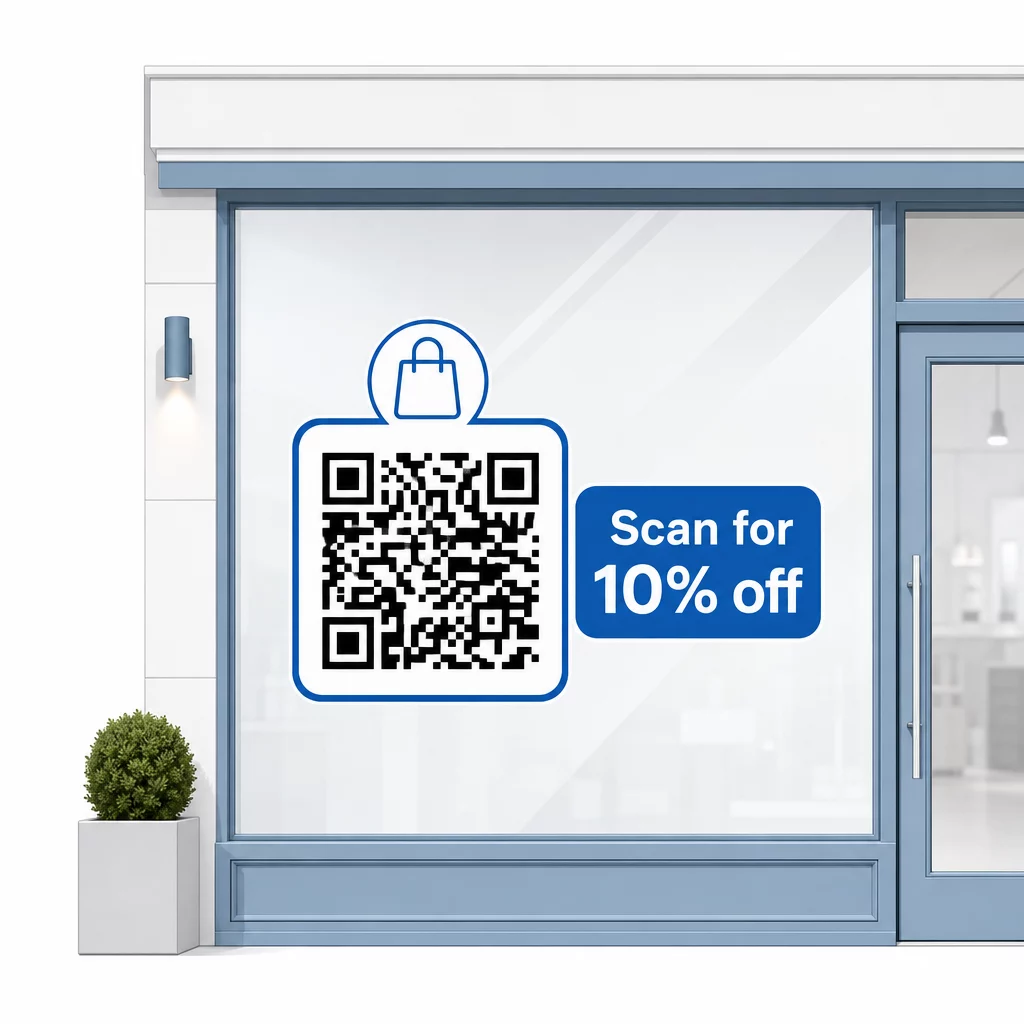
Mantenha a mensagem curta – no máximo duas linhas. Quanto mais clara e específica for sua CTA, maior será sua taxa de escaneamento. Se seu público puder incluir clientes não familiarizados com o escaneamento de QR, adicione uma breve nota como “aponte a câmera do seu telefone para este código.” Para orientação sobre escaneamento de códigos QR em diferentes dispositivos, incluindo laptops e desktops, você pode encaminhar os clientes para instruções diretas.
Acompanhe e Melhore ao Longo do Tempo
Uma vantagem que os códigos QR dinâmicos têm sobre os estáticos é a análise integrada. Você pode ver quantas pessoas escanearam seu código de janela a cada dia, em que horários e se há picos em torno de promoções específicas.
Estes dados permitem-lhe tomar decisões informadas. Se as leituras diminuírem após o fim de uma promoção, atualize o destino para algo novo. Se uma colocação na janela tiver um desempenho superior a outra, sabe onde focar. Pode também comparar aplicações de leitura de códigos QR para entender como os clientes estão provavelmente a aceder aos seus códigos e garantir a compatibilidade.
Use o Visão geral das funcionalidades do Pageloot para explorar a gama completa de ferramentas de análise, edição e personalização disponíveis para gerir os seus códigos de janela juntamente com todas as suas outras campanhas QR.
Um código QR bem colocado e bem desenhado na sua montra pode gerar um envolvimento significativo 24 horas por dia – não apenas durante o horário comercial. Comece com um objetivo claro, escolha um código dinâmico para poder manter o conteúdo atualizado, siga as diretrizes de colocação e tamanho e dê sempre aos clientes um motivo para digitalizar.
Comece a Rastrear as Suas Leituras de Janela Use o Gerador de Código QR Pageloot para criar um código QR rastreável e editável para a sua montra. Teste gratuito de 14 dias, sem necessidade de cartão de crédito.
Perguntas frequentes
Sim, se você usar um código QR dinâmico. Códigos dinâmicos permitem que você atualize o URL de destino a qualquer momento após a impressão, assim o código físico em sua janela permanece o mesmo enquanto o conteúdo ao qual ele se vincula muda a cada promoção. Códigos estáticos são fixos e exigiriam reimpressão a cada vez.
Para um código de janela que se espera ser escaneado de quatro a sete pés de distância, um tamanho de aproximadamente 8 × 8 polegadas é apropriado. A diretriz geral é adicionar 1 cm ao tamanho do código para cada 10 cm de distância de escaneamento. Sempre teste o código no tamanho impresso real a partir da distância pretendida antes de finalizar a exibição.
Evite simplesmente ligar para a sua página inicial. Destinos mais eficazes incluem um PDF de catálogo de produtos, um desconto ou cupão, um link de avaliação do Google, uma página de redes sociais ou um formulário de inscrição. Uma chamada para ação clara ao lado do código, informando os clientes o que eles obterão ao digitalizar, aumenta significativamente a probabilidade de eles o usarem.