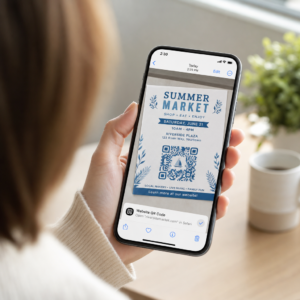
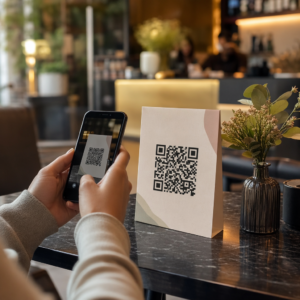
Does your shop window work for you after closing time? Most storefronts go silent the moment the lights go off, missing every potential customer who walks past. Placing a QR code on your window turns that glass into an always-on marketing touchpoint that connects passersby with your digital content instantly.
Why Storefront Windows Are Underused Marketing Space
Most retail businesses treat their windows as decoration. In reality, a window facing a busy street is one of the highest-visibility placements available to you – and it costs nothing extra to add a QR code to it.
Window shoppers are already interested. They have slowed down, looked at your display, and are considering whether to engage further. A QR code gives them an immediate next step: scan to see the menu, browse the catalog, claim a discount, or read reviews. Without it, that moment of interest passes and the customer moves on.
Brands like Heinz and Nestlé have used динамічні QR-коди on physical packaging to create ongoing relationships with customers. The same logic applies to storefronts. The window is not just a barrier between inside and outside – it is a surface that can connect your offline presence to your entire digital ecosystem.
How to Display a QR Code on a Shop Window
There are several practical formats for putting a QR code on a window, depending on your budget and how often you need to change the content.
- Window clings are removable vinyl decals that adhere directly to glass. They are easy to install, look professional, and can be replaced when your promotion changes.
- Window stickers or decals are similar to clings but may be more permanent. These work well for codes that link to long-term destinations like your website or Google review page.
- A-frame signs placed just outside your entrance let you swap out QR code posters without touching the window at all. This is useful for promoting daily specials or time-sensitive offers.
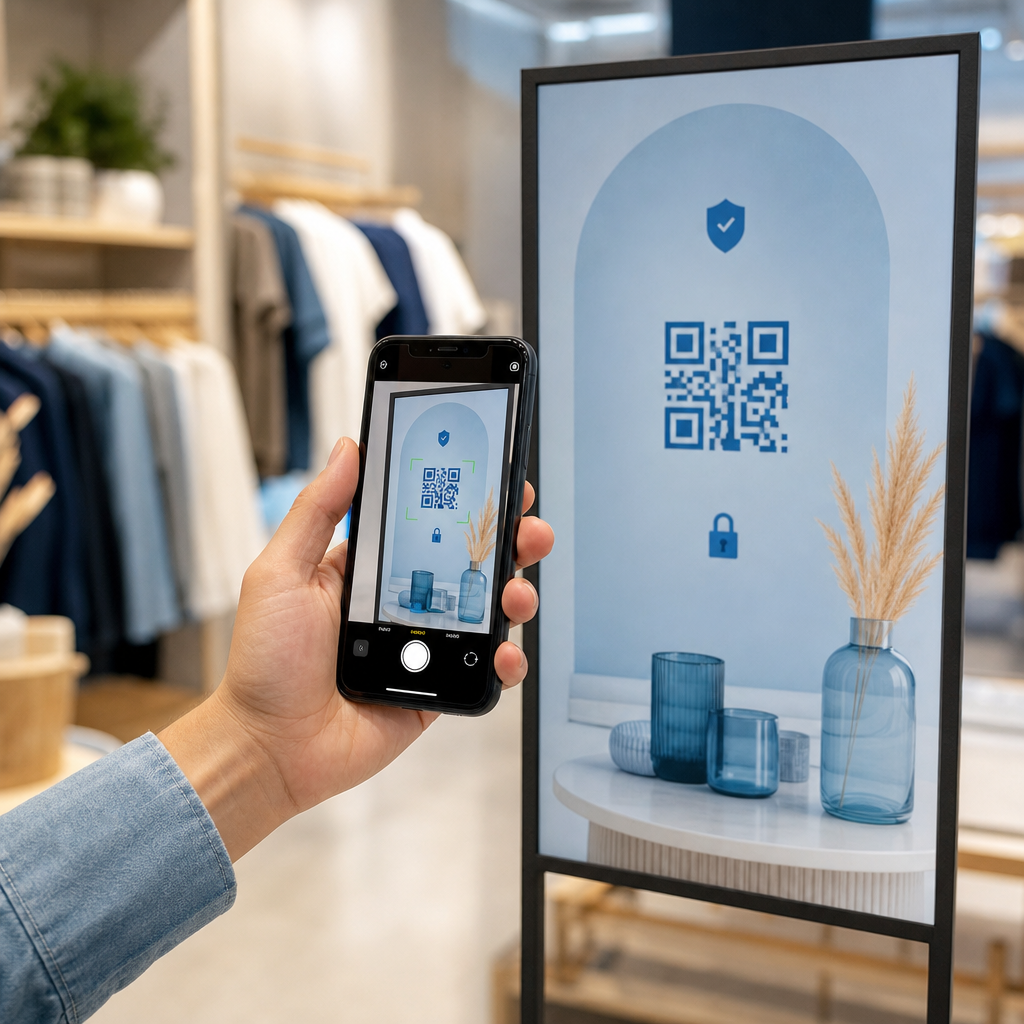
- A monitor or screen in the window can display a QR code dynamically, which is especially effective if you rotate promotions or want a high-visibility digital display.
For any of these formats, use a high-resolution QR code PNG to ensure the printed or displayed code stays crisp at the size you need.
Create a Print-Ready QR Code for Your Window Generate a branded, high-resolution QR code in seconds with the Генератор QR-кодів Pageloot. Download in PNG, SVG, or PDF format – ready for window decals, clings, or A-frame signs.
Вибір між статичними та динамічними QR-кодами
This is one of the most important decisions you will make before printing anything on your window.
Статичні QR-коди are fixed. Once printed, the destination cannot be changed. They are suitable for permanent links like your business homepage or a location map – content that will never need updating.
Динамічні QR-коди let you change the linked destination at any time, even after the code is already printed and displayed. If your window decal promotes a seasonal sale that ends in March, you can update the destination to a new promotion in April without replacing the physical code. Dynamic codes also support analytics, so you can see how many people scanned, when, and from which location.
For most window and signage placements, dynamic QR codes are the better choice. The flexibility to update content without reprinting saves money and gives you the ability to keep your window relevant. Learn more about QR code options for signs and banners to understand which format fits your use case.
Keep Your Window Code Evergreen С Динамічні QR-коди Pageloot, you can update your window’s destination URL any time – no reprinting required. Start a free 14-day trial to get full tracking and editing access.
Placement and Size Guidelines
A QR code that cannot be scanned is a wasted opportunity. Follow these practical guidelines to make sure your window code actually works.
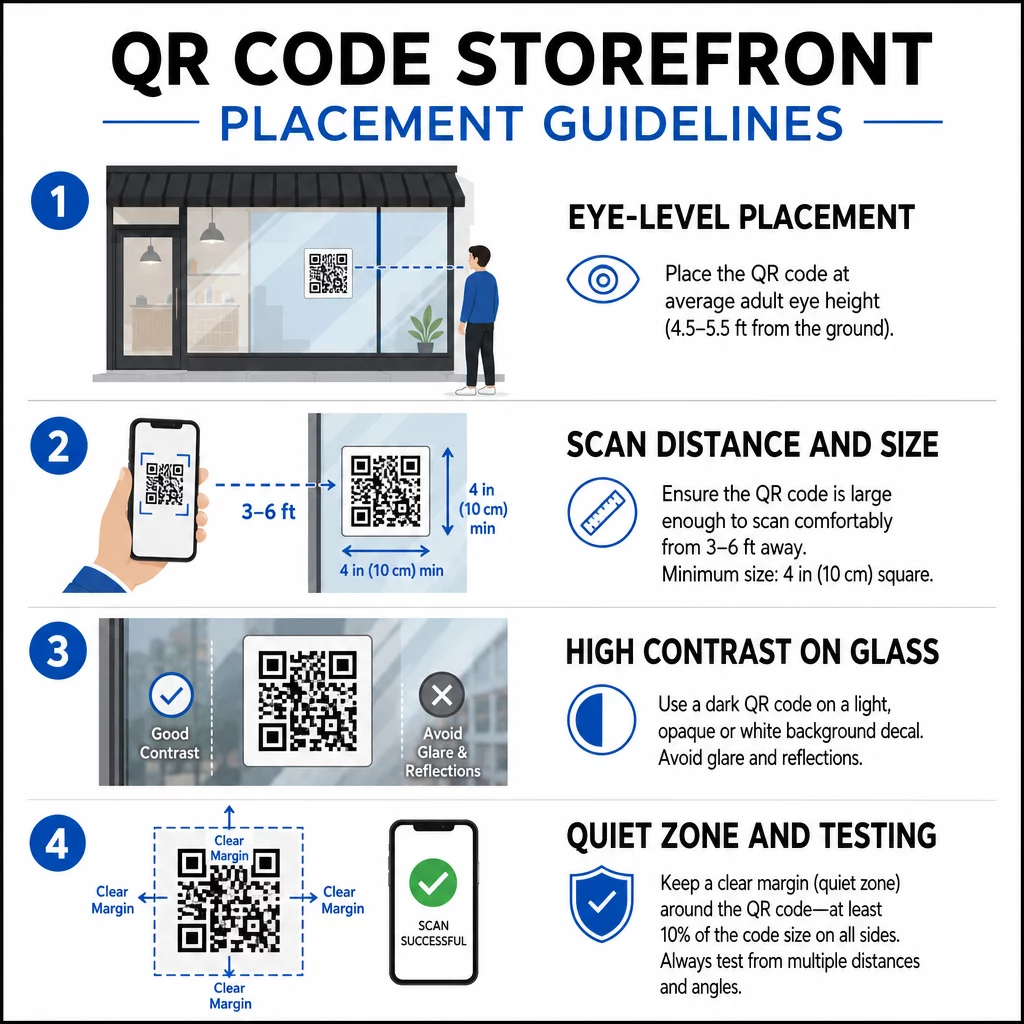
Eye-level placement is the standard recommendation. Aim for approximately five feet from the ground, where most adults naturally look as they walk past. Codes placed too high, too low, or obscured by other signage are easy to ignore and harder to scan.
Size for the expected scanning distance matters more than people expect. A general rule: for every 10 cm of scanning distance, add 1 cm to the code’s side length. For a window code expected to be scanned from four to seven feet away, a code around 8 × 8 inches is appropriate. Avoid going smaller than 2 × 2 cm for any close-range application.
High contrast between the code and its background is essential. Use a dark code on a light background. Avoid inverted schemes (light code on dark background) because some QR readers cannot reliably decode them. When applying a decal to glass, test it after installation – glass can create glare that interferes with scanning.
Quiet zones (the white margin around the code) should be maintained. Allow at least 0.25 inches of clear space on all sides, free of text, images, or design elements. Without this buffer, scanners may fail to detect where the code begins and ends.
Test before committing. Scan the code at the final printed size from the actual distance a customer would stand, using multiple devices. This step catches problems before they reach your storefront. For more detail on рекомендацій щодо читабельності QR-кодів, including contrast ratios and quiet zones, the full guide covers all the technical requirements.
What to Link Your Window QR Code To
The destination matters as much as the code itself. Simply linking to your homepage is the lowest-value option. People who scan a window code are already at your location – they want something more specific.
Consider these higher-value destinations:
- A PDF product catalog showing available items, sizes, and prices, so customers can browse even when the store is closed. A PDF QR код makes this straightforward to set up and update.
- A discount or coupon for their next visit, encouraging return traffic.
- A review link to your Google Business profile, making it frictionless for satisfied customers to leave feedback.
- Ан exclusive promotion or sweepstake, giving people a reason to scan immediately rather than walking past.
- Social media or a sign-up form, turning a one-time passerby into a long-term follower or subscriber.
A URL QR code can point to any of these destinations, and with a dynamic code, you can rotate what you offer without changing the physical display.
Always Add a Call-to-Action
Never assume people know what to do with a QR code or why they should bother. A short instruction adjacent to the code removes that friction. Phrases like “Open your camera and scan for 10% off” or “Scan to view today’s menu” tell the customer exactly what to expect.
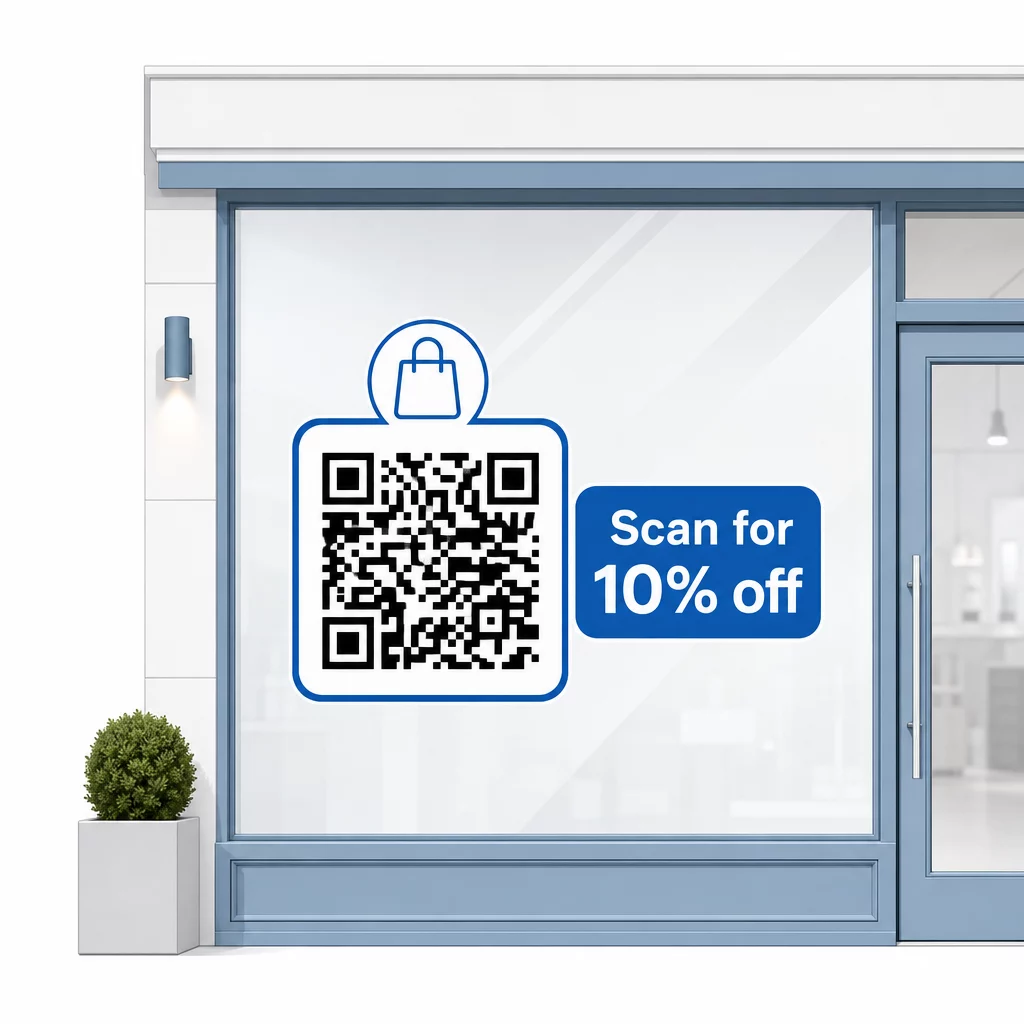
Keep the message short – two lines at most. The clearer and more specific your CTA, the higher your scan rate will be. If your audience may include customers unfamiliar with QR scanning, add a brief note such as “point your phone camera at this code.” For guidance on scanning QR codes on different devices, including laptops and desktops, you can refer customers to straightforward instructions.
Track and Improve Over Time
One advantage dynamic QR codes have over static ones is built-in analytics. You can see how many people scanned your window code each day, at what times, and whether there are spikes around specific promotions.
This data lets you make informed decisions. If scans drop off after a promotion ends, update the destination to something fresh. If one window placement outperforms another, you know where to focus. You can also compare QR code scanner apps to understand how customers are likely accessing your codes and ensure compatibility.
Використовувати Pageloot features overview to explore the full range of analytics, editing, and customization tools available for managing your window codes alongside all your other QR campaigns.
A well-placed, well-designed QR code on your storefront window can generate meaningful engagement around the clock – not just during business hours. Start with a clear goal, choose a dynamic code so you can keep the content current, follow the placement and size guidelines, and always give customers a reason to scan.
Start Tracking Your Window Scans Використовувати Генератор QR-кодів Pageloot to create a trackable, editable QR code for your storefront window. Free 14-day trial, no credit card required.
Часті запитання
Yes, if you use a dynamic QR code. Dynamic codes let you update the destination URL at any time after printing, so the physical code on your window stays the same while the content it links to changes with each promotion. Static codes are fixed and would require reprinting each time.
For a window code expected to be scanned from four to seven feet away, a size of approximately 8 × 8 inches is appropriate. The general guideline is to add 1 cm of code size for every 10 cm of scanning distance. Always test the code at the actual printed size from the intended distance before finalizing the display.
Avoid simply linking to your homepage. More effective destinations include a product catalog PDF, a discount or coupon, a Google review link, a social media page, or a sign-up form. A clear call-to-action next to the code telling customers what they will get when they scan significantly increases the likelihood they will use it.