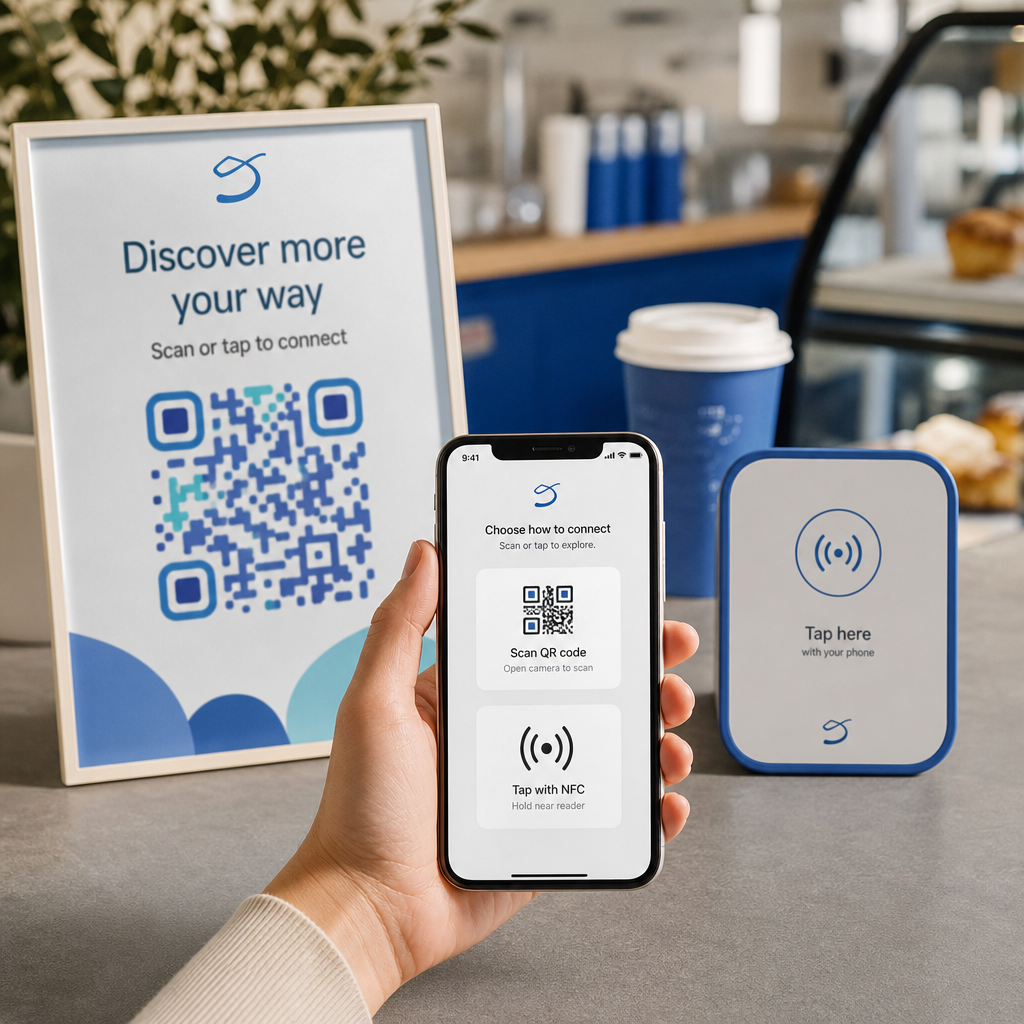
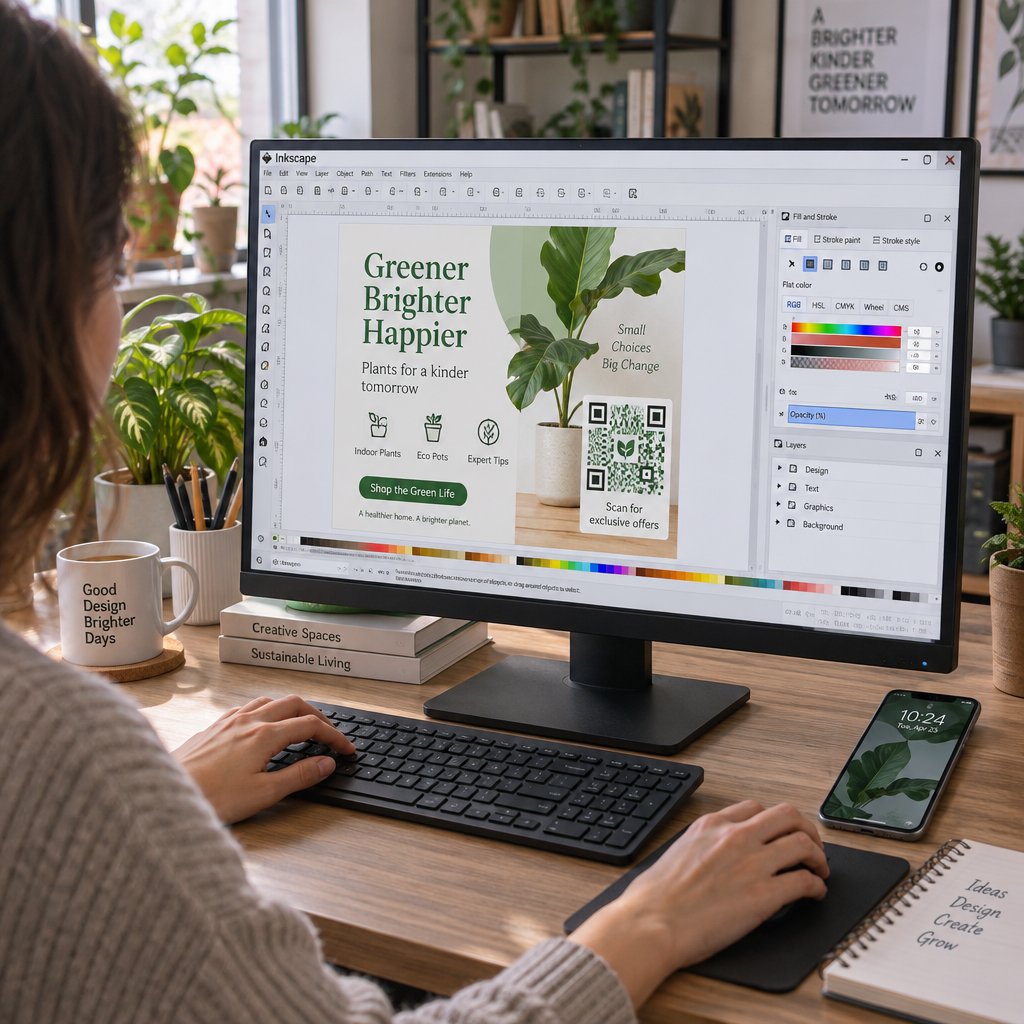
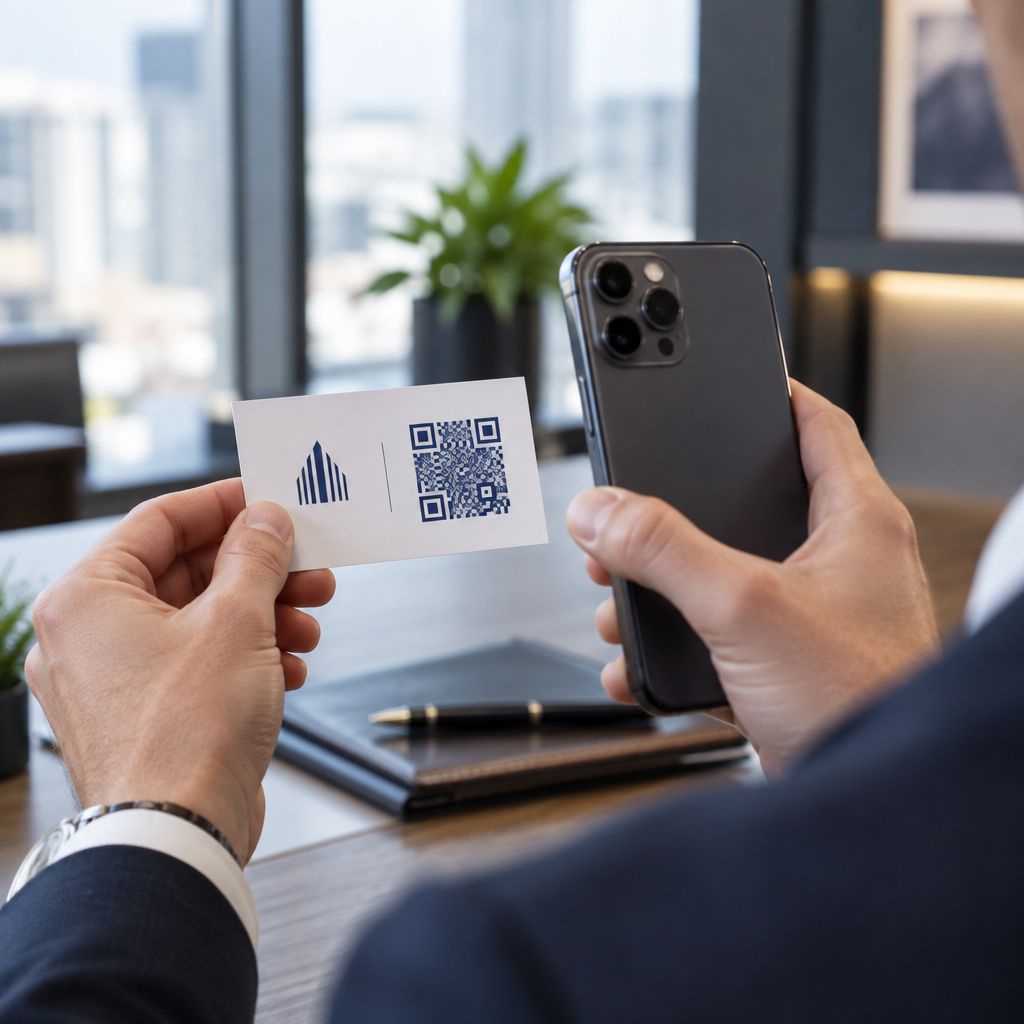
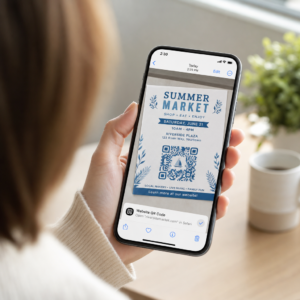
Ar jūsų parduotuvės vitrina dirba jums po darbo valandų? Dauguma vitrinų nutyla, kai tik užgęsta šviesos, praleisdamos kiekvieną potencialų klientą, kuris praeina pro šalį. QR kodo įdėjimas ant jūsų vitrinos paverčia tą stiklą nuolat veikiančiu rinkodaros tašku, kuris akimirksniu sujungia praeivius su jūsų skaitmeniniu turiniu.
Kodėl parduotuvių vitrinos yra nepakankamai išnaudojama rinkodaros erdvė
Dauguma mažmeninės prekybos įmonių savo vitrinas laiko dekoracija. Iš tikrųjų, vitrina, atsukta į judrią gatvę, yra viena iš geriausiai matomų vietų, kurias galite turėti – ir nieko papildomai nekainuoja pridėti QR kodą.
Vitrinų apžiūrinėtojai jau yra susidomėję. Jie sulėtino žingsnį, apžiūrėjo jūsų ekspoziciją ir svarsto, ar įsitraukti toliau. QR kodas suteikia jiems tiesioginį kitą žingsnį: nuskaityti, kad pamatytų meniu, naršytų katalogą, gautų nuolaidą ar perskaitytų atsiliepimus. Be jo, tas susidomėjimo momentas praeina ir klientas eina toliau.
Prekės ženklai, tokie kaip „Heinz“ ir „Nestlé“, naudojo dinaminiai QR kodai ant fizinės pakuotės, kad sukurtų nuolatinius santykius su klientais. Ta pati logika taikoma ir parduotuvių vitrinoms. Vitrina yra ne tik barjeras tarp vidaus ir išorės – tai paviršius, galintis sujungti jūsų neprisijungus esantį buvimą su visa jūsų skaitmenine ekosistema.
Kaip rodyti QR kodą parduotuvės vitrinoje
Yra keletas praktinių formatų, kaip įdėti QR kodą ant vitrinos, priklausomai nuo jūsų biudžeto ir to, kaip dažnai reikia keisti turinį.
- Vitrinų lipdukai (lipnūs) yra nuimami viniliniai lipdukai, kurie tiesiogiai prilimpa prie stiklo. Juos lengva įdiegti, jie atrodo profesionaliai ir gali būti pakeisti, kai pasikeičia jūsų akcija.
- Vitrinų lipdukai arba dekoliukai yra panašūs į lipdukus, bet gali būti patvaresni. Jie puikiai tinka kodams, kurie susieja su ilgalaikėmis paskirties vietomis, tokiomis kaip jūsų svetainė ar „Google“ atsiliepimų puslapis.
- A formos iškabos pastatytos tiesiai prie jūsų įėjimo leidžia keisti QR kodų plakatus visiškai neliečiant vitrinos. Tai naudinga reklamuojant dienos specialius pasiūlymus ar laiko ribotus pasiūlymus.
- Monitorius arba ekranas vitrinoje gali dinamiškai rodyti QR kodą, o tai ypač efektyvu, jei keičiate akcijas arba norite gerai matomo skaitmeninio ekrano.
Bet kuriam iš šių formatų naudokite didelės raiškos QR kodo PNG kad atspausdintas ar rodomas kodas išliktų ryškus reikiamu dydžiu.
Sukurkite spausdinimui paruoštą QR kodą savo langui Sukurkite firminį, didelės raiškos QR kodą per kelias sekundes su „Pageloot“ QR kodų generatorius. Atsisiųskite PNG, SVG arba PDF formatu – paruošta langų lipdukams, prilipdomiems plakatams ar A formos iškaboms.
Pasirinkimas tarp statinių ir dinaminių QR kodų
Tai vienas svarbiausių sprendimų, kurį priimsite prieš spausdindami ką nors ant savo lango.
Statiniai QR kodai yra fiksuoti. Atspausdinus, paskirties vieta negali būti pakeista. Jie tinka nuolatinėms nuorodoms, tokioms kaip jūsų verslo pagrindinis puslapis ar vietos žemėlapis – turiniui, kurio niekada nereikės atnaujinti.
Dinaminiai QR kodai leidžia bet kuriuo metu pakeisti susietą paskirties vietą, net ir po to, kai kodas jau atspausdintas ir rodomas. Jei jūsų lango lipdukas reklamuoja sezoninį išpardavimą, kuris baigiasi kovą, galite atnaujinti paskirties vietą į naują akciją balandį, nekeisdami fizinio kodo. Dinaminiai kodai taip pat palaiko analizę, todėl galite matyti, kiek žmonių nuskenavo, kada ir iš kurios vietos.
Daugeliui langų ir iškabų vietų dinaminiai QR kodai yra geresnis pasirinkimas. Lankstumas atnaujinti turinį be pakartotinio spausdinimo taupo pinigus ir suteikia galimybę išlaikyti jūsų langą aktualų. Sužinokite daugiau apie QR kodo parinktis ženklams ir reklaminiams skydeliams kad suprastumėte, kuris formatas tinka jūsų naudojimo atvejui.
Išlaikykite savo lango kodą amžinai aktualų Su Pageloot dinaminiai QR kodai, galite bet kada atnaujinti savo lango paskirties URL – nereikia pakartotinio spausdinimo. Pradėkite nemokamą 14 dienų bandomąjį laikotarpį, kad gautumėte visą stebėjimo ir redagavimo prieigą.
Išdėstymo ir dydžio gairės
QR kodas, kurio negalima nuskenuoti, yra prarasta galimybė. Laikykitės šių praktinių gairių, kad įsitikintumėte, jog jūsų lango kodas tikrai veikia.
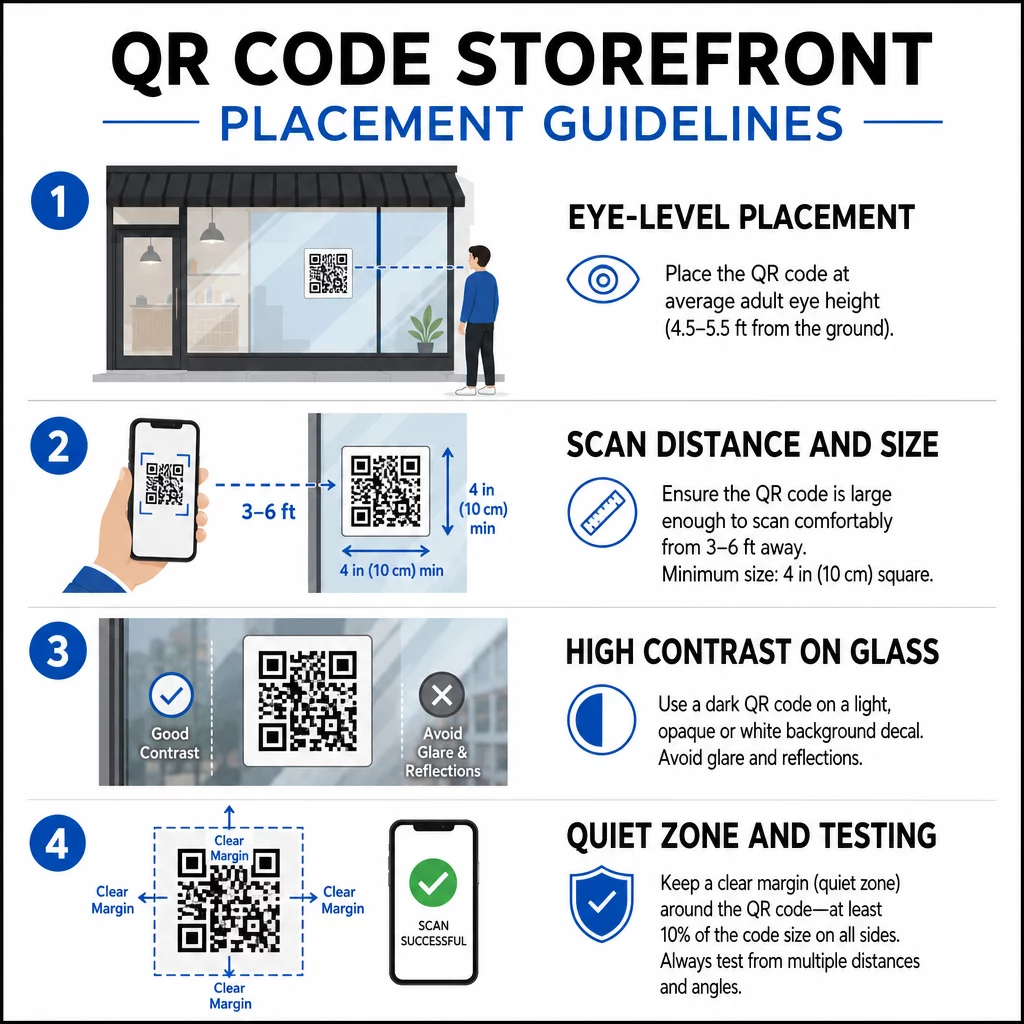
Aukščio akių lygyje išdėstymas yra standartinė rekomendacija. Siekite maždaug penkių pėdų nuo žemės, kur dauguma suaugusiųjų natūraliai žiūri eidami pro šalį. Per aukštai, per žemai arba kitų ženklų užstoti kodai yra lengvai ignoruojami ir sunkiau nuskaitomi.
Dydis pagal numatomą nuskaitymo atstumą svarbu labiau, nei žmonės tikisi. Bendra taisyklė: kiekvieniems 10 cm nuskaitymo atstumo pridėkite 1 cm prie kodo kraštinės ilgio. Langų kodui, kurį tikimasi nuskaityti iš keturių iki septynių pėdų atstumo, tinkamas yra maždaug 8 × 8 colių kodas. Venkite mažesnių nei 2 × 2 cm bet kokiam artimo nuotolio naudojimui.
Didelis kontrastas tarp kodo ir jo fono yra būtinas. Naudokite tamsų kodą ant šviesaus fono. Venkite apverstų schemų (šviesus kodas ant tamsaus fono), nes kai kurie QR skaitytuvai negali jų patikimai iššifruoti. Klijuodami lipduką ant stiklo, išbandykite jį po įdiegimo – stiklas gali sukelti atspindžius, kurie trukdo nuskaityti.
Tyliosios zonos (balta paraštė aplink kodą) turėtų būti išlaikyta. Palikite bent 0,25 colio laisvos vietos iš visų pusių, be teksto, paveikslėlių ar dizaino elementų. Be šio buferio skaitytuvai gali nesugebėti aptikti, kur kodas prasideda ir baigiasi.
Išbandykite prieš įsipareigodami. Nuskaitykite kodą galutiniu atspausdintu dydžiu iš tikrojo atstumo, kuriuo stovėtų klientas, naudodami kelis įrenginius. Šis žingsnis padeda aptikti problemas, kol jos nepasiekė jūsų parduotuvės. Daugiau informacijos apie su QR kodų skaitomumo geriausia praktika, įskaitant kontrasto santykius ir ramiąsias zonas, išsamus vadovas apima visus techninius reikalavimus.
Prie ko susieti savo lango QR kodą
Paskirties vieta yra tokia pat svarbi kaip ir pats kodas. Paprastas susiejimas su jūsų pagrindiniu puslapiu yra mažiausios vertės pasirinkimas. Žmonės, kurie nuskaito lango kodą, jau yra jūsų vietoje – jie nori kažko konkretesnio.
Apsvarstykite šias didesnės vertės paskirties vietas:
- A PDF produktų katalogas rodantis turimas prekes, dydžius ir kainas, kad klientai galėtų naršyti net ir uždarius parduotuvę. A PDF QR kodas palengvina tai nustatyti ir atnaujinti.
- A nuolaida arba kuponas kitam apsilankymui, skatinant sugrįžtamąjį srautą.
- A atsiliepimo nuoroda į jūsų „Google Business“ profilį, kad patenkintiems klientams būtų lengva palikti atsiliepimą.
- An išskirtinė akcija arba loterija, suteikiant žmonėms priežastį nuskaityti iškart, o ne praeiti pro šalį.
- Socialinė žiniasklaida arba registracijos forma, paverčiant vienkartinį praeivį ilgalaikiu sekėju ar prenumeratoriumi.
A URL QR kodas gali nukreipti į bet kurią iš šių vietų, o su dinaminiu kodu galite keisti savo pasiūlymus nekeisdami fizinio ekrano.
Visada pridėkite raginimą veikti
Niekada nemanykite, kad žmonės žino, ką daryti su QR kodu ar kodėl jie turėtų vargintis. Trumpa instrukcija šalia kodo pašalina šią trintį. Frazės, tokios kaip “Atidarykite kamerą ir nuskaitykite, kad gautumėte 10% nuolaidą” arba “Nuskaitykite, kad peržiūrėtumėte šiandienos meniu”, tiksliai pasako klientui, ko tikėtis.
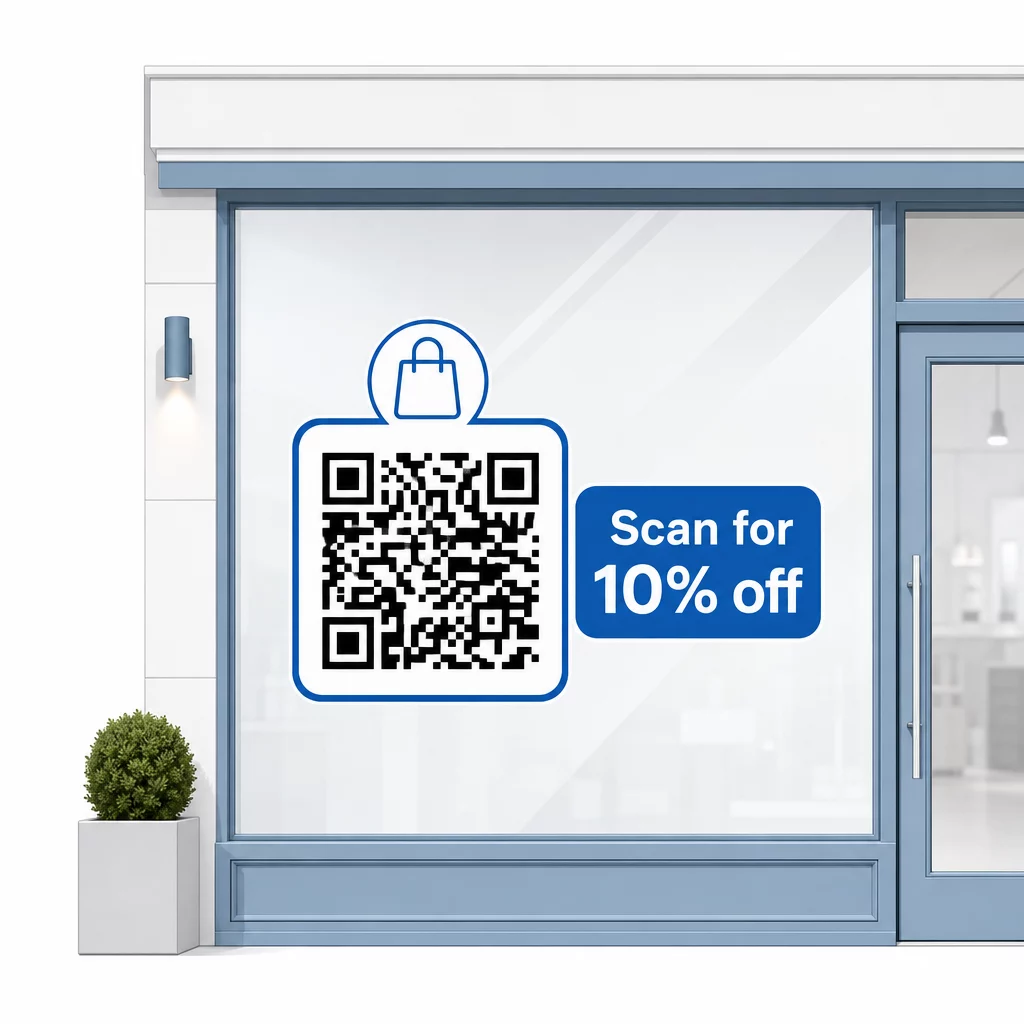
Laikykite pranešimą trumpą – daugiausiai dvi eilutes. Kuo aiškesnis ir konkretesnis jūsų raginimas veikti, tuo didesnis bus jūsų nuskaitymo rodiklis. Jei jūsų auditorijoje gali būti klientų, nepažįstančių QR nuskaitymo, pridėkite trumpą pastabą, pvz., “nukreipkite telefono kamerą į šį kodą”. Dėl gairių, kaip nuskaityti QR kodus skirtinguose įrenginiuose, įskaitant nešiojamuosius ir stalinius kompiuterius, galite nukreipti klientus į paprastas instrukcijas.
Stebėkite ir tobulinkite laikui bėgant
Vienas iš dinaminių QR kodų pranašumų, palyginti su statiniais, yra integruota analizė. Galite matyti, kiek žmonių nuskenavo jūsų lango kodą kiekvieną dieną, kokiu laiku ir ar yra šuolių aplink konkrečias akcijas.
Šie duomenys leidžia priimti pagrįstus sprendimus. Jei nuskaitymų sumažėja pasibaigus akcijai, atnaujinkite paskirties vietą į kažką naujo. Jei viena lango vieta veikia geriau nei kita, žinote, kur sutelkti dėmesį. Taip pat galite palyginti QR kodo skaitytuvų programas kad suprastumėte, kaip klientai greičiausiai pasiekia jūsų kodus, ir užtikrintumėte suderinamumą.
Naudoti Pageloot funkcijų apžvalga kad ištirtumėte visą analizės, redagavimo ir tinkinimo įrankių spektrą, skirtą jūsų langų kodams valdyti kartu su visomis kitomis QR kampanijomis.
Gerai išdėstytas, gerai suprojektuotas QR kodas jūsų parduotuvės lange gali sukurti prasmingą įsitraukimą visą parą – ne tik darbo valandomis. Pradėkite nuo aiškaus tikslo, pasirinkite dinaminį kodą, kad galėtumėte nuolat atnaujinti turinį, laikykitės išdėstymo ir dydžio gairių ir visada suteikite klientams priežastį nuskaityti.
Pradėkite stebėti savo langų nuskaitymus Naudoti „Pageloot“ QR kodų generatorius kad sukurtumėte stebimą, redaguojamą QR kodą savo parduotuvės langui. Nemokamas 14 dienų bandomasis laikotarpis, nereikia kredito kortelės.
Dažniausiai užduodami klausimai
Taip, jei naudojate dinaminį QR kodą. Dinaminiai kodai leidžia atnaujinti paskirties URL bet kuriuo metu po spausdinimo, todėl fizinis kodas ant jūsų lango lieka toks pat, o turinys, į kurį jis nukreipia, keičiasi su kiekviena akcija. Statiniai kodai yra fiksuoti ir reikalautų perspausdinimo kiekvieną kartą.
Langų kodui, kurį numatoma nuskaityti iš keturių iki septynių pėdų atstumo, tinka maždaug 8 × 8 colių dydis. Bendra gairė yra pridėti 1 cm kodo dydžio kiekvieniems 10 cm nuskaitymo atstumo. Visada išbandykite kodą faktiniu atspausdintu dydžiu iš numatyto atstumo prieš galutinai patvirtinant rodymą.
Venkite tiesiog nuorodos į savo pagrindinį puslapį. Efektyvesnės paskirties vietos apima produkto katalogo PDF, nuolaidą ar kuponą, „Google“ atsiliepimų nuorodą, socialinės žiniasklaidos puslapį arba registracijos formą. Aiškus raginimas veikti šalia kodo, nurodantis klientams, ką jie gaus nuskenavę, žymiai padidina tikimybę, kad jie jį panaudos.