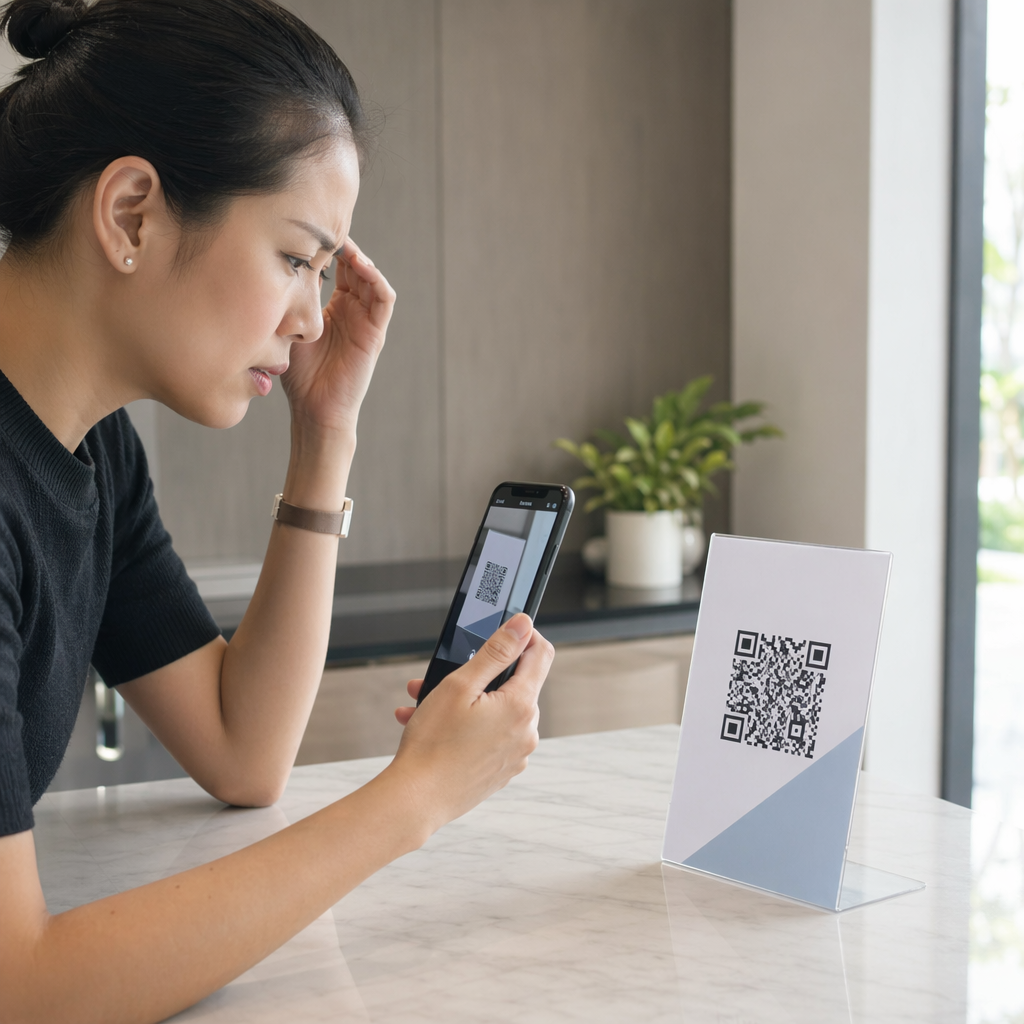
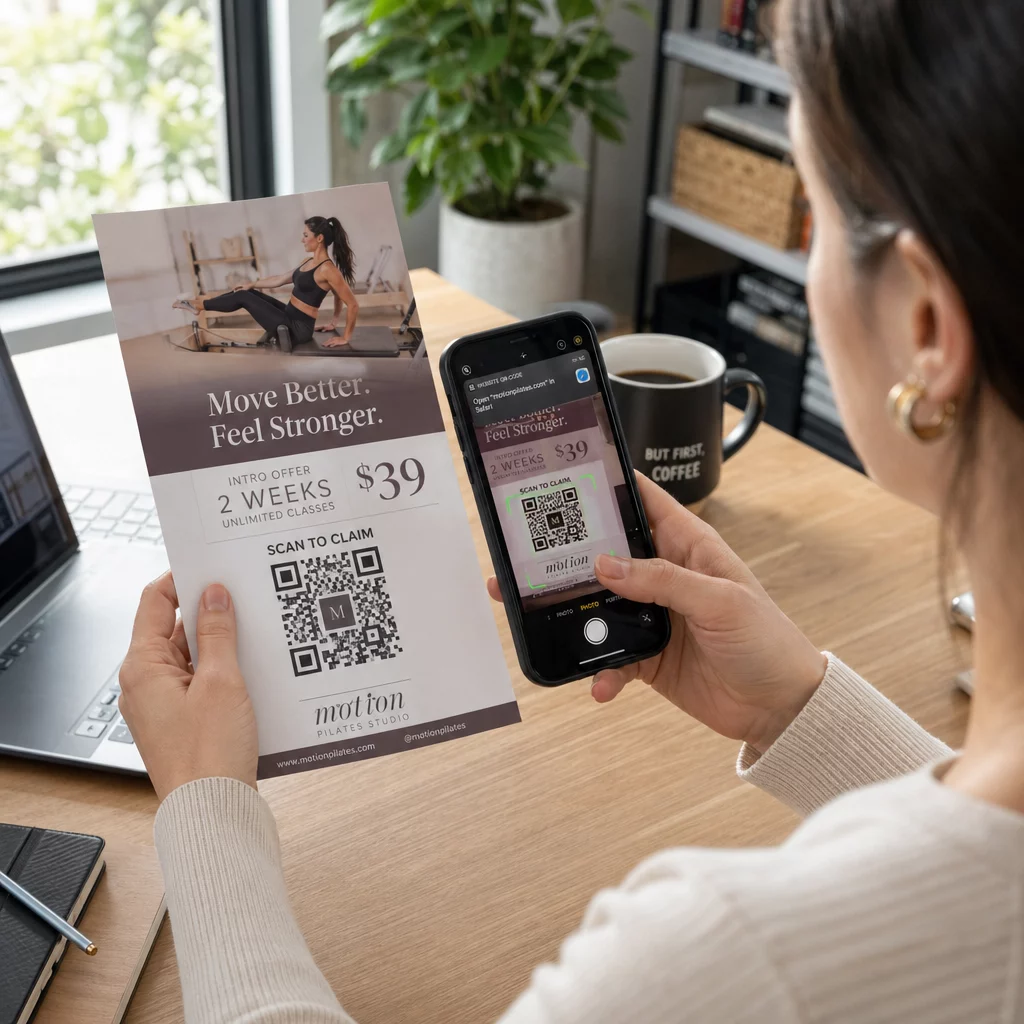
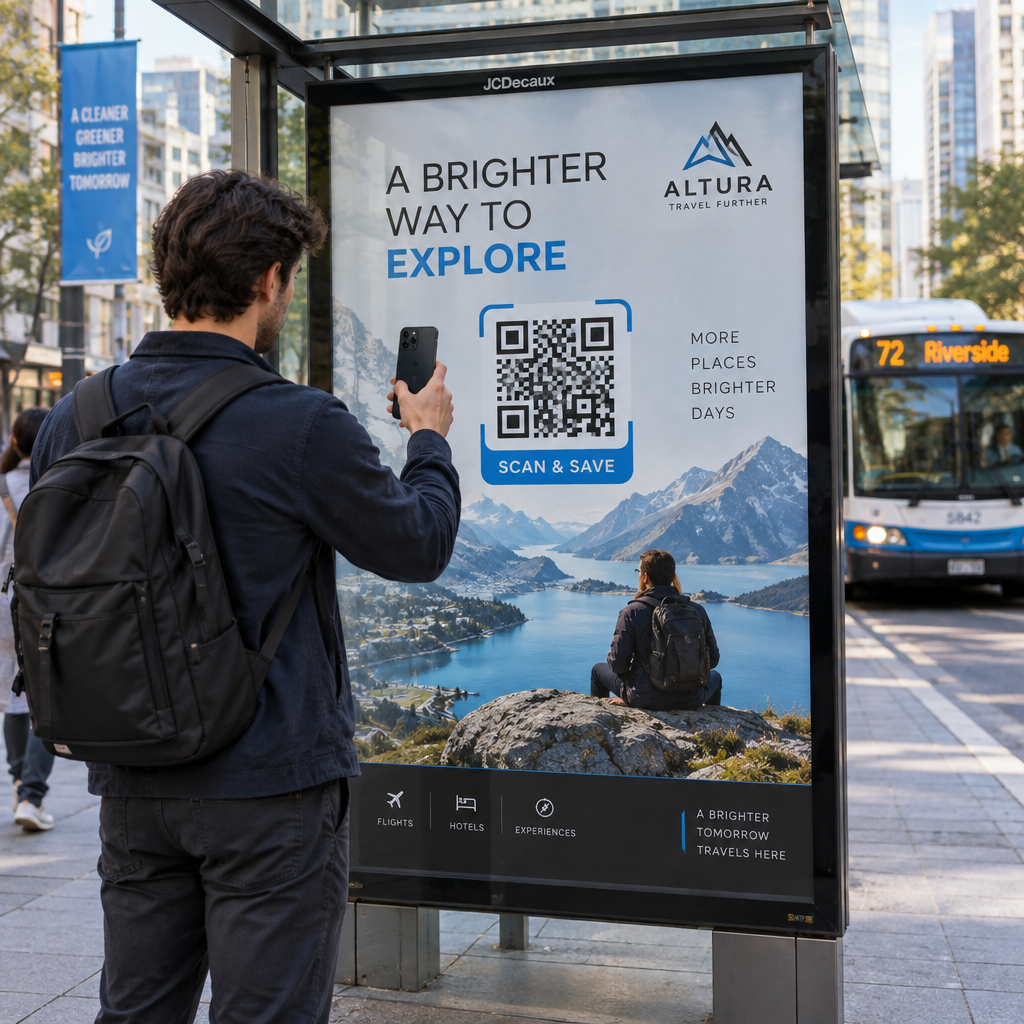
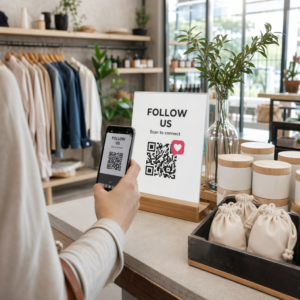
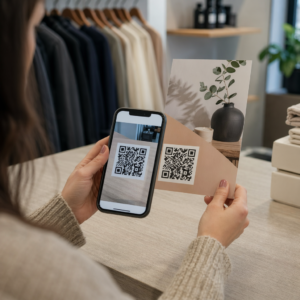
Kas teie poeaken töötab teie heaks pärast sulgemisaega? Enamik poeaknaid vaikib hetkel, kui tuled kustuvad, jättes ilma iga potentsiaalse mööduva kliendi. QR-koodi paigutamine oma aknale muudab selle klaasi alati aktiivseks turunduspunktiks, mis ühendab möödujad teie digitaalse sisuga koheselt.
Miks poeaknad on alakasutatud turunduspind
Enamik jaekaubandusettevõtteid käsitleb oma aknaid kaunistusena. Tegelikkuses on tiheda liiklusega tänavale avanev aken üks kõige paremini nähtavaid paigutusi, mis teile saadaval on – ja QR-koodi lisamine sellele ei maksa midagi lisaks.
Aknaostlejad on juba huvitatud. Nad on aeglustanud, vaadanud teie väljapanekut ja kaaluvad, kas edasi tegeleda. QR-kood annab neile kohese järgmise sammu: skannige menüü vaatamiseks, kataloogi sirvimiseks, allahindluse saamiseks või arvustuste lugemiseks. Ilma selleta möödub see huvihetk ja klient liigub edasi.
Brändid nagu Heinz ja Nestlé on kasutanud dünaamilised QR-koodid füüsilisel pakendil, et luua püsivaid suhteid klientidega. Sama loogika kehtib ka poeakende kohta. Aken ei ole lihtsalt barjäär sise- ja väliskülje vahel – see on pind, mis saab ühendada teie võrguvälise kohaloleku teie kogu digitaalse ökosüsteemiga.
Kuidas kuvada QR-koodi poeaknal
QR-koodi aknale paigutamiseks on mitu praktilist formaati, sõltuvalt teie eelarvest ja sellest, kui tihti peate sisu muutma.
- Akna kleebised on eemaldatavad vinüülkleebised, mis kinnituvad otse klaasile. Neid on lihtne paigaldada, need näevad professionaalsed välja ja neid saab asendada, kui teie kampaania muutub.
- Akna kleebised või kleepsud on sarnased kleepuvatele kleebistele, kuid võivad olla püsivamad. Need sobivad hästi koodidele, mis lingivad pikaajalistele sihtkohtadele, nagu teie veebisait või Google'i arvustuste leht.
- A-raami sildid paigutatud otse teie sissepääsu ette võimaldavad teil QR-koodi plakateid vahetada akent üldse puudutamata. See on kasulik päevapakkumiste või ajatundlike pakkumiste reklaamimiseks.
- Monitor või ekraan aknas saab QR-koodi dünaamiliselt kuvada, mis on eriti tõhus, kui vahetate kampaaniaid või soovite hästi nähtavat digitaalset ekraani.
Kõigi nende vormingute puhul kasutage kõrge eraldusvõimega QR-koodi PNG-d tagamaks, et prinditud või kuvatud kood püsib vajalikus suuruses teravana.
Looge oma aknale printimiseks valmis QR-kood Looge bränditud, kõrge eraldusvõimega QR-kood sekunditega, kasutades Pageloot QR-koodi generaator. Laadige alla PNG-, SVG- või PDF-vormingus – valmis aknakleebiste, kleepsude või A-raami siltide jaoks.
Staatiliste ja dünaamiliste QR-koodide vahel valimine
See on üks olulisemaid otsuseid, mille teete enne midagi oma aknale printimist.
Staatilised QR-koodid on fikseeritud. Pärast printimist ei saa sihtkohta muuta. Need sobivad püsivate linkide jaoks, nagu teie ettevõtte koduleht või asukohakaart – sisu, mis ei vaja kunagi värskendamist.
Dünaamilised QR-koodid võimaldavad teil lingitud sihtkohta igal ajal muuta, isegi pärast seda, kui kood on juba prinditud ja kuvatud. Kui teie aknakleebis reklaamib hooajalist allahindlust, mis lõpeb märtsis, saate aprillis sihtkoha uueks pakkumiseks värskendada, ilma füüsilist koodi asendamata. Dünaamilised koodid toetavad ka analüütikat, nii et näete, kui palju inimesi skaneeris, millal ja millisest asukohast.
Enamiku akna- ja sildipaigutuste puhul on dünaamilised QR-koodid parem valik. Sisu värskendamise paindlikkus ilma uuesti printimata säästab raha ja annab teile võimaluse hoida oma aken asjakohasena. Lisateavet QR-koodi valikud siltide ja bännerite jaoks et mõista, milline vorming sobib teie kasutusjuhtumiga.
Hoidke oma akna kood igihaljana Koos Pagelooti dünaamilised QR-koodid, saate oma akna siht-URL-i igal ajal värskendada – uuesti printimine pole vajalik. Alustage tasuta 14-päevast prooviperioodi, et saada täielik jälgimis- ja redigeerimisjuurdepääs.
Paigutuse ja suuruse juhised
QR-kood, mida ei saa skaneerida, on raisatud võimalus. Järgige neid praktilisi juhiseid, et veenduda, et teie akna kood tõesti töötab.
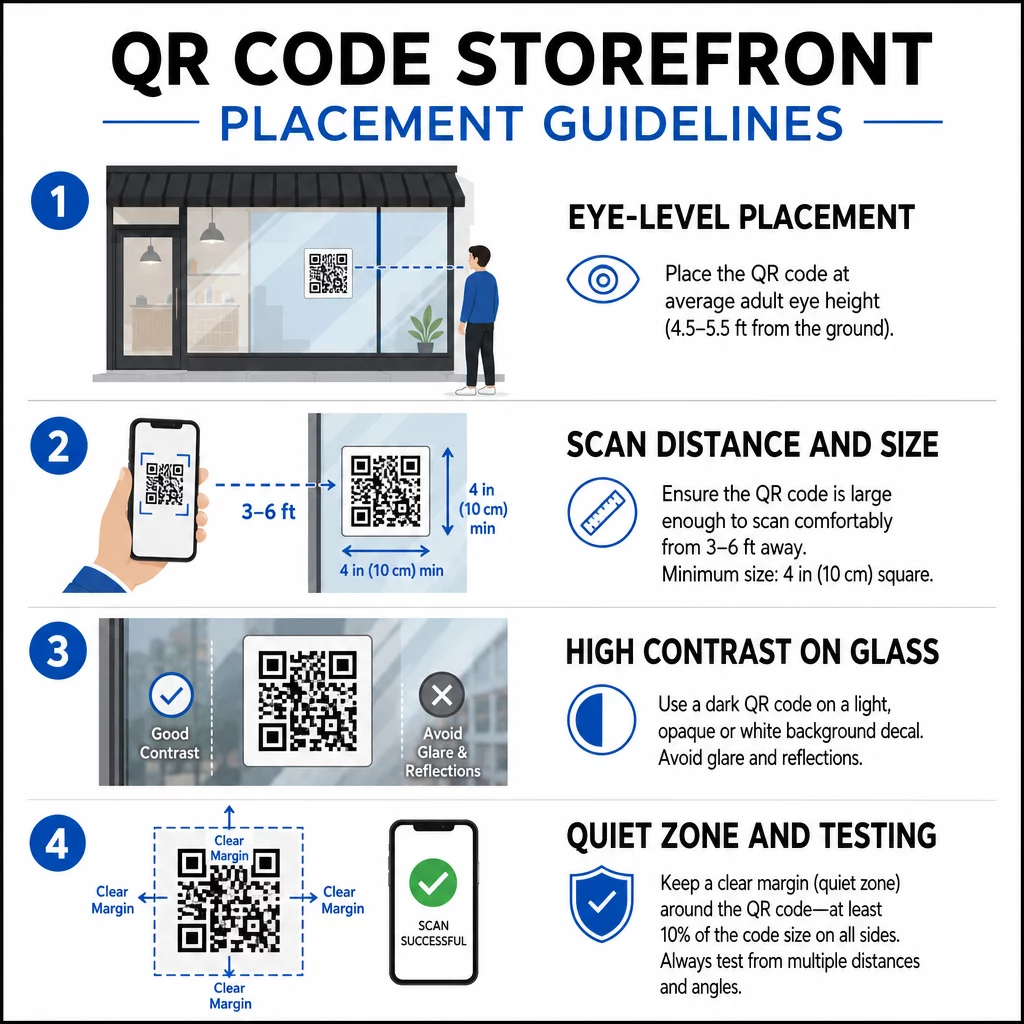
Silmade kõrgusele paigutus on standardsoovitus. Püüdke paigutada umbes viie jala kõrgusele maapinnast, kuhu enamik täiskasvanuid mööda kõndides loomulikult vaatab. Liiga kõrgele, liiga madalale või muu sildiga varjatud koodid on kergesti ignoreeritavad ja neid on raskem skannida.
Suurus vastavalt oodatavale skaneerimiskaugusele on olulisem, kui inimesed ootavad. Üldreegel: iga 10 cm skaneerimiskauguse kohta lisage koodi küljepikkusele 1 cm. Akna koodi puhul, mida eeldatakse skaneerivat neljast kuni seitsme jala kauguselt, on sobiv umbes 8 × 8 tolli suurune kood. Vältige väiksemat kui 2 × 2 cm suurust koodi mis tahes lähirakenduse puhul.
Kõrge kontrast koodi ja selle tausta vahel on hädavajalik. Kasutage tumedat koodi heledal taustal. Vältige pööratud skeeme (hele kood tumedal taustal), sest mõned QR-lugejad ei suuda neid usaldusväärselt dekodeerida. Klaasile kleebise paigaldamisel testige seda pärast paigaldamist – klaas võib tekitada peegeldust, mis segab skaneerimist.
Vaiksed tsoonid (valge äär koodi ümber) tuleks säilitada. Jätke igale küljele vähemalt 0,25 tolli vaba ruumi, mis on vaba tekstist, piltidest või disainielementidest. Ilma selle puhvriga ei pruugi skannerid tuvastada, kus kood algab ja lõpeb.
Testige enne lõplikku otsust. Skaneerige koodi lõplikul trükitud suurusel tegelikust kaugusest, kus klient seisaks, kasutades mitut seadet. See samm püüab kinni probleemid enne, kui need teie poe esiküljele jõuavad. Lisateabe saamiseks QR-koodi loetavuse parimate tavadega, sealhulgas kontrastsussuhted ja vaiksed tsoonid, hõlmab täielik juhend kõiki tehnilisi nõudeid.
Millega oma akna QR-koodi linkida
Sihtkoht on sama oluline kui kood ise. Lihtsalt oma kodulehele linkimine on madalaima väärtusega valik. Inimesed, kes skaneerivad akna koodi, on juba teie asukohas – nad tahavad midagi spetsiifilisemat.
Kaaluge neid kõrgema väärtusega sihtkohti:
- A PDF-tootekataloog näidates saadaolevaid tooteid, suurusi ja hindu, et kliendid saaksid sirvida isegi siis, kui pood on suletud. A PDF QR-kood muudab selle seadistamise ja värskendamise lihtsaks.
- A allahindlus või kupong nende järgmiseks külastuseks, julgustades tagasipöörduvat liiklust.
- A arvustuse link teie Google Business profiilile, muutes rahulolevatele klientidele tagasiside andmise hõlpsaks.
- Üks eksklusiivne pakkumine või loosimine, andes inimestele põhjuse kohe skannida, selle asemel et mööda kõndida.
- Sotsiaalmeedia või registreerimisvorm, muutes ühekordse mööduja pikaajaliseks jälgijaks või tellijaks.
A URL-i QR-kood saab suunata ükskõik millisele neist sihtkohtadest ja dünaamilise koodiga saate oma pakkumisi vahetada ilma füüsilist ekraani muutmata.
Lisage alati üleskutse tegevusele
Ärge kunagi eeldage, et inimesed teavad, mida QR-koodiga teha või miks nad peaksid vaeva nägema. Lühike juhis koodi kõrval eemaldab selle hõõrdumise. Fraasid nagu “Ava oma kaamera ja skanni 10% allahindluse saamiseks” või “Skanni tänase menüü vaatamiseks” ütlevad kliendile täpselt, mida oodata.
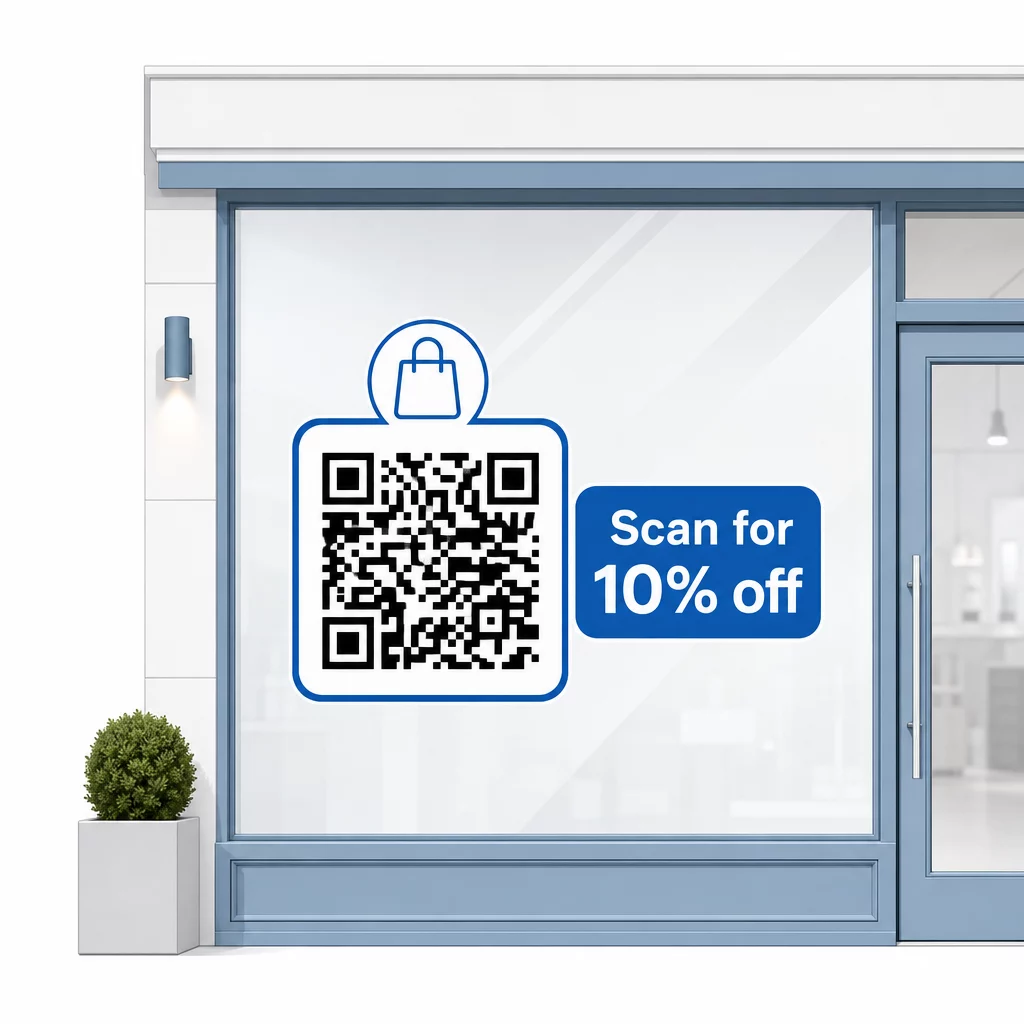
Hoidke sõnum lühike – maksimaalselt kaks rida. Mida selgem ja spetsiifilisem on teie üleskutse tegevusele, seda kõrgem on teie skannimismäär. Kui teie publikusse võivad kuuluda kliendid, kes ei ole QR-skannimisega tuttavad, lisage lühike märkus, näiteks “suunake oma telefoni kaamera sellele koodile.” Juhiste saamiseks QR-koodide skannimine erinevates seadmetes, sealhulgas sülearvutites ja lauaarvutites, saate suunata kliente lihtsatele juhistele.
Jälgige ja parandage aja jooksul
Üks dünaamiliste QR-koodide eelis staatiliste ees on sisseehitatud analüütika. Saate näha, kui palju inimesi teie aknakoodi iga päev skannis, mis kellaaegadel ja kas teatud kampaaniate ümber on tippe.
Need andmed võimaldavad teil teha teadlikke otsuseid. Kui skaneeringute arv langeb pärast kampaania lõppu, värskendage sihtkohta millegi uuega. Kui üks akna paigutus toimib paremini kui teine, teate, kuhu keskenduda. Saate ka võrrelda QR-koodi skanneri rakendusi et mõista, kuidas kliendid tõenäoliselt teie koodidele ligi pääsevad ja tagada ühilduvus.
Kasuta Pagelooti funktsioonide ülevaade et uurida kõiki analüüsi-, redigeerimis- ja kohandamistööriistu, mis on saadaval teie akna koodide haldamiseks koos kõigi teiste QR-kampaaniatega.
Hästi paigutatud ja disainitud QR-kood teie poeaknal võib luua sisulist kaasatust ööpäevaringselt – mitte ainult tööajal. Alustage selge eesmärgiga, valige dünaamiline kood, et saaksite sisu ajakohasena hoida, järgige paigutuse ja suuruse juhiseid ning andke klientidele alati põhjus skaneerimiseks.
Alustage oma akna skaneeringute jälgimist Kasuta Pageloot QR-koodi generaator et luua jälgitav, muudetav QR-kood teie poeaknale. Tasuta 14-päevane prooviperiood, krediitkaarti pole vaja.
Korduma kippuvad küsimused
Jah, kui kasutate dünaamilist QR-koodi. Dünaamilised koodid võimaldavad teil siht-URL-i igal ajal pärast printimist värskendada, nii et füüsiline kood teie aknal jääb samaks, samas kui sisu, millele see viitab, muutub iga kampaaniaga. Staatilised koodid on fikseeritud ja nõuaksid iga kord uuesti printimist.
Aknakoodi jaoks, mida eeldatakse skaneerivat neljast kuni seitsme jala kauguselt, on sobiv suurus ligikaudu 8 × 8 tolli. Üldine juhis on lisada 1 cm koodi suurust iga 10 cm skaneerimiskauguse kohta. Testige koodi alati tegelikus prinditud suuruses ettenähtud kauguselt enne kuva lõplikku vormistamist.
Vältige lihtsalt oma kodulehele linkimist. Tõhusamate sihtkohtade hulka kuuluvad tootekataloogi PDF, allahindlus või kupong, Google'i arvustuse link, sotsiaalmeedia leht või registreerimisvorm. Selge üleskutse tegevusele koodi kõrval, mis ütleb klientidele, mida nad skaneerimisel saavad, suurendab oluliselt tõenäosust, et nad seda kasutavad.