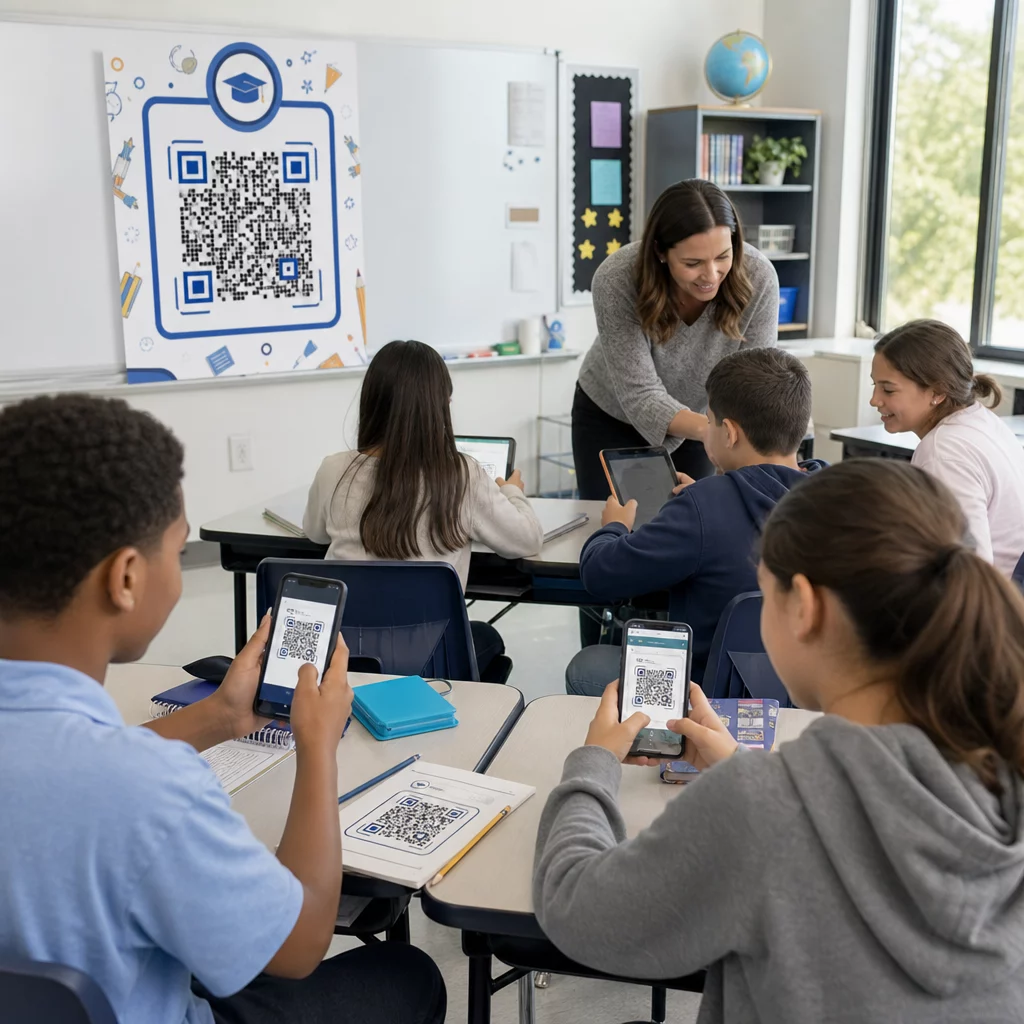
Are you struggling to keep students engaged or spending too much time distributing learning materials? Sharing resources inefficiently costs instructional time and reduces student participation. This guide covers practical, tested ways to use QR codes in education – from sharing lesson materials to running interactive classroom activities.
Why Schools Are Adopting QR Codes
QR codes give students instant access to digital content by scanning with any smartphone camera – no app required. For educators, that means fewer minutes lost to typing URLs, printing handouts, or waiting for students to navigate to the right page.
The appeal is practical: QR codes work across grade levels, require no technical expertise to create, and can be updated after printing so your materials stay current without reprinting a single page. Schools have found them equally useful in elementary classrooms, university lecture halls, and everything in between.
Create Classroom QR Codes in Minutes Use the Pageloot QR Code Generator to build editable, trackable QR codes for lessons, handouts, and events – no technical skills needed.
Share Learning Materials Instantly
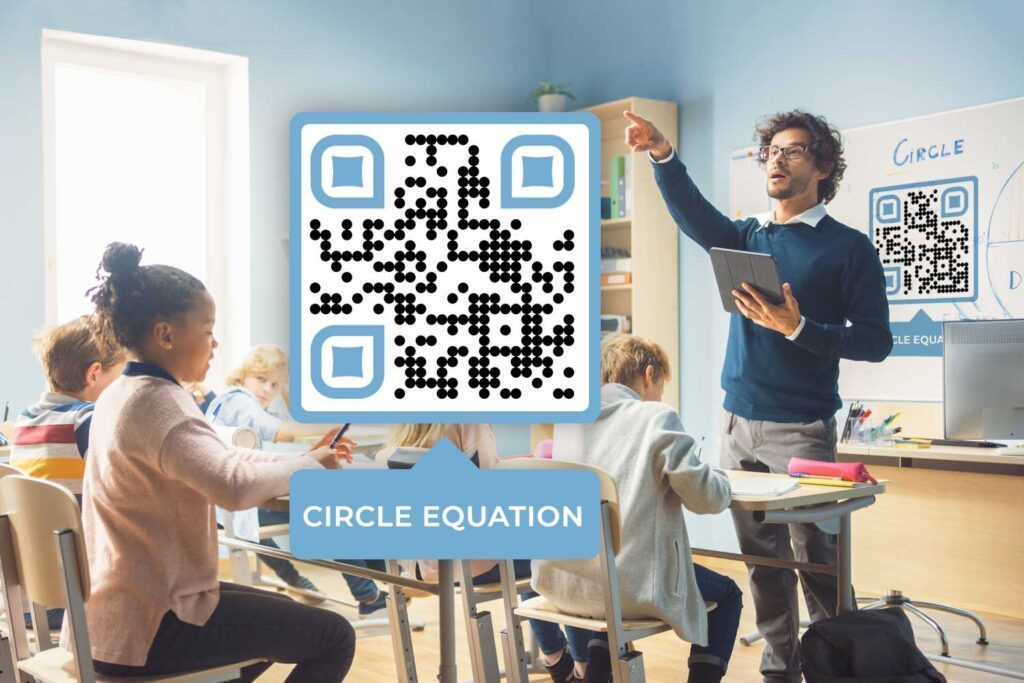
One of the most common classroom uses is distributing documents digitally. Instead of printing stacks of worksheets, create a PDF QR code that students scan to download the file directly to their device. They get a searchable, shareable digital copy, and you can update the file at any time without generating a new code.
This approach works well for:
- Lesson notes and reading materials
- Lab instructions and safety guidelines attached to science equipment
- Worksheets with an optional digital version for students who prefer or need it
- Curated research links so students scan directly to preselected sources rather than typing complex URLs
For younger students or those with special needs, eliminating manual URL entry removes a significant barrier to accessing materials quickly.
Promote Learning Through Video and Audio
Nearly 60% of Generation Z prefers video for learning over printed books. Recording your lessons and linking them via a YouTube QR code lets students revisit content at their own pace. Videos can remain private on YouTube while still being accessible to anyone with the code.
Audio works just as well for teachers who prefer it. Recording explanations or reading materials as audio files and sharing them via QR code supports students who retain information better through listening – including those with visual impairments or reading difficulties.
Both formats fit naturally into a flipped classroom model: assign a QR code linking to a video or audio introduction as homework, so students arrive prepared for hands-on discussion and activities.
Run Interactive Classroom Activities
QR codes open up a range of active learning formats that keep students moving and thinking.
Learning stations use one QR code per station linking to specific instructions, activities, or supplementary materials. Students work independently and at their own pace, scanning to access what they need without waiting for the teacher.
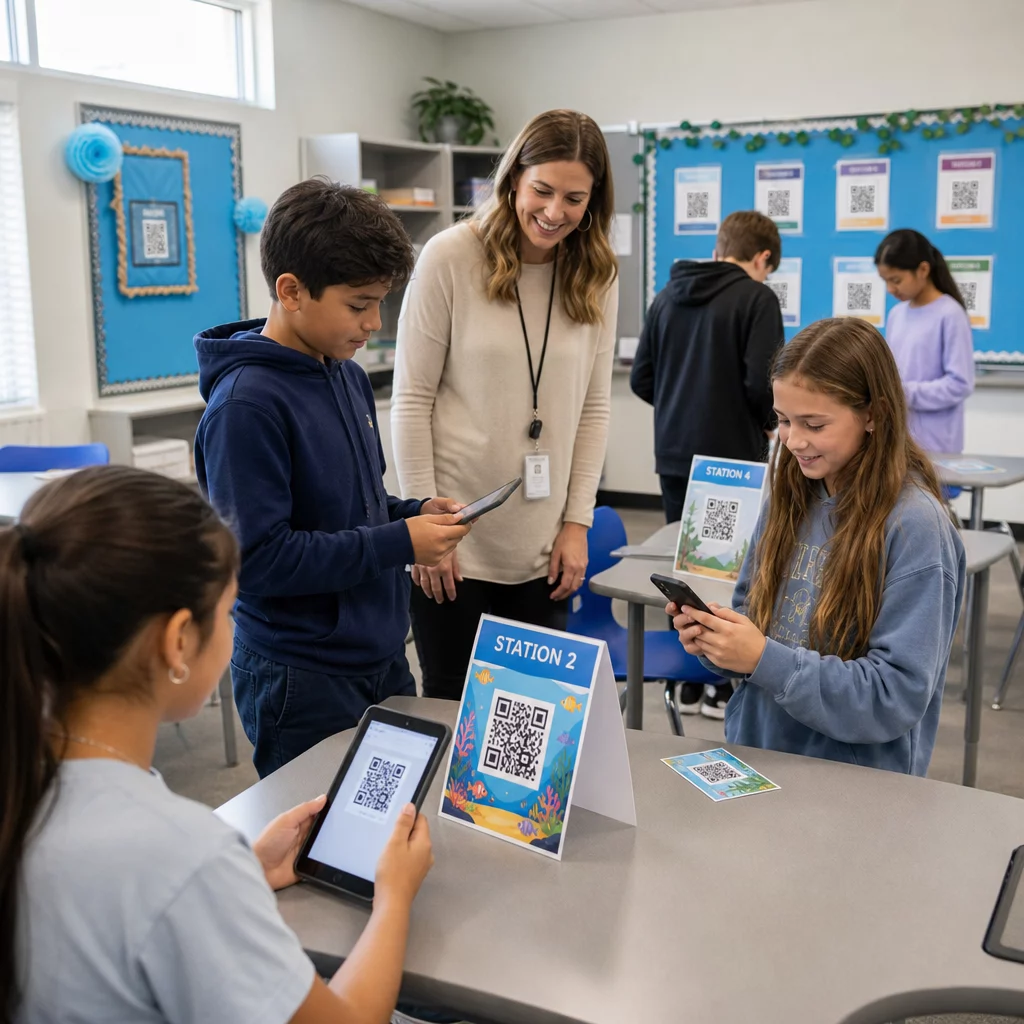
Scavenger hunts and treasure trails place QR codes around the classroom or campus, each linking to a question, clue, or activity tied to the current unit of study. This format works especially well for STEM topics and keeps students focused on curriculum goals while adding an element of exploration. For more ideas, see QR code treasure hunts vs. traditional scavenger hunts.
Bulletin board enrichment adds depth to physical displays: place a QR code below student artwork to link to the creator’s background, or attach one to a project display so visitors can view an accompanying video or blog post.
Exit tickets and formative assessments become frictionless when you link a Google Form QR code to a short quiz or survey. Students scan at the end of class and submit responses in seconds, giving you real-time feedback without collecting paper.
Engage Families and Promote School Events
QR codes simplify communication beyond the classroom. Print a code on Back-to-School Night materials so parents can scan to access your class website or blog instantly. Link a code to an online survey at open house events so families complete digital questionnaires on their own devices.
For school events, a QR code can deliver full event details and allow attendees to save dates directly to their calendars. This works well for:
- Field trips and permission forms
- Parent-teacher conferences
- Study groups and classroom meetings
- School board meetings
Explore how QR codes for classroom use can extend engagement beyond the school day.
Track Attendance Without Paper
Manual roll calls and paper sign-in sheets take time and introduce errors. A QR code attendance system lets students check in by scanning a code linked to a Google Form, which automatically logs responses into a spreadsheet. No name-calling, no lost sheets, and the data is available immediately.
This setup is particularly effective for large classes, study groups, and any situation where you need a reliable, timestamped record of who was present.
Give Students Wi-Fi Access Quickly
Campus computer labs, libraries, and classroom devices often require students to connect to a network manually. A Wi-Fi QR code encodes your network name and password so students connect instantly by scanning – no typing required. This is especially helpful at the start of class when every minute counts.
Use Dynamic QR Codes So You Never Reprint
One practical concern with printed QR codes is keeping them current. Dynamic QR codes solve this: you can update the destination URL after the code has already been printed and distributed. If a linked document changes, a video gets re-uploaded, or an event form moves, update the code in your dashboard and every printed copy instantly points to the new content.
Dynamic codes also include scan analytics – tracking how many students scanned, when, and on what device. This data helps you understand which materials students actually access and where engagement drops off. For a deeper look at how tracking works, see how to track QR code scans and analytics.
Keep Your Classroom Codes Always Up to Date Switch to dynamic QR codes with the Pageloot QR Code Generator to edit destinations after printing and see exactly how students engage with your materials.
Design and Placement Tips for School Environments
A QR code that students can’t scan quickly is a distraction rather than a tool. Follow a few straightforward guidelines to ensure reliable scanning.
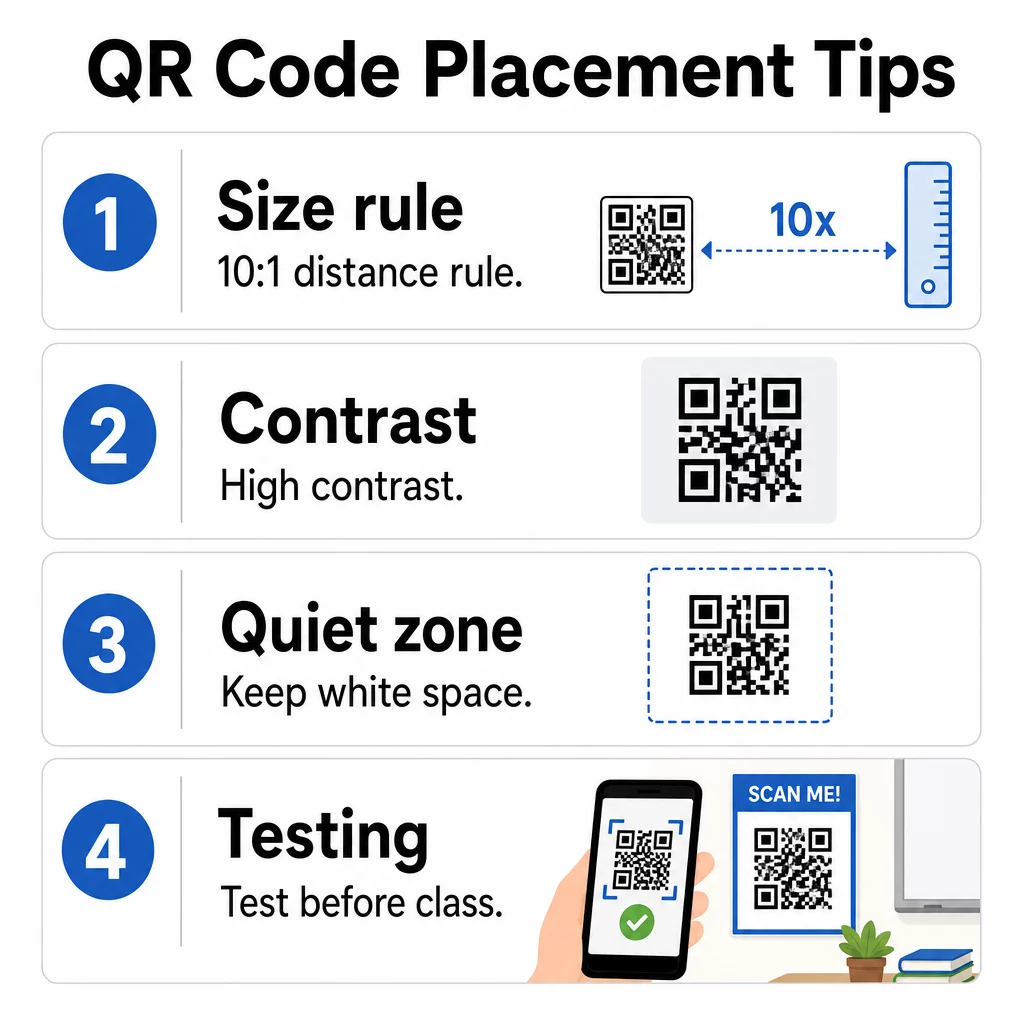
- Size: Apply the 10:1 rule – for every 10 inches of expected scanning distance, the code should be at least 1 inch wide. A code on a desk handout scanned from arm’s length should be at minimum 0.8 × 0.8 inches. A code on a classroom poster viewed from across the room needs to be larger. See detailed guidance in QR code sizing for different print materials.
- Contrast: Use a dark pattern on a light background and aim for a contrast ratio of at least 4.5:1. Avoid inverting colors or using similar hues for foreground and background.
- Quiet zone: Keep a clear border of white space around the code so scanners can distinguish it from surrounding content.
- Placement: Position codes at eye level or in natural scanning spots – desk handouts, bulletin board labels, or the cover of a distributed document. Include a brief call to action nearby so students know what to expect when they scan.
- Testing: Always scan the code yourself before distributing it, and test on multiple devices and under the lighting conditions of your classroom. For full guidance, see QR code usability best practices.
A Note on Student Privacy and Accessibility
When linking QR codes to digital content in K–12 settings, keep student data privacy in mind. FERPA requires schools to protect the privacy of education records, and any platform you use to host QR-linked content should be evaluated for how it collects and stores student information. For content accessible to students under 13, COPPA compliance is also relevant.
On accessibility: Title II of the ADA and Section 504 require educational institutions to provide equal access to digital content. When sharing documents, forms, or videos via QR code, ensure the linked content includes captions or transcripts for audio and video, is compatible with screen readers, and can be navigated by keyboard. Accessible linked content extends the benefit of QR codes to every student in your classroom.
For a broader look at how QR codes are used across educational and other settings, explore QR code solutions by industry. QR codes work best in education when they remove friction – getting materials into students’ hands faster, keeping families informed, and freeing up class time for actual learning. Start with one or two use cases, test them with your students, and build from there.
Start Sharing Smarter Build your first classroom QR code for free with the Pageloot QR Code Generator – no credit card required, and codes can be edited any time.
Frequently Asked Questions
Yes, if you use a dynamic QR code. Dynamic codes store a short redirect URL that you can update in your dashboard at any time. The printed code stays the same, but it will point to your new content instantly. Static QR codes cannot be changed after creation.
You can link to almost any digital resource – PDF documents, YouTube videos, Google Forms for quizzes or attendance, Wi-Fi network credentials, event details, class websites, audio files, and more. Pageloot supports over 25 different QR code types to cover a wide range of classroom needs.
Size the code appropriately for the scanning distance using the 10:1 rule (1 inch wide per 10 inches of distance), maintain strong color contrast between the code and its background, preserve a clear quiet zone around the edges, and test the code on multiple devices before distributing. Place a short instruction near the code so students know what to do.