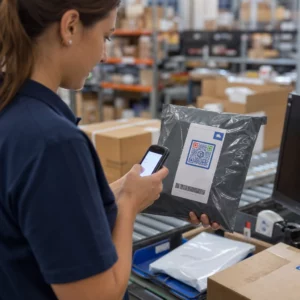
Chcesz powiększyć swoją listę mailingową za pomocą plakatów, opakowań lub wydarzeń osobistych – ale nie wiesz, jak przekierować ludzi z fizycznego punktu kontaktu do formularza rejestracji? Luka między obecnością offline a subskrybentami online kosztuje Cię prawdziwe leady. Ta strona pokazuje dokładnie, jak wypełnić tę lukę za pomocą kodów QR.
Dlaczego kody QR działają w zbieraniu adresów e-mail
Marketing e-mailowy zwraca średnio $36 za każde wydane $1 – ale ten zwrot materializuje się tylko wtedy, gdy faktycznie uda Ci się pozyskać ludzi na swoją listę. Wyzwaniem dla firm korzystających z materiałów drukowanych, wydarzeń lub fizycznych lokalizacji jest brak bezproblemowego sposobu na skierowanie kogoś z ulotki do formularza rejestracji. Wpisywanie adresu URL to bariera, którą większość ludzi nie będzie się przejmować.
Kod QR całkowicie usuwa tę barierę. Jedno skanowanie wysyła kogoś bezpośrednio do Twojego formularza rejestracji, wstępnie załadowanego i gotowego do wypełnienia na jego telefonie. Przy prognozowanym wzroście użycia kodów QR w USA do 99,5 miliona użytkowników, nie jest to już niszowa taktyka – to główny kanał wzrostu listy.
Istnieją dwa główne podejścia:
- Link do formularza rejestracji – Skieruj kod QR na stronę docelową lub formularz (Mailchimp, Mailerlite, Google Forms itp.), gdzie odwiedzający wpisują swój adres e-mail
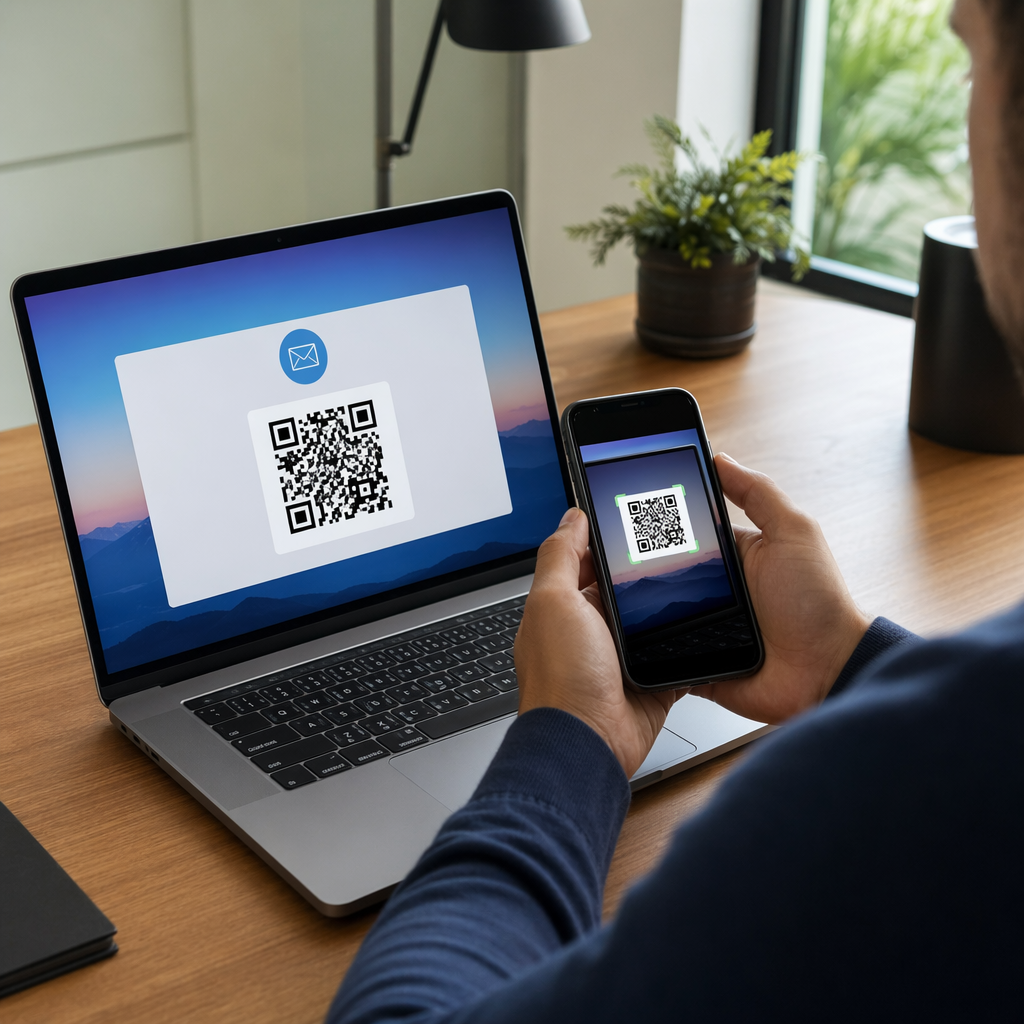
- Wstępnie wypełnij akcję e-mailową – Użyj kodu QR do e-maila aby otworzyć aplikację pocztową użytkownika z wstępnie napisaną wiadomością, tak aby po prostu kliknęli „wyślij”, aby się z Tobą skontaktować lub zapisać
Obie metody są uzasadnione. Twój wybór zależy od tego, czy chcesz ustrukturyzowanych danych z formularza, czy prostego punktu kontaktu e-mailowego.
Utwórz kod QR do rejestracji e-mailowych Użyj Generatora Kodów QR Pageloot Link aby w kilka sekund zamienić dowolny adres URL formularza rejestracji w kod do zeskanowania – bez wymaganej wiedzy technicznej.
Jak skonfigurować kod QR dla rejestracji e-mailowych?
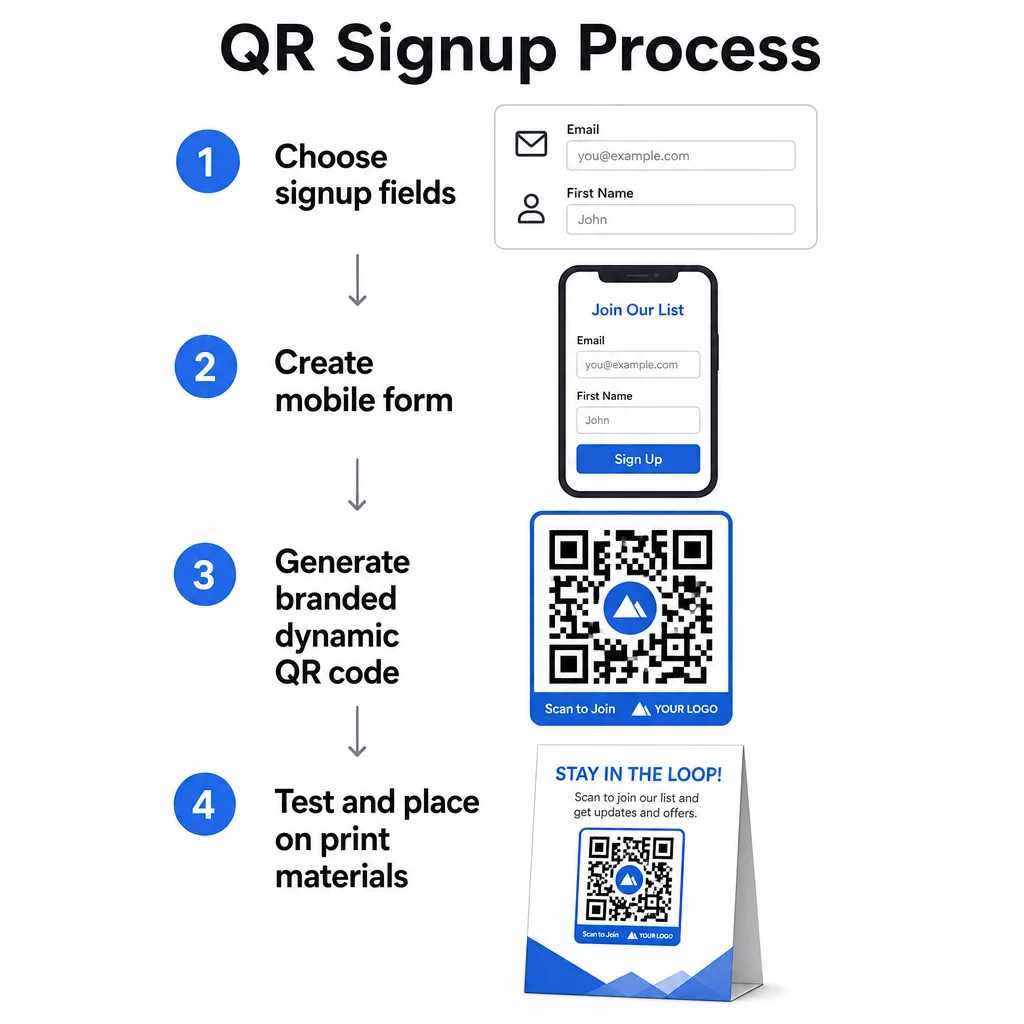
Zdecyduj, co zbierasz
Zanim cokolwiek wygenerujesz, zdefiniuj, czego potrzebujesz. Sam adres e-mail sprawia, że rejestracja jest szybka, a współczynniki konwersji wysokie. Dodanie imienia pozwala na personalizację w kampaniach. Każde dodatkowe pole, którego wymagasz, zmniejsza odsetek osób, które je wypełniają, więc utrzymuj formularz tak krótki, jak pozwala na to Twój przypadek użycia.
Utwórz lub wybierz swój formularz rejestracyjny
Potrzebujesz adresu URL, na który będzie wskazywał Twój kod QR. Opcje obejmują:
- Strona docelowa z Twojej platformy e-mail (Mailchimp, Klaviyo, ConvertKit itp.)
- A Formularz Google skonfigurowana do zbierania adresów e-mail
- Niestandardowy strona docelowa z kodem QR zbudowany w Pageloot, który pozwala połączyć link do rejestracji z innymi istotnymi treściami na jednej markowej, przyjaznej dla urządzeń mobilnych stronie
Upewnij się, że strona docelowa szybko ładuje się na urządzeniach mobilnych i ma jedno, jasne działanie dla odwiedzającego. Aby zapoznać się z najlepszymi praktykami dotyczącymi tworzenia zoptymalizowanych pod kątem urządzeń mobilnych stron, które konwertują, zobacz najlepszymi praktykami dla mobilnych stron docelowych kodów QR.
Wygeneruj swój kod QR
Wklej adres URL swojego formularza rejestracyjnego do generator kodów QR Pageloot. Generator natychmiast tworzy kod do zeskanowania. Stąd możesz:
- Dodaj logo i kolory marki
- Zastosuj ramkę z wezwaniem do działania (np. “Skanuj, aby subskrybować”)
- Pobierz w formatach gotowych do druku, w tym PNG, PDF, SVG i EPS
Użyj dynamicznego kodu QR zamiast statycznego. Kody dynamiczne pozwalają zmienić docelowy adres URL po wydrukowaniu lub wdrożeniu kodu – więc jeśli adres URL Twojego formularza rejestracyjnego się zmieni, aktualizujesz link w swoim panelu zamiast ponownie drukować wszystkie materiały. Kody dynamiczne umożliwiają również śledzenie skanów.
Testuj przed wdrożeniem
Zeskanuj kod na wielu urządzeniach – zarówno iOS, jak i Android – przed drukowaniem. Potwierdź, że formularz ładuje się poprawnie, pola działają, a przycisk wysyłania jest funkcjonalny. Testowanie w rzeczywistych warunkach oświetleniowych i w rzeczywistej odległości, w której kod będzie się pojawiał (na plakacie, opakowaniu, karcie stołowej itp.), zapobiega problemom po rozprowadzeniu materiałów. Wskazówki dotyczące umieszczania, kompletny przewodnik po umieszczaniu kodów QR w marketingu szczegółowo omawia kwestie rozmiaru, pozycji i środowiska.
Najlepsze praktyki zbierania adresów e-mail za pomocą kodów QR
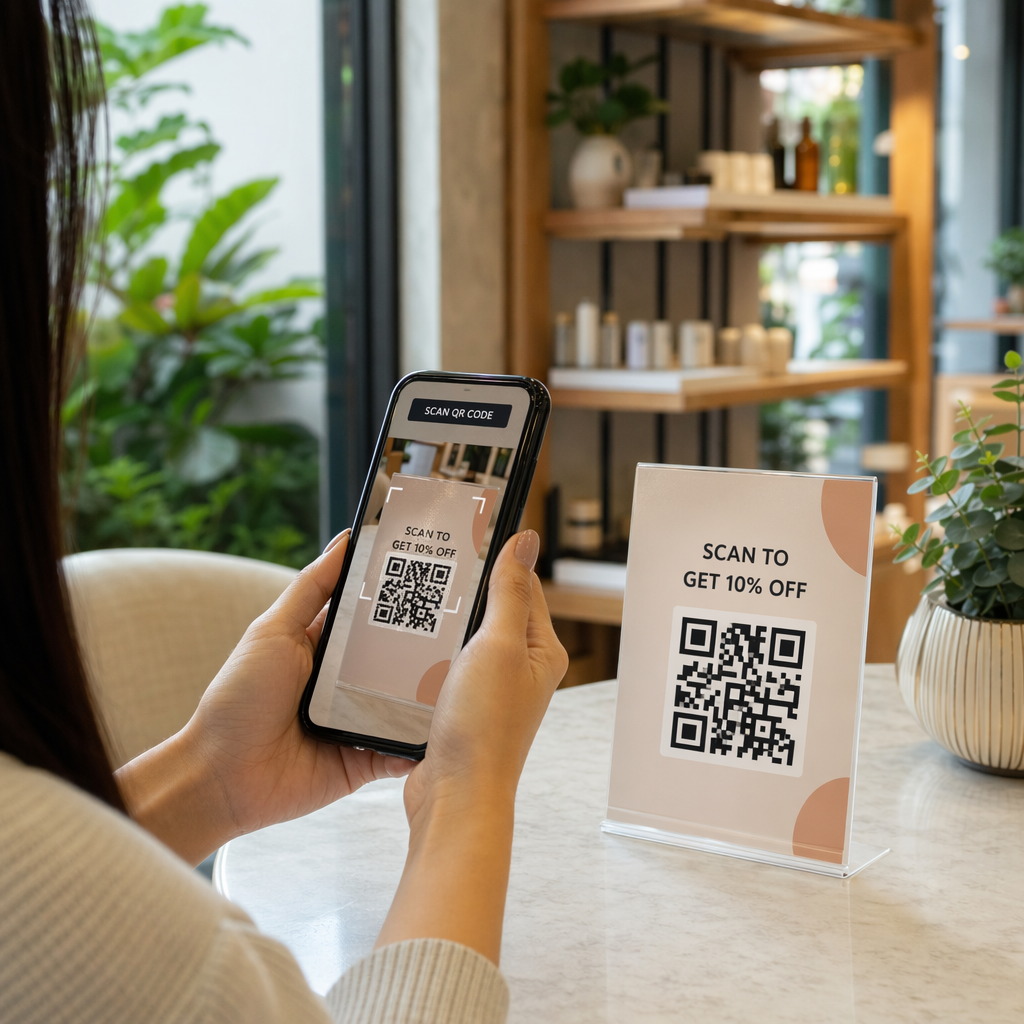
Napisz konkretne wezwanie do działania. “Skanuj, aby subskrybować” nic nie mówi ludziom. “Zeskanuj, aby otrzymać 15% zniżki na pierwsze zamówienie” lub “Zeskanuj, aby dołączyć do naszej listy cotygodniowych ofert” dokładnie wyjaśnia, co otrzymują. Im bardziej konkretna korzyść, tym wyższy wskaźnik skanowania.
Zaoferuj coś w zamian. Zniżka, zasób do pobrania, wczesny dostęp lub ekskluzywna treść dają ludziom powód do podania swojego adresu e-mail. Bez zachęty większość przechodniów nie ma motywacji, aby się zatrzymać i zeskanować.
Utrzymaj skupienie strony docelowej. Gdy ktoś zeskanuje kod, strona, na którą trafi, powinna mieć jedno zadanie: zebrać adres e-mail. Unikaj menu nawigacyjnych, niepowiązanych linków lub elementów rozpraszających uwagę. Pojedynczy nagłówek, krótkie oświadczenie o wartości i pole formularza z przyciskiem „wyślij” to często wszystko, czego potrzebujesz.
Bądź transparentny w kwestii prywatności. Powiedz ludziom, co będziesz im wysyłać i jak często. Podlinkuj do swojej polityki prywatności. Zgodnie z ustawą CAN-SPAM, każdy komercyjny e-mail musi zawierać ważny adres fizyczny i działający mechanizm rezygnacji z subskrypcji – upewnij się, że Twoja platforma e-mailowa obsługuje to automatycznie.
Umieść kod tam, gdzie ludzie mają chwilę, aby się zatrzymać. Kody QR na szybko zmieniających się szyldach lub w słabo oświetlonych miejscach są ignorowane. Dobre miejsca to lady kasowe, namioty stołowe, opakowania produktów, programy wydarzeń i drukowane materiały informacyjne. Poziom wzroku (około 105 do 165 cm) i ciche, uporządkowane tło poprawiają wskaźniki skanowania.
Śledź, które miejsca generują najwięcej rejestracji Z Śledzenie kodów QR Pageloot, możesz monitorować liczbę skanów, lokalizację, typ urządzenia i porę dnia – dzięki czemu wiesz, które materiały faktycznie konwertują i gdzie inwestować więcej.
Zalety i wady rejestracji za pomocą kodów QR
| Zaleta | Potencjalna wada | Rozwiązanie |
|---|---|---|
| Nie wymaga ręcznego wpisywania adresu URL | Starsze urządzenia mogą nie mieć wbudowanego skanera | Podaj krótką alternatywę URL poniżej kodu |
| Działa naturalnie na urządzeniach mobilnych | Cel może być niejasny bez kontekstu | Użyj wyraźnej ramki CTA wokół kodu |
| Bezdotykowo i wygodnie | Niektórzy użytkownicy nie ufają nieznanym kodom QR | Wyświetl swój adres URL i politykę prywatności obok |
| Możliwe do śledzenia za pomocą kodów dynamicznych | Kody statyczne nie mogą być aktualizowane, jeśli zmieni się adres URL formularza | Zawsze używaj dynamicznych kodów QR do kampanii |
Łączenie kanałów e-mail i offline
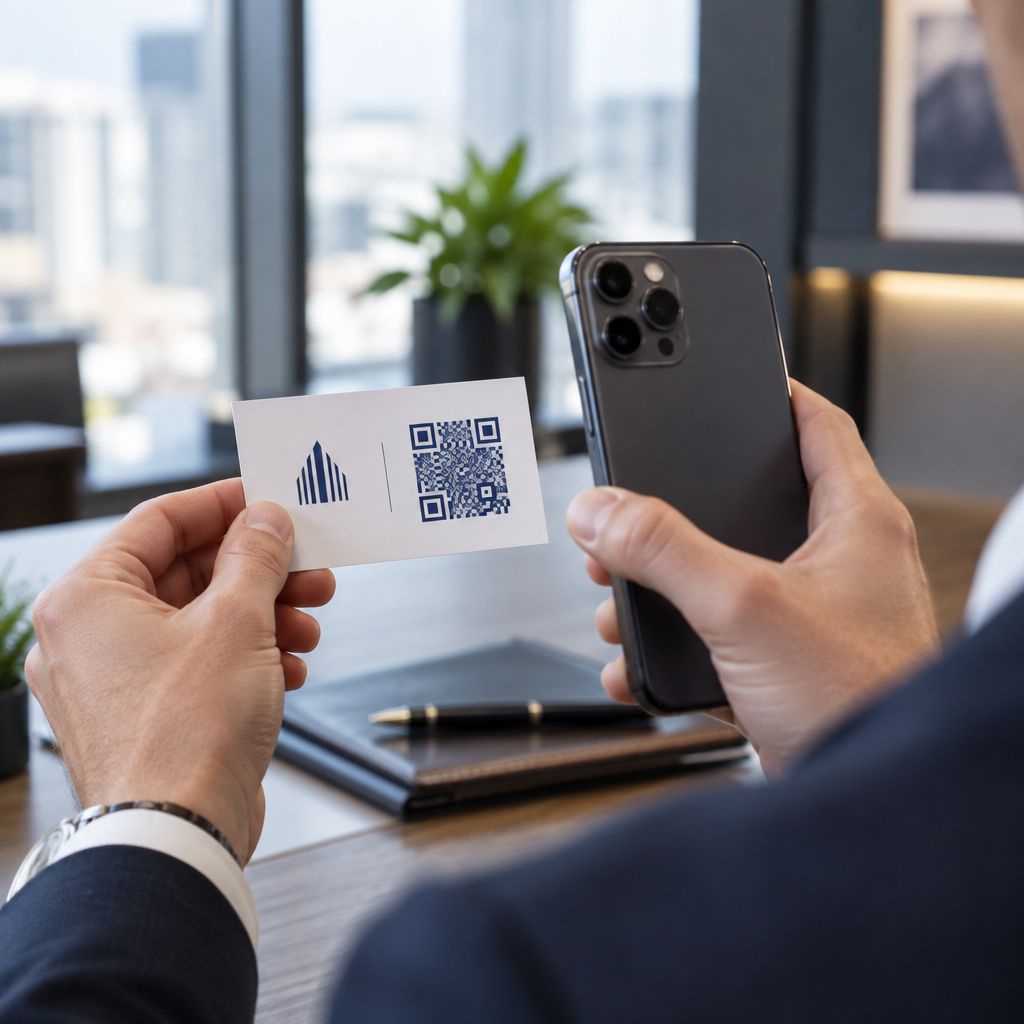
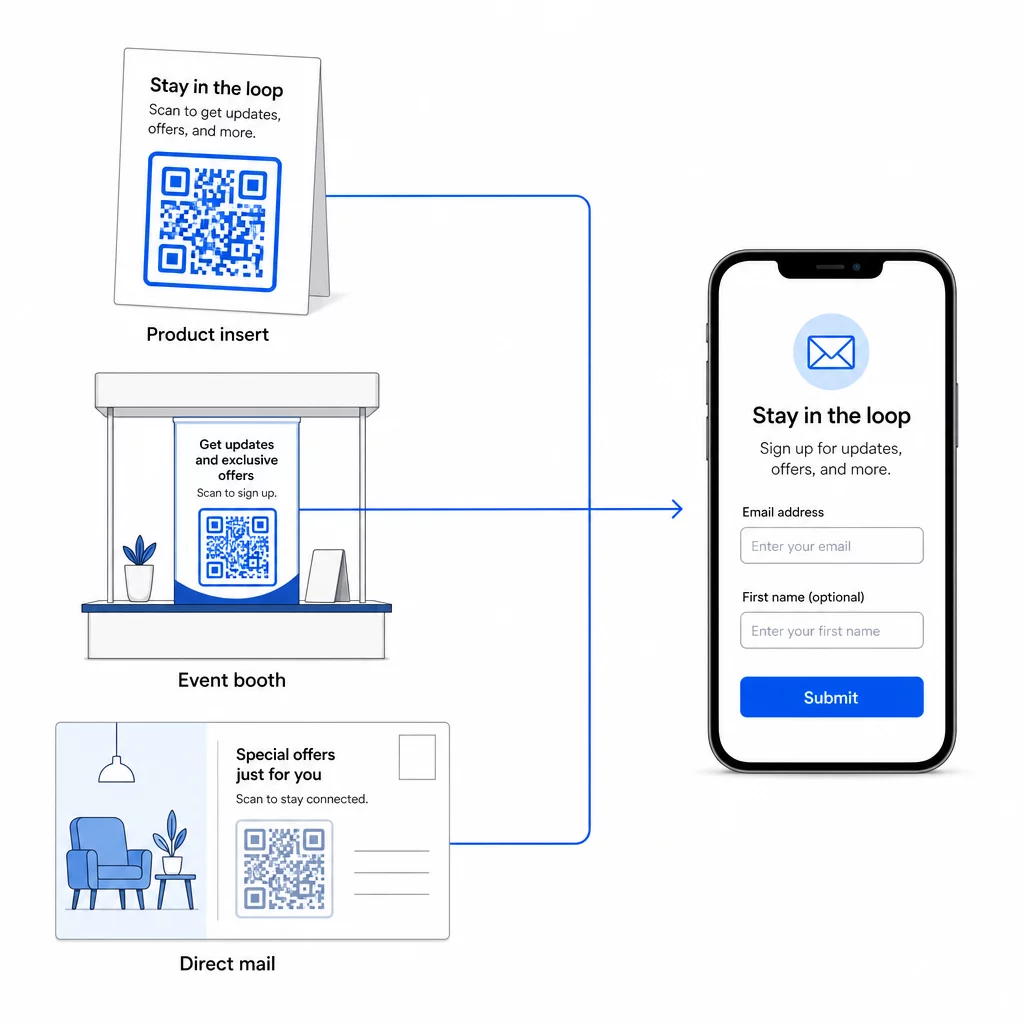
Kody QR są najbardziej efektywne, gdy stanowią część przemyślanej strategii łączącej Twój marketing fizyczny i cyfrowy. Kod na wkładce produktu może powiększyć Twoją listę o klientów, którzy już coś kupili. Kod na stoisku eventowym może pozyskać potencjalnych klientów, którzy w innym przypadku nigdy nie znaleźliby Twojego formularza rejestracyjnego. Kod w przesyłce poczty bezpośredniej daje odbiorcom natychmiastową ścieżkę do wyrażenia zgody.
Aby uzyskać szerszy obraz tego, jak kody QR łączą te kanały, zobacz jak kody QR łączą media społecznościowe i e-mail oraz jak używać kodów QR w marketingu.
Podstawowa zasada jest prosta: każdy fizyczny punkt styku Twojej firmy to potencjalny punkt pozyskiwania subskrybentów. Kod QR to to, co umożliwia tę konwersję.
Zacznij zbierać e-maile z materiałów fizycznych Utwórz dynamiczny, śledzalny kod QR połączony z Twoim formularzem rejestracyjnym, używając Pageloot Generator kodów QR. Bezpłatny 14-dniowy okres próbny – karta kredytowa nie jest wymagana.
Najczęściej zadawane pytania
Kod QR e-mail otwiera aplikację pocztową użytkownika z wstępnie wypełnioną wiadomością – odbiorca, temat i treść są już wypełnione, a użytkownik po prostu klika wyślij. Kod QR formularza rejestracyjnego prowadzi do strony internetowej, gdzie użytkownik wprowadza swój adres e-mail bezpośrednio do formularza. Użyj podejścia z kodem QR e-mail do prostych kontaktów lub zapytań, a podejścia z formularzem, gdy chcesz automatycznie dodawać subskrybentów do listy marketingowej e-mail.
Nie, jeśli używasz dynamicznego kodu QR. Kody dynamiczne przechowują miejsce docelowe w linku przekierowującym, który możesz zaktualizować w swoim panelu Pageloot w dowolnym momencie. Sam wydrukowany kod się nie zmienia – zmienia się tylko miejsce, do którego wskazuje. Jest to szczególnie przydatne w kampaniach, gdzie materiały są już wydrukowane lub rozprowadzone.
Tak, dzięki dynamicznemu kodowi QR możesz śledzić całkowitą liczbę skanów, unikalne skany, lokalizację skanowania, typ urządzenia i porę dnia. Panel Pageloot pokazuje te dane w czasie rzeczywistym, dzięki czemu możesz porównywać wydajność w różnych miejscach lub kampaniach i odpowiednio optymalizować. Dowiedz się więcej o śledzeniu skanów kodów QR i analityce.