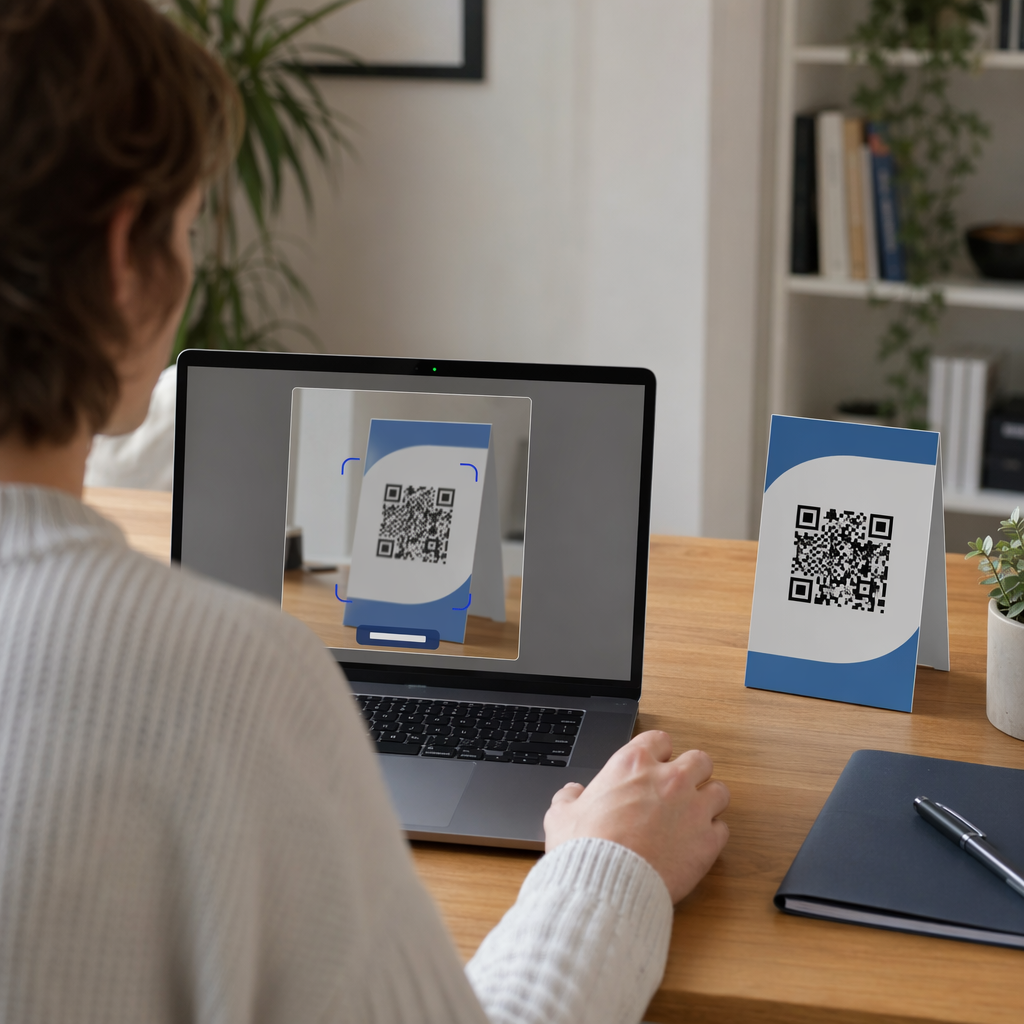
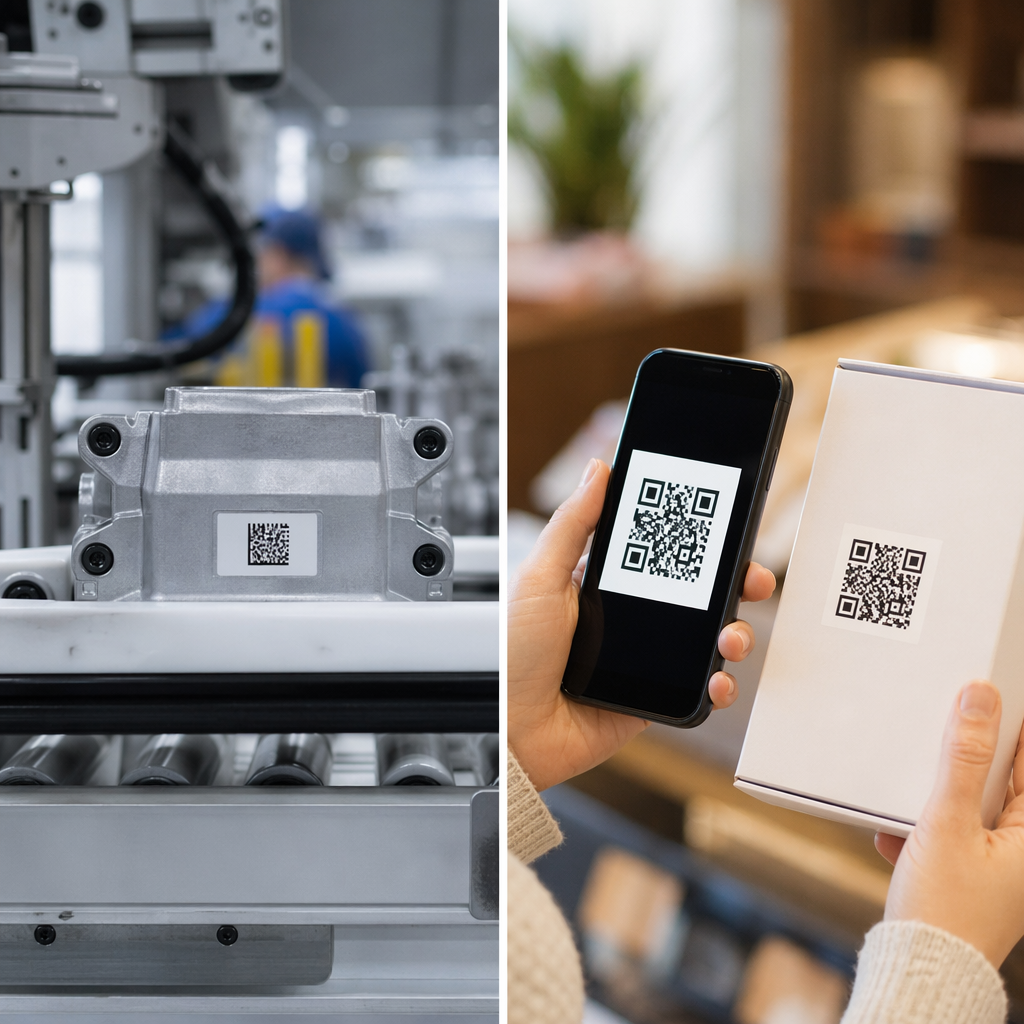
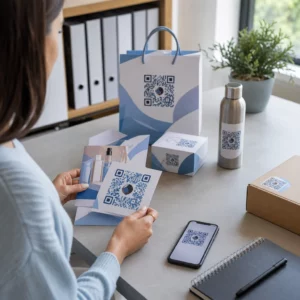
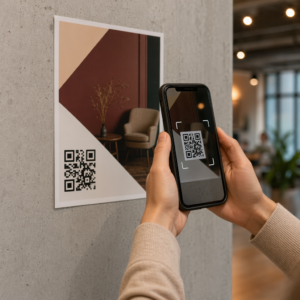
Ingin mengembangkan daftar email Anda dari poster, kemasan, atau acara langsung – tetapi tidak tahu cara mengarahkan orang dari titik kontak fisik ke formulir pendaftaran? Kesenjangan antara kehadiran offline dan pelanggan online merugikan Anda prospek nyata. Halaman ini menunjukkan kepada Anda dengan tepat cara menjembatani kesenjangan itu menggunakan kode QR.
Mengapa Kode QR Berfungsi untuk Pengumpulan Email
Pemasaran email menghasilkan rata-rata $36 untuk setiap $1 yang dihabiskan – tetapi pengembalian itu hanya terwujud jika Anda benar-benar dapat memasukkan orang ke daftar Anda. Tantangan bagi bisnis yang menggunakan materi cetak, acara, atau lokasi fisik adalah tidak ada cara tanpa gesekan untuk mengarahkan seseorang dari selebaran ke formulir pendaftaran. Mengetik URL adalah penghalang yang sebagian besar orang tidak akan repot.
Kode QR menghilangkan penghalang itu sepenuhnya. Satu pemindaian mengirim seseorang langsung ke formulir pendaftaran Anda, sudah dimuat dan siap diisi di ponsel mereka. Dengan penggunaan kode QR di AS yang diproyeksikan mencapai 99,5 juta pengguna, ini bukan lagi taktik khusus – ini adalah saluran utama untuk pertumbuhan daftar.
Ada dua pendekatan utama:
- Tautkan ke formulir pendaftaran – Arahkan kode QR ke halaman arahan atau formulir (Mailchimp, Mailerlite, Google Forms, dll.) tempat pengunjung memasukkan alamat email mereka
- Pra-isi tindakan email – Gunakan kode QR email untuk membuka aplikasi email pengguna dengan pesan yang sudah ditulis sebelumnya, sehingga mereka cukup menekan kirim untuk menghubungi Anda atau ikut serta
Kedua metode ini sah. Pilihan Anda tergantung pada apakah Anda menginginkan data formulir terstruktur atau titik kontak email sederhana.
Buat Kode QR untuk Pendaftaran Email Menggunakan Generator Kode QR Tautan Pageloot untuk mengubah URL formulir pendaftaran apa pun menjadi kode yang dapat dipindai dalam hitungan detik – tidak diperlukan pengetahuan teknis.
Cara Menyiapkan Kode QR untuk Pendaftaran Email
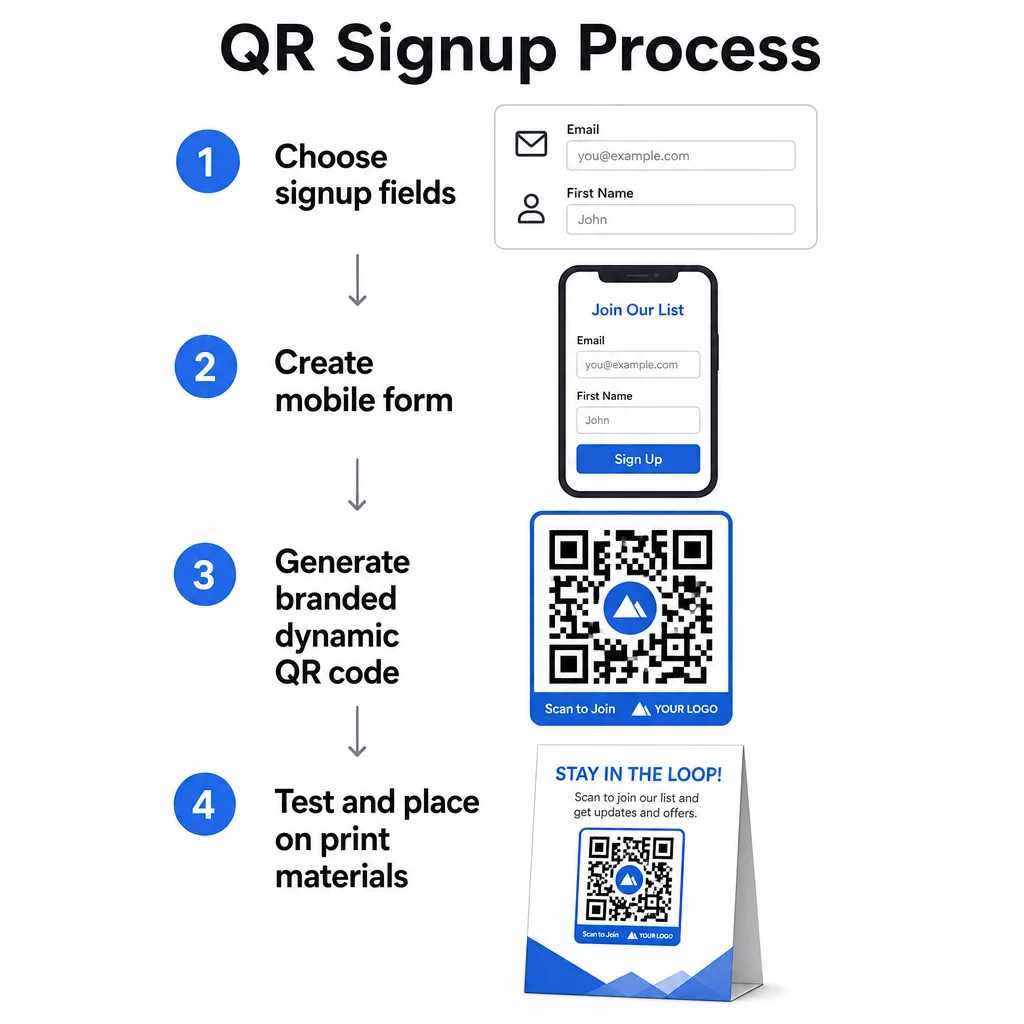
Putuskan Apa yang Anda Kumpulkan
Sebelum membuat apa pun, tentukan apa yang Anda butuhkan. Alamat email saja membuat pendaftaran cepat dan tingkat konversi tinggi. Menambahkan nama depan memungkinkan personalisasi dalam kampanye. Setiap bidang tambahan yang Anda perlukan mengurangi persentase orang yang menyelesaikannya, jadi jaga agar formulir sesingkat mungkin sesuai kasus penggunaan Anda.
Buat atau Pilih Formulir Pendaftaran Anda
Anda memerlukan URL untuk mengarahkan kode QR Anda. Pilihan meliputi:
- Halaman arahan dari platform email Anda (Mailchimp, Klaviyo, ConvertKit, dll.)
- SEBUAH Formulir Google dikonfigurasi untuk mengumpulkan alamat email
- Kustom halaman arahan kode QR dibuat di dalam Pageloot, yang memungkinkan Anda menggabungkan tautan pendaftaran dengan konten relevan lainnya dalam satu halaman bermerek yang ramah seluler
Pastikan halaman tujuan memuat dengan cepat di perangkat seluler dan memiliki satu tindakan yang jelas untuk dilakukan pengunjung. Untuk praktik terbaik dalam membangun halaman yang dioptimalkan untuk seluler yang mengonversi, lihat praktik terbaik halaman arahan kode QR seluler.
Hasilkan Kode QR Anda
Tempel URL formulir pendaftaran Anda ke dalam Pembuat kode QR Pageloot. Generator membuat kode yang dapat dipindai secara instan. Dari sini Anda dapat:
- Tambahkan logo dan warna merek Anda
- Terapkan bingkai ajakan bertindak (misalnya, “Pindai untuk berlangganan”)
- Unduh dalam format siap cetak termasuk PNG, PDF, SVG, dan EPS
Gunakan kode QR dinamis daripada yang statis. Kode dinamis memungkinkan Anda mengubah URL tujuan setelah kode dicetak atau disebarkan – jadi jika URL formulir pendaftaran Anda berubah, Anda memperbarui tautan di dasbor Anda daripada mencetak ulang semua materi Anda. Kode dinamis juga membuka pelacakan pemindaian.
Uji Sebelum Anda Menerapkan
Pindai kode pada beberapa perangkat – baik iOS maupun Android – sebelum mencetak. Konfirmasikan formulir memuat dengan benar, kolom berfungsi, dan tombol kirim berfungsi. Pengujian dalam kondisi pencahayaan aktual dan pada jarak aktual di mana kode akan muncul (pada poster, kemasan, kartu meja, dll.) mencegah masalah setelah materi sudah didistribusikan. Untuk panduan penempatan, panduan utama penempatan kode QR dalam pemasaran mencakup pertimbangan ukuran, posisi, dan lingkungan secara rinci.
Praktik Terbaik untuk Pengumpulan Email Kode QR
Tulis ajakan bertindak yang spesifik. “Pindai untuk berlangganan” tidak memberi tahu apa pun kepada orang-orang. “Pindai untuk diskon 15% pada pesanan pertama Anda” atau “Pindai untuk bergabung dengan daftar penawaran mingguan kami” menjelaskan dengan tepat apa yang akan mereka dapatkan. Semakin konkret manfaatnya, semakin tinggi tingkat pemindaian.
Tawarkan sesuatu sebagai imbalan. Diskon, sumber daya yang dapat diunduh, akses awal, atau konten eksklusif memberi orang alasan untuk memberikan alamat email mereka. Tanpa insentif, sebagian besar orang yang lewat tidak memiliki motivasi untuk berhenti dan memindai.
Jaga agar halaman arahan tetap fokus. Setelah seseorang memindai, halaman yang mereka tuju seharusnya memiliki satu tugas: mengumpulkan alamat email. Hindari menu navigasi, tautan yang tidak terkait, atau elemen yang mengganggu. Satu judul, pernyataan nilai singkat, dan kolom formulir dengan tombol kirim seringkali sudah cukup.
Bersikap transparan tentang privasi. Beri tahu orang-orang apa yang akan Anda kirimkan kepada mereka dan seberapa sering. Tautkan ke kebijakan privasi Anda. Di bawah Undang-Undang CAN-SPAM, setiap email komersial harus menyertakan alamat fisik yang valid dan mekanisme berhenti berlangganan yang berfungsi – pastikan platform email Anda menanganinya secara otomatis.
Tempatkan kode di mana orang memiliki waktu untuk berhenti. Kode QR pada papan nama yang bergerak cepat atau di lingkungan dengan cahaya redup akan diabaikan. Penempatan yang baik meliputi konter kasir, tenda meja, kemasan produk, program acara, dan selebaran cetak. Ketinggian mata (sekitar 3,5 hingga 5,5 kaki) dan latar belakang yang tenang, tidak berantakan meningkatkan tingkat pemindaian.
Lacak Penempatan Mana yang Mendorong Pendaftaran Terbanyak Dengan Pelacakan kode QR Pageloot, Anda dapat memantau volume pemindaian, lokasi, jenis perangkat, dan waktu – sehingga Anda tahu materi mana yang benar-benar menghasilkan konversi dan di mana harus berinvestasi lebih banyak.
Pro dan Kontra Pendaftaran Kode QR
| Keuntungan | Potensi Kerugian | Solusi |
|---|---|---|
| Tidak perlu mengetik URL secara manual | Perangkat lama mungkin tidak memiliki pemindai bawaan | Sediakan alternatif URL pendek di bawah kode |
| Berfungsi secara alami di perangkat seluler | Tujuan mungkin tidak jelas tanpa konteks | Gunakan bingkai CTA yang jelas di sekitar kode |
| Nirkontak dan nyaman | Beberapa pengguna tidak mempercayai kode QR yang tidak dikenal | Tampilkan URL dan kebijakan privasi Anda di sampingnya |
| Dapat dilacak dengan kode dinamis | Kode statis tidak dapat diperbarui jika URL formulir berubah | Selalu gunakan kode QR dinamis untuk kampanye |
Menghubungkan Email dan Saluran Offline
Kode QR paling efektif bila menjadi bagian dari strategi yang disengaja yang menghubungkan pemasaran fisik dan digital Anda. Kode pada sisipan produk dapat mengembangkan daftar Anda dari pelanggan yang sudah membeli sesuatu. Kode di stan acara dapat menangkap prospek yang tidak akan pernah menemukan formulir pendaftaran Anda. Kode dalam surat langsung memberikan jalur instan kepada penerima untuk ikut serta.
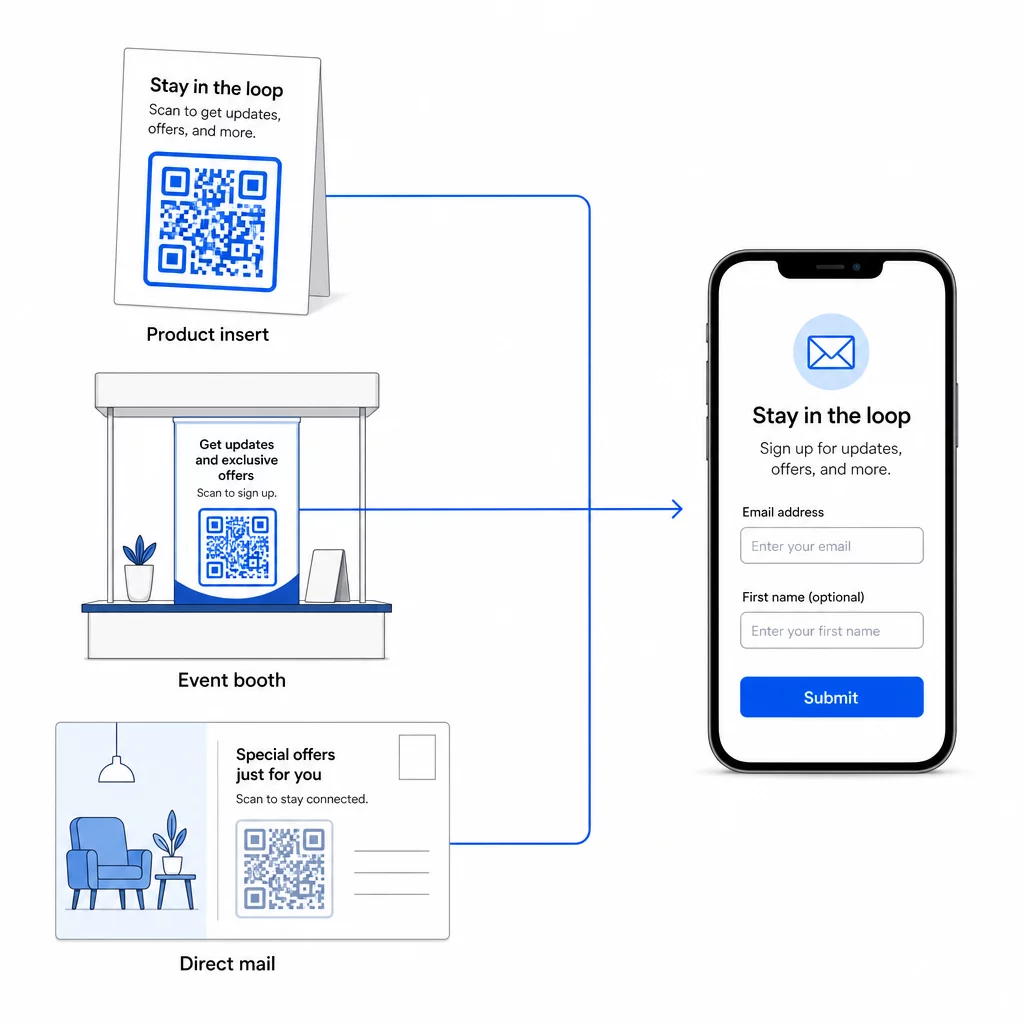
Untuk melihat lebih luas bagaimana kode QR menghubungkan saluran-saluran ini, lihat bagaimana kode QR menghubungkan media sosial dan email dan cara menggunakan kode QR dalam pemasaran.
Prinsip intinya sederhana: setiap titik kontak fisik yang dimiliki bisnis Anda adalah titik akuisisi pelanggan potensial. Kode QR adalah yang memungkinkan konversi tersebut.
Mulai Kumpulkan Email dari Materi Fisik Buat kode QR dinamis yang dapat dilacak yang terhubung ke formulir pendaftaran Anda menggunakan Pembuat Kode QR Pageloot. Uji coba gratis 14 hari – tidak perlu kartu kredit.
Pertanyaan yang Sering Diajukan
Kode QR email membuka aplikasi email pengguna dengan pesan yang sudah terisi – penerima, subjek, dan isi sudah terisi, dan pengguna cukup mengetuk kirim. Kode QR formulir pendaftaran terhubung ke halaman web tempat pengguna memasukkan alamat email mereka langsung ke dalam formulir. Gunakan pendekatan QR email untuk alur kontak atau pertanyaan sederhana, dan pendekatan formulir ketika Anda ingin menambahkan pelanggan ke daftar pemasaran email secara otomatis.
Tidak jika Anda menggunakan kode QR dinamis. Kode dinamis menyimpan tujuan dalam tautan pengalihan yang dapat Anda perbarui di dasbor Pageloot Anda kapan saja. Kode yang dicetak itu sendiri tidak berubah – hanya tujuan yang ditunjuknya. Ini sangat berguna untuk kampanye di mana materi sudah dicetak atau didistribusikan.
Ya, dengan kode QR dinamis Anda dapat melacak total pemindaian, pemindaian unik, lokasi pemindaian, jenis perangkat, dan waktu dalam sehari. Dasbor Pageloot menampilkan data ini secara real time, sehingga Anda dapat membandingkan kinerja di berbagai penempatan atau kampanye dan mengoptimalkannya. Pelajari lebih lanjut tentang melacak pemindaian kode QR dan analitik.