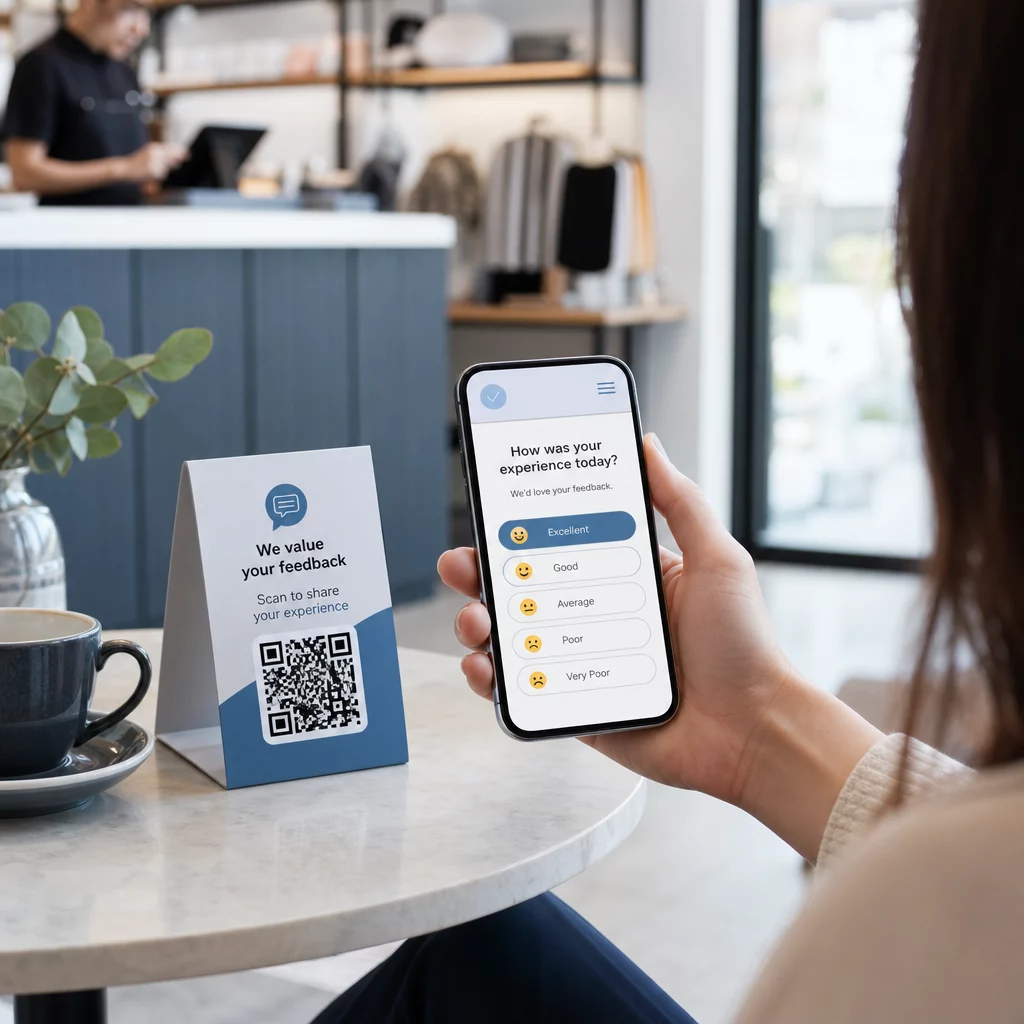
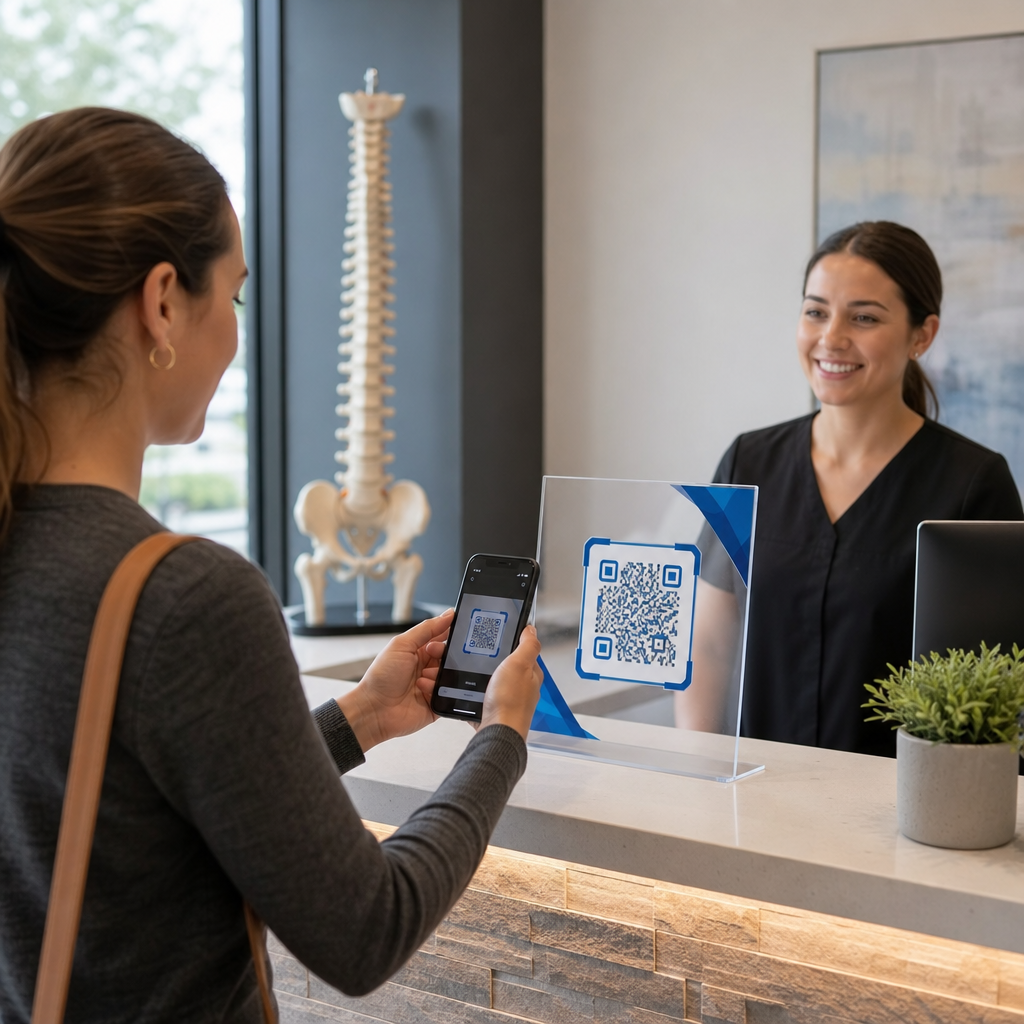
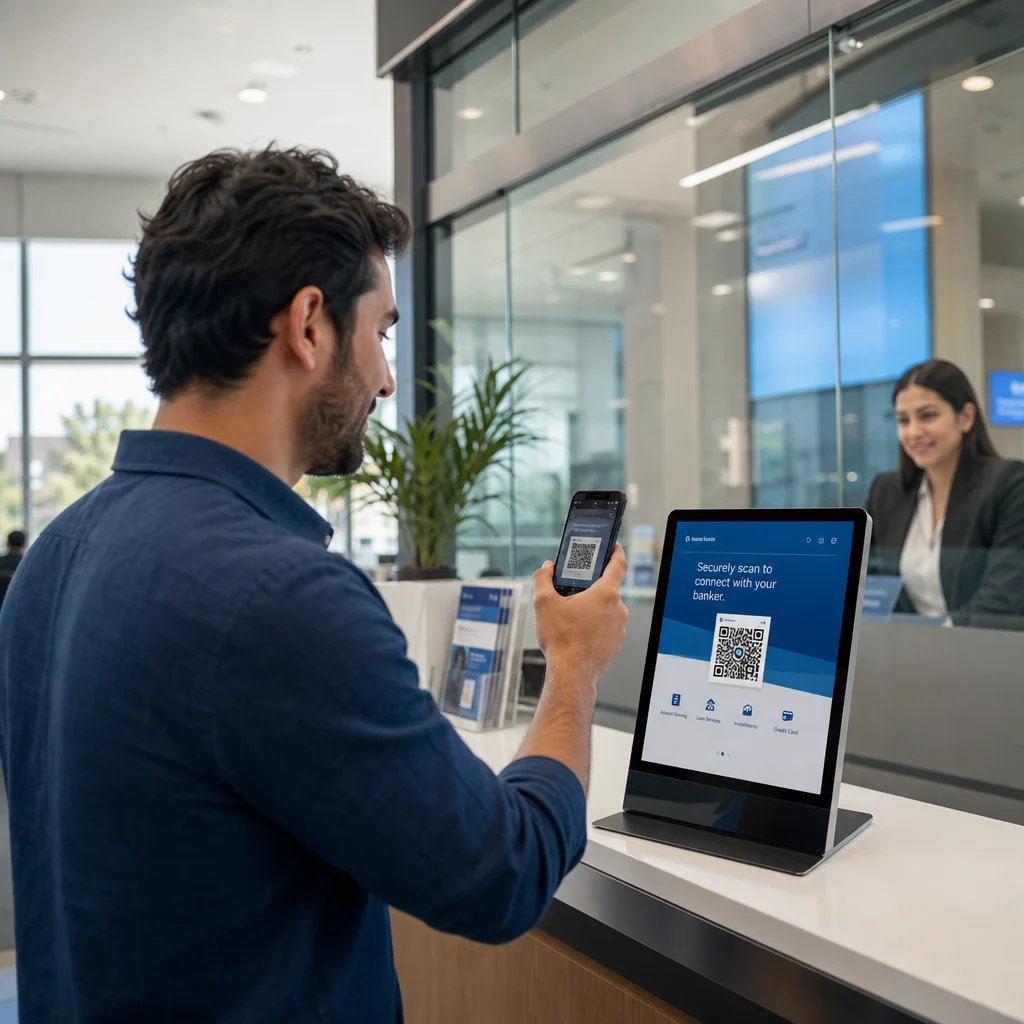
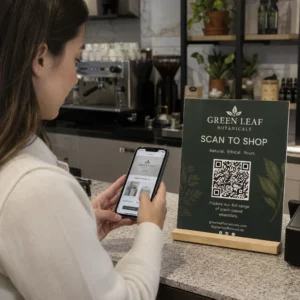
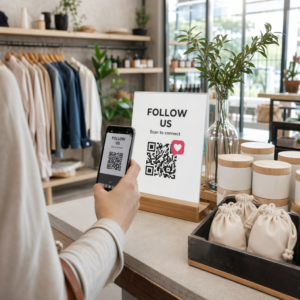
Искате да разширите своя имейл списък от плакати, опаковки или събития на живо – но не можете да разберете как да накарате хората от физическа точка на контакт да стигнат до формуляр за регистрация? Пропастта между офлайн присъствието и онлайн абонатите ви струва реални потенциални клиенти. Тази страница ви показва точно как да преодолеете тази пропаст с помощта на QR кодове.
Защо QR кодовете работят за събиране на имейли
Имейл маркетингът връща средно $36 за всеки похарчен $1 – но тази възвръщаемост се материализира само ако наистина можете да включите хора в списъка си. Предизвикателството за бизнесите, използващи печатни материали, събития или физически локации, е, че няма безпроблемен начин да насочите някого от флаер към формуляр за регистрация. Въвеждането на URL адрес е бариера, с която повечето хора няма да се занимават.
QR кодът премахва тази бариера изцяло. Едно сканиране изпраща някого директно до вашия формуляр за регистрация, предварително зареден и готов за попълване на телефона му. Тъй като се очаква използването на QR кодове в САЩ да достигне 99,5 милиона потребители, това вече не е нишова тактика – това е основен канал за растеж на списъци.
Има два основни подхода:
- Връзка към формуляр за регистрация – Насочете QR кода към целева страница или формуляр (Mailchimp, Mailerlite, Google Forms и т.н.), където посетителите въвеждат своя имейл адрес
- Предварително попълване на имейл действие – Използвайте имейл QR код за да отворите приложението за поща на потребителя с предварително написан съобщение, така че те просто да натиснат изпрати, за да се свържат с вас или да се абонират
И двата метода са легитимни. Вашият избор зависи от това дали искате структурирани данни от формуляр или проста имейл точка за контакт.
Създайте QR код за имейл регистрации Използвай Генератор на QR кодове за връзки Pageloot за да превърнете всеки URL адрес на формуляр за регистрация в сканируем код за секунди – не са необходими технически познания.
Как да настроите QR код за регистрация в имейл
Решете какво събирате
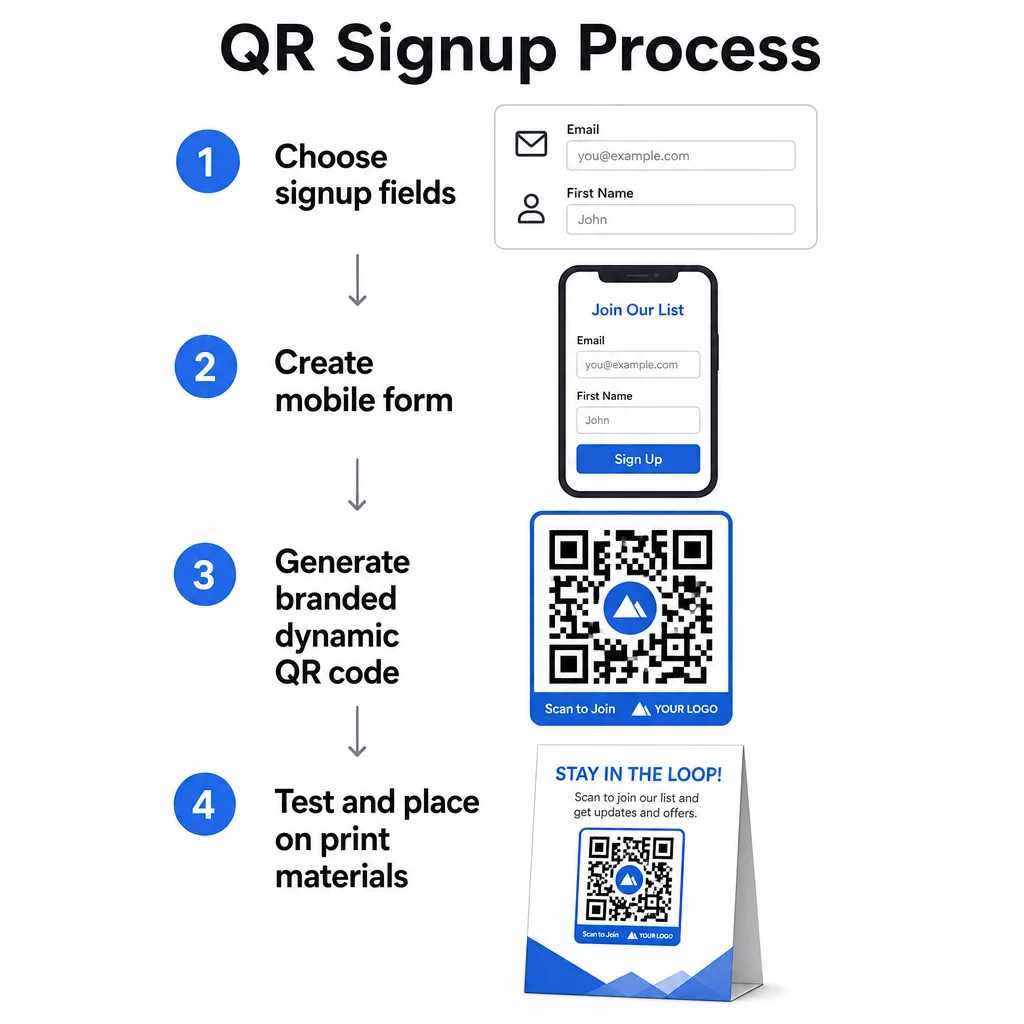
Преди да генерирате каквото и да е, определете от какво се нуждаете. Само имейл адрес поддържа бързата регистрация и високите нива на конверсия. Добавянето на първо име позволява персонализация в кампаниите. Всяко допълнително поле, което изисквате, намалява процента на хората, които го попълват, така че поддържайте формата възможно най-кратка, колкото позволява вашият случай на употреба.
Създайте или изберете своя формуляр за регистрация
Нуждаете се от URL адрес, към който да насочите своя QR код. Опциите включват:
- Целева страница от вашата имейл платформа (Mailchimp, Klaviyo, ConvertKit и т.н.)
- A Google Form конфигурирана да събира имейл адреси
- Персонализиран целева страница с QR код създаден в Pageloot, който ви позволява да комбинирате връзка за регистрация с друго подходящо съдържание в една брандирана, удобна за мобилни устройства страница
Уверете се, че целевата страница се зарежда бързо на мобилни устройства и има едно, ясно действие, което посетителят да предприеме. За най-добри практики при изграждането на мобилно оптимизирани страници, които конвертират, вижте най-добри практики за целеви страници с мобилни QR кодове.
Генериране на QR код
Поставете URL адреса на вашия формуляр за регистрация в Генератор на QR кодове Pageloot. Генераторът създава сканируем код незабавно. Оттук можете:
- Добавете лого и цветове на марката
- Приложете рамка с призив за действие (напр. “Сканирайте, за да се абонирате”)
- Изтеглете във формати, готови за печат, включително PNG, PDF, SVG и EPS
Използвайте динамичен QR код вместо статичен. Динамичните кодове ви позволяват да променяте целевия URL адрес, след като кодът вече е отпечатан или разгърнат – така че ако URL адресът на вашия формуляр за регистрация се промени, вие актуализирате връзката в таблото си за управление, вместо да препечатвате всичките си материали. Динамичните кодове също така отключват проследяване на сканиранията.
Тествайте, преди да внедрите
Сканирайте кода на множество устройства – както iOS, така и Android – преди печат. Потвърдете, че формулярът се зарежда правилно, полетата работят и бутонът за изпращане е функционален. Тестването при реални условия на осветление и на действителното разстояние, където ще се появи кодът (на плакат, опаковка, настолна карта и т.н.), предотвратява проблеми след като материалите вече са разпространени. За насоки относно разположението, пълно ръководство за поставяне на QR кодове в маркетинга обхваща подробно съображенията за размер, позиция и среда.
Най-добри практики за събиране на имейли чрез QR код
Напишете конкретен призив за действие. “Сканирай, за да се абонираш” не казва нищо на хората. “Сканирай за 15% отстъпка от първата ти поръчка” или “Сканирай, за да се присъединиш към нашия списък със седмични оферти” обяснява точно какво получават. Колкото по-конкретна е ползата, толкова по-висок е процентът на сканиране.
Предложете нещо в замяна. Отстъпка, ресурс за изтегляне, ранен достъп или ексклузивно съдържание дава на хората причина да предоставят своя имейл адрес. Без стимул, повечето минувачи нямат мотивация да спрат и да сканират.
Поддържайте целевата страница фокусирана. След като някой сканира, страницата, на която попада, трябва да има една задача: да събере имейл адреса. Избягвайте навигационни менюта, несвързани връзки или разсейващи елементи. Едно заглавие, кратко изявление за стойност и поле за формуляр с бутон за изпращане често са всичко, от което се нуждаете.
Бъдете прозрачни относно поверителността. Кажете на хората какво ще им изпращате и колко често. Включете връзка към вашата политика за поверителност. Съгласно Закона CAN-SPAM, всеки търговски имейл трябва да включва валиден физически адрес и работещ механизъм за отписване – уверете се, че вашата имейл платформа обработва това автоматично.
Поставете кода там, където хората имат момент да спрат. QR кодовете на бързо движещи се табели или в среда с ниска осветеност биват игнорирани. Добрите места за поставяне включват каси, настолни табели, опаковки на продукти, програми за събития и печатни материали. Нивото на очите (приблизително 3.5 до 5.5 фута) и тих, ненатоварен фон подобряват процента на сканиране.
Проследявайте кои места водят до най-много регистрации С Проследяване на QR кодове на Pageloot, можете да наблюдавате обем на сканиранията, местоположение, тип устройство и час от деня – така че да знаете кои материали действително конвертират и къде да инвестирате повече.
Предимства и недостатъци на регистрациите чрез QR код
| Предимство | Потенциален недостатък | Решение |
|---|---|---|
| Не се изисква ръчно въвеждане на URL адрес | По-старите устройства може да нямат вграден скенер | Предоставете алтернативен кратък URL адрес под кода |
| Работи естествено на мобилни устройства | Целта може да е неясна без контекст | Използвайте ясна рамка за призив към действие около кода |
| Безконтактно и удобно | Някои потребители не се доверяват на непознати QR кодове | Покажете вашия URL адрес и политика за поверителност наред с кода |
| Проследимо с динамични кодове | Статичните кодове не могат да бъдат актуализирани, ако URL адресът на формата се промени | Винаги използвайте динамични QR кодове за кампании |
Свързване на имейл и офлайн канали
QR кодовете са най-ефективни, когато са част от целенасочена стратегия, свързваща вашия физически и дигитален маркетинг. Код върху продуктова вложка може да увеличи списъка ви от клиенти, които вече са купили нещо. Код на щанд на събитие може да улови потенциални клиенти, които иначе никога не биха намерили вашия формуляр за регистрация. Код в директна пощенска пратка дава на получателите незабавен път за абониране.
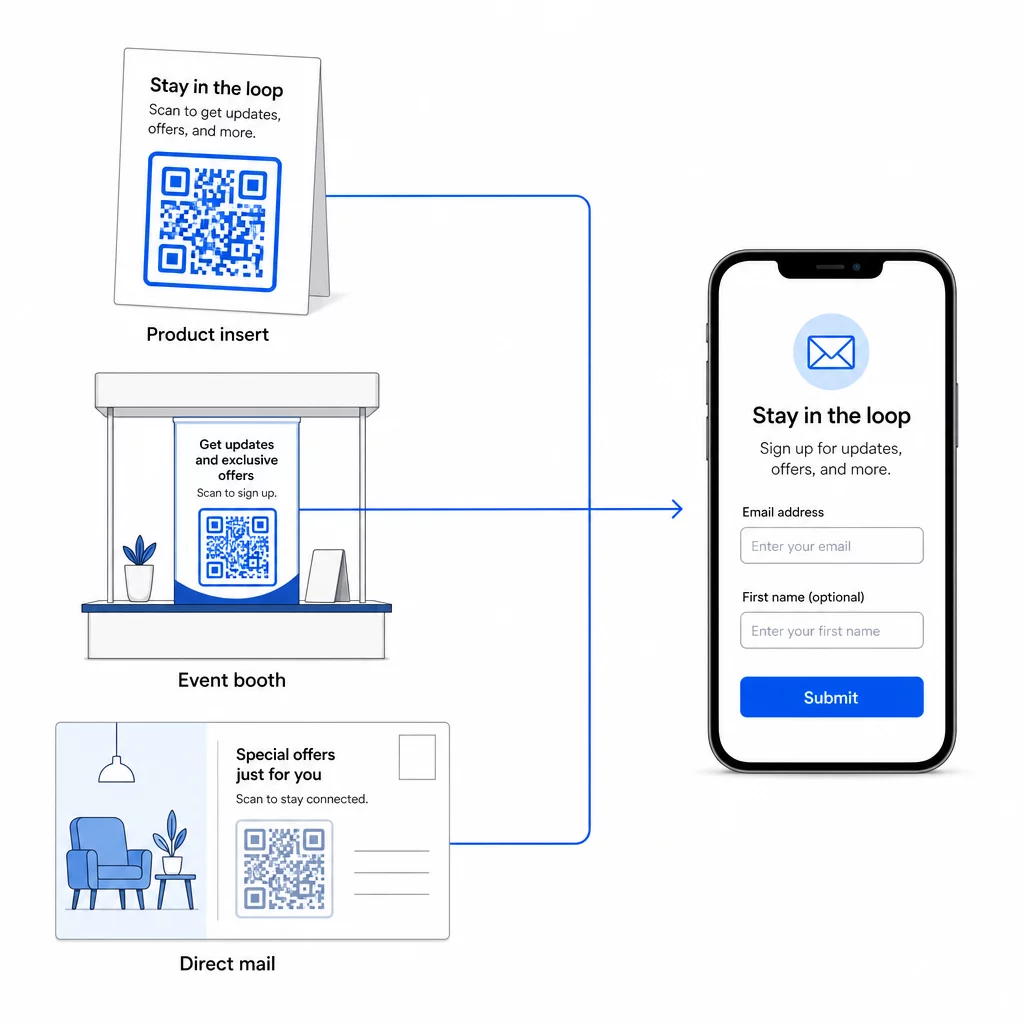
За по-широк поглед върху това как QR кодовете свързват тези канали, вижте как QR кодовете свързват социалните медии и имейла и как да използвате QR кодове в маркетинга.
Основният принцип е прост: всяка физическа точка за контакт, която вашият бизнес има, е потенциална точка за придобиване на абонати. QR кодът е това, което прави това преобразуване възможно.
Започнете да събирате имейли от физически материали Създайте динамичен, проследим QR код, свързан с вашия формуляр за регистрация, използвайки Генератор на QR кодове на PageLoot. Безплатен 14-дневен пробен период – не е необходима кредитна карта.
Често задавани въпроси
QR код за имейл отваря приложението за поща на потребителя с предварително попълнено съобщение – получателят, темата и тялото вече са попълнени и потребителят просто докосва изпращане. QR код за формуляр за регистрация води до уеб страница, където потребителят въвежда своя имейл адрес директно във формуляр. Използвайте подхода с QR код за имейл за прости потоци за контакт или запитване и подхода с формуляр, когато искате автоматично да добавяте абонати към списък за имейл маркетинг.
Не, ако използвате динамичен QR код. Динамичните кодове съхраняват дестинацията в пренасочваща връзка, която можете да актуализирате във вашето табло за управление на Pageloot по всяко време. Самият отпечатан код не се променя – само дестинацията, към която сочи. Това е особено полезно за кампании, при които материалите вече са отпечатани или разпространени.
Да, с динамичен QR код можете да проследявате общи сканирания, уникални сканирания, местоположение на сканиране, тип устройство и час от деня. Таблото за управление на Pageloot показва тези данни в реално време, така че можете да сравнявате ефективността между различни разположения или кампании и да оптимизирате съответно. Научете повече за проследяването на сканирания на QR кодове и анализите.