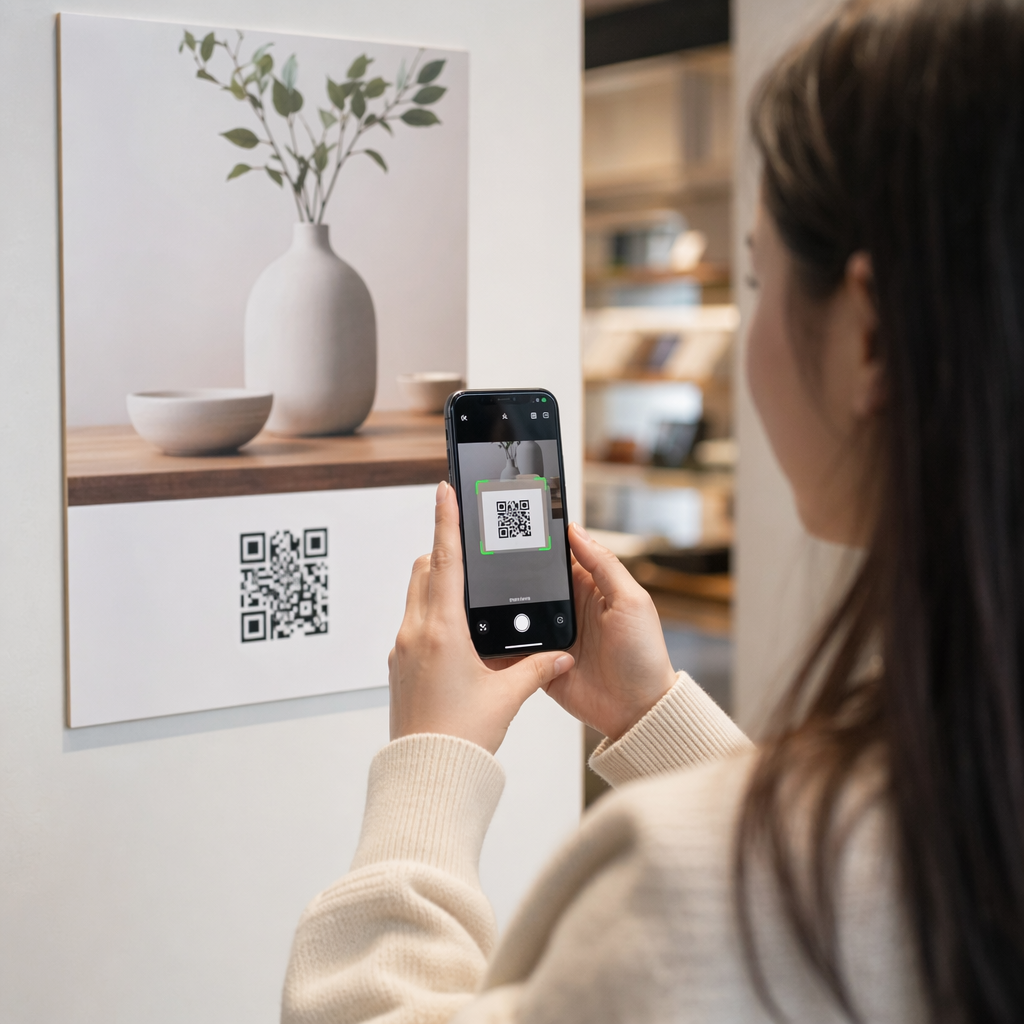
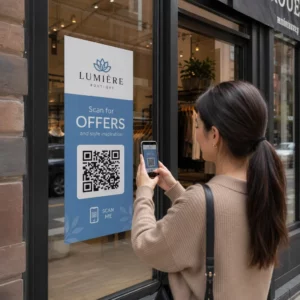
Want to grow your email list from posters, packaging, or in-person events – but can’t figure out how to get people from a physical touchpoint to a signup form? The gap between offline presence and online subscribers costs you real leads. This page shows you exactly how to bridge that gap using QR codes.
Why QR Codes Work for Email Collection
Email marketing returns an average of $36 for every $1 spent – but that return only materializes if you can actually get people onto your list. The challenge for businesses using print materials, events, or physical locations is that there’s no frictionless way to direct someone from a flyer to a signup form. Typing a URL is a barrier most people won’t bother with.
A QR code removes that barrier entirely. One scan sends someone directly to your signup form, pre-loaded and ready to fill out on their phone. With QR code usage in the US projected to reach 99.5 million users, this is no longer a niche tactic – it’s a mainstream channel for list growth.
There are two main approaches:
- Link to a signup form – Point the QR code at a landing page or form (Mailchimp, Mailerlite, Google Forms, etc.) where visitors enter their email address
- Pre-fill an email action – Use an email QR code to open the user’s mail app with a pre-written message, so they simply hit send to contact you or opt in
Both methods are legitimate. Your choice depends on whether you want structured form data or a simple email touchpoint.
Create a QR Code for Email Sign-ups Verwenden Sie die Pageloot Link QR Code Generator to turn any signup form URL into a scannable code in seconds – no technical knowledge required.
Wie man einen QR-Code für E-Mail-Anmeldungen einrichtet
Decide What You’re Collecting
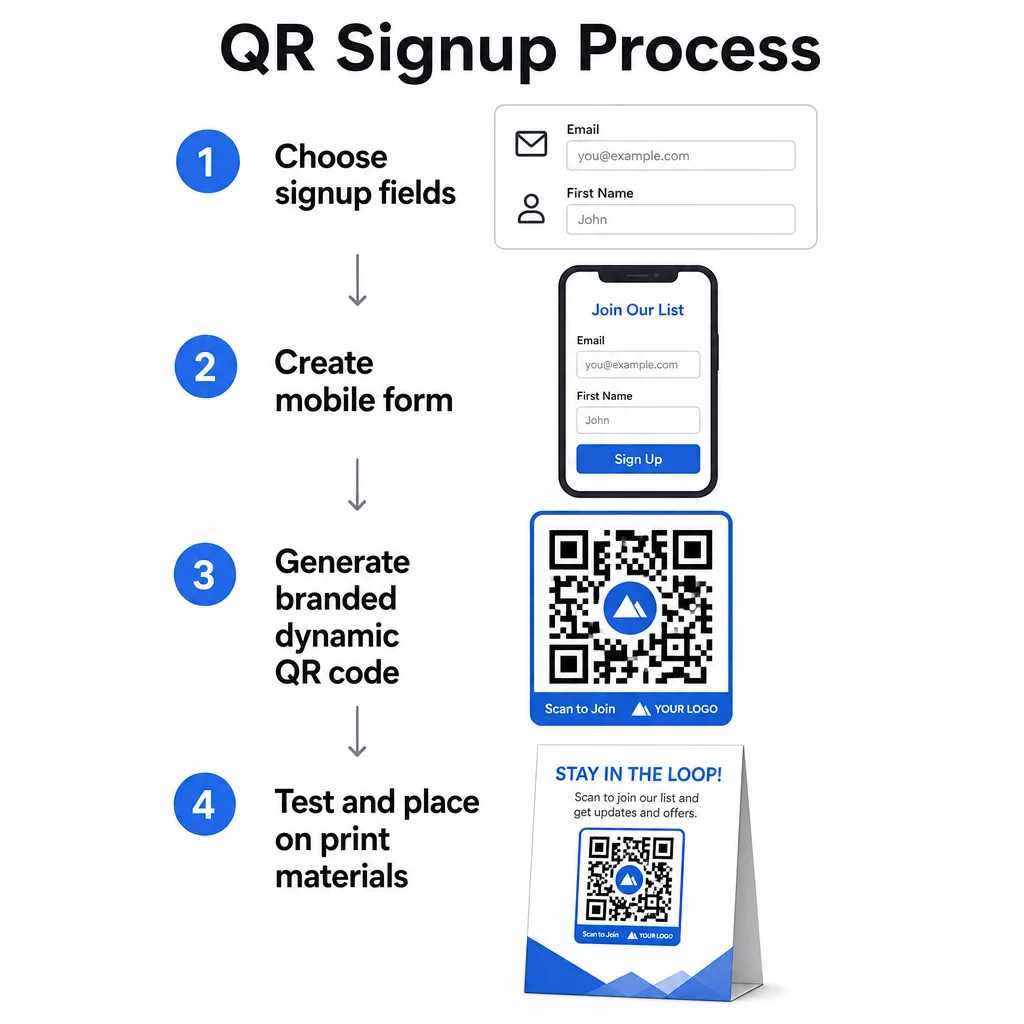
Before generating anything, define what you need. An email address alone keeps the signup fast and conversion rates high. Adding a first name allows for personalization in campaigns. Every extra field you require reduces the percentage of people who complete it, so keep the form as short as your use case allows.
Create or Choose Your Signup Form
You need a URL to point your QR code at. Options include:
- A landing page from your email platform (Mailchimp, Klaviyo, ConvertKit, etc.)
- EIN Google-Formular configured to collect email addresses
- A custom QR code landing page built inside Pageloot, which lets you combine a signup link with other relevant content in a single branded, mobile-friendly page
Make sure the destination page loads quickly on mobile and has a single, clear action for the visitor to take. For best practices on building mobile-optimized pages that convert, see Best Practices für mobile QR-Code-Landingpages.
Erstelle deinen QR-Code
Paste your signup form URL into the Pageloot QR-Code-Generator. The generator creates a scannable code instantly. From here you can:
- Add your logo and brand colors
- Apply a call-to-action frame (e.g., “Scan to subscribe”)
- Download in print-ready formats including PNG, PDF, SVG, and EPS
Use a dynamic QR code rather than a static one. Dynamic codes let you change the destination URL after the code has already been printed or deployed – so if your signup form URL changes, you update the link in your dashboard rather than reprinting all your materials. Dynamic codes also unlock scan tracking.
Test Before You Deploy
Scan the code on multiple devices – both iOS and Android – before printing. Confirm the form loads correctly, the fields work, and the submit button is functional. Testing in the actual lighting conditions and at the actual distance where the code will appear (on a poster, packaging, table card, etc.) prevents problems after materials are already distributed. For placement guidance, the ultimativer Leitfaden zur Platzierung von QR-Codes im Marketing covers size, position, and environment considerations in detail.
Best Practices for QR Code Email Collection
Write a specific call to action. “Scan to subscribe” tells people nothing. “Scan for 15% off your first order” or “Scan to join our weekly deals list” explains exactly what they’re getting. The more concrete the benefit, the higher the scan rate.
Offer something in exchange. A discount, a downloadable resource, early access, or exclusive content gives people a reason to hand over their email address. Without an incentive, most passersby have no motivation to stop and scan.
Keep the landing page focused. Once someone scans, the page they land on should have one job: collect the email address. Avoid navigation menus, unrelated links, or distracting elements. A single headline, a brief value statement, and a form field with a submit button is often all you need.
Be transparent about privacy. Tell people what you’ll send them and how often. Link to your privacy policy. Under the CAN-SPAM Act, every commercial email must include a valid physical address and a working unsubscribe mechanism – make sure your email platform handles this automatically.
Place the code where people have a moment to stop. QR codes on fast-moving signage or in low-light environments get ignored. Good placements include checkout counters, table tents, product packaging, event programs, and printed handouts. Eye level (roughly 3.5 to 5.5 feet) and a quiet, uncluttered background improve scan rates.
Track Which Placements Drive the Most Sign-ups Mit Pageloot’s QR code tracking, you can monitor scan volume, location, device type, and time of day – so you know which materials are actually converting and where to invest more.
Pros and Cons of QR Code Sign-ups
| Advantage | Potential Drawback | Lösung |
|---|---|---|
| No manual URL typing required | Older devices may lack a built-in scanner | Provide a short URL alternative below the code |
| Works naturally on mobile | Purpose may be unclear without context | Use a clear CTA frame around the code |
| Contactless and convenient | Some users distrust unfamiliar QR codes | Display your URL and privacy policy alongside |
| Trackable with dynamic codes | Static codes can’t be updated if the form URL changes | Always use dynamic QR codes for campaigns |
Connecting Email and Offline Channels
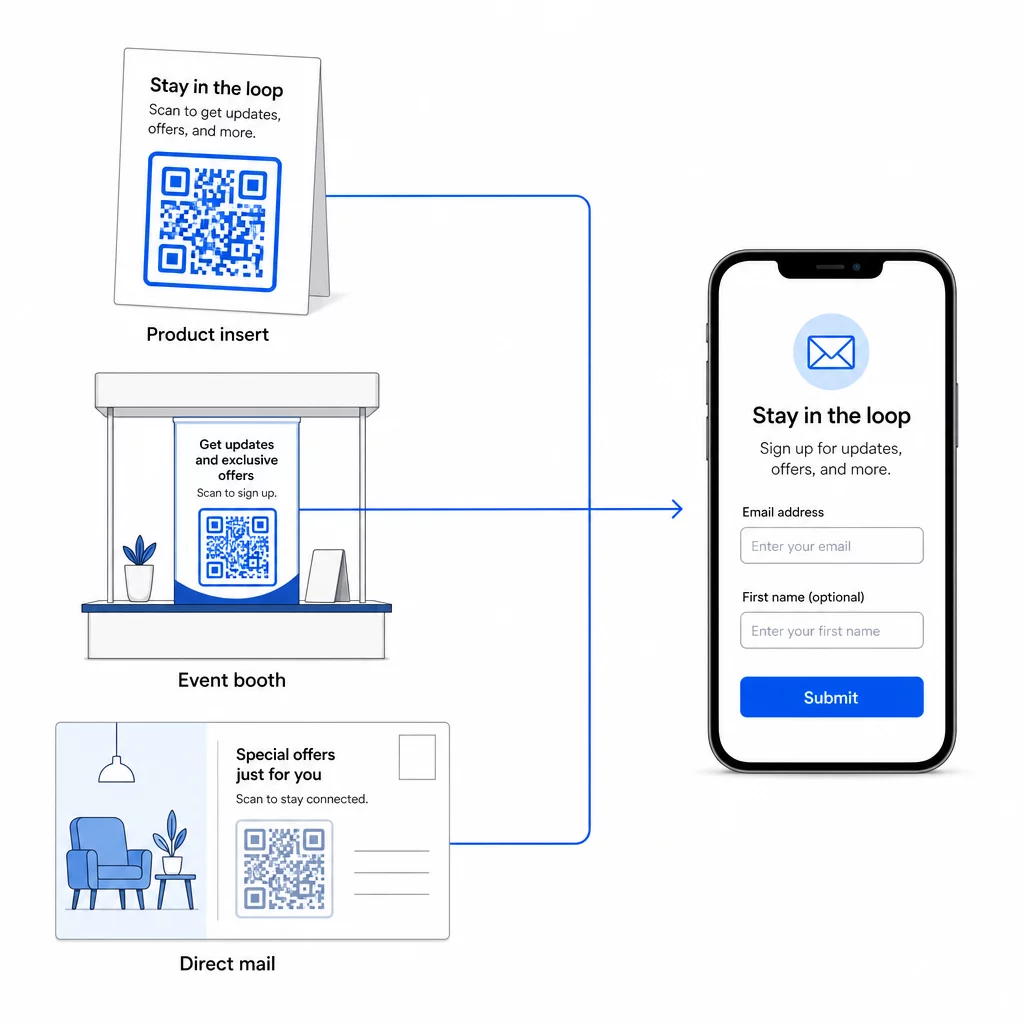
QR codes are most effective when they’re part of a deliberate strategy connecting your physical and digital marketing. A code on a product insert can grow your list from customers who already bought something. A code at an event booth can capture leads who would never otherwise find your signup form. A code in a direct mail piece gives recipients an instant path to opt in.
For a broader look at how QR codes connect these channels, see how QR codes connect social media and email und how to use QR codes in marketing.
The core principle is simple: every physical touchpoint your business has is a potential subscriber acquisition point. A QR code is what makes that conversion possible.
Start Collecting Emails from Physical Materials Create a dynamic, trackable QR code linked to your signup form using the Pageloot QR-Code-Generator. Free 14-day trial – no credit card required.
Häufig gestellte Fragen
An email QR code opens the user’s mail app with a pre-filled message – the recipient, subject, and body are already filled in, and the user simply taps send. A signup form QR code links to a webpage where the user enters their email address directly into a form. Use the email QR approach for simple contact or inquiry flows, and the form approach when you want to add subscribers to an email marketing list automatically.
Not if you use a dynamic QR code. Dynamic codes store the destination in a redirecting link that you can update in your Pageloot dashboard at any time. The printed code itself doesn’t change – only the destination it points to. This is especially useful for campaigns where materials are already printed or distributed.
Yes, with a dynamic QR code you can track total scans, unique scans, scan location, device type, and time of day. Pageloot’s dashboard shows this data in real time, so you can compare performance across different placements or campaigns and optimize accordingly. Learn more about tracking QR code scans and analytics.