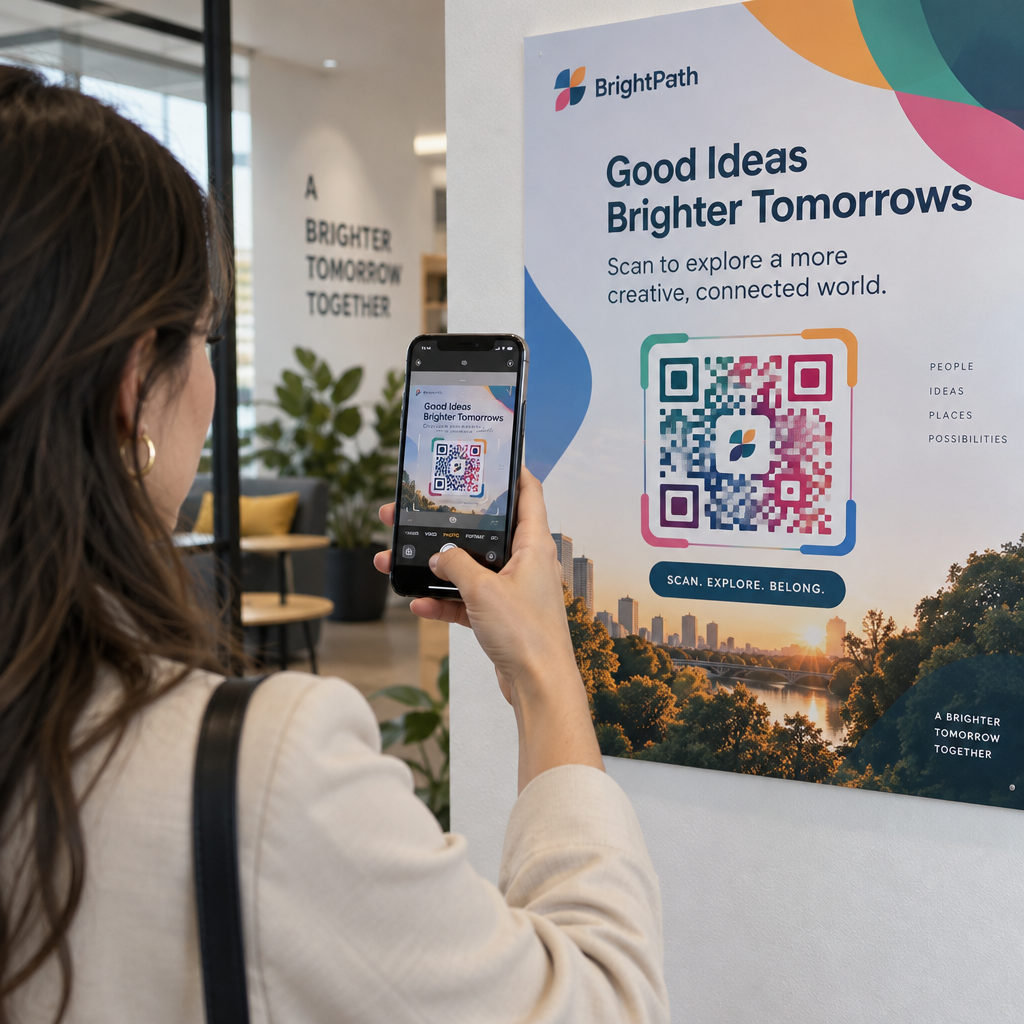
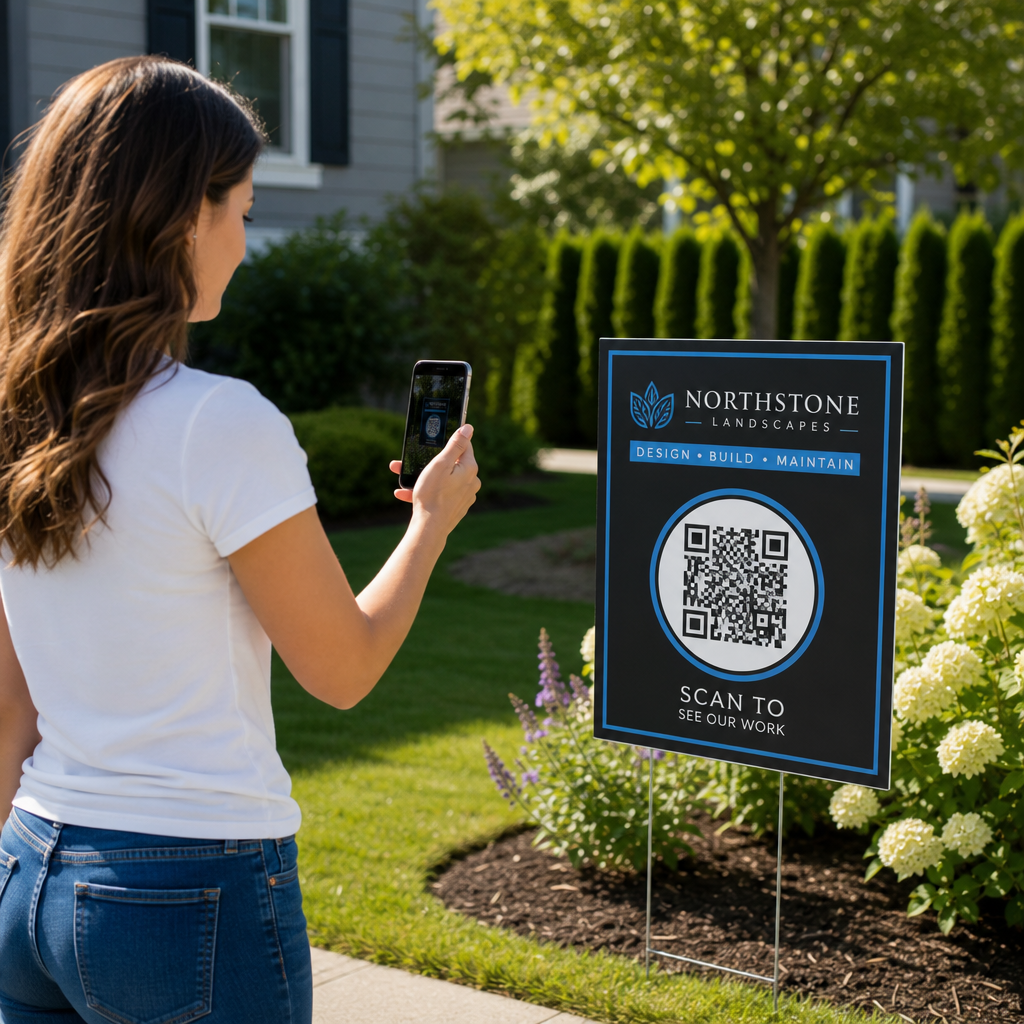
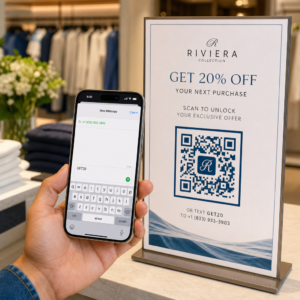
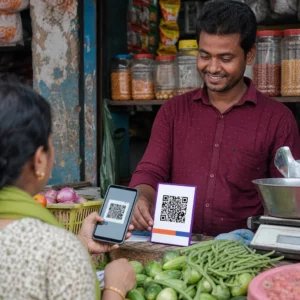
Szeretné növelni az e-mail listáját poszterekről, csomagolásokról vagy személyes eseményekről – de nem tudja, hogyan juttassa el az embereket egy fizikai érintkezési pontról egy feliratkozási űrlapra? Az offline jelenlét és az online feliratkozók közötti szakadék valós leadeket veszít el. Ez az oldal pontosan megmutatja, hogyan hidalhatja át ezt a szakadékot QR-kódok segítségével.
Miért működnek a QR-kódok az e-mail gyűjtéshez
Az e-mail marketing átlagosan 36 dollár megtérülést hoz minden elköltött 1 dollárért – de ez a megtérülés csak akkor valósul meg, ha ténylegesen fel tudja venni az embereket a listájára. A nyomtatott anyagokat, eseményeket vagy fizikai helyszíneket használó vállalkozások számára az a kihívás, hogy nincs súrlódásmentes módja annak, hogy valakit egy szórólapról egy feliratkozási űrlapra irányítson. Egy URL beírása olyan akadály, amivel a legtöbb ember nem fog foglalkozni.
Egy QR-kód teljesen eltávolítja ezt az akadályt. Egyetlen beolvasás közvetlenül a feliratkozási űrlapra küldi az illetőt, előre betöltve és készen állva a kitöltésre a telefonján. Mivel az USA-ban a QR-kód használat várhatóan eléri a 99,5 millió felhasználót, ez már nem egy réstaktika – hanem egy mainstream csatorna a lista növeléséhez.
Két fő megközelítés létezik:
- Link egy feliratkozási űrlapra – Irányítsa a QR-kódot egy céloldalra vagy űrlapra (Mailchimp, Mailerlite, Google Forms stb.), ahol a látogatók megadják e-mail címüket
- Előre kitöltött e-mail művelet – Használjon egy e-mail QR-kódot a felhasználó levelezőalkalmazásának megnyitásához egy előre megírt üzenettel, így egyszerűen elküldhetik azt, hogy kapcsolatba lépjenek Önnel vagy feliratkozzanak
Mindkét módszer legitim. A választása attól függ, hogy strukturált űrlapadatokat vagy egy egyszerű e-mail érintkezési pontot szeretne.
Hozzon létre QR-kódot e-mail feliratkozásokhoz Használja a Pageloot Link QR-kód Generátor bármely feliratkozási űrlap URL-jét másodpercek alatt beolvasható kóddá alakíthatja – technikai tudás nélkül.
QR-kód beállítása e-mail feliratkozáshoz
Döntse el, mit gyűjt
Mielőtt bármit is generálna, határozza meg, mire van szüksége. Egy e-mail cím önmagában gyorssá teszi a feliratkozást és magasra tartja a konverziós arányokat. Egy keresztnév hozzáadása lehetővé teszi a személyre szabást a kampányokban. Minden extra mező, amit megkövetel, csökkenti a kitöltők százalékos arányát, ezért tartsa az űrlapot a lehető legrövidebbre, amennyire az Ön felhasználási esete engedi.
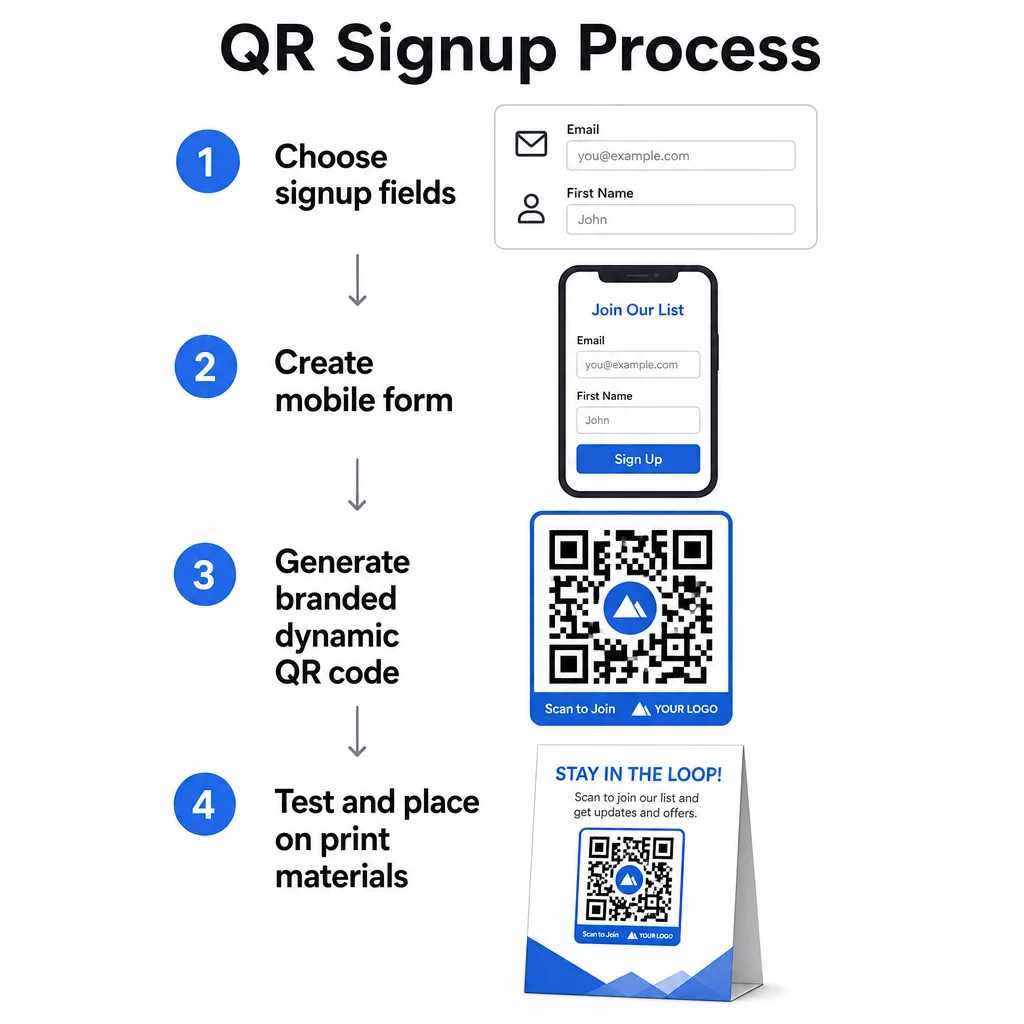
Hozza létre vagy válassza ki feliratkozási űrlapját
Szüksége van egy URL-re, amelyre a QR-kódja mutat. Lehetőségek:
- Egy céloldal az e-mail platformjáról (Mailchimp, Klaviyo, ConvertKit stb.)
- A Google Form e-mail címek gyűjtésére konfigurálva
- Egy egyedi QR-kód céloldal a Pageloot-ban épített, amely lehetővé teszi, hogy egy feliratkozási linket más releváns tartalommal kombináljon egyetlen márkás, mobilbarát oldalon
Győződjön meg róla, hogy a céloldal gyorsan betöltődik mobilon, és egyetlen, világos cselekvésre ösztönzi a látogatót. A konvertáló, mobilra optimalizált oldalak építésének legjobb gyakorlataiért lásd mobil QR-kód céloldal bevált gyakorlatokat.
QR-kód generálása
Illessze be a feliratkozási űrlap URL-jét a Pageloot QR-kód generátor. A generátor azonnal létrehoz egy szkennelhető kódot. Innen a következőket teheti:
- Add hozzá a logódat és a márkaszíneidet
- Alkalmazzon cselekvésre ösztönző keretet (pl. “Szkenneljen a feliratkozáshoz”)
- Letöltés nyomdakész formátumokban, beleértve a PNG, PDF, SVG és EPS formátumokat
Használjon dinamikus QR-kódot a statikus helyett. A dinamikus kódok lehetővé teszik a cél URL megváltoztatását, miután a kódot már kinyomtatták vagy telepítették – így ha a feliratkozási űrlap URL-je megváltozik, a linket a műszerfalon frissíti, ahelyett, hogy újra kinyomtatná az összes anyagát. A dinamikus kódok a szkennelési nyomon követést is lehetővé teszik.
Tesztelje telepítés előtt
Szkennelje be a kódot több eszközön – iOS-en és Androidon egyaránt – nyomtatás előtt. Győződjön meg róla, hogy az űrlap helyesen töltődik be, a mezők működnek, és a küldés gomb funkcionális. A tényleges fényviszonyok között és azon a tényleges távolságon történő tesztelés, ahol a kód meg fog jelenni (plakáton, csomagoláson, asztali kártyán stb.), megelőzi a problémákat az anyagok terjesztése után. Az elhelyezési útmutatóért a átfogó útmutató a QR-kód elhelyezéséhez a marketingben részletesen tárgyalja a méretre, pozícióra és környezetre vonatkozó szempontokat.
Legjobb gyakorlatok QR-kódos e-mail gyűjtéshez
Írjon egy konkrét cselekvésre ösztönzést. “Szkenneljen a feliratkozáshoz” semmit sem mond az embereknek. “Szkenneljen az első rendeléséből 15% kedvezményért” vagy “Szkenneljen, hogy csatlakozzon heti akcióink listájához” pontosan elmagyarázza, mit kapnak. Minél konkrétabb az előny, annál magasabb a szkennelési arány.
Kínáljon valamit cserébe. Egy kedvezmény, letölthető forrás, korai hozzáférés vagy exkluzív tartalom okot ad az embereknek arra, hogy megadják e-mail címüket. Ösztönző nélkül a legtöbb járókelőnek nincs motivációja megállni és szkennelni.
Tartsa fókuszban a céloldalt. Miután valaki szkennel, a céloldalnak egyetlen feladata van: az e-mail cím gyűjtése. Kerülje a navigációs menüket, a nem kapcsolódó linkeket vagy a zavaró elemeket. Gyakran elegendő egyetlen címsor, egy rövid értéknyilatkozat és egy űrlapmező egy beküldés gombbal.
Legyen átlátható az adatvédelemmel kapcsolatban. Mondja el az embereknek, mit és milyen gyakran fog nekik küldeni. Linkelje az adatvédelmi szabályzatát. A CAN-SPAM törvény értelmében minden kereskedelmi e-mailnek tartalmaznia kell egy érvényes fizikai címet és egy működő leiratkozási mechanizmust – győződjön meg róla, hogy e-mail platformja ezt automatikusan kezeli.
Helyezze el a kódot ott, ahol az embereknek van idejük megállni. A gyorsan mozgó táblákon vagy gyenge fényviszonyok között elhelyezett QR-kódokat figyelmen kívül hagyják. Jó elhelyezések közé tartoznak a pénztárak, asztali sátrak, termékcsomagolások, rendezvényprogramok és nyomtatott szórólapok. A szemmagasság (körülbelül 3,5-5,5 láb) és a csendes, rendezett háttér javítja a szkennelési arányt.
Kövesse nyomon, mely elhelyezések generálják a legtöbb feliratkozást Val vel A Pageloot QR-kód követése, nyomon követheti a szkennelések számát, helyét, eszköz típusát és a napszakot – így tudja, mely anyagok konvertálnak valójában, és hova érdemes többet fektetni.
A QR-kódos feliratkozások előnyei és hátrányai
| Előny | Lehetséges hátrány | Megoldás |
|---|---|---|
| Nem szükséges manuálisan beírni az URL-t | Régebbi eszközökből hiányozhat a beépített szkenner | Adjon meg egy rövid URL alternatívát a kód alatt |
| Természetesen működik mobilon | A cél nem egyértelmű kontextus nélkül | Használjon világos CTA keretet a kód körül |
| Érintésmentes és kényelmes | Néhány felhasználó bizalmatlan az ismeretlen QR-kódokkal szemben | Jelenítse meg az URL-jét és az adatvédelmi irányelveit mellette |
| Nyomon követhető dinamikus kódokkal | A statikus kódok nem frissíthetők, ha az űrlap URL-je megváltozik | Mindig használjon dinamikus QR-kódokat kampányokhoz |
E-mail és offline csatornák összekapcsolása
A QR-kódok akkor a leghatékonyabbak, ha egy tudatos stratégia részét képezik, amely összekapcsolja fizikai és digitális marketingjét. Egy termékbetéten lévő kód növelheti a listáját azokból az ügyfelekből, akik már vásároltak valamit. Egy rendezvény standján lévő kód olyan érdeklődőket gyűjthet be, akik egyébként soha nem találnák meg a feliratkozási űrlapját. Egy direkt marketing levélben lévő kód azonnali lehetőséget biztosít a címzetteknek a feliratkozásra.
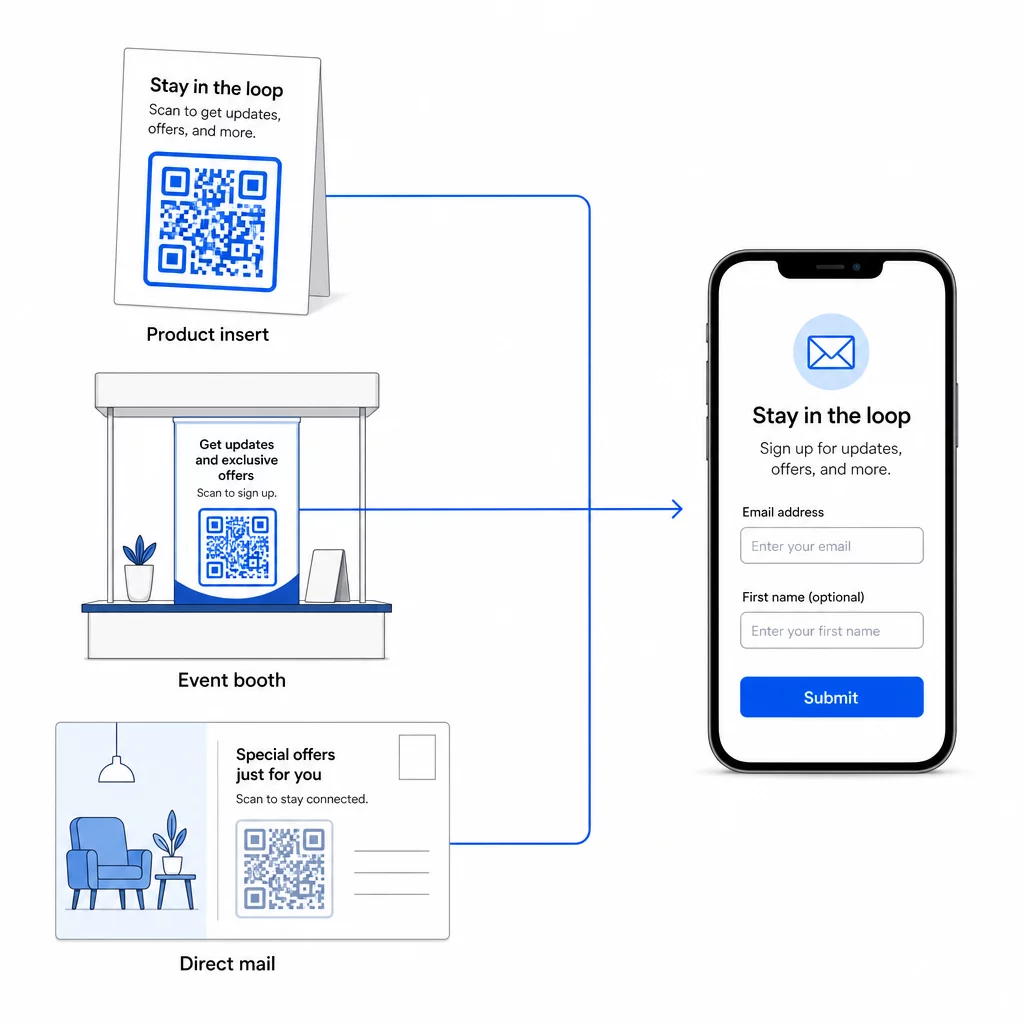
A szélesebb körű áttekintésért arról, hogy a QR-kódok hogyan kapcsolják össze ezeket a csatornákat, lásd hogyan kapcsolják össze a QR-kódok a közösségi médiát és az e-mailt és hogyan használjunk QR-kódokat a marketingben.
Az alapelv egyszerű: minden fizikai érintkezési pont, amellyel vállalkozása rendelkezik, potenciális feliratkozó-szerzési pont. A QR-kód teszi lehetővé ezt az átalakítást.
Kezdje el gyűjteni az e-maileket fizikai anyagokról Hozzon létre egy dinamikus, nyomon követhető QR-kódot, amely a feliratkozási űrlapjához kapcsolódik a Pageloot QR Kód Generátor. Ingyenes 14 napos próba – hitelkártya nem szükséges.
Gyakori kérdések
Egy e-mail QR-kód megnyitja a felhasználó levelezőalkalmazását egy előre kitöltött üzenettel – a címzett, a tárgy és a törzs már ki van töltve, és a felhasználó egyszerűen megérinti a küldés gombot. Egy feliratkozási űrlap QR-kódja egy olyan weboldalra mutat, ahol a felhasználó közvetlenül egy űrlapba írja be az e-mail címét. Használja az e-mail QR-megközelítést egyszerű kapcsolatfelvételi vagy érdeklődési folyamatokhoz, és az űrlapmegközelítést, ha automatikusan szeretne feliratkozókat hozzáadni egy e-mail marketing listához.
Nem, ha dinamikus QR-kódot használ. A dinamikus kódok a célt egy átirányító linkben tárolják, amelyet bármikor frissíthet a Pageloot irányítópultján. Maga a nyomtatott kód nem változik – csak a cél, amire mutat. Ez különösen hasznos olyan kampányoknál, ahol az anyagok már kinyomtatásra vagy terjesztésre kerültek.
Igen, egy dinamikus QR-kóddal nyomon követheti az összes beolvasást, az egyedi beolvasásokat, a beolvasás helyét, az eszköz típusát és a napszakot. A Pageloot irányítópultja valós időben mutatja ezeket az adatokat, így összehasonlíthatja a teljesítményt a különböző elhelyezések vagy kampányok között, és ennek megfelelően optimalizálhatja. Tudjon meg többet a QR-kód beolvasások és elemzések nyomon követéséről.