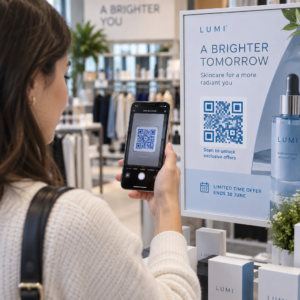
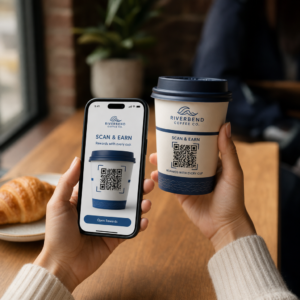
¿Le cuesta conectar sus materiales de marketing físicos con resultados digitales medibles? La mayoría de las empresas imprimen folletos, cuelgan carteles y empaquetan productos sin una forma clara de rastrear la interacción, y eso significa oportunidades perdidas. Esta guía cubre cinco formas prácticas de usar un generador de códigos QR en línea para convertir los puntos de contacto fuera de línea en canales de marketing activos y rastreables.
Use códigos QR dinámicos para crear audiencias a las que se pueda volver a dirigir
No todos los códigos QR son iguales. Códigos QR dinámicos codifican una URL de redirección corta en lugar de un destino fijo, lo que significa que puede cambiar a dónde apunta el código en cualquier momento, sin reimprimir un solo folleto o paquete. Si ya ha impreso sus materiales pero necesita actualizar una página de destino o cambiar una oferta de temporada, un código dinámico lo gestiona al instante.
La ventaja de marketing más profunda es el retargeting. Cuando un cliente escanea su código y aterriza en una página que usted controla, puede activar un píxel de Facebook o conectar etiquetas de Google Analytics a esa sesión. A partir de ahí, puede crear audiencias personalizadas y segmentos similares a partir de personas que interactuaron físicamente con sus materiales. Esto convierte un cartel impreso en una fuente de clientes potenciales digital.
Los códigos QR dinámicos también le brindan análisis detallados de escaneos – recuentos de escaneos, marcas de tiempo, ubicación geográfica, tipo de dispositivo y sistema operativo – datos que los códigos estáticos simplemente no pueden proporcionar. Para cualquier campaña en la que necesite flexibilidad, seguimiento o ajustes en tiempo real, los códigos dinámicos son la elección correcta.
Cree códigos QR rastreables para su próxima campaña ¿Quiere actualizar destinos, rastrear cada escaneo y crear audiencias a las que se pueda volver a dirigir a partir de sus materiales impresos? Empiece con el generador de códigos QR y lance su primera campaña dinámica hoy mismo.
Diseñe su código QR para que coincida con su marca
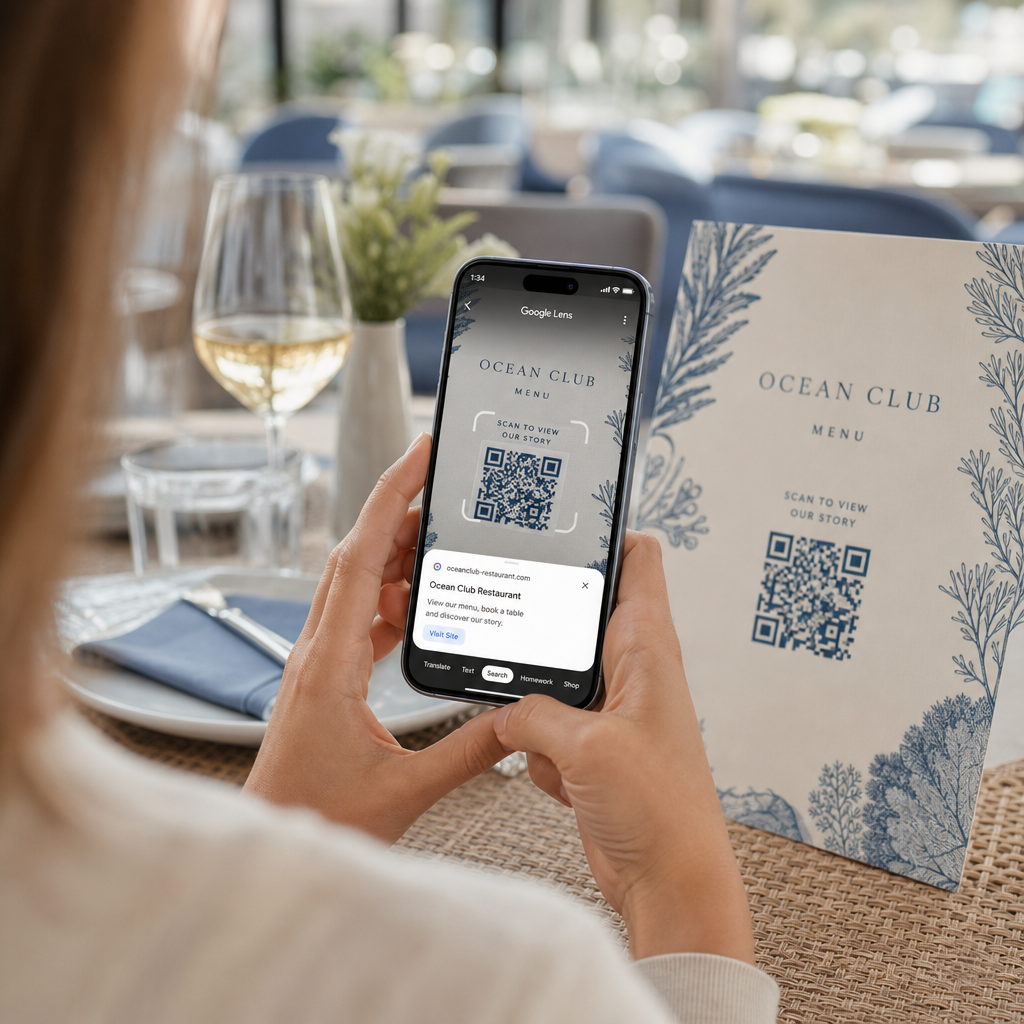
Un código QR simple en blanco y negro en una pieza de marca por lo demás pulida envía la señal equivocada. Los generadores de códigos QR modernos le permiten personalizar colores, formas y patrones para que coincidan con su identidad visual, y puede envolver el código en un marco de CTA – un borde con texto instructivo como “Escanee para obtener un 20% de descuento” o “Escanee para ver el menú de hoy”.”
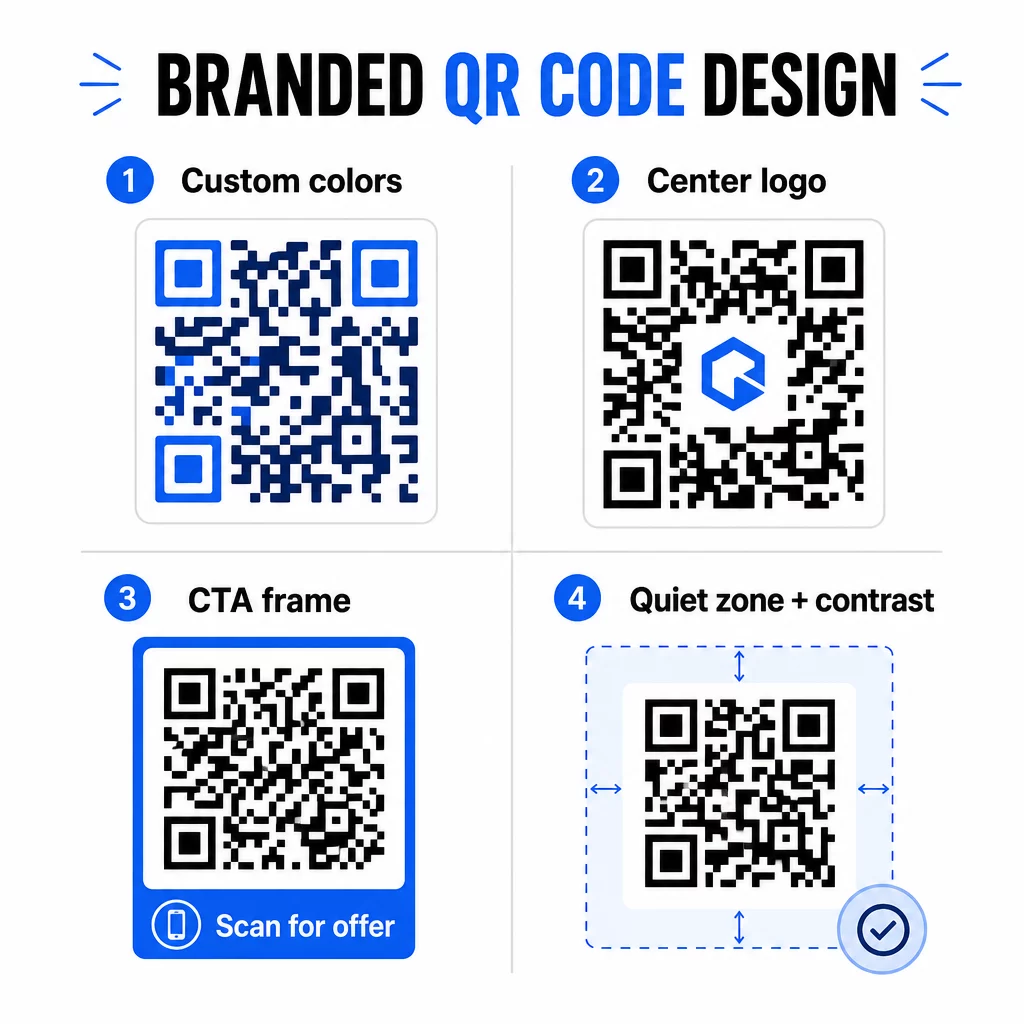
Ese marco de CTA hace un trabajo real. Investigación sobre marcos de códigos QR muestra consistentemente que los códigos sin ninguna instrucción obtienen muchas menos escaneos porque la gente no sabe qué recibirá. Una indicación específica y orientada a los beneficios elimina esa duda.
Algunas reglas de diseño a seguir:
- Mantén el código oscuro sobre un fondo claro – las combinaciones de colores invertidas o de bajo contraste confunden a muchos escáneres
- Mantén una zona tranquila (un margen claro de al menos cuatro módulos) alrededor de todo el perímetro del código
- Imprime con un mínimo de 2 × 2 cm (0.8 × 0.8 pulgadas) para la mayoría de los materiales; para vallas publicitarias, apunta a al menos 40 × 40 cm
- Usa exportaciones vectoriales o de alta resolución para mantener los módulos nítidos en cualquier tamaño
Si quieres añadir un logo al centro del código, establece el nivel de corrección de errores en Q o H para que el código siga siendo escaneable incluso con parte del patrón cubierto. Puedes aprender más sobre estándares de colocación de códigos QR para diferentes materiales para asegurarte de que tu diseño funcione en todos los formatos.
Ve más allá de las URL – Usa códigos QR para cupones, reseñas y eventos
La mayoría de los especialistas en marketing se limitan a vincular un código QR a un sitio web y se detienen ahí. Ese enfoque apenas roza la superficie de lo que es posible.
Considera estos casos de uso:
- Códigos de cupón: Un código QR de cupón lleva a los clientes a una página que muestra tus ofertas y descuentos actuales, con una CTA que los impulsa a finalizar la compra
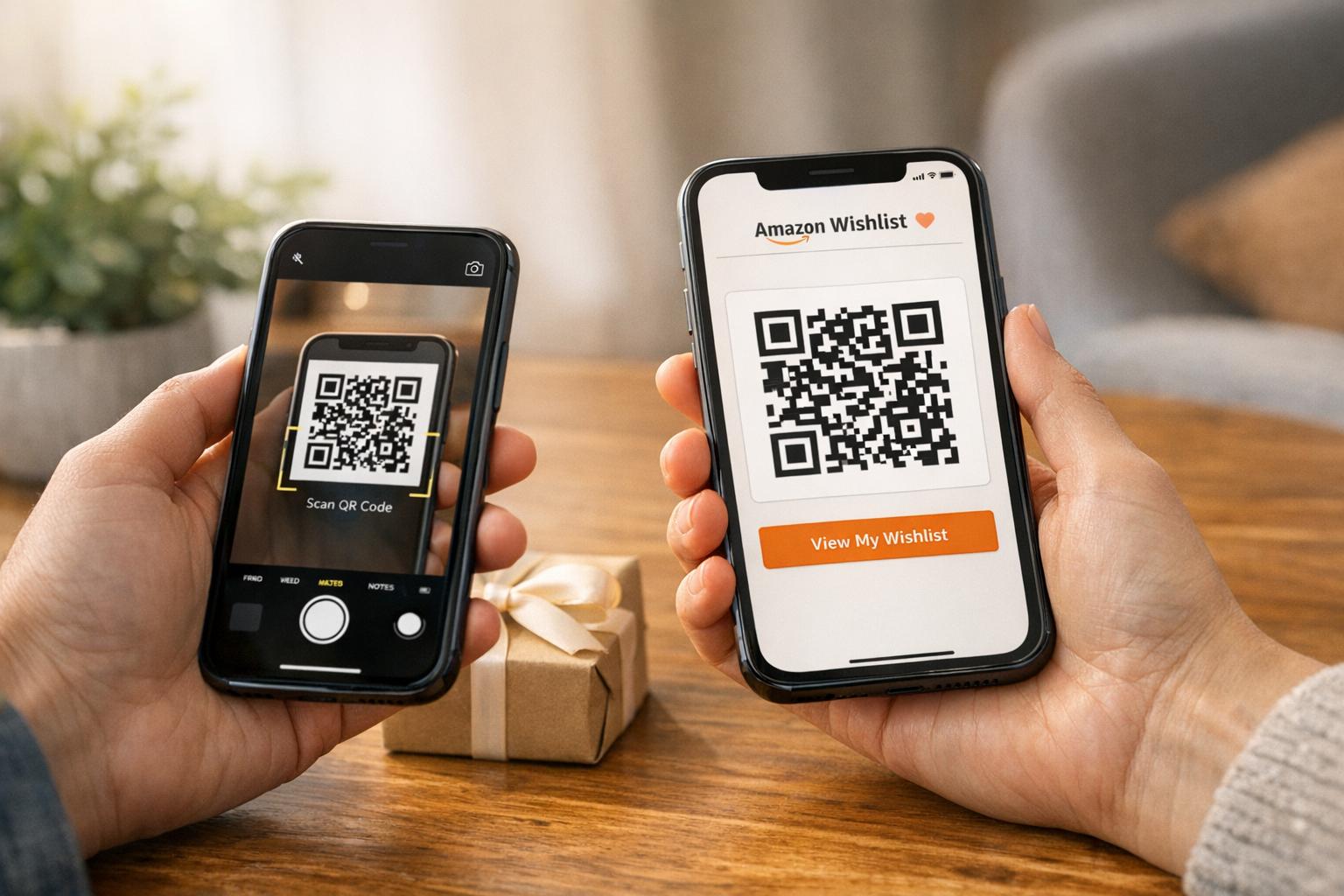
- Reseñas de Google: Coloca un código QR para reseñas de Google en recibos, empaques o letreros de mesa para que dejar comentarios sea lo más sencillo posible: un escaneo y la página de reseñas se abre automáticamente
- Eventos: Un código QR de evento consolida los detalles del lugar, los horarios y los enlaces de registro en un solo escaneo, y como es dinámico, puedes actualizar la información si algo cambia sin necesidad de reimprimir
- Los medios de comunicación social: Un código QR de redes sociales ofrece a los clientes un camino directo para seguir tus cuentas o unirse a tu comunidad desde cualquier material físico
- Direcciones de ubicación: Un Código QR de Google Maps abre tu ubicación en la aplicación Mapas con un solo escaneo, útil en invitaciones a eventos, escaparates y tarjetas de presentación
Cada uno de estos casos de uso resuelve un punto de fricción específico en el recorrido del cliente. La clave es hacer coincidir el tipo de código QR con lo que tu audiencia realmente necesita en ese momento.
Investiga a tu audiencia antes de implementar
Un código QR es tan efectivo como la campaña que lo respalda. Antes de generar un solo código, tómate el tiempo para comprender a quién te diriges y dónde pasan el tiempo, tanto física como digitalmente.
Comienza por definir claramente a tu audiencia:
- ¿Qué problemas están tratando de resolver?
- ¿Dónde encuentran tu marca en el mundo físico: estantes de tiendas, eventos, correo directo, empaques de productos?
- ¿Qué dispositivos utilizan y qué tan cómodos se sienten al escanear códigos QR?
Luego, revisa lo que están haciendo tus competidores. ¿Dónde están colocando los códigos? ¿A qué destinos están enlazando? Identificar las brechas en su enfoque es a menudo donde reside la oportunidad más clara.
Esta base también da forma a tu elección entre códigos QR estáticos y dinámicos. Los códigos estáticos funcionan bien para contenido permanente e inmutable, como credenciales de Wi-Fi o un manual de producto fijo. Los códigos dinámicos son la elección correcta para campañas de marketing donde los destinos, ofertas o contenido pueden necesitar evolucionar. Tomar esta decisión temprano te evita reimprimir materiales más tarde.
Para marketing para pequeñas empresas específicamente, incluso una simple auditoría de ubicación – preguntando dónde tus clientes se detienen o esperan físicamente – puede revelar puntos de alto valor que la mayoría de los competidores pasan por alto.
Lidera con Valor, No Solo con una Solicitud de Escaneo
Las tasas de escaneo mejoran drásticamente cuando las personas entienden lo que obtendrán antes de escanear. Una solicitud genérica de “Escanéame” pide atención sin ofrecer nada a cambio. Una solicitud específica – “Escanea para desbloquear tu descuento exclusivo” o “Escanea para descargar la guía de configuración” – da a las personas una razón clara para actuar.
Esto se conecta con un principio más amplio en el marketing efectivo: los clientes responden a lo que desean, no solo a lo que necesitan. Tu código QR debe ser el punto de entrada a algo genuinamente útil o gratificante.
Formas prácticas de ofrecer valor a través de códigos QR:
- Ofrece un descuento o cupón exclusivo al que solo se puede acceder escaneando
- Enlaza a una guía en PDF, video tutorial o demostración de producto que facilite la decisión de compra
- Conecta a los clientes a una página de reseñas y agradéceles su tiempo
- Ofrece a los asistentes a eventos acceso instantáneo a horarios, biografías de oradores o mapas del lugar
Después de que los clientes lleguen a tu página de destino, asegúrate de que la experiencia se mantenga. El destino debe estar optimizado para dispositivos móviles, cargar rápidamente y tener un siguiente paso claro. Un código bien diseñado que lleva a una mala experiencia móvil perderá conversiones en el último momento.
Conecta Materiales Impresos con el Compromiso Digital ¿Listo para poner estas ideas en práctica? Explora soluciones de códigos QR por industria y caso de uso para encontrar el formato adecuado para tu próxima campaña.
Prueba antes de lanzar, luego rastrea lo que funciona
Antes de que cualquier código QR se active en materiales impresos o distribuidos, pruébalo a fondo. Escanea el código en múltiples dispositivos y sistemas operativos, bajo diferentes condiciones de iluminación y a las distancias a las que tu audiencia se encontrará de forma realista. Para materiales impresos, prueba el resultado final impreso, no solo la vista previa digital.
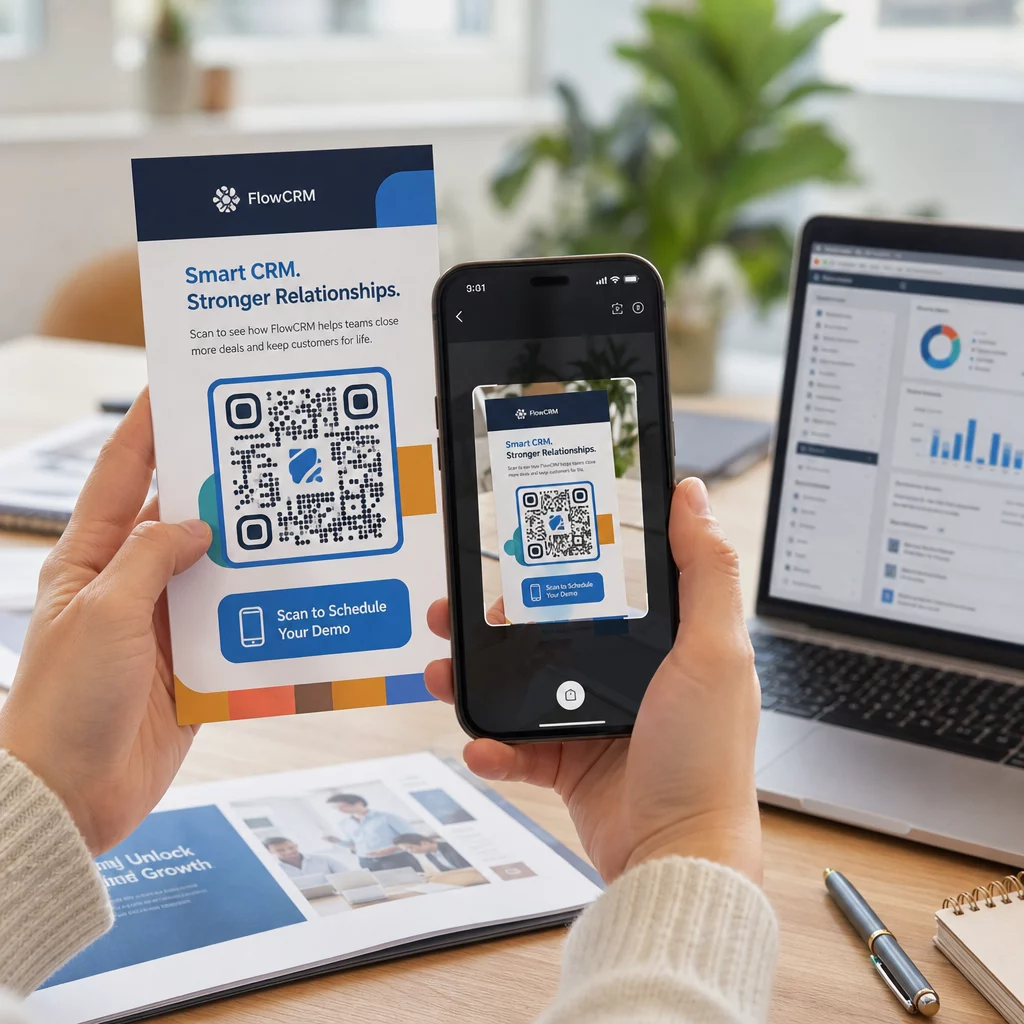
Una vez que tu campaña esté en marcha, usa tu panel de análisis para monitorear:
- Escaneos totales y recuentos de escaneos únicos
- Desglose geográfico de dónde se producen los escaneos
- Datos de dispositivo y sistema operativo
- Patrones de tiempo de escaneo (día de la semana, hora del día)
Estos datos te indican qué ubicaciones y materiales están generando interacción y cuáles no. Si una ubicación o material en particular tiene un rendimiento inferior, puedes actualizar el destino del código dinámico para probar una nueva oferta o página de destino, sin tocar el código impreso en sí.
Para campañas integradas con Google Analytics, añadir parámetros UTM a las URL de destino de tu código QR te da una imagen completa de cómo los escaneos offline contribuyen a las conversiones online, directamente dentro de tus herramientas de informes existentes.
Las empresas que obtienen los resultados más sólidos de los códigos QR son aquellas que los tratan como un canal medible: estableciendo objetivos, rastreando el rendimiento e iterando basándose en datos reales en lugar de suposiciones.
Empieza a construir campañas de códigos QR medibles Genera, personaliza y rastrea códigos QR para cada caso de uso de marketing con Pageloot. Prueba el Generador de Códigos QR gratis durante 14 días – no se requiere tarjeta de crédito.
Preguntas frecuentes
Un código QR estático codifica un destino fijo que no se puede cambiar después de su creación y no admite seguimiento. Un código QR dinámico codifica una URL de redirección corta, lo que significa que puedes actualizar el destino en cualquier momento sin reimprimir, y obtienes acceso a análisis de escaneo que incluyen ubicación, tipo de dispositivo y momento. Para la mayoría de las campañas de marketing, los códigos dinámicos son la mejor opción porque te brindan flexibilidad y datos medibles.
El tamaño mínimo recomendado para un escaneo fiable en la mayoría de los materiales impresos es de 2 × 2 cm (aproximadamente 0,8 × 0,8 pulgadas). A medida que aumenta la distancia de escaneo esperada, el código debe escalar proporcionalmente; una pauta común es que el ancho del código debe ser al menos una décima parte de la distancia desde la que se escaneará. Para materiales de gran formato como vallas publicitarias, apunte a al menos 40 × 40 cm. Siempre pruebe el resultado final impreso en múltiples dispositivos antes de distribuir.
Los enfoques más efectivos son emparejar su código con una llamada a la acción específica y orientada a beneficios (por ejemplo, “Escanee para obtener su descuento” en lugar de “Escanéame”), colocar el código donde su audiencia naturalmente hace una pausa o enfoca su atención, y asegurarse de que la página de destino ofrezca un valor genuino. Personalizar el diseño del código para que coincida con su marca también ayuda: los códigos visualmente distintos y acordes con la marca atraen más atención que los patrones genéricos en blanco y negro.