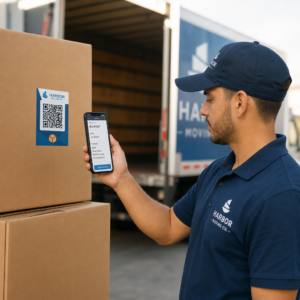
Vă este greu să conectați materialele de marketing fizice cu rezultate digitale măsurabile? Majoritatea afacerilor tipăresc fluturași, afișează postere și ambalează produse fără o modalitate clară de a urmări implicarea – iar asta înseamnă oportunități pierdute. Acest ghid acoperă cinci moduri practice de a utiliza un generator online de coduri QR pentru a transforma punctele de contact offline în canale de marketing active, urmăribile.
Utilizați coduri QR dinamice pentru a construi audiențe retargetabile
Nu toate codurile QR sunt egale. Coduri QR dinamice codifică o adresă URL scurtă de redirecționare în loc de o destinație fixă, ceea ce înseamnă că puteți schimba oricând unde indică codul – fără a retipări niciun fluturaș sau ambalaj. Dacă ați tipărit deja materialele, dar trebuie să actualizați o pagină de destinație sau să schimbați o ofertă sezonieră, un cod dinamic se ocupă de asta instantaneu.
Avantajul de marketing mai profund este retargeting-ul. Atunci când un client scanează codul dvs. și ajunge pe o pagină pe care o controlați, puteți declanșa un Pixel Facebook sau puteți conecta etichete Google Analytics la acea sesiune. De acolo, puteți construi audiențe personalizate și segmente de tip „lookalike” din persoane care au interacționat fizic cu materialele dvs. Acest lucru transformă un poster tipărit într-o sursă digitală de lead-uri.
Codurile QR dinamice vă oferă, de asemenea, analize detaliate ale scanărilor – număr de scanări, marcaje temporale, locație geografică, tip de dispozitiv și sistem de operare – date pe care codurile statice pur și simplu nu le pot oferi. Pentru orice campanie în care aveți nevoie de flexibilitate, urmărire sau ajustări în timp real, codurile dinamice sunt alegerea potrivită.
Creați coduri QR urmăribile pentru următoarea dvs. campanie Doriți să actualizați destinațiile, să urmăriți fiecare scanare și să construiți audiențe retargetabile din materialele dvs. tipărite? Începeți cu Generatorul de coduri QR și lansați prima dvs. campanie dinamică astăzi.
Proiectați-vă codul QR pentru a se potrivi cu brandul dvs.
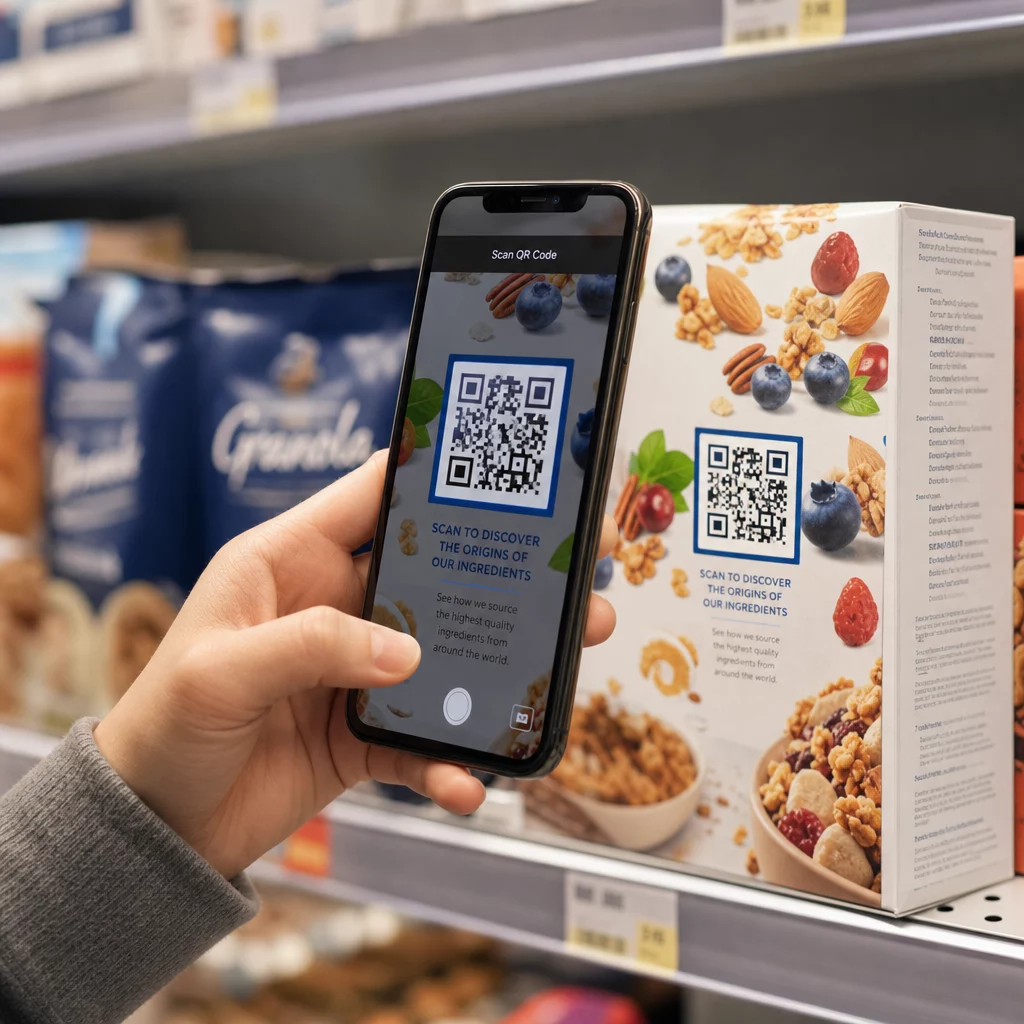
Un cod QR simplu, alb-negru, pe o piesă de brand altfel șlefuită, transmite un semnal greșit. Generatoarele moderne de coduri QR vă permit să personalizați culorile, formele și modelele pentru a se potrivi cu identității dvs. vizuale și puteți încadra codul într-un cadru CTA – o bordură cu text instructiv precum “Scanați pentru a obține 20% reducere” sau “Scanați pentru a vedea meniul de astăzi”.”
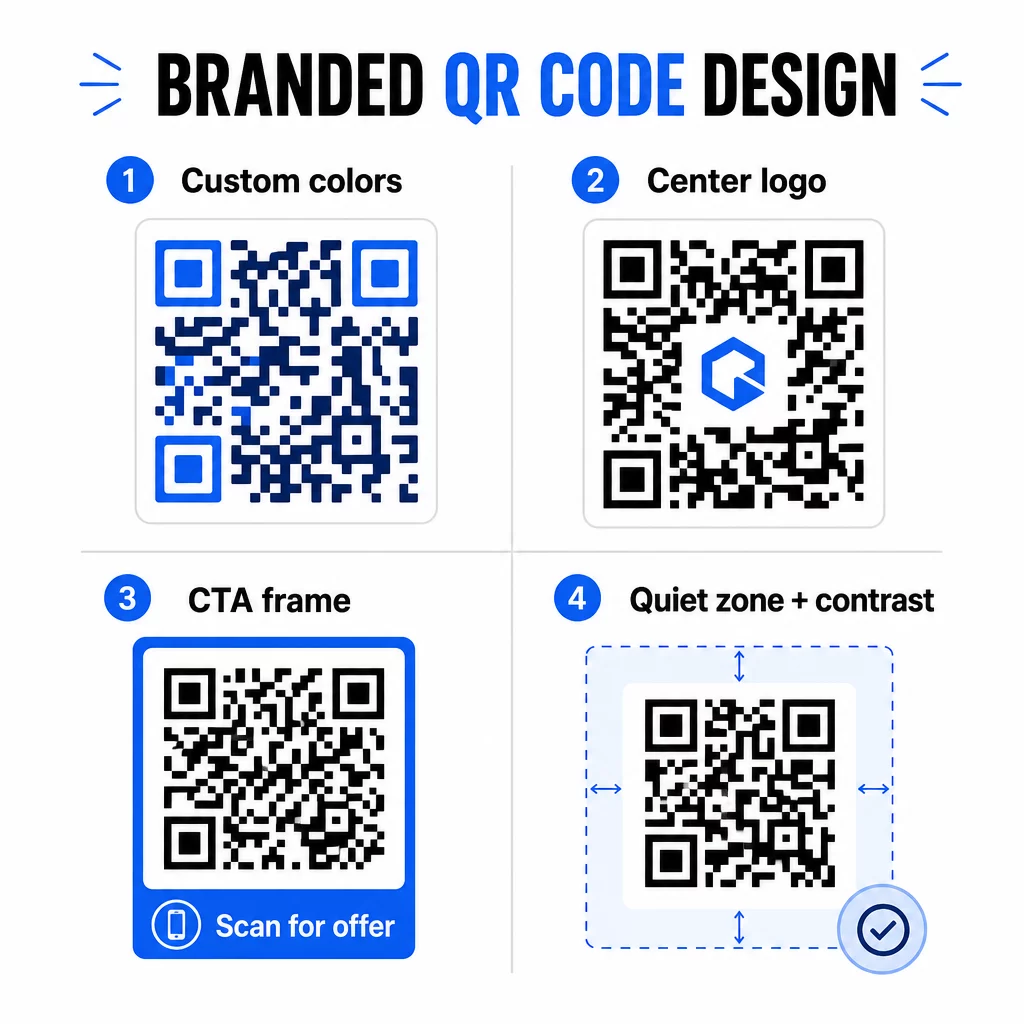
Acel cadru CTA face o treabă reală. Cercetări privind cadrele codurilor QR arată în mod constant că codurile fără nicio instrucțiune primesc mult mai puține scanări, deoarece oamenii nu știu ce vor primi. O solicitare specifică, bazată pe beneficii, elimină această ezitare.
Câteva reguli de design de urmat:
- Păstrați codul închis la culoare pe un fundal deschis – combinațiile de culori inversate sau cu contrast scăzut confundă mulți scanere
- Mențineți o zonă liniștită (o margine clară de cel puțin patru module) în jurul întregului perimetru al codului
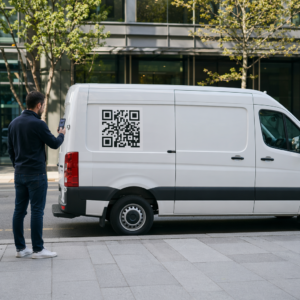
- Imprimați la un minim de 2 × 2 cm (0,8 × 0,8 inchi) pentru majoritatea materialelor; pentru panouri publicitare, vizați cel puțin 40 × 40 cm
- Utilizați exporturi vectoriale sau de înaltă rezoluție pentru a menține modulele clare la orice dimensiune
Dacă doriți să adăugați un logo în centrul codului, setați nivelul de corecție a erorilor la Q sau H, astfel încât codul să rămână scanabil chiar și cu o parte a modelului acoperită. Puteți afla mai multe despre standardele de plasare a codurilor QR pentru diferite materiale pentru a vă asigura că designul dvs. funcționează pe fiecare format.
Mergeți dincolo de URL-uri – Utilizați codurile QR pentru cupoane, recenzii și evenimente
Majoritatea specialiștilor în marketing se limitează la a lega un cod QR de un site web și a se opri acolo. Această abordare abia zgârie suprafața a ceea ce este posibil.
Luați în considerare aceste cazuri de utilizare:
- Coduri de cupoane: O cod QR pentru cupon direcționează clienții către o pagină care afișează ofertele și reducerile dvs. curente, cu un CTA care îi conduce la finalizarea comenzii
- Recenzii Google: Plasați un cod QR pentru recenzii Google pe chitanțe, ambalaje sau corturi de masă pentru a face lăsarea feedback-ului cât mai ușoară posibil – o singură scanare și pagina de recenzii se deschide automat
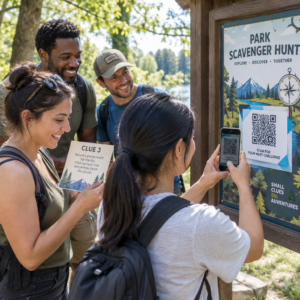
- Evenimente: Un cod QR pentru eveniment consolidează detaliile locației, programul și linkurile de înregistrare într-o singură scanare, iar pentru că este dinamic, puteți actualiza informațiile dacă se schimbă ceva fără a retipări
- Rețele sociale: O cod QR pentru social media oferă clienților o cale directă de a vă urmări conturile sau de a se alătura comunității dvs. de pe orice material fizic
- Indicații de locație: O Codul QR Google Maps deschide locația dvs. în aplicația Hărți cu o singură scanare – util pe invitațiile la evenimente, vitrine și cărți de vizită
Fiecare dintre aceste cazuri de utilizare rezolvă un punct specific de fricțiune în călătoria clientului. Cheia este potrivirea tipului de cod QR cu ceea ce publicul dvs. are nevoie de fapt în acel moment.
Faceți-vă cercetarea publicului înainte de a implementa
Un cod QR este la fel de eficient precum campania din spatele său. Înainte de a genera un singur cod, acordați-vă timp să înțelegeți pe cine vizați și unde își petrec timpul – atât fizic, cât și digital.
Începeți prin a vă defini clar publicul:
- Ce probleme încearcă să rezolve?
- Unde întâlnesc brandul dvs. în lumea fizică – rafturi de retail, evenimente, corespondență directă, ambalaje de produse?
- Ce dispozitive folosesc și cât de confortabil se simt cu scanarea codurilor QR?
Apoi, analizați ce fac concurenții dvs. Unde plasează coduri? La ce destinații fac legătura? Identificarea lacunelor în abordarea lor este adesea locul unde se află cea mai clară oportunitate.
Această pregătire modelează, de asemenea, și alegerea dintre codurile QR statice și dinamice. Codurile statice funcționează bine pentru conținut permanent, neschimbător, cum ar fi credențialele Wi-Fi sau un manual de produs fix. Codurile dinamice sunt alegerea potrivită pentru campaniile de marketing în care destinațiile, ofertele sau conținutul ar putea necesita evoluție. Luarea acestei decizii din timp vă scutește de retipărirea materialelor mai târziu.
Pentru marketingul pentru afaceri mici în mod specific, chiar și un simplu audit de plasare – întrebând unde clienții dumneavoastră se opresc fizic sau așteaptă – poate dezvălui locuri de mare valoare pe care majoritatea concurenților le ignoră.
Conduceți cu Valoare, Nu Doar cu o Solicitare de Scanare
Ratele de scanare se îmbunătățesc dramatic atunci când oamenii înțeleg ce primesc înainte de a scana. O solicitare generică “Scanează-mă” cere atenție fără a oferi nimic în schimb. O solicitare specifică – “Scanează pentru a debloca reducerea ta exclusivă” sau “Scanează pentru a descărca ghidul de configurare” – oferă oamenilor un motiv clar de a acționa.
Acest lucru se conectează la un principiu mai larg în marketingul eficient: clienții răspund la ceea ce își doresc, nu doar la ceea ce au nevoie. Codul dumneavoastră QR ar trebui să fie punctul de intrare către ceva cu adevărat util sau recompensator.
Modalități practice de a oferi valoare prin coduri QR:
- Oferiți o reducere sau un cupon exclusiv accesibil doar prin scanare
- Link către un ghid PDF, un videoclip tutorial sau o demonstrație de produs care facilitează decizia de cumpărare
- Conectați clienții la o pagină de recenzii și mulțumiți-le pentru timpul acordat
- Oferiți participanților la evenimente acces instantaneu la programe, biografii ale vorbitorilor sau hărți ale locației
După ce clienții ajung pe pagina dumneavoastră de destinație, asigurați-vă că experiența se menține. Destinația ar trebui să fie optimizată pentru mobil, să se încarce rapid și să aibă un pas următor clar. Un cod bine conceput care duce la o experiență mobilă slabă va pierde conversii în ultimul moment.
Conectați Materialele Tipărite la Angajamentul Digital Gata să puneți aceste idei în practică? Explorați soluții de coduri QR pe industrie și caz de utilizare pentru a găsi formatul potrivit pentru următoarea campanie.
Testați înainte de lansare, apoi urmăriți ce funcționează
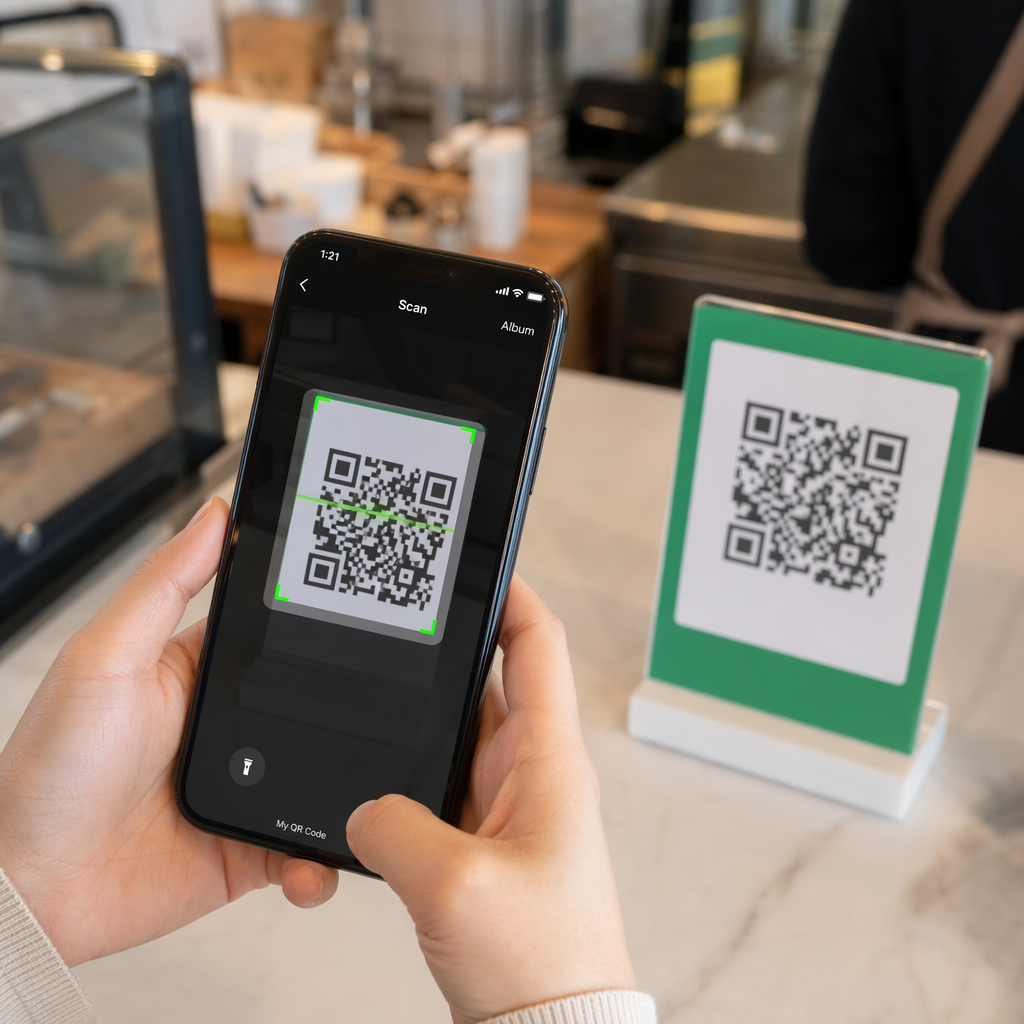
Înainte ca orice cod QR să fie publicat pe materiale tipărite sau distribuite, testați-l temeinic. Scanați codul pe mai multe dispozitive și sisteme de operare, în diferite condiții de iluminare și la distanțele la care publicul dumneavoastră va sta în mod realist. Pentru materialele tipărite, testați rezultatul final tipărit – nu doar previzualizarea digitală.
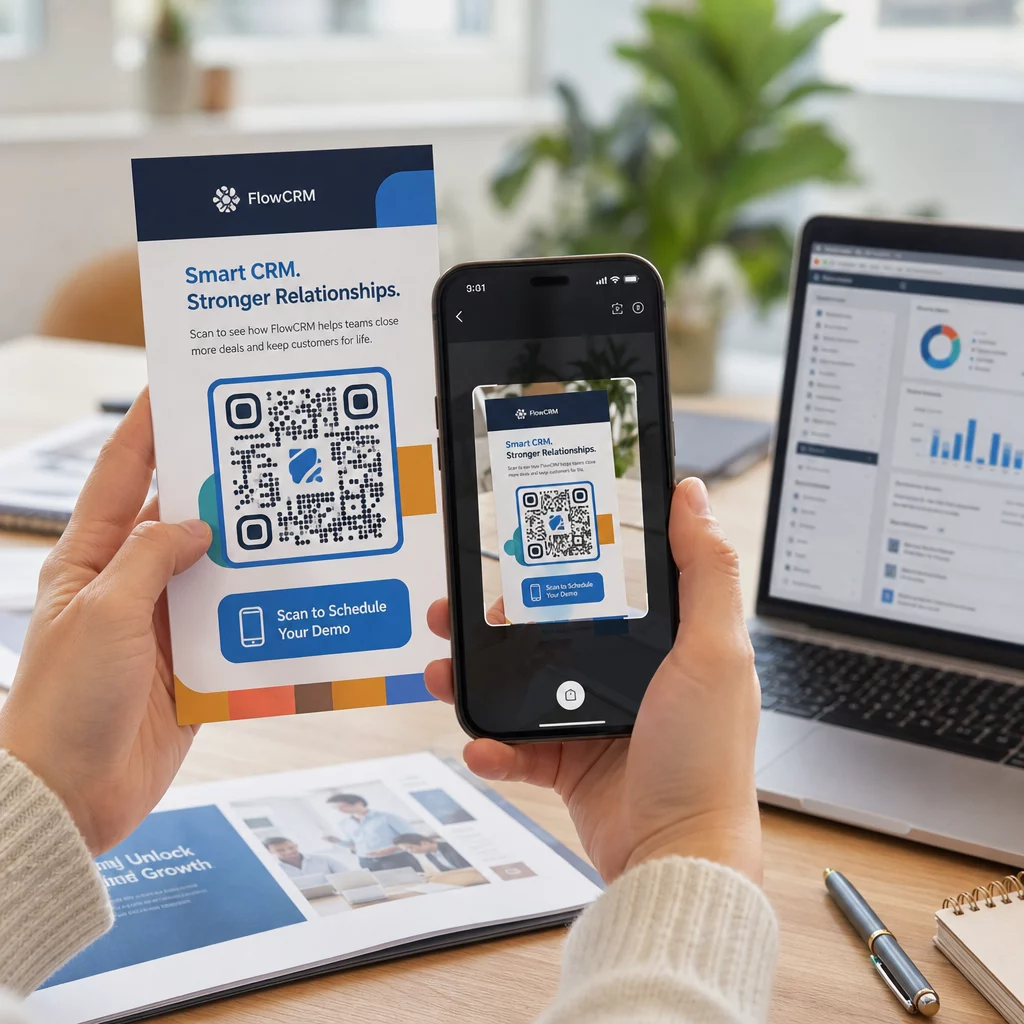
Odată ce campania dumneavoastră este activă, utilizați tabloul de bord de analiză pentru a monitoriza:
- Numărul total de scanări și numărul de scanări unice
- Repartizarea geografică a locurilor unde au loc scanările
- Date despre dispozitiv și sistemul de operare
- Modele de timp ale scanărilor (ziua săptămânii, ora din zi)
Aceste date vă spun ce plasamente și materiale generează implicare și care nu. Dacă o anumită locație sau material are performanțe slabe, puteți actualiza destinația codului dinamic pentru a testa o nouă ofertă sau pagină de destinație – fără a atinge codul tipărit în sine.
Pentru campaniile integrate cu Google Analytics, adăugarea parametrilor UTM la URL-urile de destinație ale codurilor QR vă oferă o imagine completă a modului în care scanările offline contribuie la conversiile online, chiar în instrumentele dumneavoastră de raportare existente.
Afacerile care înregistrează cele mai puternice rezultate de la codurile QR sunt cele care le tratează ca pe un canal măsurabil – stabilind obiective, urmărind performanța și iterând pe baza datelor reale, mai degrabă decât a presupunerilor.
Începeți să construiți campanii de coduri QR măsurabile Generați, personalizați și urmăriți coduri QR pentru fiecare caz de utilizare de marketing cu Pageloot. Încercați Generatorul de Coduri QR gratuit timp de 14 zile – nu este necesar un card de credit.
Întrebări frecvente
Un cod QR static codifică o destinație fixă care nu poate fi schimbată după creare și nu suportă urmărirea. Un cod QR dinamic codifică o adresă URL scurtă de redirecționare, ceea ce înseamnă că puteți actualiza destinația oricând fără a retipări, și obțineți acces la analizele scanărilor, inclusiv locația, tipul dispozitivului și momentul. Pentru majoritatea campaniilor de marketing, codurile dinamice sunt alegerea mai bună deoarece vă oferă flexibilitate și date măsurabile.
Dimensiunea minimă recomandată pentru o scanare fiabilă pe majoritatea materialelor tipărite este de 2 × 2 cm (aproximativ 0,8 × 0,8 inchi). Pe măsură ce distanța de scanare așteptată crește, codul ar trebui să se scaleze proporțional – o regulă comună este ca lățimea codului să fie de cel puțin o zecime din distanța de la care va fi scanat. Pentru materiale de format mare, cum ar fi panourile publicitare, vizați cel puțin 40 × 40 cm. Testați întotdeauna rezultatul final tipărit pe mai multe dispozitive înainte de a-l distribui.
Cele mai eficiente abordări sunt asocierea codului dvs. cu un apel la acțiune specific, bazat pe beneficii (de exemplu, “Scanați pentru a obține reducerea dvs.” în loc de “Scanați-mă”), plasarea codului acolo unde publicul dvs. se oprește în mod natural sau își concentrează atenția și asigurarea că pagina de destinație oferă valoare autentică. Personalizarea designului codului pentru a se potrivi cu brandingului dvs. ajută, de asemenea – codurile vizual distincte, în concordanță cu brandul, atrag mai multă atenție decât modelele generice alb-negru.