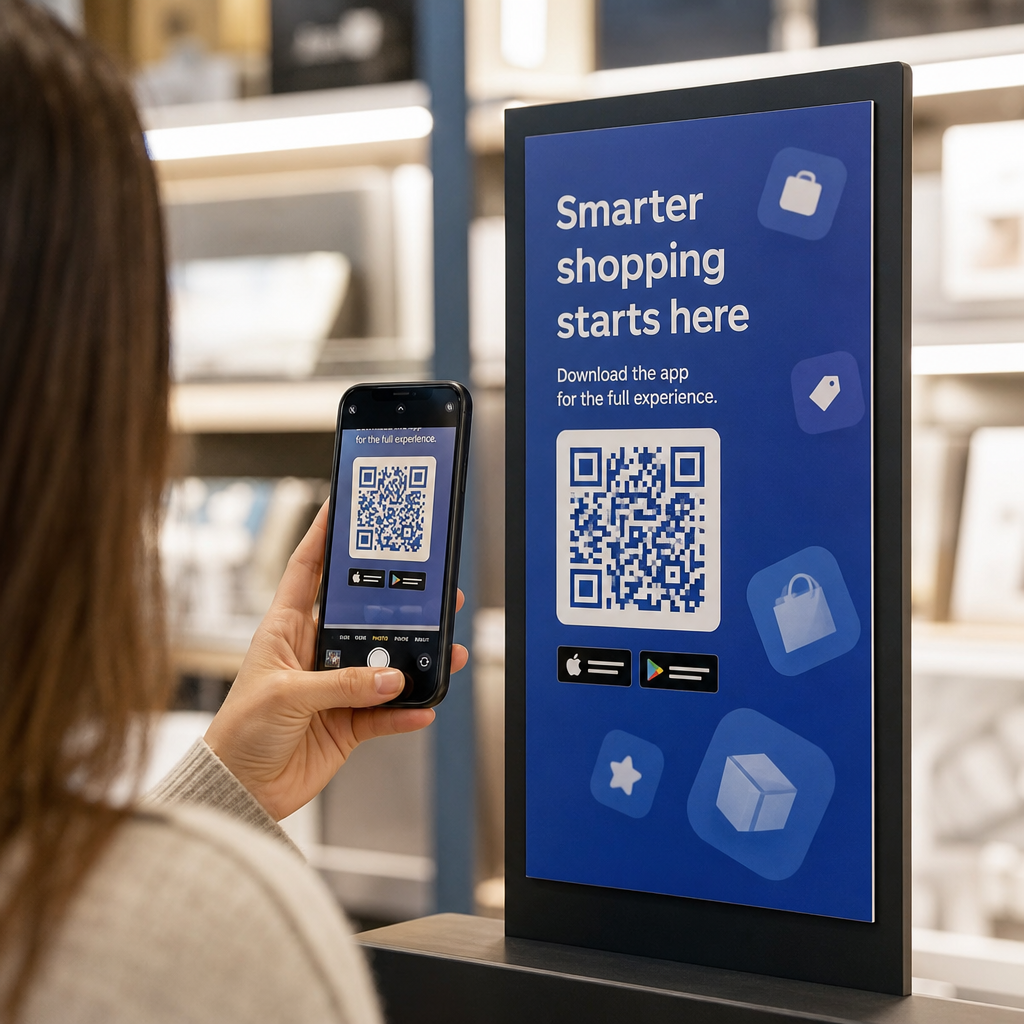
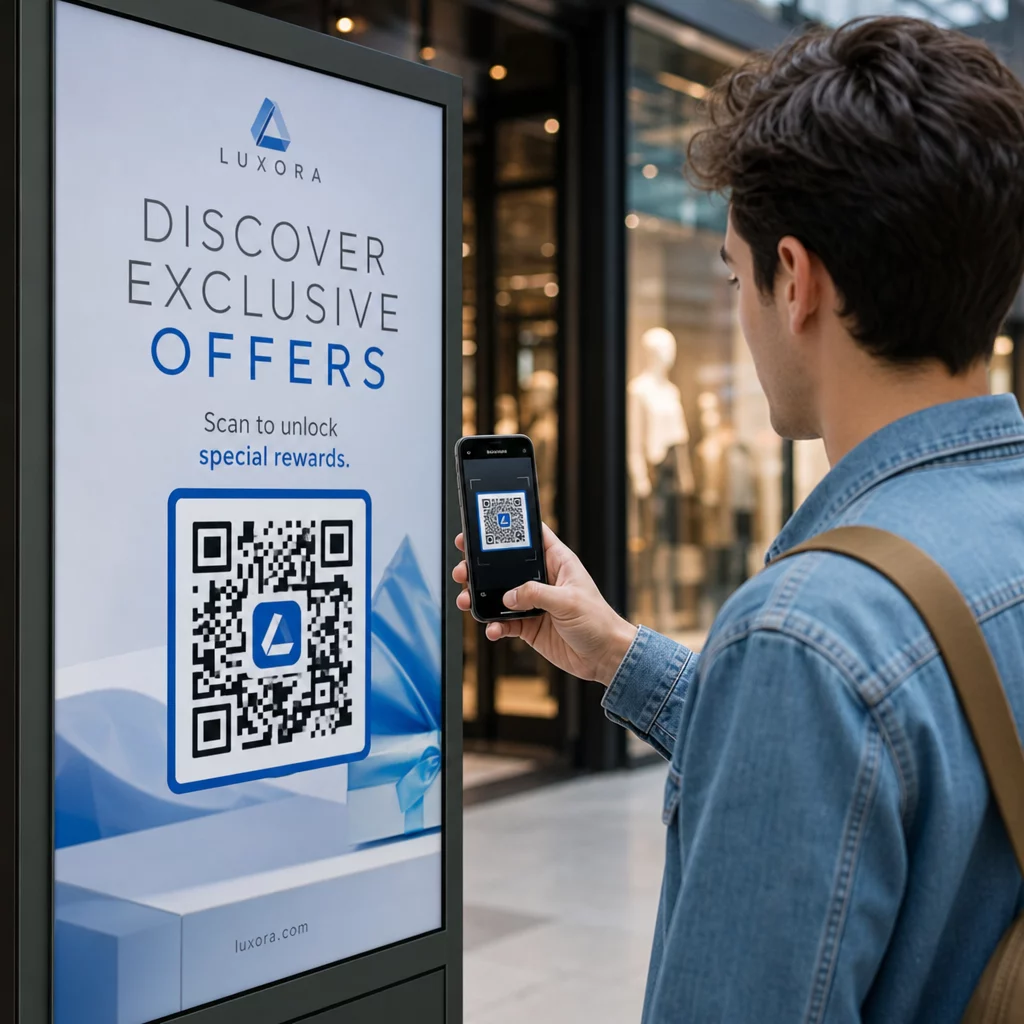
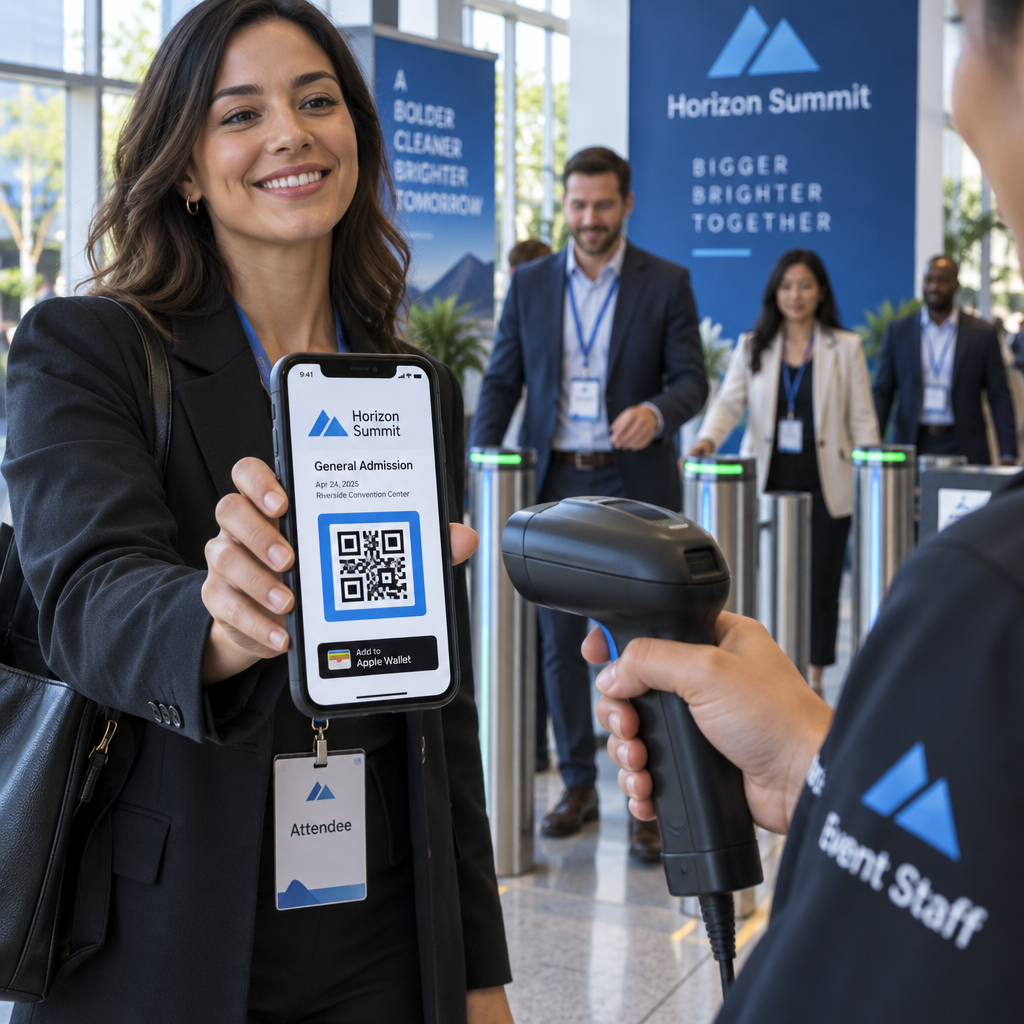
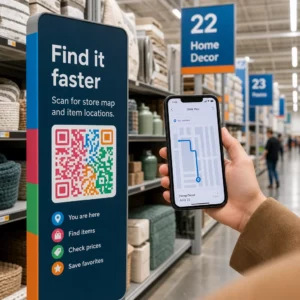
Heb je moeite om je fysieke marketingmaterialen te verbinden met meetbare digitale resultaten? De meeste bedrijven printen flyers, hangen posters op en verpakken producten zonder een duidelijke manier om betrokkenheid te volgen – en dat betekent gemiste kansen. Deze gids behandelt vijf praktische manieren om een online QR-codegenerator te gebruiken om offline contactpunten om te zetten in actieve, traceerbare marketingkanalen.
Gebruik dynamische QR-codes om retargetbare doelgroepen op te bouwen
Niet alle QR-codes zijn gelijk. Dynamische QR codes coderen een korte omleidings-URL in plaats van een vaste bestemming, wat betekent dat je op elk moment kunt wijzigen waar de code naartoe verwijst – zonder een enkele flyer of verpakking opnieuw te printen. Als je je materialen al hebt geprint, maar een landingspagina moet bijwerken of een seizoensaanbieding moet wisselen, regelt een dynamische code dat direct.
Het diepere marketingvoordeel is retargeting. Wanneer een klant je code scant en op een pagina terechtkomt die jij beheert, kun je een Facebook Pixel activeren of Google Analytics-tags aan die sessie koppelen. Van daaruit kun je aangepaste doelgroepen en lookalike-segmenten opbouwen van mensen die fysiek met je materialen hebben gewerkt. Dit verandert een geprinte poster in een digitale leadbron.
Dynamische QR-codes geven je ook gedetailleerde scananalyses – aantal scans, tijdstempels, geografische locatie, apparaattype en besturingssysteem – gegevens die statische codes eenvoudigweg niet kunnen bieden. Voor elke campagne waarbij je flexibiliteit, tracking of real-time aanpassingen nodig hebt, zijn dynamische codes de juiste keuze.
Maak traceerbare QR-codes voor je volgende campagne Wil je bestemmingen bijwerken, elke scan volgen en retargetbare doelgroepen opbouwen vanuit je printmaterialen? Ga aan de slag met de QR Code Generator en lanceer vandaag nog je eerste dynamische campagne.
Ontwerp je QR-code passend bij je merk
Een eenvoudige zwart-wit QR-code op een verder gepolijst merkstuk geeft het verkeerde signaal. Moderne QR-codegenerators laten je kleuren, vormen en patronen aanpassen aan je visuele identiteit, en je kunt de code omwikkelen met een CTA-frame – een rand met instructieve tekst zoals “Scan voor 20% korting” of “Scan om het menu van vandaag te zien.”
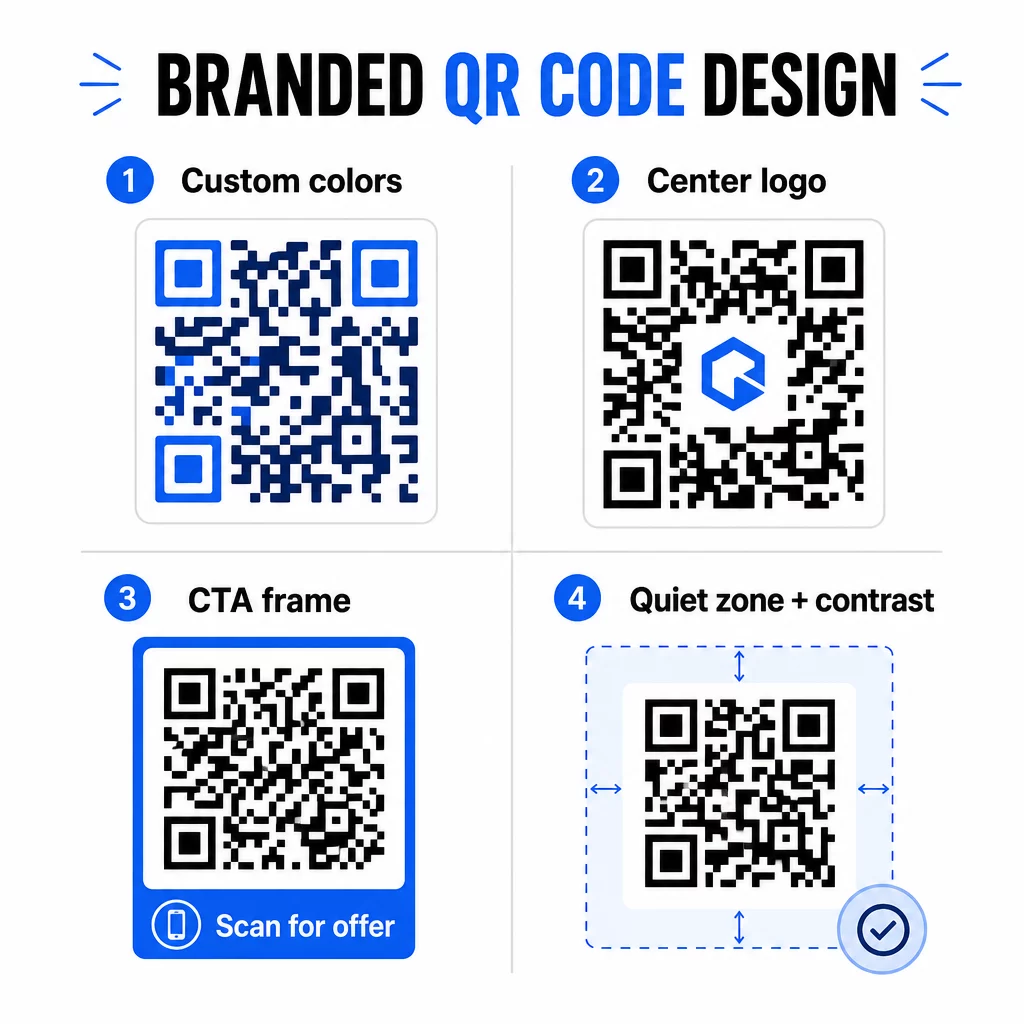
Dat CTA-frame doet echt werk. Onderzoek naar QR-codeframes laat consequent zien dat codes zonder enige instructie veel minder scans krijgen omdat mensen niet weten wat ze zullen ontvangen. Een specifieke, voordeelgerichte aanwijzing neemt die aarzeling weg.
Enkele ontwerpregels om te volgen:
- Houd de code donker op een lichte achtergrond – omgekeerde of laag-contrast kleurencombinaties verwarren veel scanners
- Handhaaf een stille zone (een duidelijke marge van ten minste vier modules) rond de gehele omtrek van de code
- Print op minimaal 2 × 2 cm (0.8 × 0.8 inches) voor de meeste materialen; voor billboards, streef naar minimaal 40 × 40 cm
- Gebruik vector- of hoge-resolutie exports om de modules scherp te houden op elk formaat
Als je een logo in het midden van de code wilt toevoegen, stel dan het foutcorrectieniveau in op Q of H, zodat de code scanbaar blijft, zelfs als een deel van het patroon bedekt is. Je kunt meer leren over QR-code plaatsingsstandaarden voor verschillende materialen om ervoor te zorgen dat je ontwerp werkt op elk formaat.
Ga verder dan URL's – Gebruik QR-codes voor kortingsbonnen, recensies en evenementen
De meeste marketeers linken standaard een QR-code aan een website en stoppen daar. Die aanpak krabt nauwelijks aan het oppervlak van wat mogelijk is.
Overweeg deze gebruiksscenario's:
- Kortingscodes: Een kortingsbon QR-code brengt klanten naar een pagina met je huidige aanbiedingen en kortingen, met een CTA die hen naar de kassa leidt
- Google Recensies: Plaats een Google review QR-code op bonnen, verpakkingen of tafelkaarten om feedback geven zo frictieloos mogelijk te maken – één scan en de beoordelingspagina opent automatisch
- Evenementen: Een QR-code voor evenementen consolideert locatiegegevens, schema's en registratielinks in één scan, en omdat deze dynamisch is, kunt u de informatie bijwerken als er iets verandert zonder opnieuw te printen
- Sociale media: Een QR-code sociale media geeft klanten een directe weg om uw accounts te volgen of lid te worden van uw community vanaf elk fysiek materiaal
- Locatieaanwijzingen: Een Google Maps QR-code opent uw locatie in de Kaarten-app met één scan – handig op uitnodigingen voor evenementen, winkelpuien en visitekaartjes
Elk van deze gebruiksscenario's lost een specifiek frictiepunt in de klantreis op. De sleutel is het afstemmen van het QR-codetype op wat uw publiek op dat moment daadwerkelijk nodig heeft.
Doe uw doelgroeponderzoek voordat u implementeert
Een QR-code is slechts zo effectief als de campagne erachter. Voordat u één code genereert, neem de tijd om te begrijpen wie u target en waar ze tijd doorbrengen – zowel fysiek als digitaal.
Begin met het duidelijk definiëren van uw doelgroep:
- Welke problemen proberen ze op te lossen?
- Waar komen ze uw merk tegen in de fysieke wereld – winkelschappen, evenementen, direct mail, productverpakkingen?
- Welke apparaten gebruiken ze, en hoe comfortabel zijn ze met het scannen van QR-codes?
Bekijk vervolgens wat uw concurrenten doen. Waar plaatsen zij codes? Naar welke bestemmingen linken zij? Het identificeren van hiaten in hun aanpak is vaak waar de duidelijkste kans ligt.
Deze basis vormt ook uw keuze tussen statische en dynamische QR-codes. Statische codes werken goed voor permanente, onveranderlijke inhoud zoals Wi-Fi-gegevens of een vaste producthandleiding. Dynamische codes zijn de juiste keuze voor marketingcampagnes waarbij bestemmingen, aanbiedingen of inhoud mogelijk moeten evolueren. Door deze beslissing vroegtijdig te nemen, voorkomt u dat u later materialen opnieuw moet afdrukken.
Voor specifiek voor marketing voor kleine bedrijven, zelfs een eenvoudige plaatsingsaudit – waarbij u vraagt waar uw klanten fysiek pauzeren of wachten – kan waardevolle plekken onthullen die de meeste concurrenten over het hoofd zien.
Leid met Waarde, Niet Alleen een Scanopdracht
Scanpercentages verbeteren drastisch wanneer mensen begrijpen wat ze krijgen voordat ze scannen. Een algemene “Scan Mij” opdracht vraagt om aandacht zonder iets terug te bieden. Een specifieke opdracht – “Scan om uw exclusieve korting te ontgrendelen” of “Scan om de installatiehandleiding te downloaden” – geeft mensen een duidelijke reden om te handelen.
Dit sluit aan bij een breder principe in effectieve marketing: klanten reageren op wat ze verlangen, niet alleen op wat ze nodig hebben. Uw QR-code moet het toegangspunt zijn tot iets dat echt nuttig of lonend is.
Praktische manieren om waarde te leveren via QR-codes:
- Bied een korting of exclusieve coupon aan die alleen toegankelijk is door te scannen
- Link naar een PDF-gids, instructievideo of productdemo die de aankoopbeslissing vergemakkelijkt
- Verbind klanten met een beoordelingspagina en bedank hen voor hun tijd
- Geef evenementbezoekers direct toegang tot schema's, sprekersbiografieën of plattegronden van de locatie
Nadat klanten uw landingspagina hebben bereikt, zorg ervoor dat de ervaring standhoudt. De bestemming moet mobiel-geoptimaliseerd zijn, snel laden en een duidelijke volgende stap hebben. Een goed ontworpen code die leidt tot een slechte mobiele ervaring zal conversies op het laatste moment verliezen.
Verbind Printmaterialen met Digitale Betrokkenheid Klaar om deze ideeën in de praktijk te brengen? Ontdek QR-codeoplossingen per branche en gebruiksscenario om het juiste formaat te vinden voor uw volgende campagne.
Test voordat u lanceert, en volg dan wat werkt
Voordat een QR-code live gaat op gedrukt of verspreid materiaal, test deze grondig. Scan de code op meerdere apparaten en besturingssystemen, onder verschillende lichtomstandigheden en op de afstanden waarop uw publiek realistisch zal staan. Voor printmaterialen, test de uiteindelijke gedrukte uitvoer – niet alleen de digitale preview.
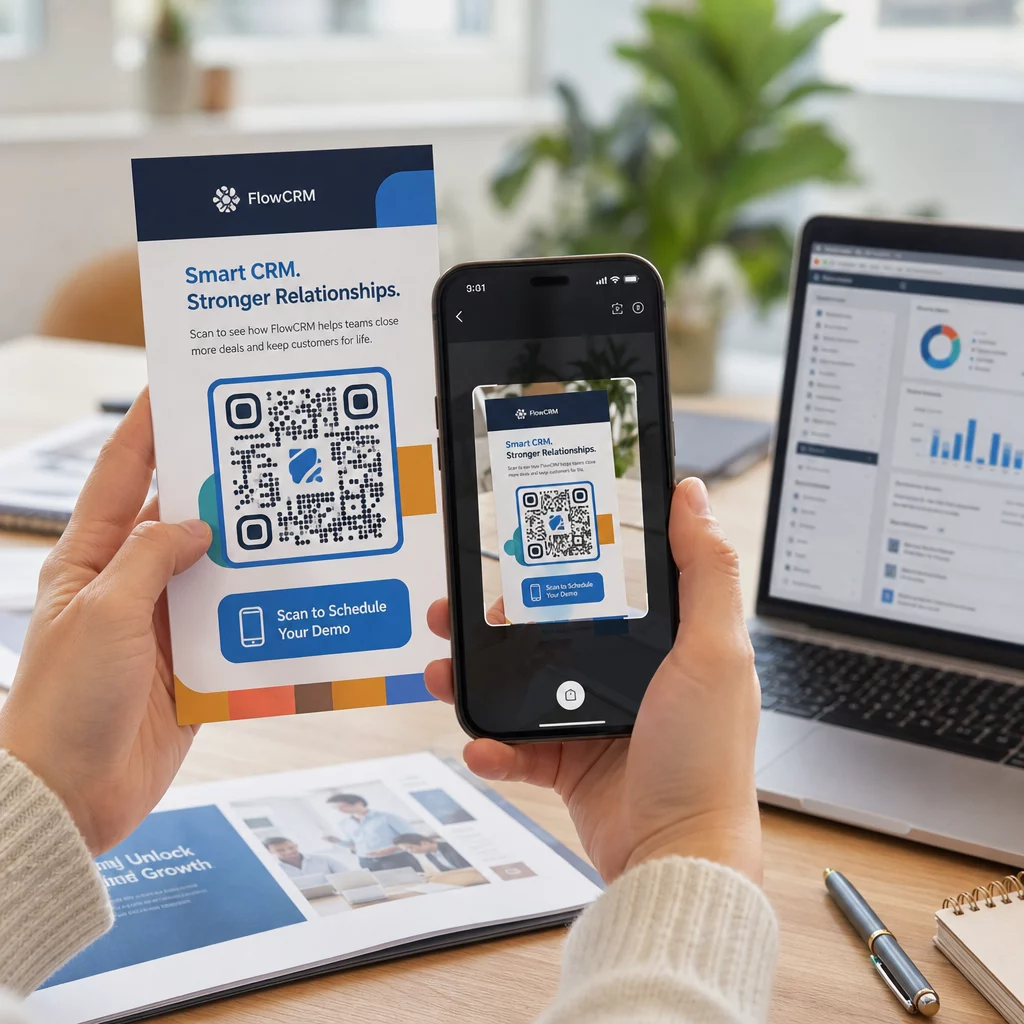
Zodra uw campagne loopt, gebruikt u uw analysedashboard om te monitoren:
- Totaal aantal scans en unieke scan tellingen
- Geografische uitsplitsing van waar scans plaatsvinden
- Gegevens over apparaat en besturingssysteem
- Scan timingpatronen (dag van de week, tijd van de dag)
Deze gegevens vertellen u welke plaatsingen en materialen betrokkenheid genereren en welke niet. Als een bepaalde locatie of materiaal ondermaats presteert, kunt u de bestemming van de dynamische code bijwerken om een nieuwe aanbieding of landingspagina te testen – zonder de gedrukte code zelf aan te raken.
Voor campagnes geïntegreerd met Google Analytics, het toevoegen van UTM-parameters aan de bestemmings-URL's van uw QR-code geeft u een volledig beeld van hoe offline scans bijdragen aan online conversies, direct binnen uw bestaande rapportagetools.
De bedrijven die de sterkste resultaten zien van QR-codes zijn degenen die ze behandelen als een meetbaar kanaal – doelen stellen, prestaties volgen en itereren op basis van echte gegevens in plaats van aannames.
Begin met het bouwen van meetbare QR-codecampagnes Genereer, pas aan en volg QR-codes voor elk marketinggebruiksscenario met Pageloot. Probeer de QR-codegenerator 14 dagen gratis – geen creditcard vereist.
Veelgestelde vragen
Een statische QR-code codeert een vaste bestemming die na creatie niet kan worden gewijzigd en geen tracking ondersteunt. Een dynamische QR-code codeert een korte omleidings-URL, wat betekent dat u de bestemming op elk moment kunt bijwerken zonder opnieuw af te drukken, en u krijgt toegang tot scananalyses, inclusief locatie, apparaattype en timing. Voor de meeste marketingcampagnes zijn dynamische codes de betere keuze omdat ze u flexibiliteit en meetbare gegevens bieden.
De minimaal aanbevolen grootte voor betrouwbaar scannen op de meeste gedrukte materialen is 2 × 2 cm (ongeveer 0,8 × 0,8 inch). Naarmate de verwachte scanafstand toeneemt, moet de code proportioneel schalen – een veelvoorkomende richtlijn is dat de breedte van de code minstens een tiende moet zijn van de afstand van waaruit deze wordt gescand. Voor grootformaat materialen zoals billboards, streef naar minimaal 40 × 40 cm. Test altijd de uiteindelijke gedrukte uitvoer op meerdere apparaten voordat u deze verspreidt.
De meest effectieve benaderingen zijn het koppelen van uw code aan een specifieke, voordeelgerichte call-to-action (bijvoorbeeld “Scan om uw korting te krijgen” in plaats van “Scan mij”), het plaatsen van de code waar uw publiek van nature pauzeert of de aandacht op richt, en ervoor zorgen dat de landingspagina echte waarde levert. Het aanpassen van het ontwerp van de code aan uw branding helpt ook – visueel onderscheidende, merkgebonden codes trekken meer aandacht dan generieke zwart-witpatronen.