Are you losing customers at checkout because your payment process is too slow or complicated? Long queues and clunky terminals frustrate shoppers and cost you sales. This guide walks you through exactly how to set up and accept QR code payments in your retail store – covering the technology, setup steps, placement, and security practices.
What QR Code Payments Are and How They Work
UNA payment QR code is a scannable code that links a customer’s smartphone directly to your checkout page or payment portal. Instead of swiping a card or counting cash, the customer points their camera at the code, confirms the amount, and completes the transaction through their preferred payment app.
There are two modes of QR payment in retail:
- Merchant-presented mode (MPM): You display a QR code at the point of sale – on a screen, printed sign, or receipt. The customer scans it with their phone to open a payment page and complete the purchase.
- Consumer-presented mode (CPM): The customer generates a QR code in their payment app (such as PayPal or Venmo), and a staff member or scanner reads it at the register.
Most U.S. retail setups use the merchant-presented approach because it requires no special hardware on the customer side – any smartphone with a camera works.
Once a customer scans, the flow typically goes: scan the code → land on the checkout or payment page → enter or confirm payment details → transaction completes. The payment provider (PayPal, Stripe, Square, or another processor) handles the financial processing from there.
QR codes used for payments come in two technical types:
- Códigos QR estáticos store a fixed URL or payment link. They’re free to generate but cannot be updated without reprinting, and they provide no scan analytics.
- Códigos QR dinámicos store a short link that redirects to a destination you can update at any time. They can expire after a single transaction, track scan data, and be deactivated instantly if compromised – making them the better choice for most retail payment applications.
For a deeper look at how payment QR codes work in practice, including supported payment methods like mobile wallets, bank apps, and cryptocurrency, see Pageloot’s dedicated payments guide.
What You Need Before Getting Started
Setting up QR code payments does not require a major hardware investment. The practical requirements are:
- A payment account with a provider that supports QR-based checkout (PayPal, Square, Stripe, Venmo Business, or a similar processor)
- A device capable of displaying or printing your QR code – a phone, tablet, POS screen, or printed sign all work
- A QR code generator to create your payment code
- A mobile-friendly checkout page that customers land on after scanning
If you already accept digital payments through any mainstream processor, you likely have most of what you need. The QR code simply becomes the entry point to your existing checkout flow.
Start Accepting QR Payments Today Create a branded, trackable payment QR code in minutes using the Generador de códigos QR de Pageloot. No coding required – just paste your checkout link and customize.
How to Set Up a Payment QR Code Step by Step
The basic setup process follows a straightforward sequence:
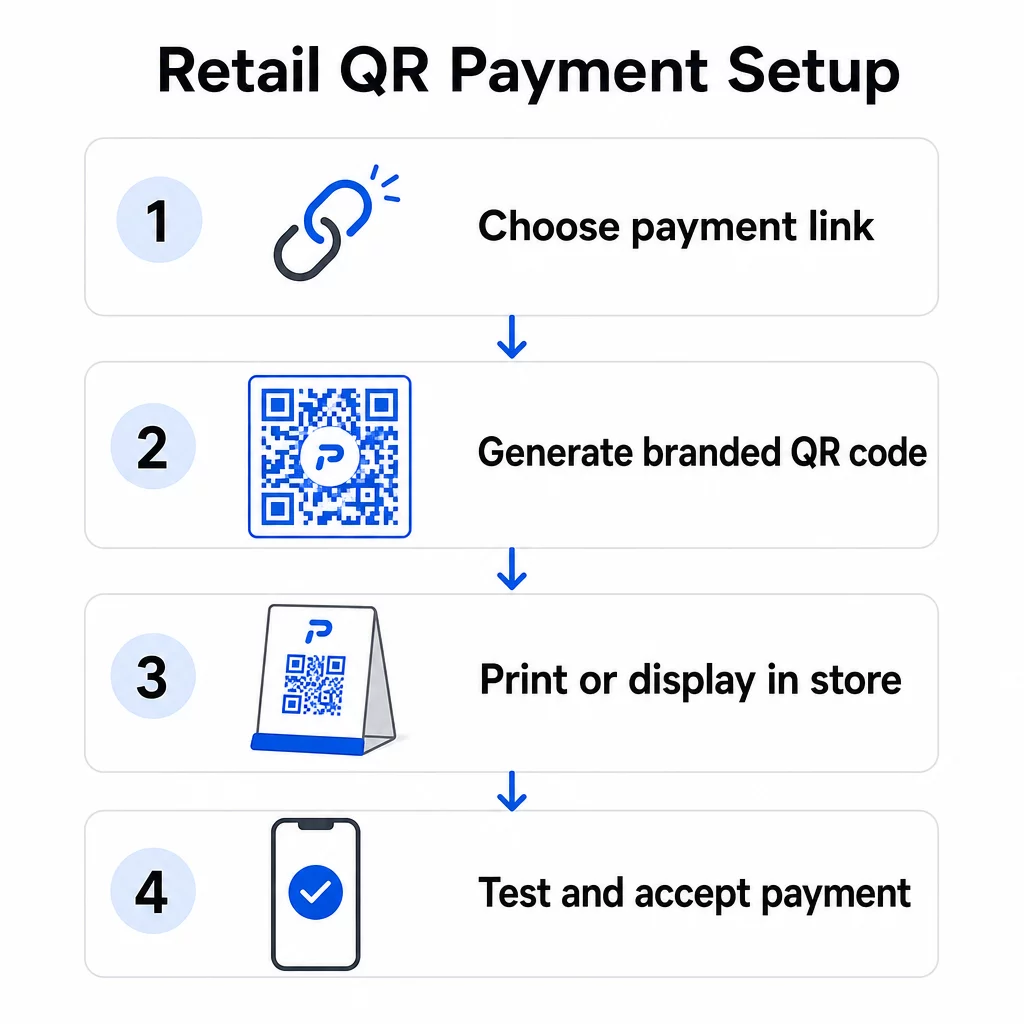
- Abre el Generador de códigos QR de Pageloot or your payment provider’s dashboard
- Copy your checkout page URL or payment link (your PayPal.me link, Square payment page, Stripe checkout URL, etc.)
- Paste the link into the generator and select your QR code type
- Customize the design – add your logo, adjust colors to match your branding, and select a frame with a clear call to action like “Scan to Pay”
- Download the finished code in a print-ready format (SVG, PDF, or PNG)
- Test the code on both iOS and Android devices before deploying it in-store
For PayPal specifically, the Generador de códigos QR de PayPal lets you generate a branded code directly from your PayPal.me link. Customers scan it, enter the payment amount, and the transaction routes securely through PayPal without either party needing to share account details manually.
The entire process typically takes under an hour for a basic setup. Dynamic QR codes add a few minutes to configure but are worth it for the flexibility and tracking they provide.
Connecting QR Codes to Your Payment System
Your QR code is only as useful as the checkout flow it points to. When linking your code to a payment system, you have a few integration options:
- Direct link: Paste your payment provider’s hosted checkout URL into the generator. The QR code opens that page in the customer’s browser. This is the simplest approach and keeps card data off your systems entirely.
- API integration: Connect your QR code platform to your POS or payment processor via API for automated, transaction-specific code generation. Platforms like Square, Shopify, and Stripe support this natively.
- Provider-generated codes: Some POS systems (Square, Clover, Toast) generate QR codes directly from their dashboards, which you can then print or display on a screen.
A single QR code can support multiple payment methods simultaneously. Customers scanning the same code can choose from digital wallets (Apple Pay, Google Pay, Samsung Pay), PayPal, credit cards, or other options – depending on what your payment page supports. This flexibility reduces friction and avoids excluding customers based on their preferred payment method.
If your business serves Chinese-speaking customers, Alipay and WeChat Pay QR code integration follows a similar setup process but requires separate merchant accounts with those providers and compliance with relevant AML and KYC regulations.
Where to Display QR Codes in Your Store
Placement directly affects how often customers actually use your QR payment option. Strategic placement at key retail touchpoints makes the difference between a code that gets ignored and one that streamlines your checkout.
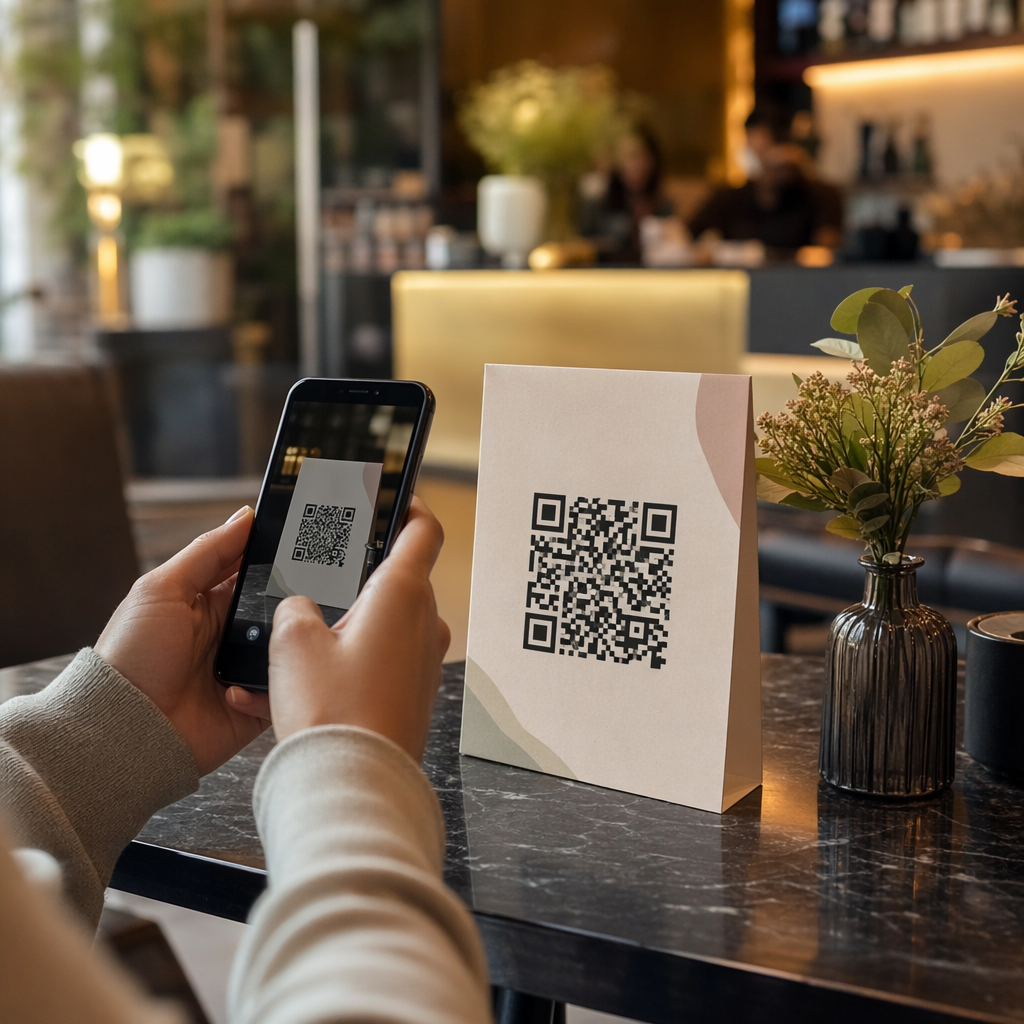
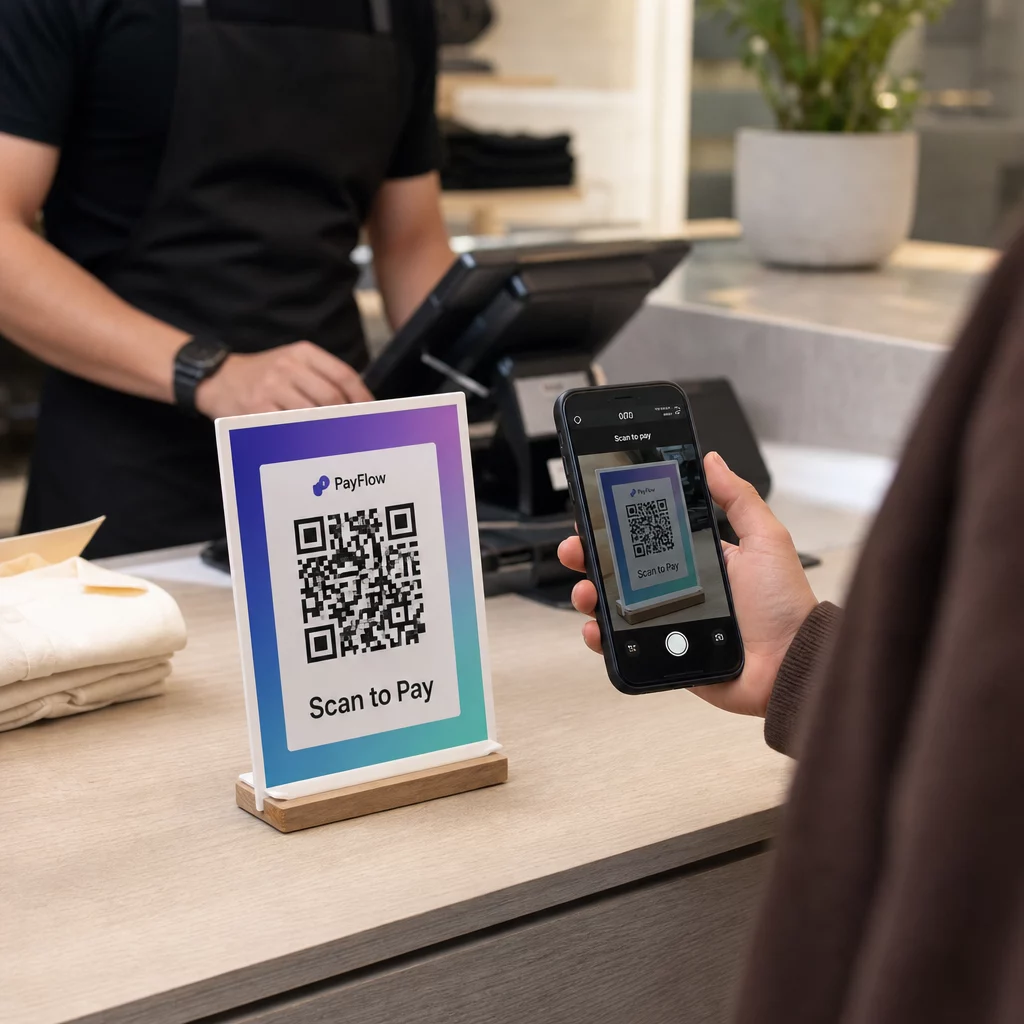
At the point of sale: Display your payment QR code prominently on the counter, register screen, or a printed stand. Position it so customers can easily point their phone camera at it without awkward angles. Include a clear instruction such as “Scan to Pay” so customers know what to do.
On printed receipts: Adding a QR code to receipts enables customers to pay their bill from their own device – a model Square uses with its “Scan to Pay” feature. This frees up staff during busy periods and reduces queue buildup.
On shelf labels and price tags: QR codes on price tags let customers pay for items directly at the shelf, reducing time spent at a register for straightforward purchases.
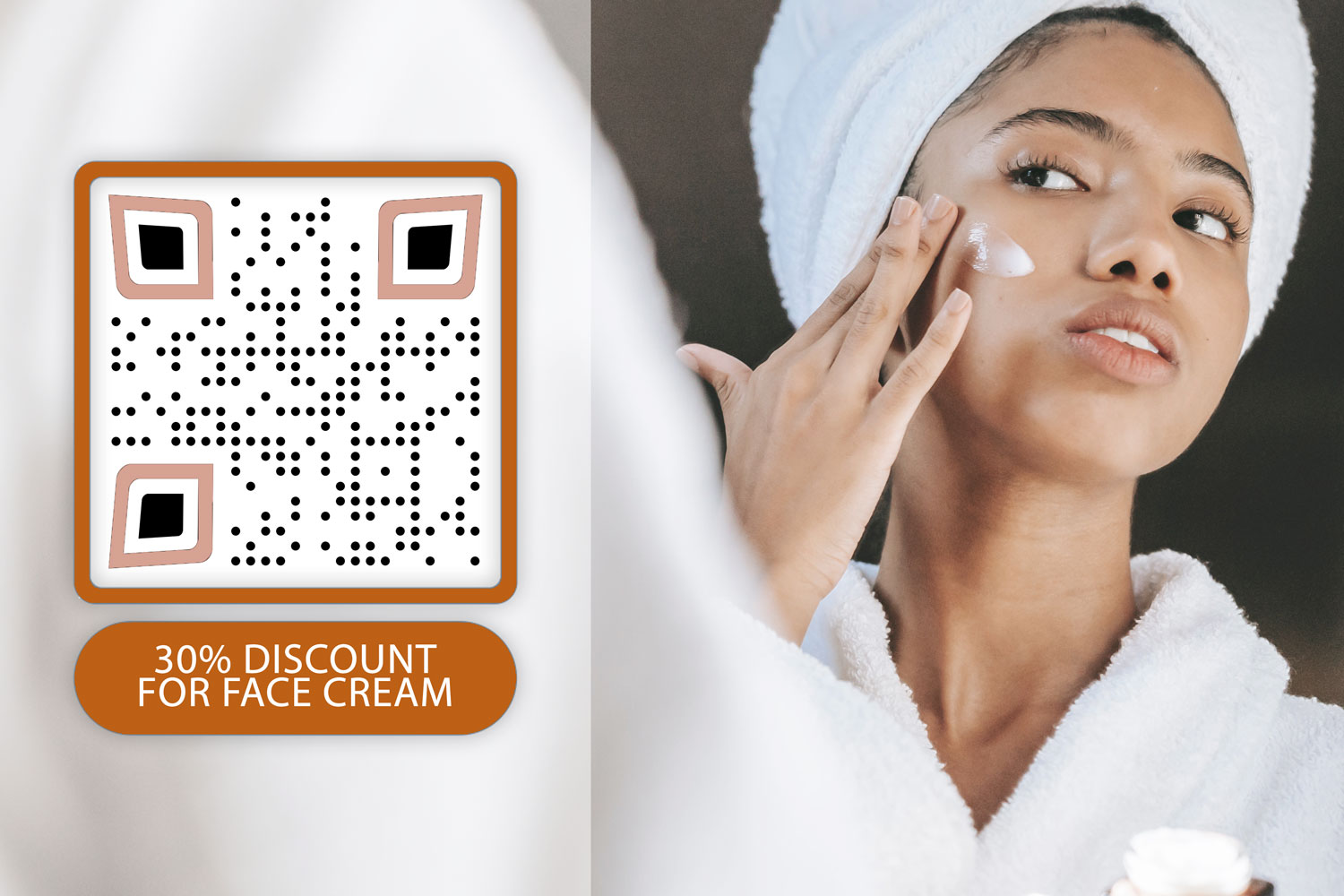
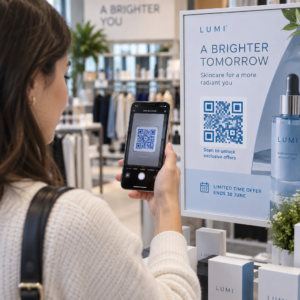
On in-store signage and posters: Larger QR codes on posters or window displays can promote specific payment options, loyalty program enrollment, or contactless checkout for customers who want to pay before reaching a staffed counter.
For printed codes, follow these guidelines to ensure reliable scanning:
- Minimum size of 2 × 2 cm (0.8 × 0.8 in) for close-range scans; increase to at least 5 × 5 cm for codes scanned from 50 cm or more away
- Dark foreground on a light background – avoid inverted designs or red/orange foregrounds, which many camera apps struggle to read
- Clear quiet zone (white margin) of at least four modules around the code on all sides
- Test on multiple devices and under different lighting conditions before deploying
Each displayed QR code should have visible context explaining what it does and how to use it. Customers are more likely to scan when they see a simple instruction rather than a code with no explanation.
For a full breakdown of placement strategies by store area, the retail QR code solutions page covers practical examples across signage, receipts, packaging, and more.
Business Benefits of QR Code Payments
Lower Costs and Simpler Operations
QR code payments typically carry lower transaction fees than traditional card processing. Fees can run as low as 1% per transaction, compared to the 2–3% range common with credit card networks. For a business processing $10,000 per month, that difference adds up to hundreds of dollars in annual savings.
Beyond transaction fees, QR payments reduce the need for dedicated payment hardware. A printed QR code or a tablet displaying a code replaces the need for a standalone card terminal at every checkout point. Reduced cash handling also lowers security risks and saves staff time at the end of each shift.
Digital receipts triggered by QR scans further simplify operations – customers receive purchase records directly to their email, while you reduce paper use and manual record-keeping.
Customer Experience Improvements
QR payments address several common checkout frustrations. Customers do not need to carry physical cards or remember account details. A single scan from their preferred digital wallet completes the transaction in seconds. This speed is especially noticeable during peak hours when traditional checkout queues build up quickly.
The contactless nature of QR payments also meets ongoing customer preferences for hygiene and convenience. No physical contact with shared hardware is required, and the payment is authorized through the customer’s own device using their existing security settings (fingerprint, face ID, or PIN).
QR codes at checkout also open the door to loyalty program integration. Instead of managing separate loyalty cards, customers can earn points, redeem rewards, and access exclusive offers through the same scan that completes their payment – with purchase histories updated automatically.
Analytics and Customer Insights
Dynamic QR codes do more than facilitate payments – they generate data. Every scan records the time, location, and device type, giving you a real-time view of customer behavior. Pageloot’s analytics dashboard lets you track peak scan times, monitor which payment touchpoints get the most use, and identify patterns that inform inventory and promotion decisions.
This data also supports A/B testing. You can run two versions of a promotional QR code in different store areas and compare conversion rates to understand which placement or offer performs better.
Track Your QR Payment Performance Utilice Los códigos QR dinámicos de Pageloot to monitor scan volume, device data, and engagement in real time – all from one dashboard.
Security Requirements for Retail QR Payments
Security is not optional when accepting payments. Several layers of protection apply to QR-based retail transactions.
PCI DSS Compliance
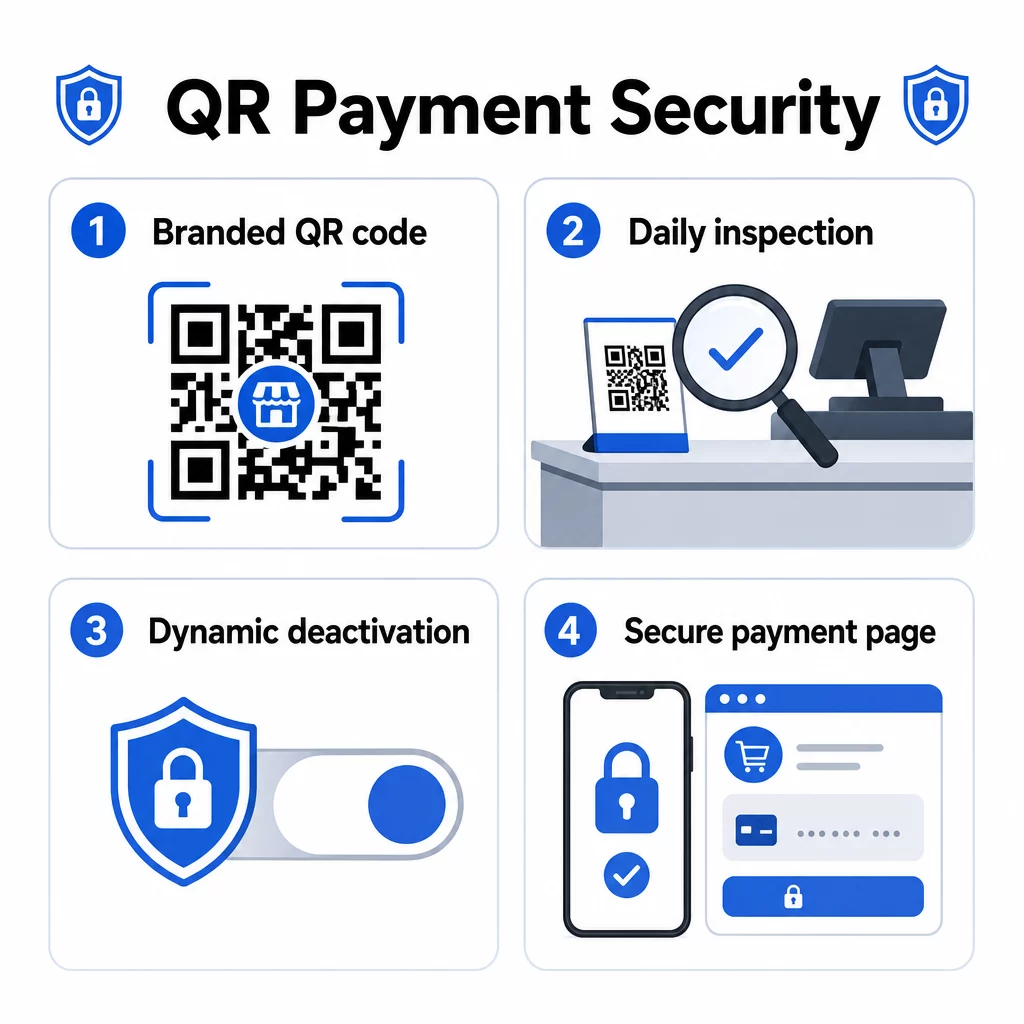
U.S. retailers accepting card payments via QR codes must comply with the Payment Card Industry Data Security Standard (PCI DSS). Your specific obligations depend on your merchant level and how your payment flow is structured. Retailers who redirect customers to a third-party hosted payment page typically qualify for a simplified Self-Assessment Questionnaire (SAQ A), since card data never touches their systems directly.
Review your processing contract carefully to understand which PCI DSS responsibilities belong to you versus your payment provider. For a detailed breakdown, the QR code payments PCI DSS compliance guide covers requirements by merchant level and explains how dynamic QR codes support compliance through audit trails and real-time controls.
Fraud Prevention and Physical Security
QR codes used in physical retail are vulnerable to a specific type of fraud: attackers can place a sticker with a malicious QR code over your legitimate one, redirecting customer payments to a fraudulent site. This risk is real – documented cases include fake QR codes placed on public payment terminals in multiple U.S. cities.
Practical defenses include:
- Inspecting all displayed QR codes at the start of each business day as part of your opening checklist
- Using branded QR codes with your logo and colors so customers can visually verify authenticity before scanning
- Using dynamic QR codes that can be deactivated instantly if tampering is detected
- Training staff to recognize signs of QR code overlay or replacement
For a comprehensive look at QR code payment risks and how to mitigate them, including phishing attack patterns and mitigation checklists, see Pageloot’s dedicated security guide.
Transaction-Level Security
Dynamic QR codes add security at the transaction level. Each code can be configured to expire after a single use or after a set time window, preventing reuse or replay attacks. Payment apps on the customer side add another layer through biometric authentication (fingerprint or face recognition) and multi-factor verification before authorizing any transaction.
The combination of encrypted payment links, tokenized transaction data, and device-level authentication makes QR payments significantly more resistant to fraud than magnetic stripe cards, which can be skimmed without the cardholder’s knowledge.
For more on cómo los pagos con código QR mejoran la seguridad y la velocidad compared to traditional methods, including a technical breakdown of encryption and tokenization, see the full comparison guide.
Accessibility and Inclusive Design
Not every customer scans QR codes with the same ease. Designing your QR payment setup for accessibility broadens who can use it and avoids excluding customers with visual or physical limitations.
Key practices from QR code payment accessibility guidelines include:
- Printing codes at a minimum of 2 × 2 inches (5 × 5 cm) for reliable scanning
- Mounting wall-displayed codes between 15 and 48 inches from the floor to accommodate wheelchair users
- Using high-contrast design (dark module on white background) for visibility in varying lighting conditions
- Providing step-by-step scanning instructions in plain language next to every code (“Scan → Review → Confirm”)
- Offering multilingual instructions where your customer base includes non-English speakers
- Maintaining traditional payment options (cash, card terminals) alongside QR codes so all customers have a viable path to checkout
Accessibility is also practical: clear instructions increase scan rates across all customer segments, not just those with accessibility needs.
Customizing QR Codes for Retail
Branded QR codes do two things plain black-and-white codes cannot: they build trust, and they make tampering visible. When customers see your logo and brand colors inside the QR code, they have a visual reference point for authenticity. A code that lacks your branding is immediately suspicious.
Pageloot’s QR code generator supports logo uploads up to 1MB, custom color schemes, and professionally designed frame templates with built-in calls to action. These options let you align payment codes with your broader brand identity without requiring design expertise.
Dynamic QR codes extend this flexibility beyond aesthetics. Because the destination URL is stored server-side rather than encoded in the physical code, you can:
- Update payment destinations if you switch processors
- Adjust promotional offers linked to seasonal campaigns without reprinting
- Run A/B tests on different checkout flows or offer messages
- Deactivate a compromised code and replace it instantly
For retailers running loyalty programs, referral campaigns, or seasonal promotions, this adaptability translates directly to lower operational overhead and faster campaign execution.
Preguntas Frecuentes
No dedicated hardware is required. You can display a payment QR code on a printed sign, a tablet screen, or a receipt. Customers scan it using their smartphone camera – no app download needed on their end. The only requirement on your side is a payment account with a provider that supports QR-based checkout, such as PayPal, Square, or Stripe.
A static QR code contains a fixed payment link that cannot be changed after printing. If your payment details change, you need to reprint the code. A dynamic QR code stores a redirect URL that you can update at any time without touching the physical code. Dynamic codes also provide scan analytics, can expire after a single use, and can be deactivated immediately if compromised – making them the recommended choice for retail payment use.
Use branded QR codes that include your logo and colors so customers can spot unauthorized replacements. Inspect all displayed codes at the start of each business day for stickers or overlays. Use dynamic QR codes so you can deactivate any compromised code instantly. Train staff to check for signs of tampering and to report anything suspicious. For a full checklist, see the guide on QR code risks in payments and how to mitigate them.