Are you looking for ways to make your museum’s exhibits more engaging without overhauling your entire visitor experience? Static wall labels and printed brochures can only do so much – visitors increasingly expect digital access to richer content on their own devices. This guide covers the most practical ways to implement QR codes in museums, from audio guides and digital maps to ticketing and accessibility.
Why Museums Are Adopting QR Codes
QR codes give museums a low-cost way to create a layered information system that goes far beyond what fits on a physical label. A visitor standing in front of an artifact can scan a code and immediately access extended text, images, video, audio narrations, or even augmented reality – all on their own smartphone, at their own pace.
The core appeal is flexibility. Museums can update the content linked to a code at any time without reprinting anything, which makes dynamic QR codes especially practical for rotating exhibits or seasonal programming. Beyond content delivery, QR codes also open a direct channel for gathering visitor feedback, offering multilingual content, and connecting physical displays to virtual tours and online collections.
Create Updateable Museum QR Codes Need to refresh exhibit content without reprinting signage? Use the 动态二维码生成器 to build codes you can edit anytime from a central dashboard.
Common Ways to Use QR Codes in Museums
| 用例 | What It Delivers |
|---|---|
| Audio and video guides | Narrated exhibit stories, artist interviews, animated reconstructions |
| Digital maps | Navigable floor plans visitors access on their phones |
| Exhibit information | Extended text, historical context, artifact provenance |
| Interactive experiences | Augmented reality overlays, scavenger hunts, quizzes |
| 售票处 | Contactless entry via scannable digital tickets |
| WiFi接入 | Instant network connection without typing passwords |
| 访客反馈 | Survey forms accessed directly from the exhibit floor |
| Gift store promotions | Links to exclusive shop offers or online product pages |
| Donation and membership | Portals for giving or joining accessed with a single scan |
音频和视频指南
QR-coded audio tours allow visitors to scan a code at each exhibit and hear narrations, curator commentary, or background stories on their own devices. This replaces bulky rented audio equipment and supports flexible, self-paced routes through the museum. For institutions that want to go further, AR QR codes can transform museum storytelling by layering 3D models or animations directly over physical artifacts when a visitor points their phone at the exhibit.
Museums can create audio guides using the MP3 QR 码生成器, which lets you upload audio files and generate a scannable code visitors can play directly from their device. For video content – such as artist interviews or step-by-step restoration visualizations – a YouTube QR 代码生成器 makes it straightforward to link any exhibit to a hosted video.
Digital Maps and Self-Guided Tours
Large museums can use PDF 二维码 to give visitors an interactive digital map that helps them navigate sections, locate specific exhibits, and plan their visit according to their interests. Posting codes at designated tour “stops” that link to audio files or web pages describing what the visitor is seeing enables fully independent exploration with only a smartphone.
For a deeper look at building these experiences, the guide to using QR codes for virtual tours walks through the full setup process, from hosting your content to designing and placing codes.
Exhibit Information and Interactive Experiences
Placing QR codes near exhibits lets visitors access additional context – historical background, artist biographies, collection provenance – without crowding the label. Some museums take this further by creating scavenger hunts, where each code near an artifact provides information about the object and a clue pointing to the next stop. This format encourages active exploration and keeps visitors engaged across multiple galleries.
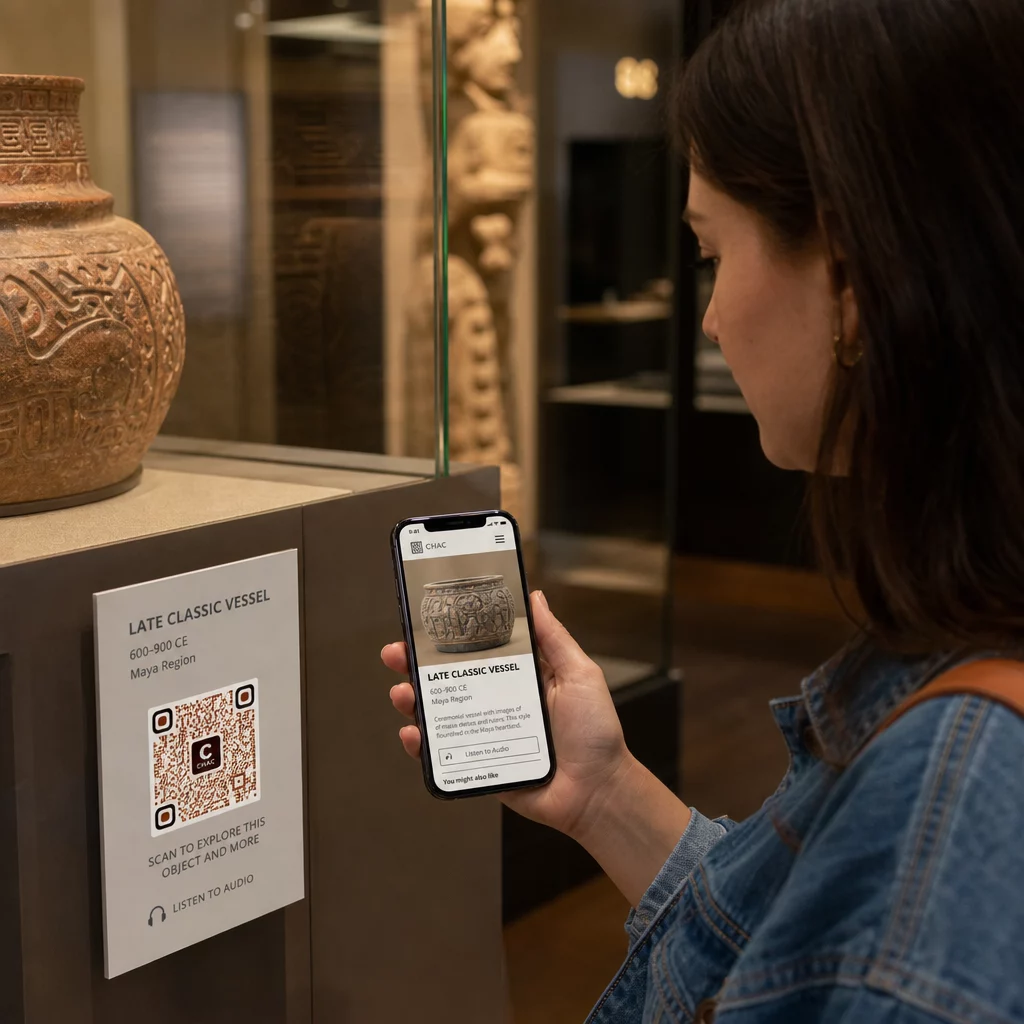
Museums have also used QR codes in modern art installations to connect physical work to digital storytelling, including gamified content and design-history narratives embedded in the codes themselves.
Ticketing and Contactless Entry
Digital ticketing through QR codes gives visitors scannable tickets they can show at entry points directly from their phones. This simplifies admissions management, reduces queuing, and removes the reliance on physical ticket stock – especially useful for high-traffic periods.
Visitor Feedback
Placing QR codes at exits or throughout the gallery floor lets visitors quickly fill out a feedback form without being handed a paper survey. The data collected helps museums understand visitor preferences, evaluate exhibits, and plan improvements. A 链接二维码 pointing to an online form is the simplest way to set this up.
Accessibility Considerations
QR codes can meaningfully improve accessibility when implemented thoughtfully – but they can also create barriers if those needs are not addressed up front.
Provide an alternative. Not every visitor will have a smartphone or be comfortable scanning a code. Always offer another way to access the same content, such as a nearby printed URL, an SMS option, or a staff member who can assist. Visitors who are blind or have low vision may find SMS access more usable than QR scanning.
Design for contrast and visibility. Use dark code elements on a light background and aim for a contrast ratio of at least 4:1. This meets WCAG 2.1 non-text contrast requirements and ensures the code remains legible for visitors with low vision. Detailed guidance on achieving this is available in the 二维码可用性最佳实践 reference.
Size codes for the scanning distance. A rough rule of thumb is a 10:1 ratio – for every 10 cm of expected scanning distance, the code should be at least 1 cm wide. The practical minimum for most museum placements is 2 × 2 cm (about 0.8 × 0.8 inches), though larger formats are better for exhibits viewed from a distance.
Consider placement height. Mount codes at a height and angle that visitors using wheelchairs or those of restricted growth can comfortably reach and scan. Eye-level placement of 3 to 5 feet from the floor works well for standing visitors; lower placements may be needed for full inclusivity.
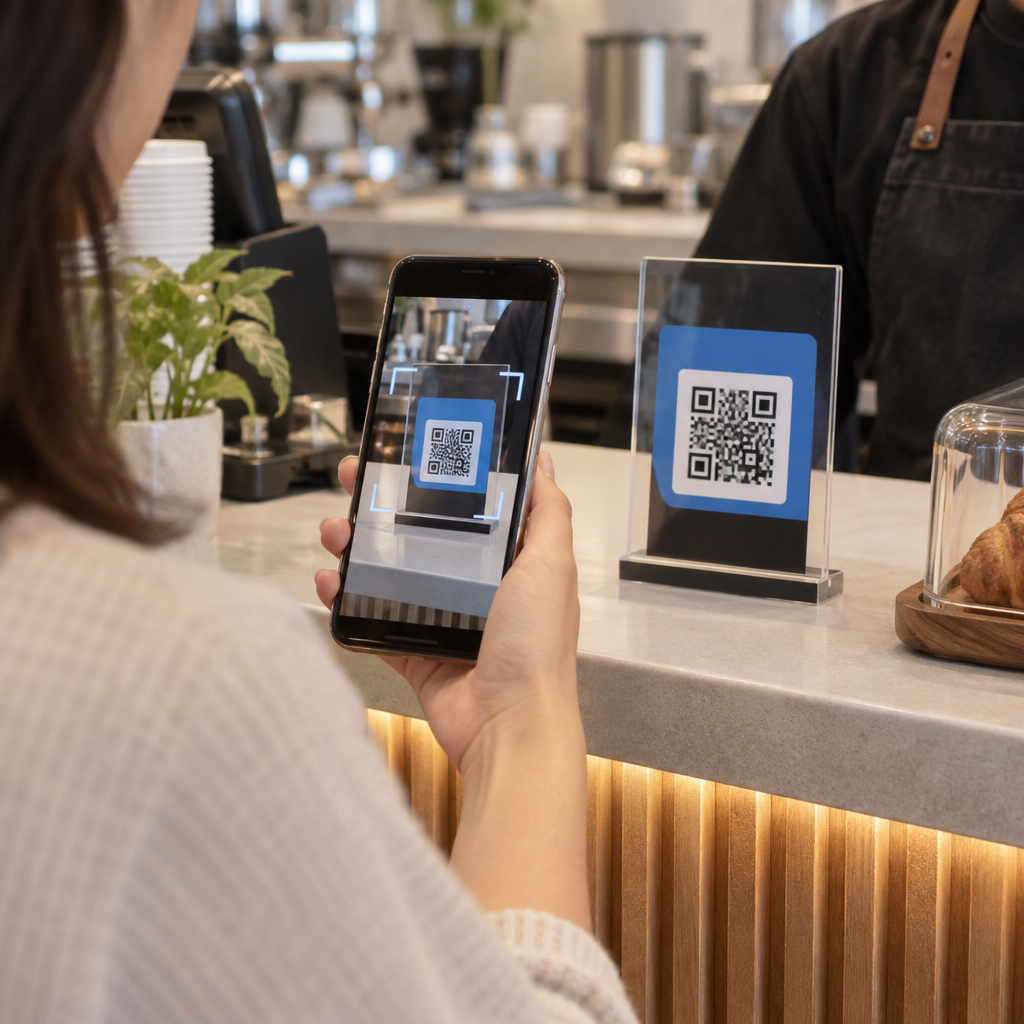
Provide short, clear instructions. Not all visitors will know how to scan a QR code. A brief instruction – “Open your camera app and point it at this code” – removes the guesswork. Keep instructions consistent across the entire museum so visitors do not have to re-learn the interaction at each exhibit.
Test with assistive technologies. Before launch, verify that the linked content and any alternative access methods work correctly with screen readers and magnification tools such as VoiceOver and TalkBack.
For museums specifically interested in audio accessibility, 语音激活二维码 offer a hands-free alternative that connects scanning to spoken narration – particularly useful for visitors who cannot comfortably navigate visual interfaces.
如何在博物馆设置二维码
Step 1: Define Your Content and Goals
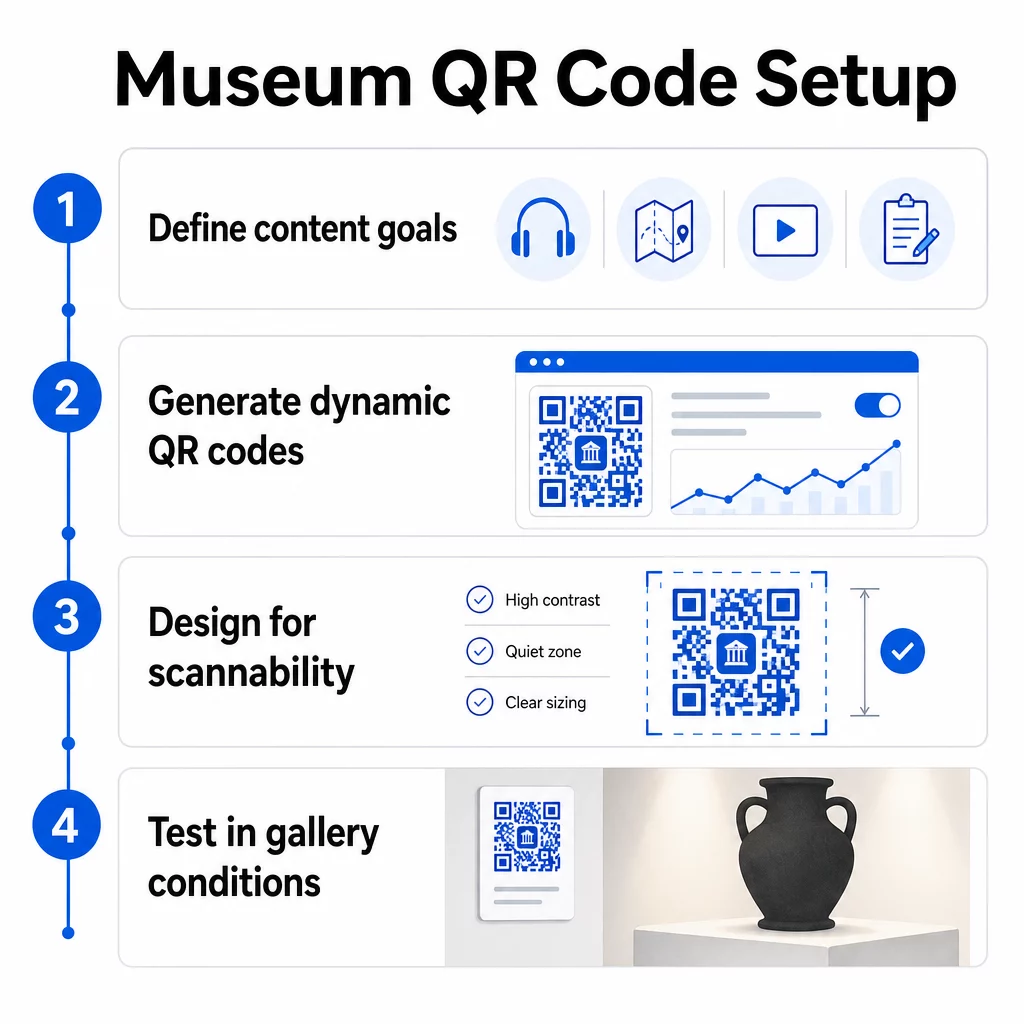
Before generating a single code, decide what each code will deliver and who it serves. An audio guide for a key artifact has different requirements than a feedback form at the exit. Map out your code types – audio, PDF map, video, survey link – and match each to the appropriate content format.
Step 2: Generate Your Codes
Use a QR code platform that supports dynamic codes so you can update destinations without reprinting. Pageloot’s 二维码生成器 lets you create codes for URLs, PDFs, audio files, videos, and more, then manage them from a single dashboard. Dynamic codes also provide scan analytics – tracking volume, location, device type, and timing – so you can see which exhibits are generating the most interest.
Track Exhibit Engagement Want to know which artifacts visitors engage with most? Use dynamic QR codes with built-in analytics to monitor scan data across every exhibit in your museum.
Step 3: Design for Scannability
Apply consistent branding – your museum’s colors and logo – while maintaining high contrast between the code and its background. Keep a clear quiet zone (blank border) around every code. For detailed design guidance, the 二维码可读性的最佳实践 article covers contrast ratios, quiet zones, logo placement, and error correction levels in practical terms.
Step 4: Print and Place Codes Strategically
Print codes in sufficient size for the expected scanning distance, using high-resolution vector formats (SVG, EPS, or PDF) to avoid blurriness. Place them at eye level near the exhibit they reference – not across the room. For large-scale or complex installations, the 二维码放置终极指南 provides environment-specific advice that translates well to museum settings.
Step 5: Test Before You Open
Test every code on both iOS and Android devices, under the actual lighting conditions of your gallery. Verify that linked pages load quickly on cellular data (not just WiFi), that audio and video content plays correctly, and that any alternative access routes work as intended.
使用二维码的热门博物馆
- The Smithsonian National Museum of Natural History has used QR-linked augmented reality experiences to bring physical exhibits to life with digital overlays and 3D reconstructions.
- The Metropolitan Museum of Art integrates QR code access into its standard visitor experience as an option for accessing its digital guide.
- The Acropolis Museum offers a QR-based audio guide that enables self-guided tours, making the visit more flexible and informative for international visitors.
- The British Museum uses QR codes so visitors can access additional content and learn more about exhibits at their own pace.
For a broader perspective on innovative applications, the guide to QR codes for virtual art tours documents how institutions are using these tools to extend the museum experience beyond physical walls.
常见问题
A museum QR code can link to almost any digital content: audio narrations, video guides, augmented reality experiences, PDF maps, exhibit information pages, multilingual text, feedback forms, donation portals, or virtual tours. The format you choose depends on what best serves each exhibit and visitor need.
No. Modern iOS and Android smartphones can scan QR codes directly using the built-in camera app – no separate app is required. Some older devices may need a dedicated QR scanner, so it is good practice to mention this in your instructions and ensure your linked content loads quickly on a standard mobile browser.
Dynamic QR codes let you update the content a code points to at any time without reprinting the physical code. This means you can refresh exhibit descriptions, swap out audio files for a new season, or fix a broken link without disturbing your printed signage. Dynamic codes also provide scan analytics – showing you which exhibits attract the most engagement, at what times, and on which devices – giving your team actionable data for exhibit planning and visitor experience improvements.