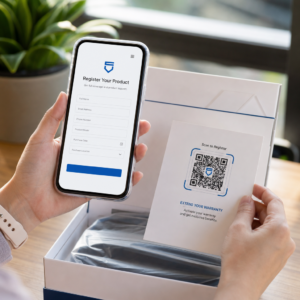
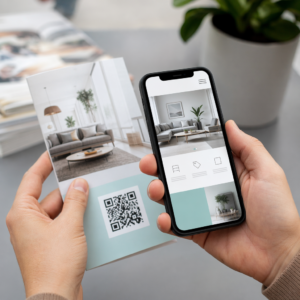
Are you walking away from trade shows with a stack of business cards and no clear follow-up plan? Manual data collection slows you down, and leads go cold fast. This guide shows you how to use QR codes to capture, organize, and follow up with event leads automatically – so every handshake turns into a trackable contact.
Why Traditional Event Lead Capture Falls Short
At most conferences and trade shows, professionals collect contact details by swapping business cards or scribbling notes. The problem: most of those cards end up on a desk, never entered into a CRM. Even when they are, manual data entry is slow, error-prone, and out of sync with the pace of modern sales follow-up.
The window for acting on an event lead is short. Post-show follow-up is widely described as the period where event ROI is won or lost – warm leads cool quickly, and a delayed or generic first touch can kill an otherwise promising conversation. You need a system that captures data immediately, routes it to the right place, and triggers follow-up without requiring you to do it manually.
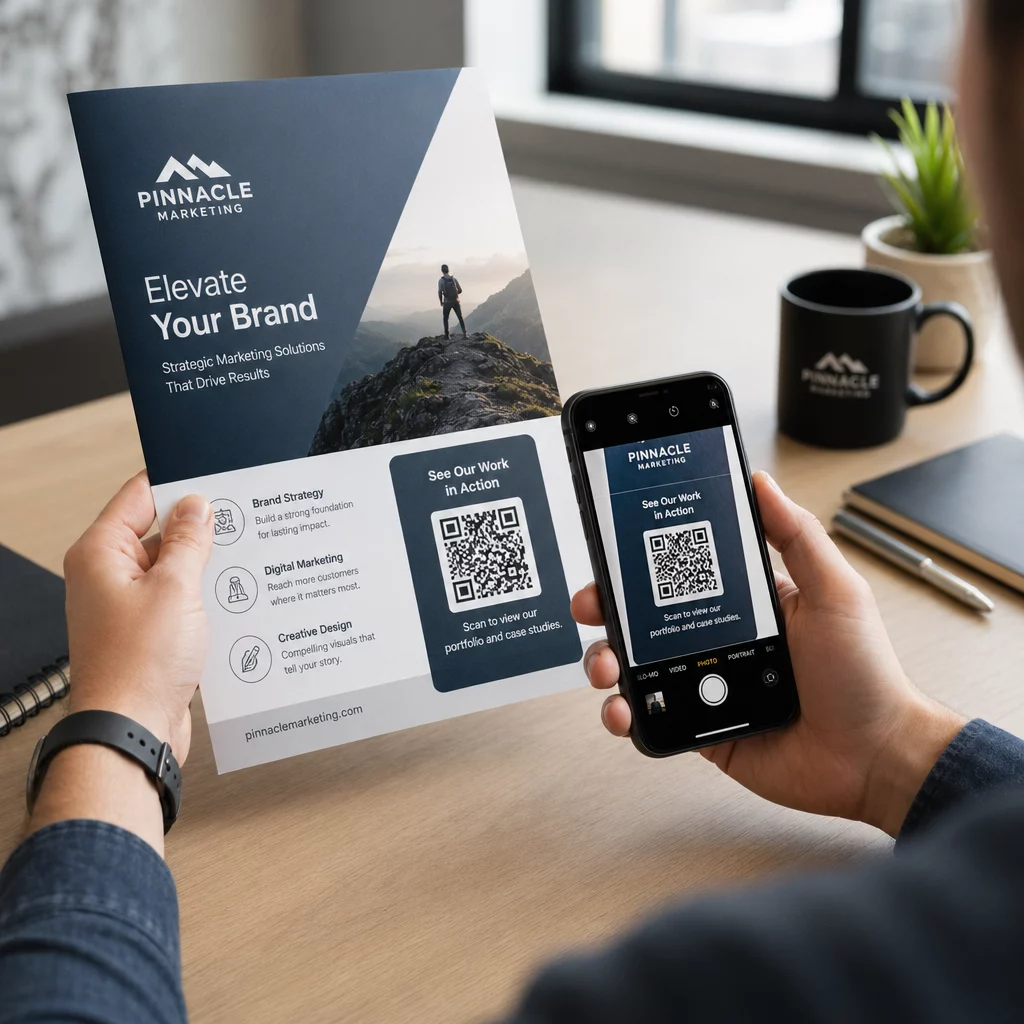
QR codes close that gap by connecting a physical interaction – handing someone a card, pointing to a banner, or placing a code on a table – with a digital workflow that runs automatically.
What Makes a QR Code Effective for Lead Capture
Not all QR codes are equally useful for event lead generation. A static QR code points to a fixed destination and gives you no data about who scanned it, when, or where. A cod QR dinamic, by contrast, uses a short redirect link that can be updated at any time and logs scan activity including time, device type, and location.
For event lead capture, dynamic codes are essential for three reasons:
- You can change the destination URL after printing – useful when attending multiple events with a single batch of printed materials
- You get real-time analytics on scan volume and audience behavior
- You can integrate the destination with your CRM or automation platform without touching the printed code
Cel Generator de Coduri QR Dinamice from Pageloot lets you create editable codes, update destinations between events, and track performance from a central dashboard.
Set Up Trackable Event Codes Before Your Next Show Folosește Generator de Coduri QR Dinamice to create editable, analytics-ready QR codes that route attendees straight into your lead capture workflow.
Step 1: Design a Business Card Built for Lead Capture
Your business card is the physical trigger for the entire digital workflow. To make it work, the card itself needs to be worth holding onto – and the QR code needs to be immediately scannable.
Practical considerations:
- Use premium materials: Durable cards (plastic or card stock) are less likely to be discarded than flimsy paper alternatives. The perceived value of the card reflects on your brand.
- Place the QR code prominently: The back of the card works well. Follow Pageloot’s minimum size recommendation of 0.8 × 0.8 inches for business card QR codes to ensure reliable scanning across device types.
- Include a clear call to action: Text like “Scan to claim your free consultation” or “Scan to stay connected” tells the recipient exactly why they should scan and what they’ll get.
- Brand the code: Adding your logo and brand colors to the QR code increases trust and scan rates. Generic black-and-white codes feel impersonal; branded codes feel intentional.
If you want to include contact details directly in the code – so attendees can save your info without submitting a form – a Cod QR vCard lets you embed your name, phone number, email, and website in a format that transfers instantly to a smartphone’s contacts app.
Step 2: Build a Landing Page Tailored to the Event
The destination your QR code points to matters as much as the code itself. A generic homepage is a missed opportunity. A purpose-built landing page that references the specific event creates immediate relevance and increases form completion rates.
A well-structured event landing page includes:
- A personalized welcome (“Great meeting you at [Event Name] – here’s what I promised”)
- A short form requesting only essential information: name, email, and one qualifying question relevant to your offer
- A clear incentive for submitting – exclusive content, a free consultation entry, access to a community, or a downloadable resource
Keep the form mobile-first. Almost every scan at an event will happen on a smartphone, so a cluttered or slow-loading form kills conversions before they start. The Google Formular QR Code Generator offers a fast way to link a mobile-friendly form to your QR code, with responses feeding directly into Google Sheets for easy review.
After form submission, redirect attendees to a thank-you page with a secondary call to action – subscribe to a newsletter, join a community, watch a relevant video. This extends the interaction beyond the initial scan.
Step 3: Connect Your Form to an Automated Workflow
Lead capture only creates value if the data moves somewhere useful immediately. Manually downloading a spreadsheet after the event and emailing people two weeks later is not a follow-up strategy – it’s a missed opportunity.
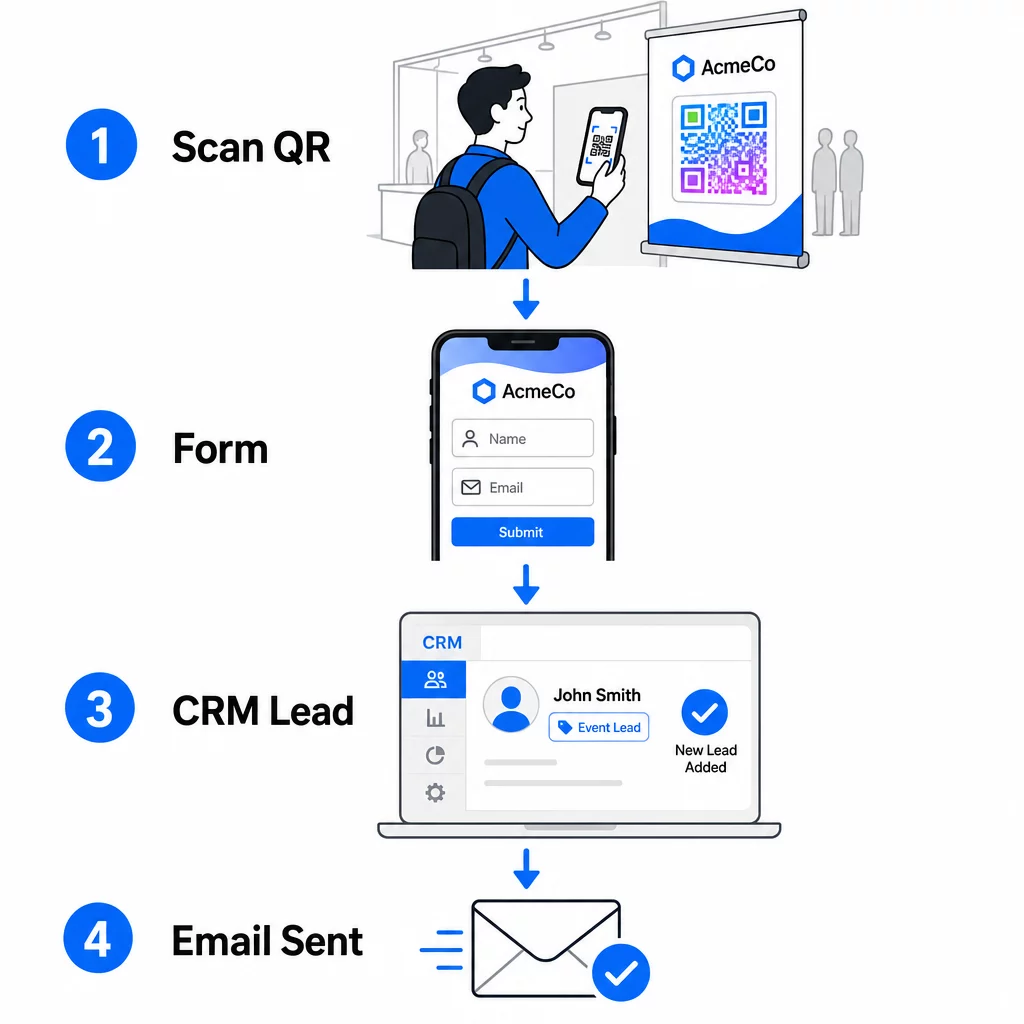
Set up your workflow before you arrive at the event:
- CRM integration: Route every form submission directly into your CRM, tagged with the event name and date for segmentation later
- Instant follow-up email: Trigger an automated email the moment someone submits the form – thank them, deliver the promised resource, and set expectations for next steps
- Lead scoring or routing: If you use a CRM with lead scoring, configure the event tag to prioritize follow-up by your sales team
- Spreadsheet export: For prize draws or attendance tracking, auto-export submissions to a Google Sheet that you can review in real time
For a deeper look at connecting dynamic QR codes to CRM workflows, the guide on building dynamic QR codes for CRM check-ins walks through URL encoding, merge fields, and webhook setup in detail. You can also explore QR code scanning workflow automation for step-by-step guidance on connecting scan events to platforms like Zapier or Make.
Automate Your Event Lead Workflow Connect your Generator de coduri QR pentru evenimente to your CRM and email platform so every scan triggers immediate, personalized follow-up – without manual effort.
Step 4: Incentivize the Scan
Attendees at a trade show or conference are being pitched by dozens of booths and contacts. A QR code alone doesn’t compel action – the value behind it does.
Effective incentives for event lead capture include:
- A prize draw entry (a free consultation, product sample, or service credit drawn at the end of the event)
- Immediate access to exclusive content – a guide, checklist, or template relevant to the audience
- Membership in a private community or early access to a product or resource
- A personalized audit, assessment, or recommendation delivered after the event
The incentive should be specific enough to feel valuable and low-friction enough that someone will act on it mid-conversation. “Scan here to enter to win a 60-minute strategy session” is more compelling than “scan to learn more.”
Step 5: Manage Multiple Events with One Batch of Cards
One of the most practical advantages of dynamic QR codes is that you don’t need to reprint materials for every event. Because the destination URL is stored in a redirect – not in the code pattern itself – you can update where the code sends attendees without touching the printed card.
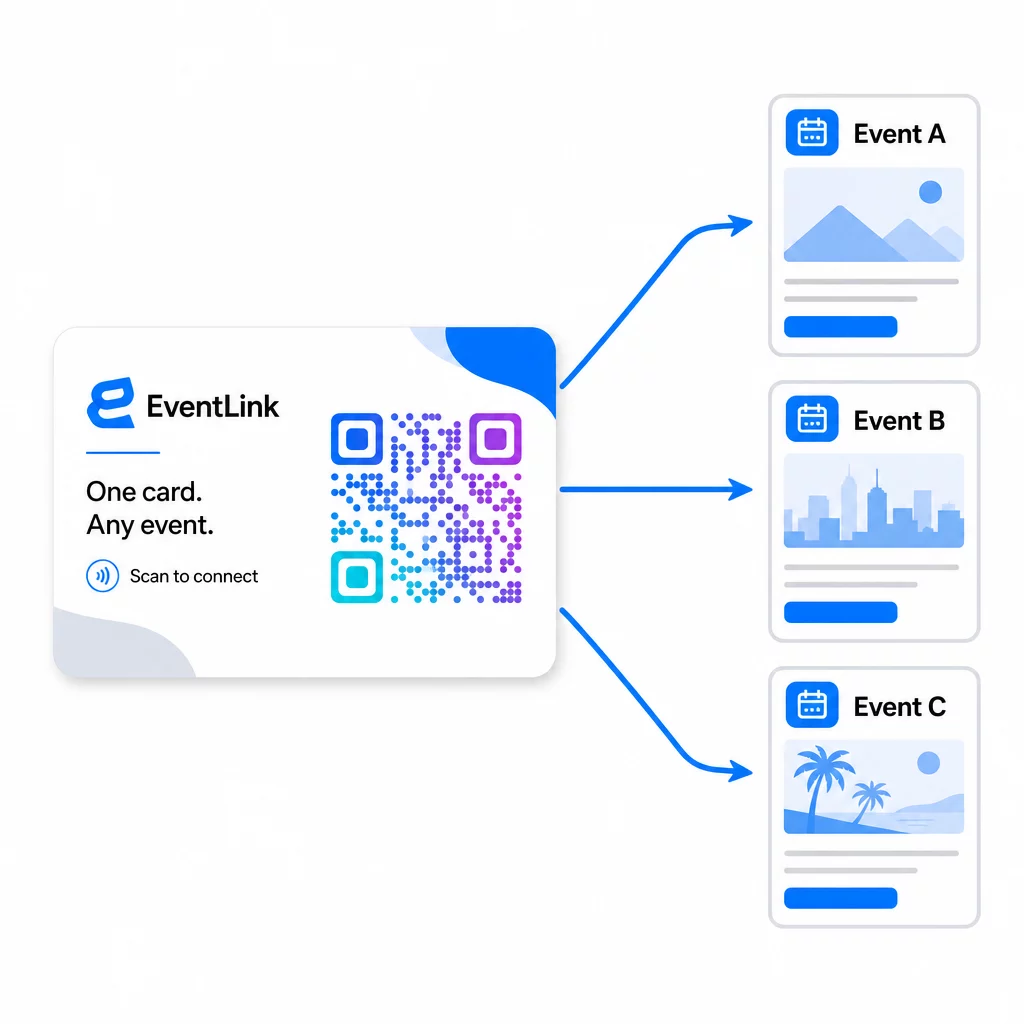
This means:
- Before each event, update your landing page to reference that specific event name and audience
- Between events, redirect the code to your main website, a universal lead magnet, or your contact page
- If an offer expires or a landing page goes down, fix it instantly from your dashboard – no reprinting, no dead links reaching real people
This flexibility also applies to booth displays, flyers, and printed signage. A single printed banner with a QR code can serve multiple events with different offers, audiences, and follow-up sequences, as long as the underlying code is dynamic.
Step 6: Track Performance and Refine
A QR code campaign that goes unmeasured can’t be improved. Dynamic QR codes give you scan-level data including total scans, unique scans, device types, geographic location, and time-of-day patterns. That data tells you whether your card placement is working, which events generate the most engaged leads, and whether your landing page is converting.
Use this data to answer practical questions after each event:
- What percentage of people who received your card actually scanned it?
- Did scans happen during the event or in the days following – suggesting delayed follow-up behavior?
- Which device types dominated, and was your landing page fully optimized for them?
- How did conversion rates on the form compare across events with different incentives?
The guide to QR code event tracking tools covers how to evaluate and interpret scan analytics in an event context.
A Note on Consent and Compliance
Collecting contact information at events means you’re subject to applicable data privacy laws. In the U.S., there is no single federal privacy statute, but several rules apply to post-event marketing:
- Cel CAN-SPAM Act requires that every commercial email you send includes a clear way for recipients to opt out, and you must honor those opt-out requests within 10 business days.
- If you’re collecting data from California residents, the California Privacy Rights Act requires you to inform consumers how their data is collected and used, and to allow them to access, correct, or delete it.
- Cel FCC’s consent rules for telemarketing and text message marketing require separate, specific consent for each sender – blanket multi-party consent obtained through a single form is not sufficient.
The safest approach: make your form’s consent language explicit. State clearly who will contact them, for what purpose, and how they can opt out. For RSVP and event registration flows, hosting your form on a secure HTTPS page and including transparent data use disclosures is both a legal baseline and a trust signal.
QR Code vs. Business Card: A Practical Comparison
| Approach | Data entry | CRM integration | Reusability | Analize |
|---|---|---|---|---|
| Paper business card | Manual | Requires manual input | Single event | Niciuna |
| NFC card | Automatic | Depends on app | Reusable | limitată |
| QR code (static) | Form-based | Via form tool | Reusable | Niciuna |
| QR code (dynamic) | Form-based | Automated via webhook | Reusable, updateable | Full scan analytics |
Dynamic QR codes also address a practical concern that often comes up with NFC cards: NFC requires the receiving device to be in close proximity and, in some configurations, prompts for system-level access. A QR code requires nothing from the recipient’s device beyond a camera – no app, no settings change, no permissions granted in the moment.
Întrebări Frecvente
Not if you use a dynamic QR code. A dynamic code points to a redirect URL that you can update at any time from your dashboard, so you can change the destination landing page before each event without reprinting your cards or materials.
Keep it focused and mobile-friendly. Include a personalized welcome that references the event, a short form with no more than three to four fields, and a specific incentive for submitting – such as a free consultation entry or a downloadable resource. Avoid long copy or multiple competing calls to action on the same page.
Make your consent language explicit on the form. Clearly state who will contact the person, for what purpose, and how they can opt out. Ensure your landing page is hosted on HTTPS, honor opt-out requests promptly as required by the CAN-SPAM Act, and review applicable state laws – such as the California Privacy Rights Act – if your audience includes residents of those states.