Vai papīra rasējumi, drošības dokumentu mapes un manuāli aprīkojuma žurnāli palēnina jūsu komandas darbu? Kad darbinieki tērē laiku, meklējot pareizo dokumentu, nevis būvējot, par to maksā viss projekts. Šis ceļvedis izskaidro, kā QR kodi atrisina šo problēmu – un kur būvlaukumā tie sniedz vislielāko vērtību.
Kāpēc dokumentu pieejamība ir reāla problēma būvlaukumos
Būvniecības dokumentu pārvaldība ir viena no laikietilpīgākajām jebkura projekta daļām. Nozares pētījumi liecina, ka vidējais būvniecības speciālists nedēļā pavada aptuveni 5,5 stundas, vienkārši meklējot projekta datus – tas ir vairāk nekā 10% no komandas laika, kas zaudēts meklēšanai, nevis būvniecībai.
Izmaksas nav tikai zaudētās stundas. Komandas, kas strādā ar novecojušiem rasējumiem, pieļauj kļūdas. Drošības protokoli, kas atrodas mapē būvlaukuma birojā, nepalīdz darbiniekam trešajā stāvā. Aprīkojums, kam trūkst pieejamu apkopes ierakstu, tiek nepareizi izmantots vai izlaiž plānoto apkopi.
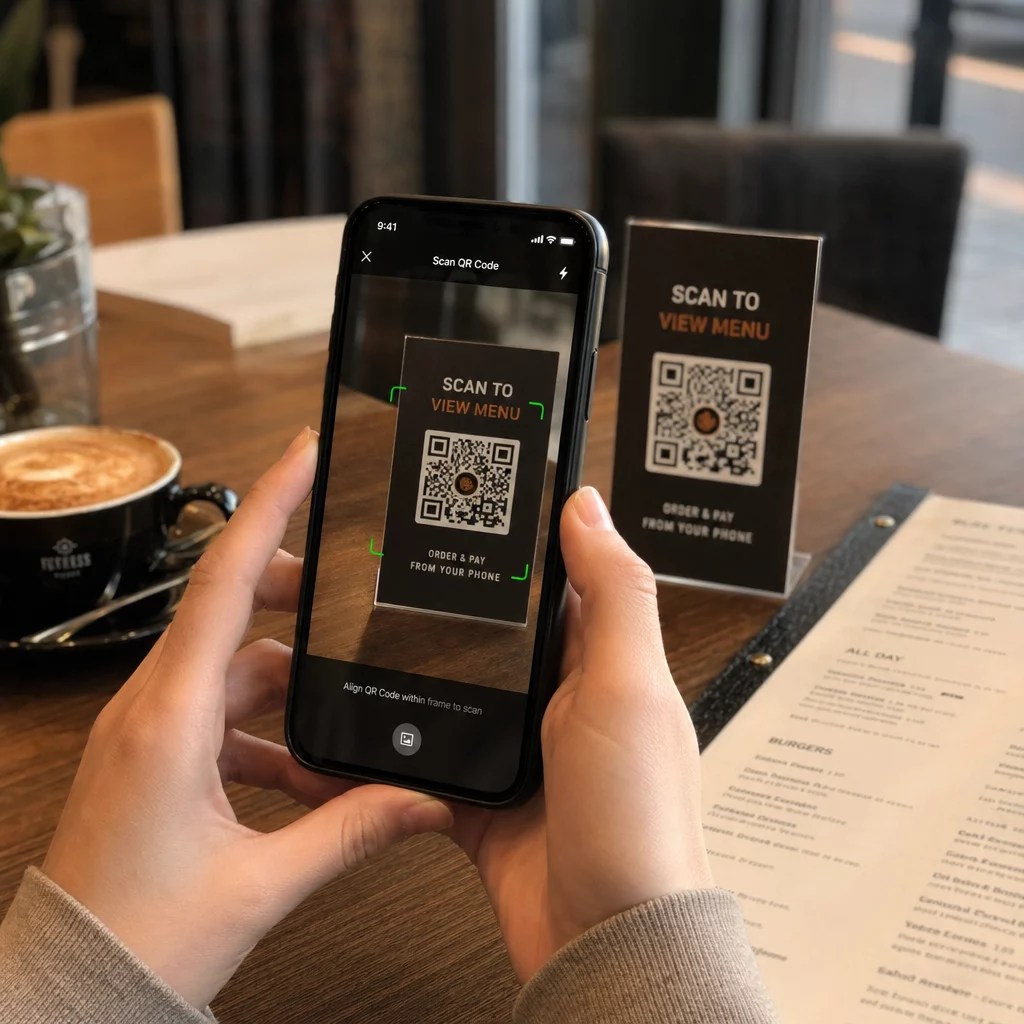
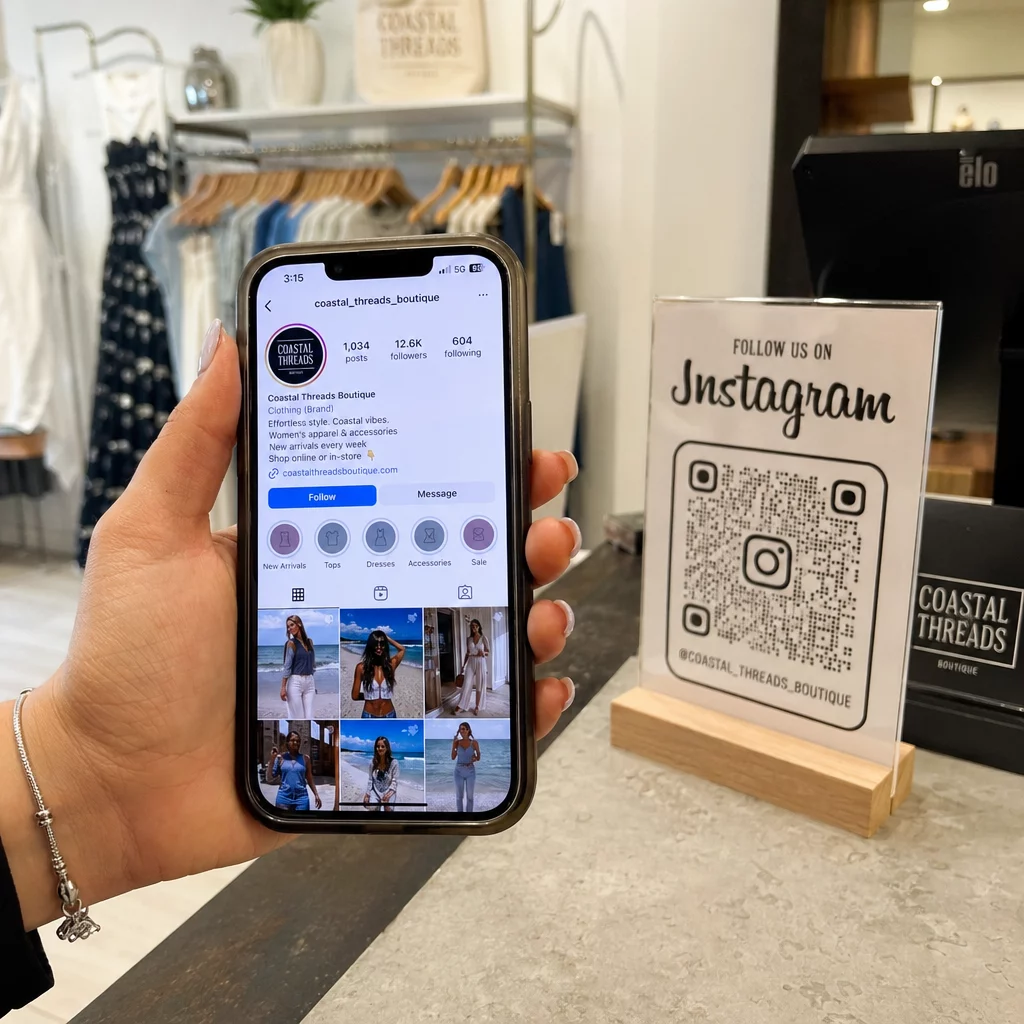
QR kodi – divdimensiju svītrkodi, ko jebkura viedtālruņa kamera var nolasīt dažu sekunžu laikā – nodrošina tiešu saikni starp fizisku atrašanās vietu un digitālu dokumentu. Novietojiet to uz sienas, piestipriniet to pie aprīkojuma vai izdrukājiet to uz zīmes pie ieejas objektā, un darbinieki var atrast tieši vajadzīgo failu, nezvanot uz biroju vai nemeklējot papīra mapēs.
Kā QR kodi darbojas būvniecības kontekstā
QR kods ir skenējams raksts, kas kodē tīmekļa adresi vai faila saiti. Kad darbinieks pavērš savu tālruņa kameru pret to, ierīce automātiski atver šo saiti – lielākajā daļā mūsdienu viedtālruņu nav nepieciešama lietotne.
Būvniecībā visnoderīgākais veids ir dinamiskais QR kods, kura galamērķi var atjaunināt jebkurā laikā, izmantojot pārvaldības paneli, nemainot vai nepārprintējot fizisko kodu. Tas ir svarīgi būvlaukumā, jo dokumenti pastāvīgi mainās: rasējumi tiek pārskatīti, drošības protokoli tiek atjaunināti un aprīkojuma specifikācijas attīstās. Ar dinamisku kodu fiziskā uzlīme vai zīme paliek savā vietā, kamēr saistītais saturs tiek atsvaidzināts dažu sekunžu laikā.
Kopīgojiet atjauninātos plānus bez atkārtotas drukāšanas Nepieciešams nodrošināt, lai lauka komandas strādātu ar jaunāko rasējumu versiju? Izmantojiet PDF QR kodu ģenerators , lai tieši saistītu ar jūsu pašreizējiem plāniem un atjauninātu galamērķi ikreiz, kad tiek izdots pārskatījums.
Praktiski QR kodu pielietojumi būvlaukumā
Pašreizējie rasējumi un specifikācijas
Izvietojiet laikapstākļu izturīgas QR zīmes pie projekta ieejas, atsevišķās telpās un tirdzniecības specifiskās darba zonās. Darbinieki skenē, lai atvērtu jaunāko plānu un specifikāciju kopumu tieši savos tālruņos. Kad tiek izdots rasējuma pārskatījums, atjauniniet saistīto failu – jaunas zīmes nav nepieciešamas.
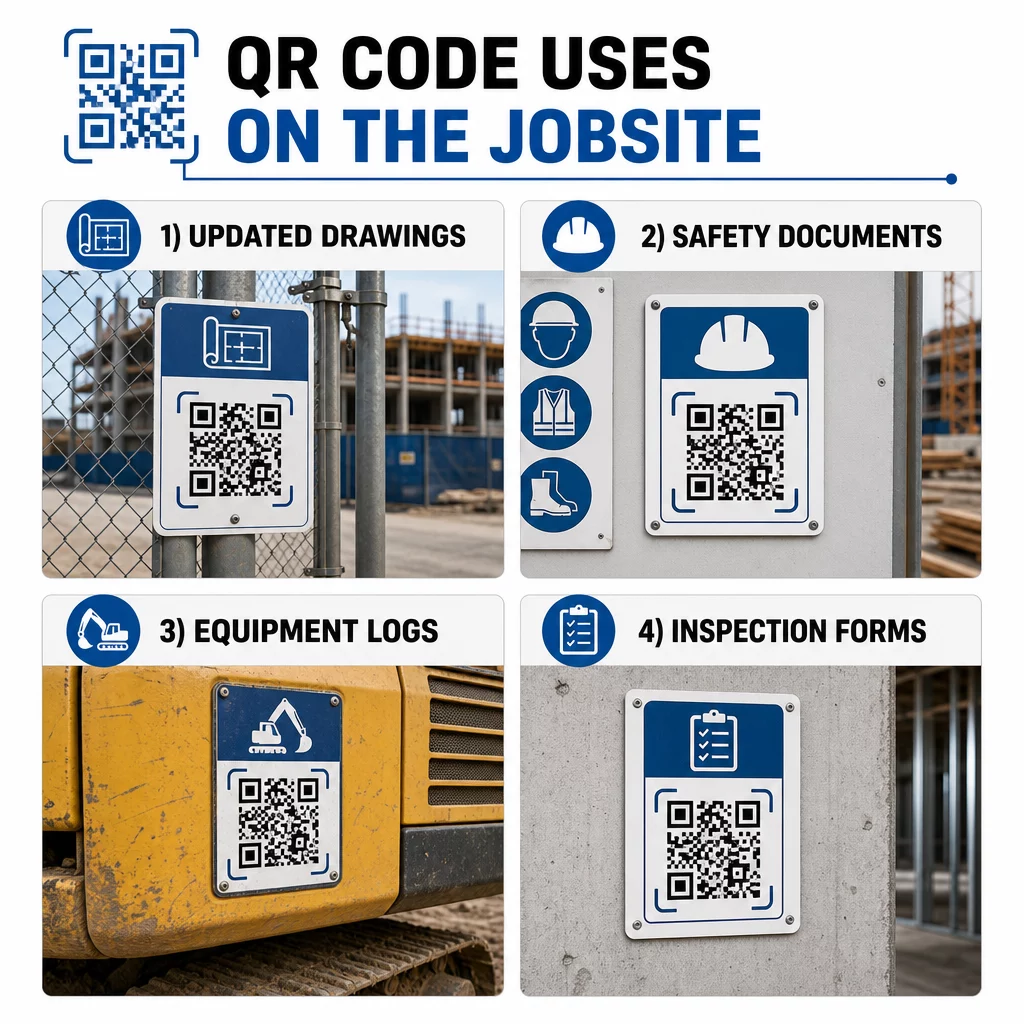
Šī pieeja novērš risku, ka komandas strādās ar novecojušiem rasējumiem, kas ir viens no visbiežāk sastopamajiem un dārgākajiem pārstrādes avotiem.
Drošības dokumenti un OSHA ieraksti
Pievienojiet QR kodus vietnes norādēm, drošības skapjiem un ieejas kontrolpunktiem, kas ved uz:
- Drošības datu lapas bīstamiem materiāliem
- Avārijas procedūras un vietnes evakuācijas plāni
- Nozares specifiskās drošības prasības
- OSHA traumu un slimību ieraksti, kuriem darbiniekiem ir tiesības piekļūt
Galvenais QR kods pie projekta ieejas var norādīt uz drošības dokumentu centru, kas aptver visu iepriekš minēto. Tā kā kods ir dinamisks, varat pievienot jaunus dokumentus vai atjaunināt esošos, neaizstājot zīmi. Lai uzzinātu vairāk par to, kā uzlabot apakšuzņēmēju informētību par drošības prasībām, skatiet 5 veidi, kā QR kodi uzlabo apakšuzņēmēju komunikāciju.
Iekārtu žurnāli un apkopes ieraksti
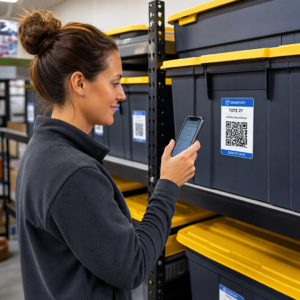
Pievienojiet QR kodu tieši katrai iekārtai. Strādnieki un operatori to skenē, lai piekļūtu:
- Lietošanas rokasgrāmatas un drošas lietošanas procedūras
- Apkopes žurnāli un servisa vēsture
- Pārbaudes datumi un gaidāmie servisa grafiki
- Traucējummeklēšanas rokasgrāmatas
Tas aizstāj papīra rokasgrāmatas, kas pazūd, un sniedz vadītājiem centralizētu ierakstu par katra aktīva statusu. Iekārtai pārvietojoties starp darbiem, tās apkopes vēsture pārvietojas kopā ar to.
Darbinieku kvalifikācijas un apmācību ieraksti
Novietojiet unikālus QR kodus uz darbinieku nozīmītēm, aizsargķiverēm vai drošības vestēm, kas saistītas ar katra darbinieka apmācību sertifikātiem un kvalifikācijas ierakstiem. Uzraugi var skenēt uz vietas, lai apstiprinātu, ka darbinieks ir sertificēts konkrētam uzdevumam, un pārbaudīt, vai kādi akreditācijas dati tuvojas derīguma termiņa beigām.
Pārbaudes, kontrolsaraksti un kvalitātes kontrole
Saistiet QR kodus, kas novietoti pārbaudes punktos vai uz rasējumiem, ar digitālām veidlapām. Inspektori skenē, aizpilda kontrolsarakstu savā tālrunī un iesniedz. Visi ieraksti tiek glabāti centralizēti un saistīti ar konkrēto atrašanās vietu vai dokumentu. Izmantojot Google veidlapas QR kods ir vienkāršs veids, kā ieviest digitālos pārbaudes kontrolsarakstus, neveidojot pielāgotu sistēmu.
Progresa ziņošana darbojas tāpat: darbinieki skenē kodu uz rasējuma, ievada pabeigtā darba datus, un vadītāji iegūst reāllaika pārskatu par projekta posmiem.
Projekta dokumentācija un ikdienas žurnāli
QR kodi vietnes reģistrācijas punktos ļauj darbiniekiem skenēt, lai reģistrētu apmeklējumu, piekļūtu dienas plāniem un atvērtu ikdienas uzdevumu kontrolsarakstus. Aizpildītie žurnāli tiek iesniegti digitāli, aizstājot papīra ziņojumu dēļus un samazinot ierakstu pazaudēšanas iespēju.
Lielāku projekta dokumentu – iesniegumu, specifikāciju, RFI – koplietošana labi darbojas ar Google dokumenta QR kodu, kas novirza tieši uz koplietotu dokumentu, ko var atjaunināt, neizsniedzot jaunu kodu.
Problēmu izsekošana un defektu saraksti
Pievienojiet QR kodu bojātai precei vai problēmas vietai. Skenēšana atver digitālu biļeti, kurā redzams problēmas apraksts, prioritāte, norīkotais tehniķis un darba vēsture. Jaunas piezīmes tiek saglabātas centralizēti, lai vadītāji un lauka komandas vienmēr redzētu pašreizējo statusu. Tas neļauj defektu saraksta vienumiem pazust starp nodošanām.
Būvlaukuma norobežojumi var ietvert arī QR kodu, kas atver pabeigtā projekta ārējās vizualizācijas, lai kaimiņi, pircēji un garāmgājēji varētu redzēt, kas tiek būvēts.
QR kodu ieviešana, kas patiešām tiek skenēti
QR kods, ko darbinieki nevar nolasīt laukā, zaudē savu jēgu. Daži praktiski apsvērumi:
- Izmērs un skenēšanas attālums. Būvlaukuma izkārtnēm kodam jābūt vismaz 1–2 collas platam tuvās darbības skenēšanai un lielākam zīmēm, kas redzamas no vairāku pēdu attāluma. Ievērojiet vadlīniju, ka aptuveni 1 collas koda platums ir paredzēts katrām 10 collām skatīšanās attāluma. Skatīt QR koda izmēri dažādiem drukas materiāliem materiālspecifiskiem norādījumiem.
- Virsma un izvietojums. Plakanas, matētas virsmas skenējas uzticamāk nekā spīdīgas, izliektas vai gofrētas. Izvairieties novietot kodus vietās, kur traucēs ēnas, tieša saules gaisma vai fiziski šķēršļi.
- Laikapstākļu izturība. Laminētas vai laikapstākļu izturīgas etiķetes iztur āra apstākļus. Bojāts vai lobošs kods pārstāj darboties.
- Kontrasts. Tumšs raksts uz gaiša fona ir visuzticamākā kombinācija. Pārskatiet labāko praksi QR kodu lasāmībā pirms apstiprināt dizainu.
- Drošība. Kodiem, kas saistīti ar sensitīviem dokumentiem – personāla uzskaites datiem, līgumu failiem, patentētām specifikācijām – izmantojiet piekļuves kontroli un HTTPS saites. Norādījumus skatiet Drošu QR kodu ģenerēšanas labākā prakse.
Izmantoto kodu izsekošana
Dinamiskie QR kodi ne tikai ļauj atjaunināt galamērķus – tie arī fiksē skenēšanas datus. Izmantojot pārvaldības paneli, varat redzēt, cik reizes katrs kods tika skenēts, kad, ar kāda veida ierīci un no kuras vietas. Tas parāda, kuriem dokumentiem darbinieki patiešām piekļūst, kuri drošības kodi bīstamo zonu tuvumā tiek ignorēti un kuriem aprīkojuma ierakstiem jāpievērš uzmanība.
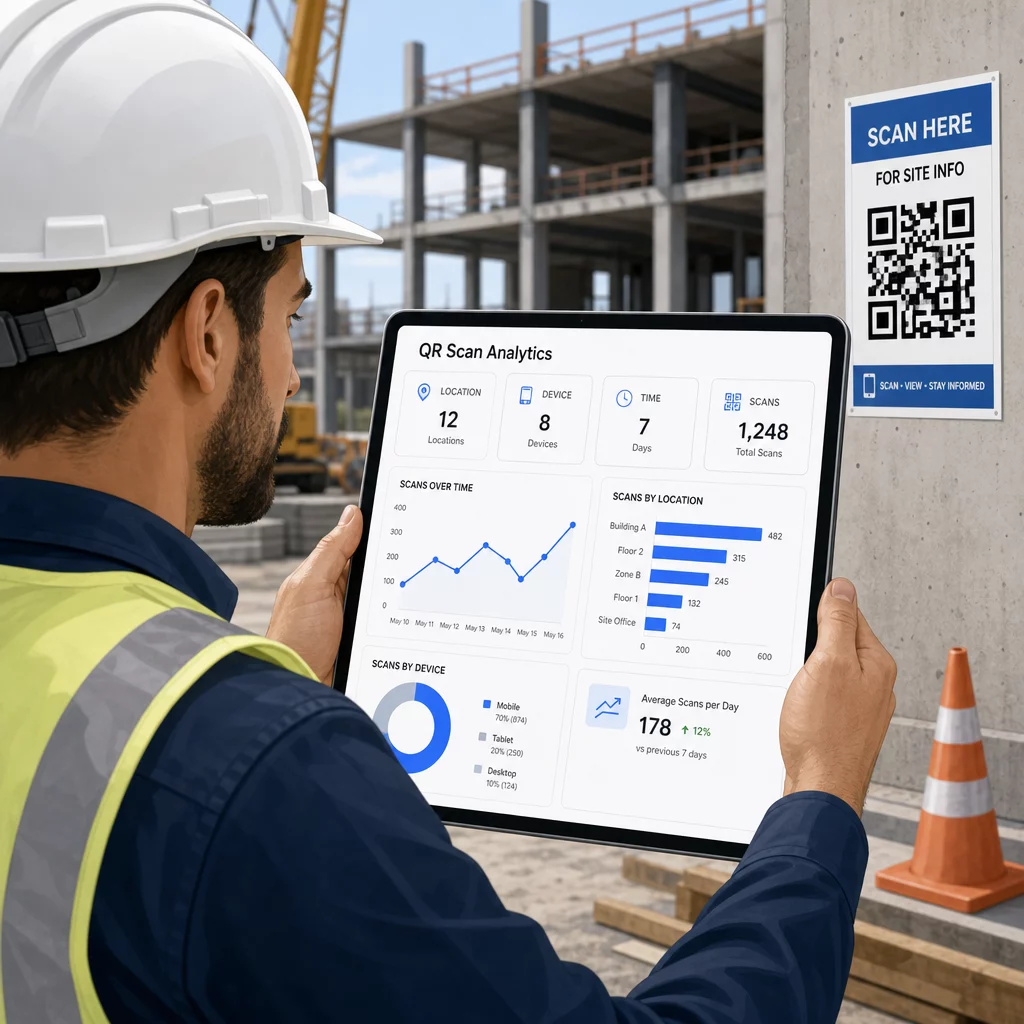
Šie dati palīdz objektu vadītājiem pieņemt apzinātus lēmumus par to, kur pastāv dokumentācijas nepilnības un kuriem kodiem nepieciešams labāks izvietojums vai veicināšana.
Skatiet, kur un kad darbinieki skenē Izmantojiet Saites QR koda ģenerators lai izveidotu izsekojamus dinamiskos kodus jebkuram uz URL balstītam saturam un uzraudzītu skenēšanas aktivitāti visā jūsu darba vietā no viena paneļa.
Biežāk uzdotie jautājumi
Nē. Iebūvētā kameras lietotne lielākajā daļā mūsdienu iOS un Android viedtālruņu var nolasīt QR kodus, nelejupielādējot neko papildu. Darbinieki vienkārši pavērš savu kameru pret kodu un pieskaras paziņojumam, kas parādās.
Ar dinamisku QR kodu fiziskais kods paliek nemainīgs. Jūs atjaunināt mērķa failu vai URL, izmantojot savu QR kodu pārvaldības paneli, un nākamā skenēšana automātiski atver jauno versiju. Tāpēc dinamiskie kodi ir ļoti ieteicami būvniecības dokumentiem, kas tiek bieži pārskatīti.
Drukājiet uz laikapstākļu izturīgiem vai laminētiem materiāliem, novietojiet kodus uz līdzenām virsmām, kas, ja iespējams, ir pasargātas no tiešas UV staru iedarbības, un izmantojiet augsta kontrasta dizainus, kas paliek salasāmi pat tad, ja virsma nedaudz nosmērējas. Pārbaudiet QR kodu izmēru un lasāmības vadlīnijas, lai iegūtu konkrētus ieteikumus par kļūdu labošanas līmeņiem, kas palīdz kodiem palikt skenējamiem pat tad, ja tie ir daļēji bojāti.